• Picasso AI Logo
    Logo Picasso IA
  • Home
  • AI Image
    Nano Banana 2
  • AI Video
    Veo 3.1 Fast
  • AI Chat
    Gemini 3 Pro
  • Edit Images
  • Upscale Image
  • Remove Background
  • Text to Speech
  • Effects
    NEW
  • Generations
  • Billing
  • Support
  • Account
  1. Collection
  2. Text to Image
  3. Flux Kontext Dev

Rewrite Any Image with Flux Kontext Dev

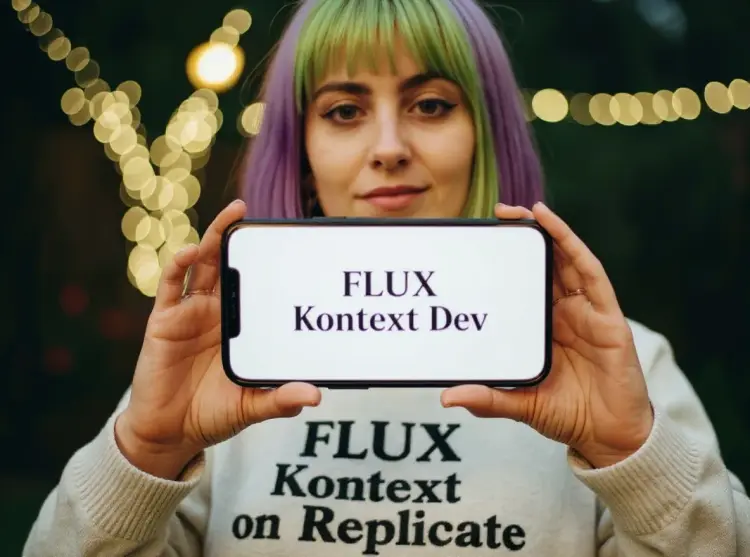
Flux Kontext Dev is an open-weight image editing model that takes a photo you already have and a plain-text instruction, then produces a new version of that image with your requested change applied. If you've ever needed to fix a background, swap a color, or restyle a scene without touching design software, this does exactly that. The model accepts jpeg, png, gif, or webp files alongside a text prompt describing what you want to change. You can keep the original aspect ratio or switch to a standard format like 16:9 or 4:5. A guidance scale setting lets you control how strictly the output follows your instruction versus how much it preserves existing detail in the image. Flux Kontext Dev works best when you iterate quickly: change one thing, review the result, adjust your prompt, and go again. Running it on Picasso IA means no downloads, no GPU setup, and no waiting for a local render to finish.

Official

Black Forest Labs

7.33m runs

Flux Kontext Dev

2025-05-28

Commercial Use

Rewrite Any Image with Flux Kontext Dev

Table of contents

  • Overview
  • How It Works
  • Frequently Asked Questions
  • Credit Cost
  • Features
  • Use Cases
  • Examples
Get Nano Banana Pro

Overview

Flux Kontext Dev is an open-weight image generation and editing model that takes a reference image and a text instruction, then produces a new image reflecting your changes. Where most image tools force you to start from scratch, this model lets you work with what you already have, whether that means adjusting a scene, changing an object, or shifting the mood of a photo. On Picasso IA, you run it directly in your browser without any setup or code. A product photographer can swap a background, a designer can recolor a garment, and a content creator can add or remove elements from a frame, all from a single text prompt.

How It Works

  • Upload a reference image in JPEG, PNG, GIF, or WebP format as your starting point.
  • Write a prompt describing the change you want, such as "replace the background with a snowy mountain" or "make the jacket red."
  • Choose an aspect ratio, or leave it set to match your original image's proportions automatically.
  • Adjust the guidance scale and inference steps if you want more or less fidelity to your text instruction.
  • Hit generate and download the result in WebP, JPG, or PNG format.

Frequently Asked Questions

Do I need programming skills or technical knowledge to use this? No, just open Flux Kontext Dev on Picasso IA, adjust the settings you want, and hit generate.

Is it free to try? Yes, you can run Flux Kontext Dev for free on Picasso IA without creating an account or entering payment details.

How long does it take to get results? Most outputs are ready in 15 to 30 seconds depending on the number of inference steps you set. Lowering the step count speeds things up; raising it adds more detail and precision.

What output formats are supported? You can download your result as WebP, JPG, or PNG. WebP is the default and offers a good balance of quality and file size. PNG is the right choice when you need a lossless file.

Can I customize the output quality or style? Yes. The guidance scale controls how closely the model follows your text instruction versus preserving the look of the original image. The output quality slider (0 to 100) adjusts file compression for WebP and JPG exports.

What happens if I'm not happy with the result? Set a fixed seed to lock in a composition you liked, then adjust the prompt or guidance scale to refine from there. Leaving the seed blank generates a fresh variation each run.

Where can I use the outputs? You download the file directly with no watermarks, so it is ready for any project: social media posts, product pages, print materials, or client presentations.

Credit Cost

Each generation consumes 1 credit

1 credit

or 5 credits for 5 generations

Features

Everything this model can do for you

Context-aware editing

Modifies specific areas of your image based on natural language, leaving the rest of the composition intact.

12 aspect ratio options

Output in any standard ratio from 1:1 to 21:9, or match your source image dimensions automatically.

Guidance scale control

Dial in how closely the result follows your text prompt versus preserving the original image detail.

Reproducible results

Save and reuse a seed number to recreate the same edit in a later session.

Three output formats

Export as WebP, JPG, or PNG depending on where the image will be used.

Open-weight access

Download and run the model weights locally for offline projects or custom integrations.

No watermarks

Get clean, full-resolution exports ready for client work, publishing, or print.

Use Cases

Change the background of a product photo by typing a short description of the new setting you want

Swap the color or pattern of clothing in a portrait without reshooting the original image

Remove or replace an unwanted object in a scene using a plain-text instruction

Restyle an interior photo to a different decor theme by describing the look you want applied

Convert a daytime outdoor photo to a night scene by typing the lighting change as a prompt

Adjust the mood or color tone of an image by describing the visual shift you want in plain language

Try multiple style variations of the same base image to pick the best one before committing

Examples

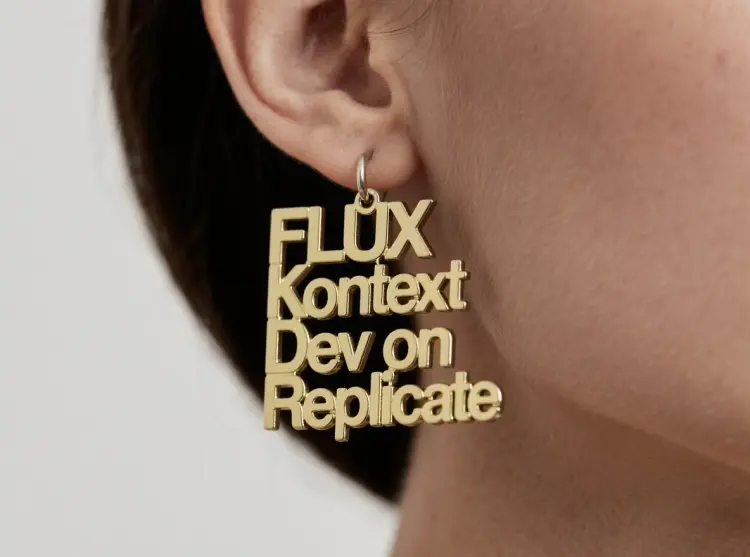
change the letters to be gold
Input
Input 1
Output
change the letters to be gold
4.1s
View Example
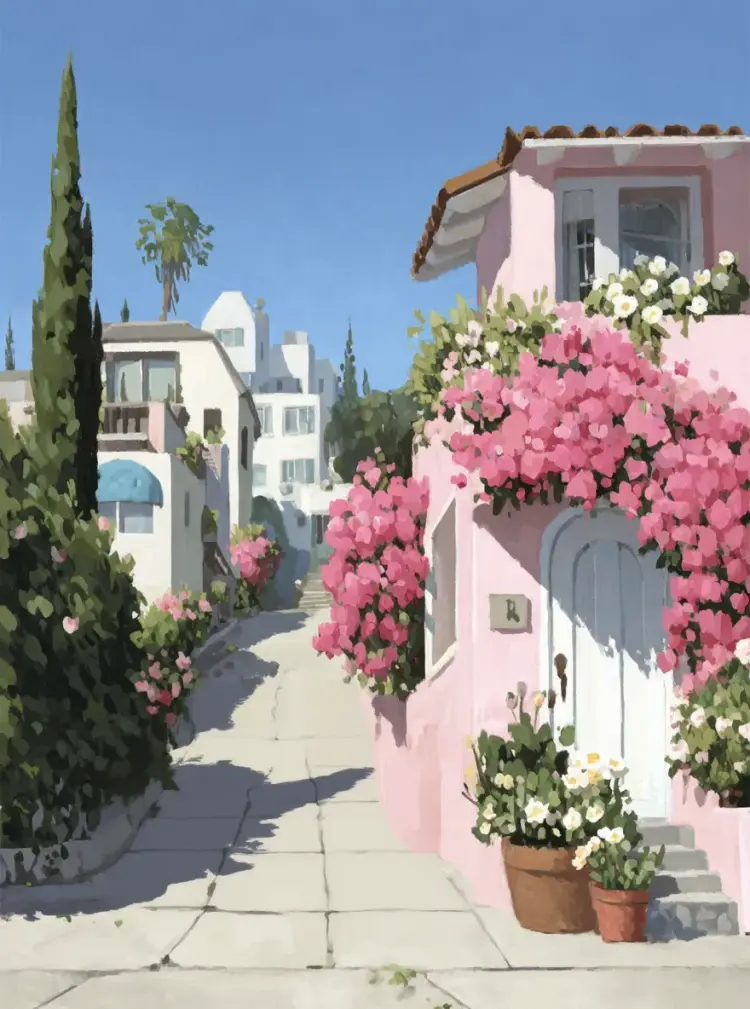
remove the car
Input
Input 1
Output
remove the car
4.1s
View Example
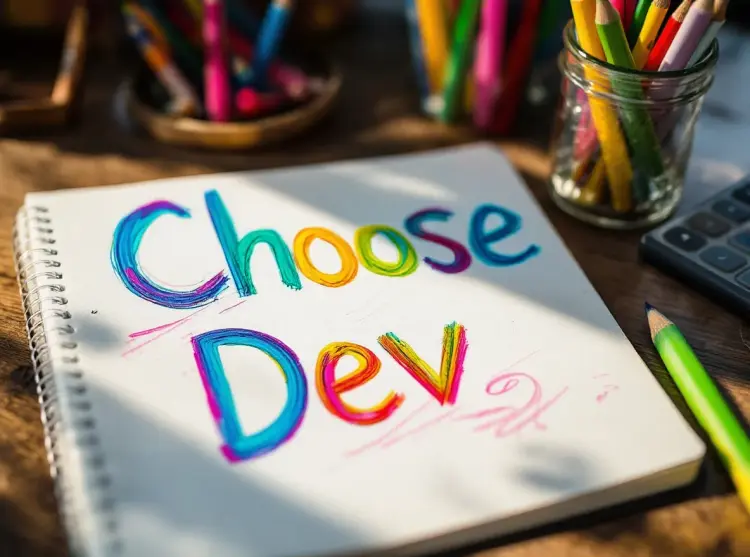
Replace 'Choose joy' with 'Choose Dev'
Input
Input 1
Output
Replace 'Choose joy' with 'Choose Dev'
4.0s
View Example
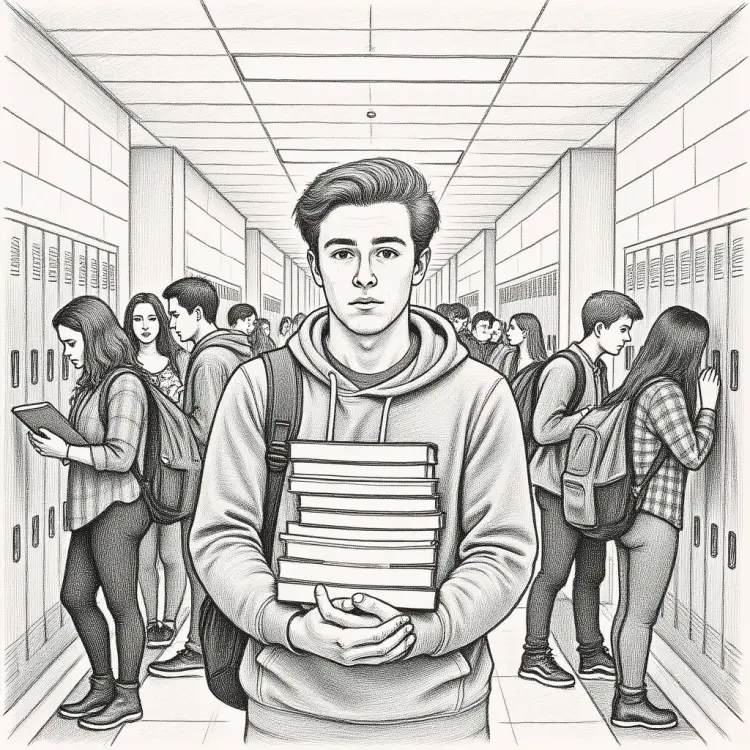
Convert to pencil sketch with natural graphite lines, cross-hatching, and visible paper texture
Input
Input 1
Output
Convert to pencil sketch with natural graphite lines, cross-hatching, and visible paper texture
5.7s
View Example
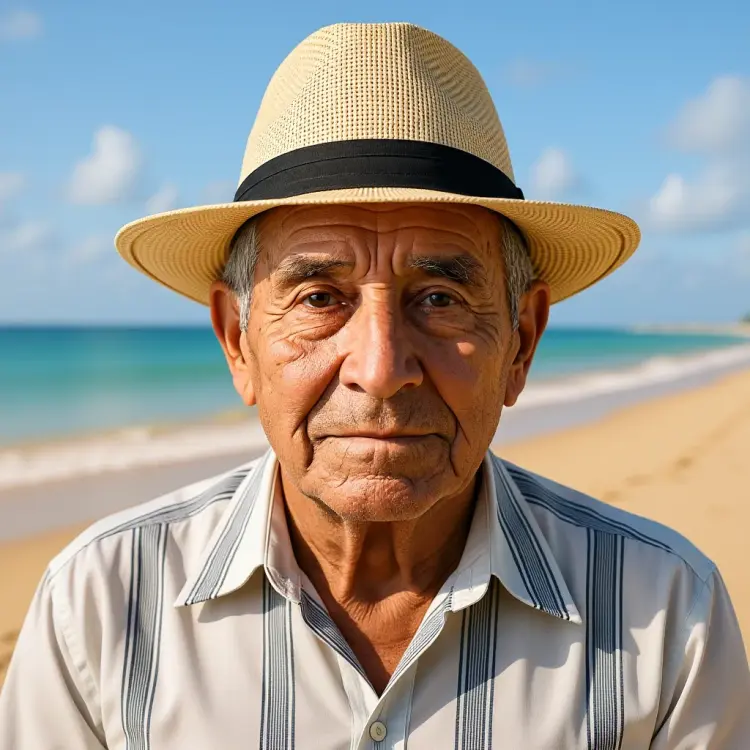
Change the background to a beach while keeping the person in the exact same position, scale, and pose. Maintain identical subject placement, camera angle, framing, and perspective. Only replace the environment around them
Input
Input 1
Output
Change the background to a beach while keeping the person in the exact same position, scale, and pose. Maintain identical subject placement, camera angle, framing, and perspective. Only replace the environment around them
4.5s
View Example
Remove the thing from her face
Input
Input 1
Output
Remove the thing from her face
4.1s
View Example
Change the car color to red, turn the headlights on
Input
Input 1
Output
Change the car color to red, turn the headlights on
6.1s
View Example

Switch Category

Effects

Text To Image

Text To Image

Text To Video

Large Language Models

Large Language Models

Text To Speech

Text To Speech

Super Resolution

Super Resolution

Lipsync

AI Music Generation

AI Music Generation

Video Editing

Speech To Text

Speech To Text

AI Enhance Videos

Remove Backgrounds

Remove Backgrounds