Overview
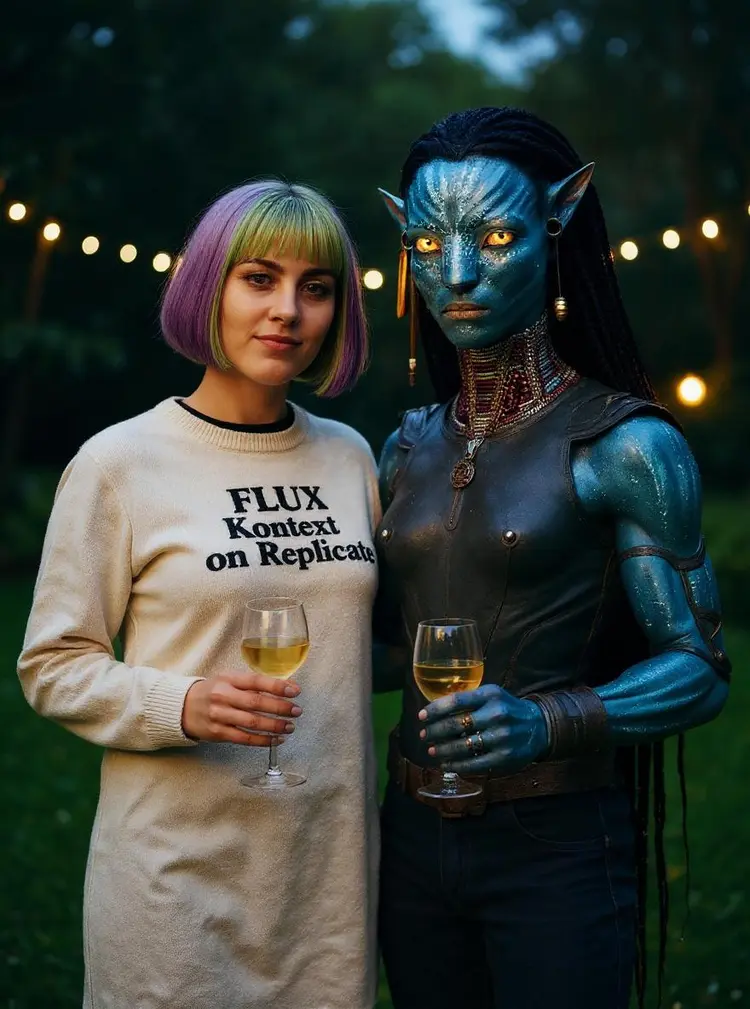
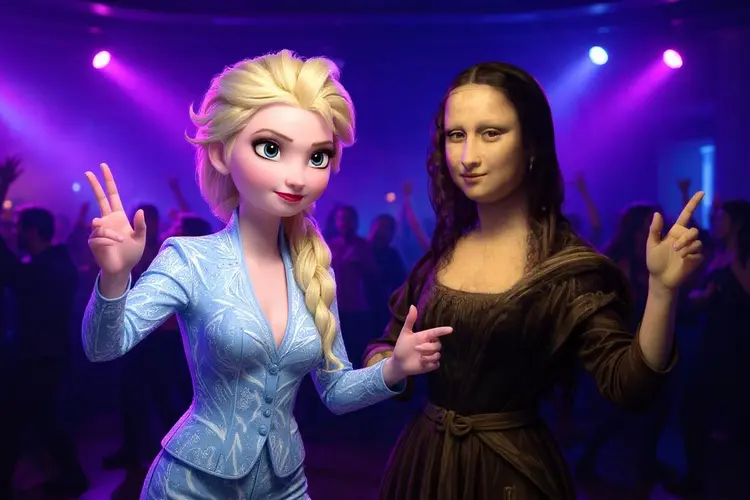
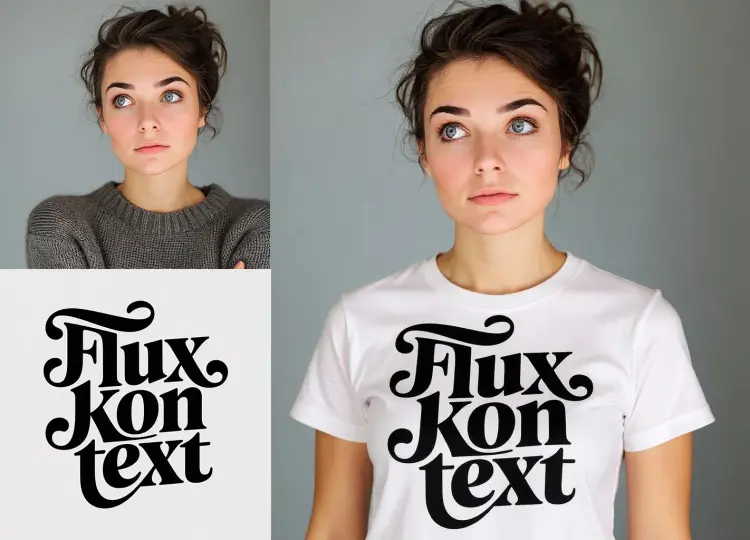
Multi Image Kontext Max takes two photos you already have and uses a text prompt to merge, swap, or reinterpret them into a single new image. If you have ever wanted to place a person from one photo into another scene, blend two visual styles into one composition, or combine two product shots into a fresh concept, this model handles it in a single pass. On Picasso IA, there is no manual compositing, no layer masks, and no technical setup. You describe the result you want, upload both images, and the model works out how to combine them according to your instructions.
How It Works
- Upload your first image (jpeg, png, gif, or webp) into the first image slot and your second image into the second slot.
- Write a prompt describing how the two images should be combined, what elements to keep from each, or what the final image should look like.
- Choose an aspect ratio from the dropdown, or leave it on "match input image" to preserve the proportions of your source photos.
- Select jpg or png as your output format, then hit generate.
- The model returns one merged image built from both source visuals and your written instructions.
Frequently Asked Questions
Do I need programming skills or technical knowledge to use this?
No, just open Multi Image Kontext Max on Picasso IA, adjust the settings you want, and hit generate.
Is it free to try?
Picasso IA provides access to Multi Image Kontext Max without requiring a complex account setup. Check the current plan details on the platform for generation credits and any applicable limits.
How long does it take to get results?
Most generations complete within a few seconds. Processing time can vary slightly depending on your prompt complexity and the resolution of the images you upload.
What output formats are supported?
You can download your result as PNG or JPG. PNG is the default and retains fine detail with no compression artifacts. JPG produces a smaller file, which is convenient for sharing or web use.
Can I reproduce the same result more than once?
Yes. Enter a specific seed value before generating, then reuse that same seed with the same prompt and images. The model will return a consistent output each time.
What aspect ratios are available?
The model supports a wide range of ratios including 1:1, 16:9, 9:16, 4:3, 3:2, 2:1, and several others. Choosing "match input image" automatically mirrors the proportions of your first uploaded photo.
What should I do if the output does not match what I had in mind?
Try rewriting your prompt with more specific instructions about how the two images should relate or what parts of each to prioritize. Changing the seed or adjusting the aspect ratio can also shift the result in a useful direction. Small wording changes often produce noticeably different outputs.