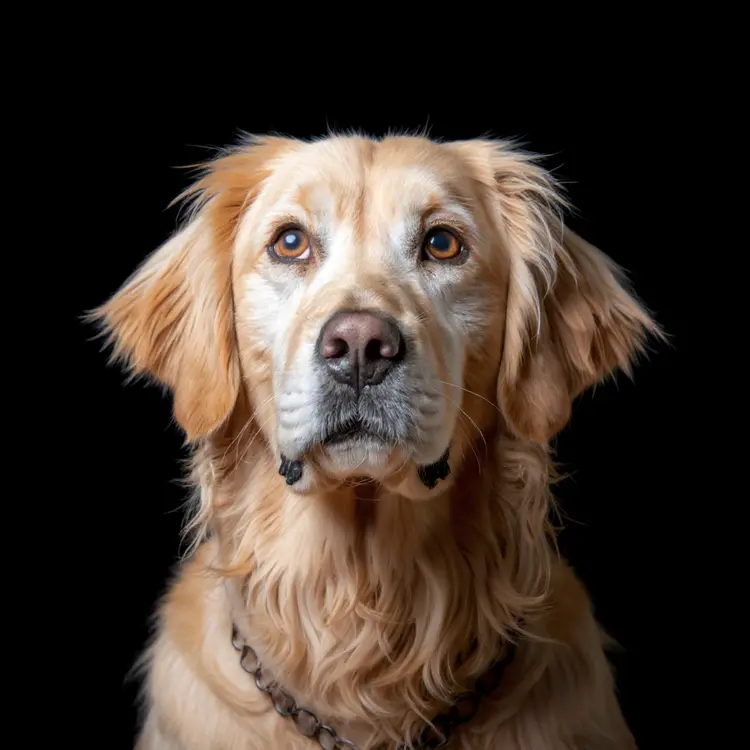
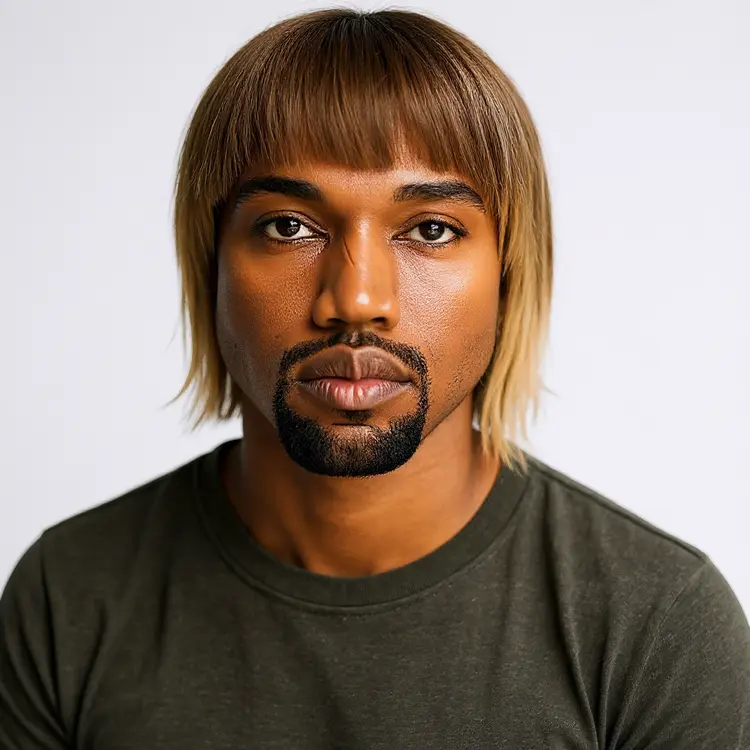
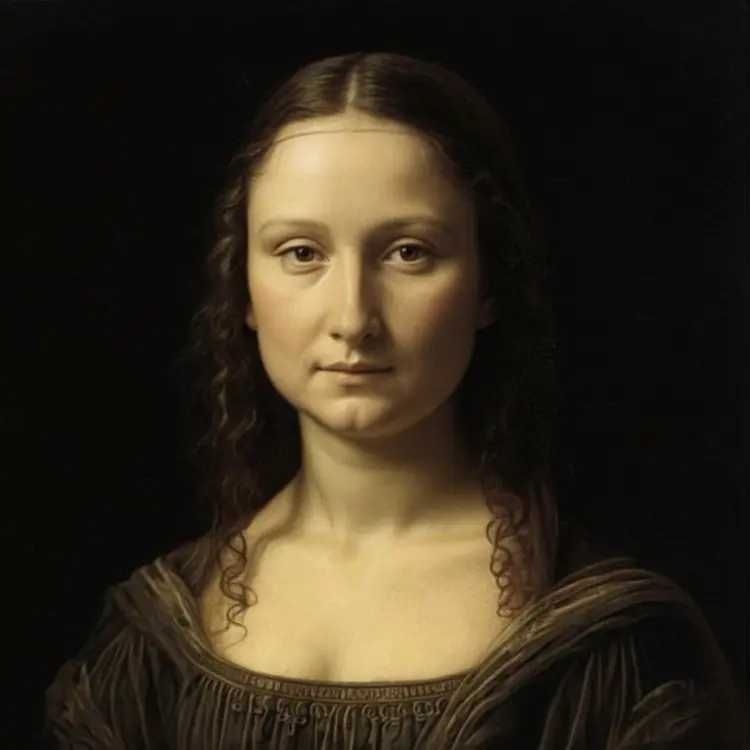
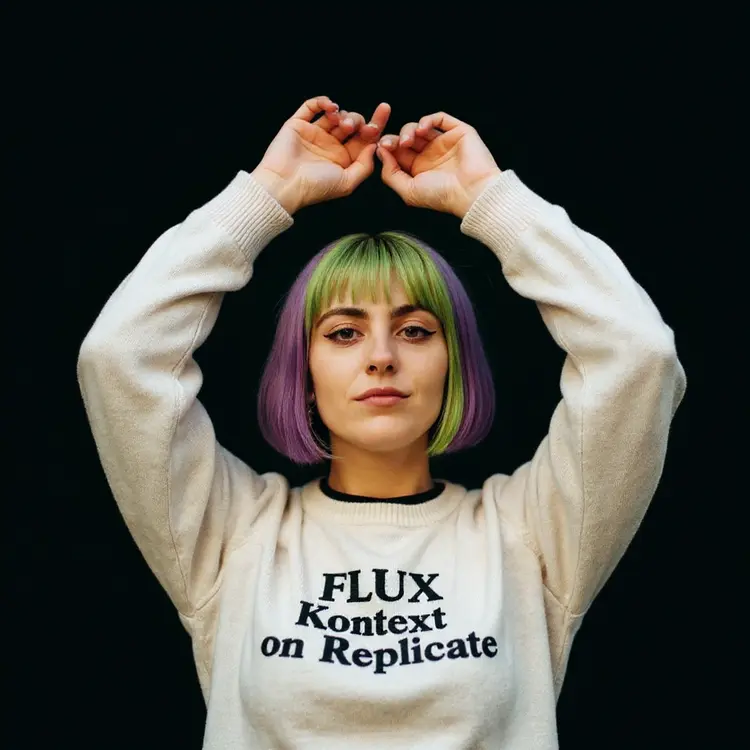
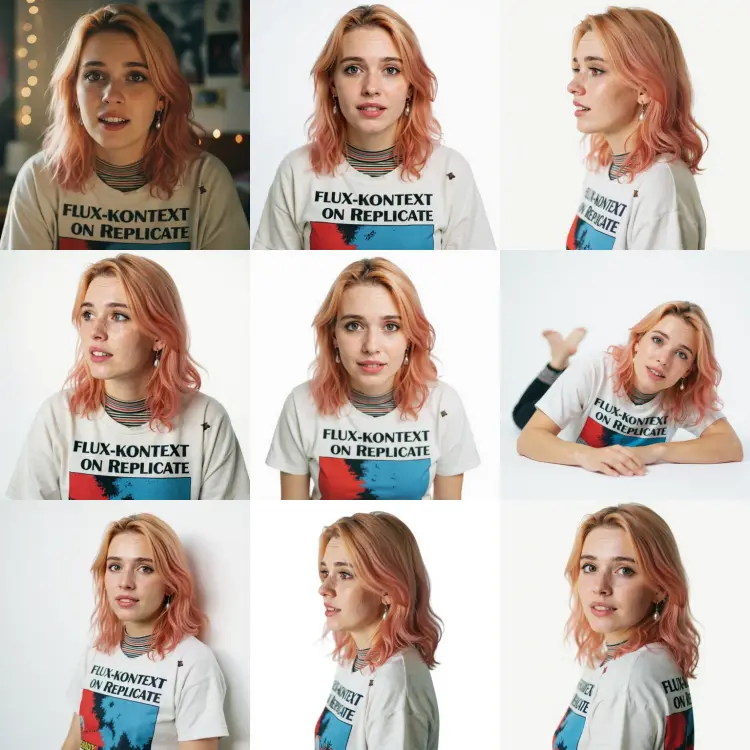
Portrait Series takes a single photo of a person and generates a full set of portrait images in varied poses, using AI to fill in realistic backgrounds and natural-looking positions. It solves a real problem for content creators and small businesses who need multiple headshots or profile images but cannot afford a photo session. You can request several images in one run, choose from backgrounds like white, black, gray, green screen, or neutral, and control whether the poses are fixed or randomized. Each image comes out as a clean, print-ready file in JPG or PNG format, sized and composed like a professional studio shot. Portrait Series fits neatly into workflows where consistency matters: build a uniform team page for a website, create a set of social profile photos that all match, or produce headshots for a client deck. Upload a photo, set your preferences, and you have a full portrait pack in the time it would take to book a photographer.
Portrait Series turns a single photo into a set of polished portrait shots with varied poses and clean, studio-style backgrounds. If you've ever needed multiple professional-looking headshots but didn't want to book a photographer or schedule multiple sessions, this is the tool for that job. On Picasso IA, you upload one image of a person and the model generates several distinct portrait variations, each with consistent lighting and a background you choose. It's the fastest way to go from one snapshot to a ready-to-use collection of headshots.
Do I need programming skills or technical knowledge to use this? No, just open Portrait Series on Picasso IA, adjust the settings you want, and hit generate.
Is it free to try? Yes, Portrait Series is available to try without any special setup. You don't need to install anything or write a single line of code.
How long does it take to get results? Most portrait sets are ready within a few seconds to under a minute, depending on how many images you request. You can start downloading as soon as the batch finishes.
Can I control the poses in the output? You can either enable pose randomization for variety across the set, or leave it off to get more uniform, consistent results. Both approaches work well depending on what you need.
What backgrounds are available? You can choose from white, black, gray, green screen, neutral, or the original background from your source photo. The green screen option is especially useful if you plan to composite the portrait into another scene in post-production.
What output formats are supported? Finished portraits export as JPG or PNG. PNG is the default and preserves the most image detail. JPG is a good pick when smaller file sizes matter more.
Where can I use the generated portraits? The output images are clean, background-controlled assets you can drop into social profiles, team pages, press kits, or any project that needs consistent headshots without booking a photography session.
Everything this model can do for you
Produce up to four portrait variants from a single reference photo in one run.
Choose from white, black, gray, green screen, neutral, or original to match your project needs.
Toggle randomization to get fresh variety or keep poses consistent across runs.
Download results in PNG or JPG, ready for websites, print, or client delivery.
Upload one photo and the model handles composition, lighting, and pose variation automatically.
Every image in the series uses the same portrait framing so the full set looks intentional.