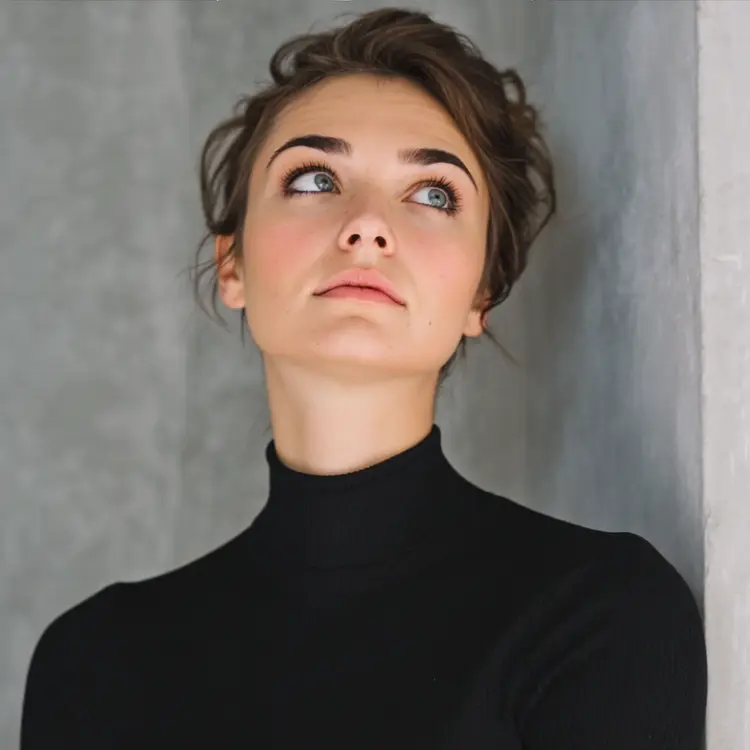
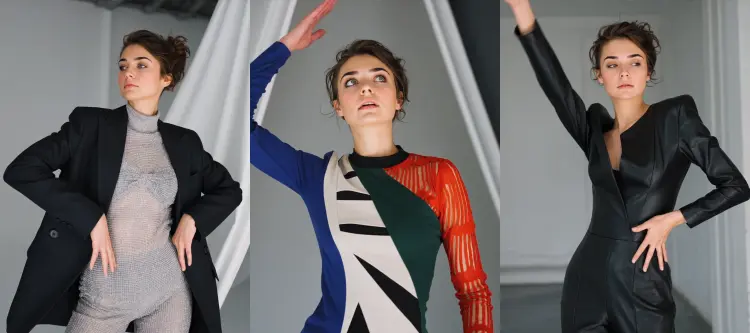
Overview
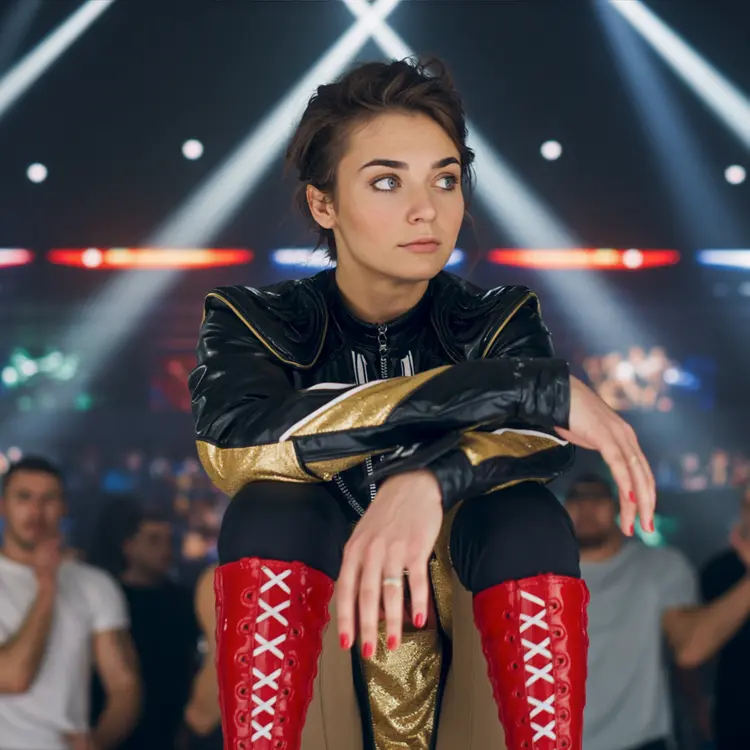
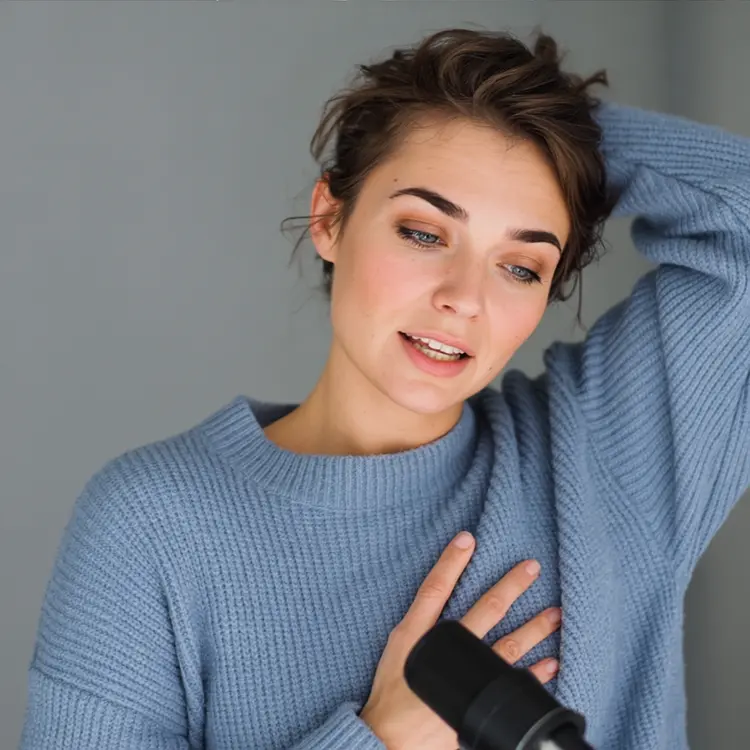
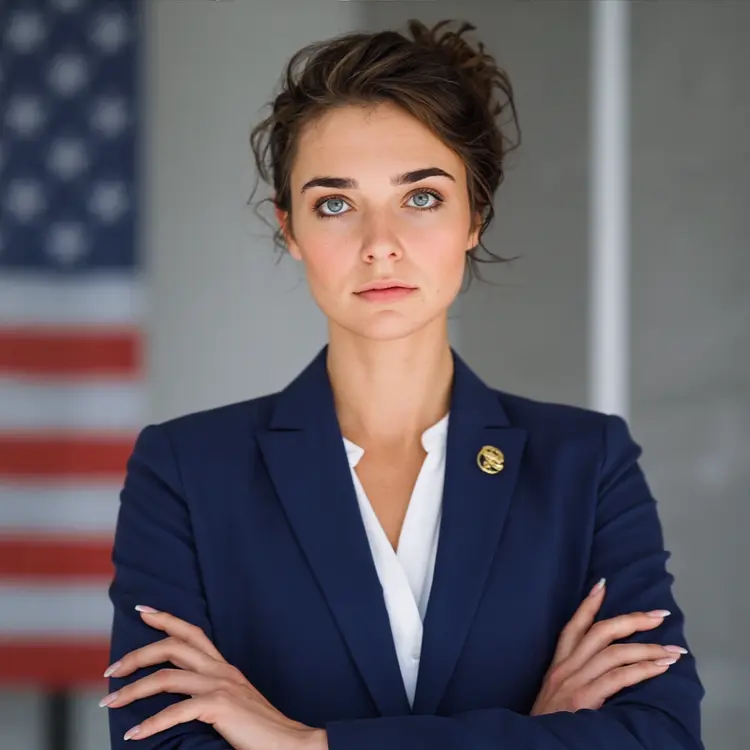
Ideogram Character takes a single reference image and generates new images featuring that same character in different scenes, poses, or compositions. The problem it solves is character consistency: getting the same face, outfit, or creature to appear reliably across multiple images without starting from scratch each time. You can switch between realistic, fictional, and auto-detected styles to match the visual tone of your project. The inpainting option lets you drop your character into an existing background image, which makes it practical for compositing without a separate editing tool. Picasso IA runs the whole process in a browser, so there is nothing to install.
How It Works
- Upload a clear reference image of the character you want to reproduce. This image anchors the model's understanding of what the character looks like.
- Write a text prompt describing the new scene, pose, or setting you want the character placed in.
- Choose a style type (Auto, Realistic, or Fiction) and set a resolution or aspect ratio that fits your intended output format.
- If you want to place the character into an existing image, upload the background and a black-and-white mask that marks exactly where the character should appear. Black areas get filled with your character; white areas stay untouched.
- Optionally enable Magic Prompt so the model interprets and expands your text for richer, more varied results. Then generate and download.
Frequently Asked Questions
Do I need programming skills or technical knowledge to use this?
No, just open Ideogram Character on Picasso IA, adjust the settings you want, and hit generate.
Is it free to try?
Free credits are available to new users so you can test the model without committing to a paid plan. Check the pricing section for current credit details and what each plan includes.
How long does it take to get results?
Generation time depends on the rendering speed you select. Turbo produces results faster at a lower cost, while Quality mode takes slightly longer and outputs sharper, more detailed images. The default setting sits in between for most everyday tasks.
What resolutions and aspect ratios are supported?
You can choose from a wide range of preset resolutions, from square formats like 1024x1024 to tall or wide portrait and landscape outputs. Aspect ratio presets cover common formats including 1:1, 16:9, and 9:16. If you use inpainting, the output dimensions are set automatically by the background image you provide.
Can I use the inpainting feature without a mask?
No. Inpainting requires both a background image and a mask file uploaded together. The mask is a black-and-white image where black areas get filled with your character and white areas remain exactly as they appear in the original background.
How consistent is the character between separate generations?
Ideogram Character is built around consistency as its primary goal. Using the same reference image and seed across runs keeps the character's appearance stable. Changing the prompt lets you shift the scene or pose while the character stays recognizable across outputs.
Where can I use the images I generate?
Outputs can be used in digital content, social media posts, presentations, and creative projects. Check the platform's terms of service for full details on commercial usage rights.