Overview
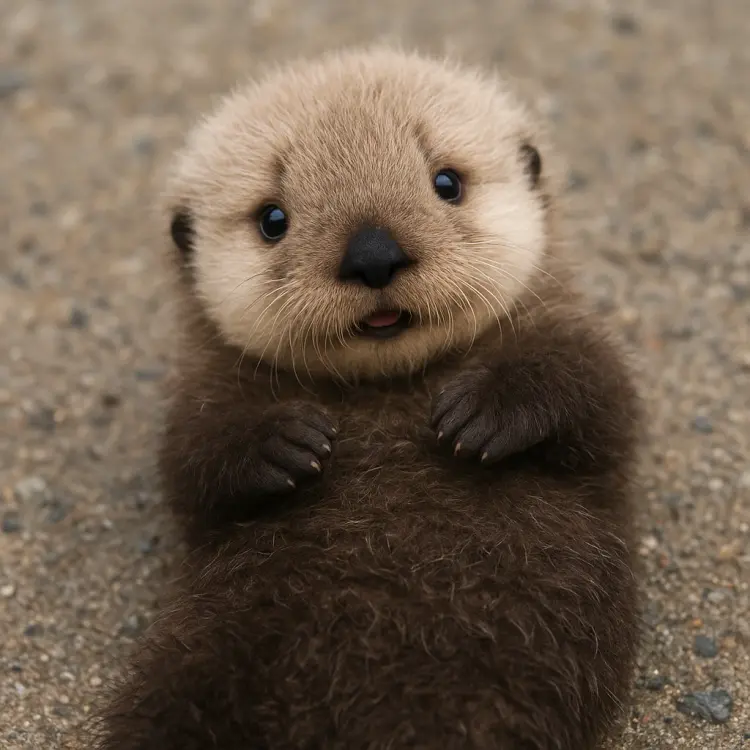
GPT Image 1 Mini is a text-to-image model built for speed and efficiency, letting you go from a written description to a finished image without waiting or paying premium rates. It solves a common frustration: needing quick visual drafts, whether for product concepts, social media assets, or mood boards, without committing to a slower, costlier generation process. On Picasso IA, you run it directly in your browser with no setup required. Type a prompt, pick your aspect ratio and quality settings, and get a result in seconds. It handles natural language well, producing coherent images from casual descriptions and detailed scene prompts alike.
How It Works
- Write a text prompt describing the image you want, as specific or as loose as you like.
- Choose your aspect ratio: square (1:1), landscape (3:2), or portrait (2:3) to fit your intended format.
- Select a quality level (low, medium, high, or auto) and an output format (PNG, JPEG, or WebP) based on how you plan to use the image.
- Optionally upload one or more reference images if you want the output to match a particular style or subject, and set the input fidelity to control how closely the model follows them.
- Hit generate. Your image is ready within seconds, clean and ready to download.
Frequently Asked Questions
Do I need programming skills or technical knowledge to use this?
No, just open GPT Image 1 Mini on Picasso IA, adjust the settings you want, and hit generate.
Is it free to try?
Yes, you can run GPT Image 1 Mini on Picasso IA without any upfront commitment. Check the credits page for current generation limits and pricing tiers.
How long does it take to get results?
Most images are ready within a few seconds. The exact time depends on your quality setting and current server load, but this model is specifically built to be faster than heavier generation alternatives.
What output formats are supported?
You can download your image as PNG, JPEG, or WebP. PNG works best when you need a transparent background; JPEG and WebP are ideal for compressed, web-ready files.
Can I generate images with a transparent background?
Yes. Set the background option to "transparent" and choose PNG as the output format. This is useful for product shots, icons, or any asset you plan to layer inside another design.
How many images can I generate in one run?
You can generate between 1 and 10 images at a time by adjusting the number of images setting. This makes it easy to get several variations from one prompt without running the model repeatedly.
What should I do if the result does not match what I described?
Try rephrasing your prompt with more detail about composition, lighting, or style. If you are working from a reference image, raising the input fidelity setting will push the model to follow your visual reference more closely.