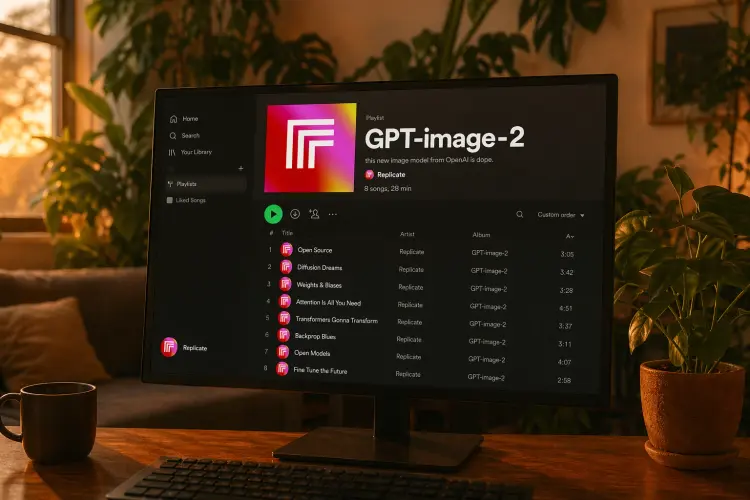
GPT Image 2 turns written descriptions into finished images with a level of precision that most generators struggle to match. If you've ever typed exactly what you wanted and gotten something that barely resembles your idea, this model is built to close that gap. It reads long, detailed prompts carefully and produces outputs that reflect the specifics you asked for, from composition to color to style. One standout capability is text rendering: GPT Image 2 can place readable words and phrases directly inside an image, which matters for creating mock-ups, posters, social media graphics, or any visual that needs legible copy baked in. It also supports transparent backgrounds, making it straightforward to cut out subjects for use in presentations, product pages, or design tools. You can batch-generate up to 10 variations in a single run and switch between portrait, landscape, and square formats without any external cropping. Whether you're building a product catalog, mocking up ad creatives, or just visualizing an idea for a client, GPT Image 2 fits into the work you're already doing. Describe what you need, adjust quality and format, and download clean files ready for the next step.
GPT Image 2 turns written descriptions into finished images with a level of instruction-following that most text-to-image tools don't match. It is especially good at rendering readable text inside the image itself, which has historically been one of the harder problems in AI image generation. On Picasso IA, you can use it to produce product visuals, illustrated scenes, stylized portraits, and edited compositions from a single prompt or a reference photo. There is no software to install and no design experience required.
Do I need programming skills or technical knowledge to use this? No, just open GPT Image 2 on Picasso IA, adjust the settings you want, and hit generate.
Is it free to try? You can run GPT Image 2 without any signup or coding setup through the platform. Check the current plan page for credit usage and available free runs.
How long does it take to get results? Most images are ready in a few seconds. Higher quality settings take slightly longer, but the difference is usually under 10 seconds even for detailed prompts.
What output formats are supported? The model outputs PNG, JPEG, and WebP. PNG is the right choice for transparent backgrounds; JPEG works well for photos; WebP keeps file sizes small without sacrificing much quality.
Can I customize the output quality or style? Yes. You can set the quality to low, medium, high, or auto, and pick from three aspect ratios depending on where the image will appear. Background transparency and output compression are also adjustable.
How many times can I run the model? You can generate up to 10 images per run using the number of images setting. You can run the model as many times as you want, subject to your plan's credits.
What happens if I'm not happy with the result? Refine your prompt with more specific wording, try a different quality level, or upload a reference image to steer the output. The model responds well to small changes in phrasing, so iterating is usually faster than starting over.
The credit cost for this model varies based on the settings you choose. Below are the costs per configuration:
With Elite or Infinite plans, enjoy unlimited generations with this model at no additional cost.
Everything this model can do for you
Places readable words and phrases directly inside generated images with high legibility.
Follows detailed, multi-part prompts and reflects specific composition requests in the output.
Choose transparent, opaque, or automatic background to suit your intended use.
Produce up to 10 image variations in a single request to speed up iteration.
Output in 1:1, 3:2, or 2:3 to match social, print, or web dimensions without post-cropping.
Switch between low, medium, and high quality to balance speed against detail.
Download in PNG, JPEG, or WebP depending on your workflow.
Upload reference images alongside your prompt for guided or edited outputs.