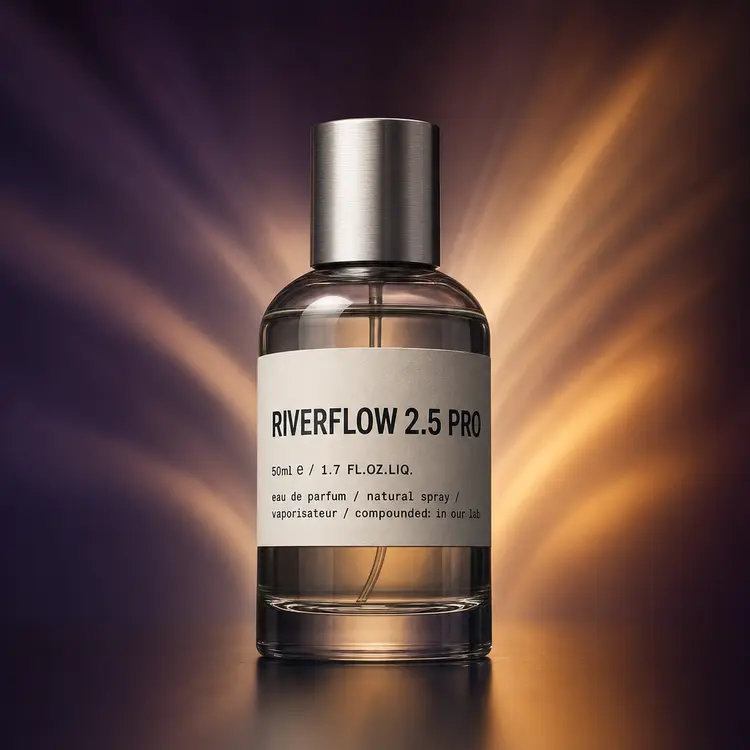
Overview
Riverflow v2.5 Pro is a text-to-image model built around a reasoning loop that evaluates multiple image candidates before returning one. If you've ever had a generator produce something that looked nothing like your prompt, this model addresses that problem at the source. Instead of generating blindly, it scores its own outputs against your instruction and picks the best match. You can control how much reasoning it applies, from a quick pass to a deep evaluation, depending on the precision your project needs. On Picasso IA, the whole process runs through a clean interface with no coding required.
How It Works
- Write an instruction describing the image you want, including subject, style, mood, or composition details.
- Choose a thinking level (low, medium, high, or xhigh) to set how deeply the model reasons before generating. Higher levels take more time but produce closer matches to detailed prompts.
- Optionally upload reference images to guide the output, carry visual elements across, or run image-to-image edits with up to 10 references at once.
- Set your aspect ratio from 11 presets (1:1 square to 21:9 ultra-wide), target resolution (1K, 2K, or 4K), and output format (WebP, PNG, or JPG).
- Submit and wait. The model scores its candidate images against your prompt, then returns the one that ranks highest.
Frequently Asked Questions
Do I need programming skills or technical knowledge to use this?
No, just open Riverflow v2.5 Pro on Picasso IA, adjust the settings you want, and hit generate.
Is it free to try?
Picasso IA gives you access to Riverflow v2.5 Pro without installing anything or writing code. Check the pricing section for details on credits and generation limits.
How long does it take to get results?
It depends on your thinking level. At low, results come back in seconds. At xhigh, the model runs more internal scoring passes before committing to an output, which takes longer but tends to match complex prompts more precisely.
What output formats are supported?
You can download finished images as WebP, PNG, or JPG. WebP is the default and keeps file sizes small without visible quality loss. Choose PNG when you need lossless output or a clean transparent background.
Can I customize the output quality or style?
Yes. Resolution goes up to 4K, aspect ratio covers 11 presets from portrait to ultra-wide, and you can set background handling to original, transparent, or a solid color. You can also write a scoring rubric to define exactly what counts as a good result for your specific project.
What happens if I'm not happy with the result?
Add more specific detail to your instruction, raise the thinking level, or upload a reference image to anchor the output closer to what you have in mind. Tightening your scoring rubric, if you've set one, usually produces more targeted results on the next run.
How many times can I run the model?
As many times as your credits allow. Each generation counts as one run, and the thinking level you choose affects how much compute each generation uses.