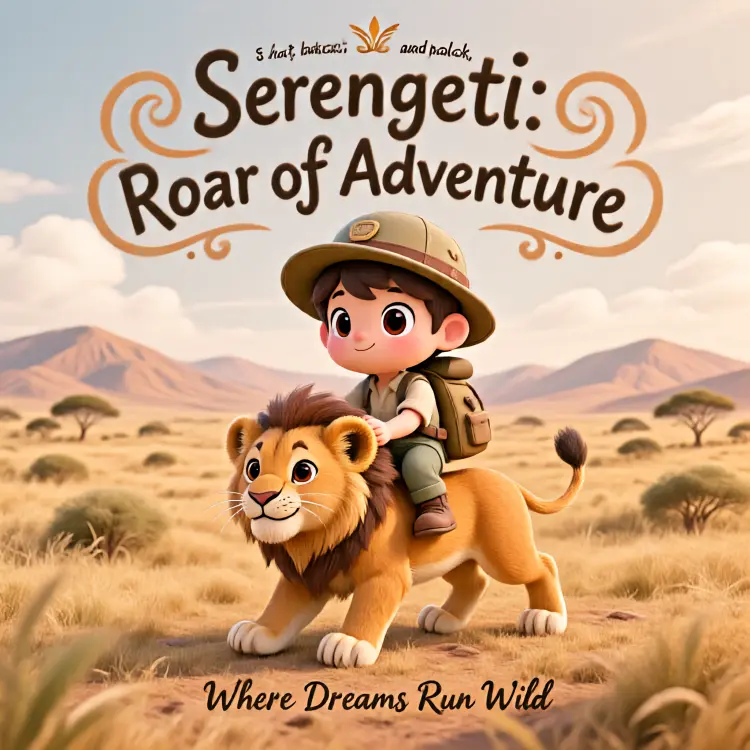
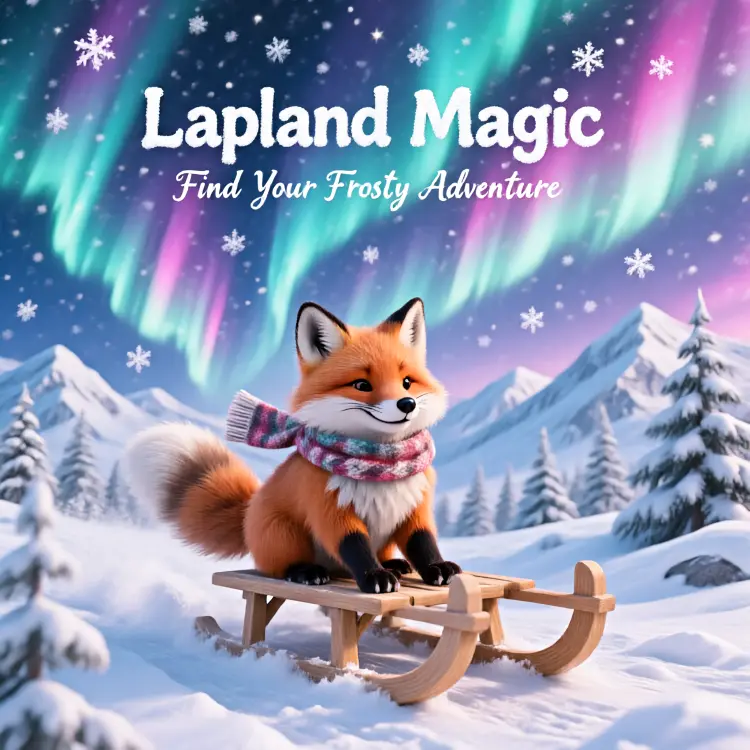
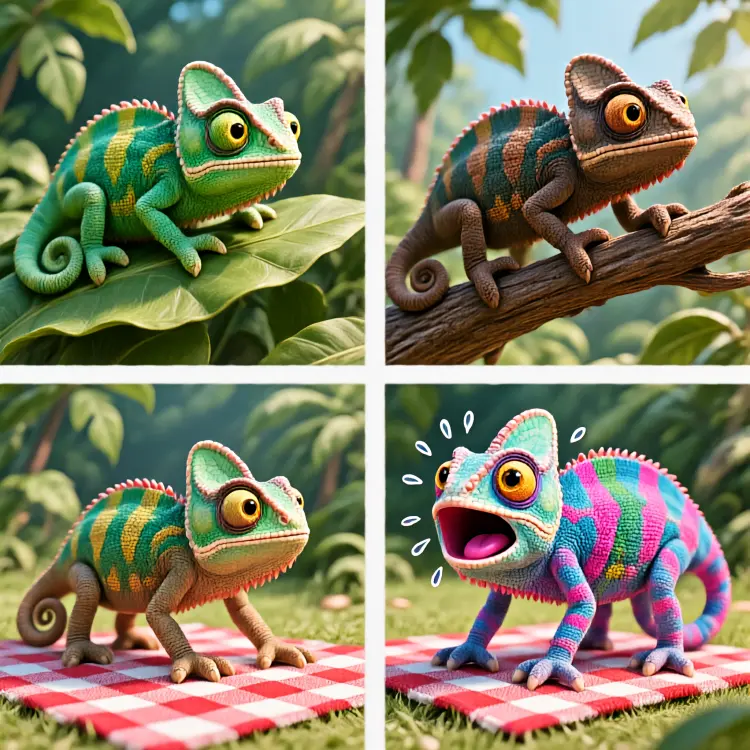
Hunyuan Image 2.1 turns written descriptions into high-resolution 2K images you can use right away. Whether you are a marketer building a campaign, a designer prototyping a concept, or a content creator who needs a fresh visual fast, this model gives you a finished image from a text prompt in seconds. No art skills, no software, no waiting. The model supports seven aspect ratios, from square 1:1 to widescreen 16:9 and portrait 9:16, so your output fits the exact canvas you need without cropping later. You can export in WebP, JPG, or PNG and control output quality up to 100 for pixel-perfect results. A built-in seed setting means you can reproduce a specific result or iterate on it with confidence. Drop it into your creative workflow between ideation and production. Write a prompt, pick your format, and download a 2K image ready for mockups, social media, presentations, or print. If the first result is not quite right, adjust the prompt and regenerate in seconds.
Hunyuan Image 2.1 takes a plain text prompt and returns a crisp 2K resolution image. No design software, no reference files, no prior experience required. If you can write a sentence describing what you want, you can have a finished visual in seconds. Picasso IA puts Hunyuan Image 2.1 directly in your browser, so the gap between idea and image is as short as it gets. It handles a wide range of subjects and styles, from product mockups to illustrated scenes, without any configuration beyond what you choose to type.
Do I need programming skills or technical knowledge to use this? No, just open Hunyuan Image 2.1 on Picasso IA, adjust the settings you want, and hit generate.
Is it free to try? Yes, you can run the model without any upfront cost on Picasso IA. Check the platform's credit system for details on how many generations are included in your plan.
How long does it take to get results? Most prompts return a finished 2K image in a matter of seconds. Highly detailed or complex descriptions may take a little longer, but you rarely wait more than a minute.
What output formats are supported? You can download your image as WebP, JPG, or PNG. WebP and JPG support a quality slider from 0 to 100 so you can balance file size against fidelity. PNG is always lossless.
Can I control the aspect ratio? Yes. Seven ratios are available: 1:1, 16:9, 9:16, 4:3, 3:4, 3:2, and 2:3. That covers most social media formats, presentation slides, and print layouts without any cropping afterward.
How do I get the same image twice? Enter a seed number before generating. Any run using the same seed and prompt produces the same image, which makes it straightforward to compare small prompt edits side by side.
Where can I use the outputs? Images download without embedded watermarks and are ready to drop into client work, social posts, websites, or personal projects, subject to your account's terms of use.
Everything this model can do for you
Every generated image is delivered at 2K quality for sharp, print-ready results.
Choose from 1:1, 16:9, 9:16, 4:3, 3:4, 3:2, or 2:3 to match your exact canvas size.
Download your image as WebP, JPG, or PNG depending on your project's requirements.
Set output quality from 0 to 100 to balance file size and visual fidelity.
Set a seed value to get the same image again or iterate from a fixed starting point.
Enable the speed-optimized setting to cut generation time without changing the output.
Type a prompt, pick your settings, and download your image directly from the browser.