Overview
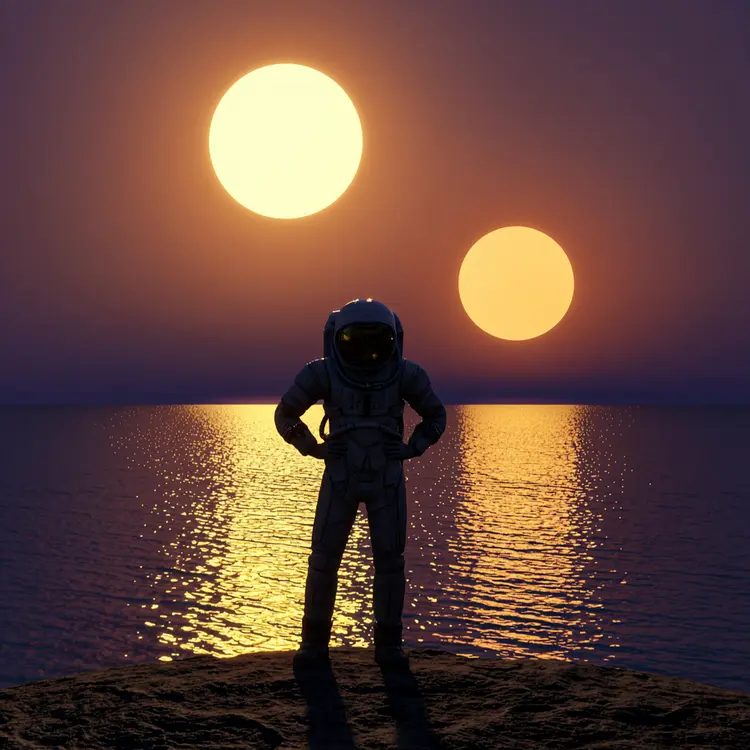
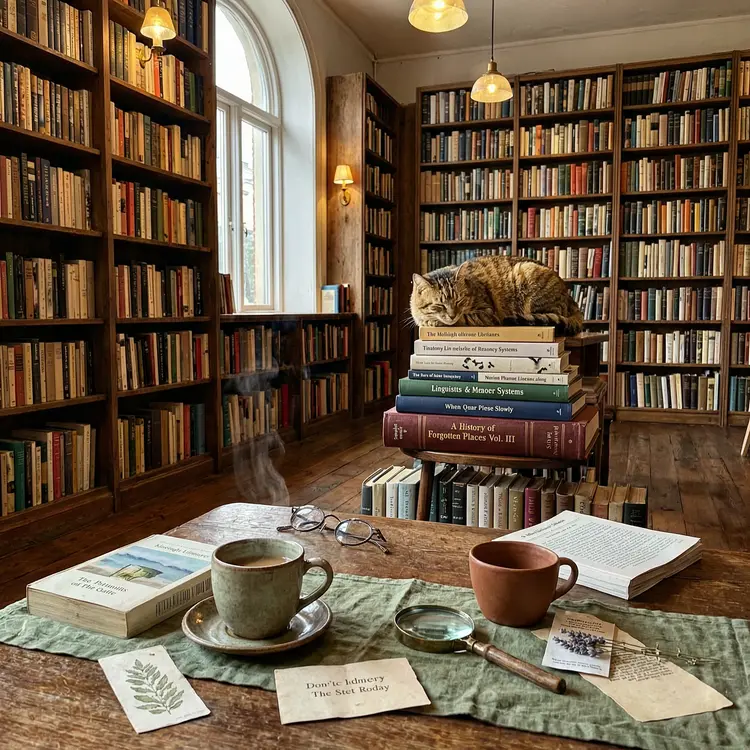
Wan 2.7 Image generates detailed, high-resolution pictures from text prompts, and switches into image editing mode the moment you supply reference photos. That combination handles two distinct needs: creating a visual from scratch when you have nothing to start with, and refining or combining images you already own. A freelance designer can describe a product scene, a marketer can request a seasonal banner, or a content creator can upload a draft and describe exactly what to change. On Picasso IA, the whole process runs in one place with no installation needed. The model also runs a reasoning pass before it renders, so ambiguous prompts get interpreted more precisely and you spend less time correcting off-target first attempts.
How It Works
- Write a text prompt describing the image you want. For editing or style reference, upload up to 9 images alongside your description.
- Choose your output resolution: 1K or 2K auto-sizing based on your input, or a fixed dimension like 1024×1024, 1280×720, or portrait variants up to 2048 pixels on the longest side.
- Set how many images to generate: up to 4 in standard mode, or up to 12 by enabling image set mode for a visually consistent series from one prompt.
- Turn thinking mode on or off. When active, the model spends additional time working through your prompt before rendering, which reduces the chance of an off-target result.
- Download your finished files once generation is complete, clean and ready to use.
Frequently Asked Questions
Do I need programming skills or technical knowledge to use this?
No, just open Wan 2.7 Image on Picasso IA, adjust the settings you want, and hit generate.
Is it free to try?
Yes, Wan 2.7 Image is available on Picasso IA without any upfront cost. Check the pricing page for current generation limits and plan options.
How long does it take to get a result?
Standard text-to-image generation typically finishes in under a minute. Enabling thinking mode adds some processing time because the model works through your prompt in more detail first, but it tends to produce more accurate results on the first try and reduces the need for multiple retries.
What resolutions can I output at?
You can choose between 1K and 2K auto-sizing, which scales based on your input, or a fixed resolution such as 1024×1024, 1280×720, 1536×2048, or other portrait and landscape dimensions up to 2048 pixels.
What is image set mode and when should I use it?
Image set mode generates up to 12 related images from a single prompt, holding the visual style and subject consistent across the whole set. It works well for character sheets, product views from multiple angles, or scene sequences that need a shared look.
Can I reproduce a result I liked?
Yes. Each generation is tied to a seed number you can copy and reuse. Lock in that seed to reproduce the same composition, then adjust your prompt in small steps to refine it from that starting point without losing what already worked.
What happens when I upload reference images?
As soon as you add one or more photos, the model shifts into editing mode. It reads both your images and your text description, then produces an output that incorporates the visual content from the references alongside the changes or additions you described in the prompt.