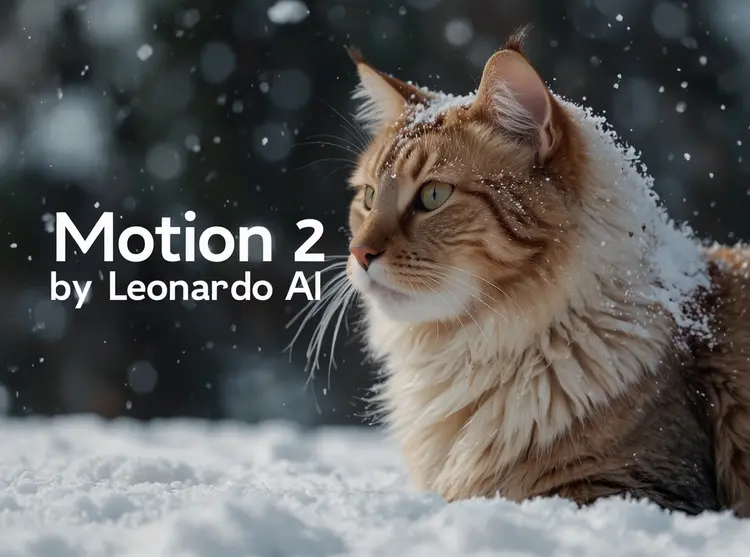
Motion 2.0 is a text-to-video AI model that turns a written description into a 5-second clip without any editing software, footage library, or technical skills. If you need a quick visual for a social post, pitch deck, or prototype and have no footage on hand, it fills that gap in under a minute. You can choose from nine vibe styles, including clay, sci-fi, and pro photo, to shape the overall look without writing detailed visual directions. Lighting presets like golden hour and chiaroscuro give each clip a specific mood. The built-in prompt refinement feature reads your input and adjusts the description before generation, so your first result is usually closer to what you pictured. Motion 2.0 fits naturally into workflows where short-form video is needed quickly. Drop a generated clip into a presentation, pair it with a voiceover, or use it as a placeholder while a longer production is in progress. The whole process from typing your prompt to downloading the video takes under a minute.
Motion 2.0 is a text-to-video AI that generates a 5-second clip from a written scene description. The problem it solves is straightforward: you need a short visual moment, you have no camera or stock footage that fits, and you need something usable now. On Picasso IA, the whole process lives in one screen. You type your idea, pick optional style modifiers for look, lighting, and color, and the video renders in the browser. It works for social media content, presentation visuals, storyboard sketches, and any other situation where a short clip communicates faster than text.
Do I need programming skills or technical knowledge to use this? No, just open Motion 2.0 on Picasso IA, adjust the settings you want, and hit generate.
Is it free to try? Yes, Motion 2.0 is available to try without any upfront payment. You can run a generation and see the result before committing to anything.
How long does it take to get results? Most generations finish within a minute. The exact time varies slightly based on which style presets you enable and current server load.
What format is the output video in? The model outputs a 480p video file that downloads to your device. It works in standard presentation tools, social media upload forms, and most video editing software.
Can I keep a consistent visual style across multiple clips? Yes. Reuse the same combination of vibe, lighting, color theme, and shot type presets across different prompts to maintain a coherent look across a batch of videos.
What should I do if the output doesn't match what I wanted? Adjust your prompt to be more specific, use the negative prompt field to exclude elements you don't want, or swap a style preset and run the model again. Turning off the prompt refinement option lets the model interpret your exact wording without any changes.
Everything this model can do for you
Pick from clay, sci-fi, pro photo, sketch, and more to define the visual tone in one click.
Apply golden hour, chiaroscuro, volumetric, or more than a dozen other lighting effects to set the mood of every clip.
Upload a still photo as the first frame and let the model animate forward from that starting point.
The model rewrites your input before generation to sharpen the description and improve first-try results.
Output in 16:9, 9:16, 4:5, or 2:3 to match any platform from YouTube to Instagram Stories.
Blends frames smoothly during generation to produce fluid motion without choppy transitions.
Specify what to exclude from the output to keep unwanted elements out of the final clip.
Quick turnaround for rapid content creation
a cat looks out the window