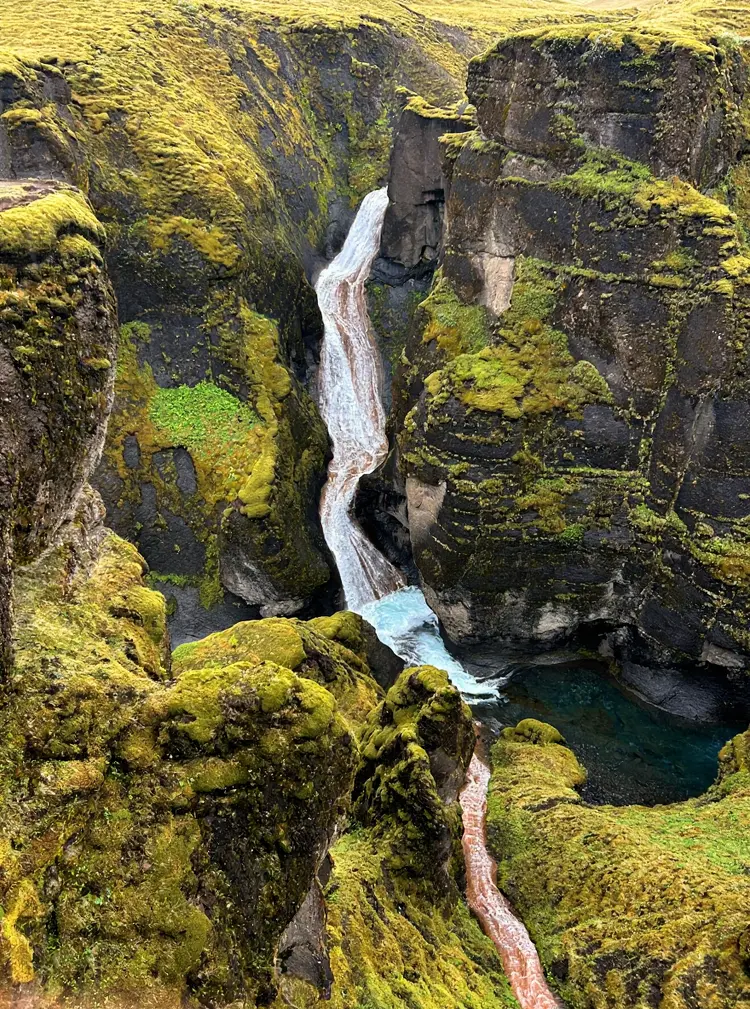
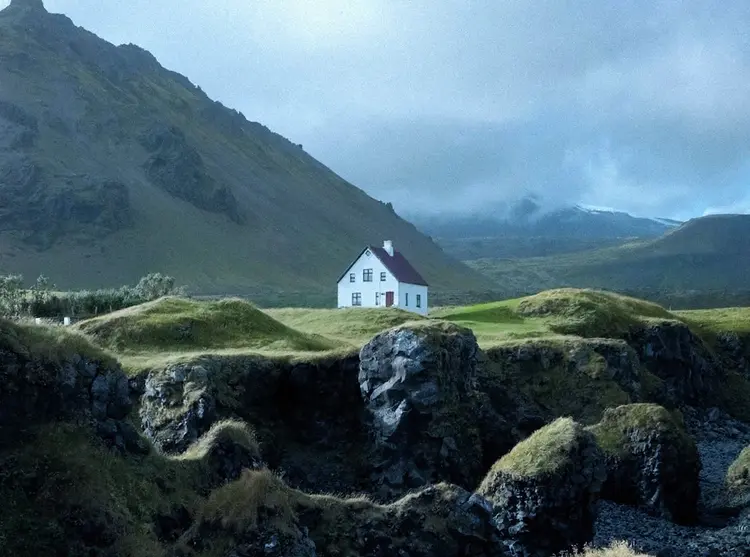
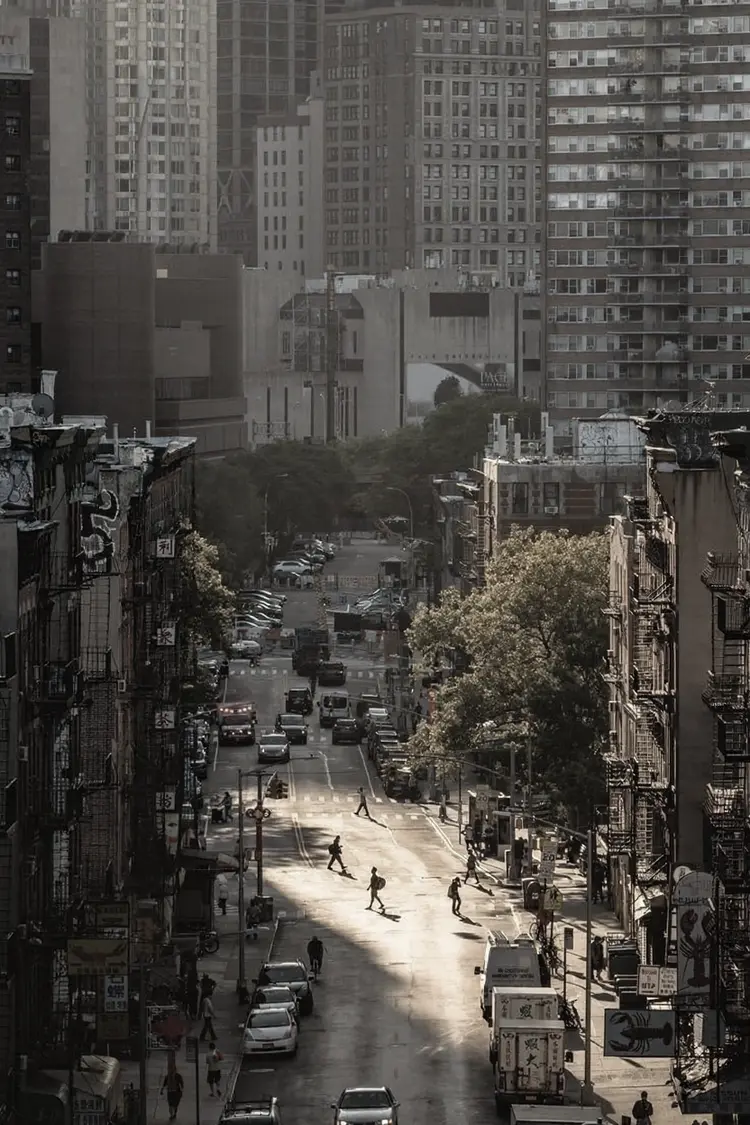
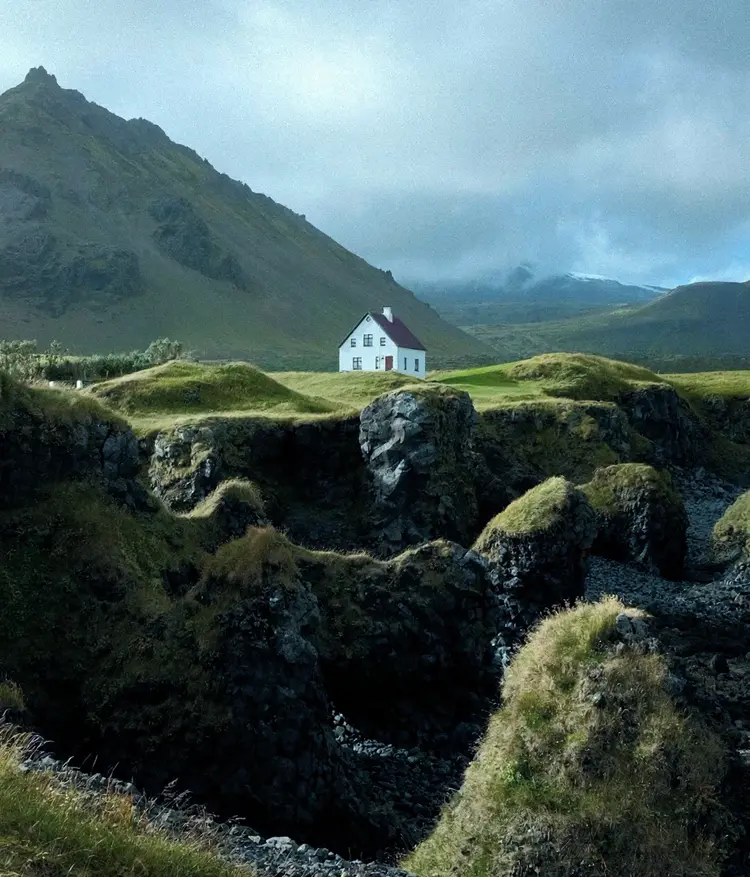
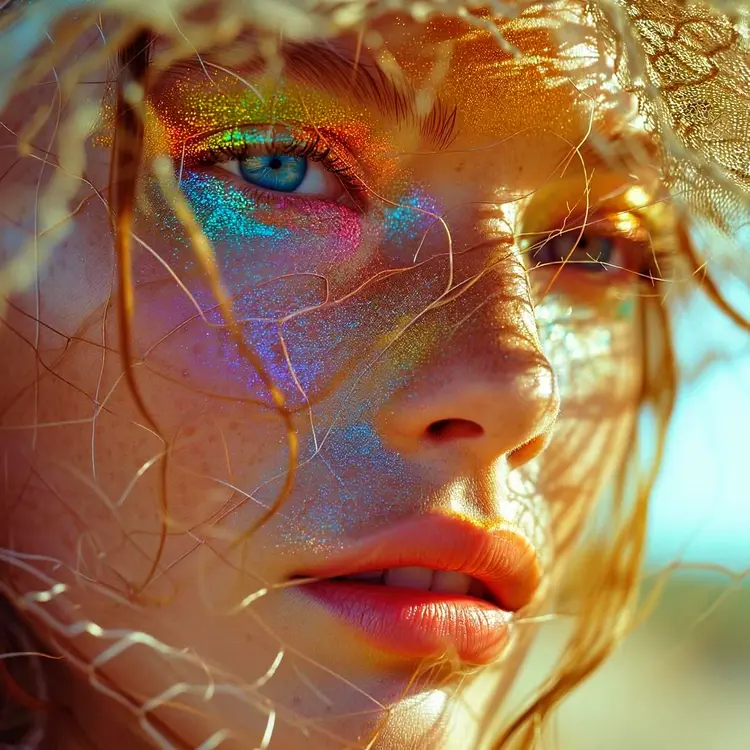
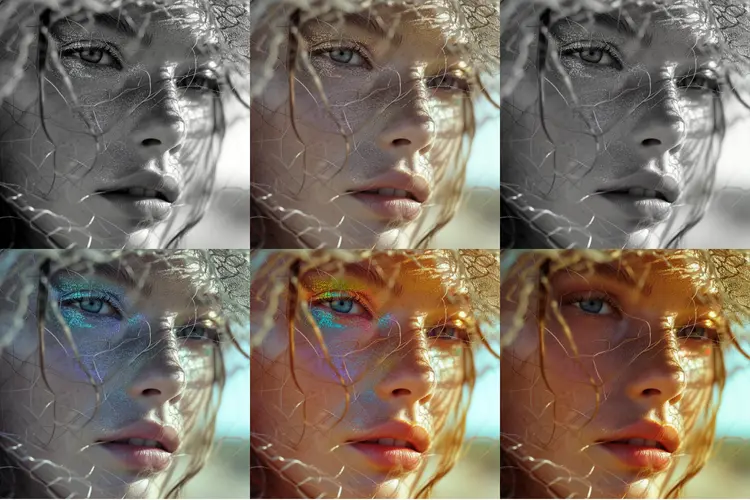
Filters is a photo styling tool that lets you apply a curated set of color presets to any image in seconds. If you have ever spent too long tweaking hue, saturation, and contrast in a photo editor just to get a consistent look, this is the shortcut you have been missing. Upload your photo, pick a filter, and get a clean result without opening any editing software. The tool offers six filters: Vivid for punchy, saturated colors; Black and White and Grayscale for stripped-back, monochromatic looks; Sepia for a warm vintage tone; Warm for golden, inviting tones; and Cool for a crisp, modern feel. You can also choose from 14 aspect ratios or match the output to your original image dimensions, so the result fits your feed, story, or banner without extra cropping. Outputs come in PNG or JPG. Whether you are prepping product photos for an online store, adding a consistent tone to a content series, or just giving a personal photo a new look, Filters fits into your workflow with no setup and no prior experience needed. Set a seed to lock in reproducible results across a batch of images, or iterate freely until the look is right.
Filters is an image editing model that applies six color and tone styles to any photo, with no editing software or technical setup needed. Upload an image, pick a preset from options like Vivid, Sepia, Warm, or Black and White, and receive a polished result within seconds. On Picasso IA, the entire process fits into a few clicks, which makes it practical for content creators, online sellers, and designers who need to grade images quickly and consistently. Whether you are preparing a product shot for a listing, giving a travel photo a distinct mood, or building a visual draft for a client presentation, Filters does the work without requiring you to open a separate app.
Do I need programming skills or technical knowledge to use this? No, just open Filters on Picasso IA, adjust the settings you want, and hit generate.
Is it free to try? Yes, you can run the model to test any of the six filter styles on your photos. Check your current account plan to see how many generations are included.
How long does it take to get results? Processing typically takes a few seconds. Higher-resolution images may take slightly longer depending on platform load at the time.
What output formats are supported? You can export your result as a JPG or PNG file. JPG keeps file sizes small for web uploads, while PNG preserves full image detail without compression loss.
Can I customize the output quality or style? The model offers six preset filter styles, so the customization is in choosing the right look rather than fine-tuning individual parameters. You can run the same image through multiple filters and compare the outputs before settling on one.
How many times can I run the model? There is no per-session cap on generations. You can apply different filters to the same image as many times as you want within the limits of your account plan.
Where can I use the outputs? The downloaded images carry no watermarks, so they are ready to drop into blog posts, social media content, client deliverables, or product listings without any additional processing.
Everything this model can do for you
Choose from Vivid, Black and White, Sepia, Grayscale, Warm, and Cool with no manual color adjustment required.
Output images in standard ratios like 1:1, 16:9, or 9:16, or match the dimensions of your original photo.
Download your filtered image in the format that fits your project or publishing platform.
Set a seed number to get the same result every time, useful for batching images with a consistent look.
The filter is applied to the full composition without cropping, stretching, or altering the original framing.
Control content tolerance from strict to standard to match the nature of your images.