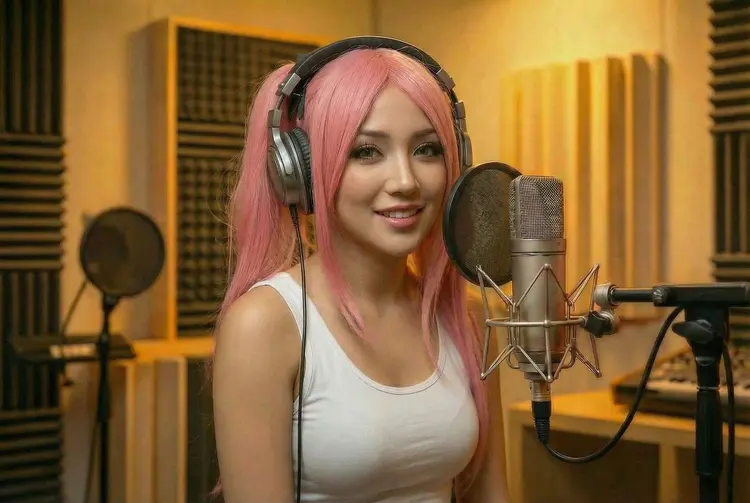
Overview
Speech 2.6 HD is a text-to-speech model built for high-fidelity audio production. You write the script, choose a voice and an emotional delivery style, and the model returns a narrated audio file ready to drop straight into your project. On Picasso IA, the whole process happens in the browser with no software to install and no API to wire up. The core appeal is the level of control available before you hit generate: emotion, pitch, speed, language, bitrate, and output format are all adjustable, which means the result fits the brief without needing post-production correction. Whether the job is a commercial voiceover, a chapter of an audiobook, or a narrated company presentation, Speech 2.6 HD handles it in a single run.
How It Works
- Paste or type up to 10,000 characters of text into the input field. You can insert pause markers at any point to control the timing of natural breaks.
- Select a voice from the system library, then choose an emotion style ranging from calm and neutral to happy, sad, or surprised.
- Set the speed multiplier and pitch offset to shape the delivery, and pick your sample rate and audio format (mp3, wav, flac, or pcm).
- For video work, enable the subtitle metadata option to receive sentence-level timestamps alongside the audio file.
- Hit generate and download the finished audio. The file arrives clean, with no watermarks, ready for immediate use.
Frequently Asked Questions
Do I need programming skills or technical knowledge to use this?
No, just open Speech 2.6 HD on Picasso IA, adjust the settings you want, and hit generate. The controls are sliders and dropdowns, not code.
Is it free to try?
Yes, you can run Speech 2.6 HD without a subscription. Picasso IA lets you test the model to evaluate output quality before committing to a plan.
How long does it take to get results?
Most scripts finish generating in a few seconds. Longer texts at higher sample rates may take a little more time, but typical runs finish well under a minute.
What output formats are supported?
The model exports mp3, wav, flac, and raw pcm. When using mp3, you can also set the bitrate from 32 to 256 kbps depending on the quality you need.
Can I customize the output quality or style?
Yes. Emotion, pitch, speed, sample rate, channel count (mono or stereo), and bitrate are all independently adjustable. You can also toggle English normalization if your script includes dates, numbers, or abbreviations.
How many characters can I narrate per run?
Each run accepts up to 10,000 characters, enough for a full article, a short story chapter, or a multi-minute video narration.
Where can I use the outputs?
The audio files come with no usage restrictions from the platform side. You can drop them into video edits, podcast episodes, interactive apps, or client deliverables.