Overview
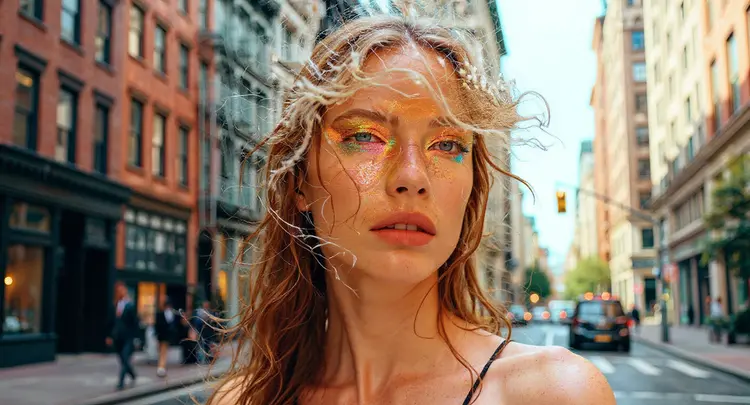
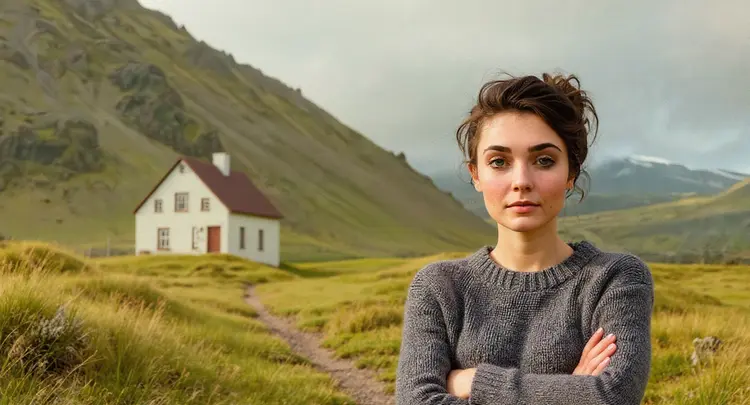
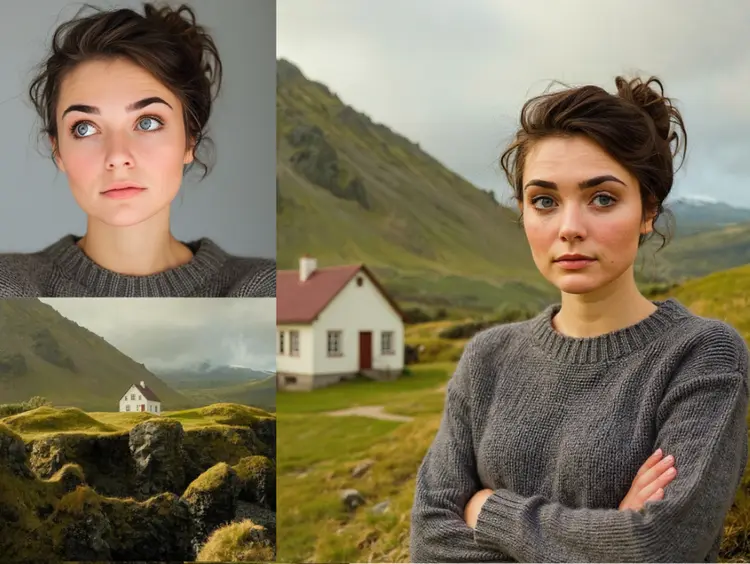
Multi Image Kontext Pro is a text-guided compositing model that takes two photos and merges or reshapes them based on your written description. The core problem it addresses is practical: putting two images together with any degree of realism normally requires editing software, manual masking, and a solid grasp of color grading. This model lets you skip that workflow. You describe the result you want in plain language, upload both images, and let the model handle the spatial and tonal reasoning. On Picasso IA, the whole process runs in a browser with no installation or technical setup needed. A fashion stylist can blend a clothing item onto a model shot; a product designer can drop a prototype into a lifestyle scene.
How It Works
- Upload your first image and second image in JPEG, PNG, GIF, or WEBP format
- Write a prompt describing how the two images should be combined, blended, or reworked
- Pick an aspect ratio from over a dozen presets, or choose "match input image" to keep the original proportions
- Select PNG for a lossless output or JPG for a smaller, web-ready file
- Submit the request and download the finished composite
Frequently Asked Questions
Do I need programming skills or technical knowledge to use this?
No, just open Multi Image Kontext Pro on Picasso IA, adjust the settings you want, and hit generate.
Is it free to try?
Yes, you can run Multi Image Kontext Pro without a paid subscription to start. Check the current plan details on Picasso IA to see how many free generations are included.
How long does it take to get results?
Most generations finish within a few seconds. Larger source images or more detailed prompts may add a moment or two, but the wait is short either way.
What output formats are supported?
The model outputs either PNG or JPG. PNG is better for crisp edges and further editing. JPG works well when file size matters, such as for web uploads or email attachments.
Can I customize the output aspect ratio?
Yes. You can choose from over a dozen presets including 1:1, 16:9, 4:3, and portrait formats like 9:16 or 2:3. If you want the output dimensions to match one of your uploaded images, select "match input image."
What happens if I'm not happy with the result?
Rewrite your prompt to be more specific about how the two images should interact. Setting a fixed seed locks the random variation so you can iterate on the prompt without other factors shifting, which usually pinpoints what needs adjusting.
Where can I use the outputs?
The images you generate are yours to use for personal projects, client work, social media, print, or any other purpose. The files come out clean with no watermarks.