Start Free Now

Free AI Image & AI Video Generator

Generate images, videos, audio, voices, music and 3D models from a single prompt. Picasso IA bundles Sora 2 Pro, Veo 3.1, Nano Banana 2, GPT Image 2.5 Sunburst, FLUX.2, Claude Sonnet 5 and the rest of its 500+ AI models in one dashboard, with a free trial and unlimited models on the Elite and Infinite plans.

Sora
Veo
Nano Banana
Kling
Seedance
GPT Image
Lyria
ElevenLabs

How to Use Picasso IA?

Pick a Category or Model

Browse 500+ AI models grouped by what they do. Image, video, audio, 3D, chat and more, all in one searchable catalog you can filter by quality, speed or price.

Write Your Prompt

Describe what you want in plain language. Picasso IA shows live tips on what each model handles best so your first try lands closer to the result you had in mind.

Generate and Download

Hit generate and your output is ready in seconds. Download in full resolution, send it to the editor, or run it back through another model in the same session.

Text to Image: AI Art and Photo Generator

Text to Image: AI Art and Photo Generator

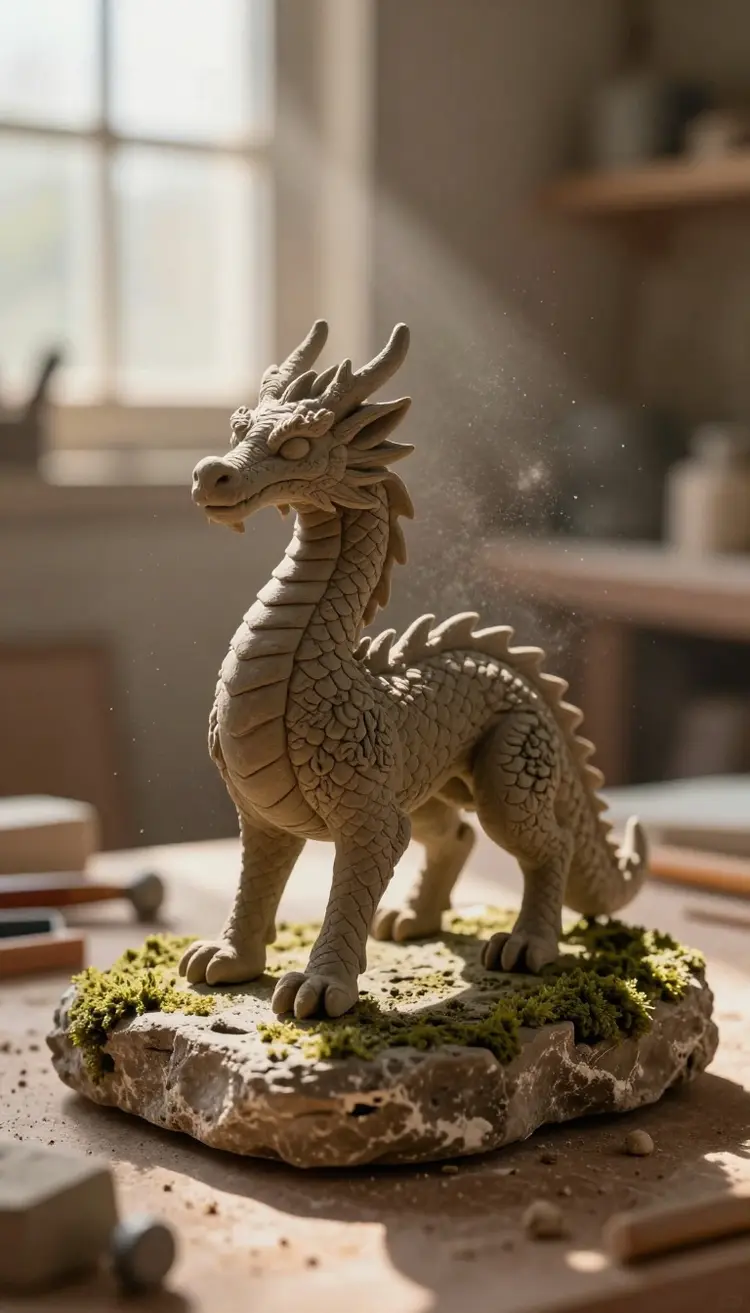
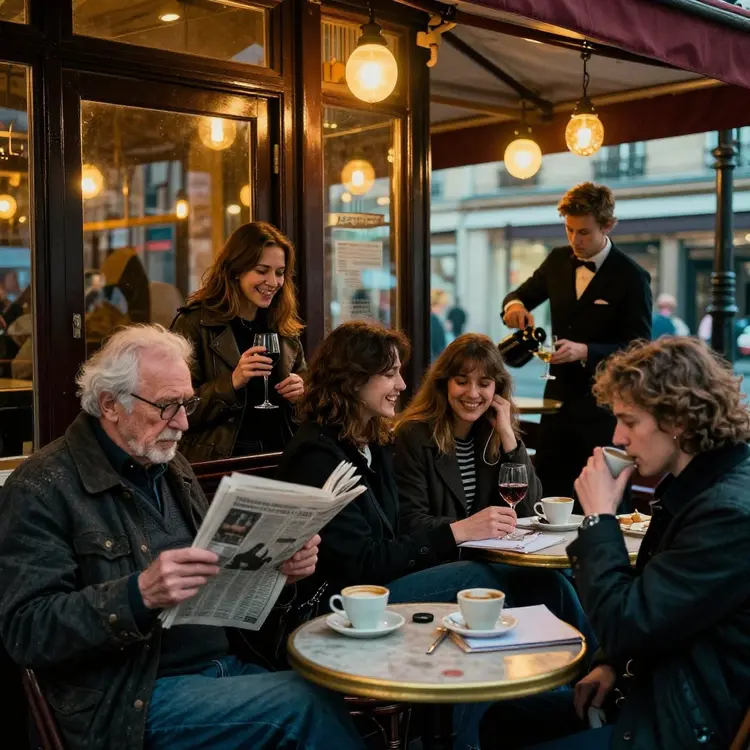
Generate AI art and photos from any text prompt. Picasso IA bundles 200+ image models, including GPT Image 2.5 Sunburst, Nano Banana 2, FLUX.2 and Seedream, under one interface. Pick a style, write what you see in your head, get four results in seconds. Works for posters, editorial portraits, product shots, concept art, social posts and any brief that used to need a designer or a stock site.

Nano Banana Pro

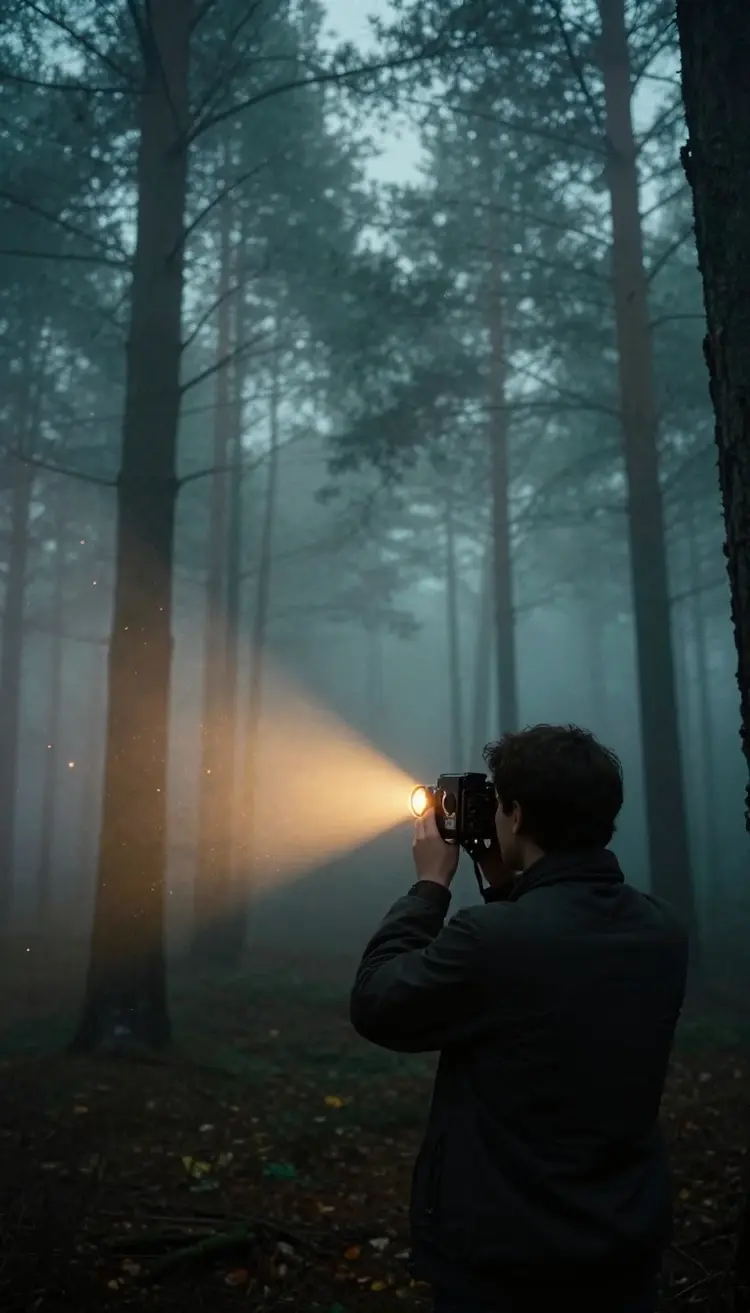
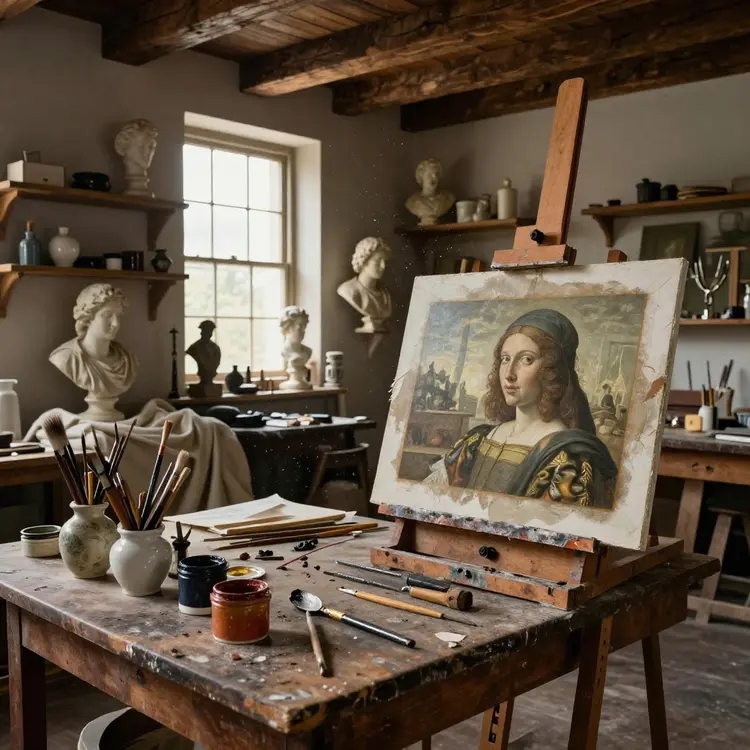
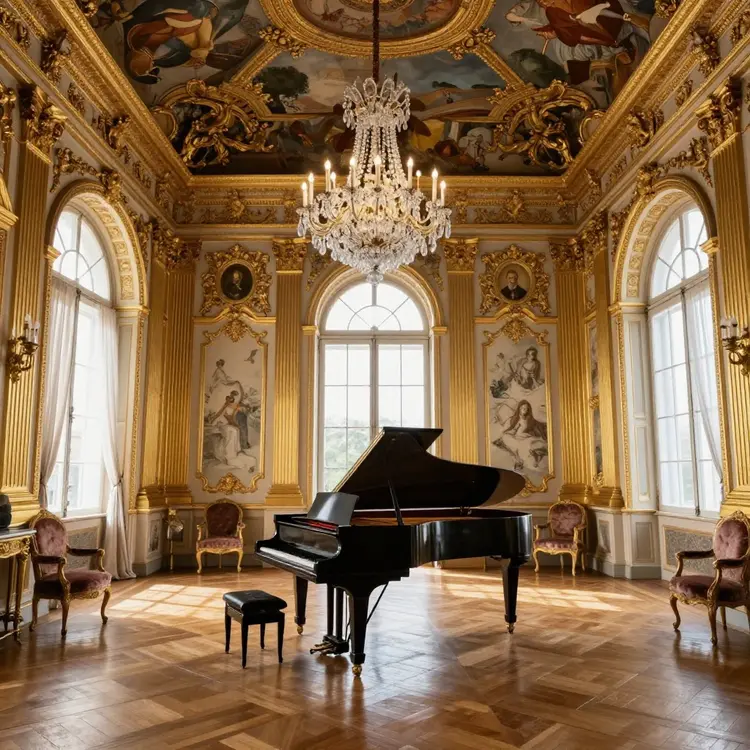
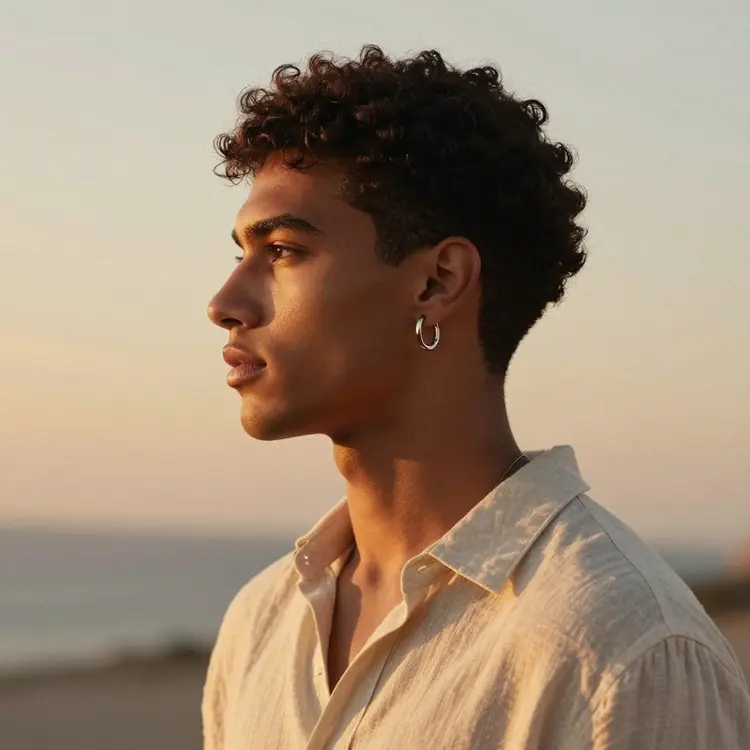
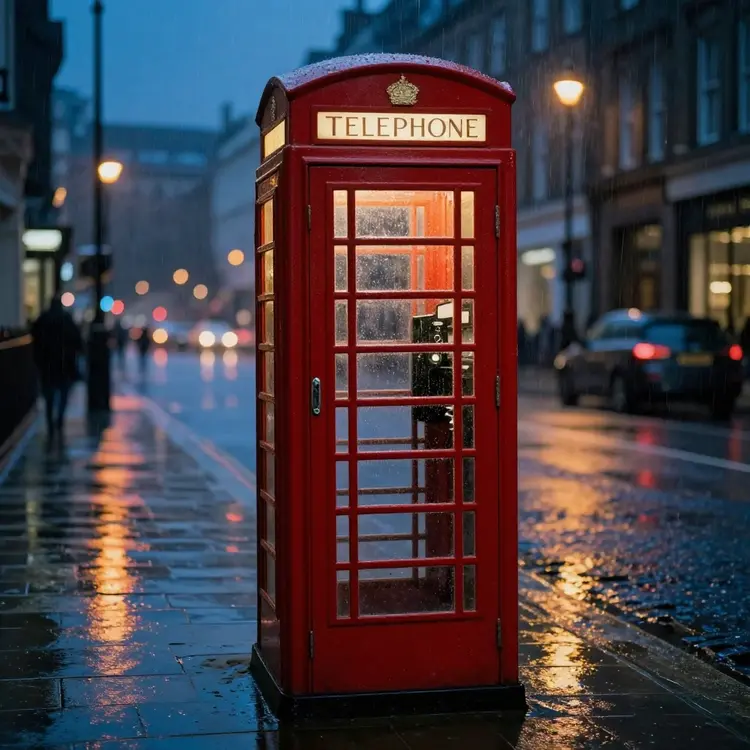
Google's flagship image model lives on Picasso IA. Nano Banana Pro nails photorealistic skin, intricate prompts, fabric textures and reflections that other models flatten. Use it for product shots, editorial covers, beauty campaigns and any brief where the output needs to look exactly like what you described. Generate in seconds, no waiting list, no setup, full commercial rights.

Nano Banana Pro
Nano Banana Pro
Nano Banana Pro
Nano Banana Pro

Text to Video: AI Video Maker for Reels and Shorts

Turn a prompt into a finished video clip with Sora 2 Pro, Veo 3.1, Seedance 2.5, Kling 3.0 and Runway Gen-4.5, all from one dashboard. Build vertical videos for TikTok, horizontal cuts for YouTube, square loops for Instagram. Control duration, aspect ratio and motion intensity per shot. Most generations finish in under a minute, ready to download or send to the AI video editor.

Text to Video: AI Video Maker for Reels and Shorts

Trusted by Fortune 500 Companies

Text to 3D: AI Model Generator for Games and AR

Text to 3D: AI Model Generator for Games and AR

Generate 3D models from a text description and download them as ready to use assets. Picasso IA outputs textured meshes you can drop into Blender, Unity, Unreal or any AR pipeline without retopologizing first. Useful for game prototyping, virtual try on, product visualization, NFT collections and 3D printing. No CAD experience required, just describe the object and pick a style.

GPT Image 2.5 Sunburst

GPT Image 2.5 Sunburst

GPT Image 2.5 Sunburst is OpenAI's image model for sharp text and precise edits, and it's available on Picasso IA without a ChatGPT subscription. Write a prompt or add a reference photo, then edit the result with plain instructions: it follows multi step prompts, renders clean text on labels, signs and packaging, and can output transparent backgrounds. GPT Image 2.5 Flare sits right next to it.

AI Background Remover for Product Photos

Remove the background from any photo in one click with pixel level accuracy on hair, fur, glass and other tricky edges. Download transparent PNGs at full resolution for product catalogs, thumbnails, mockups and design composites. Picasso IA handles batches of dozens of files at once, so you can clean up an entire ecommerce shoot without paying a retoucher or learning Photoshop.

AI Background Remover for Product Photos

How Picasso IA Compares to Other AI Platforms

Artlist

Artlist

  • 500+ AI Models
  • Free Trial
  • AI Image
  • AI Video 1080p
  • AI Chat
  • AI Voice & TTS
  • AI 3D Models
  • All-in-One Editor
  • No Credit Card
  • Commercial Use
Picasso IA

Picasso IA

  • 500+ AI Models
  • Free Trial
  • AI Image
  • AI Video 1080p
  • AI Chat
  • AI Voice & TTS
  • AI 3D Models
  • All-in-One Editor
  • No Credit Card
  • Commercial Use
Higgsfield

Higgsfield

  • 500+ AI Models
  • Free Trial
  • AI Image
  • AI Video 1080p
  • AI Chat
  • AI Voice & TTS
  • AI 3D Models
  • All-in-One Editor
  • No Credit Card
  • Commercial Use
OpenArt

OpenArt

  • 500+ AI Models
  • Free Trial
  • AI Image
  • AI Video 1080p
  • AI Chat
  • AI Voice & TTS
  • AI 3D Models
  • All-in-One Editor
  • No Credit Card
  • Commercial Use
AI Chat with GPT, Claude, Gemini and Grok

AI Chat with GPT, Claude, Gemini and Grok

Talk to GPT Astra 6, Claude Sonnet 5, Gemini 3.1 Pro and Grok 4 in the same chat window. Switch models mid conversation, compare answers side by side, and bring images, files or links into context. Useful for research, code review, content drafting, customer support testing and any task where one model alone misses the answer. No separate subscriptions, all included.

Seedance 2.5

Seedance 2.5 by ByteDance turns a text prompt, a photo or a reference clip into a video up to 30 seconds long, with synced dialogue, sound effects and music in the same render. Set a first and last frame, keep a face or a product consistent across shots with reference images, and write spoken lines for lip synced dialogue. Pair it with a voice or music track from Picasso IA to ship a full asset without leaving the app.

Seedance 2.5
Seedance 2.5
Seedance 2.5
Seedance 2.5

Super Resolution: AI Image Upscaler to 4K

Upscale any image up to 4K and beyond without the soft, painted look most upscalers leave behind. Picasso IA recovers fine detail in skin, hair, fabric and signage, so old phone photos and low resolution renders look print ready in seconds. Works on JPEG, PNG and WEBP, batch friendly for ecommerce catalogs and photo restoration jobs that used to take days of manual work.

Super Resolution: AI Image Upscaler to 4K
Text to Speech: Realistic AI Voice Generator

Text to Speech: Realistic AI Voice Generator

Convert any text into natural speech with the latest voice models: ElevenLabs V3, MiniMax Speech 2.8 HD and Inworld TTS 2. Pick from hundreds of voices in dozens of languages, clone your own voice in under a minute, and control pitch, pace and emotion per sentence. Use the output for narration, podcasts, audiobooks, course voiceovers, ads and dubbing without booking a studio or hiring a voice actor.

Sora 2 Pro
Sora 2 Pro
Sora 2 Pro
Sora 2 Pro

Sora 2 Pro

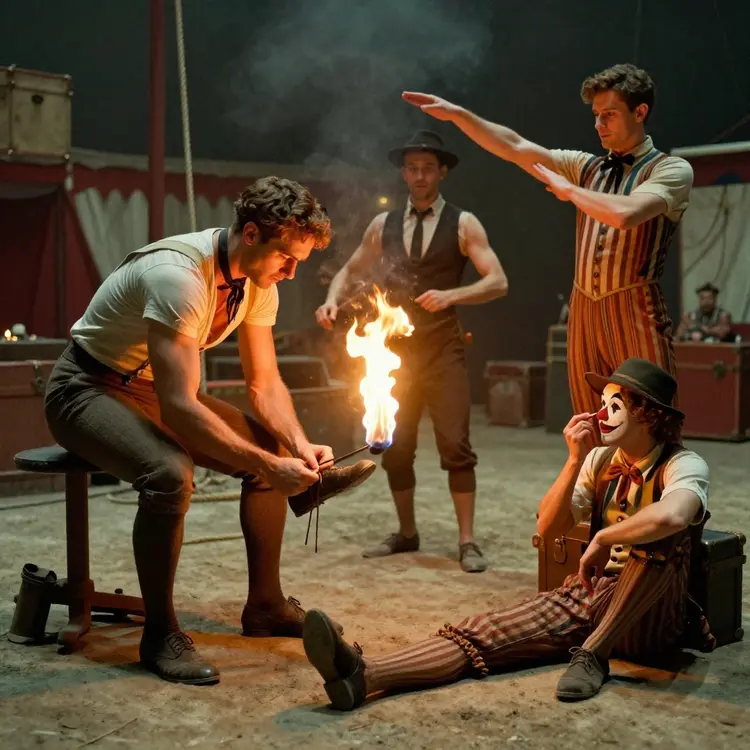
Sora 2 Pro is OpenAI's flagship video model and it's hosted natively inside Picasso IA. Direct your shot with a single prompt, control camera moves, lighting and pacing, and get cinematic clips that look like they were filmed on set. Use it for short films, brand stories and any storyboard that needs to come alive without renting a camera crew or booking actors.

Lipsync AI: Sync Any Voice to Any Face

Sync any voice track to any face in a video or still image. Upload a clip, drop in an audio file or a TTS line, and Picasso IA aligns the lip motion to match the words in real time. Useful for dubbing into new languages, creating talking head avatars, fixing a botched take, or turning a static photo into a speaking character for ads, courses or social content.

Lipsync AI: Sync Any Voice to Any Face

Why Picasso IA Is Better Than Other AI Platforms

500K+

Active Users

500+

AI Models

25M+

Videos Generated

250M+

Images Generated

6

Languages Supported

50+

Custom GPTs

AI Video Editor for Cuts, Color and Effects

AI Video Editor for Cuts, Color and Effects

Edit your AI clips and uploaded footage in the same place you generated them. Cut, trim, color grade, add captions, stabilize shaky shots and stack effects without exporting to Premiere or DaVinci. Picasso IA bakes the editor into the dashboard so the workflow from prompt to polished video stays inside one app. Free tier covers everyday cuts, paid plans unlock 4K and long timelines.

FLUX.2 Pro

FLUX.2 Pro by Black Forest Labs renders detailed scenes, complex compositions and tricky prompts with accurate lighting and textures. On Picasso IA it runs in your browser with no local hardware setup, next to the rest of the FLUX.2 family: FLUX.2 Max, FLUX.2 Flex and FLUX.2 Klein.

FLUX.2 Pro
FLUX.2 Pro
FLUX.2 Pro
FLUX.2 Pro

AI Music Generator from Text Prompts

Compose original music from a text description with Lyria 3 Pro, MiniMax Music 2.6 and ElevenLabs Music. Choose a genre, tempo, mood and instrument list, then download a loopable track or a full song. Picasso IA outputs royalty free music you can use in videos, games, podcasts or any commercial project. Iterate on a brief until the track fits the cut without licensing a stock library.

AI Music Generator from Text Prompts
AI Video Enhancer to Upscale and Restore Footage

AI Video Enhancer to Upscale and Restore Footage

Upscale, denoise, stabilize and color correct old or low quality video in a single pass. Picasso IA cleans up phone footage, restores grainy archival clips and brings 480p videos to 4K without the plasticky look traditional upscalers leave. Useful for repurposing legacy content, polishing rough takes before posting, or pulling footage from social back to broadcast quality.

Veo 3.1
Veo 3.1
Veo 3.1
Veo 3.1

Veo 3.1

Veo 3.1 is Google's top of the line video generator, and it now ships with native audio in the same generation. Write a prompt, get a 1080p clip with synced sound effects and dialogue. Picasso IA gives you full access without a Vertex AI account or enterprise contract, so you can prototype an ad, a tutorial or a music video in minutes instead of weeks.

Speech to Text: AI Audio Transcription

Transcribe interviews, meetings, podcasts, voice notes and videos with speaker labels, timestamps and punctuation already in place. Picasso IA supports dozens of languages and handles accents, background noise and crosstalk better than the built in transcription on most apps. Export as plain text, SRT subtitles or VTT for captions on YouTube, Vimeo and any course platform.

Speech to Text: AI Audio Transcription

What do Users Think of Picasso IA?

I run a small social media agency in Madrid and Picasso IA replaced four different subscriptions for me. I get Sora, Veo, Nano Banana and ElevenLabs all in one dashboard, billed once, and my team doesn't have to learn five different interfaces. The free tier is real enough that I let new hires train on it before I move them to the pro plan.

Lucía Ramos
Lucía Ramos

Elite User

Honestly I started just to test the free plan and ended up using it more than my paid Canva subscription. The interface gets out of the way and the model quality is the same as the official sites. The little tutorials inside each tool helped me figure out prompts without spending a week reading guides on Reddit. Worth recommending to friends already.

Priya Sharma
Priya Sharma

Credits User

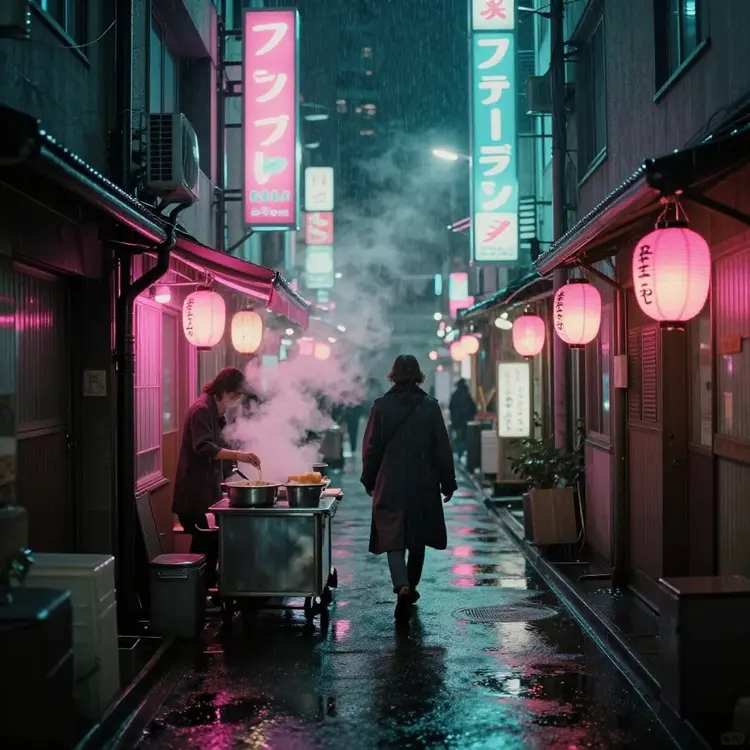
I make short comics and the consistency tools on Picasso IA finally let me keep the same character face across twenty panels in a row. That used to take hours of manual fixing in Photoshop and a small fortune in stock references. Now I generate the full panel, run inpainting on the bits that didn't land, and move on with my day. It feels like having a team of three artists working on call, and the fact that everything happens inside one tab means I never lose context jumping between apps mid scene.
Takeshi Mori
Takeshi Mori

Pro+ User

As an indie game dev I use Picasso IA for everything from concept art to placeholder sound effects to NPC chat bots powered by Claude. The fact that I can switch between image, video, 3D and chat models without juggling API keys saves me probably two days of work every single week per project. The pro plan paid for itself in the first month, the credit system is fully transparent, and I always know exactly how much each generation will cost before I hit the button. It has become the default tool we open every morning before anything else.

Daniel Petrov
Daniel Petrov

Infinite User

Image to Video: Animate Any Photo with AI

Image to Video: Animate Any Photo with AI

Animate any still image into a short video clip with the latest image to video models: Kling 3.0, Veo 3.1 and Seedance 2.5. Upload a photo, write a prompt for the motion you want, and Picasso IA brings the scene to life with realistic camera pans, character movement and lighting changes. Perfect for old family photos, product renders, fashion stills and anything that needs to move on social.

Claude Fable 5

Claude Fable 5 is Anthropic's model for complex reasoning, multi step coding and long form writing. Attach an image or paste a long document and ask anything about it: it stays accurate across prompts that span hundreds of lines and writes up to 8,192 tokens in one answer. On Picasso IA you use it in the chat with no API keys, next to Claude Sonnet 5 and Claude Opus 4.7.

Claude Fable 5
Claude Fable 5
Claude Fable 5
Claude Fable 5

AI Face Swap for Photos and Video

Swap faces between any two photos or videos with frame accurate alignment and natural skin tone matching. Picasso IA handles tricky angles, partial occlusion and varied lighting without the obvious seams older tools leave behind. Useful for cosplay edits, casting tests, marketing variations and creative content where you want to see how a face fits a different scene or character.

AI Face Swap for Photos and Video

Picasso IA vs Other AI Platforms

ApplicationRatingUnlimited CreditsUsage RatingDescription
9.8/10Yes1

All in one platform with 500+ image, video, chat, voice, music and 3D models. Free trial, transparent credits, commercial license, no Discord needed and no juggling API keys.

Artlist

7.4/10No2

Stock music and asset library with a recent AI image and video add on. Focused on creators who already pay for music and want generation in the same app.

Higgsfield

7.6/10No3

Mobile first AI video app aimed at TikTok and Reels creators. Strong on cinematic camera moves but limited to video, no image, chat or audio models.

OpenArt

7.2/10No4

Web based image generation with a community gallery and prompt sharing. Solid for casual creators, weaker on video, no chat or audio tools.

Midjourney

8.6/10No5

High quality image generation through Discord only. Subscription required, no video, no chat, and no proper web editor for non power users.
Runway

8.4/10No6

Pro level AI video editor with the Gen 4.5 model. Strong for filmmakers but expensive credits and a steep learning curve for casual content creators.

Leonardo AI

7.8/10No7

Image generation playground with fine tuned style models. Useful for game art mood boards but smaller catalog and no video or voice tools.

Pika Labs

7.3/10No8

Fun text to video app focused on short, stylized clips. Single category tool with no image, audio or chat features in the same workspace.

Canva AI

7.0/10No9

Generative tools inside the Canva design app. Easy for templates but the AI models are surface level with limited control and no frontier video.

NightCafe

6.8/10No10

Beginner friendly image generator with a credit system and a strong community. Limited model variety and no video, voice or 3D generation.

AI Inpainting: Fix or Replace Image Details

AI Inpainting: Fix or Replace Image Details

Edit any part of an image without touching the rest. Brush over an unwanted object, write what you want there instead, and Picasso IA replaces it with content that matches the lighting, perspective and texture of the surrounding pixels. Use it to remove tourists from travel photos, swap a product label, fix a hand with six fingers, or change a hairstyle without rerolling the whole image.

GPT Astra 6
GPT Astra 6
GPT Astra 6
GPT Astra 6

GPT Astra 6

GPT Astra 6 is OpenAI's model for code and professional work, and Picasso IA gives you full access without juggling subscriptions. Use it for coding projects, technical writing and problems that need several reasoning steps, set the reasoning effort to match the task, and upload a screenshot or diagram to ask about it. It pairs well with the image and video models so you can brainstorm an idea and produce the final asset in the same session.

AI Outpainting: Expand Any Image

Expand any image beyond its original frame and let Picasso IA fill the new space with content that matches the scene. Useful for resizing a portrait into a banner, converting a square photo to a 9:16 vertical, or extending a product shot to give the layout more breathing room. The model preserves color, lighting and composition so the result looks like the original was shot wider.

AI Outpainting: Expand Any Image

Frequently Asked
Free AI Image & AI Video Generator

How many images and videos can I generate?

New accounts get a free trial with 2 generations on each of 4 models: PicassoIA Image Flash, PicassoIA Image Editor Pro, PicassoIA Video and Seedance 2.5 Lite. Paid plans include credits you can spend on any of the 500+ models, and the Elite and Infinite plans add unlimited generations on the models marked Unlimited (the pricing page lists which plan unlocks each one).

What AI models can I use on Picasso IA?

Picasso IA hosts 500+ AI models across image, video, audio, 3D and chat. Highlights include Nano Banana 2, GPT Image 2.5 Sunburst, FLUX.2 Pro, Sora 2 Pro, Veo 3.1, Seedance 2.5, Claude Sonnet 5, GPT Astra 6, Gemini 3.1 Pro, ElevenLabs and Lyria. New models get added within days of their official release so you always have access to the latest tech.

Do I own what I create?

Yes. Every output you generate on Picasso IA belongs to you and you can use it for personal or commercial projects, including paid client work, ads, merchandise and stock platforms. The platform does not retain rights to your prompts or your finished assets, and there is no per asset licensing fee on top of your subscription. What you generate is yours.

Is there a free plan?

Yes, as a free trial. Every new account gets 2 free generations on each of 4 models (PicassoIA Image Flash, PicassoIA Image Editor Pro, PicassoIA Video and Seedance 2.5 Lite), with no credit card required to sign up. The trial is granted once and does not reset. To use the rest of the 500+ models, pick a plan on the pricing page.

Can I sync a voice to a face in video?

Yes, the Lipsync tool inside Picasso IA aligns any voice track to any face in a video clip or still image. Upload your footage, drop in an audio file or generate a voice with the TTS tool, and the model handles the lip motion frame by frame. Works for dubbing into new languages, talking head avatars, animating photos and fixing a take where the audio went wrong on set.

How long can my AI videos be?

Most text to video models on Picasso IA generate clips of 5 to 10 seconds per shot. Seedance 2.5 goes up to 30 seconds in a single render with synced audio, and PicassoIA Video reaches 20 seconds at 480p. To build a longer scene, join your clips with the Merge Videos tool in the video editing category before you export.

Can I clone my own voice?

Yes. Upload a short clean audio sample, around thirty seconds works best, and Picasso IA trains a custom voice you can reuse across any TTS generation on the platform. The clone supports multiple languages from a single sample and you can fine tune emotion, pace and pitch per output line for narration, ads, game characters or simply turning your blog posts into a daily podcast.

What languages does Picasso IA support?

The platform interface ships in English, Spanish, French, Portuguese, Hindi and Arabic. The AI models themselves understand prompts in many more languages, and the voice and transcription tools cover the major world languages with native accents. You can write your prompt in any language you speak and get the same quality output across image, video, voice and chat.

Have more questions?

Visit the full FAQ for in depth answers on pricing, models, limits and commercial use. If you still need help, write to the team and you will get a real reply, usually within the same day.