How does the real-time AI image generator work?
Picasso IA's real-time AI image generator uses advanced artificial intelligence algorithms to create images based on your descriptions. You just need to enter the details of what you want, and the system will generate an image that fits your specifications instantly.
Can I use Picasso IA's real-time AI generator for free?
Yes, Picasso IA offers free access to the real-time AI image generator. You can explore its features and generate images at no cost, allowing you to experiment and create digital art without financial commitment.
What advantages does the realtime AI generator offer over other tools?
Picasso IA's realtime AI generator stands out for its speed and quality. Unlike other tools, it allows you to obtain results instantly, facilitating real-time adjustments and providing high-quality images without long waits.
What kind of images can I create with the real-time AI image generator?
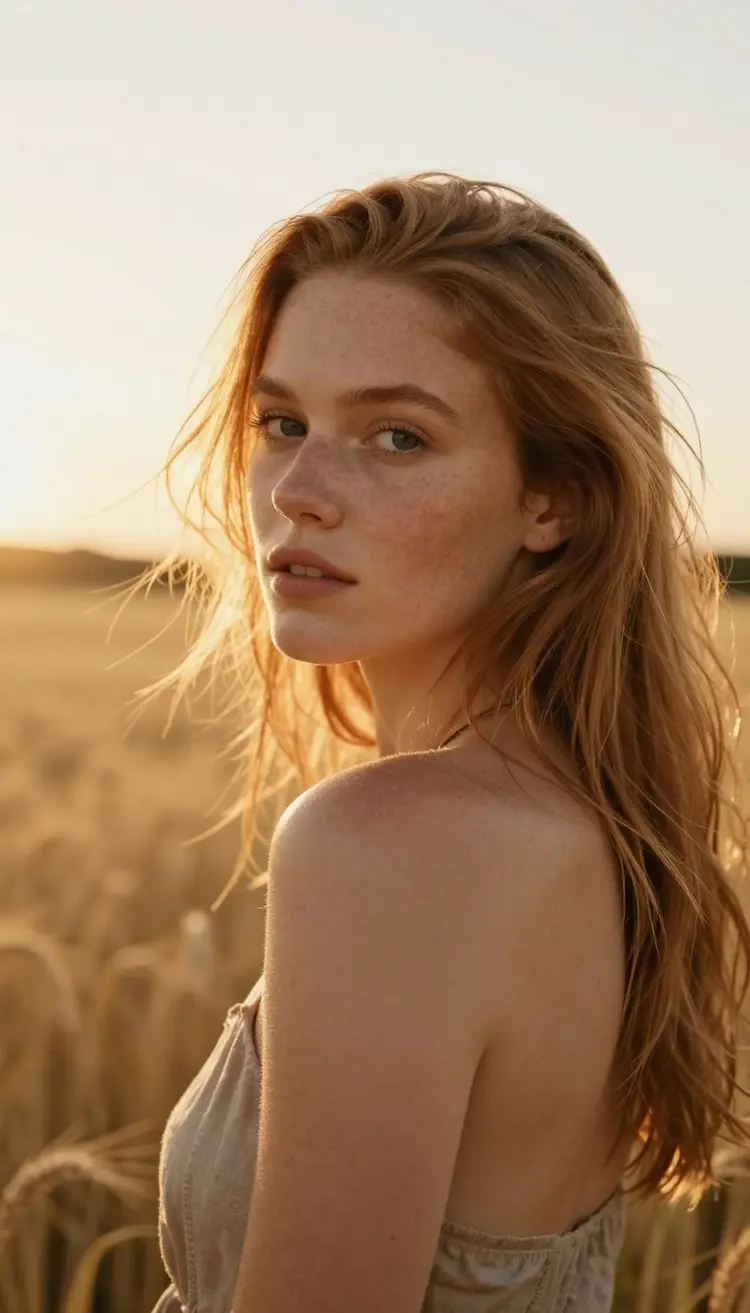
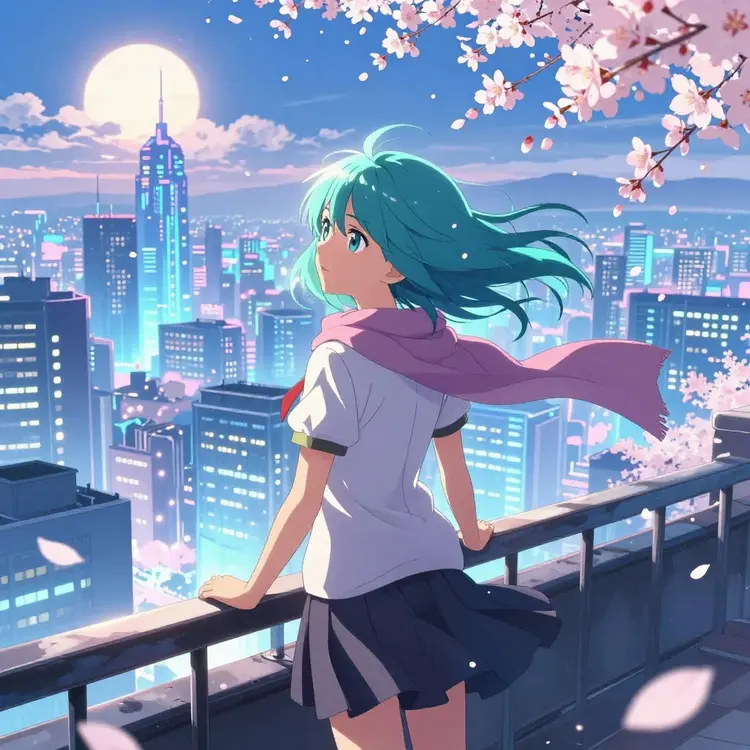
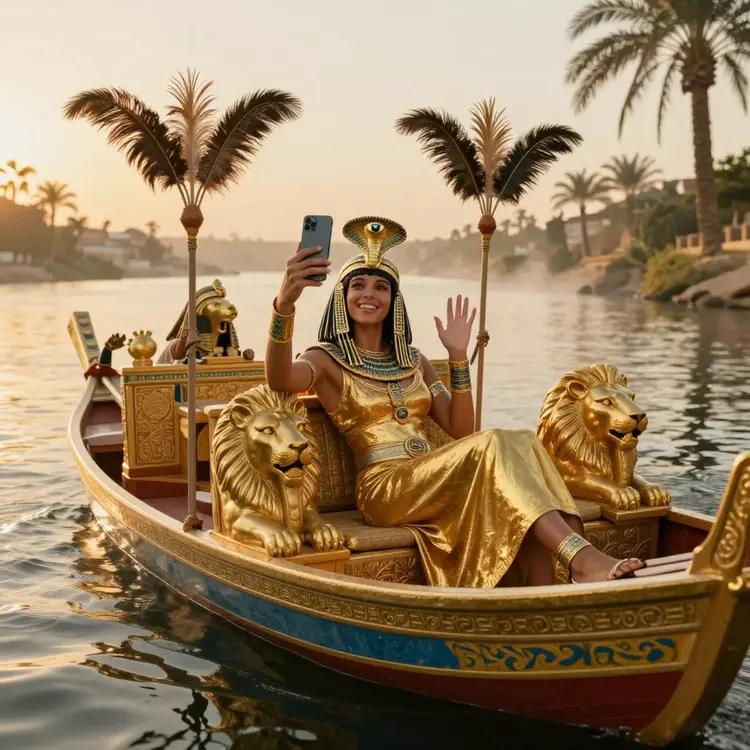
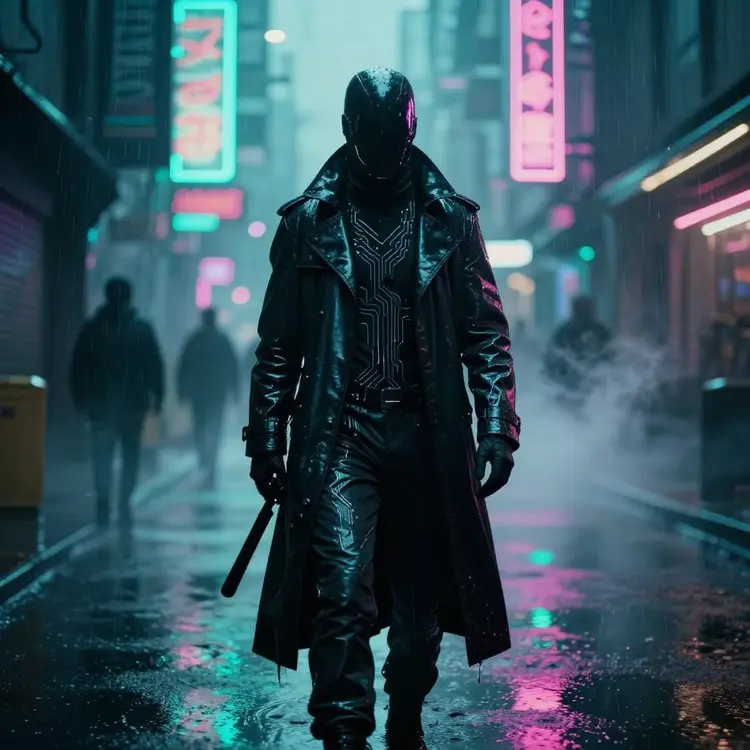
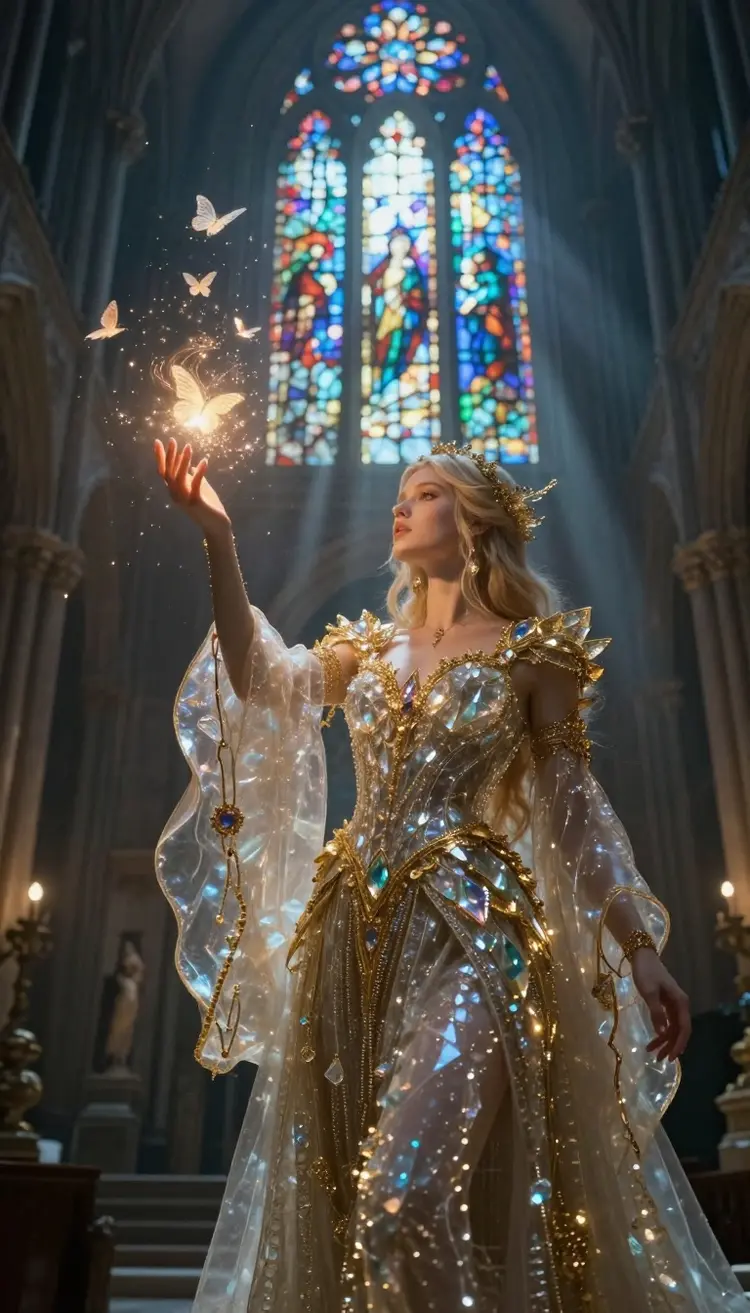
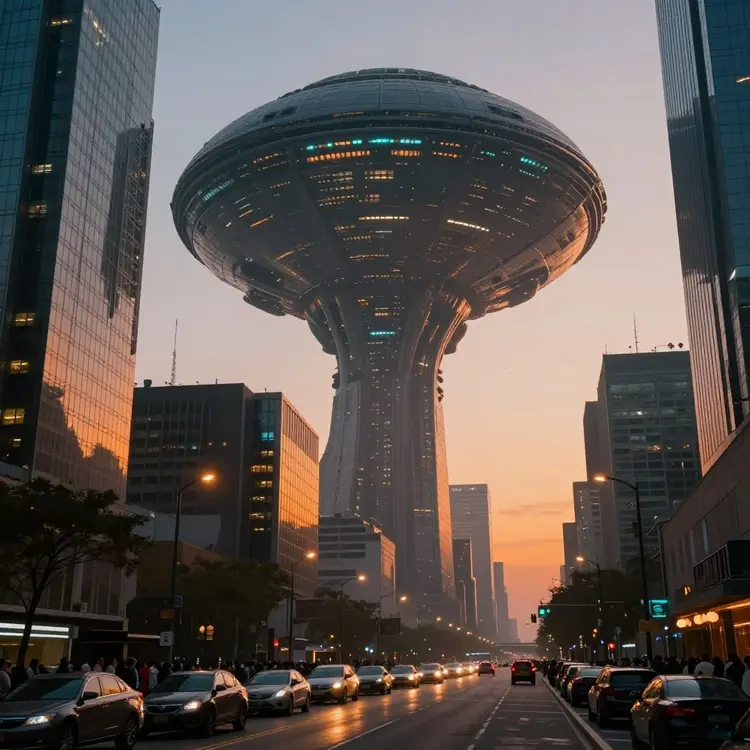
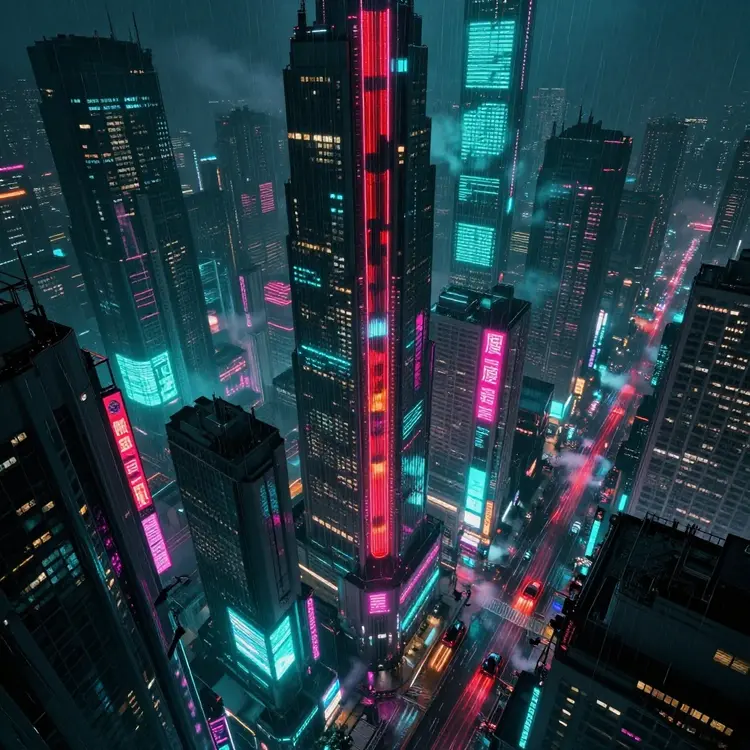
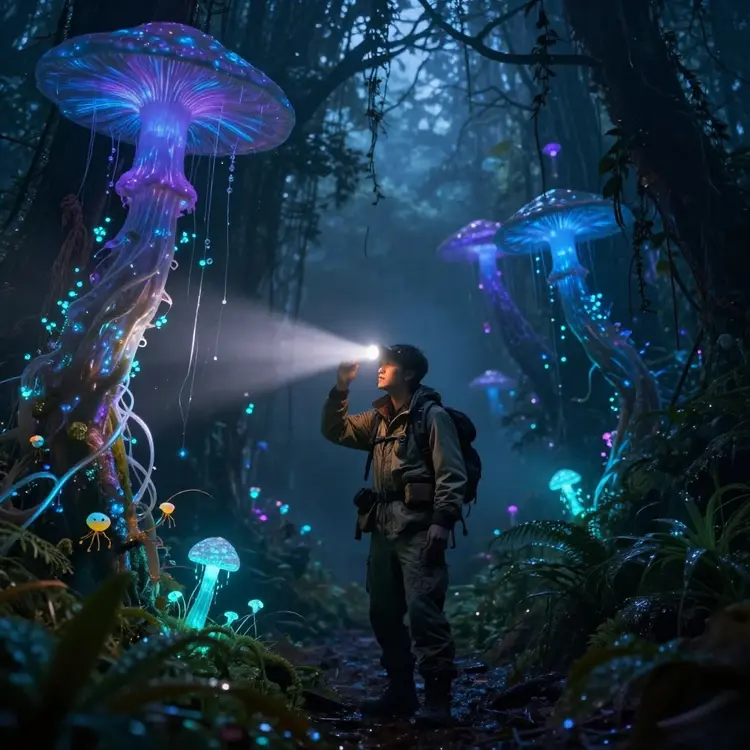
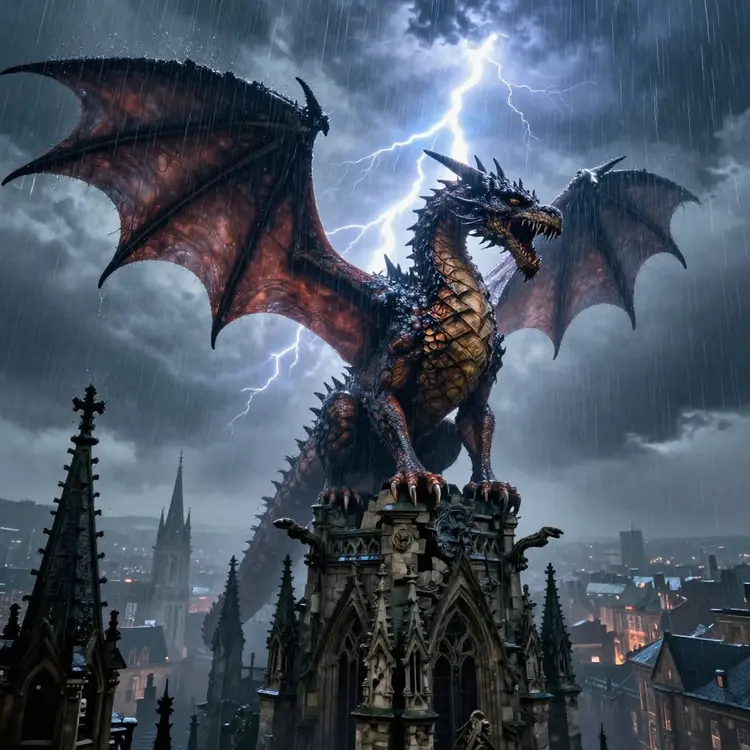
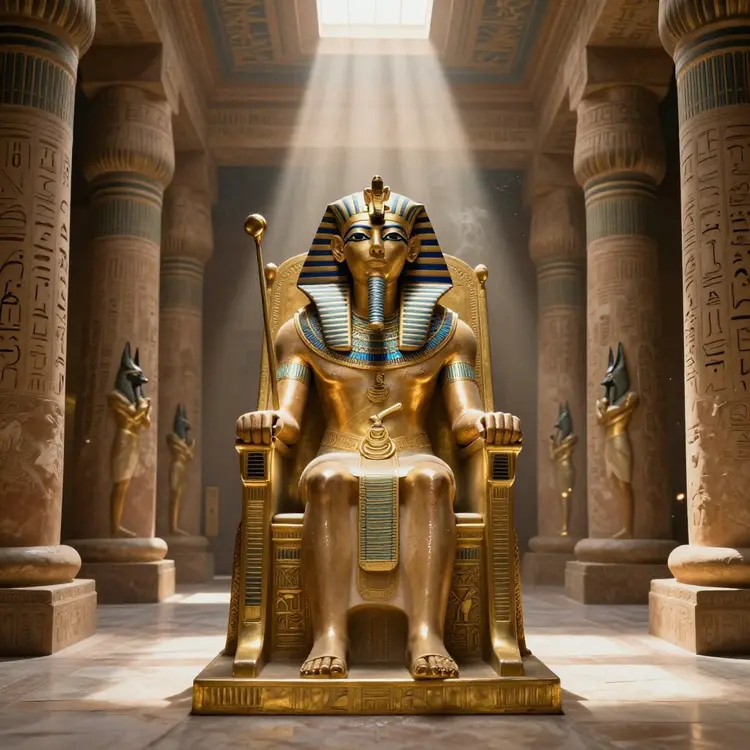
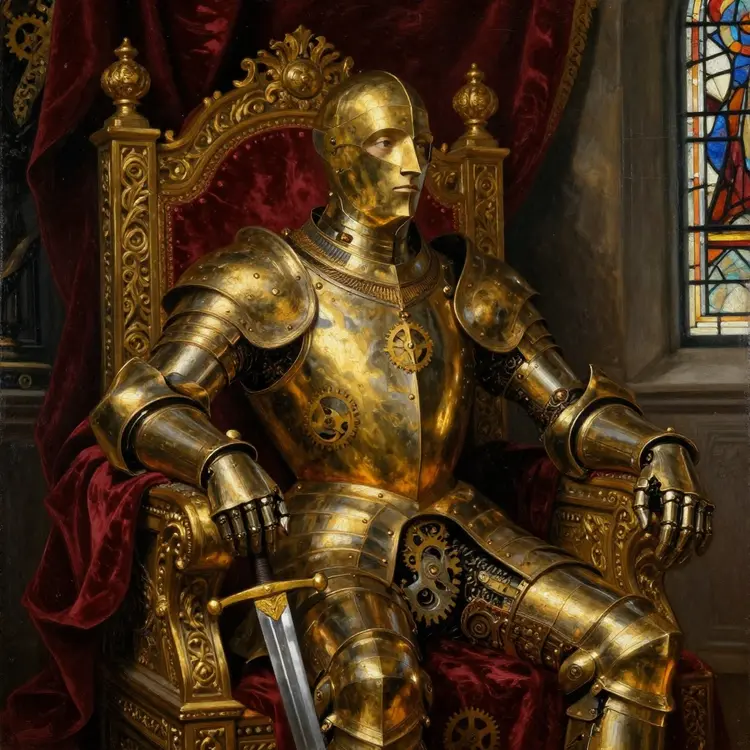
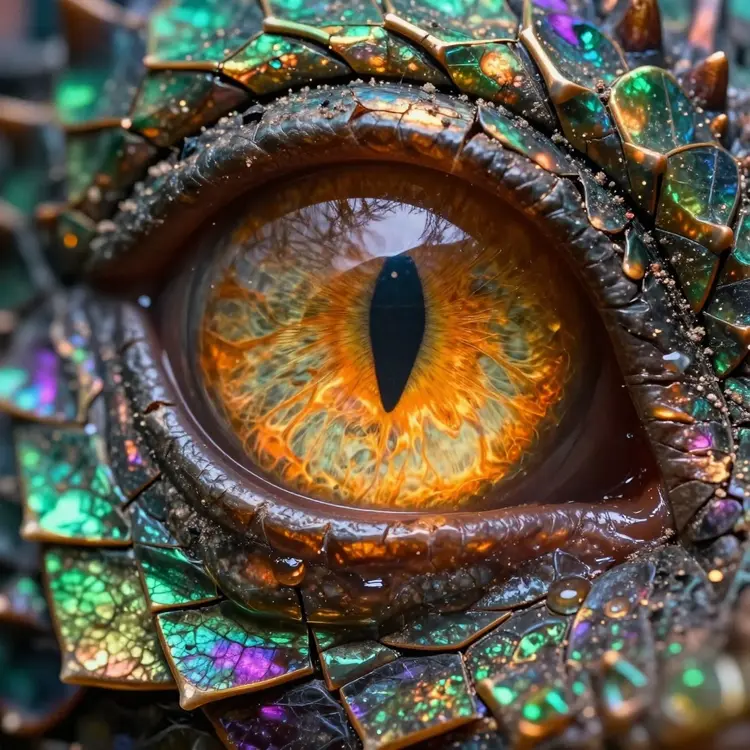
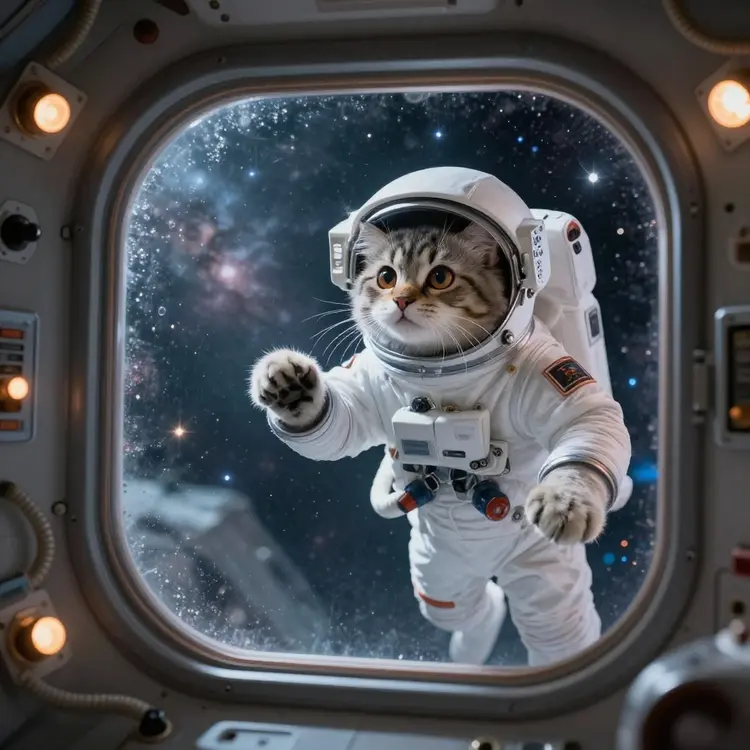
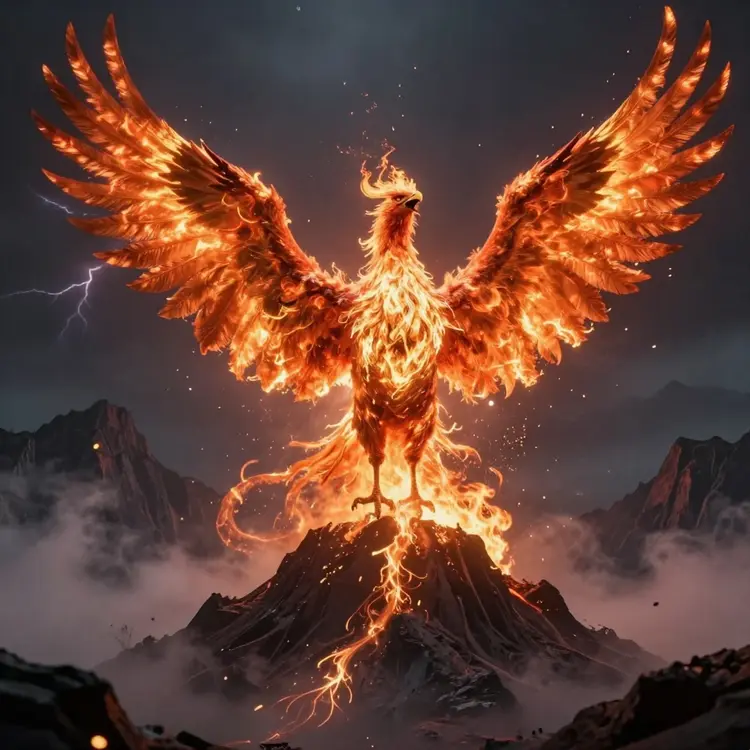
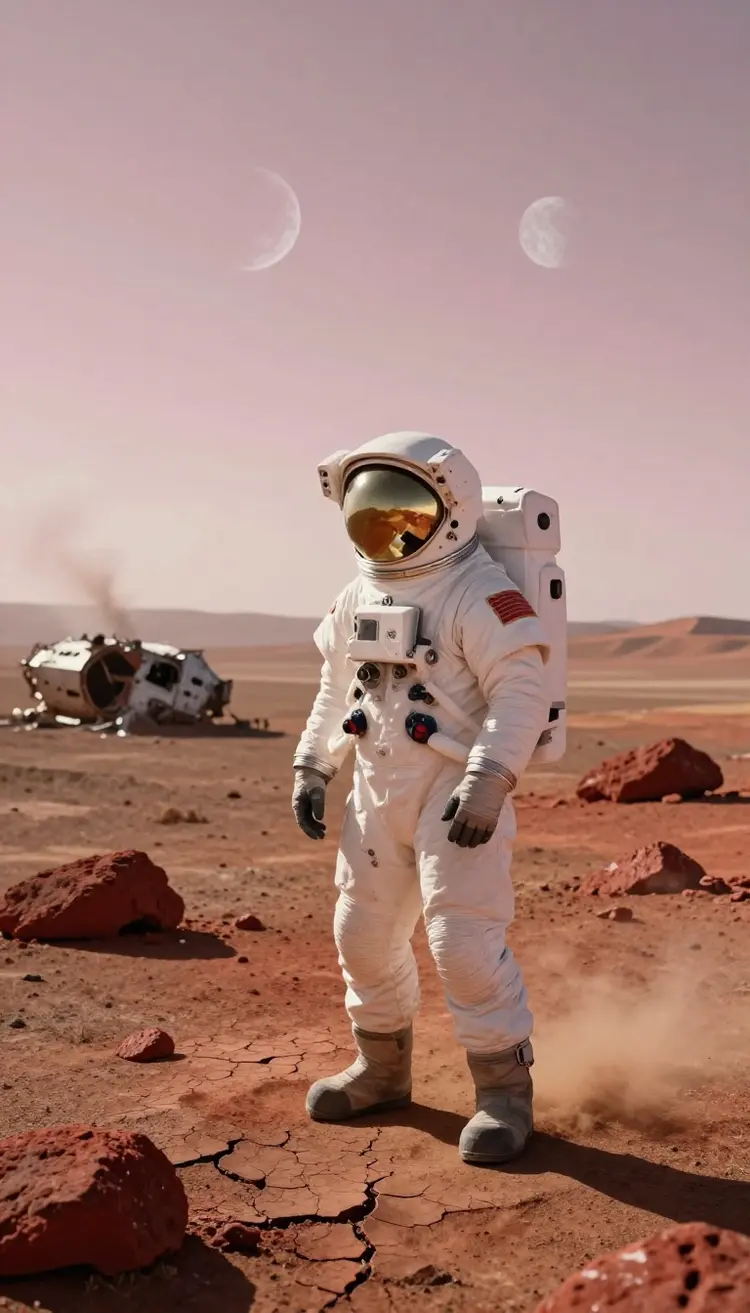
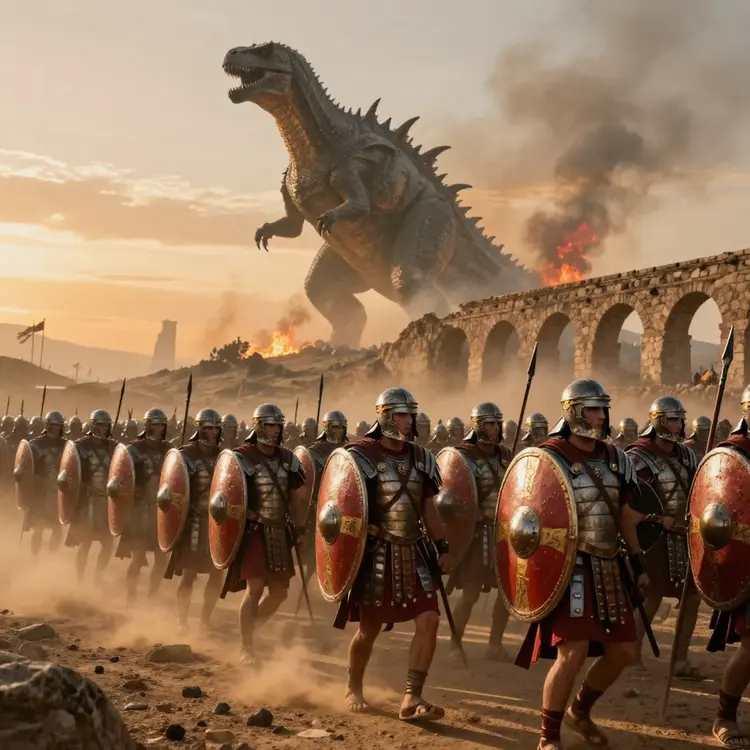
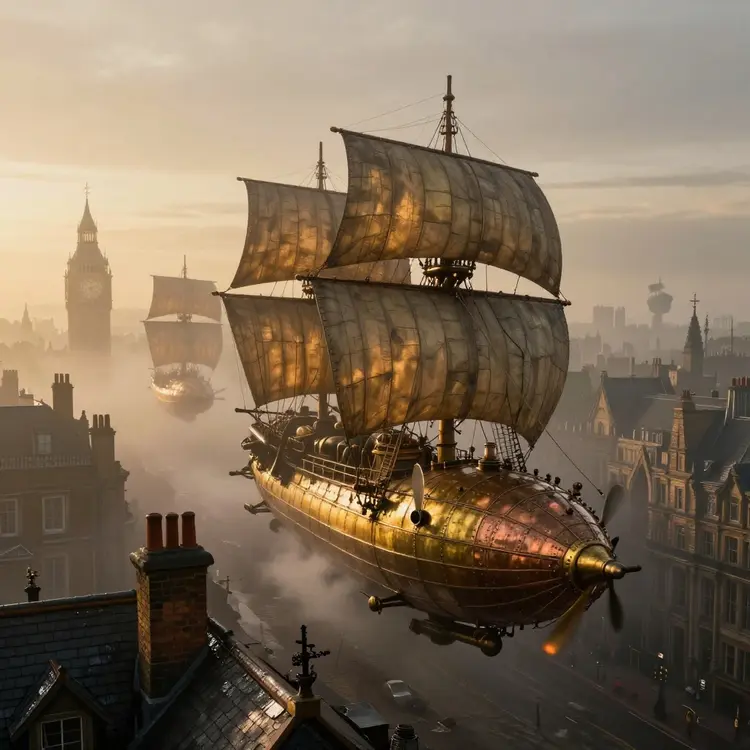
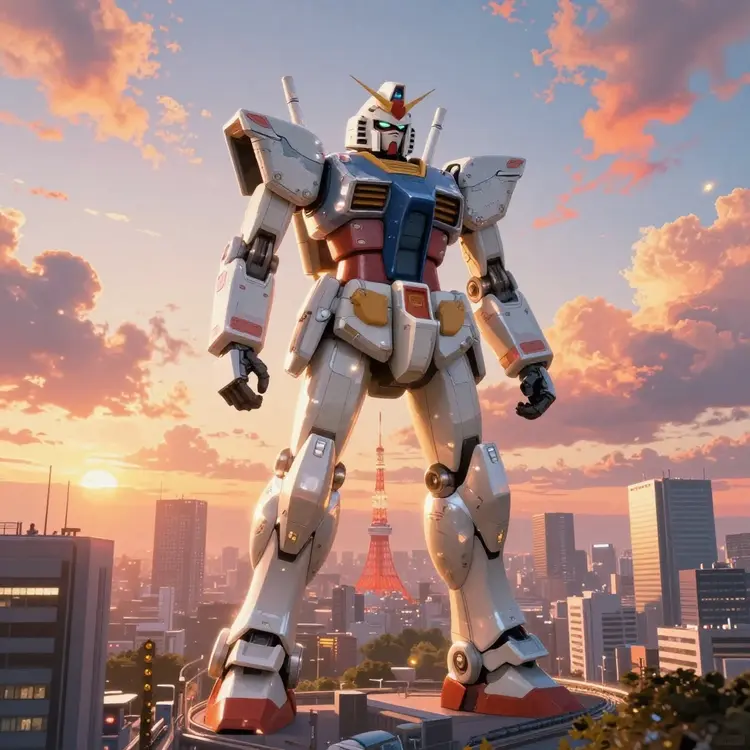
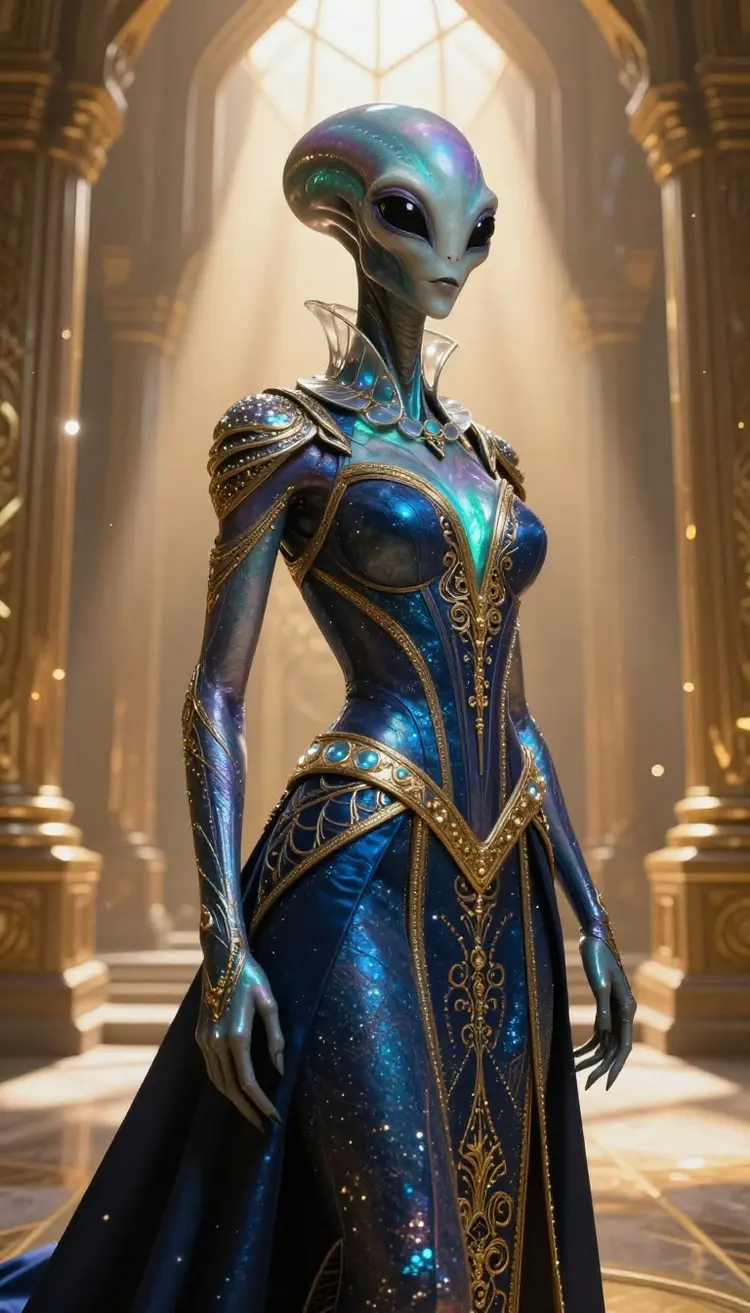
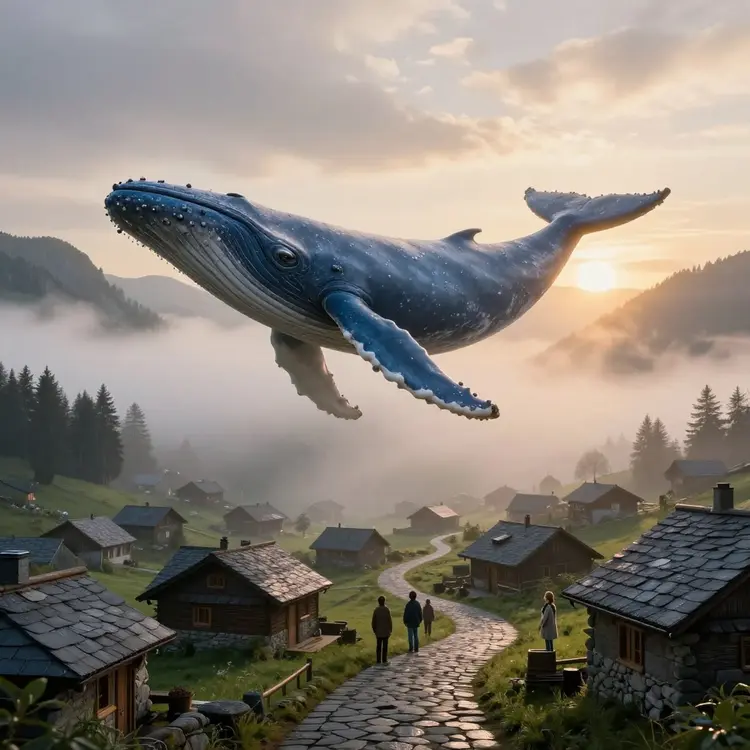
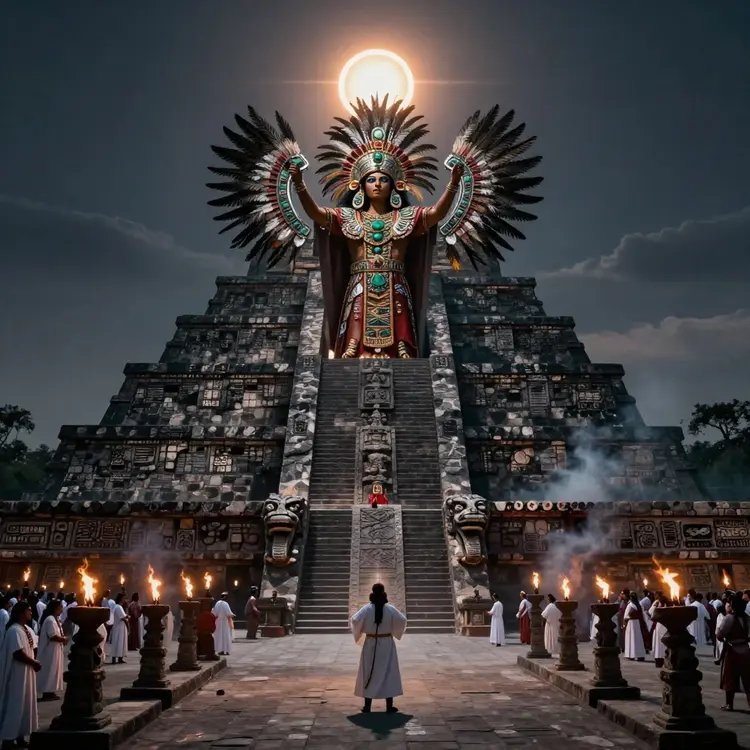
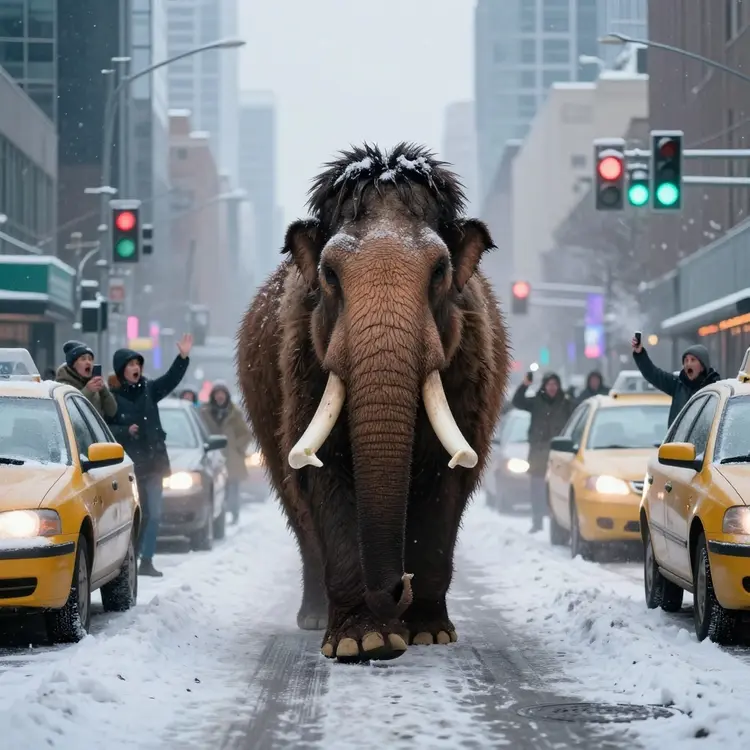
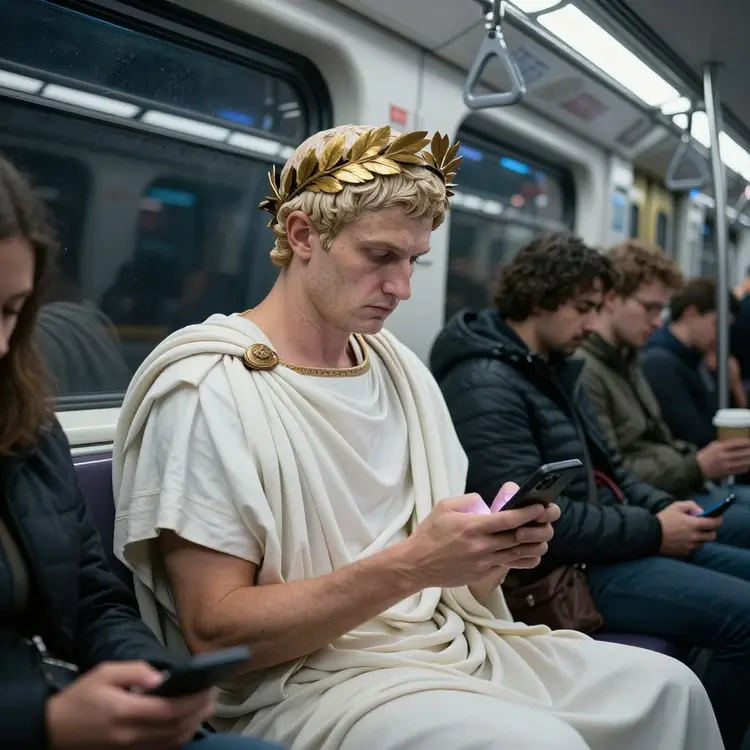
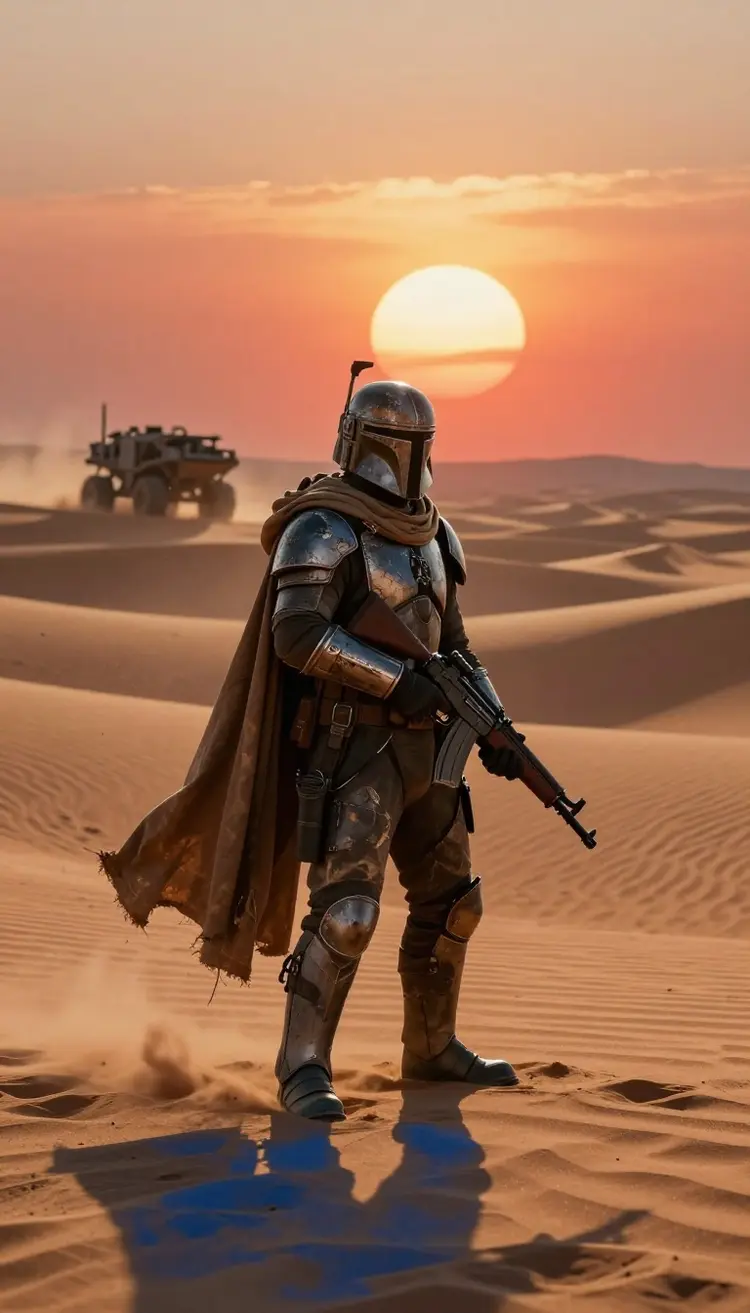
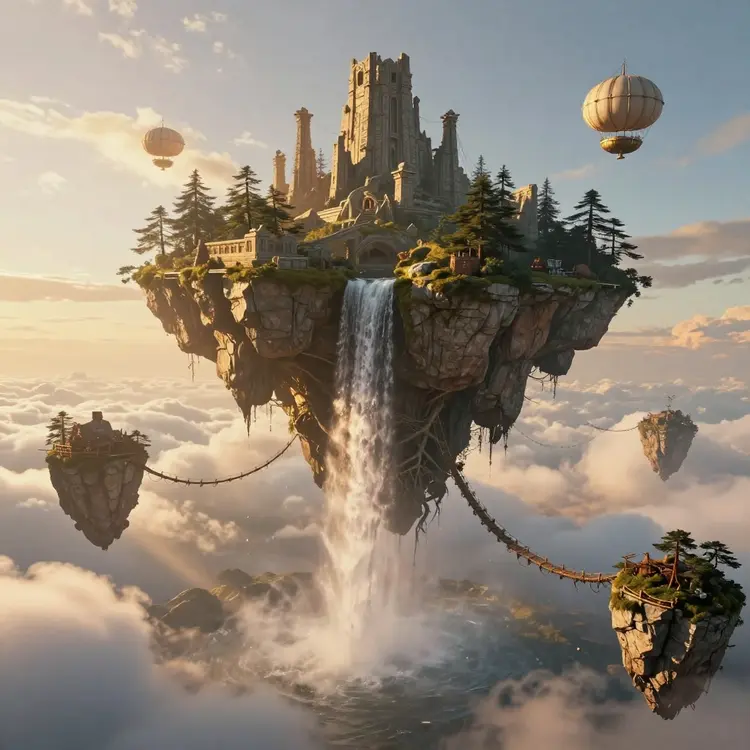
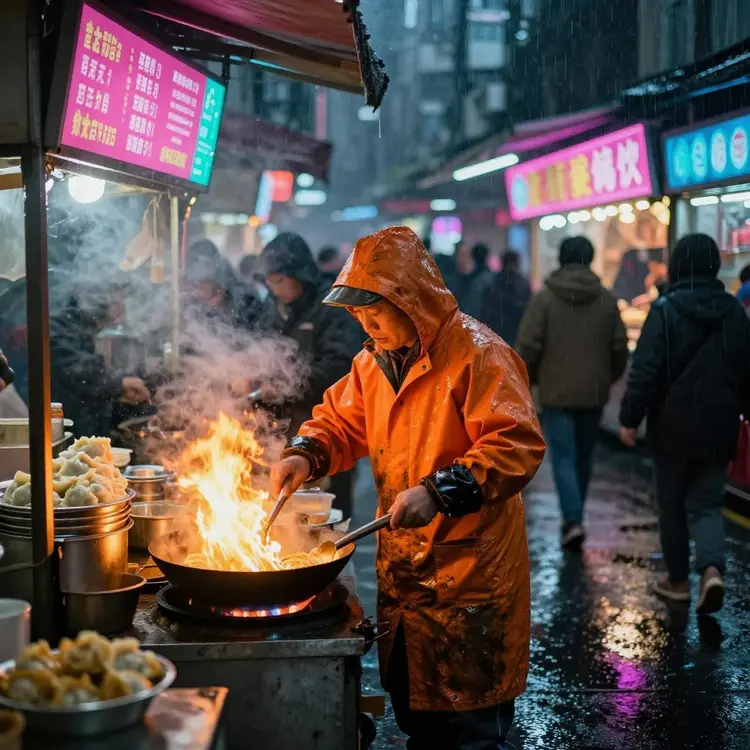
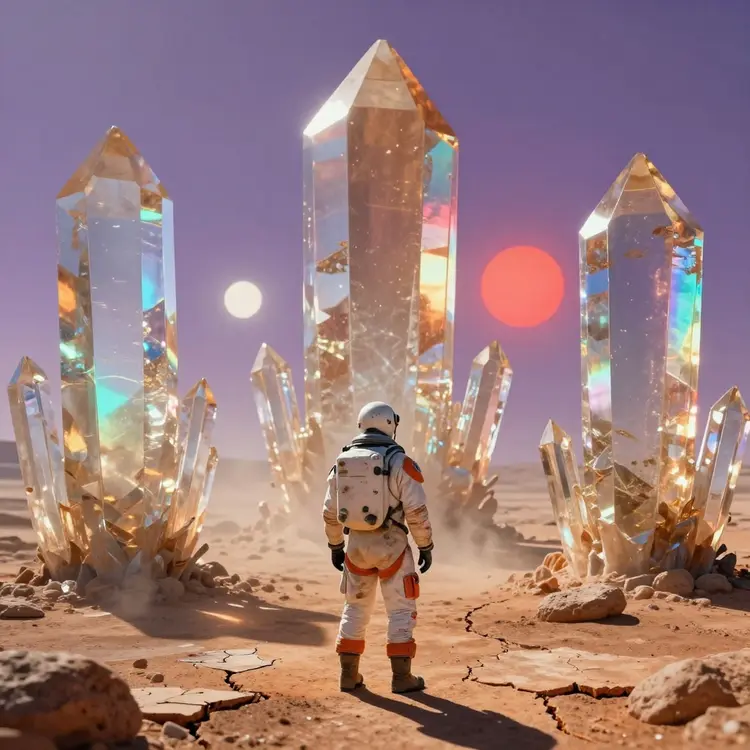
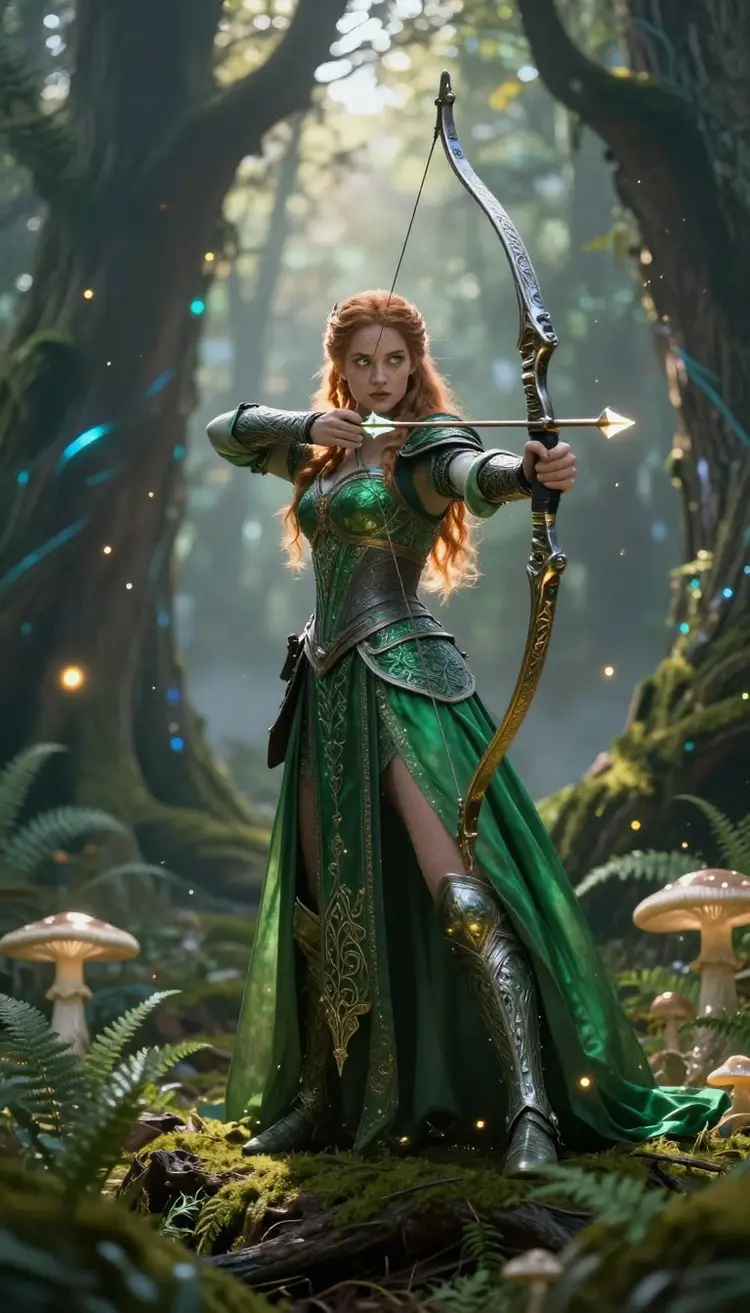
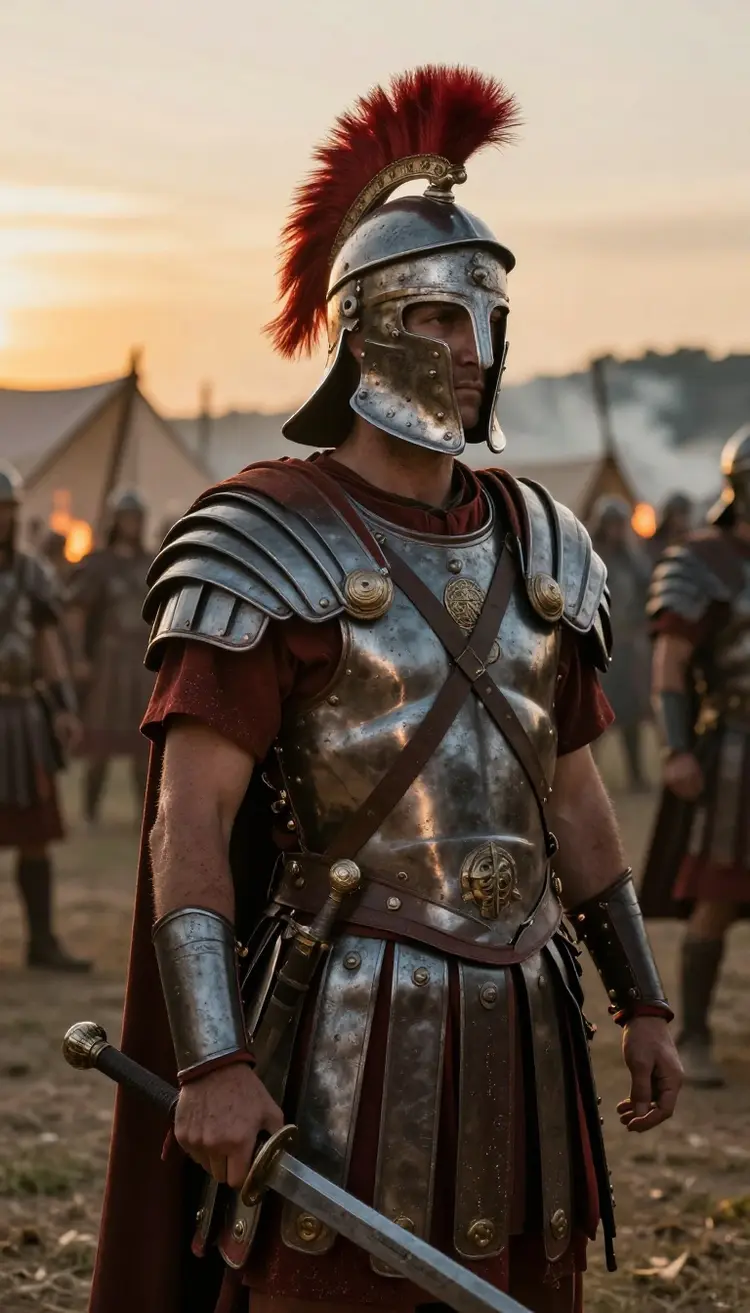
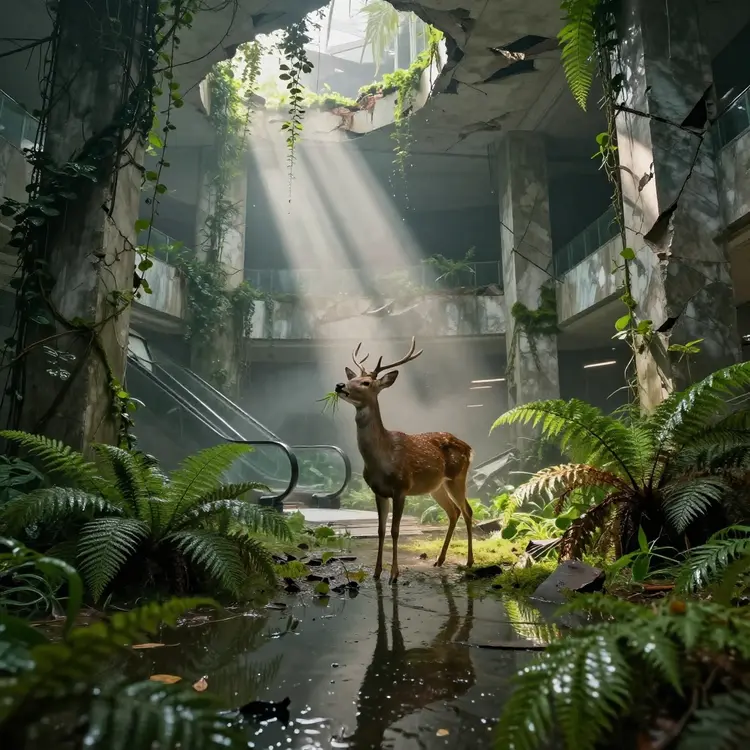
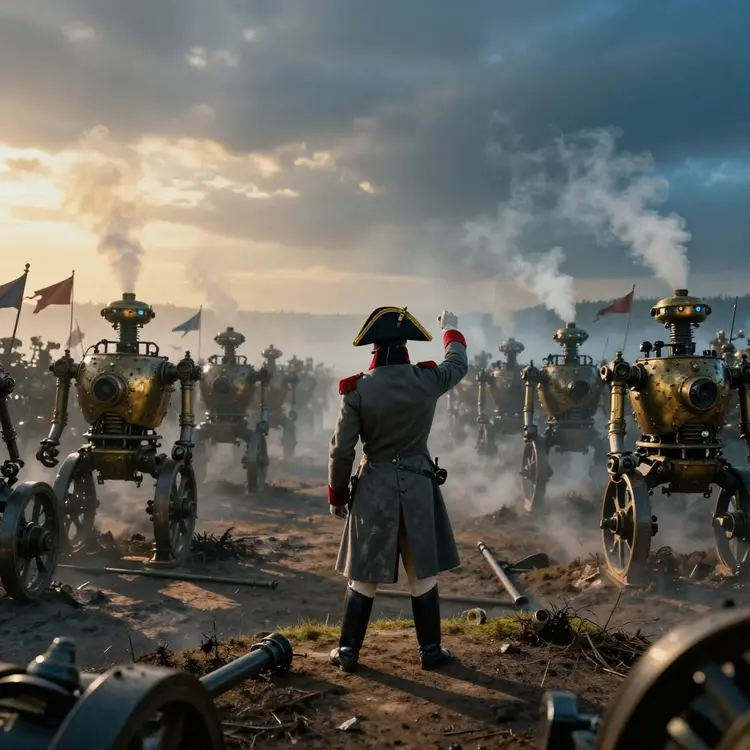
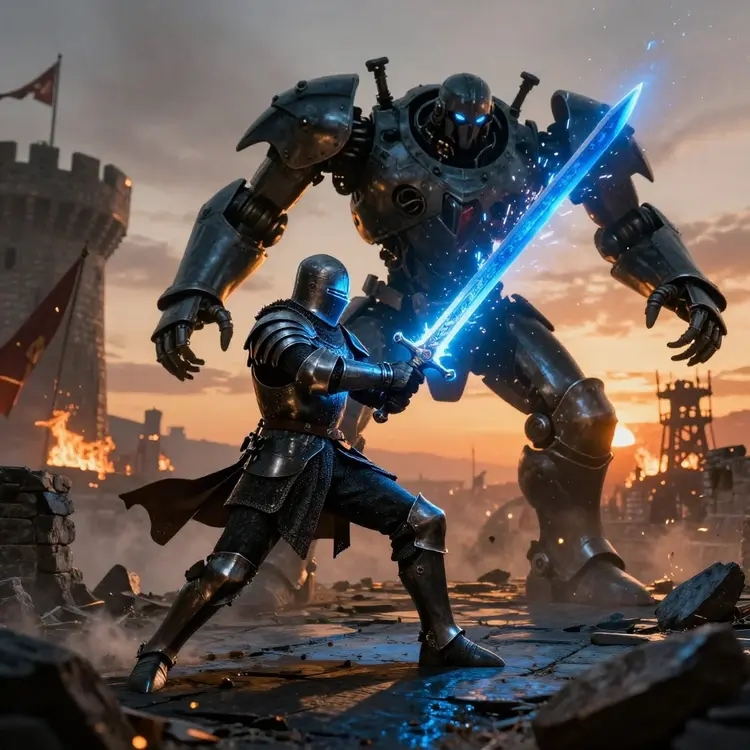
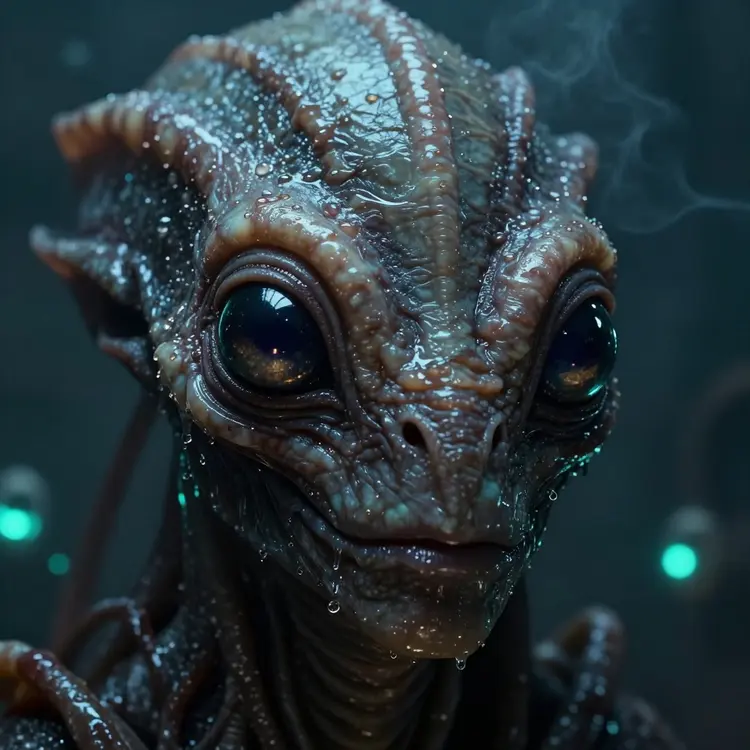
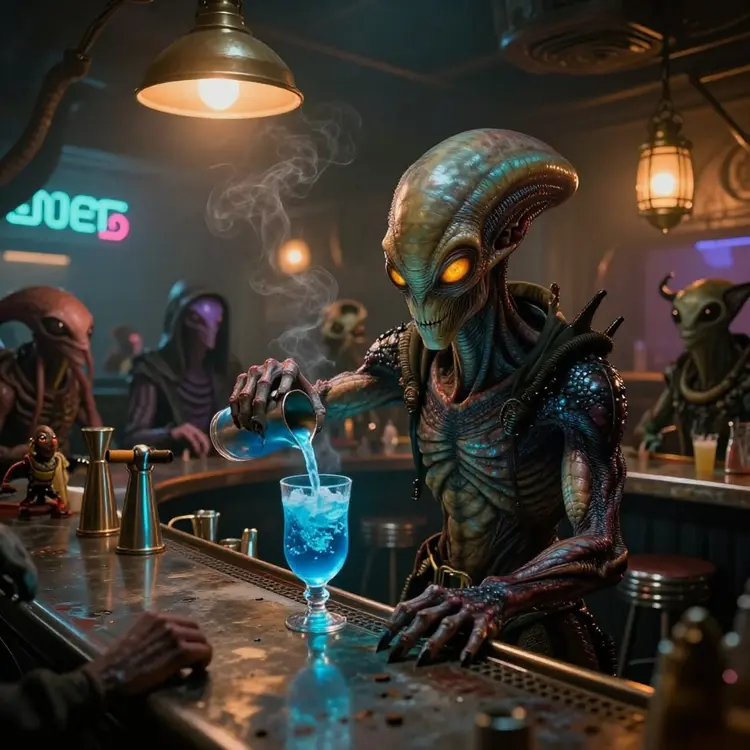
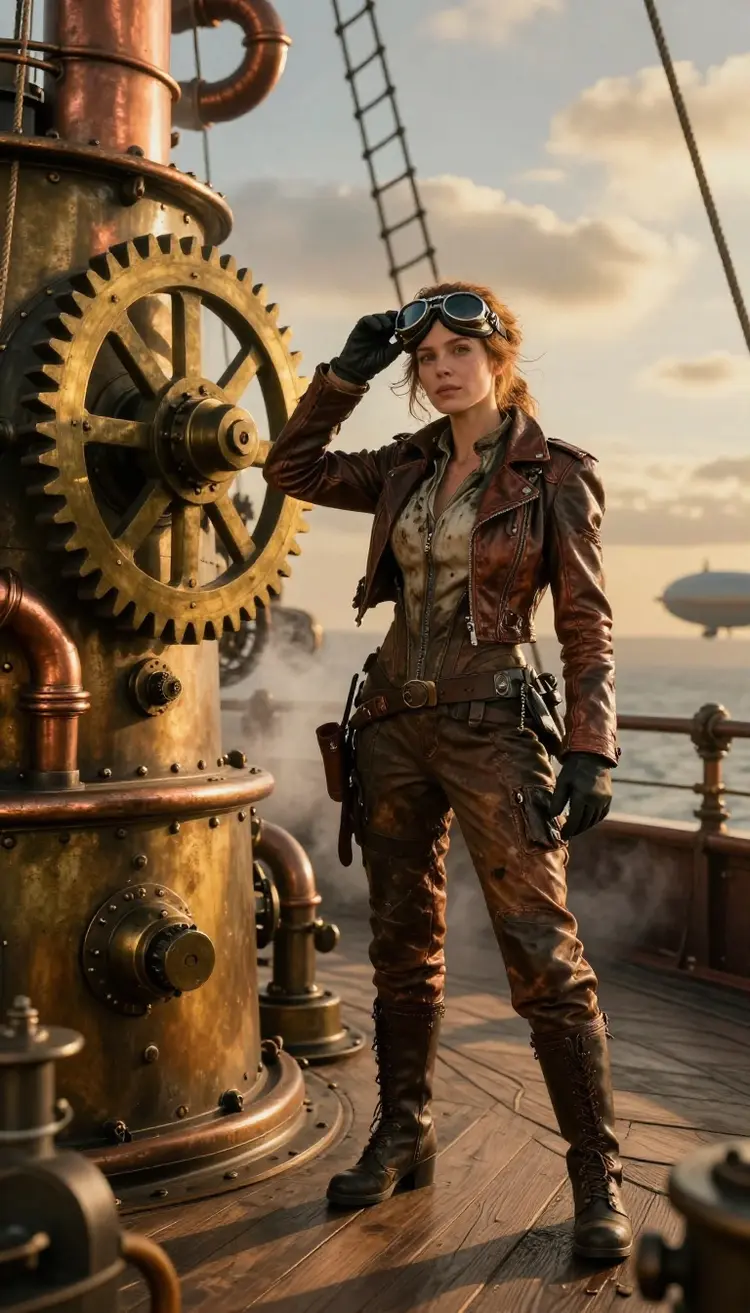
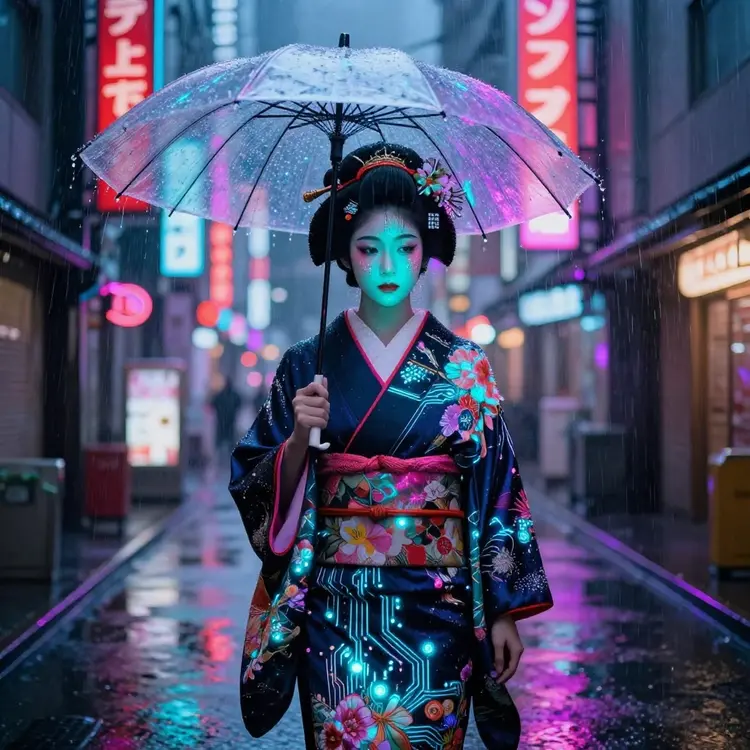
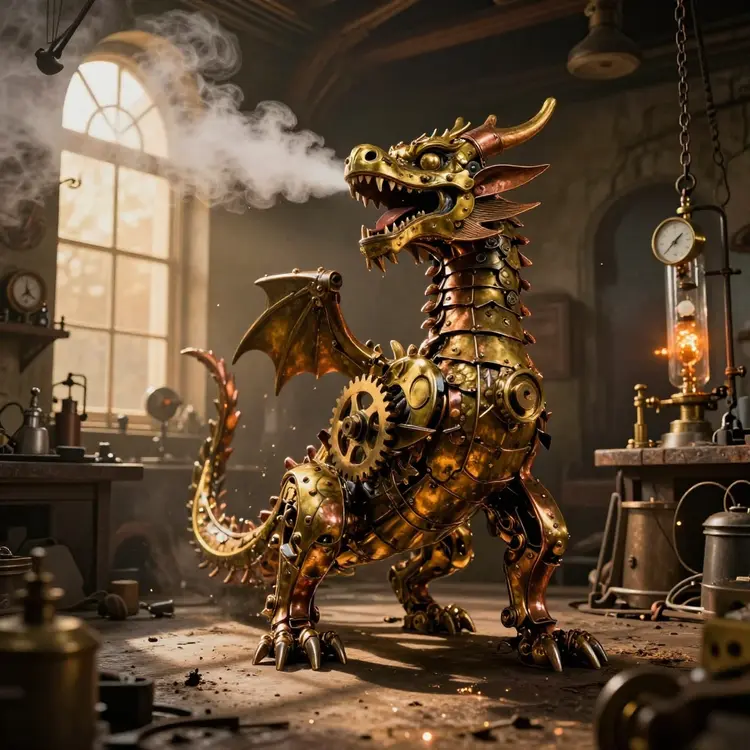
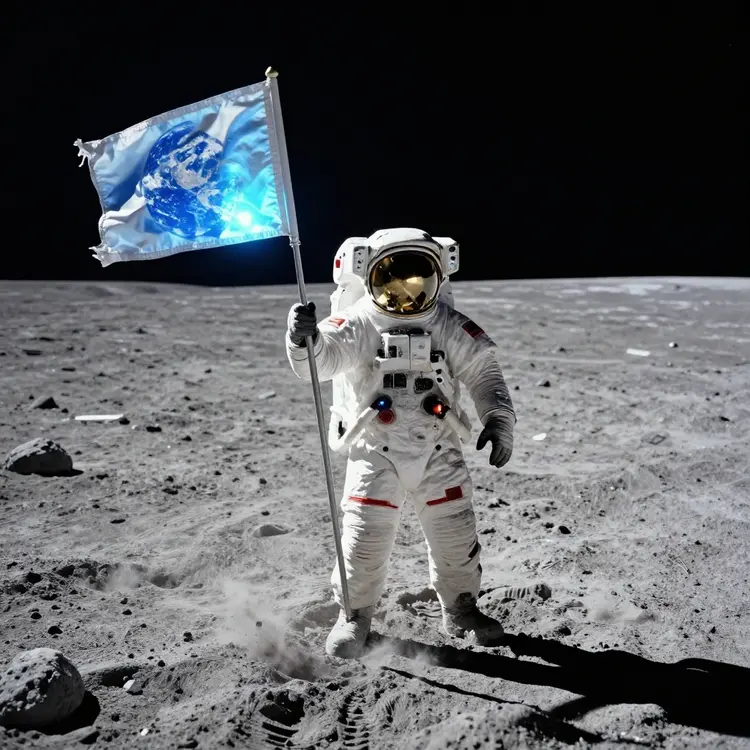
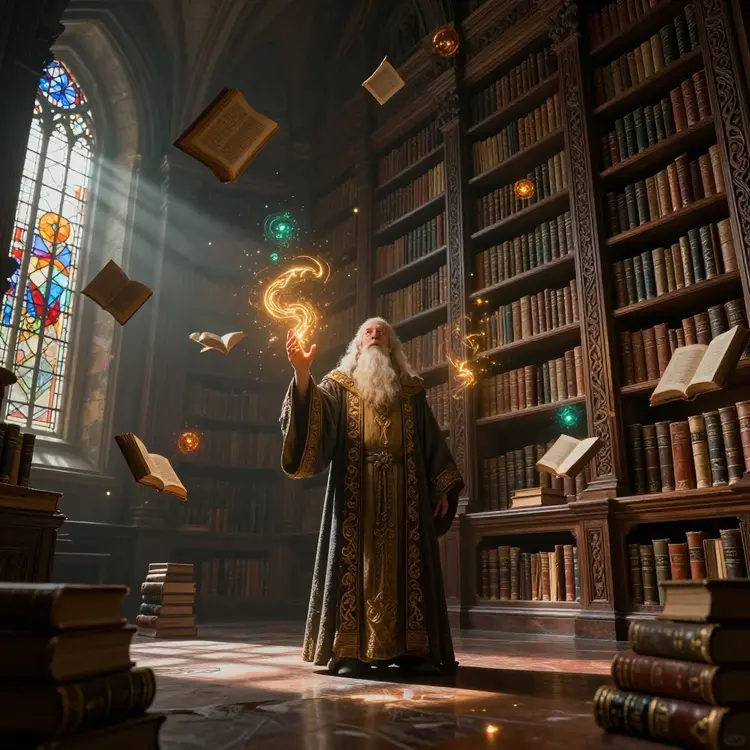
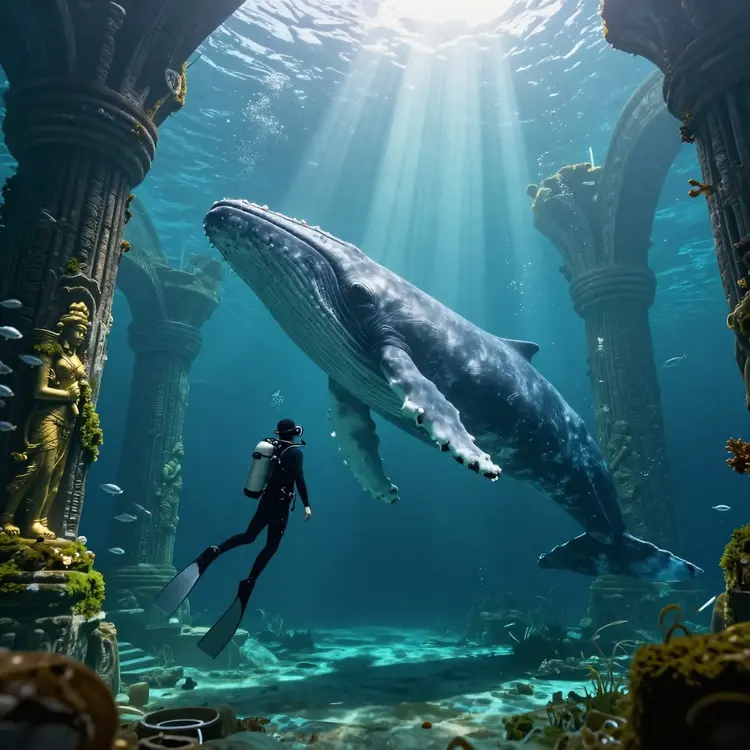
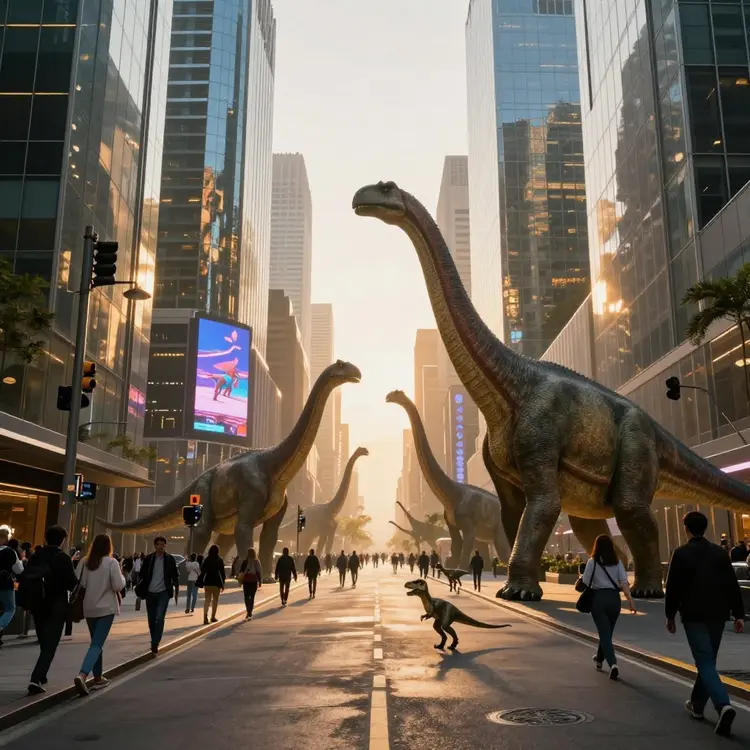
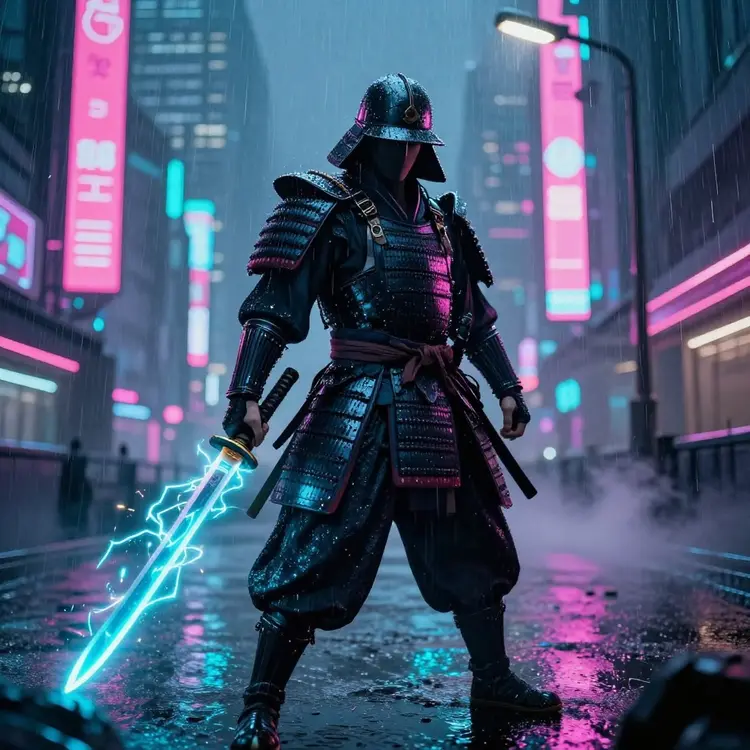
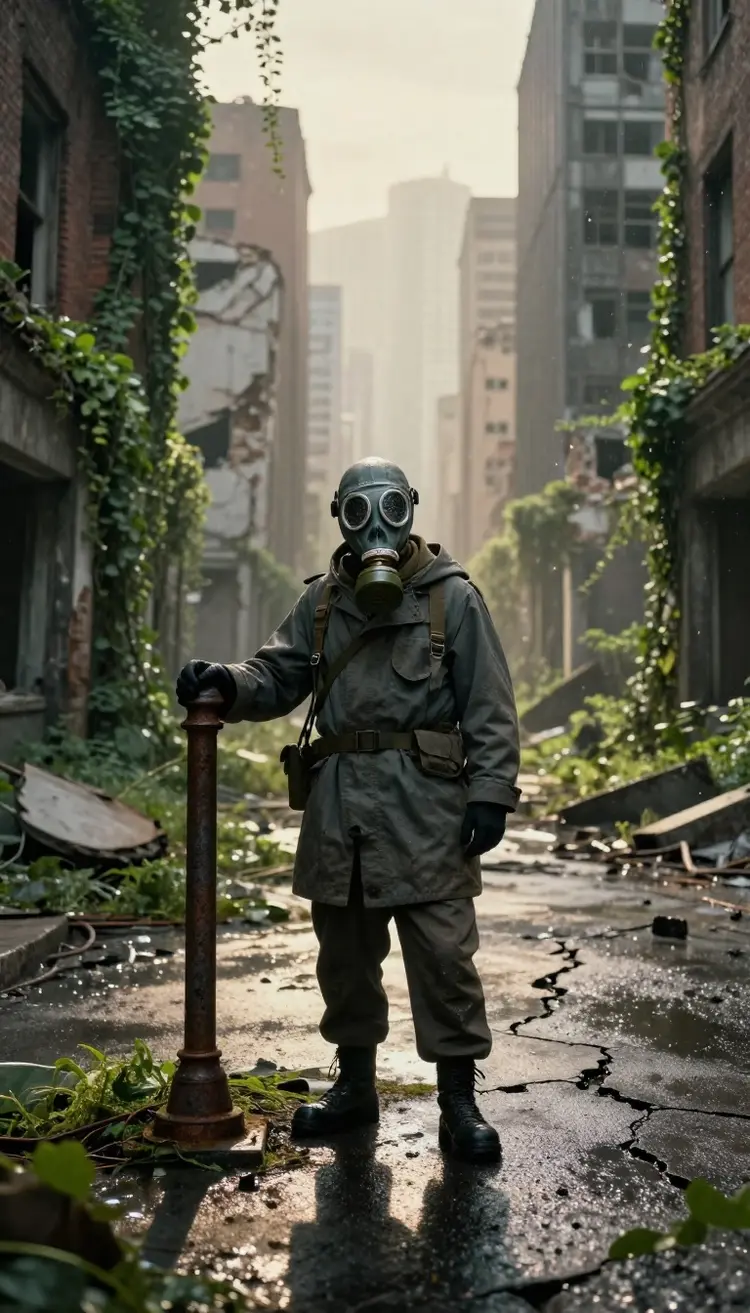
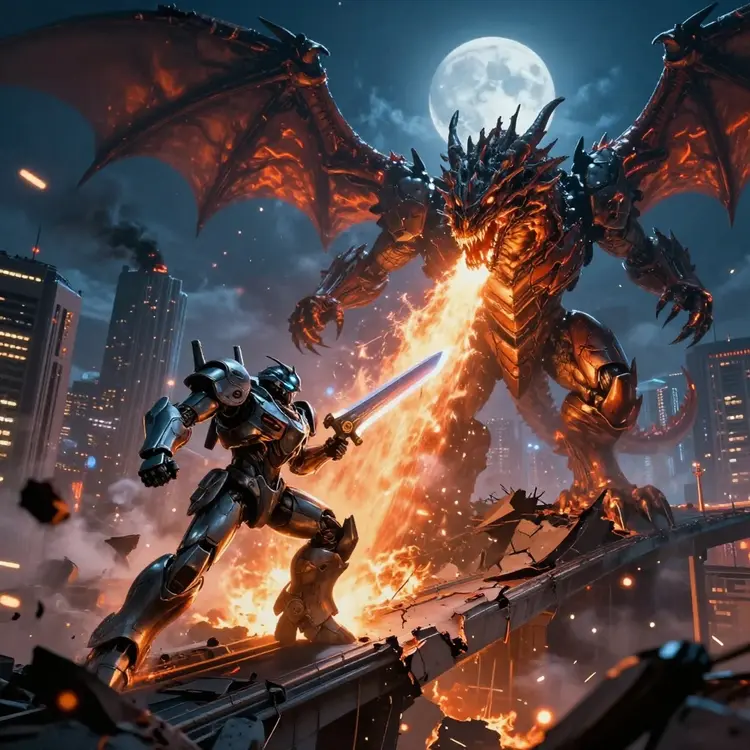
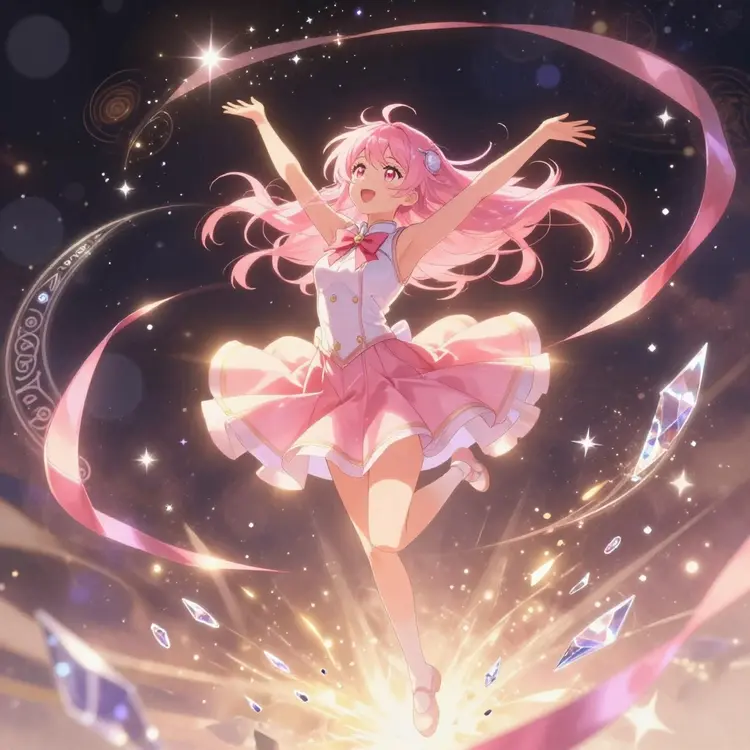
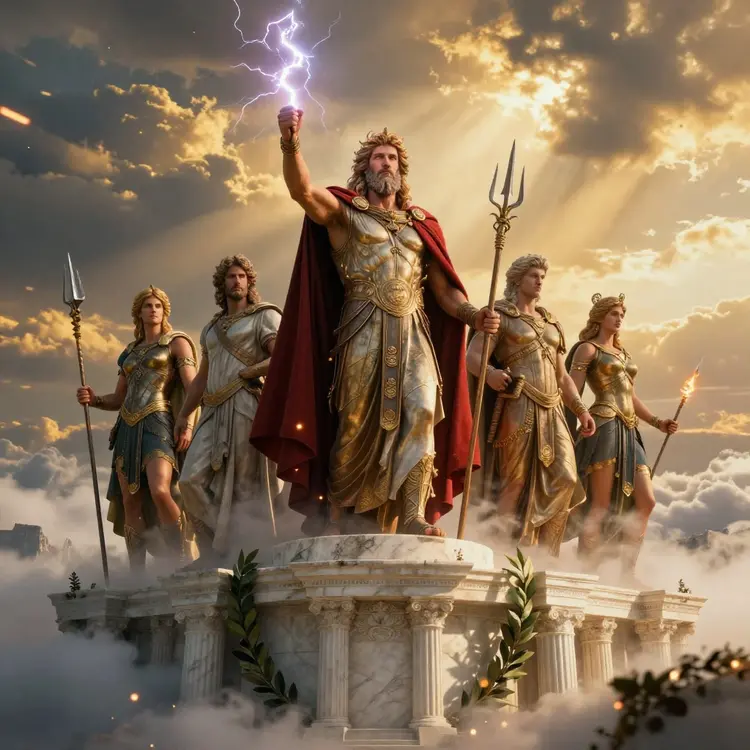
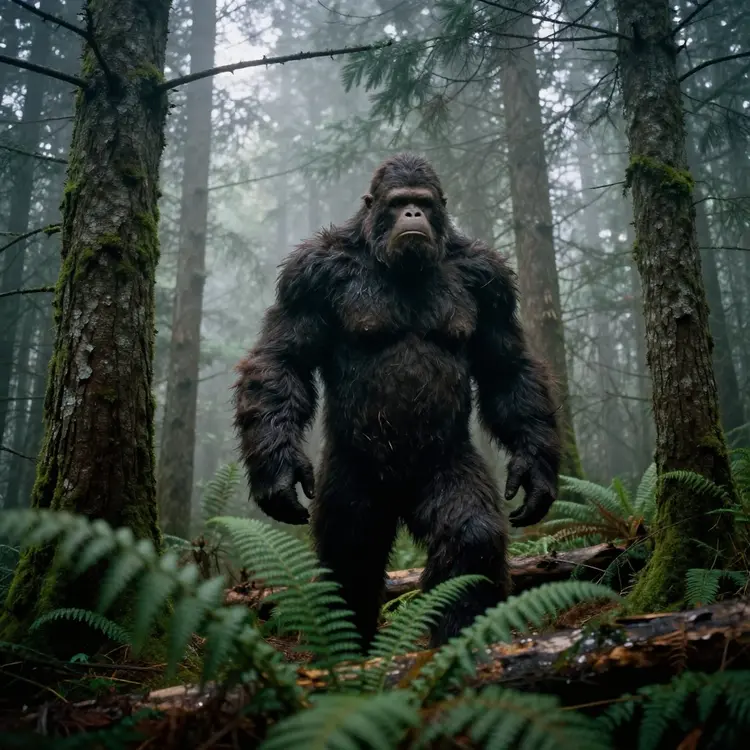
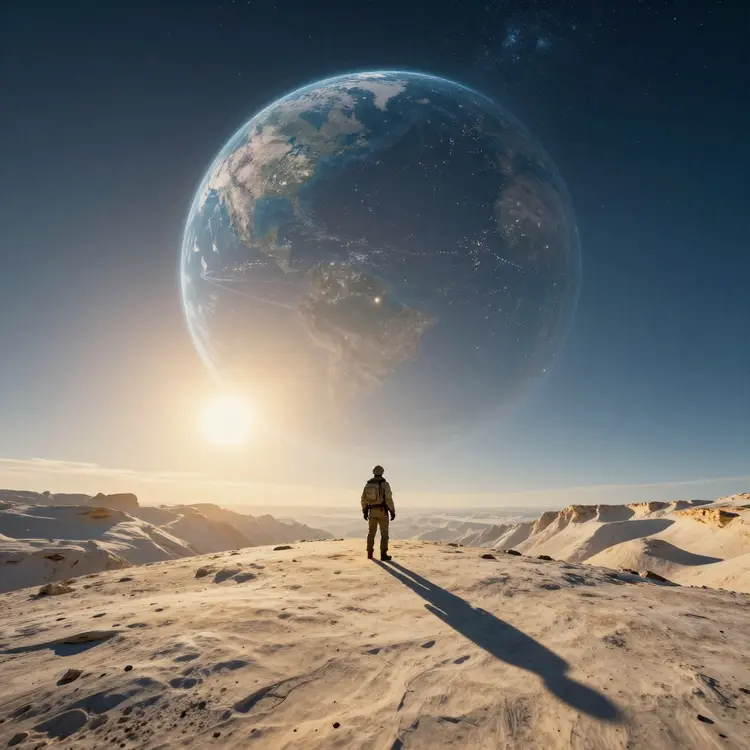
With Picasso IA's real-time AI image generator, you can create a wide variety of images, from digital art to custom illustrations. The tool supports various styles and themes, allowing you to experiment with different creative concepts quickly and efficiently.
What makes this generator real-time instead of regular?
Most generators run each prompt as a separate job that you submit and wait on. The Real-Time Generator keeps a live canvas open and redraws the image the moment you change the prompt, so a new word, color, or lighting cue shows up almost instantly. That tight loop lets you steer the result by feel, much like sketching, instead of guessing and waiting. When a frame looks right, you lock it for a clean full-quality render and download it.
Do I need a powerful computer or any installation?
No. The Real-Time Generator runs entirely in your web browser through Picasso IA, with the heavy work handled on our side. There is nothing to download, no GPU to buy, and no setup to maintain. Sign in from a laptop, desktop, tablet, or phone, open the generator, and the live canvas works the same on each one. Your images and history sync to your account, so you can start a session on one device and continue on another.
Can I use the images I create for commercial work?
Yes, in most cases. Images you generate are tied to your own Picasso IA account, and you can download them in full resolution for client projects, ads, products, and print. Before you publish paid work, check the licensing terms shown in your account so you know exactly how each image may be used. If you have a specific commercial question, our team is happy to walk you through what is covered for your plan.
What styles and image sizes can I generate?
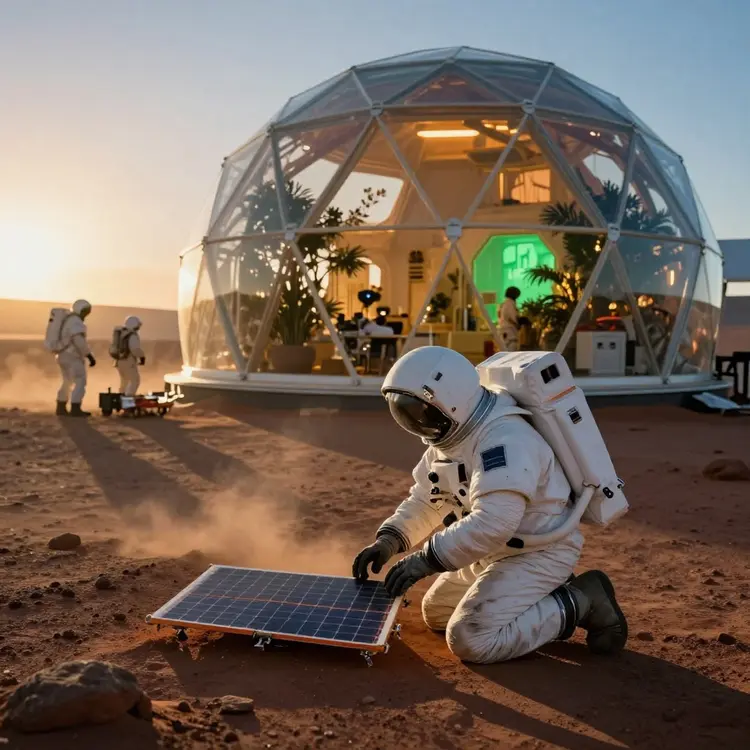
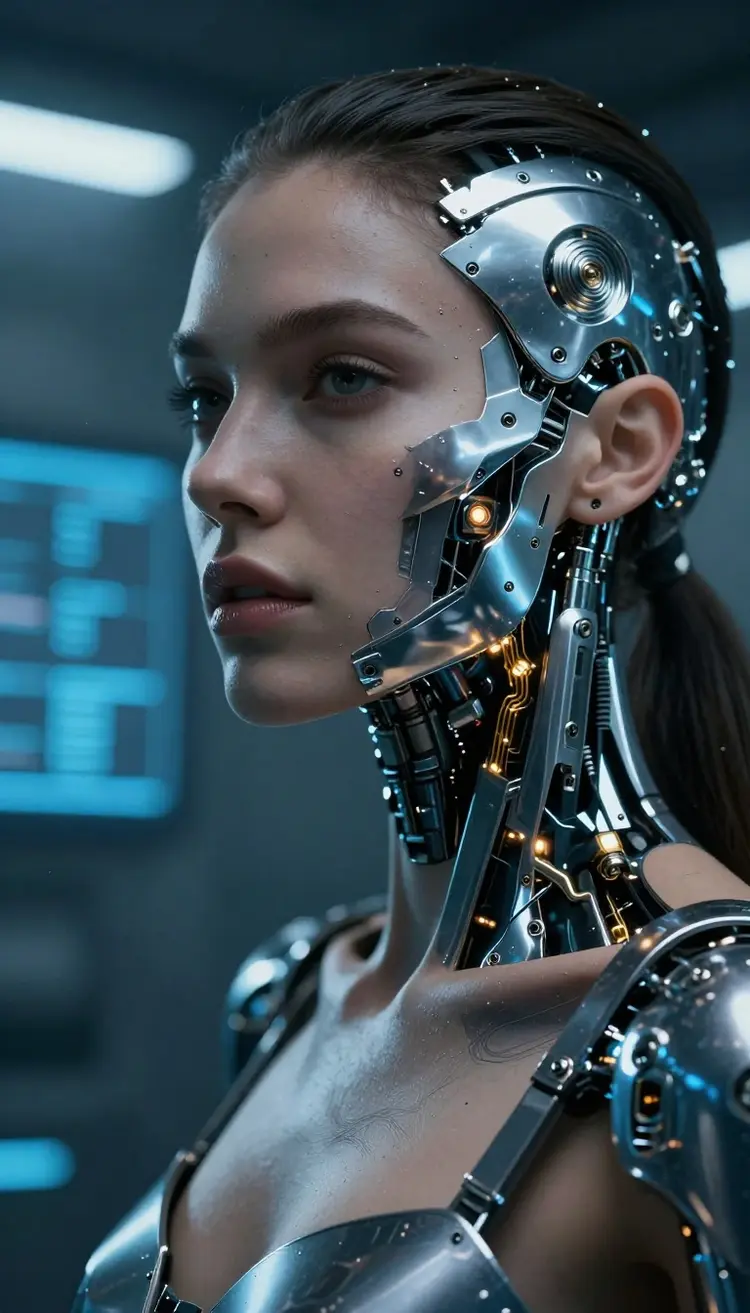
The Real-Time Generator covers a wide range of looks, from photoreal scenes and product shots to painterly art, concept frames, logos, and stylized illustration. Style presets help you get close fast, and plain-language prompts handle the fine details. You pick the aspect ratio before you generate, with square for social feeds, portrait for stories and phone screens, and landscape for banners and headers. Need a different size later? Regenerate at the new ratio or upscale the frame in another Picasso IA tool.
Still Have Questions?
Browse the full FAQ for more on the live canvas, styles, image sizes, and licensing, or message our team and we will help you set up the right workflow for your next project.