What is an AI image generator?
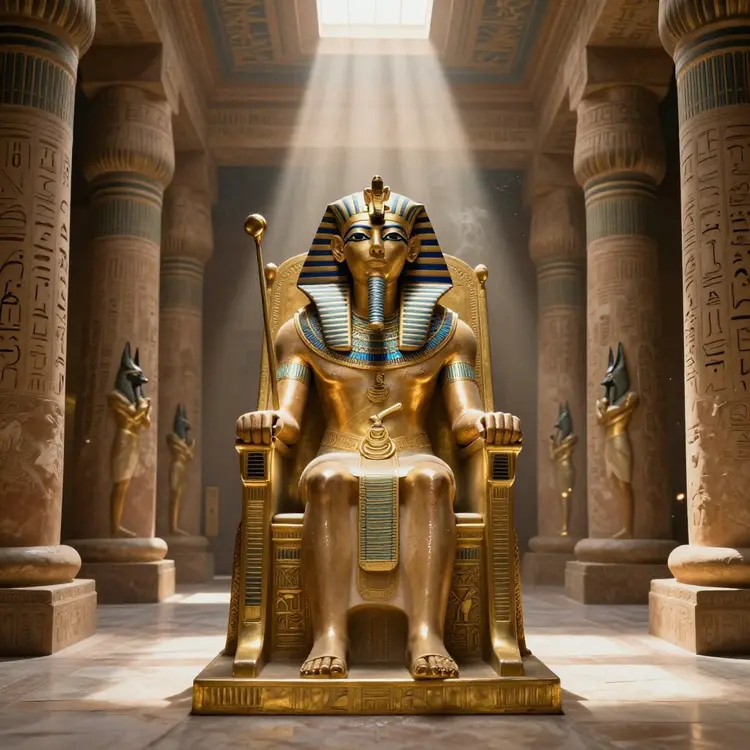
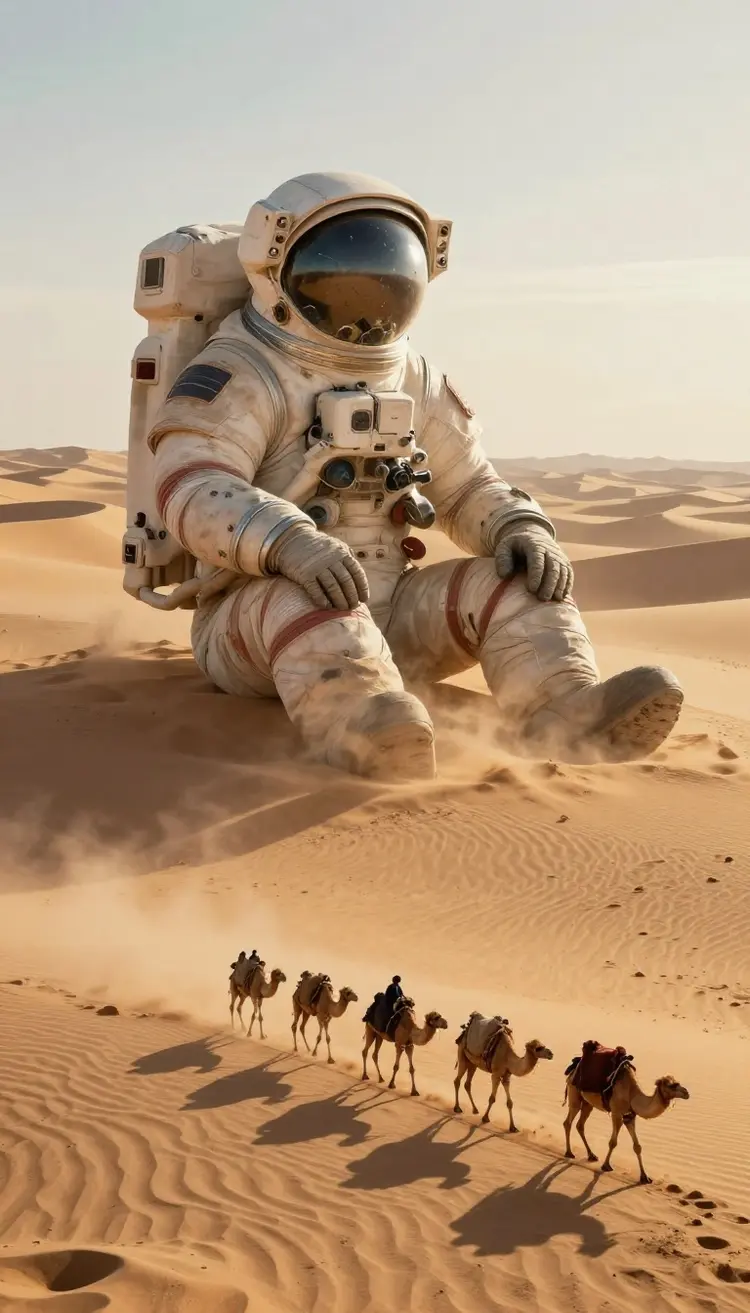
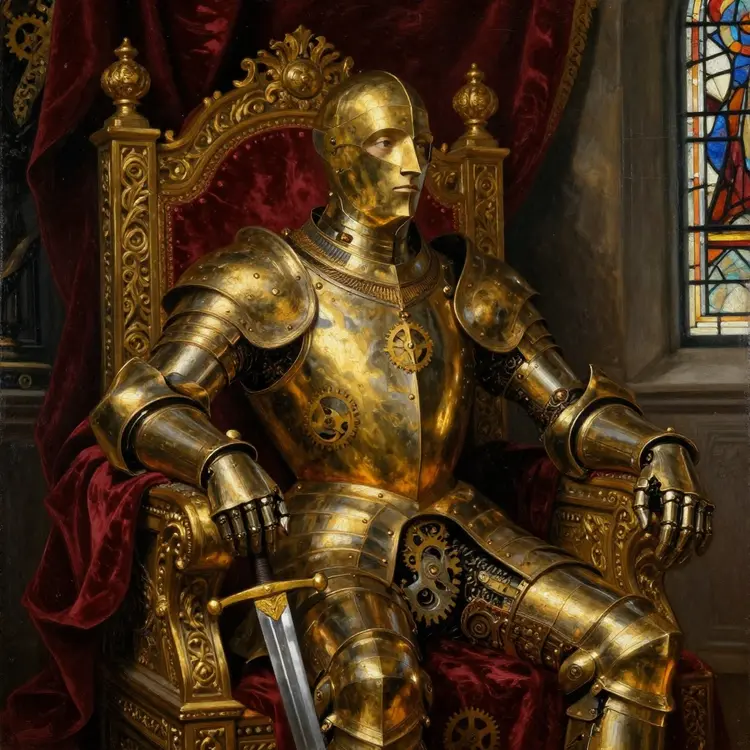
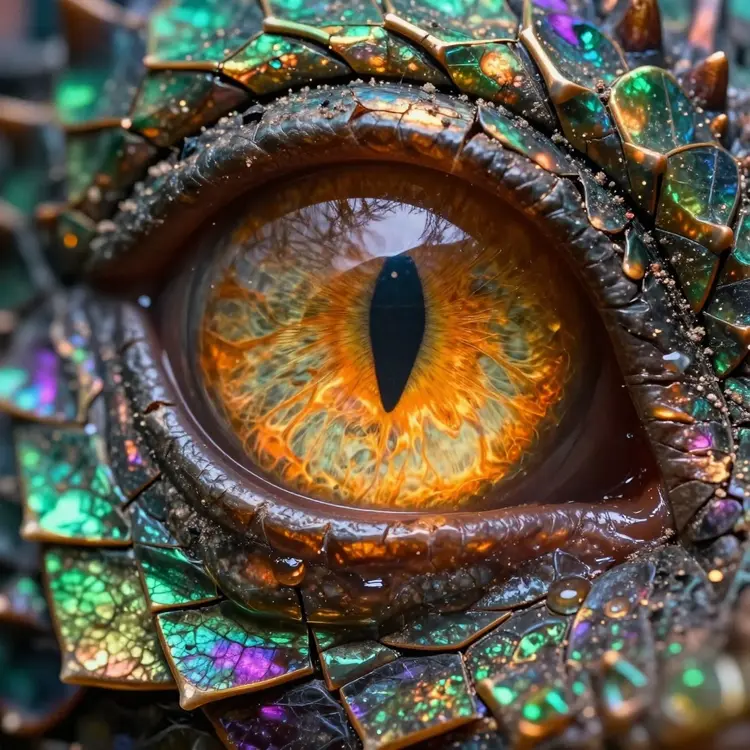
An AI image generator is a tool that uses artificial intelligence technology to create digital images. These generators use AI models to interpret user instructions and produce images based on specific parameters, artistic styles, or even creative transformations. At Picasso IA, we offer an advanced AI image generator that allows you to create high-quality digital art quickly and efficiently.
How does artificial intelligence work to create images?
Artificial intelligence for creating images uses machine learning models that have been trained with large amounts of visual data. These models learn to generate images from text or reference images, adjusting details to meet the user's specifications. At Picasso IA, our AI technology for creating images allows users to generate impressive visual content through simple instructions, making the creative process easier.
Can I use Picasso IA's AI image generator for free?
Yes, at Picasso IA we offer a free AI image generator that allows users to explore and experiment with creating digital art at no cost. You can access a variety of models and styles, generating high-quality images for personal or professional projects. If you need additional features or access to advanced tools, we also offer subscription options with additional benefits.
What types of images can I create with Picasso IA?
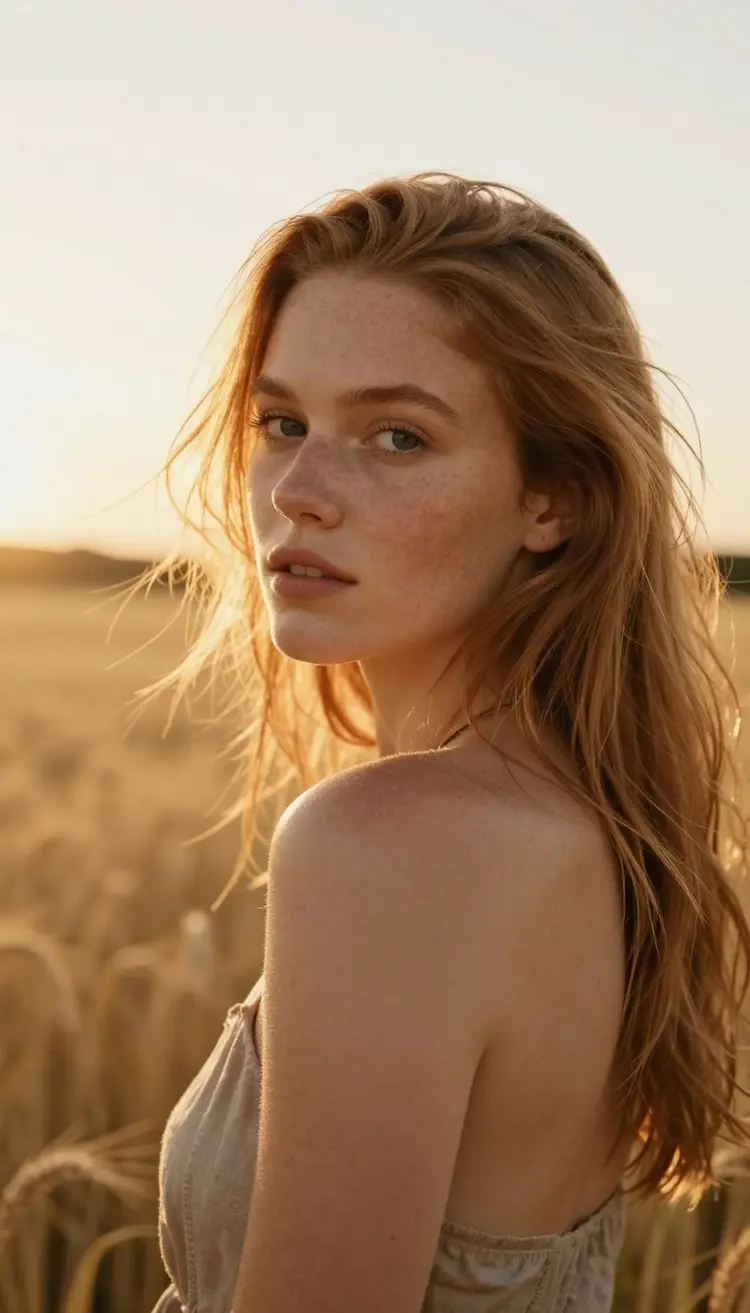
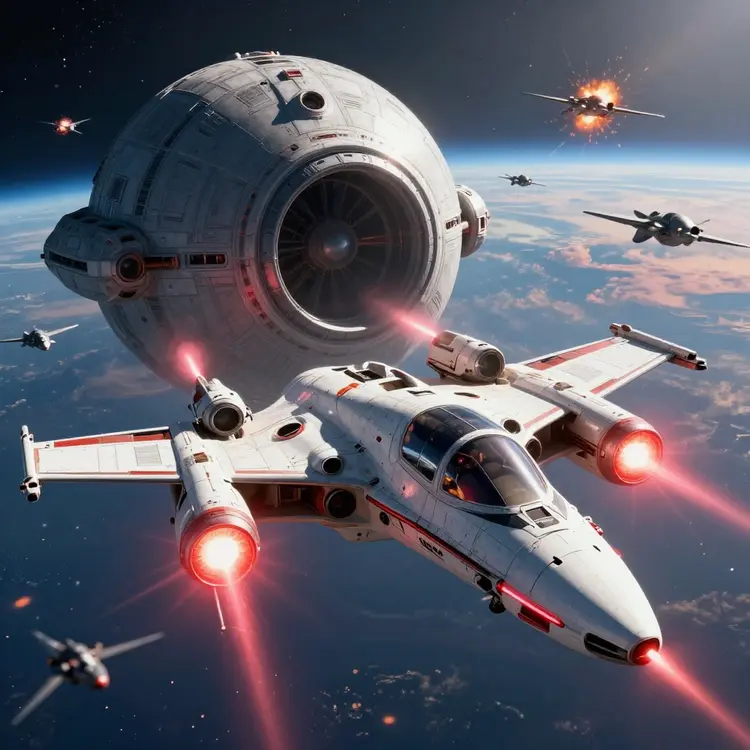
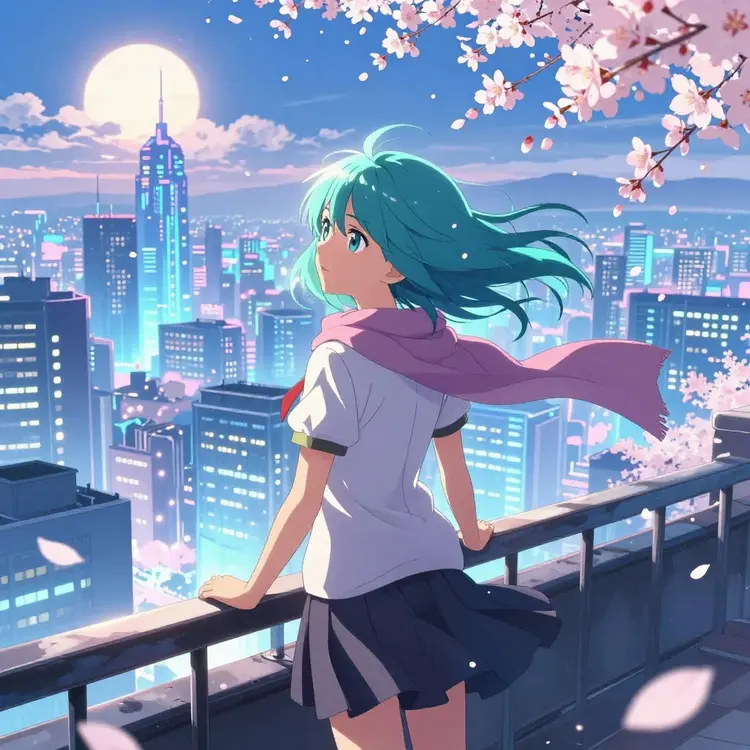
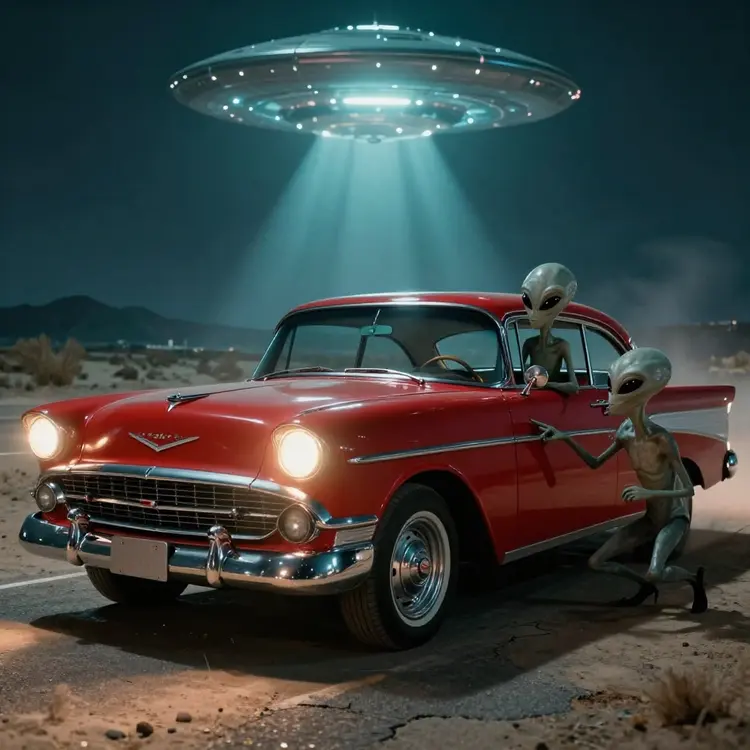
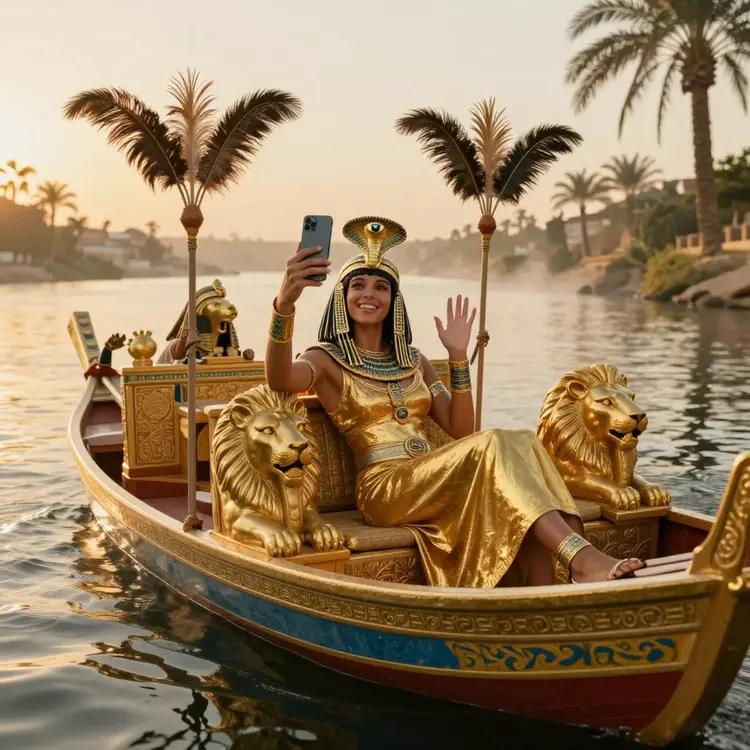
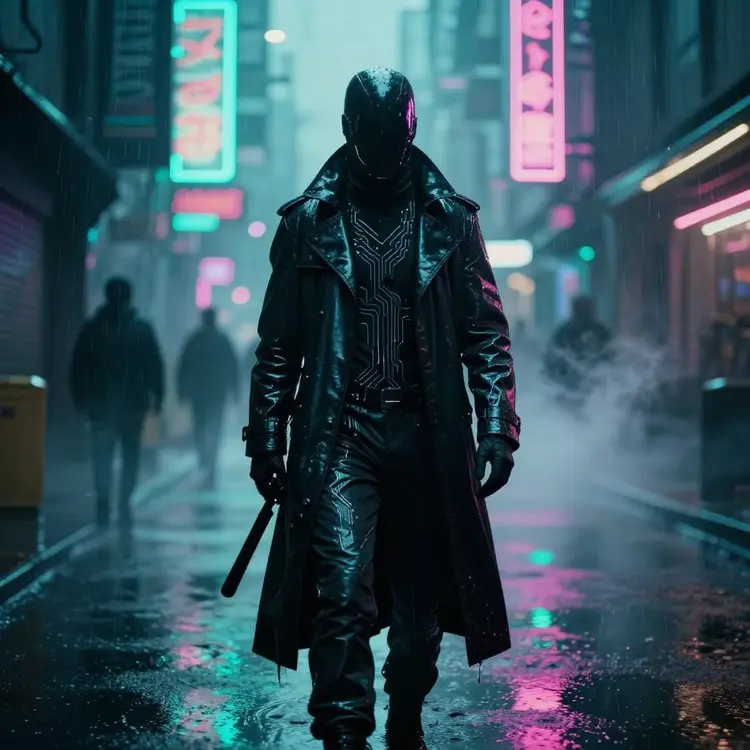
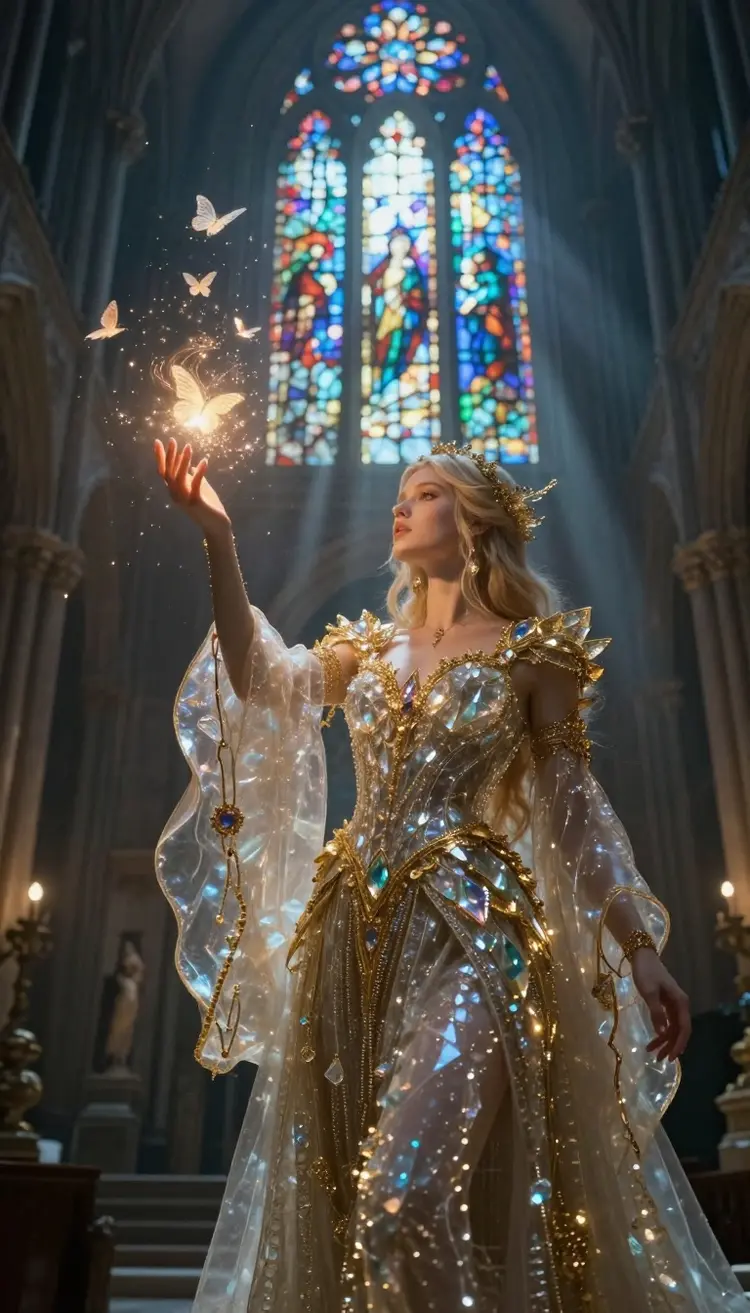
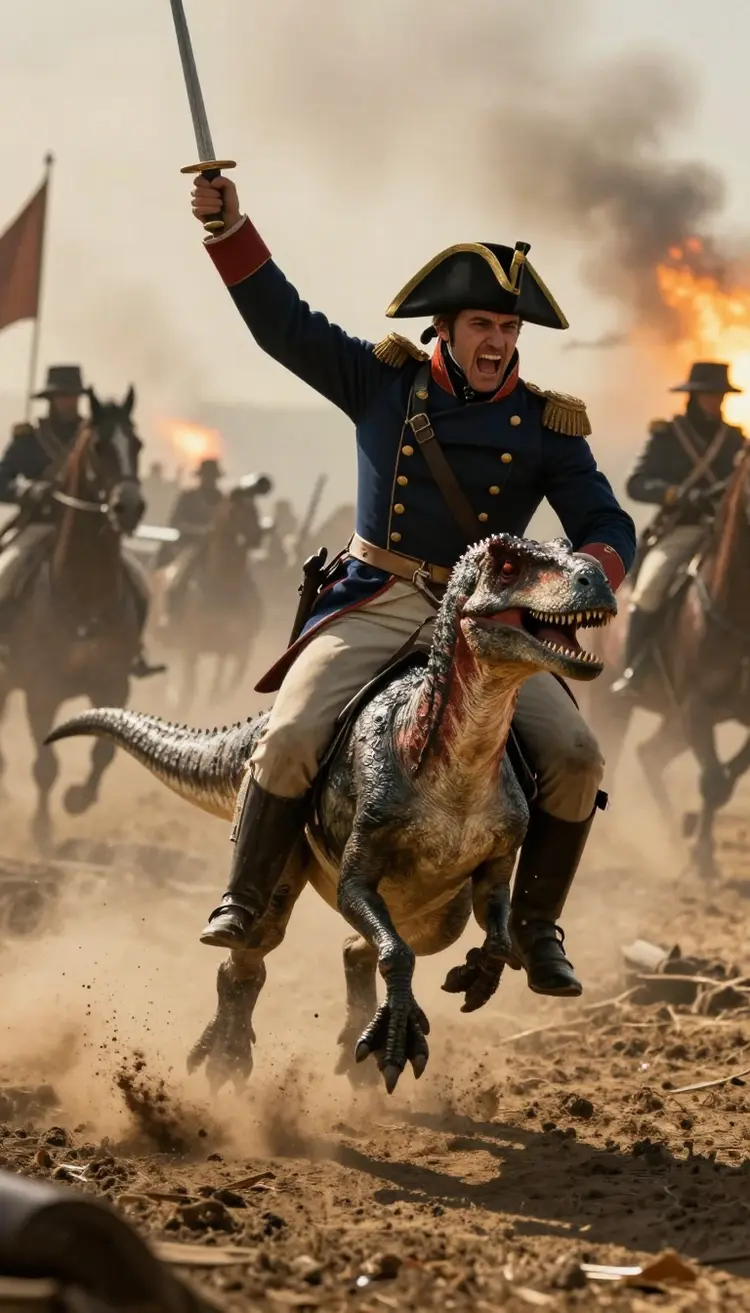
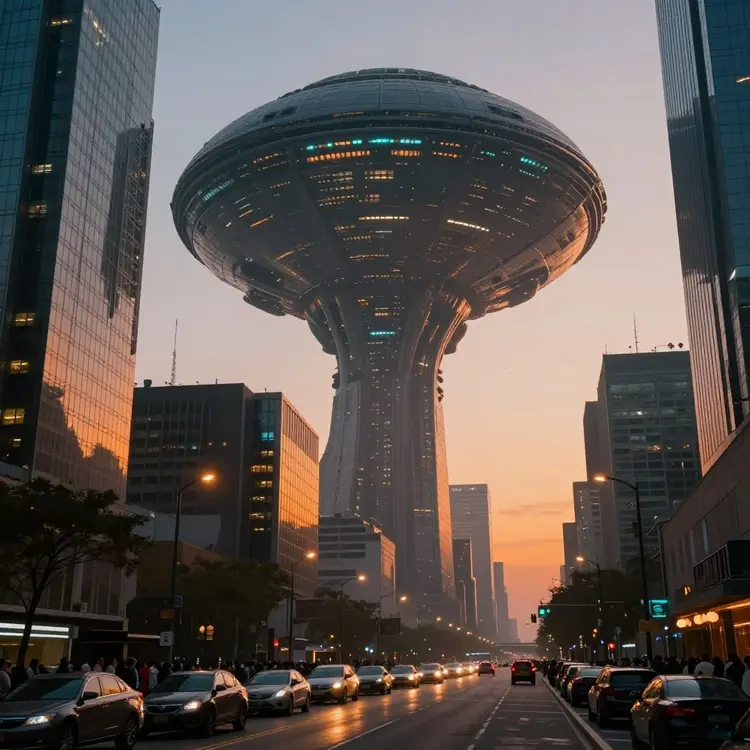
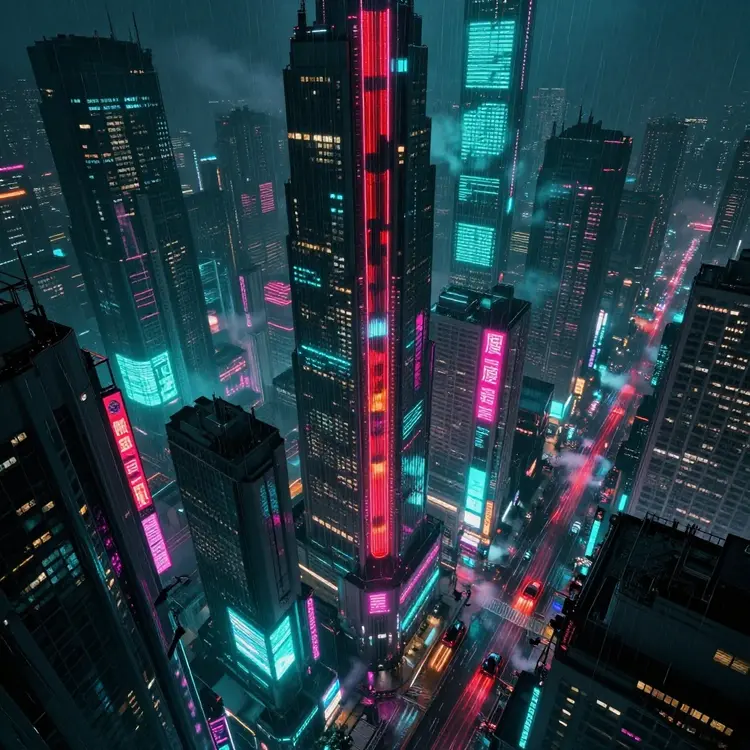
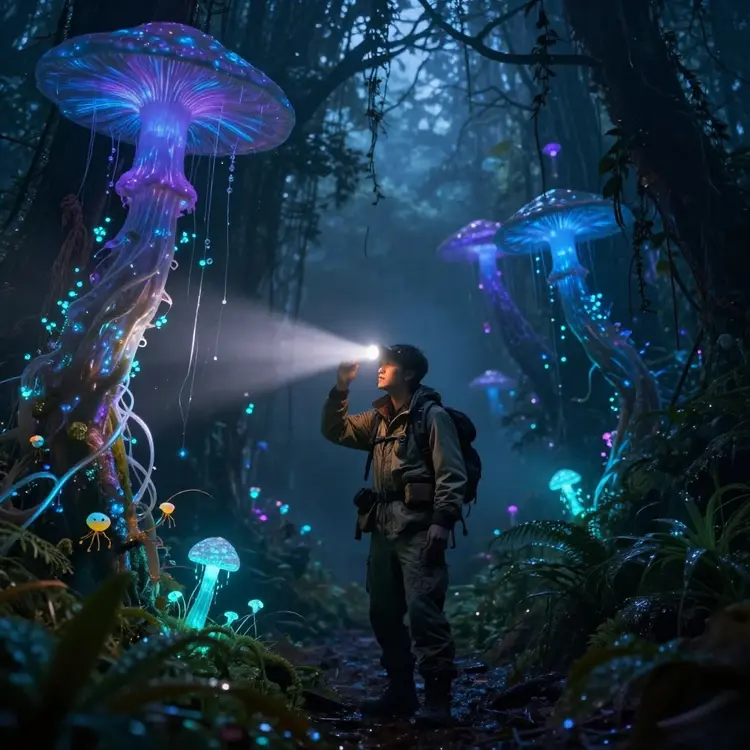
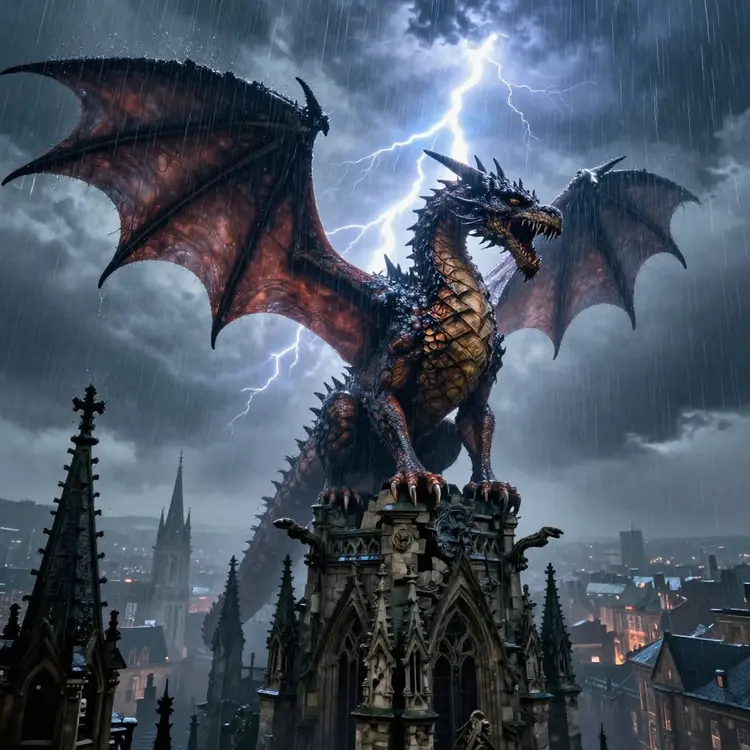
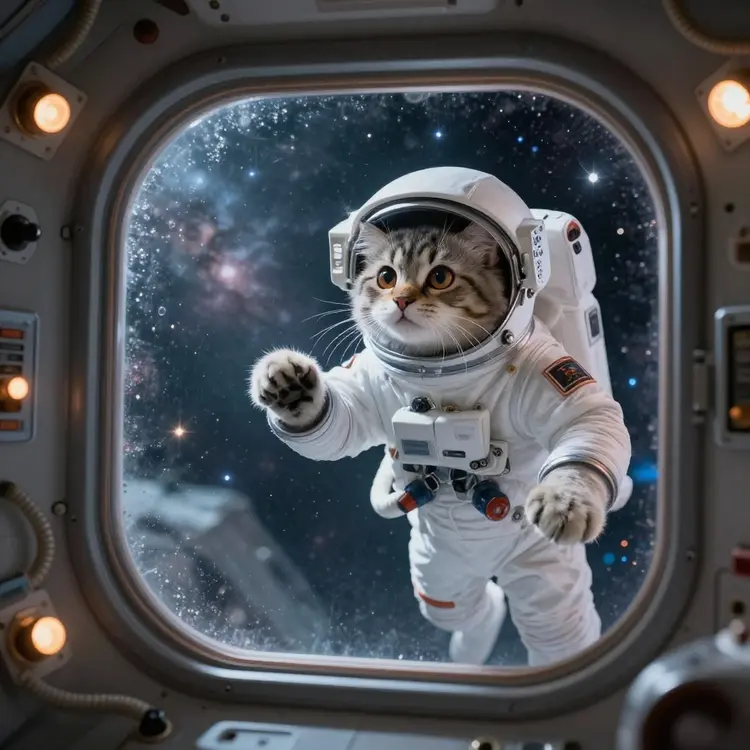
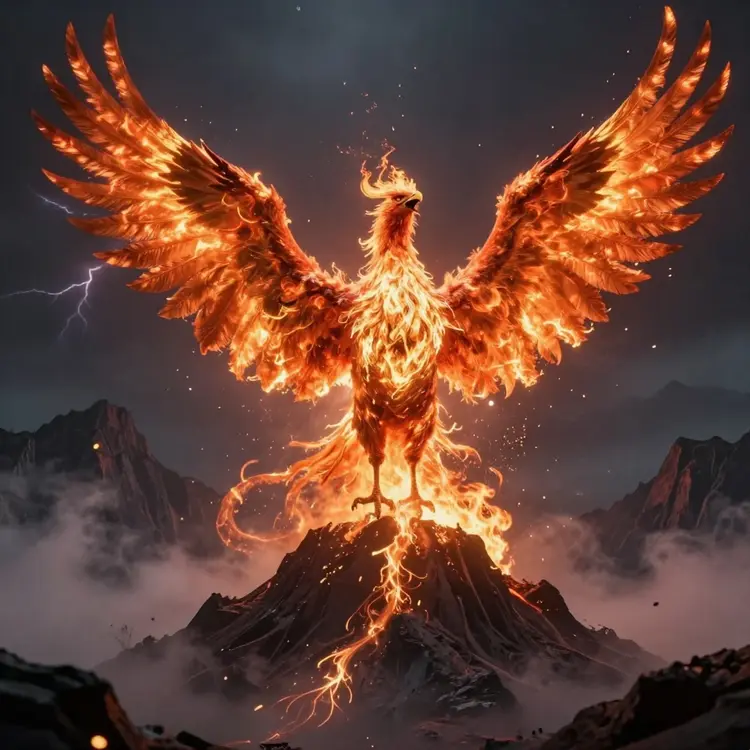
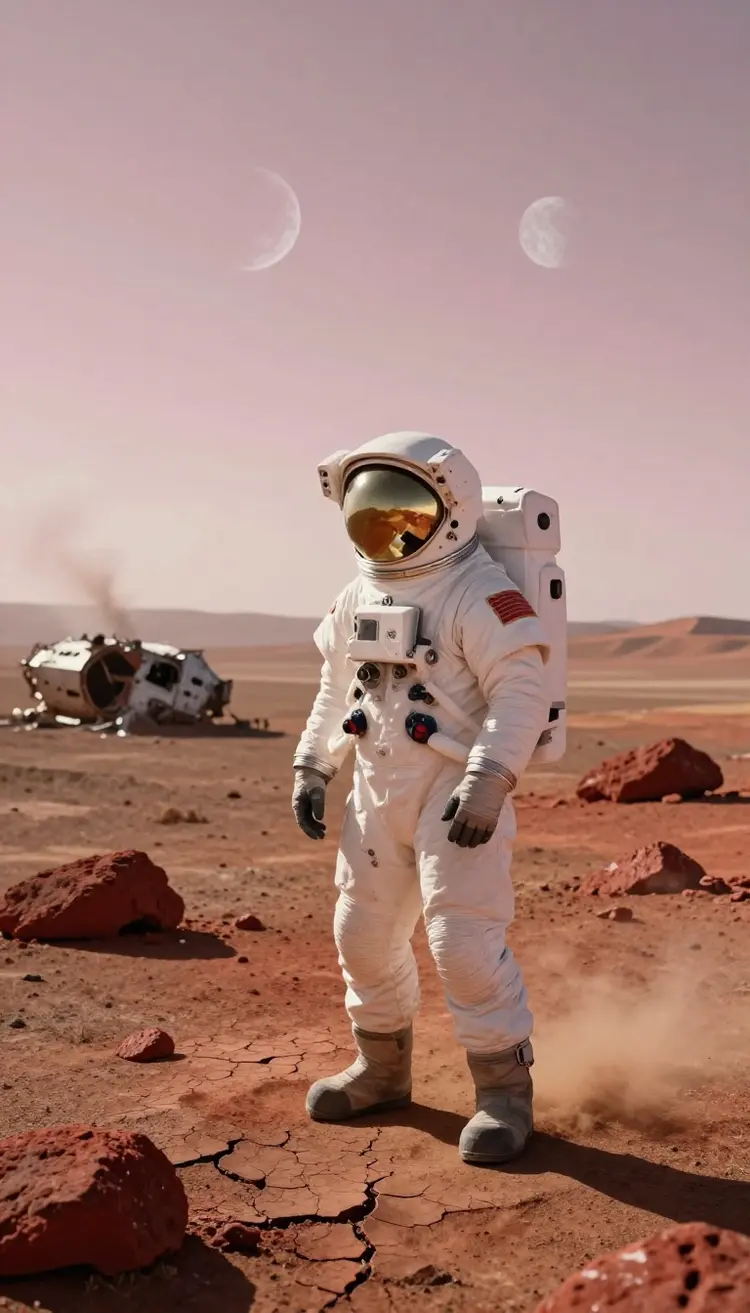
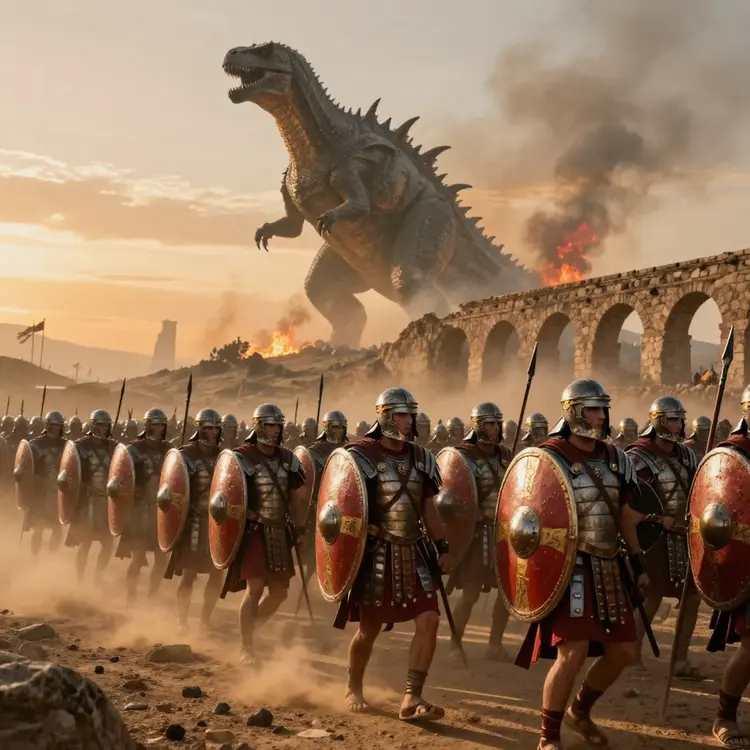
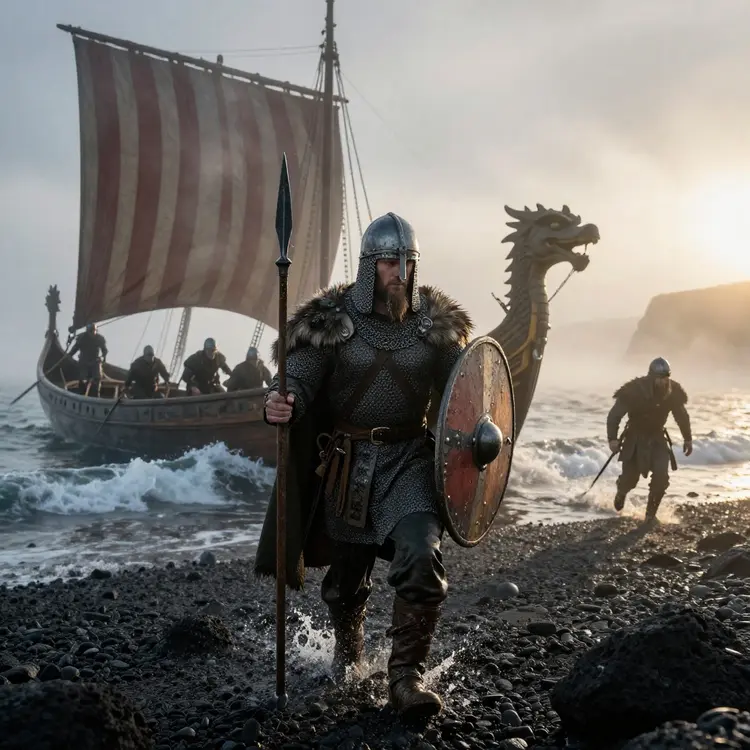
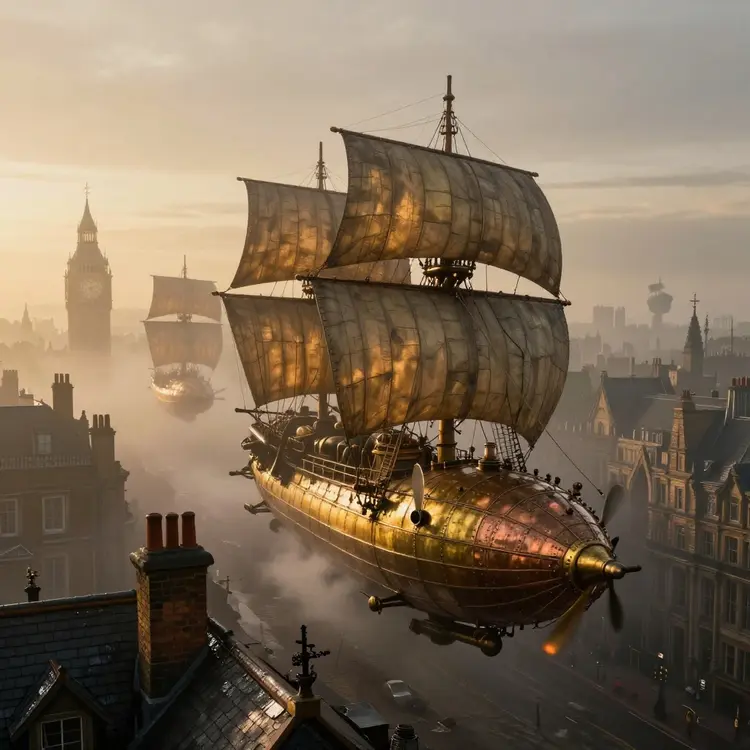
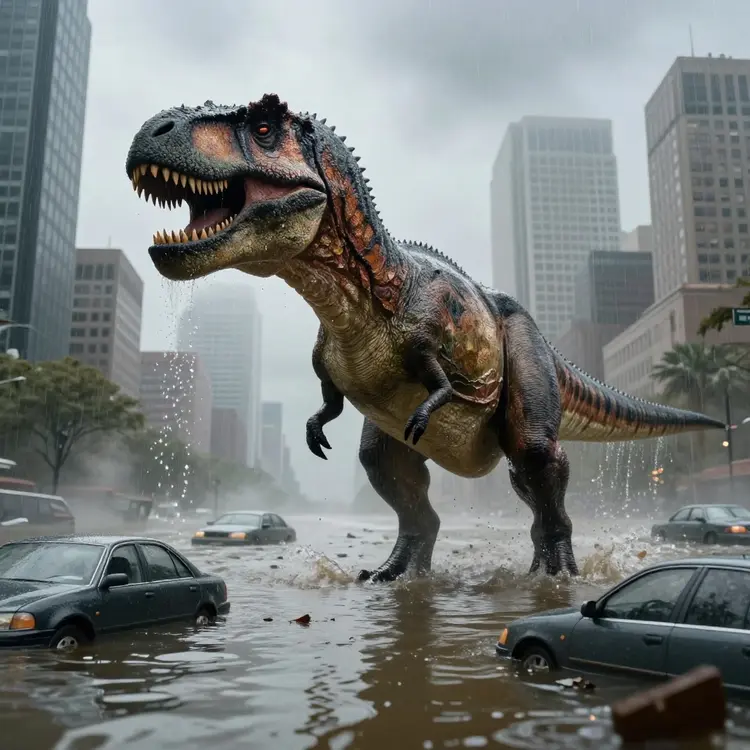
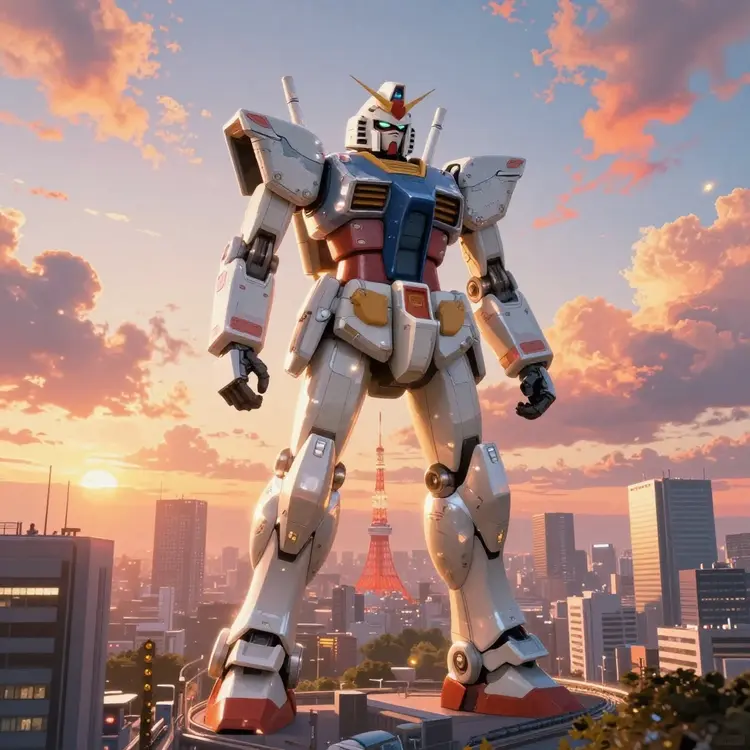
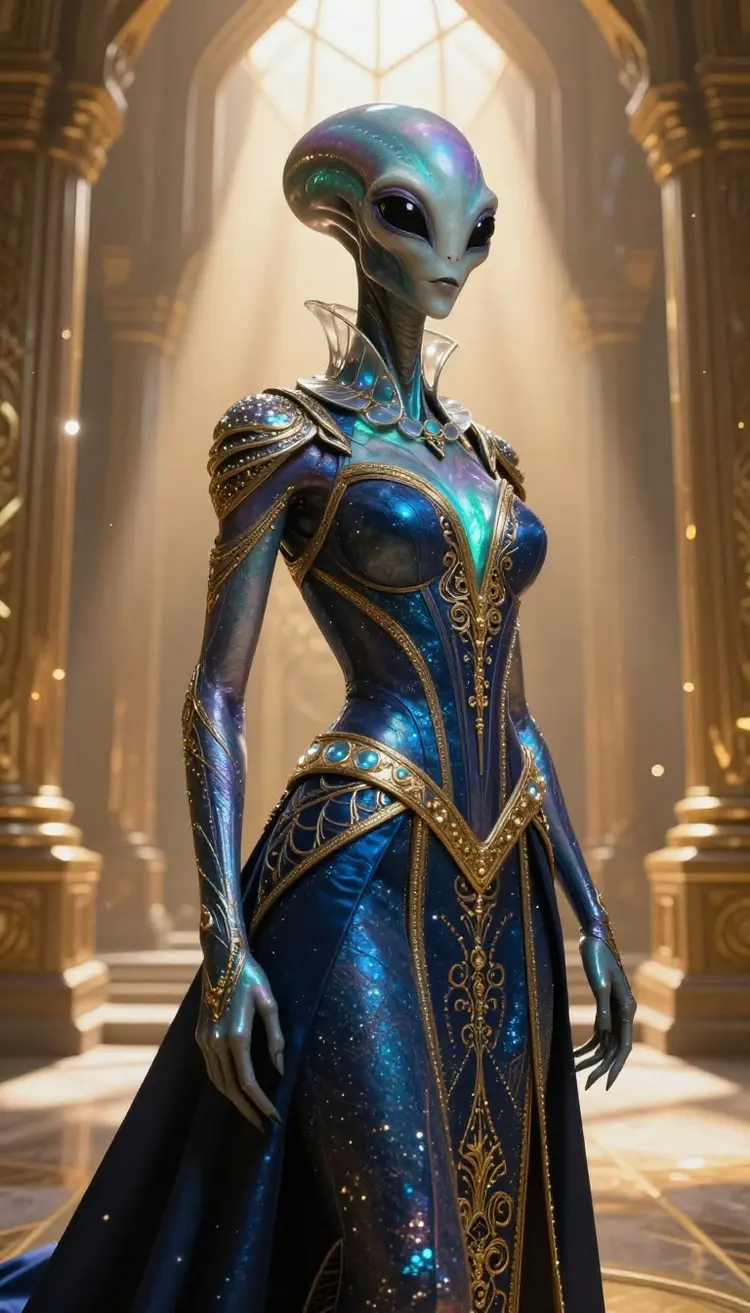
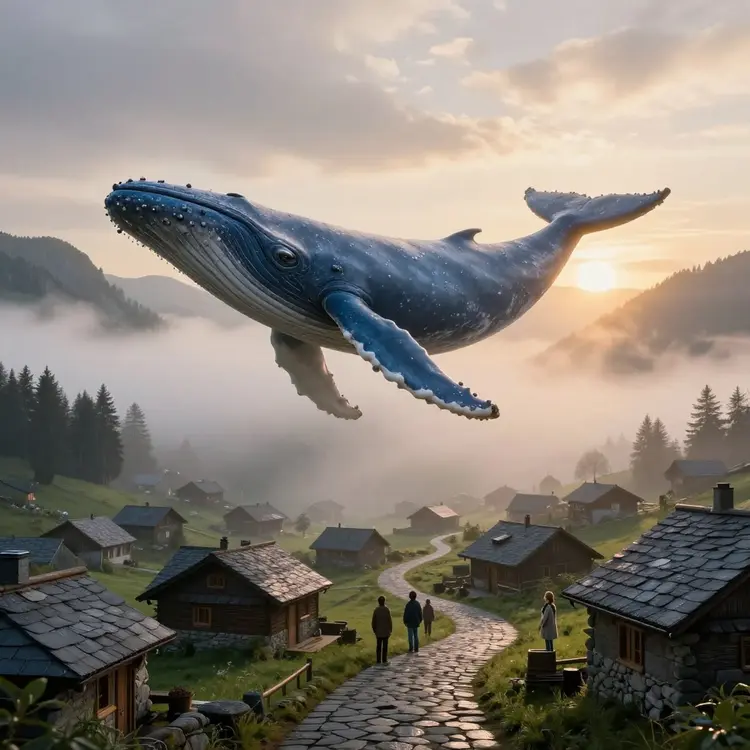
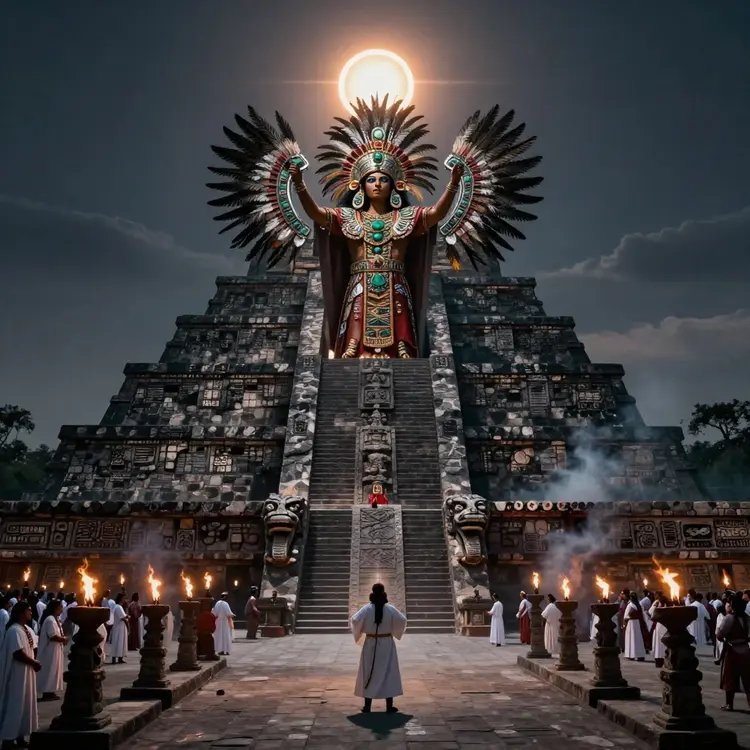
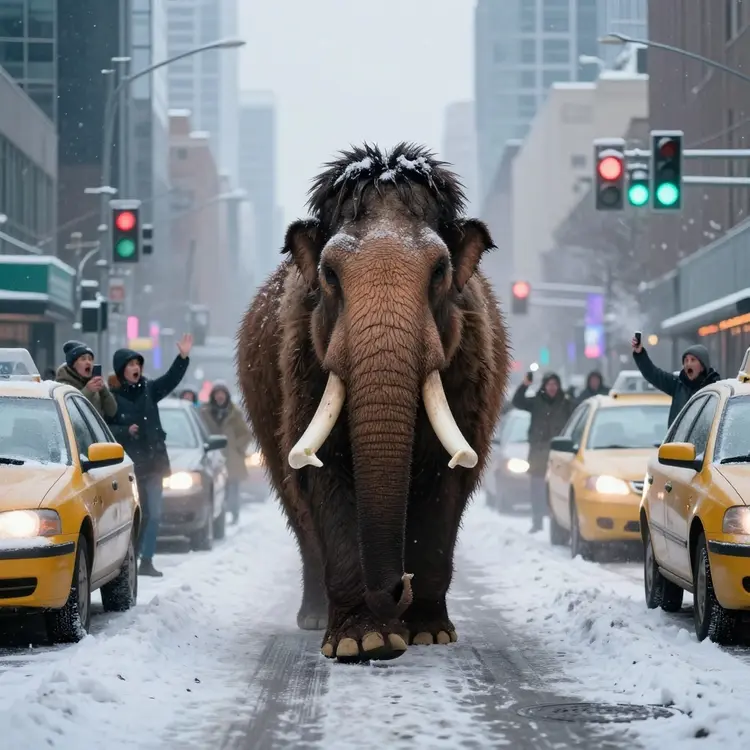
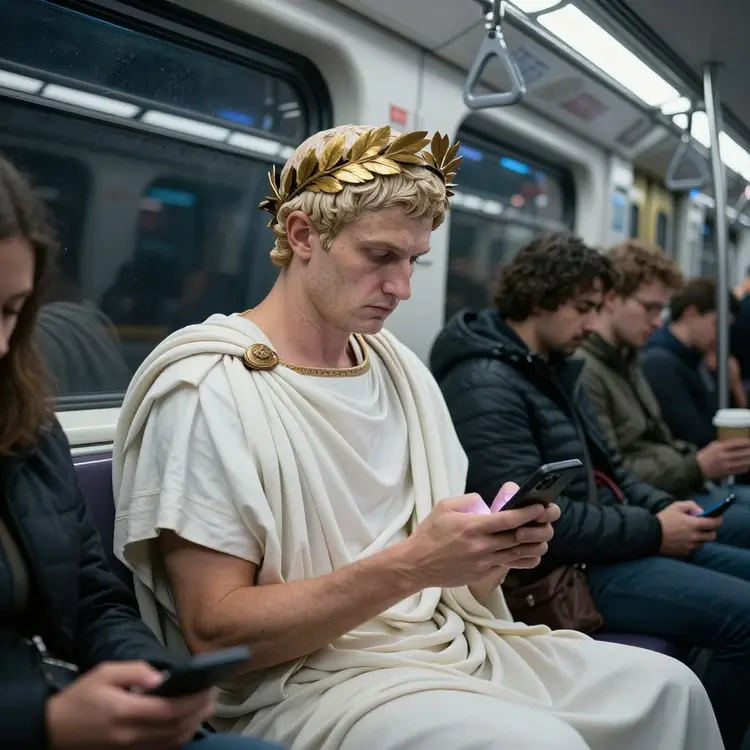
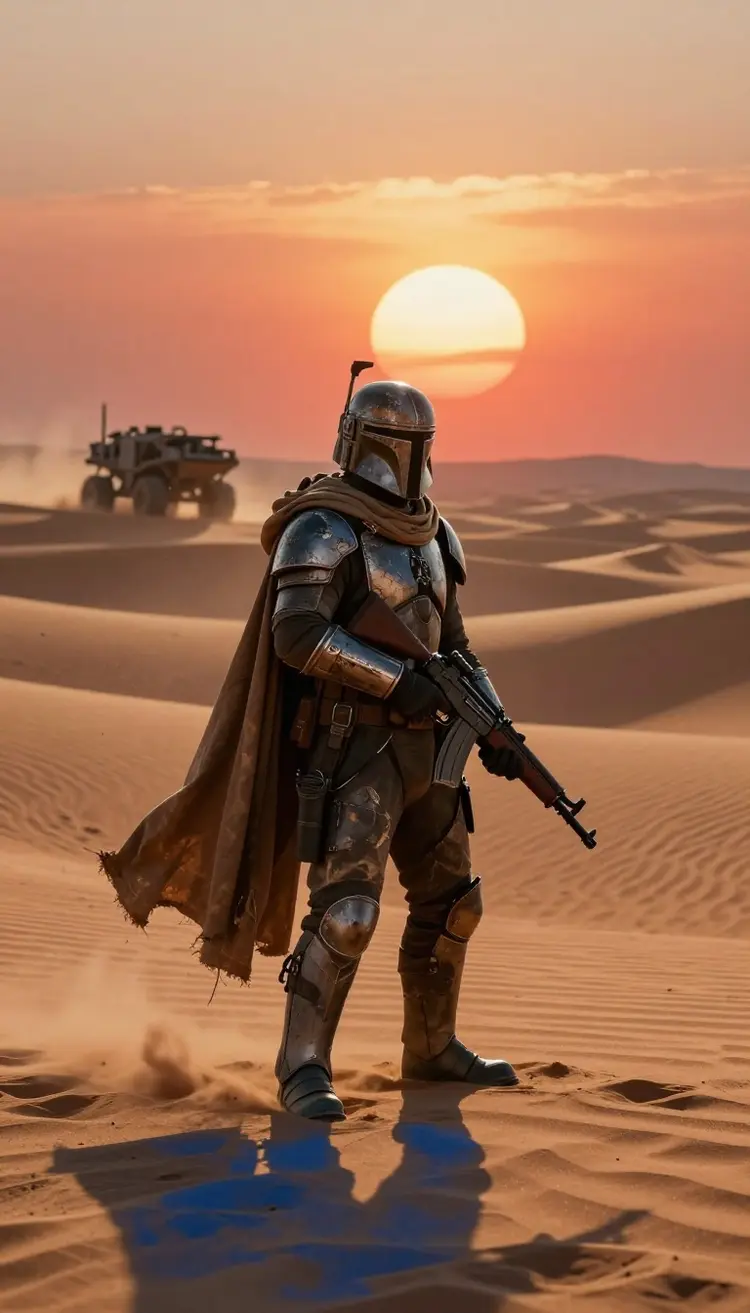
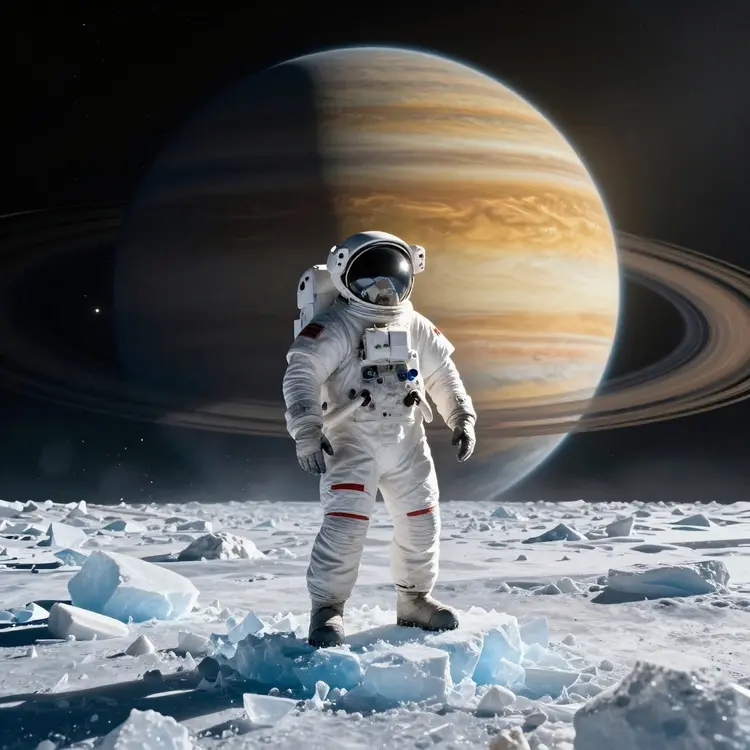
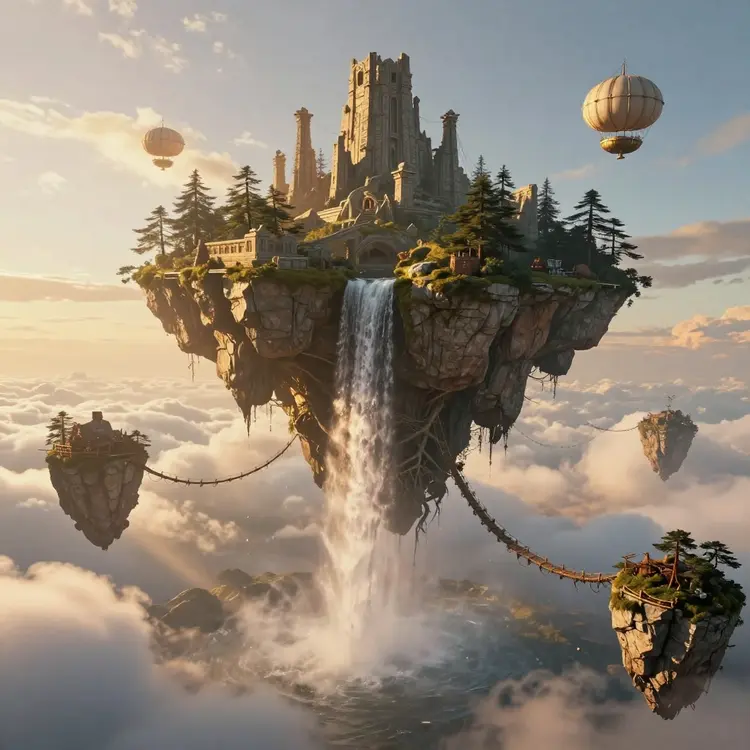
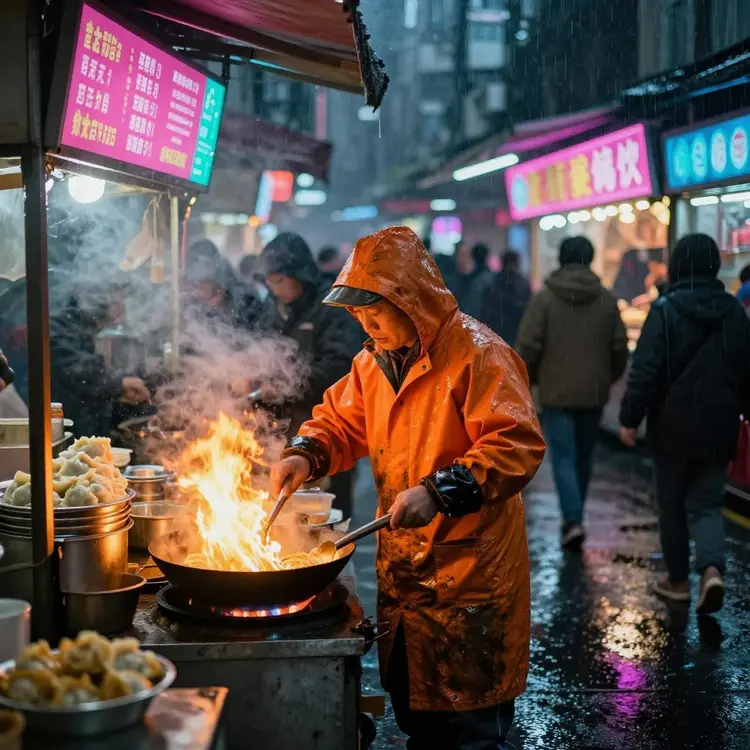
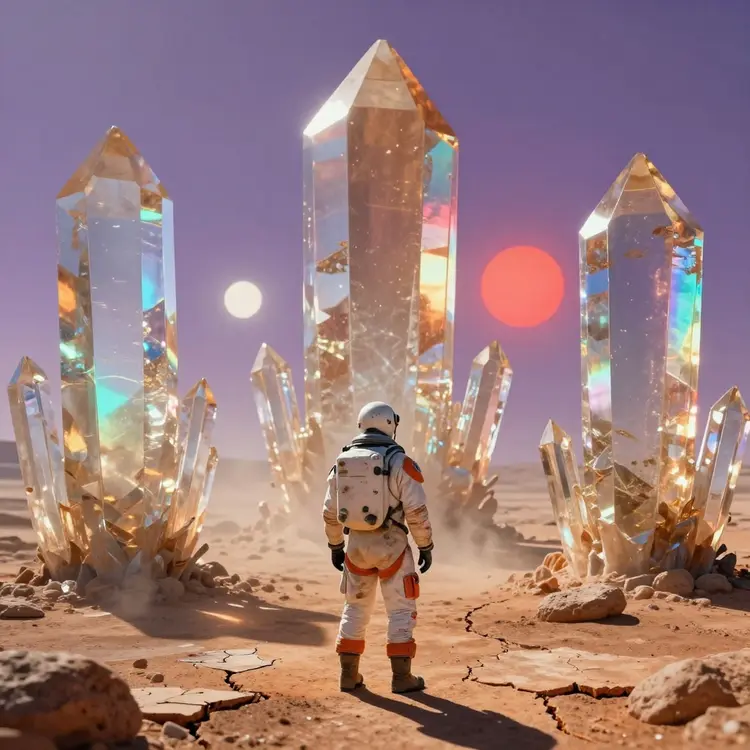
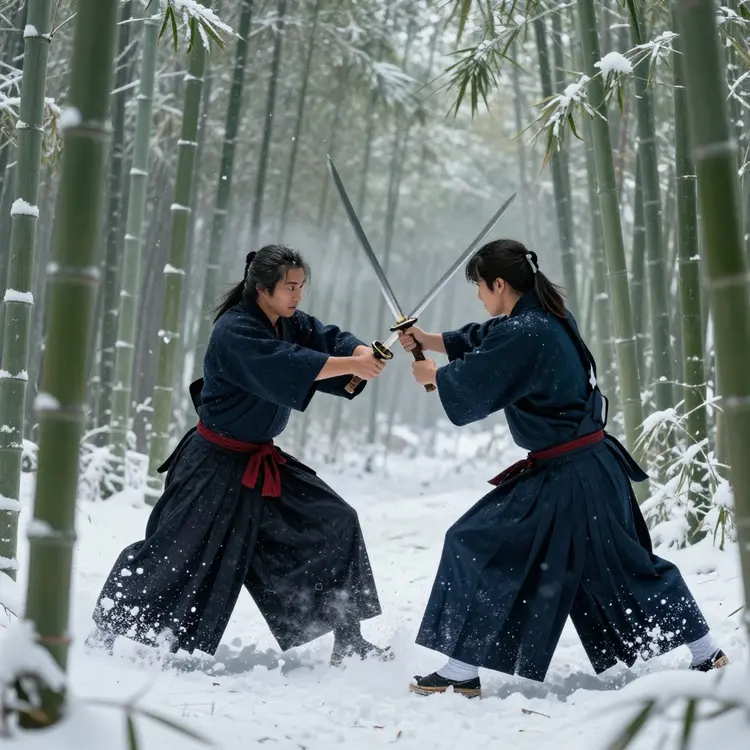
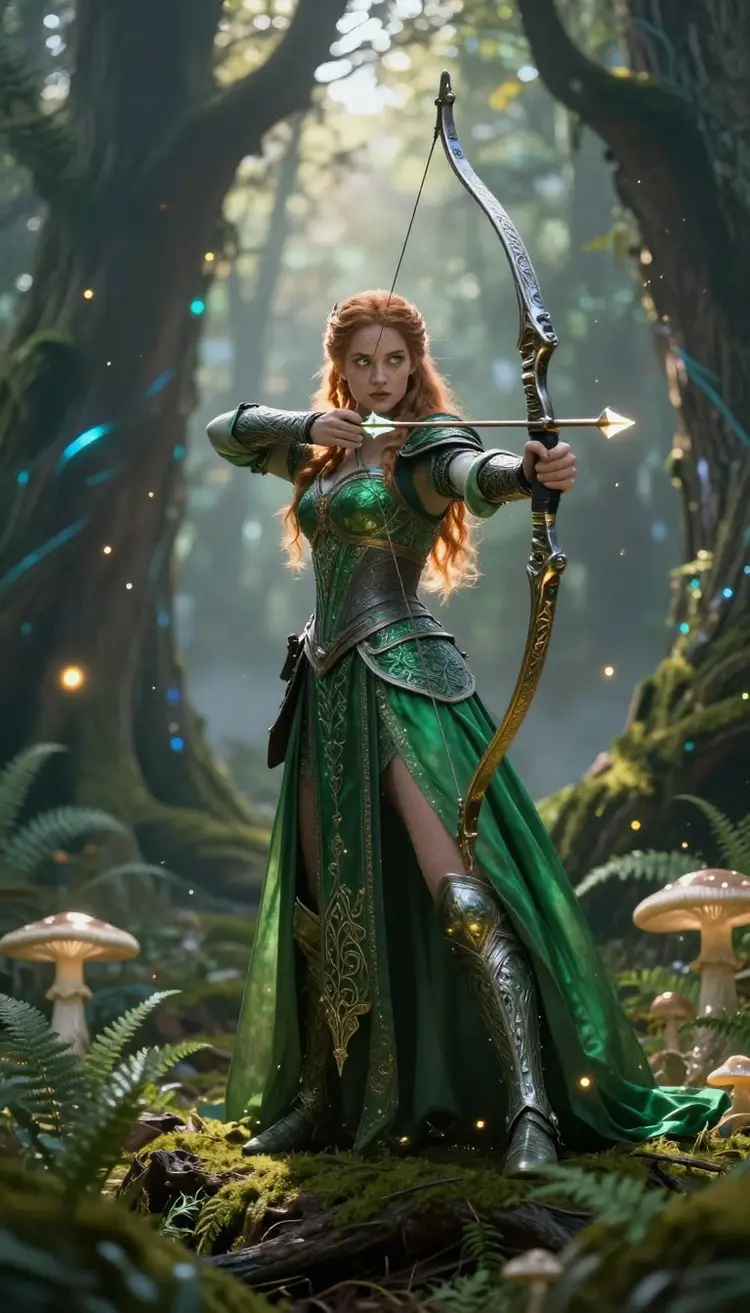
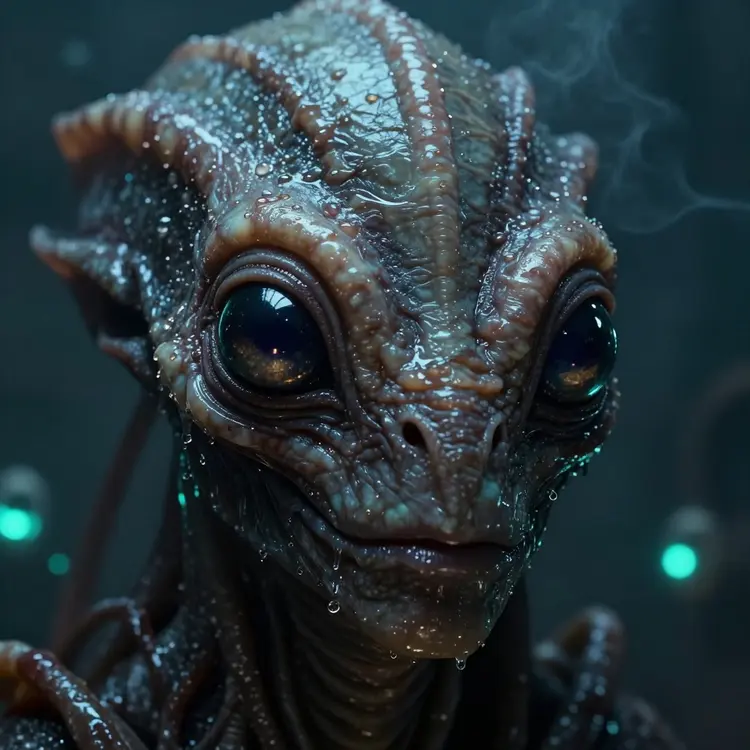
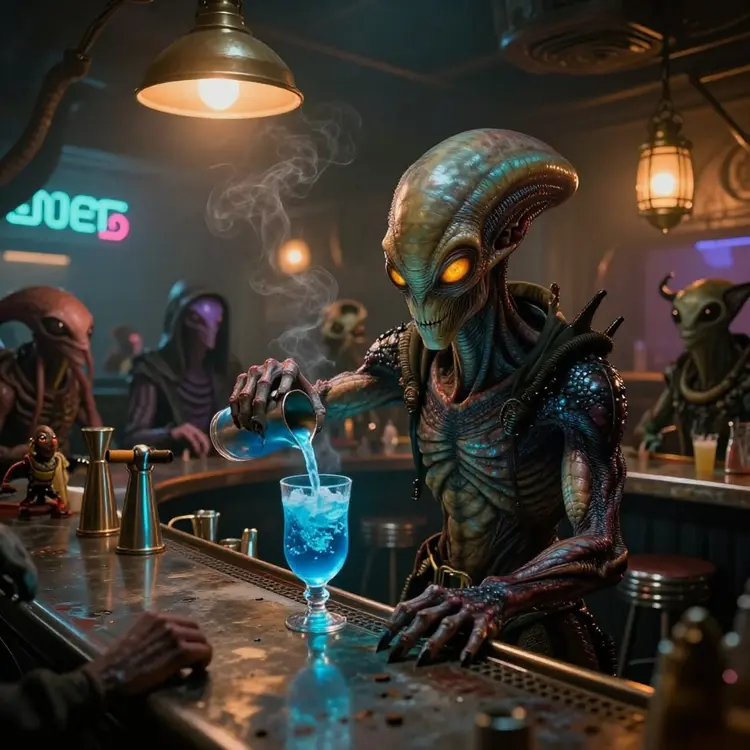
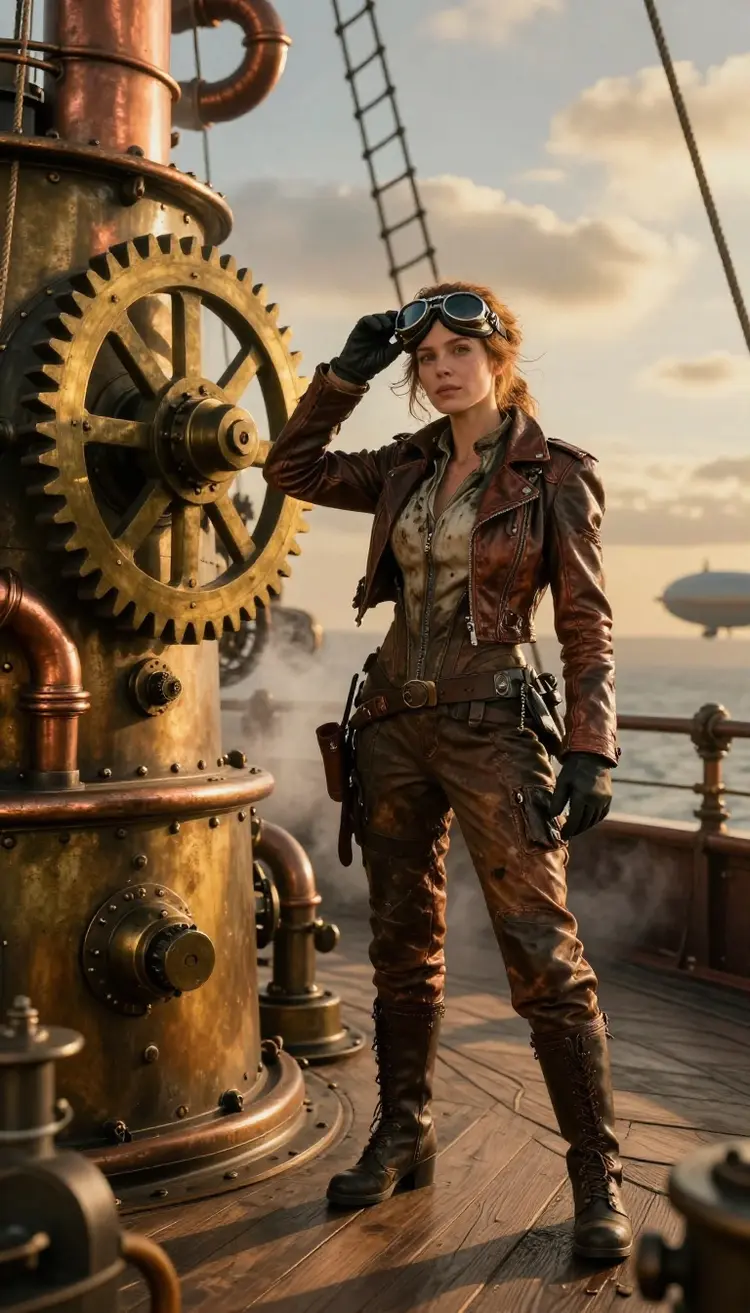
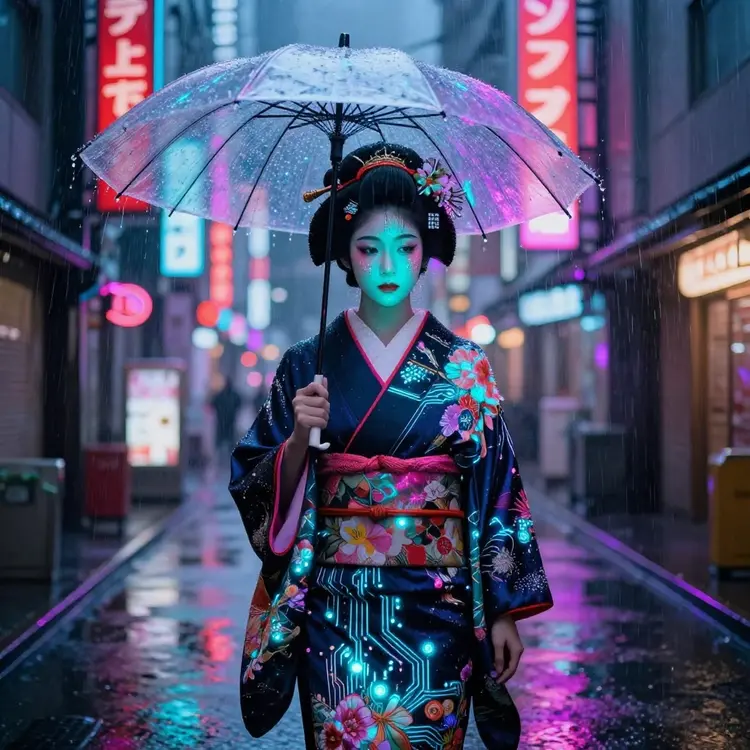
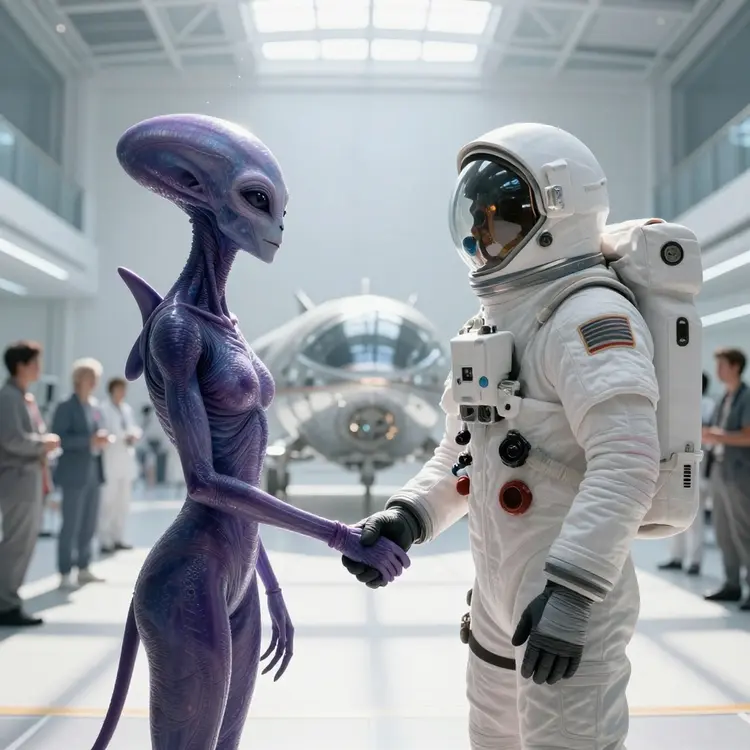
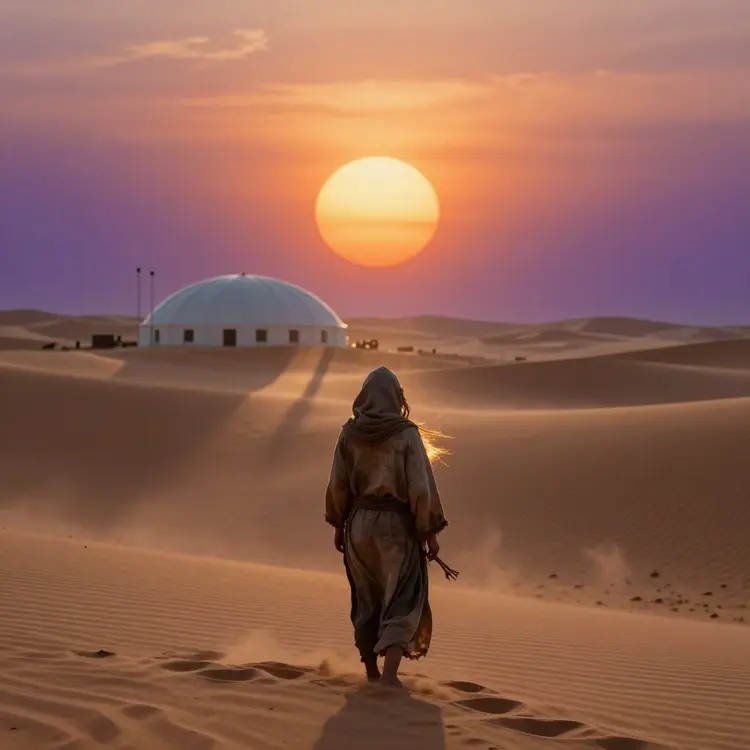
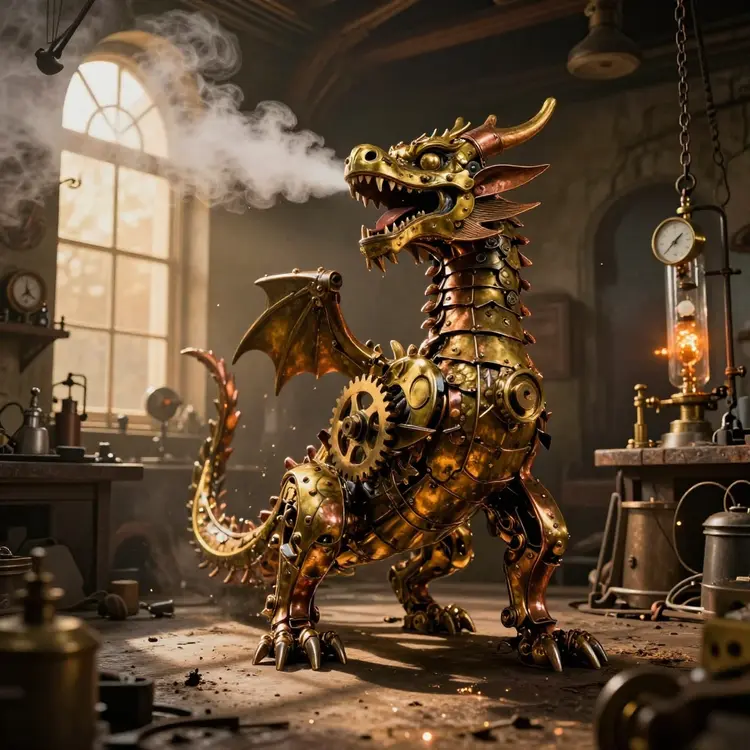
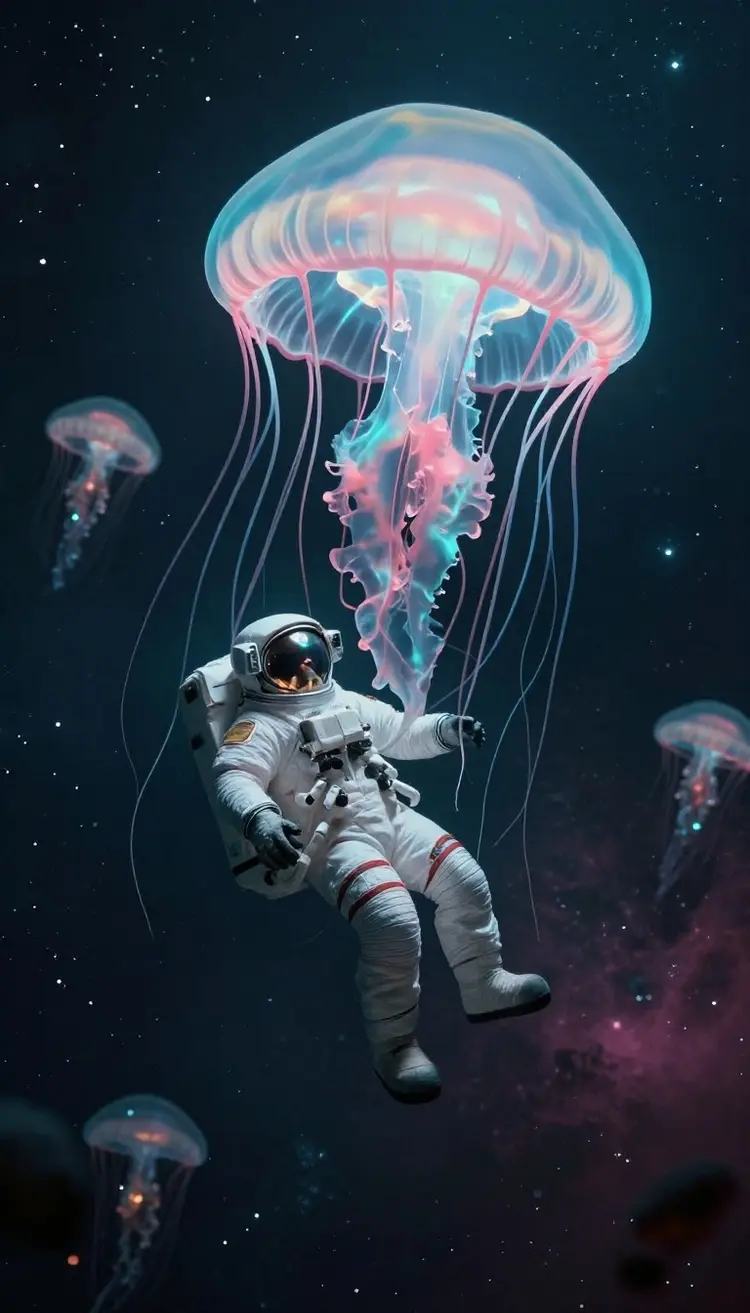
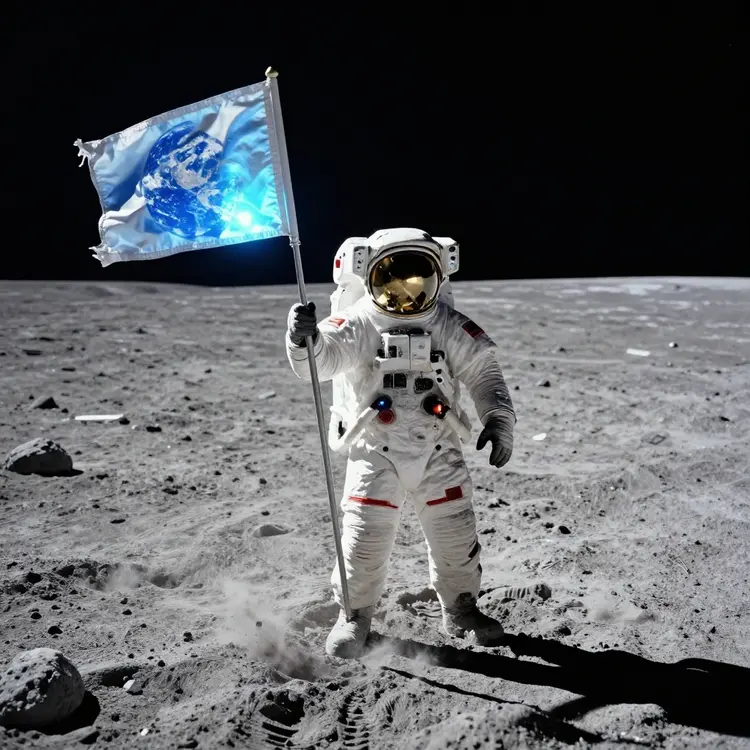
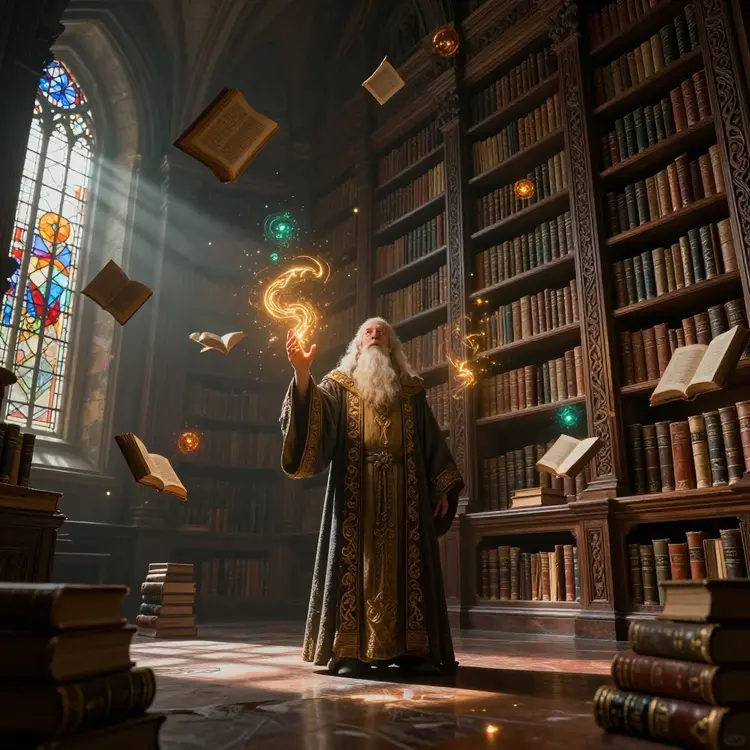
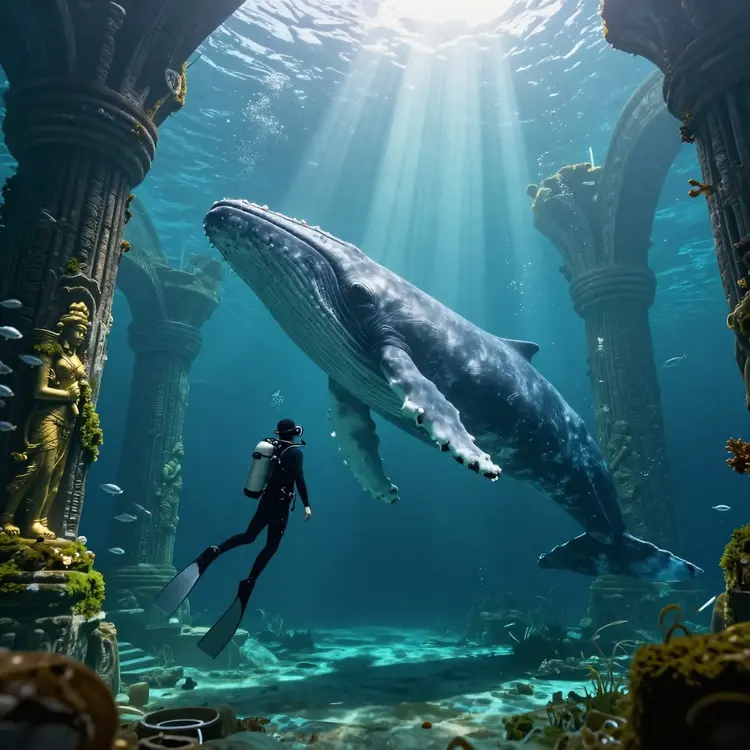
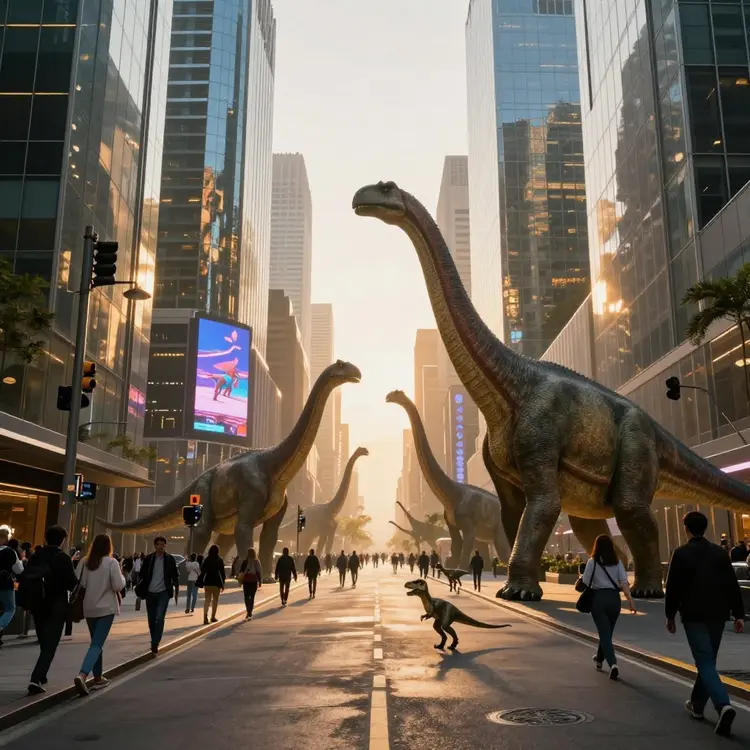
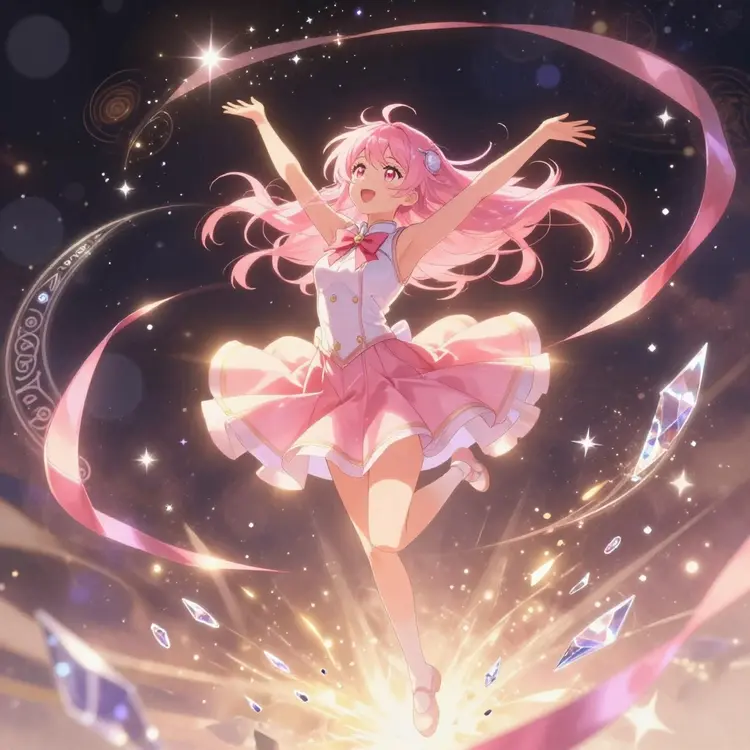
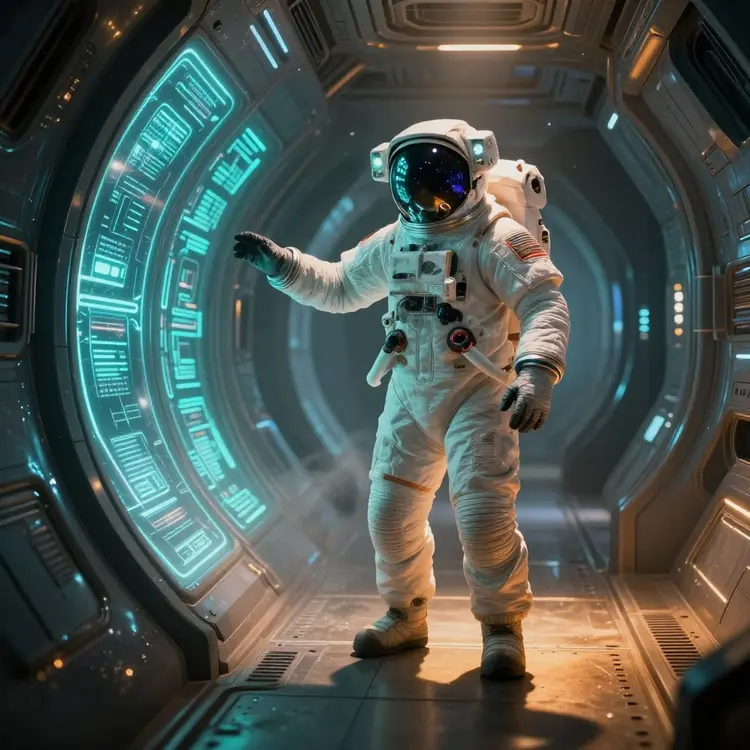
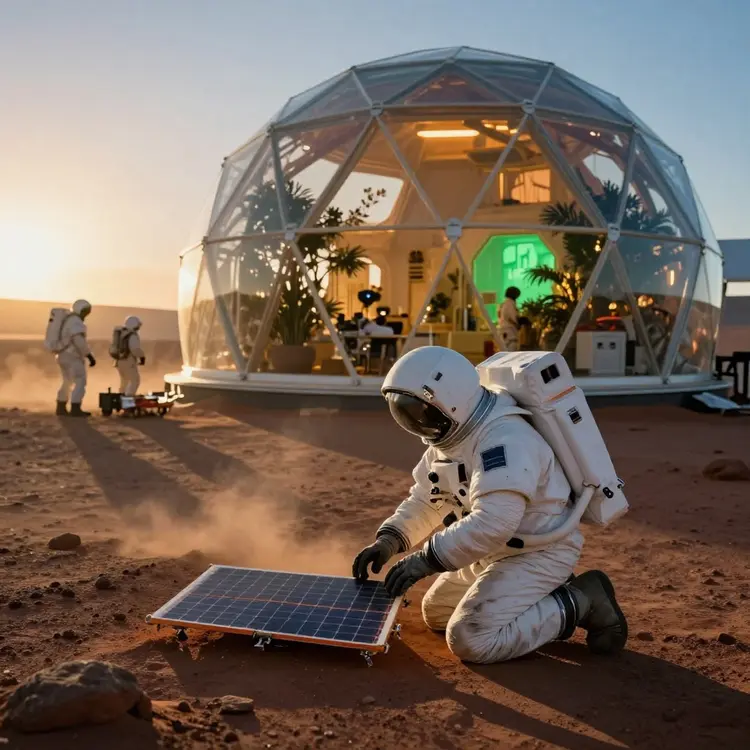
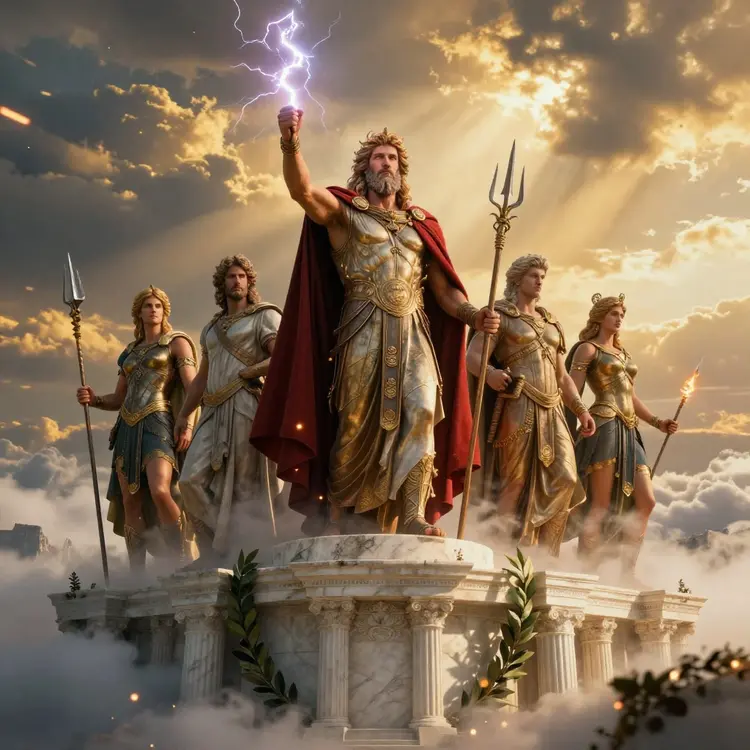
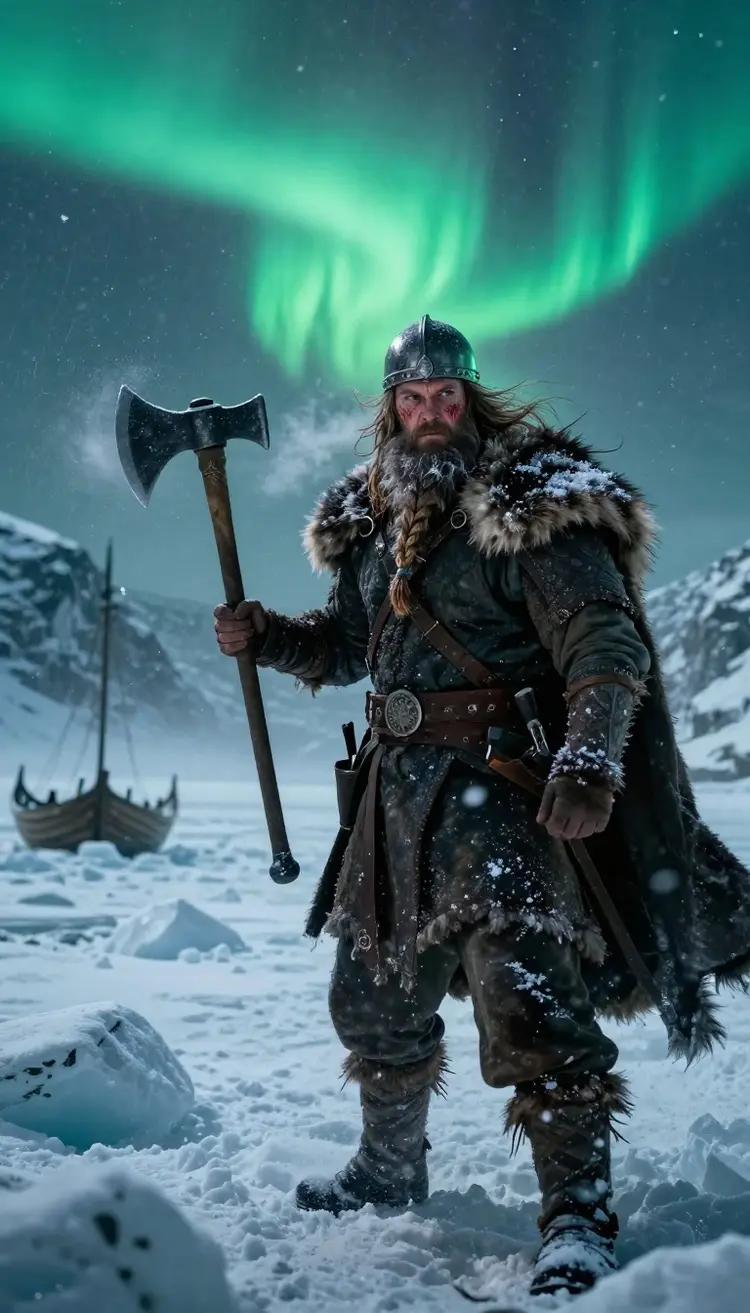
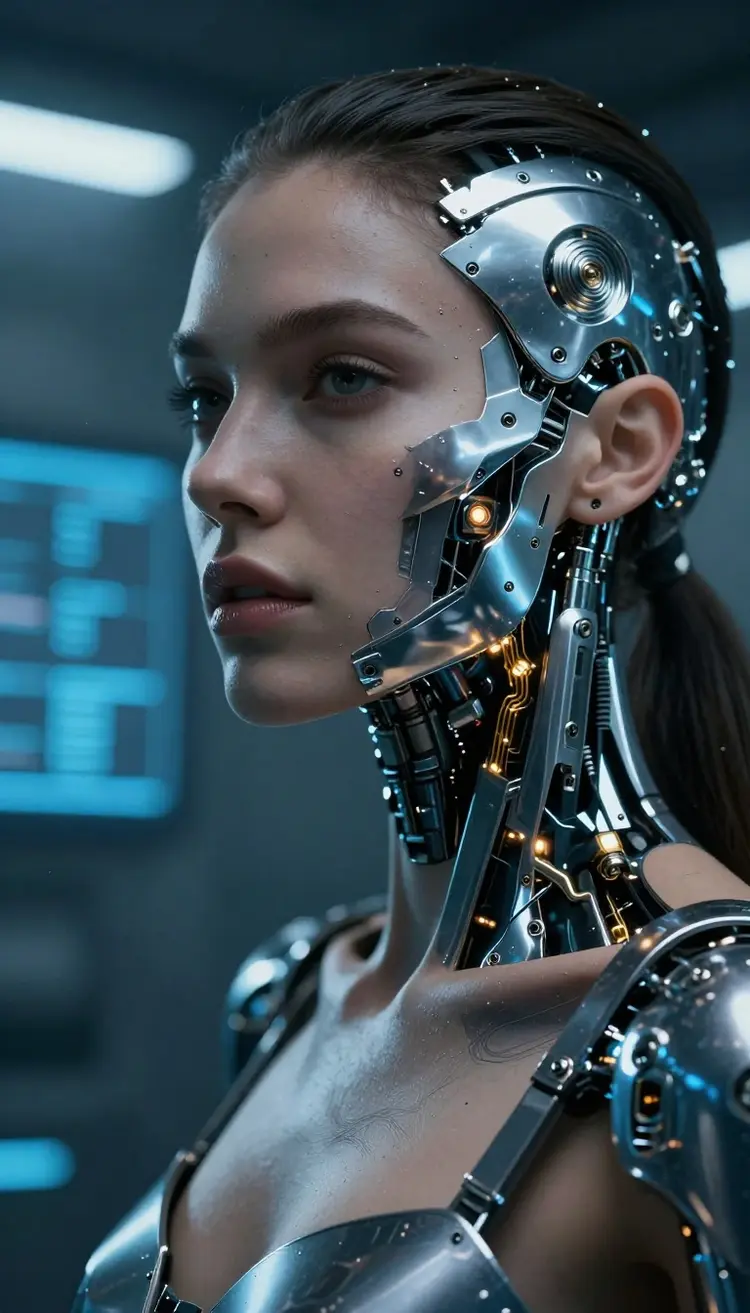
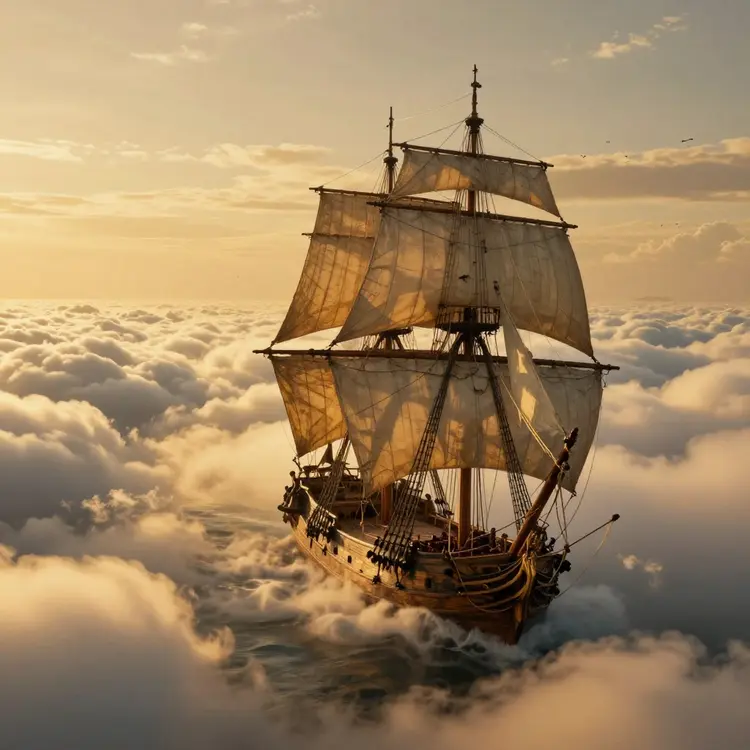
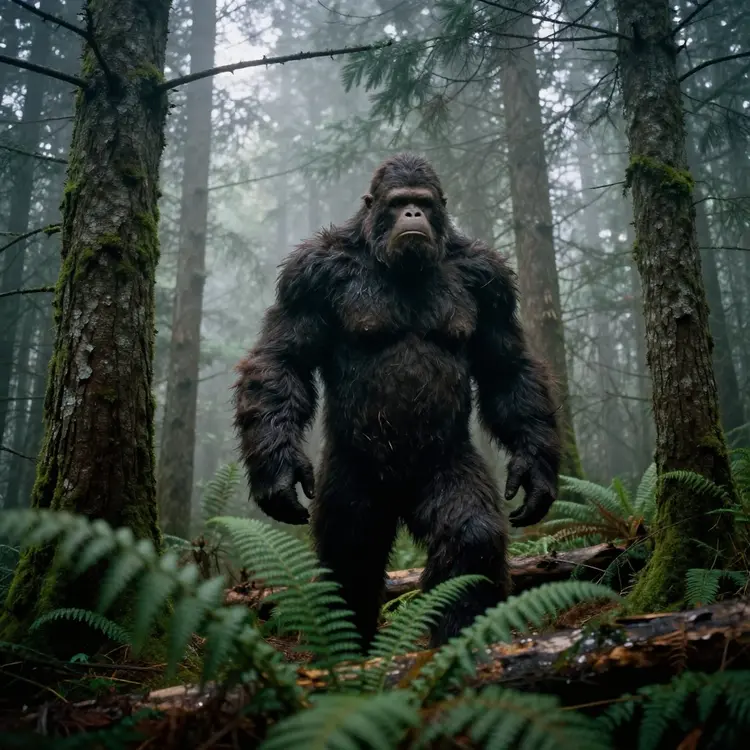
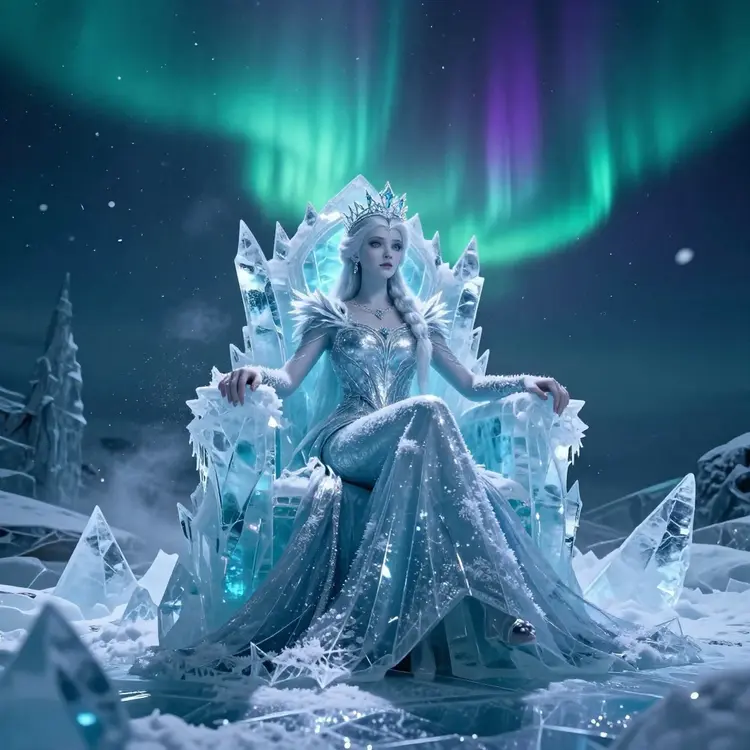
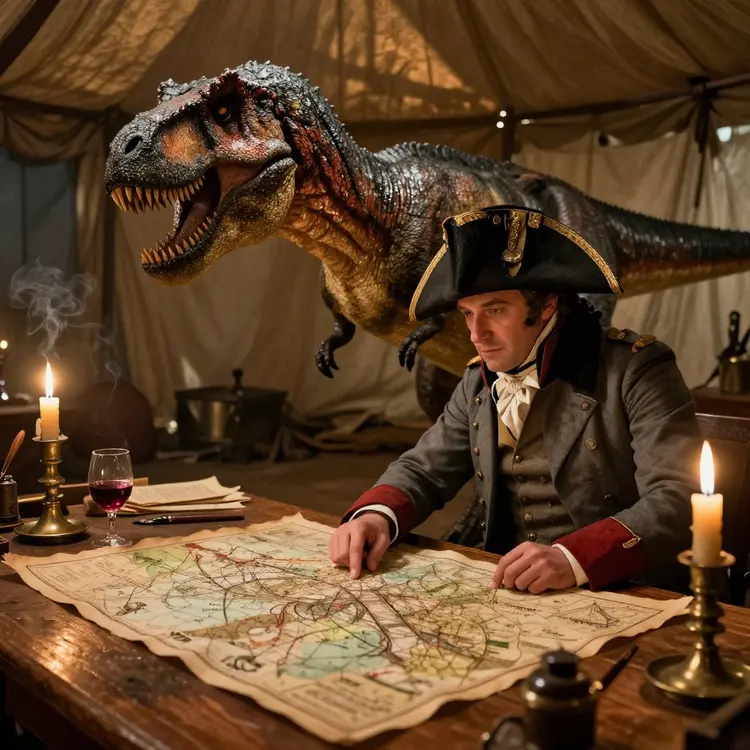
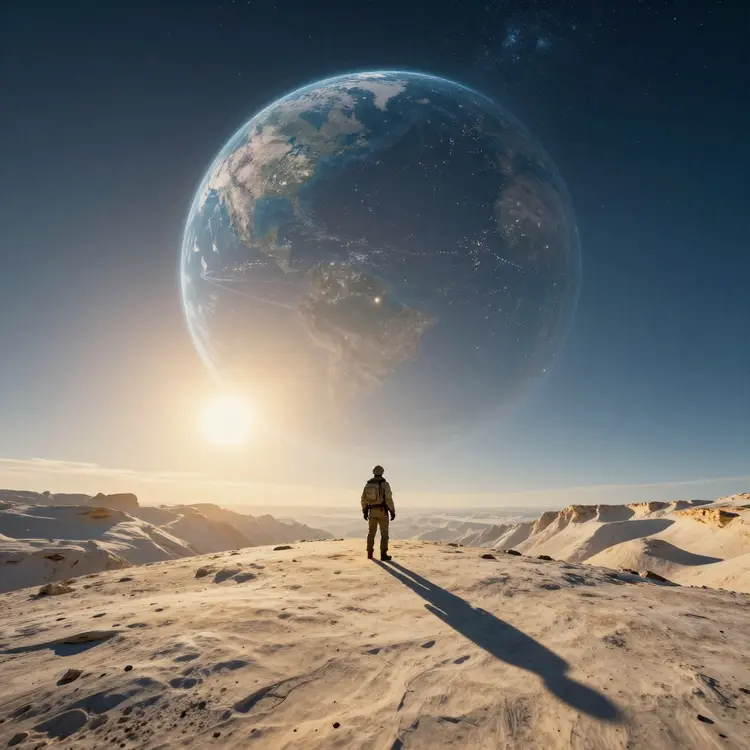
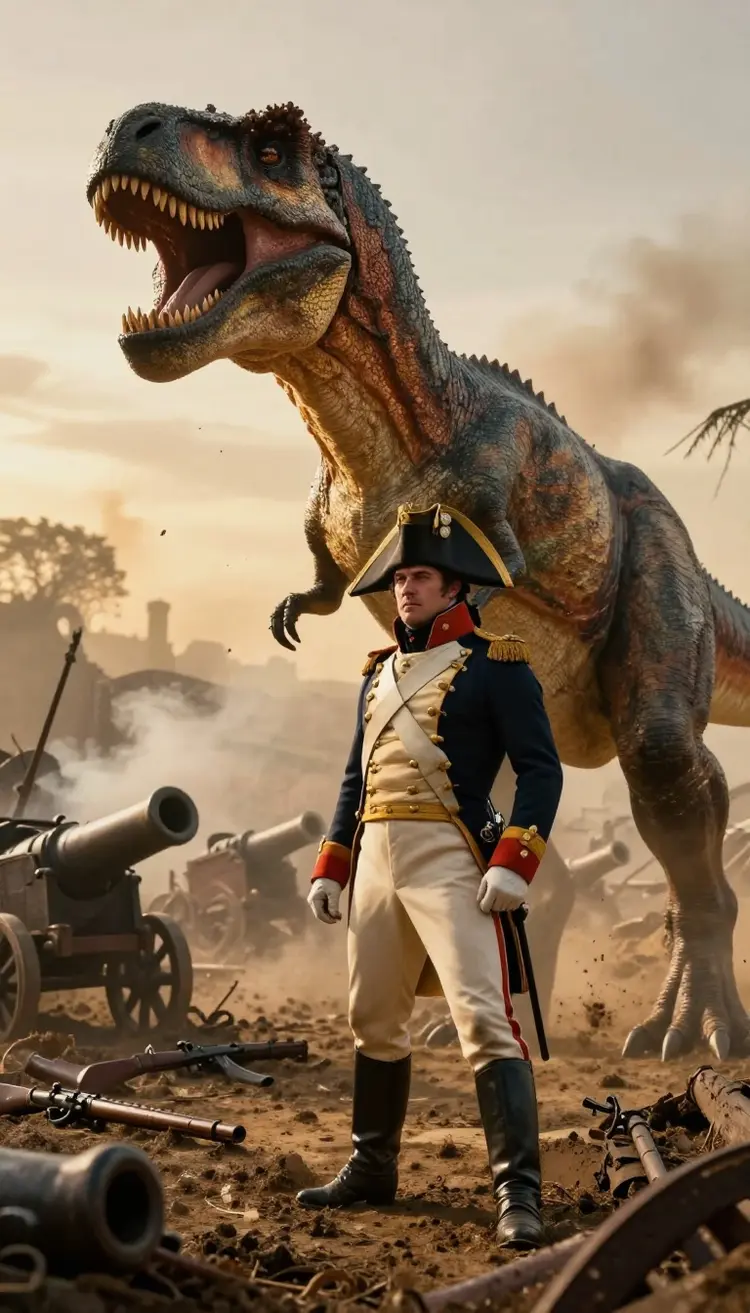
With Picasso IA, you can create a wide variety of images, from detailed illustrations to abstract graphics and AI-generated photos. Our platform offers diverse models and styles, allowing you to adapt the images to your specific needs. You can generate digital art, graphic designs, and much more, all using our advanced AI technology for creating images. Explore our tools and discover how Picasso IA can help you bring your creative ideas to life.
How do I write a good prompt for the gallery?
Start with a clear subject, then layer in details: style, mood, lighting, colors, camera angle, and setting. For example, instead of 'a dog', try 'a golden retriever puppy on a sunny beach, soft morning light, photorealistic'. Picking a matching model and style sharpens the result further. You can refine and regenerate as many times as you like until the image fits your vision.
Can I edit or create variations of an image I generated?
Yes. Every image you create can be regenerated with tweaks to the prompt, style, or model, so you can explore variations of the same idea quickly. You can adjust the aspect ratio, switch models to compare looks, and keep the versions you like in your personal gallery. This makes it easy to build a consistent set of images for a campaign, a deck, or a project series.
What resolution are the images, and can I print them?
The gallery produces high-resolution images suited for both screen and print. The output is detailed enough for wallpapers, social posts, presentations, posters, and product mockups. For large-format printing you can choose the styles and models that hold the most detail, then download the full-quality file. There are no visible watermarks on your generated art.
Is the AI Image Gallery free to use?
You can start generating images for free and explore the gallery, the models, and the styles at no cost. The free tier is enough to test prompts and build a small set of images. If you need higher volume, priority generation, or access to the full range of advanced models across image, video, 3D, and audio, paid plans add those benefits while keeping the same simple workflow.
Still Have Questions?
Our team is here to help you get the most out of the AI Image Gallery. Read the full FAQ for detailed answers or reach out directly with anything specific to your project.