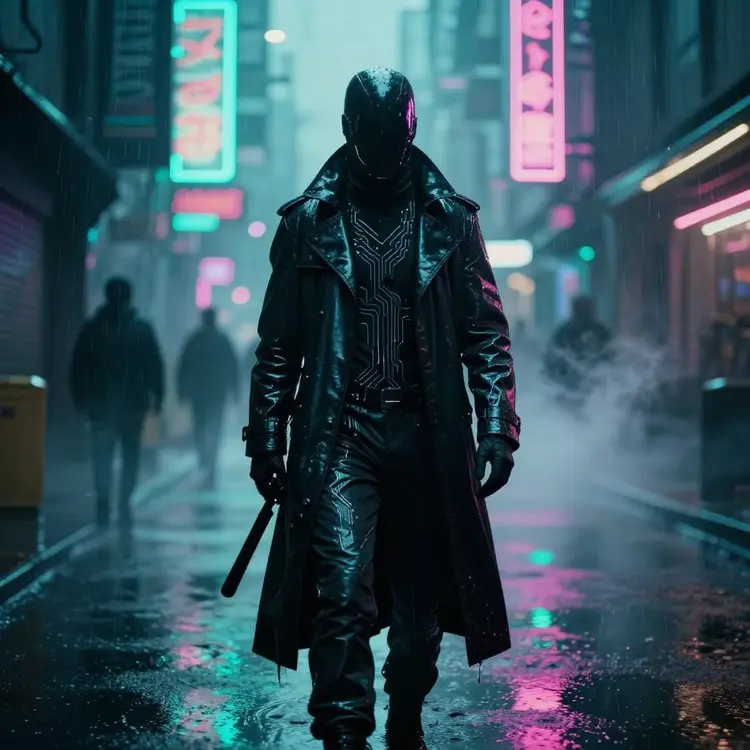
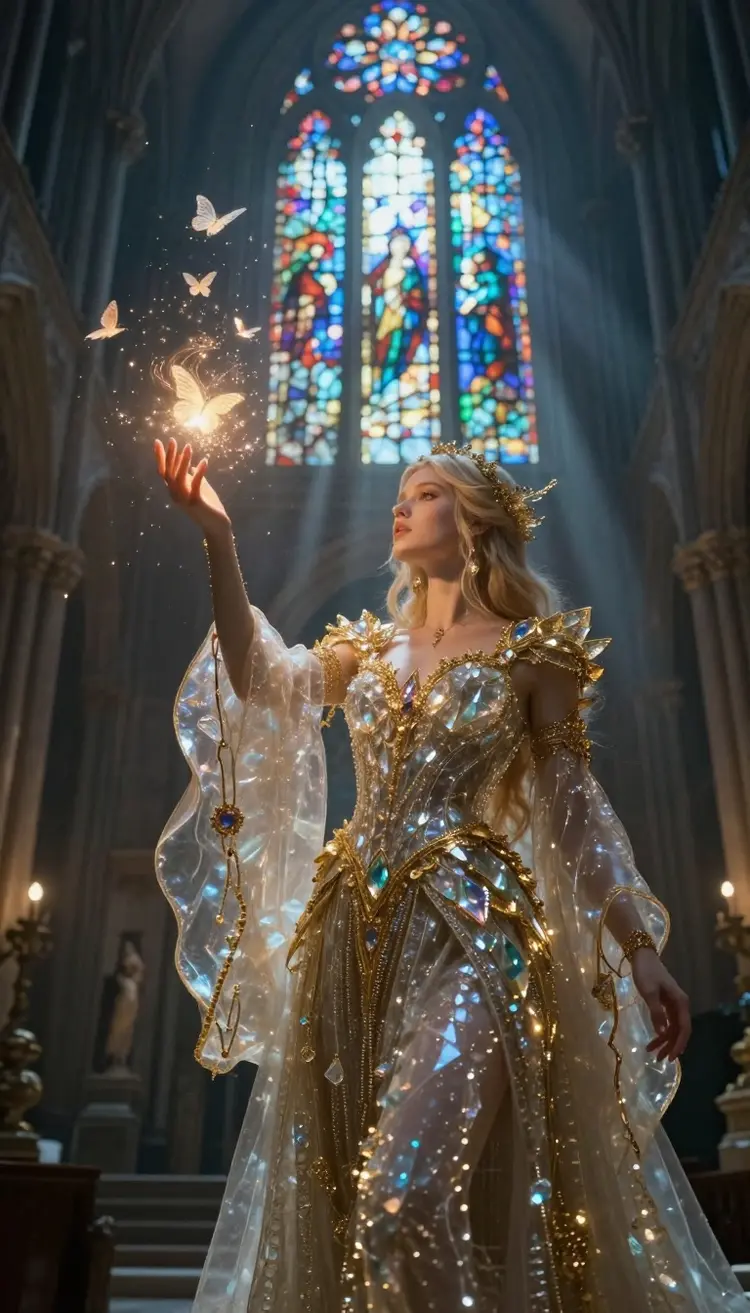
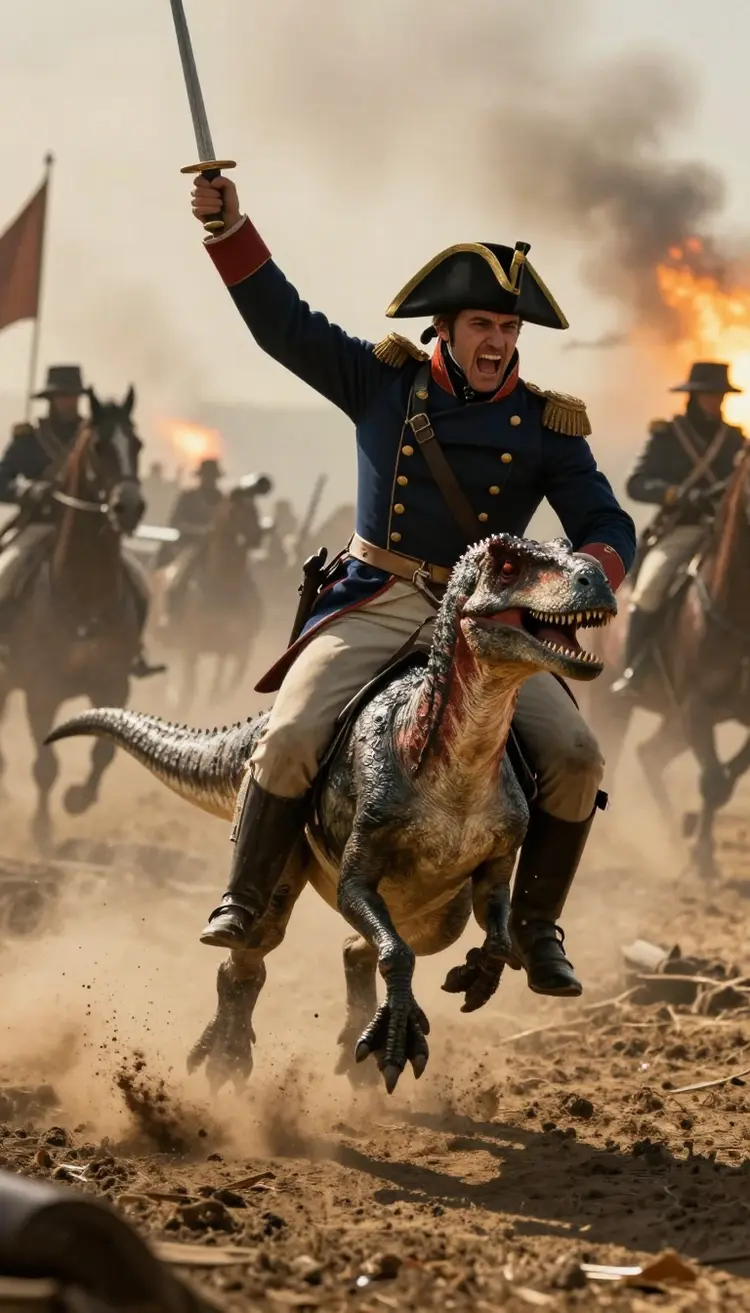
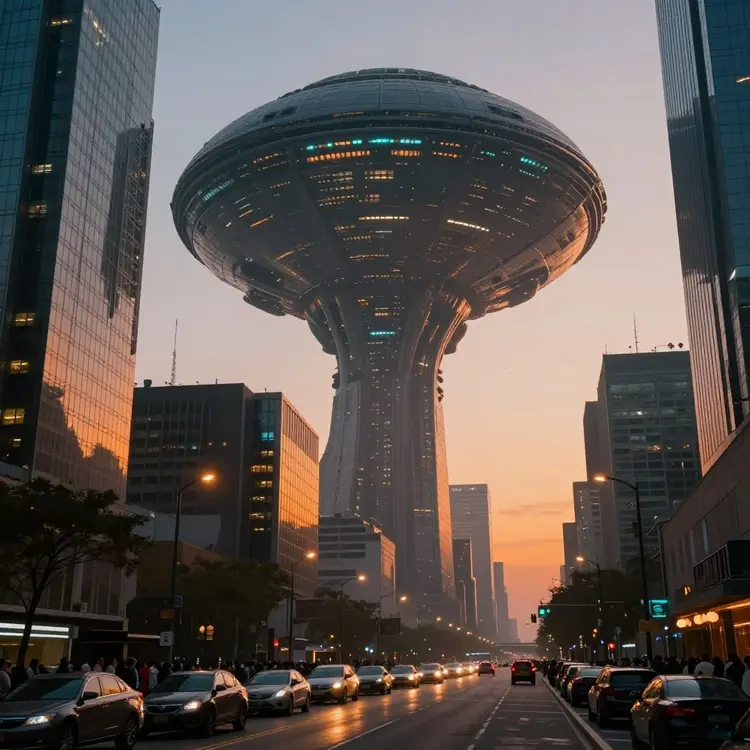
What is Sora 2 and how does it work for creating AI videos?
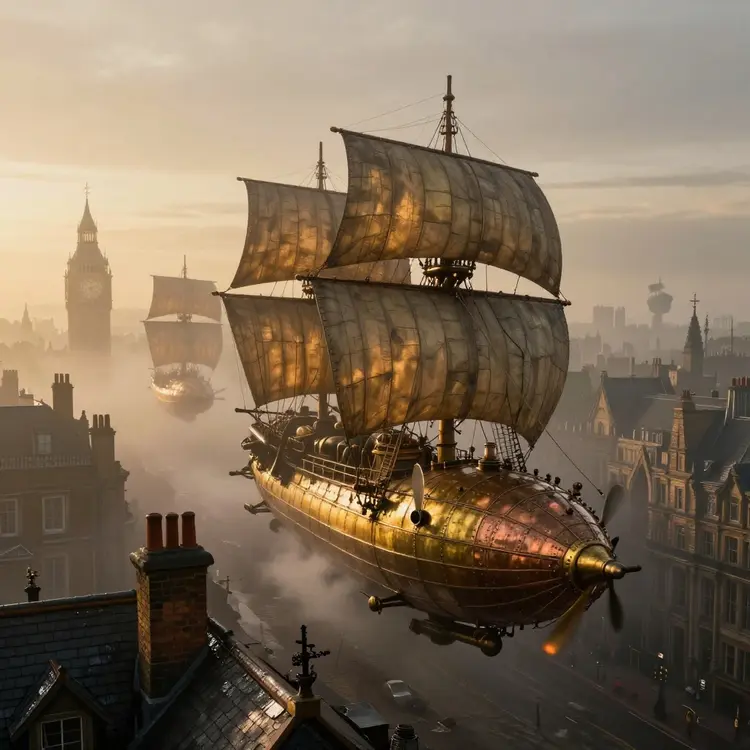
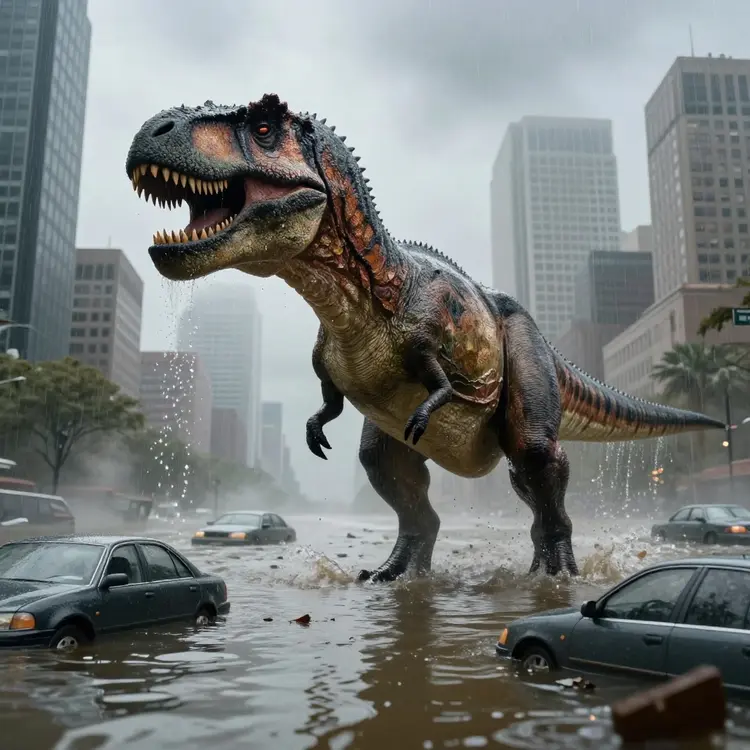
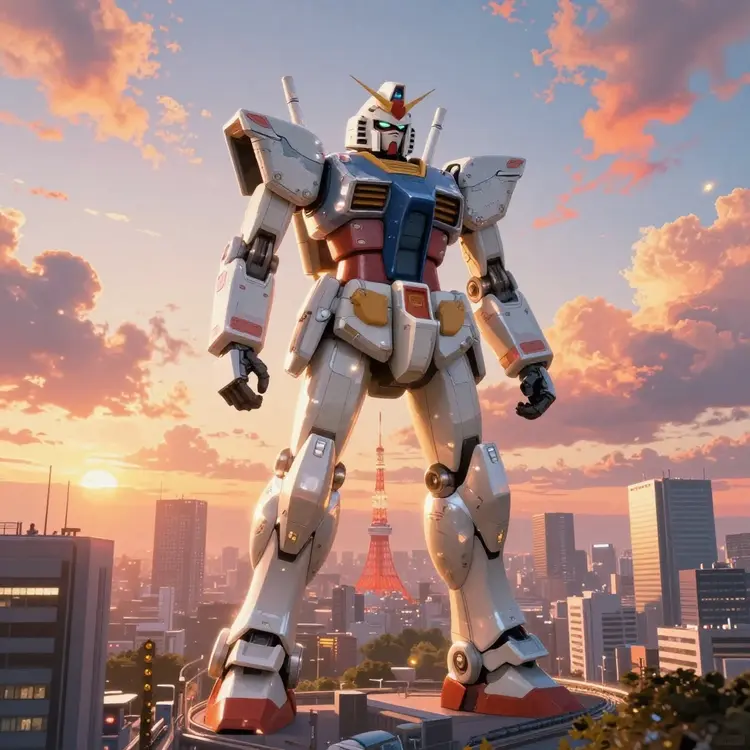
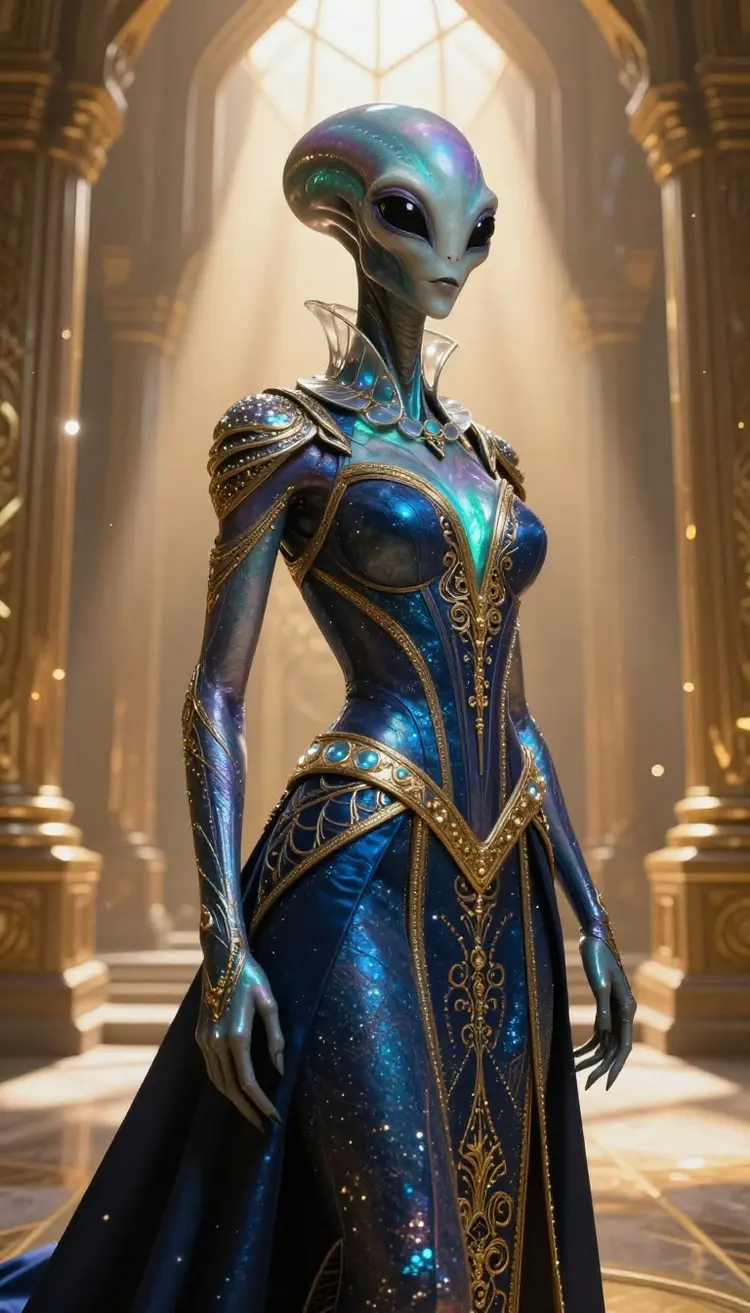
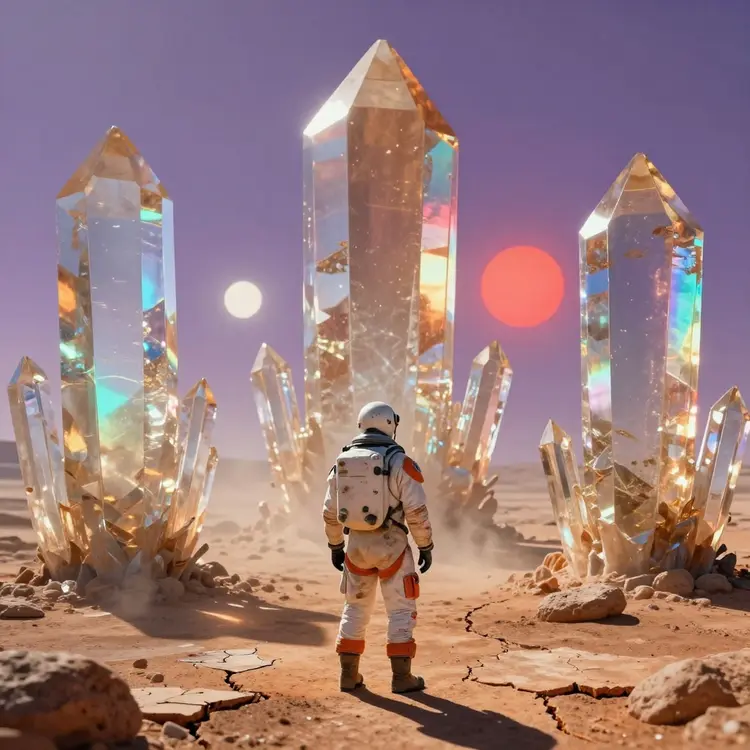
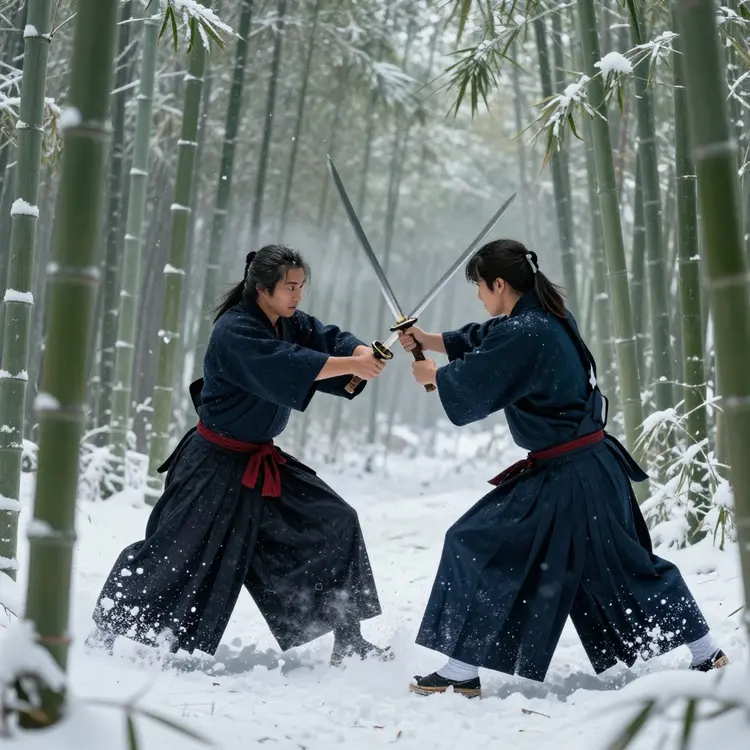
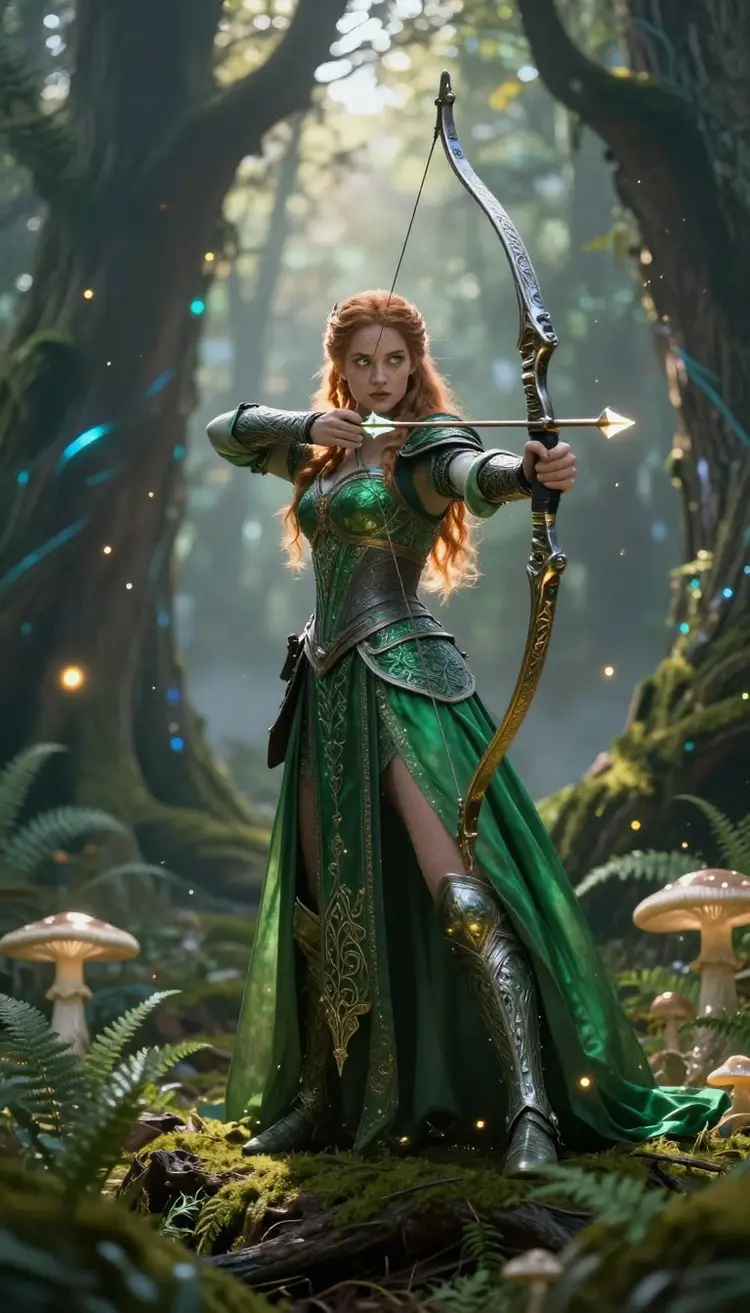
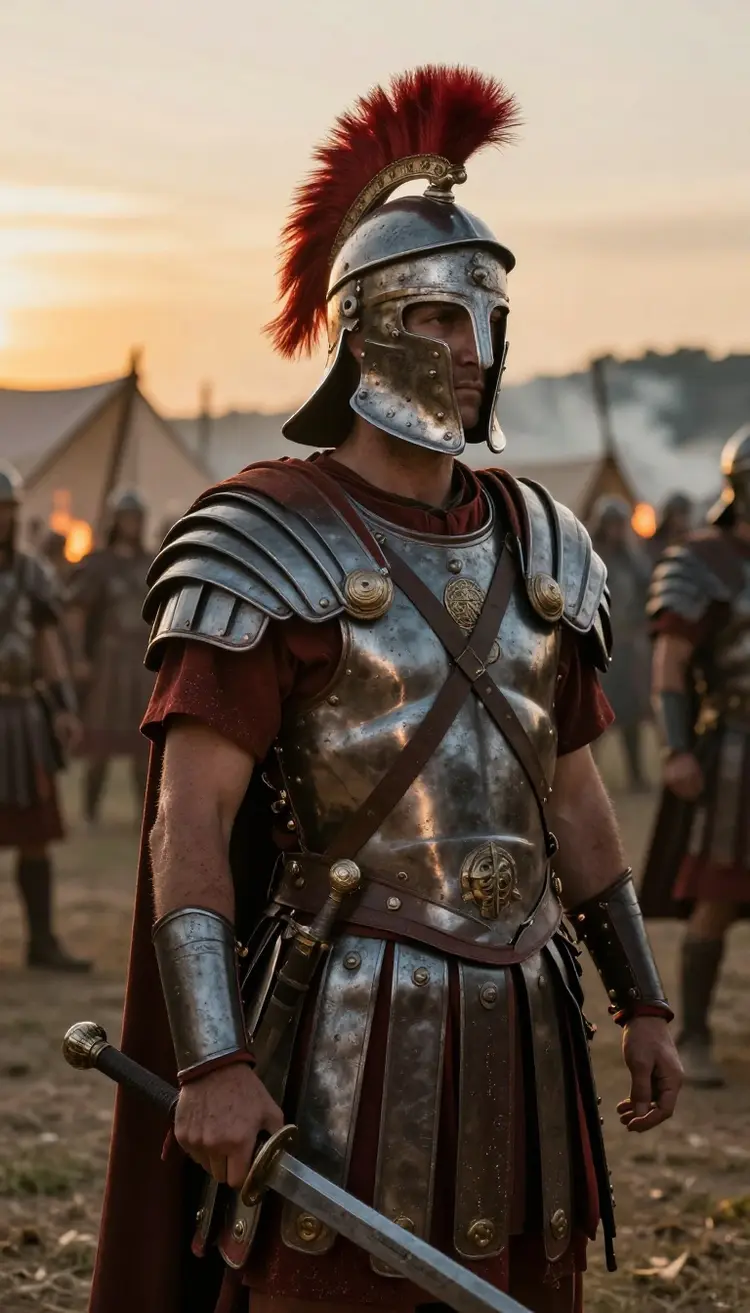
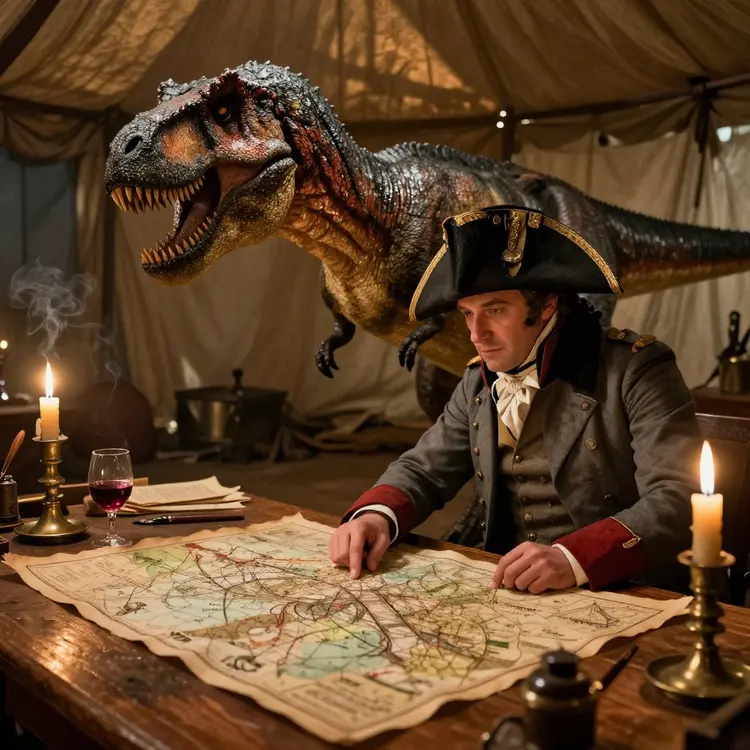
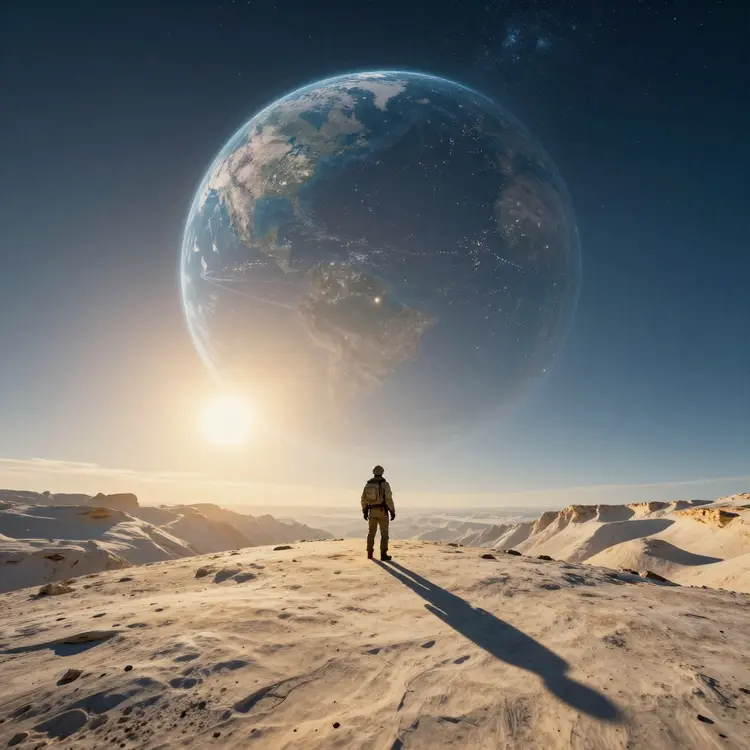
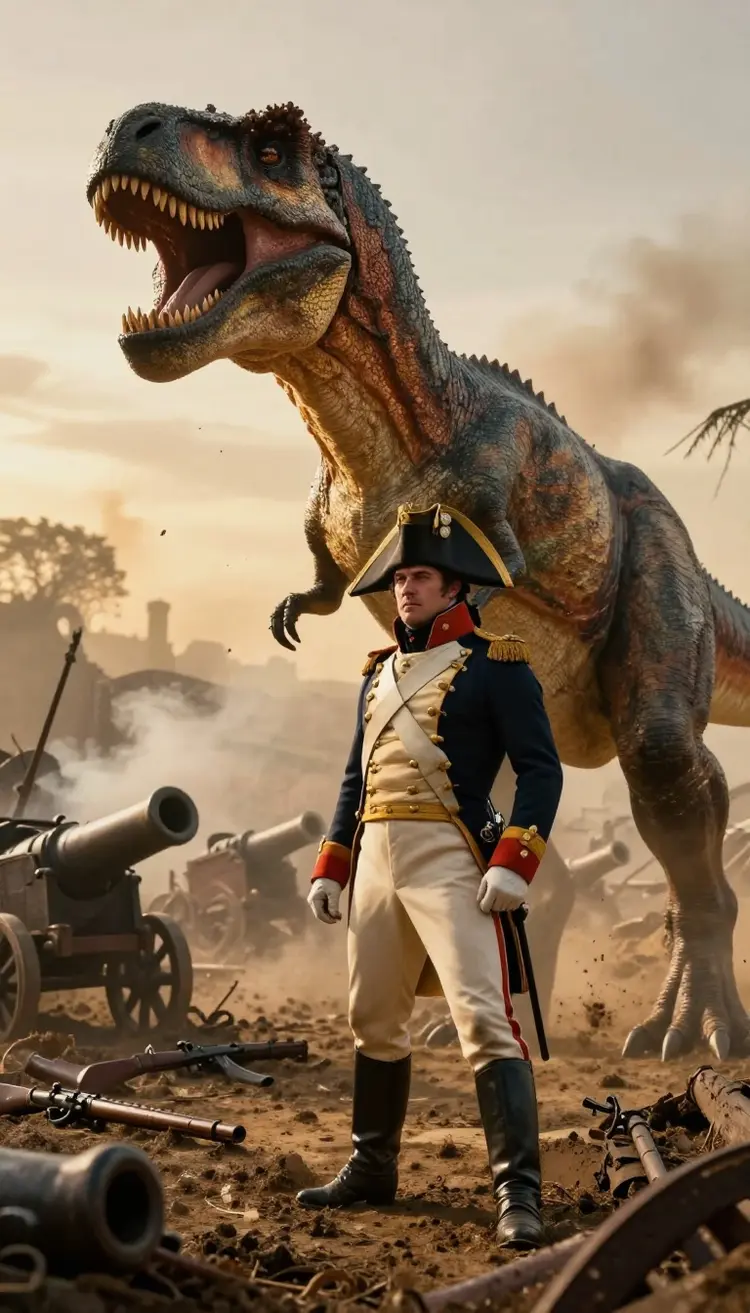
Sora 2 and Sora 2 Pro are OpenAI's video models, and both generate the video and its audio together. Sora 2 Pro makes clips of up to 12 seconds in 1024p. On Picasso IA you write a prompt or add an image for the first frame, pick the model and get your clip, then caption, upscale or edit it in the same account.
Can I use Picasso IA to convert video to text online for free?
Yes, Picasso IA offers the feature to convert video to text online for free. This tool is perfect for those who need to transcribe video content, whether for subtitles, analysis, or documentation. It is fast, accurate, and easy to use.
Is it possible to edit videos with AI using Picasso IA?
Absolutely. Picasso IA includes advanced tools for editing videos with AI. You can adjust colors, enhance resolution, add or remove elements, and customize content according to your needs. All in a simple and professional manner.
How can I start creating AI videos for free on Picasso IA?
To start creating AI videos for free on Picasso IA, simply sign up on the platform, select the video creation option, and follow the provided steps. In a few minutes, you will have an AI-generated video ready to use.
How long can the videos I generate be?
Clip length depends on the model you pick. Most generations land between 5 and 10 seconds per render, which is ideal for ads, social posts, and b-roll. For longer pieces, you generate several clips and stitch them together, keeping the same prompt style so the scenes flow. Because you can produce many short shots quickly, building a full sequence is straightforward and far cheaper than a traditional shoot.
Can I turn one of my own photos into a video?
Yes. The image to video tool animates a still you upload, adding natural motion, camera movement, and life to a static frame. Drop in a product photo, a portrait, or artwork, describe how you want it to move, and the AI generates a clip from that starting image. It is a fast way to give existing visuals a dynamic feel without reshooting anything or learning animation software.
What video formats and resolutions does Picasso IA support?
You choose the aspect ratio before generating, including 16:9 for YouTube, 9:16 for TikTok and Reels, and 1:1 for square feeds. Videos export as standard MP4 files that play everywhere and drop straight into any editor. If you need extra sharpness, run the super resolution tool to upscale your clip toward 4K so it stays crisp on large screens and in paid ad placements.
Do I need editing experience or special software to use it?
No. Everything runs in your browser with no installs, plugins, or GPU required. If you can type a sentence describing what you want to see, you can make a video. The generation, upscaling, background removal, captions, and transcription tools all live on the same page, so a first-time creator and a working professional both get usable results without touching a complex timeline.
Still Have Questions?
Our team and help center cover billing, models, and tips for getting the best video results. Reach out any time and we will point you in the right direction.