A fantasy board game lives or dies by its cast. Roll a die, draw a card, move a token, and the character on that card is what makes the moment feel like your story instead of somebody else's clip art. Picasso IA's NSFW AI generator lets you design that cast yourself, with mature detail stock art never offers, and use the result as real artwork for a card, a player board or a box.
This guide builds one board game character from a blank prompt to a finished, card-ready portrait with Recraft V4.1 Pro, a confirmed uncensored model suited to the bold, illustration-grade look a tabletop box thrives on. Every character shown here, sorceress, rogue, barbarian, archer, bard and cleric, is a fictional adult built for a game, never a real person.
By the end you will have a workflow you can repeat for a full roster: pick an archetype, write a prompt a game designer could hand off as a brief, generate it with a model that will not soften a suggestive costume into something generic, then crop the result for every component your table actually needs.
Most homebrew and small-press board games reuse whatever art the designer can license or scrape together, and it shows. A borrowed illustration rarely matches your setting's tone, and a licensed asset pack gives every other kitchen-table designer the same six heroes. None of that art was built for your world, your factions or the mature edge your campaign actually wants.
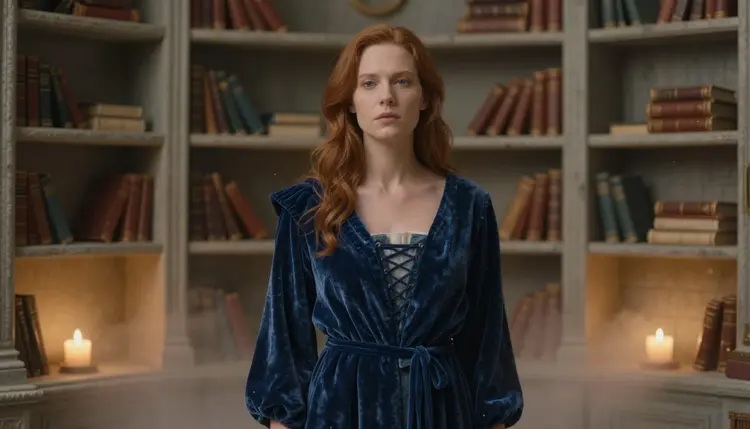
An NSFW AI generator changes that math. Instead of budgeting for a commissioned illustrator per character or settling for a stock face that half the internet has already seen, you describe the sorceress, the rogue or the cleric you actually imagine, down to the fabric, the pose and the light, and Recraft V4.1 Pro renders it without flattening a suggestive detail into something safer than what you asked for. A character built this way reads as yours the moment a player picks up the card.
The process below takes one character from a rough idea to art ready for a physical or print-and-play component in five passes.
- Define the Character's Role. Decide what the character does in your game, tank, damage dealer, support or narrator, so the prompt has one clear job to serve instead of a generic hero pose.
- Write a Scene-Rich Prompt. Describe the costume, pose, lighting and setting the way you would brief an illustrator, since small details like fabric weight or a weapon's glow are what separate a card that feels designed from one that feels generic.
- Generate with Recraft V4.1 Pro. Run the prompt through Recraft V4.1 Pro, a confirmed uncensored model, so a mature costume or an intimate pose renders on the first attempt instead of a rejected request.
- Refine with Picasso Image Editor Pro. Use Picasso Image Editor Pro, also confirmed filter free, to adjust the crop, the pose or the color palette until the art matches your game's existing cards.
- Export Every Component Crop. Save a portrait crop for the character card, a wide crop for the player board and a tight crop for a rulebook icon, all from the same generation, so the character stays consistent across every piece that shows their face.
That last step is the one most first-time designers skip, then redo later. A single hero image looks great on its own, but a real board game asks the same face to work small on a token, wide on a player board and sharp on a box, and planning those crops before you move on saves a second generation later.
Recraft V4.1 Pro is the primary model for this workflow because it is confirmed uncensored and built for clean, illustration-grade output rather than photoreal noise, which is exactly the look a card game or a box cover wants. Layered armor, flowing fabric and dramatic lighting render with the kind of bold clarity that still reads clearly at card size, not just at full resolution on a screen.
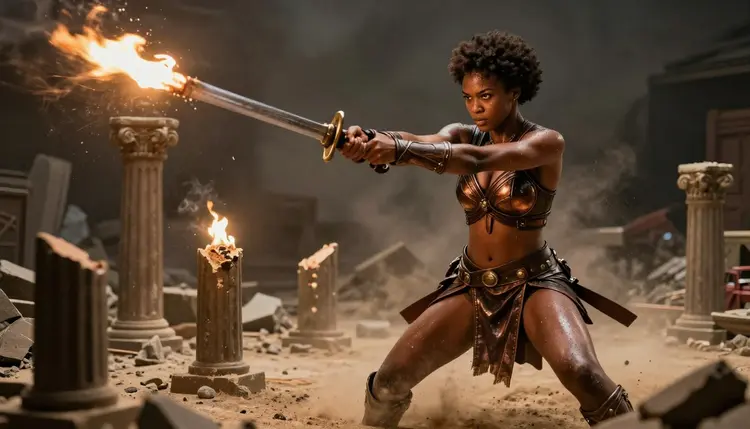
Action matters as much as costume. A warrior mid-swing, sword trailing flame over broken stone, tells a player more about a character's role in one glance than a static portrait ever could, and Recraft V4.1 Pro holds that motion and lighting together instead of muddying it into a blur.
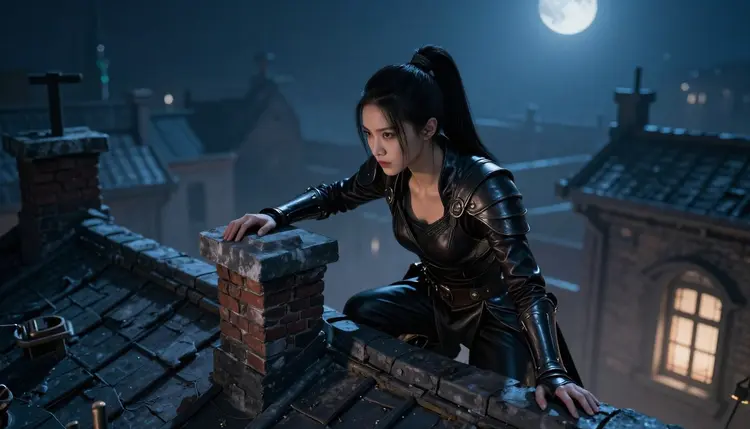
Qwen Image 2, also a confirmed uncensored model, is worth keeping in the same toolkit for a grittier, more painterly pass once a character's base look is set, particularly for a rogue or scout whose scene calls for shadow and texture over Recraft V4.1 Pro's cleaner line. Once a base image exists, Picasso Image Editor Pro is the tool to reach for to adjust crop, pose or palette without starting the generation over.
This workflow is 18+ only, and Picasso IA treats that as a hard line, not a suggestion. Every character built through this guide, and every example image on this page, is a fictional adult invented for a game, never a minor and never a real person, living or dead, described or implied without their consent.
Privacy is the default here, not a setting you have to find. Art you generate for your own game stays tied to your account instead of appearing in a public feed, so a character designed for your table or your print run is not something a stranger scrolls past before you are ready to share it. Keep every prompt focused on an invented character in an invented setting and this workflow stays exactly as useful as it looks in this guide, with no filter to fight and nothing that crosses the line a fictional-adults-only policy exists to hold.
A handful of prompt patterns cover most of what a board game's cast needs. Here is how several common archetypes translate into a Recraft V4.1 Pro prompt.
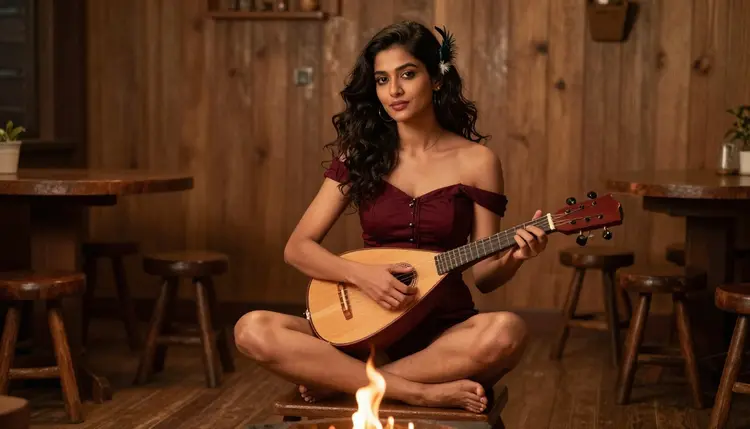
The bard rewards a relaxed, in-scene pose over a stiff portrait. Cross-legged by a fire, mid-song, with warm firelight on the strings, gives a card far more personality than a static stance, and a flirty, mature costume fits the archetype's usual reputation at the table.
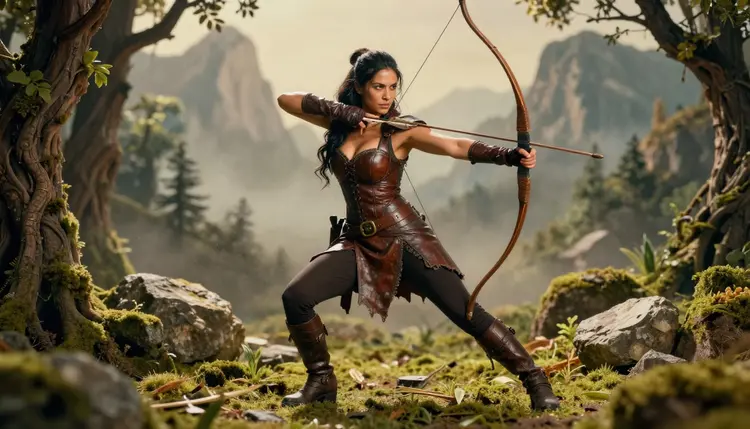
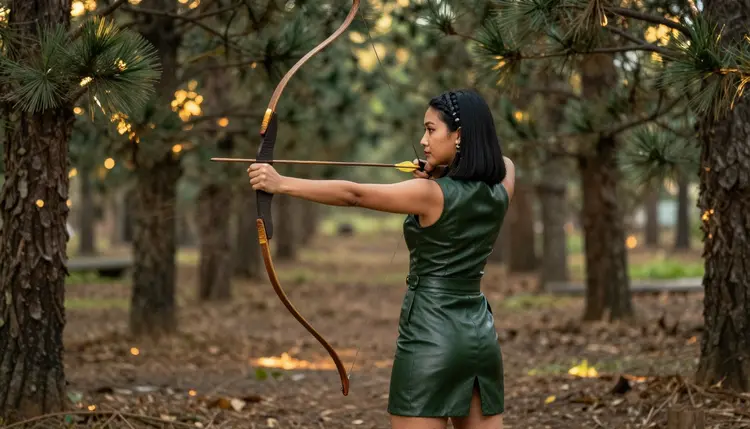
The archer wants motion. Mid-draw through trees rather than standing at rest lets the bow arm and the string carry the story, and describing the tension in the pose gives Recraft V4.1 Pro a clear read on how the fabric and hair should move with it.
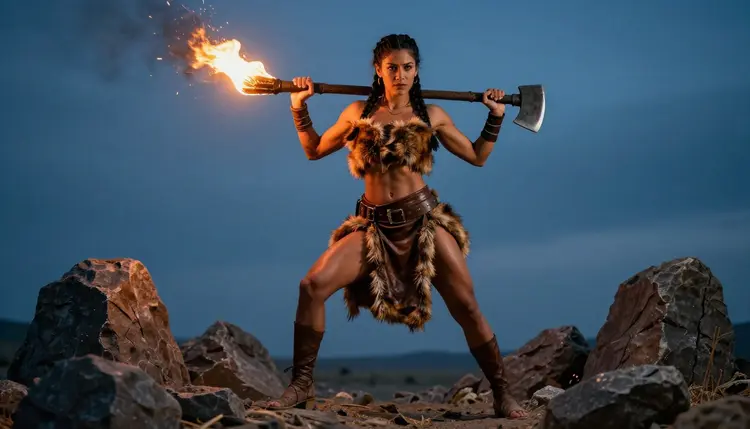
The barbarian is the archetype most designers underplay. A wide, grounded battle stance with a flaming weapon at dusk reads as raw physical presence at a glance, exactly what a tank or front-line card needs to signal before a player reads a single stat.
Sorceress and rogue were already covered earlier in this guide, and a cleric follows in the next section, which means a full six-character party, warrior, rogue, sorceress, bard, archer and barbarian, already has a working prompt pattern to build from.
A board game character rarely stays a flat image. Once the portrait exists, most tables want to see the same character as the physical piece that actually sits on the board, whether that is a painted miniature, a standee or simple token art, and the reference sheet from step five is what a painter or a print shop works from to keep that piece matching the card.
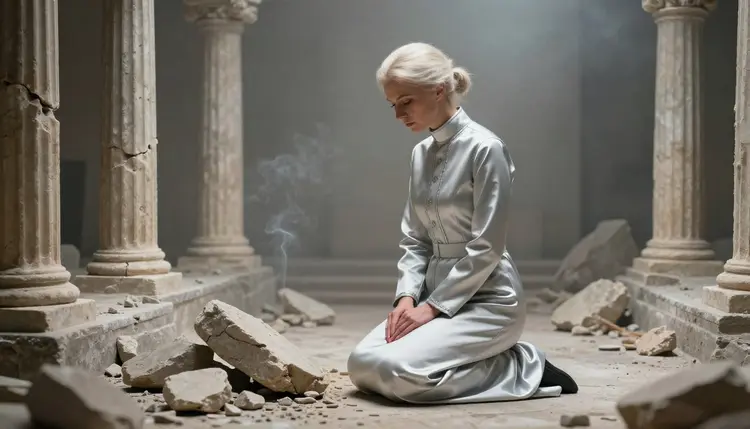
A quiet archetype rounds out the roster well here. A cleric kneeling in prayer among ruins reads as calm and devotional against the sorceress, warrior and barbarian's louder poses, and that contrast is worth planning for deliberately rather than letting every card default to an action shot.
If you want to see how a character reads before committing to physical production, Picasso Video, also confirmed uncensored, can animate a slow turn from the same reference so you can check the silhouette from every side. For a faster, more stylized teaser of the same scene, a model like Seedance 1.5 Pro is untested for this exact workflow but worth a try if you want to experiment with motion beyond a simple turnaround.
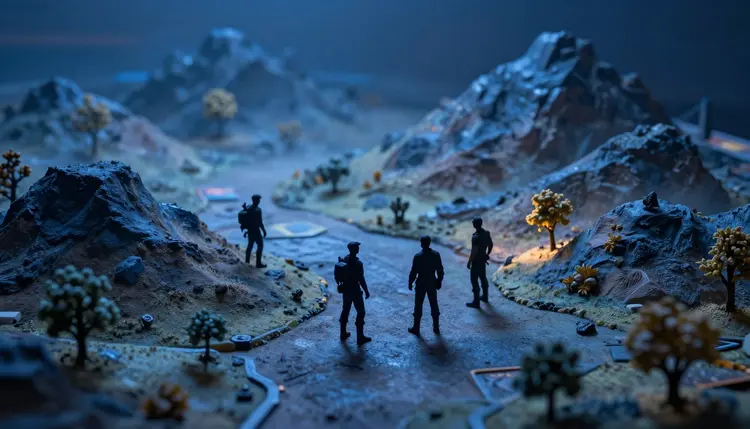
A full party built one archetype at a time this way, then checked together as miniatures on the same table, ends up looking like a cast that actually belongs to the same game instead of six characters pulled from six different sources.
What makes Recraft V4.1 Pro a good fit for board game character art?
Recraft V4.1 Pro is confirmed uncensored and built for clean, illustration-grade detail, so mature costume choices and dramatic poses render clearly at both full resolution and the smaller scale a card or token needs, without softening or refusing the request halfway through.
Can I use one character across a card, a player board and a rulebook icon?
Yes, that is what step five's export pass is for, generating a portrait crop, a wide crop and a tight icon crop from the same base image keeps the character's face, costume and lighting consistent across every component that shows them.
Do I need a licensed illustrator to make my board game look professional?
No, Recraft V4.1 Pro and the export workflow in this guide are built to produce card-ready, illustration-grade art directly, so a small-press or homebrew designer can build a full cast without commissioning a separate artist for every character.
Does every character generated through Picasso IA have to be an adult?
Yes, without exception, every character built with Picasso IA's NSFW tools must be a fictional adult, never a minor under any framing or context, and 18+ is a hard requirement here, not a suggestion.
How do I keep one character looking the same across six or more cards?
Reuse the same core description, hair, costume colors, build and defining features, in every prompt, and generate the full set of crops for one character in the same session so the lighting and style stay close enough to read as one consistent design.
What if Recraft V4.1 Pro renders something different from what I described?
Adjust the wording and regenerate rather than trying to force a single result to work, since a confirmed uncensored model still depends on a clear prompt, and a small change to costume, pose or lighting language usually fixes a result that drifted.
Can I turn a finished character into a short animation for a digital version of the game?
Yes, Picasso Video is a confirmed uncensored model that can animate a slow turn or a simple idle motion from the same reference, and a model like Seedance 1.5 Pro is worth trying for a more stylized clip, though it remains untested for this specific mature workflow.
Who sees the character art I generate?
Your generations stay private to your account by default, which is the privacy-by-default approach this guide relies on, so a character built for your own game is not shown to other users or published anywhere unless you choose to share it yourself.
Is this workflow only useful for fantasy settings?
No, the same steps work for any genre a board game might use, fantasy is simply the easiest to demonstrate because archetypes like warrior, rogue and sorceress are instantly recognizable, but the prompt structure carries over to sci-fi, horror or any other setting.
What is the fastest way to start if I am new to writing prompts?
Start with one of the archetype prompts in this guide, sorceress, rogue, warrior, bard, archer, barbarian or cleric, and change only the details specific to your character, since the base structure already covers the pose, lighting and mature detail a board game card needs.