A store bought greeting card says the same three sentences a hundred other cards already said this week. A card built around an image made for the person you are actually sending it to says something else entirely: the robe they would pick, the room they would recognize, and a mood no template ever quite captures.
Picasso IA builds that kind of card around Seedream 4.5, the platform's primary model for flirty, adults only scenes and one of six confirmed to render this kind of content without a safety filter stepping in first. You describe the pose, the wardrobe, the setting and the mood, Seedream 4.5 renders it in a few seconds, and you drop the result straight into a card meant for one person and nobody else. No design skill is required, and no separate photo shoot, styling budget or props are needed either, the whole scene comes from a prompt and a model that already knows how to read one.
Every character in that result is fictional and adult, never a real likeness and never anyone who could be mistaken for a minor. If you already know the scene you want, the toolkit is one click away. If not, this page walks through the setup, five steps to get there, the other confirmed models worth trying, and the privacy rules that apply to every card you make.
A card works best when the image reads as a scene, not a snapshot: soft morning light, a made bed, a robe half tied, an envelope propped against a pillow. Seedream 4.5 handles that kind of prompt well because it responds to detail rather than keywords. Naming the fabric, the light source and the small prop in the corner of the frame gets a far more convincing result than a short, generic line, and it also keeps the tone at flirty and suggestive rather than tipping into something cruder than a card actually calls for.
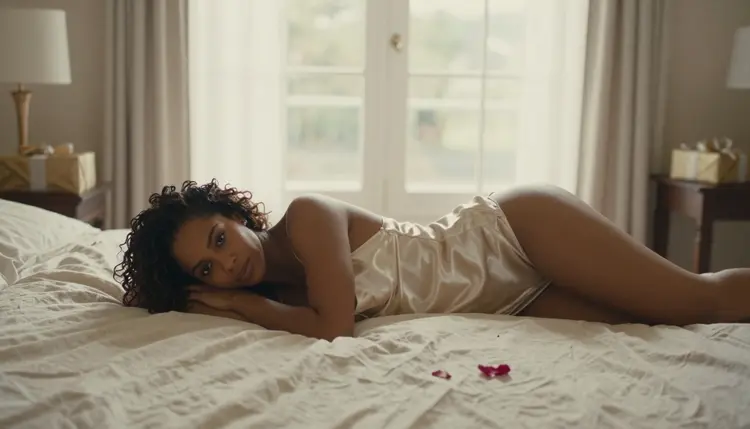
Think of the card image as one frame from a scene you can already picture in full, then describe only that frame. A robe, a ribbon, a specific room and a specific hour of the day give Seedream 4.5 enough to work with, and the result reads as intimate rather than staged.

A wrapped gift, a ribbon being tied, or an envelope left on a pillow all work as a softer opening image if you would rather ease into the card before the main scene. Picasso IA lets you generate a few variations of each and keep the one that actually looks like the moment you had in mind.
Getting from a blank prompt box to a finished card takes a few minutes once you know the order to do things in.
- Pick the scene. Decide on one moment, a robe on a chair or a bed with the light coming in a certain way, before you write a single word of the prompt.
- Write a specific prompt. Name the wardrobe, the room, the light and the mood, and keep the character clearly a fictional, adult person.
- Generate with Seedream 4.5. Open the toolkit, select Seedream 4.5, and generate two or three versions of the same scene to compare.
- Pick the best version and refine it. Adjust the wording for whatever did not come out right, then generate again rather than settling for the first attempt.
- Save it into your card. Download the image and place it in whatever card format or message you are sending, keeping it private to the recipient.
Seedream 4.5 is the model this page is built around, and for a portrait style card scene it is a strong first choice: confirmed to generate adult content without a filter blocking the prompt, and good at holding a consistent character across a few regenerated attempts. It is one of six models on Picasso IA confirmed to work this way, out of a much larger catalog built mostly for everything that is not this kind of scene.

The other five confirmed models cover the rest of what a card might need. Qwen Image 2 and Recraft V4.1 Pro are two more confirmed, filter free options for still images, worth trying if you want a different style or a second take on the same scene. Picasso Image Editor Pro is confirmed for editing an existing image rather than only generating from scratch, useful if you already have a base picture and want to adjust the outfit, the lighting or a small detail. For a card that moves instead of sitting still, Picasso Video and LTX 2.3 Pro are the two confirmed models for adult video, and either can turn a still scene into a short clip.

Nothing else in the catalog is confirmed to generate this kind of scene without hitting a content filter first, so a prompt like this on a general purpose model will usually come back blocked rather than rendered. Sticking to these six, with Seedream 4.5 as the default for a card, is the reliable path.
A card like this is not limited to one date on the calendar. Valentine's Day is the obvious one, but an anniversary, a missing you message in a long distance relationship, or a birthday that needs something more personal than a store rack all work the same way: pick the mood, describe the scene, generate. A relationship milestone, a homecoming, or just a Tuesday that deserves more than a text message all work just as well once the scene is described clearly.
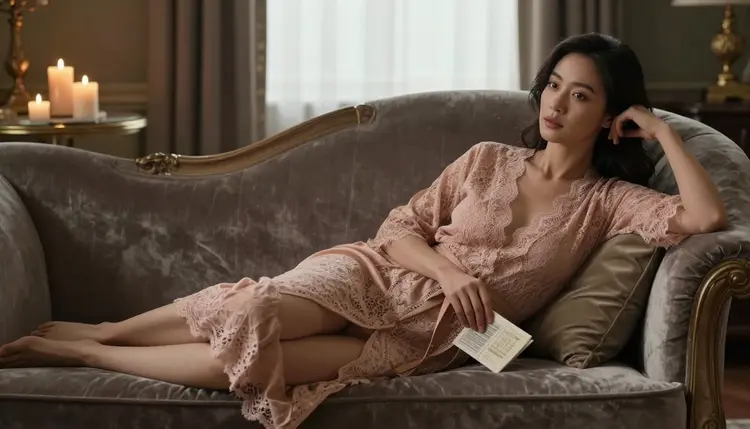
For a softer, more suggestive tone, a robe, low light and a relaxed pose usually reads better than anything more direct. For a playful tone, add a prop: a card half hidden under a pillow, a ribbon still being tied, a note left where it will be found.
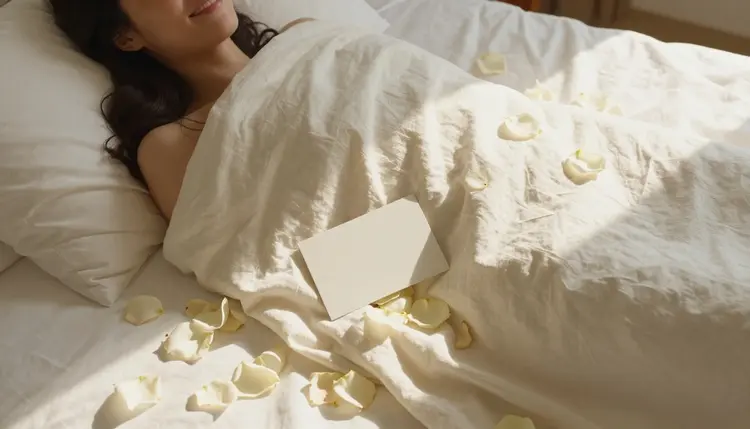
An overhead angle, shot straight down at a bed with the card resting beside the subject, is an easy way to frame the card itself as part of the scene rather than something pasted on top of it afterward.
Every card made on Picasso IA follows the same limits as the rest of the platform, and they are not optional. This is an 18 plus feature: every character has to be a fictional, invented adult, nobody who could be mistaken for a minor, and nobody based on a real person without that person's consent, public figures included. Picasso IA does not generate a real likeness on request, and it makes no exception for a greeting card any more than for anything else on the platform.
Privacy works the same way by default: what you generate stays tied to your account, is not published anywhere on the site, and is not shown to other users. You choose whether and how to send the finished card, and Picasso IA does not do that for you. None of this depends on which of the six confirmed models made the image, the same limits and the same privacy default apply across all of them, every time.
Once a scene looks right, the finishing step is usually small: a lighting tweak, a slightly different pose, or an outfit swap. Picasso Image Editor Pro is confirmed for exactly that, editing the image you already generated rather than starting a new one from scratch, which is faster than regenerating from the full prompt again. It is worth trying even on a result you already like, since a small edit can turn a good scene into the one that actually matches what you pictured.

Downloading the finished image is one click from the generation, and from there it is yours to use however you like: printed, dropped into a message, or paired with a note. Picasso IA does not post it anywhere or attach your name to it.
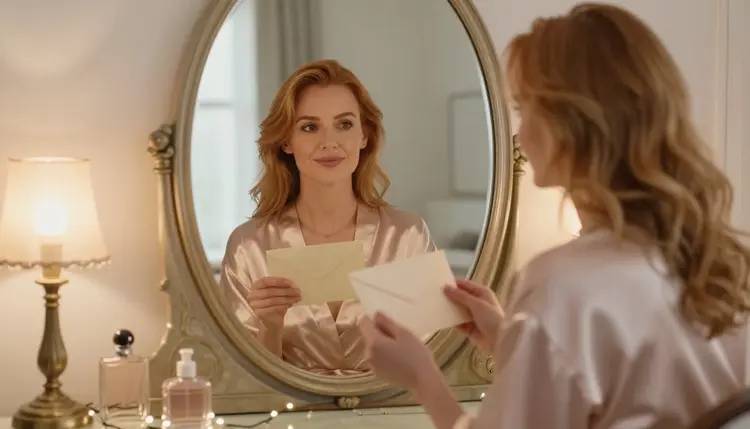
How you send it after that is entirely up to you and the person receiving it. Some people attach the image to a message, some print it, some pair it with a handwritten note describing the same moment the image shows.

The goal, in the end, is a card that reads as made for one specific person rather than pulled off a shelf, and that is what a described scene gets you that a template never will.
Which model should I use for a greeting card scene?
Seedream 4.5 is the model this page is built around and the strongest first choice for a portrait style card, confirmed to generate adult content without a filter blocking the prompt and good at holding a consistent character across a few attempts.
Are there other confirmed models worth trying?
Yes. Qwen Image 2 and Recraft V4.1 Pro are two more confirmed, filter free options for still images, Picasso Image Editor Pro is confirmed for editing an image you already generated, and Picasso Video and LTX 2.3 Pro are the two confirmed models for adult video.
Is this feature limited to adults?
Yes. This is an 18 plus feature, every character generated must be a fictional adult, and nobody who could be mistaken for a minor is permitted in any generation on Picasso IA, cards included.
Can I base the image on a real person?
No. Picasso IA does not generate a real person's likeness on request, with or without that person's consent, and every character in a card has to be invented rather than based on someone real.
Will my card show up anywhere public on the site?
No. What you generate stays tied to your account by default, it is not published on Picasso IA and it is not shown to other users. Sharing the finished card is something you choose to do yourself, outside the platform.
What should I describe in the prompt to get a good result?
Name the wardrobe, the room, the light and the mood rather than writing a short, generic line. Seedream 4.5 responds to specific detail, and a described scene, robe, light source, a small prop, reads far more convincing than a vague request.
Can I use this for occasions other than Valentine's Day?
Yes. An anniversary, a long distance missing you message, or a birthday all work the same way. The occasion changes the mood and the props, not the process.
Can I edit the image after I generate it?
Yes. Picasso Image Editor Pro is confirmed for editing an existing image, useful for adjusting a pose, an outfit or the lighting without regenerating the whole scene from the prompt again.
Do I need credits to try this?
Generating on Picasso IA runs on the platform's credits system, and new accounts start with a free allowance you can spend on Seedream 4.5 or any of the other confirmed models before deciding whether to add more.
Can I turn the card into a short video instead of a still image?
Yes. Picasso Video and LTX 2.3 Pro are the two confirmed models for adult video on Picasso IA, and either can turn a still scene into a short clip rather than a static image.