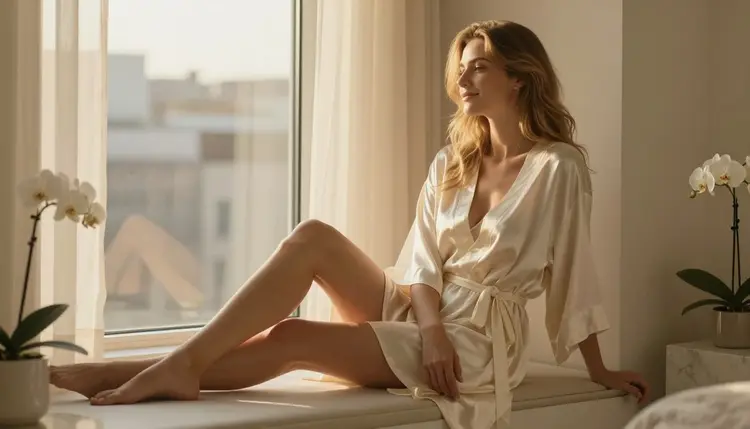
Your newsletter header is the very first thing a subscriber sees, even before the subject line finishes loading in an inbox preview. If you run an adult content brand, a spicy fiction newsletter, or a mature lifestyle digest, that header has to set the tone in a single glance: confident, intimate, and polished enough to make someone want to keep scrolling.
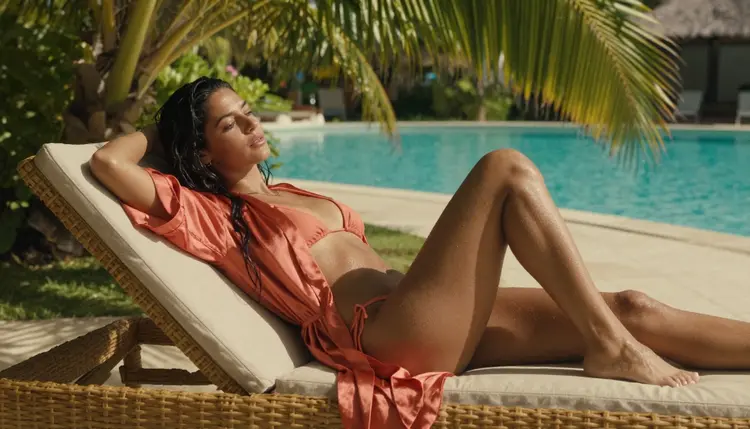
This guide walks you through creating a flirty, editorial style header image with Picasso IA's uncensored models: no photoshoot, no stock library, and no filter fighting you at the last step. We cover the exact prompt structure, which model to pick for this specific look, and how to export a header that fits Mailchimp, Beehiiv, ConvertKit, or Substack without cropping badly on mobile. By the end, you will have a repeatable process you can run every week, not just a one off image for a single issue.
A newsletter header is not just decoration. It is the banner readers associate with your brand every single week, so it has to feel like it belongs to you and nobody else. Generic stock photography reads as borrowed, and free clipart reads as amateur, especially for a mature or adult oriented publication where taste matters as much as the writing inside.
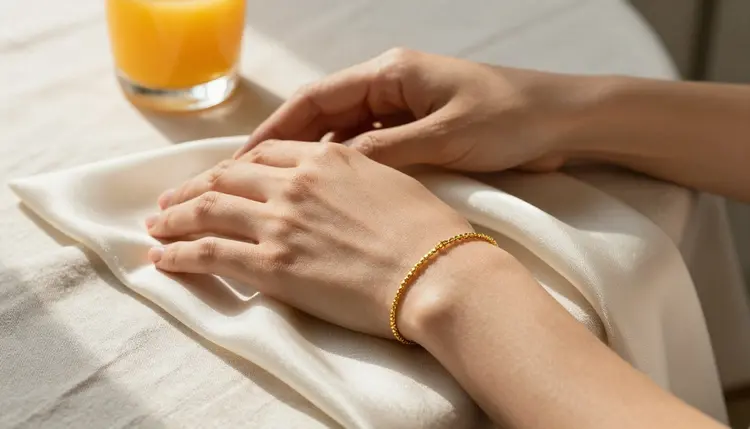
The strongest headers lean into a consistent visual language: warm, editorial lighting, soft fabrics, a hint of intimacy without ever tipping into anything explicit. Think of the mood a high end lifestyle magazine cover uses, then push it slightly more suggestive and romantic to match an adult newsletter's tone. A recurring color palette, coral, ivory, or teal across every header also trains subscribers to recognize your email before they even read the sender name, and it makes your archive of past issues look like a single collection instead of a scattered pile of unrelated pictures.
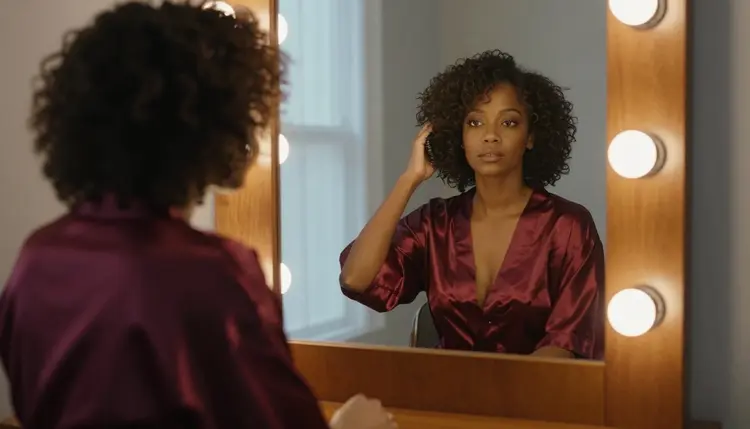
Once you have a mood locked in, the fastest way to reproduce it every week is a repeatable prompt template, not a fresh brainstorm each time. That is exactly what the steps below give you, and a good template also keeps your header on brand when someone other than you is writing that week's issue.
Follow these five steps and you will have a header ready to drop into your email platform in under ten minutes.
- Define Your Header's Mood. Decide on one word, romantic, playful, moody, or glamorous, before you open the generator, so every choice after this one supports that single feeling.
- Write a Clear Prompt. Describe the subject, the setting, the lighting, and the framing in plain sentences, for example a woman in a silk robe by a sunlit window, warm golden hour light, wide horizontal composition.
- Pick Seedream 4.5 as Your Model. Seedream 4.5 is Picasso IA's confirmed uncensored option for this kind of intimate, suggestive imagery, so start there instead of a general purpose model that may hold back on tone.
- Generate and Compare Variations. Run three or four variations from the same prompt, since small differences in pose and lighting can change how flirty or how subtle the final header feels.
- Crop and Export for Your Email Platform. Export at a wide banner ratio and preview it in both a light and a dark inbox theme before you schedule the send.
Once you land on a version you like, save the prompt itself in a notes file. Reusing it with small tweaks each week is what keeps a newsletter's visual identity consistent over months, not just for one issue.
Picasso IA's catalog includes more than a hundred models, but only a handful are confirmed uncensored for suggestive, adult toned work like a newsletter header. Seedream 4.5 is the primary pick for this article: it renders skin, fabric, and warm lighting with a natural, photographic feel and does not hold back when a prompt leans intimate or romantic.
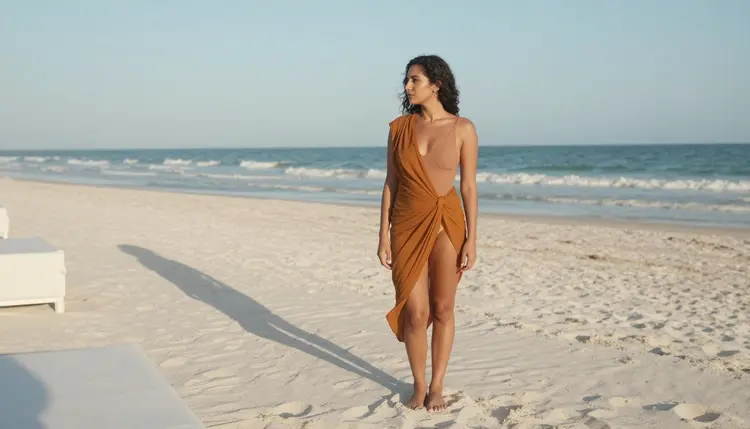
Alongside Seedream 4.5, five other models on Picasso IA are confirmed no filter for this kind of mature content: Qwen Image 2, Recraft V4.1 Pro, Picasso Image Editor Pro, Picasso Video, and LTX 2.3 Pro. Qwen Image 2 is a solid second opinion if you want a slightly different rendering style for the same prompt. Recraft V4.1 Pro tends to produce a cleaner, more graphic look that suits a minimalist newsletter brand. Picasso Image Editor Pro is the one to reach for when you already have a header and just need to touch it up, and Picasso Video together with LTX 2.3 Pro turn a still header into a short looping clip for a landing page or social teaser.
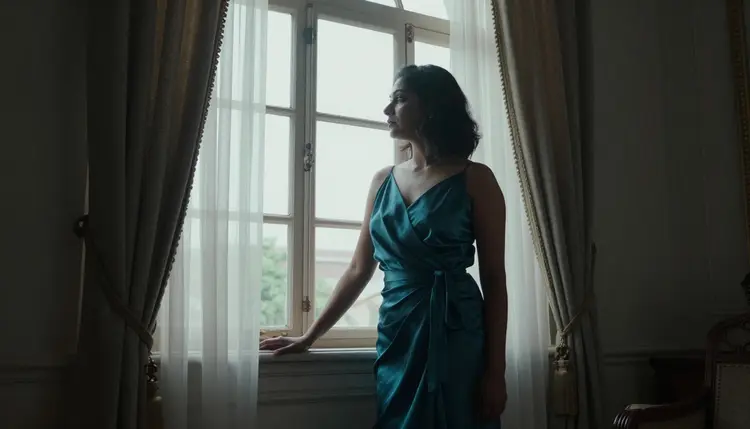
Any other model in the catalog, including newer or third party options, is worth a try for a different aesthetic, but treat it as untested for this specific mature use case rather than assuming it behaves the same way. Sticking with the six confirmed models above is the safer starting point until you know exactly how a new one handles suggestive prompts, especially if your newsletter goes out on a fixed schedule and you cannot afford a regenerate at the last minute.
Picasso IA's uncensored tools are strictly an 18+ feature, available only to adult users who confirm their age before generating anything in this category. Every figure you create through Seedream 4.5 or any other model here must be a fictional adult; the platform does not allow depictions of minors under any framing, and it does not allow a real, identifiable person to be generated without that person's clear consent.
Your prompts and generated images stay private by default. Nothing you create for a newsletter header is published, shared, or added to a public gallery unless you choose to publish it yourself, and you can delete a generation from your history at any point. Keeping these limits in place is what lets Picasso IA offer genuinely uncensored, no filter models for adult creators, instead of the blanket restrictions most general AI tools apply.
Once you are comfortable with the basic prompt structure, try building a small rotation of looks so your newsletter does not repeat the same scene every issue.
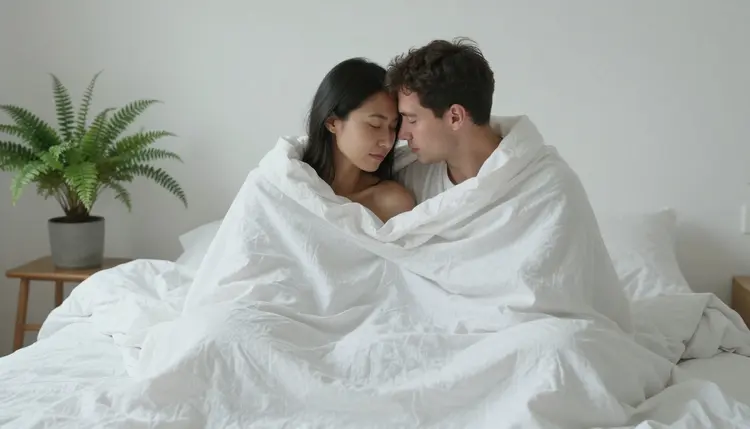
A couple embracing under a soft linen sheet, morning light, and a gentle color grade works well for a romance focused issue or a Valentine's style special edition. Keep the framing wide so the composition still reads as a banner rather than a portrait, and leave negative space on one side for your logo or issue number.
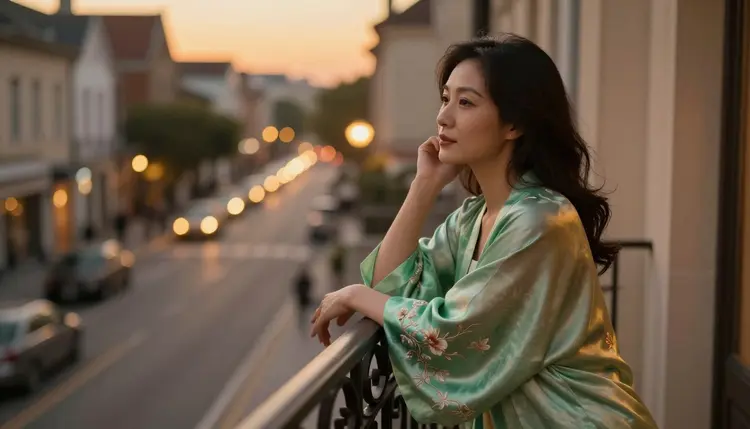
A single figure in a silk robe against a dusk skyline gives you a moodier, more solo glamour feel, which suits a personal newsletter or a creator's own weekly update. Golden hour and blue hour lighting both photograph beautifully in Seedream 4.5, so describing the exact time of day in your prompt is one of the highest impact details you can add. Small prompt variables like fabric color, room setting, and time of day are usually enough to keep a familiar formula feeling fresh from week to week. Keep a running list of the combinations that performed best in your open rate reports, and treat that list as your own private style guide rather than starting from a blank prompt every time.
A great header image still needs a few practical touches before it belongs in a live email campaign.
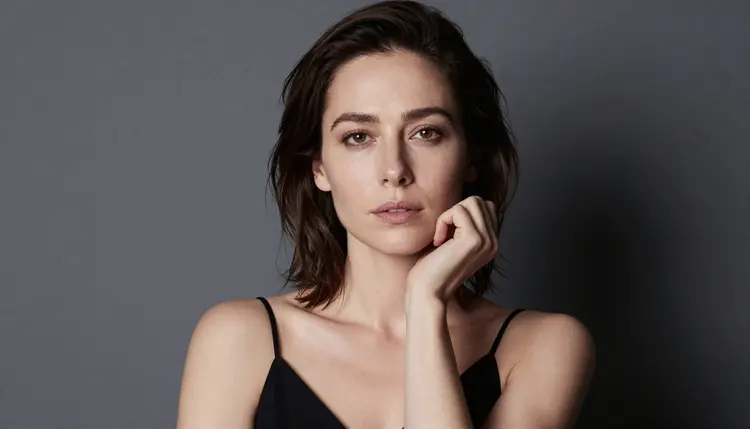
Export your header at the widest ratio your prompt produced, then check it against your actual email template rather than trusting how it looks in the generator preview alone. Most inbox clients crop headers aggressively on mobile, so keep the main subject centered and avoid placing important detail right at the top or bottom edge. A quick tip for portrait style headers like a close studio shot: they read better as a smaller inset image next to your text than as a full width banner.
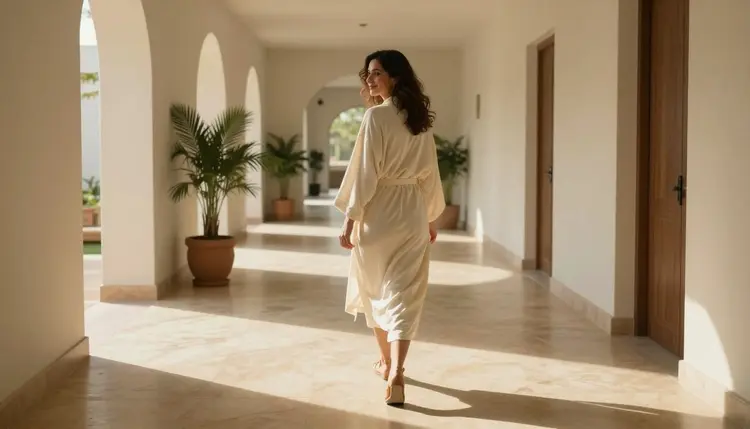
If you want to push the header further, Picasso Video or LTX 2.3 Pro can turn your final still into a short, looping clip for a landing page or an announcement post, using the same uncensored settings you already trusted for the still image. Save your winning prompt with its seed or variation number, and your next issue's header becomes a five minute task instead of a fresh project. If you send to different segments of your list, generating two or three header variants from the same prompt and split testing them is an easy way to see which mood actually drives more opens.
What size should my newsletter header image be?
Most email platforms display best with a wide banner around 1200 by 600 pixels, a roughly 2:1 ratio, and Picasso IA's landscape export from Seedream 4.5 maps onto that ratio with very little cropping.
Can I use Seedream 4.5 for other adult content besides headers?
Yes, Seedream 4.5 is a general purpose uncensored model on Picasso IA, so the same prompt techniques you use for a header work just as well for social banners, cover art, or any other suggestive image your project needs.
Will my header images be censored or filtered?
Seedream 4.5, along with Qwen Image 2, Recraft V4.1 Pro, Picasso Image Editor Pro, Picasso Video, and LTX 2.3 Pro, are confirmed no filter models on Picasso IA, so a well written intimate or romantic prompt renders as written instead of getting blocked or softened.
Are the people in these images real?
No. Every figure Picasso IA generates for this feature is a fictional adult character; the platform is strictly 18+, does not allow minors in any form, and does not allow a real, identifiable person to be generated without that person's own consent.
Can I generate a header featuring a couple instead of one person?
Yes, simply describe two figures and how they are positioned together in your prompt, and Seedream 4.5 will compose a couple scene with the same warm, editorial lighting style as a single subject header.
How long does it take to generate a header with Picasso IA?
A single generation typically takes well under a minute, so running four or five variations of the same prompt to compare poses and lighting usually takes only a few minutes in total.
What if my newsletter platform blocks mature imagery?
Keep your header suggestive rather than explicit, favor flowing fabric, distance, and framing over close detail, and most mainstream platforms accept it; if a platform still rejects mature imagery outright, host the image yourself and link to it instead of uploading it directly.
Can I turn my header into a short animated clip?
Yes, feed your finished header into Picasso Video or LTX 2.3 Pro to generate a short looping clip, which works well for a landing page hero or a teaser post pointing readers to your newsletter.
Is my prompt and generated image private?
Yes, everything you generate on Picasso IA stays private to your account by default, and nothing is published or shared anywhere unless you choose to do so yourself.
Which other models should I try for a different newsletter look?
Recraft V4.1 Pro gives a cleaner, more graphic look if your brand leans minimalist, while Qwen Image 2 is worth comparing for a slightly different rendering of the same prompt; other models in the catalog can be worth a try too, but treat anything outside the six confirmed uncensored models as untested for this particular use.