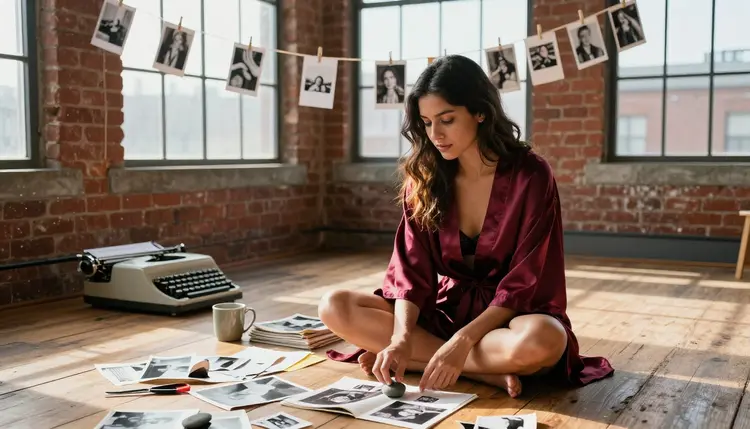
A personal art zine never leaves your hard drive unless you decide it should. It is a small, private stack of images you print, fold and arrange in whatever order feels right, built around a mood rather than a plot. Qwen Image 2 is the model this guide leans on for that kind of project: it is one of only six models on Picasso IA confirmed to generate NSFW content without a filter stepping in first, and it follows a detailed, specific prompt closely enough that a whole page of a zine can share one consistent look.
This page walks through why Qwen Image 2 fits a zine project, the six confirmed models it sits alongside, a five step process for building your first spread, prompt ideas for a warm and intimate look, the rules that keep every character fictional and every set private, and what a full zine costs in credits.
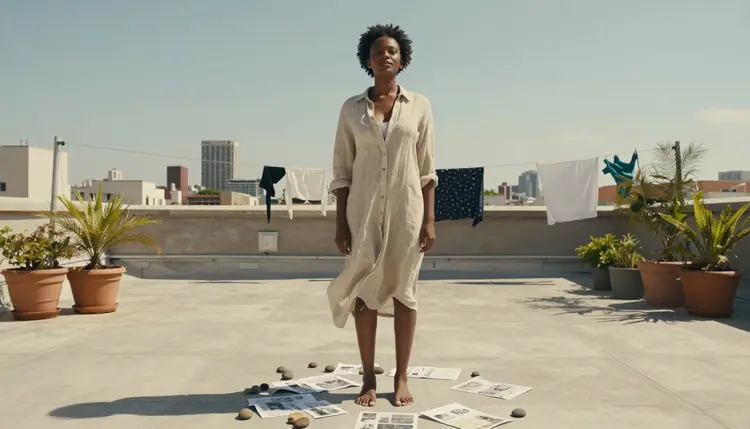
Most zines are built from a pile of images that were never meant for anyone but the person making them: contact sheets, cropped test shots, a page that did not make the final cut. Qwen Image 2 matches that instinct better than most models on Picasso IA because it is open and flexible rather than tuned for one narrow look. Ask it for a grainy darkroom scene one minute and a clean, sunlit rooftop the next, and both come back reading like they belong in the same photographer's contact sheet rather than two different apps.
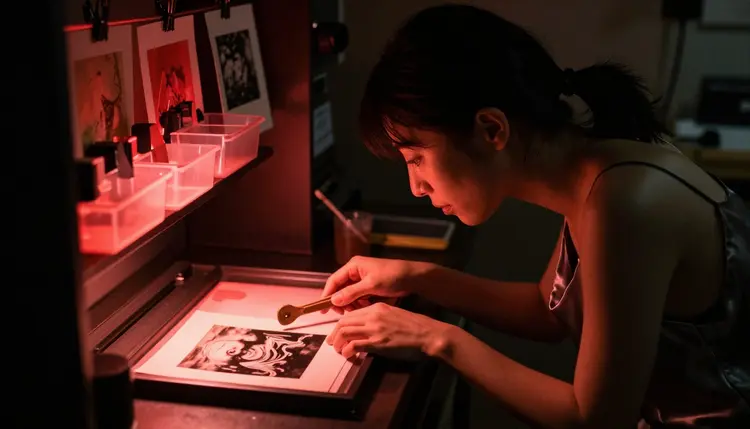
That range matters for a zine specifically. A single page might need a moody, closely cropped shot and a wide, open one on the facing side, and switching models between them tends to break the visual thread. Qwen Image 2 is also one of the six models on Picasso IA confirmed to generate an adult, intimate prompt directly, without quietly softening it or refusing the request, which means a zine built around a flirty or suggestive theme does not have to be watered down to get a usable image out of it.
Picasso IA runs hundreds of models, and most of them apply a safety filter that blocks an adult prompt before it ever generates. Six are confirmed to work without that filter stepping in, and they are the only six worth relying on for a project like this.
- Seedream 4.5 generates a photoreal, editorial photo look, close to what a real camera would produce.
- Qwen Image 2 is the flexible, open pick this guide is built around, strong across both photoreal and illustrated styles.
- Recraft V4.1 Pro leans illustrated, useful for a zine page that reads more like drawn art than a photograph.
- Picasso Image Editor Pro edits an existing image directly, handy for reworking one page instead of regenerating the whole spread.
- Picasso Video and LTX 2.3 Pro turn a still page into a short motion clip, for a zine built to live on a screen instead of paper.
Every other model on the site, including well known names, is not confirmed to behave the same way with an adult prompt and should be treated as filtered until it proves otherwise. A model like Seedance 2.5 might be worth trying for a motion page later, but it carries no confirmed filter free status, so it is not part of the core set this guide relies on.
For most zine pages, Qwen Image 2 alone will carry the whole set. Reach for Recraft V4.1 Pro when a page wants a drawn look instead, and for Picasso Image Editor Pro when an existing page needs a small fix rather than a full regeneration.
Building a small, coherent set of images for a zine is less about any single perfect prompt and more about a repeatable process. These five steps cover the whole thing, from picking a model to keeping the set off anyone else's radar.
- Open Qwen Image 2 in the toolkit. Start from the toolkit and select Qwen Image 2, since it holds a consistent look across a full set of images better than switching models page to page.
- Write one mood line first. Before describing a single scene, write a short line for the whole zine's tone, warm lamp light, worn film grain, quiet apartment, and reuse it in every prompt that follows.
- Describe the scene, the light and the pose. Name the setting, the light source and what the fictional adult character is doing, since a vague prompt gives back a generic image that does not fit the rest of the set.
- Generate a small run, not one image. Make several images from close variations of the same prompt, so the finished zine has a handful of options for each page instead of a single result to live with.
- Export, print or arrange, then keep the file private. Save the finished set to a private folder rather than a shared drive or a social account, since a personal zine is meant to stay personal.
A zine tends to read better when the images feel like moments rather than posed portraits. Qwen Image 2 handles that kind of prompt well because it follows detail closely instead of smoothing everything into one generic pose.
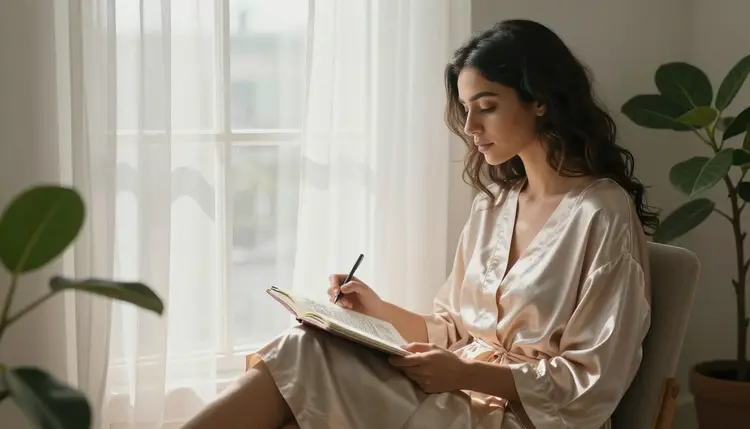
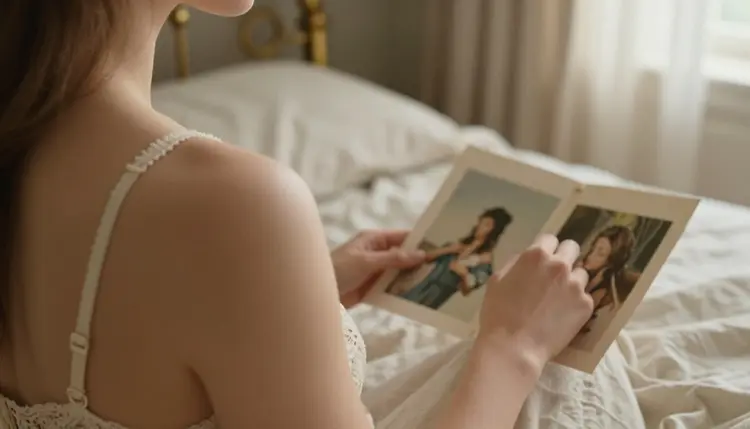
Try describing a quiet, in between moment instead of a full scene: a figure caught mid thought at a window, a hand reaching for a photograph, a glance over a shoulder. Naming the light source, morning light through a curtain, a single warm lamp, does more for the finished look than adding more adjectives to the pose itself.
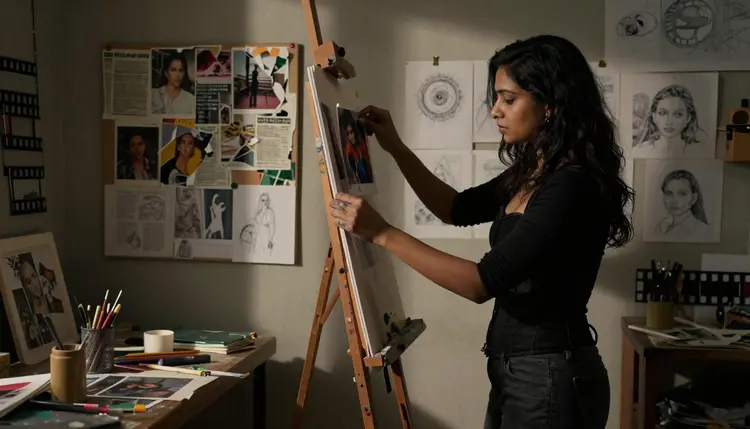
For a flirty or suggestive page, describe the mood and the implication rather than reaching for explicit language. A glance, a half turned pose, a loosely draped fabric does more work in a Qwen Image 2 prompt than a blunt description, and it keeps the zine reading as intimate art rather than a single flat image.
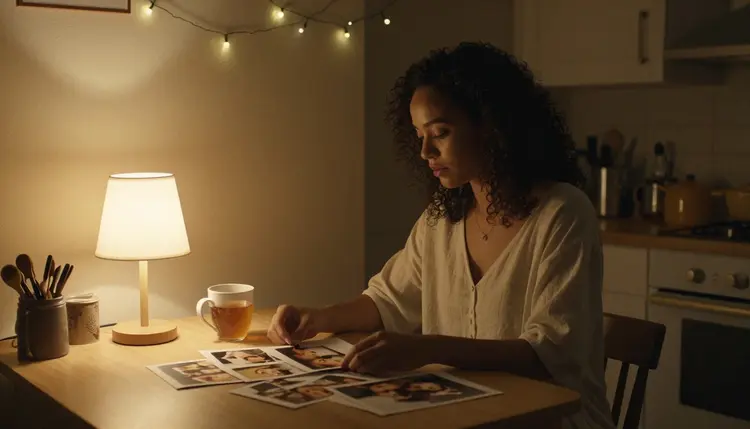
Keep a short list of settings on hand, a kitchen table, a studio corner, a window seat, and rotate through them across the set. A zine built from five or six different settings reads as a fuller project than the same room shot five different ways.
Every character in a personal art zine made on Picasso IA has to be a fictional adult, drawn or generated from a written description, never a real, identifiable person and never anyone who could read as under eighteen. That line does not move for a zine framed as art any more than it does for a single image, and none of the six confirmed models change what is allowed, only whether an adult prompt gets filtered before it generates.
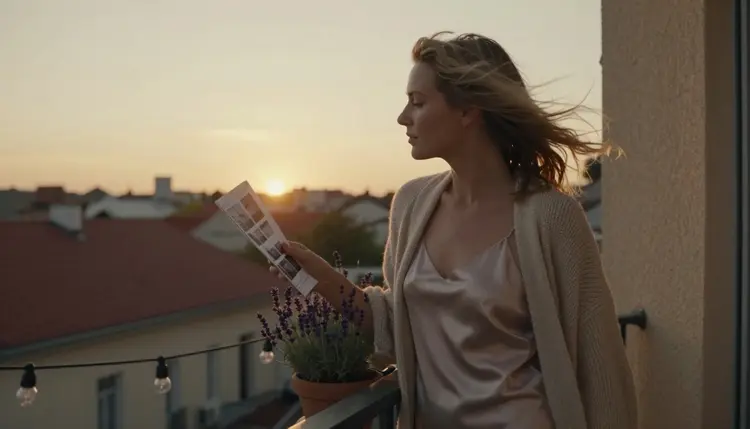
This content is for adults only, eighteen and over, and every figure described in a prompt has to read as a fictional adult, never a minor and never a real person's face or likeness used without their consent. A zine is meant to be private by default: nothing generated through Picasso IA is posted, shared or published anywhere by the app itself, and what happens to the finished set afterward is entirely up to the person who made it.
A zine spread usually means several images rather than one, so credits add up faster than a single generation would suggest. Picasso IA runs on one shared credit system across the whole catalog, including the six confirmed models, and new accounts start with free credits that cover a first small set before any payment is needed.
Image models like Qwen Image 2 cost less per generation than the two video models on the confirmed list, so a paper zine built entirely from stills is the cheapest version of this project to run. Current plans, credit costs and what each tier includes are listed on pricing rather than repeated here, since the numbers move more often than this page does.
There is no separate paywall for adult content specifically. The six confirmed models sit in the same catalog and cost the same as everything else on the site, they simply do not reject an intimate prompt the way most of the other models do.
What is a personal art zine on Picasso IA?
It is a small, private set of NSFW images built around one mood or theme rather than a single picture, generated with Qwen Image 2 or one of the other five confirmed uncensored models and kept for yourself rather than posted anywhere.
Why does this guide use Qwen Image 2 instead of another model?
Qwen Image 2 is one of six models on Picasso IA confirmed to generate NSFW content directly, and it holds a consistent look across many prompts, which matters for a zine built from several images rather than one.
Can I mix Qwen Image 2 with the other five confirmed models in the same zine?
Yes. Many zines use Qwen Image 2 for most pages and switch to Recraft V4.1 Pro for an illustrated page or Picasso Image Editor Pro to fix one image without regenerating the whole set.
How many images does a typical zine spread need?
There is no fixed number, but most personal zines run somewhere between six and twelve images across a handful of settings, generated as a small run per scene rather than one image per idea.
Is it safe to keep the finished zine private?
Yes, nothing generated through Picasso IA is posted or shared by the app itself, so a finished zine stays on the device or drive it was saved to unless the person who made it decides to share it elsewhere.
Do I need to describe explicit scenes to get a flirty result?
No. Qwen Image 2 responds well to mood, light and implication, a glance, a pose, a loosely draped fabric, and that kind of prompt tends to read as more intimate than a blunt, literal description.
Are the characters in these images real people?
No. Picasso IA generations are for adults only, eighteen and over, and every character in a zine has to be a fictional adult invented from the prompt, never a real, identifiable person and never anyone who could read as under eighteen. That rule applies to every one of the six confirmed models.
What happens if I try this prompt style on a model that is not one of the six?
The model applies its own safety filter and refuses or waters down the prompt, and Picasso IA shows a message pointing toward the six confirmed models instead, carrying the same prompt over so it does not need retyping.
Can I turn a finished zine page into a short video?
Yes. Picasso Video and LTX 2.3 Pro are the two confirmed models for adult motion, and a still generated with Qwen Image 2 can be reworked into a motion prompt for either one.
Is there a free way to try this before paying for credits?
New accounts on Picasso IA start with free credits that work across the catalog, including Qwen Image 2 and the other five confirmed models, so a first small zine set can be tested before deciding whether to subscribe.