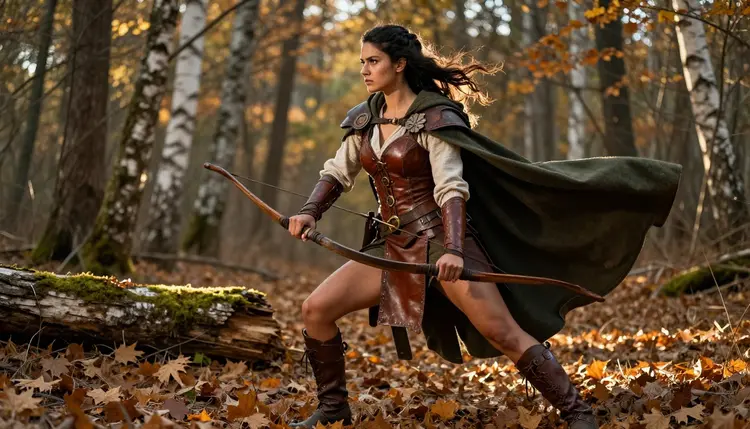
Every miniature painter starts the same way, staring at a blank primed model and trying to picture the character hiding under the grey resin. Picasso IA's NSFW AI generator gives that character a face before you pick up a brush, letting you design a warrior, rogue or sorceress in full mature detail and use the result as an actual painting reference.
This guide builds one concept from a blank prompt to a finished reference sheet with Recraft V4.1 Pro, a confirmed uncensored model suited to the clean, detailed illustration a sculptor or painter can work from directly. Every character on this page is a fictional adult, invented for a tabletop campaign, never a real person.
By the end you will have a repeatable workflow: choose an archetype, write a prompt a sculptor could read as a brief, generate it with a model that will not reject a suggestive costume halfway through, and export the angles you need before the first coat of primer goes on.
Stock miniature art tends to flatten every character into the same safe silhouette: modest armor, neutral pose, nothing that would raise an eyebrow at a game store counter. That works fine for a starter set, but it leaves homebrew campaigns, adult-table one-shots and mature-rated modules with nothing that matches the story being told. An NSFW AI generator fills that gap without a commission queue or a forum full of reference images pulled from places you cannot credit.
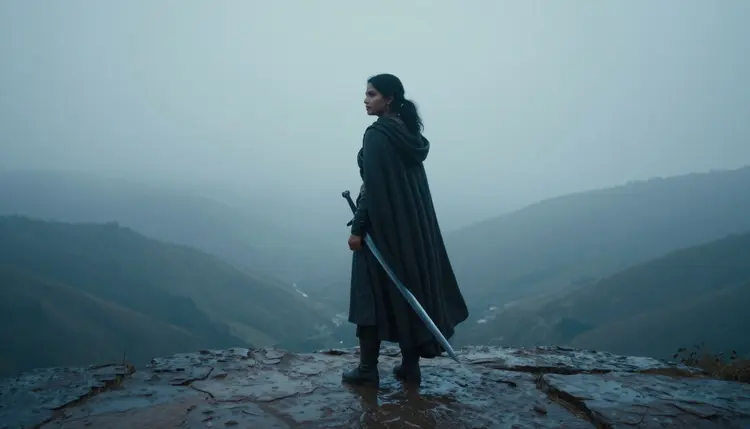
A confirmed uncensored model changes what you can actually ask for. Instead of writing around a filter, softening a corset to "a garment" or a pose to "standing," you describe the character the way you would brief a sculptor, down to the lacing, the fabric weight and the way the cloak catches the wind. That precision is not decoration. It is the difference between a miniature that reads as generic and one that reads as a character your table remembers.
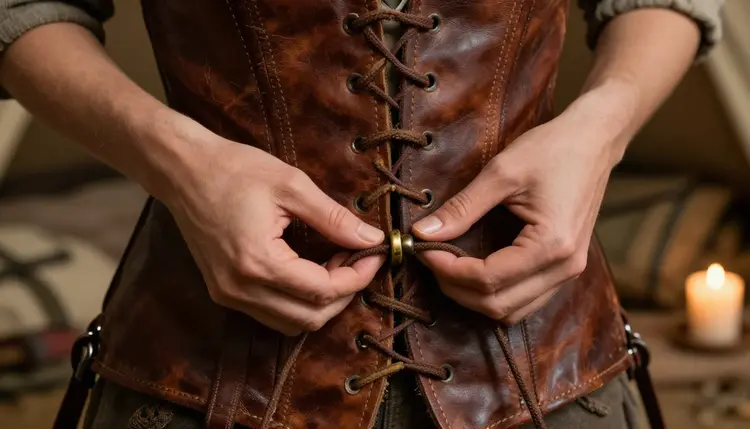
Detail shots like this one matter as much as the full-body pose. A sculptor needs to know how a strap sits, how leather folds at the waist and where a shadow falls once the piece is primed grey, and a close, mature reference answers all three in a single generation.
The workflow below takes one character from a rough idea to a finished reference sheet in five passes. Follow it in order and each step feeds the next.
- Pick Your Archetype. Choose the class or role you want to sculpt or paint, warrior, rogue, sorceress, barbarian, archer or bard, so the prompt has one clear silhouette to build around instead of five competing ideas.
- Write a Detail-Rich Prompt. Describe armor, fabric, pose and lighting the way a miniature sculptor would, since a small detail like a lacing pattern or a blade angle is often what the final paint job depends on.
- Generate with Recraft V4.1 Pro. Run the prompt through Recraft V4.1 Pro, a confirmed uncensored model, so a mature costume or an intimate pose gets rendered on the first pass instead of a rejected request.
- Refine with Picasso Image Editor Pro. Use Picasso Image Editor Pro, also confirmed filter free, to tighten the crop, adjust the pose or swap a color palette until the reference matches your miniature's actual scale.
- Export Reference Angles. Save a front, three quarter and profile view of the same character so the sculptor or painter has every angle needed before the first coat of primer goes on.
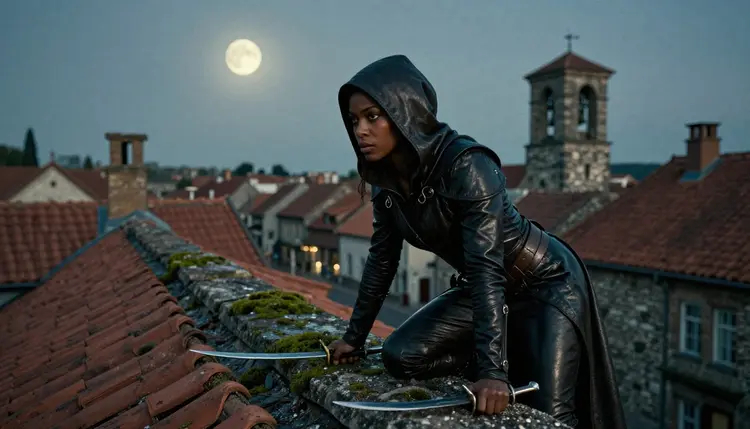
That last step is the one most people skip and regret. A single hero shot looks great on a mood board, but a painter working at 28mm scale needs to see the back of the cloak and the side of the boot, not just the angle the prompt happened to render.
Recraft V4.1 Pro is the primary model for this workflow because it is confirmed uncensored and built for clean, illustration-grade output rather than photoreal noise. Fantasy armor, layered fabric and stylized lighting are exactly the kind of detail it renders without smoothing everything into the same generic texture, which matters when the output is going to be studied at arm's length by someone mixing paint.
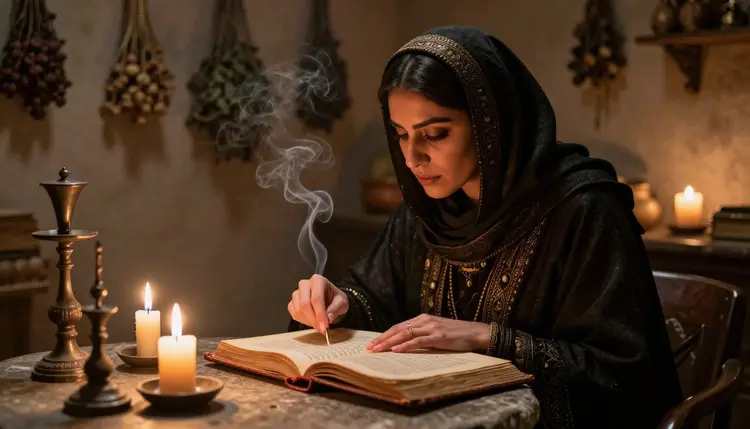
Notice how the candlelight in that shot falls on the fabric folds and the open page. That kind of directional lighting is what tells a painter where to place a highlight and where to leave a shadow, and it is a much harder ask of a model that is busy working around a content filter instead of the actual prompt.
Two other confirmed, no filter models are worth keeping in your toolkit alongside Recraft V4.1 Pro. Qwen Image 2 handles a grittier, more painterly texture well when a character calls for weathered leather or scarred skin, and Picasso Image Editor Pro, already mentioned above, is the one you reach for once the base image exists and only needs adjusting.
A handful of prompt patterns cover most of what a tabletop roster needs. Here is how six of the most common archetypes translate into a Recraft V4.1 Pro prompt.
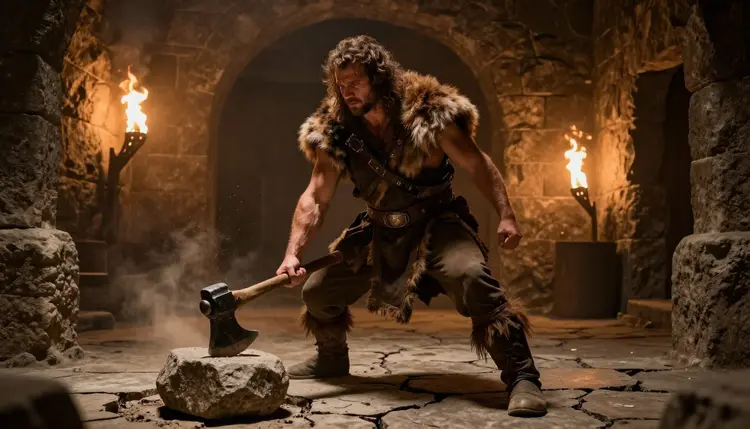
The barbarian wants raw physical presence: describe the muscle definition, the weight of the weapon and torch light raking across stone rather than a flat studio background.
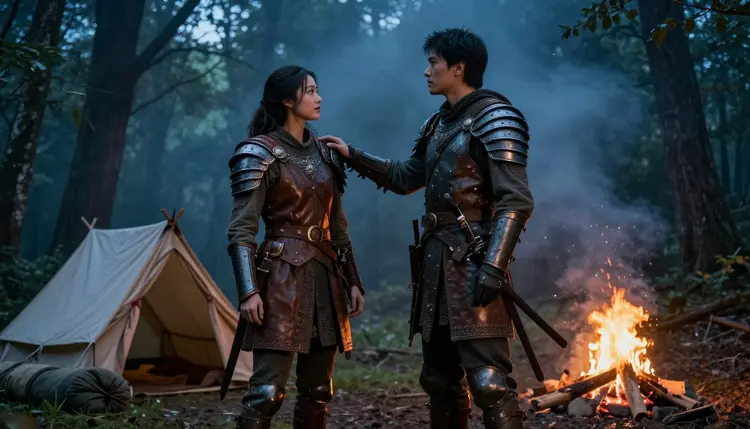
Paired characters are their own category. If your table has a duo, a rogue and a fighter who always adventure together, generate them in the same scene so their armor and color palette read as a set once both models are painted.
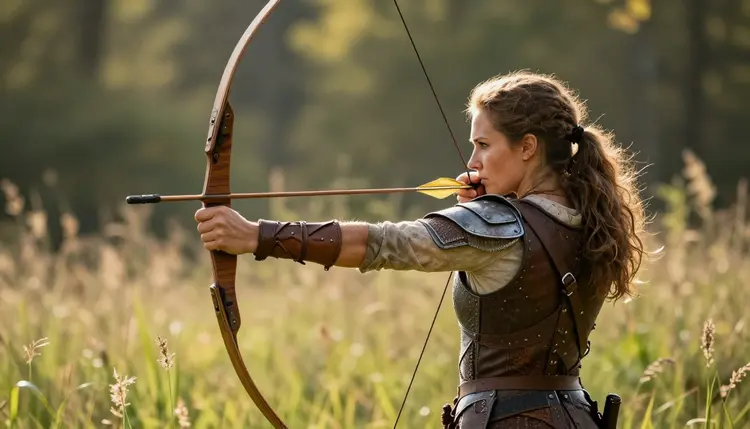
The archer benefits from an active pose, mid draw rather than standing at rest, with the bow arm and the string doing most of the storytelling. Describe the tension in the shoulder and the angle of the elbow and Recraft V4.1 Pro will carry that into the fabric and the hair as well.
The bard is the archetype people underwrite most often. A confident, mid-performance pose with warm tavern lighting gives a painter far more to work with than a static portrait, and a suggestive, mature outfit fits a bard's usual reputation at the table better than plate armor ever would.
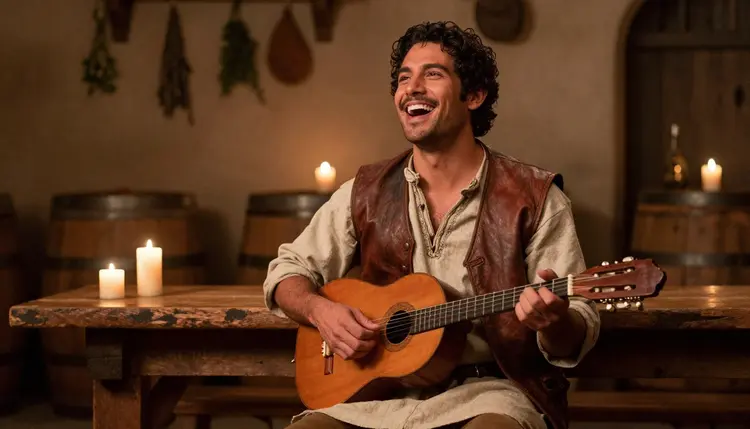
Rogues and sorceresses were already covered earlier in this guide, which means all six of the archetypes most tables actually field now have a working prompt pattern to start from.
This workflow is 18+ only, and Picasso IA treats that as a hard line rather than a suggestion. Every character generated through this guide, and every example image on this page, is a fictional adult invented for a game table. No minor is ever an acceptable subject, and no real person, living or dead, should be described or implied in a prompt without their consent.
Privacy is the default, not an add-on you have to configure. What you generate for your own campaign stays tied to your account rather than appearing in a public feed, so a character built for your table is not something a stranger scrolls past. Keep prompts focused on invented characters and settings and this workflow stays exactly as useful as it is here, no filter fighting, no compromises on detail, and nothing that crosses the line a fictional-adults-only policy exists to draw.
Once you have a reference sheet you are happy with, the concept still has to survive the jump from a flat image to a three-dimensional model. Keep the front, three quarter and profile exports from step five open side by side rather than working from a single angle, since a sculptor filling in the back of a cloak or the side of a boot from memory is exactly where a concept and a finished miniature start to drift apart.
If you want to see the character turn before committing to a sculpt, Picasso Video, also confirmed uncensored, can animate a slow rotation from the same reference so you can check silhouette and proportion from every side before a single gram of resin is used. For a faster, more stylized teaser of the same scene, a model like Seedance 2.0 is untested for this exact workflow but worth a try if you want to experiment with motion beyond a simple turnaround.
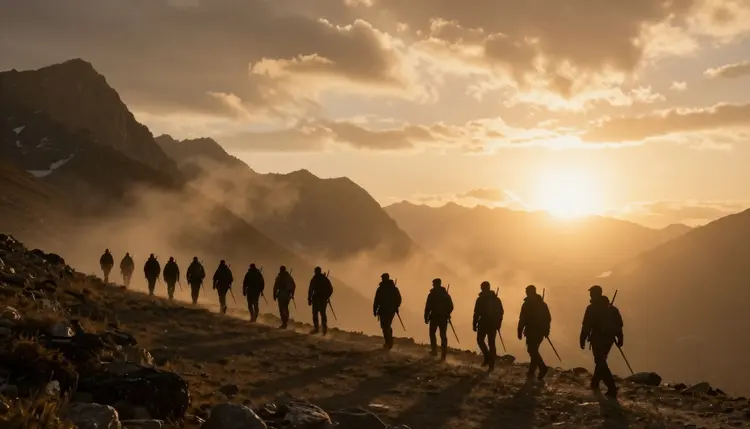
A full roster built this way, one archetype at a time, ends up looking like a party that actually traveled together, matching in tone, lighting and level of detail rather than six miniatures pulled from six different catalogs.
What makes Recraft V4.1 Pro a good fit for mature miniature concept art?
Recraft V4.1 Pro is a confirmed uncensored model built for clean, illustration-grade detail, so it renders layered fabric, armor and mature costume choices without the softening or refusals that come from working around a content filter, which is exactly the level of detail a sculptor or painter needs to work from.
Can I use these images as a direct painting reference for a physical miniature?
Yes, that is the point of the workflow. Exporting a front, three quarter and profile view of the same character, as described in step five, gives a painter or sculptor everything they would normally ask a commissioned artist for, minus the wait.
Is this NSFW AI generator only useful for tabletop miniatures?
No, the same uncensored models work for any mature, fictional-adult concept art, illustration or reference image, tabletop miniatures are simply one of the most detail-hungry uses because a painter studies every inch of the result up close.
Does Picasso IA require every character in these images to be an adult?
Yes, without exception. Every character generated through Picasso IA's NSFW tools must be a fictional adult, and no minor is ever an acceptable subject under any framing or context, 18+ is not negotiable here.
How do I keep the same character consistent across multiple poses?
Reuse the same core description, hair, armor colors, build and defining features, across every prompt, and generate all the angles for one character in the same session so lighting and style stay close enough to read as one consistent miniature.
What happens if my prompt gets flagged or produces something I did not ask for?
Recraft V4.1 Pro and the other confirmed uncensored models are built to avoid unnecessary refusals on legitimate mature content, but if a result ever drifts from your prompt, adjust the wording and regenerate rather than trying to force a single output to work.
Can I turn my finished concept into a short video?
Yes, Picasso Video is a confirmed uncensored model that can animate a slow rotation of your character so you can check the design from every side, and models like Seedance 2.0 are worth trying for a more stylized clip, though they remain untested for this specific mature workflow.
Who can see the images I generate?
Your generations stay private to your account by default, which is the privacy-by-default approach this guide relies on, a character built for your own campaign is not published anywhere or shown to other users unless you choose to share it yourself.
Do I need special software to convert the concept into a 3D sculpt?
Not for the concept stage covered in this guide. The reference sheet from step five is meant to hand to a sculptor or a separate 3D tool, Picasso IA generates the detailed mature reference, it does not model the miniature itself.
What is the fastest way to get a usable result if I am new to prompting?
Start with one of the six archetype prompts in this guide, warrior, rogue, sorceress, barbarian, archer or bard, and change only the details that matter to your character, the base structure already accounts for pose, lighting and the mature detail a miniature reference needs.