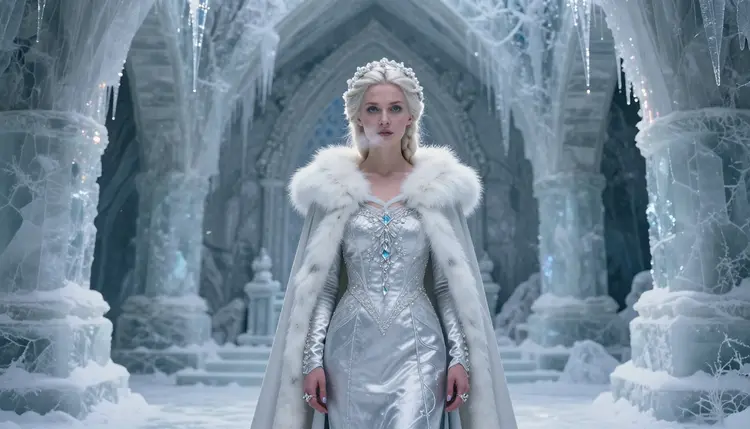
A woman with frost clinging to her lashes, an icicle crown catching cold blue light, fur draped over one bare shoulder as she moves through a palace built entirely of ice: the ice queen is one of the most requested fantasy themes in NSFW AI art on Picasso IA, and it is easy to see why. The look mixes regal power, quiet menace and a flirty chill in a single frame, and it rewards a model that can render frosted fabric, crystalline detail and pale winter light without flinching at a bare shoulder or a suggestive pose.
This guide shows you how to generate your own ice queen scene with Recraft V4.1 Pro, one of Picasso IA's confirmed uncensored models, and walks through nine real results along the way so you know exactly what to expect before you spend a single credit. You will get a clear five step workflow, prompt ideas for costume, setting and lighting, and the rules Picasso IA holds every NSFW generation to, so nothing here is left to guesswork.
Ice queens give a prompt a lot to work with. The costume alone carries detail: a fitted silver gown, a fur collar or stole, icicle jewelry catching the light, and pale skin dusted with frost that marks the character as fantasy rather than modern. Add a corridor carved from glacial ice or a throne room lined with icicles and the atmosphere comes almost for free, with cold light bouncing off every surface, breath fogging in the air and a stillness that makes every small movement feel deliberate. It is a setting that suggests control and distance before a single detail of the character is even decided, which is a big part of why the theme performs so well as adult fictional art.
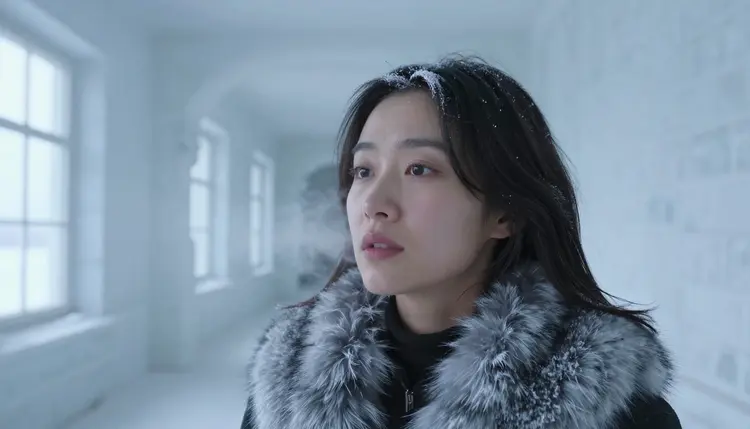
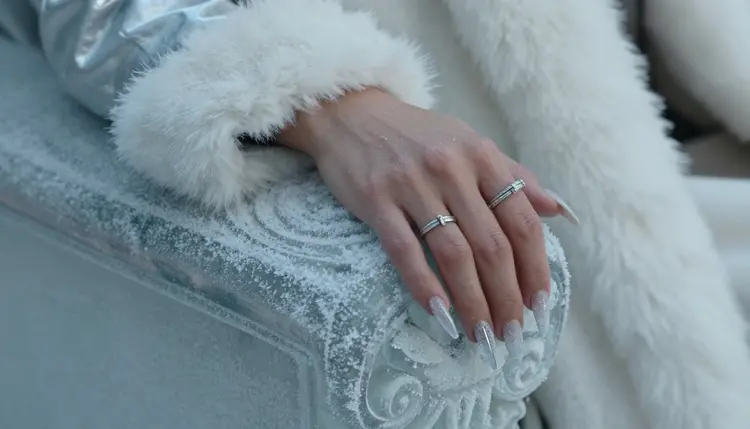
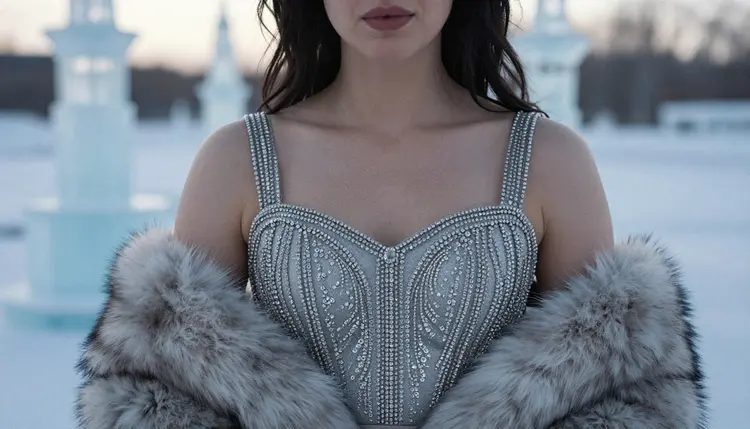
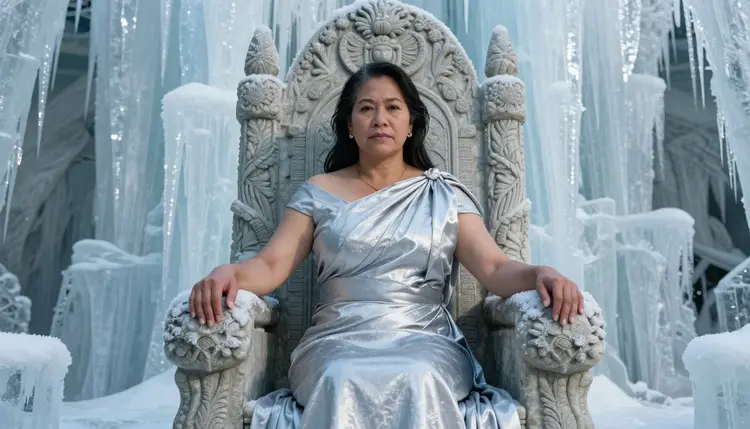
The theme is also flexible. A queen seated on a carved throne reads as commanding and remote. A close detail of icicle rings resting on a frosted armrest reads as patient and precise. Swap the setting to a snowbound ledge above the mountains and the same character carries a different, more solitary energy. That range is exactly why we picked this theme to show what Recraft V4.1 Pro can do with adult fictional scenes: no filter, full detail and a genuinely wide mood range.
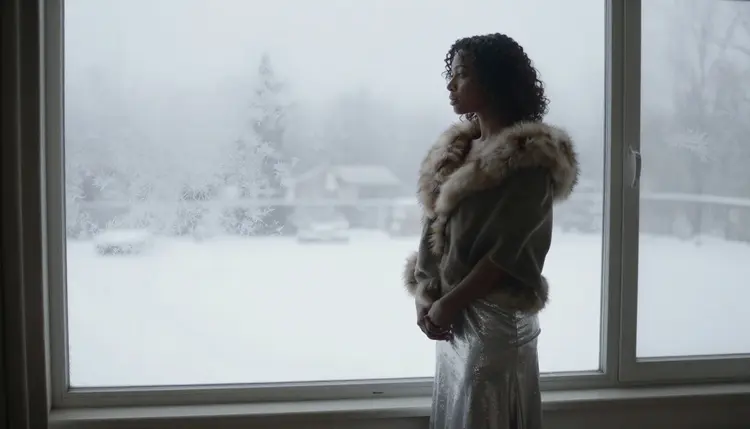
Generating an ice queen scene on Picasso IA follows the same five steps every time, whether you want a regal portrait on a throne, a quiet moment at a frosted window, or a distant silhouette on a mountain ledge.
- Pick Your Ice Queen's Mood. Decide if the scene centers on cold command, quiet mystery or soft intimacy, and let that mood guide every choice that follows.
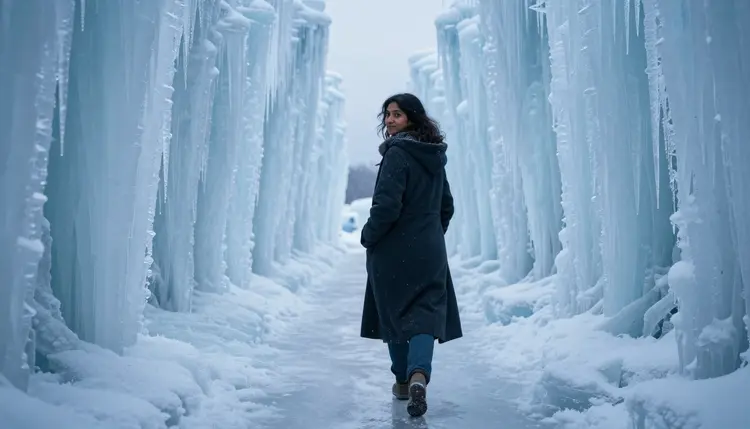
- Write a Clear Scene Prompt. Describe the setting, the costume and the pose in plain language, for example a corridor carved from glacial ice, a fitted silver gown, fur draped over one shoulder.
- Select Recraft V4.1 Pro in the Toolkit. Open Picasso IA's Toolkit and choose Recraft V4.1 Pro, one of the confirmed uncensored models built for detailed adult fictional scenes.
- Set the Lighting and Camera. Add cues like cold blue light, low angle or close up to control the atmosphere and the framing of the final image.
- Generate, Review and Refine. Generate the image, compare it against your prompt, and adjust wording or regenerate until the queen's look and mood match what you pictured.
The whole cycle usually takes a couple of minutes, and every regeneration only spends credits on the version you actually keep.
Once the basic prompt works, small changes make a big difference. On the costume side, try swapping the fitted silver gown for a flowing cloak, adding a crystal beaded bodice or trading a fur stole for a longer fur lined cape. On the setting side, a fur draped bench inside an ice cave feels relaxed and personal, while a grand hall lined with icicles feels more formal and imposing. None of these are separate prompts either, they are single word or single phrase swaps inside the same scene description you already have.
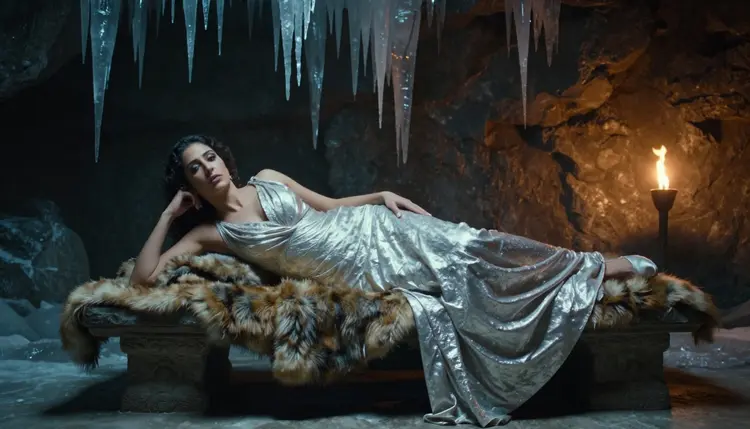
Lighting does most of the emotional work. Pale morning light through frosted glass reads as quiet and mysterious, cold blue light down a long corridor reads as regal and remote, and a warm torch glow against ice reads as intimate despite the setting. Pair the lighting with a pose, walking away down a palace corridor, resting on a carved throne or standing still at a frosted window, and Recraft V4.1 Pro carries the mood through the whole image, including fine details like windblown hair, fur texture and the glint of icicle jewelry catching the light.
Picasso IA's NSFW tools are strictly for adults. You confirm you are 18 or older before generating any mature content, and that applies to every ice queen scene on this page. Every character you create here, the queen on her throne, the figure at the frosted window, the silhouette on the mountain ledge, is a fictional adult. We do not allow minors in any generation, in any costume or setting, and we do not allow real, identifiable people to be depicted without their clear consent.
Your prompts and generations are private by default. Nobody else sees what you create unless you choose to share it, and that privacy applies whether you are testing a first ice queen prompt or refining your twentieth version. Recraft V4.1 Pro runs with no content filter for confirmed adult fictional scenes, and it still respects these limits every time.
Recraft V4.1 Pro is the pinned, confirmed uncensored model for this ice queen style. It holds fine costume detail, from individual icicle facets to the sheen of a silver gown, and keeps skin tone and cold lighting consistent across close ups and full body shots, which is exactly what a scene like this needs.
If you want to explore the theme further, Seedream 4.5 and Qwen Image 2 are also confirmed uncensored models on Picasso IA and can give the same ice queen concept a different rendering style. For turning a still into motion, Picasso Video and LTX 2.3 Pro are confirmed uncensored for adult fictional scenes as well, so a favorite throne room pose can become a short clip. Seedance 2.5 is untested for this theme and worth a try if you want to compare results, though we make no filter free claim about it here.
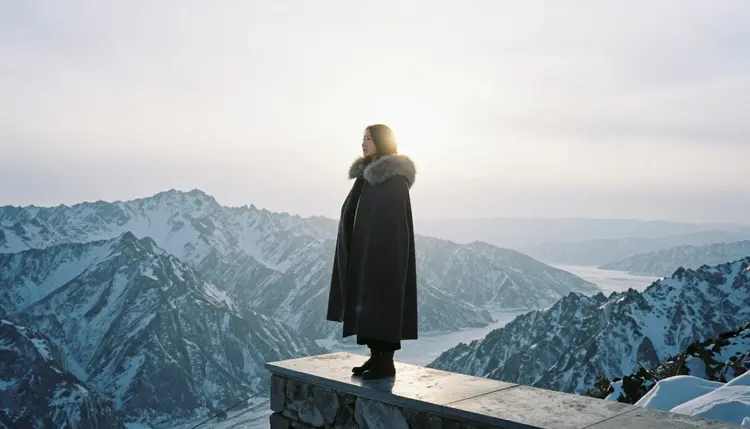
The ice queen theme works just as well outside the classic throne room portrait. A distant silhouette on a snowbound ledge carries a completely different, more solitary energy, and pairs naturally with wide framing and a low, cold light. It also holds up well as a series, generate a throne room portrait, a quiet corridor walk and a mountain silhouette from the same basic character, and you end up with three scenes that clearly belong together without feeling repeated.
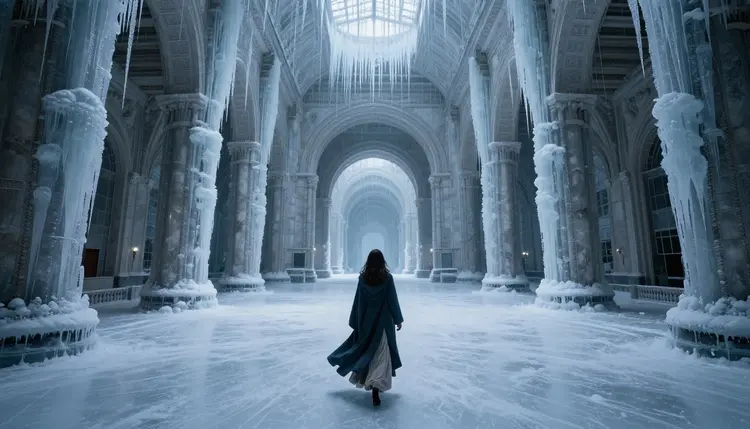
For a softer, more intimate result, try your ice queen walking through a grand hall lined with icicles at dusk, cloak trailing behind her. The same rules apply: the character is a fictional adult, and the scene stays generated privately unless you decide to share it. Closing out the set, a queen moving through her own hall shows how much mood a simple pose and the right lighting can carry on their own, no elaborate costume detail needed to make the scene feel finished.
What makes Recraft V4.1 Pro a good fit for ice queen art?
Recraft V4.1 Pro is one of Picasso IA's confirmed uncensored models, which means it renders adult fictional scenes, flirty poses and detailed costumes like a silver gown, a fur stole or icicle jewelry without a content filter stepping in. For a theme like ice queens, where the costume detail and the cold lighting carry most of the appeal, that combination of accuracy and freedom is exactly what the style needs.
Can I generate a male ice king instead of a female ice queen?
Yes. The prompt structure stays the same, you simply describe a man instead of a woman, for example a rugged ice king seated on the same carved throne or standing at the frosted window. Recraft V4.1 Pro handles both with the same level of costume and lighting detail, so switching the lead character does not mean starting your prompt over from scratch.
Is NSFW ice queen art from Picasso IA private?
Yes, your prompts and the images you generate are private by default. Nobody else can see an ice queen scene you create unless you actively choose to share it, whether you are testing your first prompt or refining a final version you plan to keep.
Do I need to change any settings to get an uncensored result?
No extra settings are required beyond choosing the right model. Select Recraft V4.1 Pro in the Toolkit and write your prompt normally. Since it is a confirmed uncensored model, it renders mature costume details and flirty poses without a filter blocking or altering the result, as long as the character described is a fictional adult.
Can I turn an ice queen image into a video?
Yes. Picasso Video and LTX 2.3 Pro are both confirmed uncensored models for adult fictional scenes, so you can take a still queen pose you like, such as a cloak trailing down a corridor or hair catching cold light, and generate a short video clip from it.
What age rating applies to this kind of content?
All NSFW content on Picasso IA, including every ice queen image on this page, is strictly 18+. You confirm you are an adult before generating mature content, and every character shown is a fictional adult, never a minor and never a real person depicted without consent.
Can I create an ice queen with a companion in a single image?
Yes, a two person prompt works the same way as a solo one. Describe both characters, their costumes and how they are positioned, for example a queen and a companion standing together in the same ice hall, and Recraft V4.1 Pro renders the full scene together rather than splitting it into two separate figures.
Which other Picasso IA models work well for this theme?
Seedream 4.5 and Qwen Image 2 are also confirmed uncensored models and can render the same ice queen concept in a different visual style, which is useful if you want to compare a few looks before settling on one. Seedance 2.5 is untested for this specific theme, so it is worth a try if you are exploring options, though we make no filter free claim about it here.
How specific should my prompt be for the best result?
More specific is better. Instead of just writing ice queen, describe the setting, such as a corridor carved from glacial ice or a throne room lined with icicles, the costume, such as a fitted silver gown or a fur lined cape, and the pose, such as seated on a carved throne or standing at a frosted window. Recraft V4.1 Pro rewards that level of detail with a more accurate final image.
Can I edit or refine an ice queen image after generating it?
Yes, if the first result is close but not quite right, you can adjust your prompt and regenerate, or use Picasso Image Editor Pro, a confirmed uncensored editing model, to refine details like lighting, costume or pose on the image you already have instead of starting over completely.