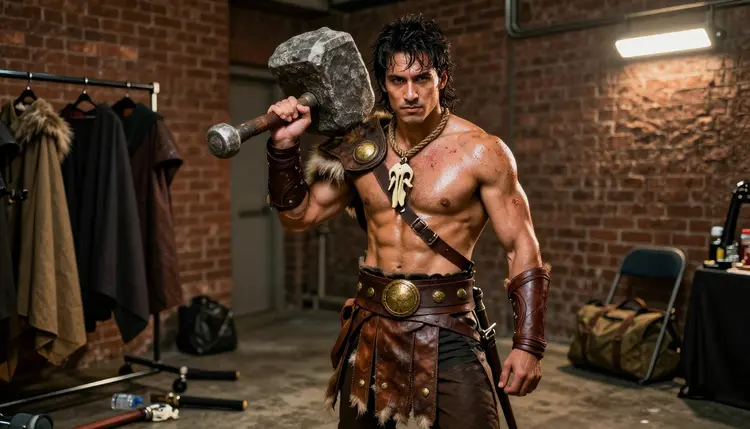
Male cosplay is one of the most requested categories on Picasso IA, and it is also one of the most likely to get flattened by a generic content filter that reads "armor" or "leather" and blocks the whole prompt before it ever renders. Recraft V4.1 Pro does not do that. It is one of six models on the platform confirmed to generate adult content with no content filter, and its illustration first rendering style, clean edges, considered color, and a real sense of costume construction, makes it the strongest pick for a bounty hunter's weathered plating, a knight's ceremonial sword, or a vampire prince's velvet collar.
This page is built around one model and one subject. It walks through the five steps from a costume idea to a finished image, works through nine costume concepts a prompt can borrow from, compares Recraft V4.1 Pro against the other five models confirmed uncensored on the platform, and closes with prompt tips that make the difference between a flat render and a costume that reads as a real design.
One note before any of it, since it governs every example below: every cosplayer pictured or described on this page is a fictional adult character, eighteen or older, generated from a text prompt. Nothing here is a photo of a real person, and no likeness of a real cosplayer, actor or public figure is ever the goal, in this article or in what you generate yourself.
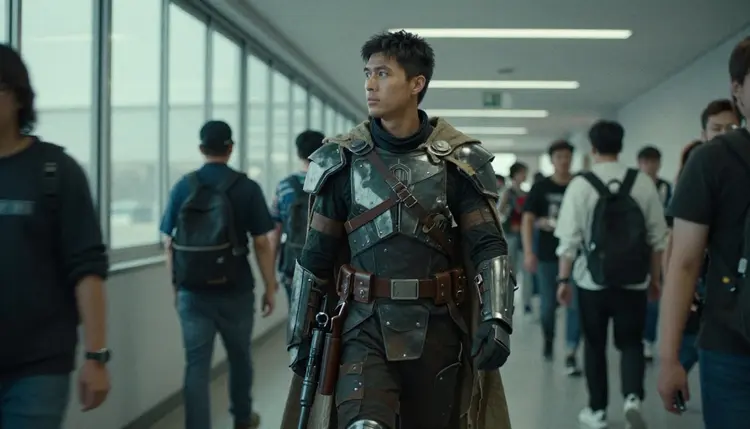
Most image models treat a costume as a texture pasted over a generic body. Recraft V4.1 Pro treats it as a design problem instead, closer to how a concept artist or a costume shop would read a brief: what is the silhouette, what material catches the light, where does the trim sit, and what does the character's posture say about him. That approach is what makes it the lead pick for male cosplay specifically, since so much of a strong costume, an aviator's brass goggles, a bounty hunter's scuffed plating, a superhero's stitched emblem, lives in small, consistent detail rather than a dramatic pose.
The other advantage is that Recraft V4.1 Pro is confirmed to render adult and suggestive prompts with no content filter, so a costume brief that leans intimate, a torn sleeve, an open collar, a pose built for a convention photo booth, is not the point where the generation quietly softens itself or refuses outright. The prompt gets read the way it was written, and the output matches it.
Getting from a costume idea to a finished piece takes the same five moves every time, whichever character sits in the prompt.
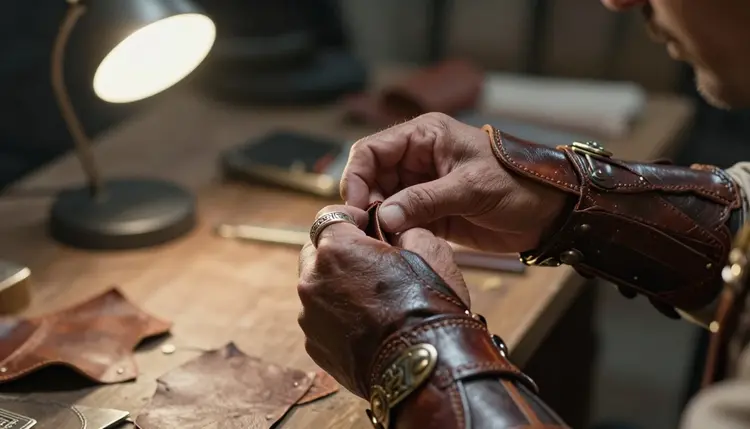
Start with a clear picture of the gear itself before writing a single word of the prompt. The close, buckle by buckle detail below is what separates a costume from a plain texture.
- Pick the Character and Costume. Name the archetype first, bounty hunter, knight, vampire prince, and list the costume pieces that define him: armor plating, cape, collar, weapon.
- Describe the Materials and Details. Add texture words like weathered leather, brushed steel or velvet trim, plus small details such as buckles, insignia and stitching, since Recraft V4.1 Pro renders those as real design choices rather than vague shading.
- Set the Pose and Setting. Choose a stance, kneeling, mid stride, adjusting a glove, and a backdrop, a convention hallway, a dim stage, a rooftop at noon, so the character sits inside a real scene rather than floating on empty space.
- Switch to Recraft V4.1 Pro and Generate. Select it in the toolkit's model list before running the prompt. It is one of six models on Picasso IA confirmed to generate adult content with no content filter, which matters the moment a brief leans suggestive.
- Refine with a Second Pass. Regenerate with small changes to lighting, pose or costume detail, or send the result to Picasso Image Editor Pro for a focused touch up on one part of the design.
Five moves, repeated for every costume on this page and every one you write yourself, and quick enough to run through two or three times before settling on a final version.
A strong cosplay prompt usually names a role before it names a look. These nine ideas work as starting points, each one pushed through Recraft V4.1 Pro with the same five step process above and worth adapting rather than copying word for word.
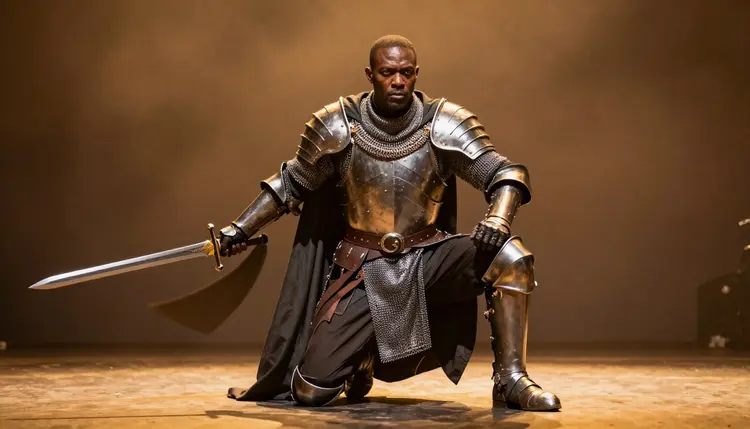
A kneeling knight reads as ceremony rather than combat when the sword is drawn but the pose stays still. Add a dim stage light from one side and the armor's edges do the rest of the work.
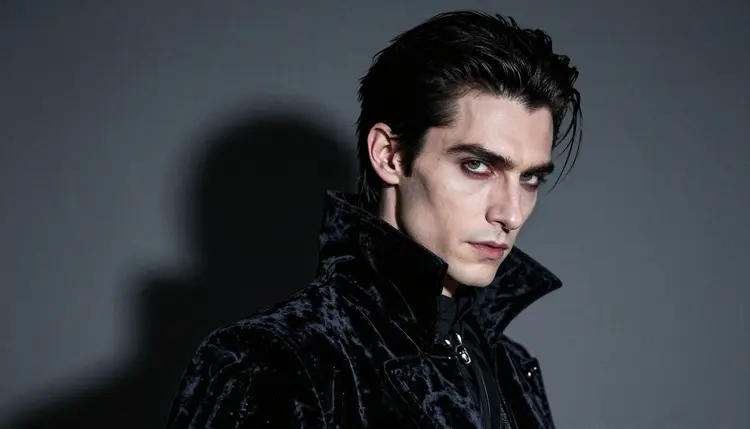
A vampire prince works best as a close portrait: pale skin, dark hair, a velvet collar catching what little light there is in the frame. The detail that matters most here is the collar and the eyes, not the full body or the room around him.
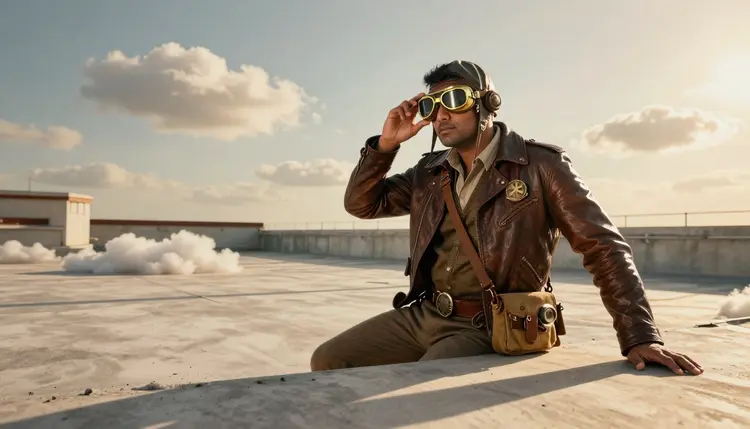
A steampunk aviator trades armor for brass and leather, goggles pushed up onto the forehead, sun on the face rather than stage light behind him. Daylight settings give Recraft V4.1 Pro a real chance to render metal and glass with convincing reflections instead of flat highlights.
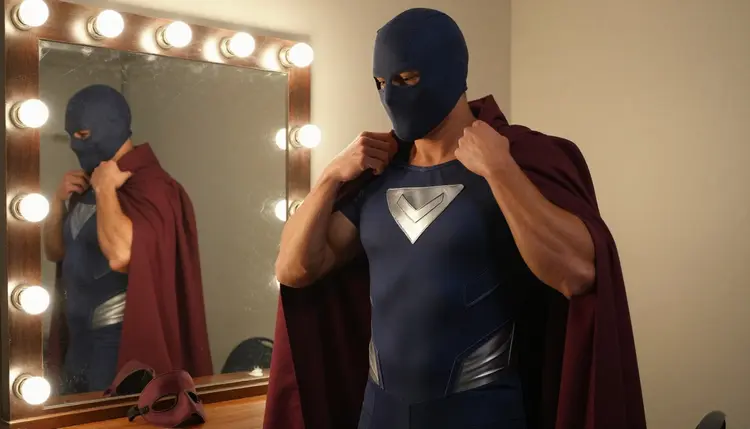
An original masked superhero, never a licensed one, gives the prompt full control over the emblem, the cut of the cape and the color scheme, and a quiet backstage moment adjusting that cape reads as far more candid than a standard hero pose.
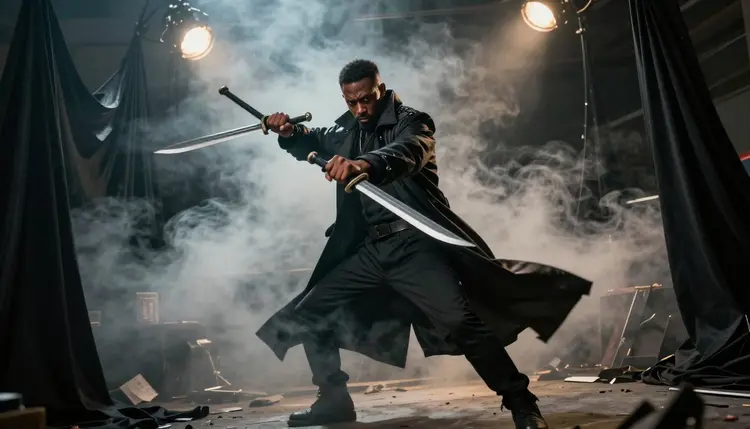
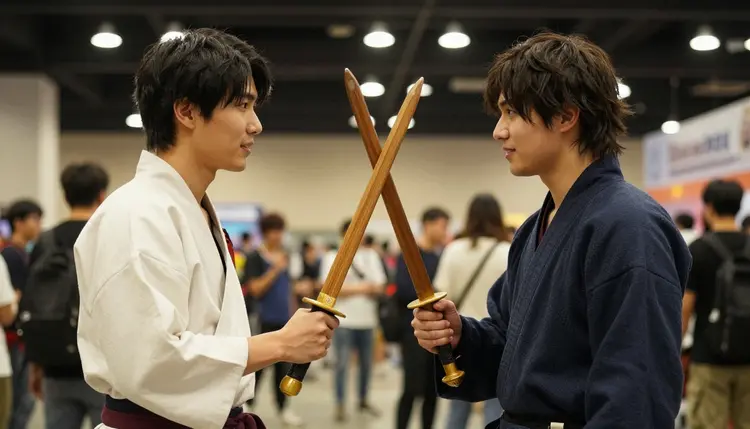
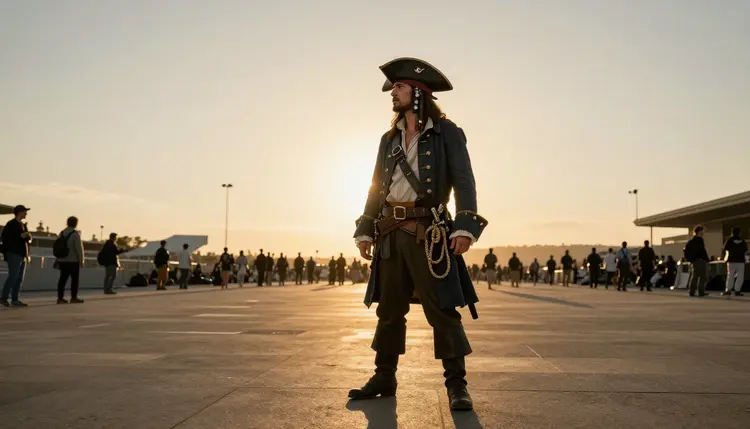
Beyond these four, a demon hunter with two blades, a pair of samurai crossing practice swords, and a pirate captain standing alone at sunset round out the range Recraft V4.1 Pro handles well, each one covered again with a tip further down this page.
Picasso IA's NSFW tools are for adults only, eighteen and older, and every account that reaches them has confirmed its age before it can. Every character described in a prompt or shown in a generated image has to be a fictional adult; the tools are not built for and must never be used for anything resembling a minor, and a real person's likeness, whether a cosplayer, an actor or any other public figure, is off limits without that person's own consent. Generations stay private by default, tied to the account that made them, and a piece only becomes visible to anyone else if the account holder chooses to share it.
Six models on Picasso IA are confirmed to generate adult content with no content filter: Seedream 4.5, Qwen Image 2, Recraft V4.1 Pro, Picasso Image Editor Pro, Picasso Video and LTX 2.3 Pro. Recraft V4.1 Pro leads for male cosplay specifically because of its illustration bias, but the other five cover ground it does not, and a full costume workflow often uses more than one of them.
- Seedream 4.5 leans photorealistic, a better fit when a costume piece is meant to look like a convention photograph rather than concept art or a poster illustration.
- Qwen Image 2 handles complex, multi part costumes with a lot of layered detail, armor over robes over a cloak, without losing track of any single piece.
- Picasso Image Editor Pro is the tool for the fifth step described above, touching up one costume detail or swapping a background on an image already generated.
- Picasso Video and LTX 2.3 Pro extend a finished character into motion, a slow turn, a cape catching wind, once the still image is settled and approved.
Other models in the wider catalog, Qwen Image 3 Pro among them, are untested for this kind of prompt and worth trying as an alternative on a slow afternoon, but nothing outside these six should be assumed to skip the content filter the way they do.
A costume prompt improves fastest when it borrows the language of photography rather than plain description. Naming a light source and an action tends to do more for the final image than piling another adjective onto the costume itself.
For action, name the motion and the light together, smoky backlight behind a demon hunter mid swing, rather than describing only the pose, since Recraft V4.1 Pro reads atmosphere as part of the instruction and not as a filter applied afterward.
A two person prompt, like a pair of samurai crossing practice swords, needs each figure's costume described on its own, or Recraft V4.1 Pro tends to blend the two into one hybrid outfit somewhere in the middle of the frame.
Wide, mostly empty settings, a plaza at sunset, a hallway that trails off into shadow, give a single character room to read as genuinely alone in a scene rather than as a cutout pasted onto a backdrop, which matters for a pirate captain or any costume meant to feel solitary and self assured.
Keep a costume's signature detail, the vambrace buckle, the collar, the emblem on the chest, named the same way in every regeneration, since letting it drift from one version to the next is the fastest way to lose a design's consistency across a full set of images.
Is Recraft V4.1 Pro really uncensored for male cosplay prompts?
Yes. It is one of six models on Picasso IA confirmed to generate adult and suggestive content with no content filter, so a costume prompt with an intimate or revealing detail is rendered rather than blocked, as long as every character described in it is a fictional adult.
Which other models on Picasso IA also skip the content filter?
Five others carry the same confirmed status: Seedream 4.5, Qwen Image 2, Picasso Image Editor Pro, Picasso Video and LTX 2.3 Pro. Every other model in the catalog should be treated as untested for this kind of prompt rather than assumed to behave the same way, even a strong general purpose model.
Do I need a jailbreak prompt or special wording to make this work?
No. Recraft V4.1 Pro reads a plain, well written costume description the same way it reads any other prompt, so there is nothing to trick and nothing to phrase around carefully; a clear brief written in plain language works better than a cleverly worded one.
Can I generate a costume based on a real actor or cosplayer?
No. Every image made with Picasso IA's NSFW tools has to be a fictional adult character. A real person's likeness, whether a cosplayer, an actor or any other public figure, is never the goal and is not something the tools are meant to produce without that person's own consent.
What costume materials does Recraft V4.1 Pro render most convincingly?
Leather, brushed metal, velvet and layered fabric tend to come through clearest, especially when the prompt says where the trim, the buckles or the stitching actually sit rather than naming the material on its own.
How does Picasso IA handle privacy for content generated this way?
Generations stay private by default and are tied to the account that made them; nothing is shared or made visible to any other user unless the account holder actively chooses to share it from their own gallery.
Can I turn a finished cosplay image into a short video?
Yes. Once a still character is finished, Picasso Video and LTX 2.3 Pro can extend it into motion, a slow turn or a cape moving in the wind, using the same costume description as a starting point for the clip.
Is Qwen Image 3 Pro a good alternative for this kind of art?
It is untested for adult cosplay prompts specifically, so it is worth trying as an alternative on a piece that is not time sensitive, but it should not be assumed to behave like the six confirmed models covered above.
What is the minimum age to use Picasso IA's NSFW tools?
Eighteen, with no exception. Every account has to confirm its age before it can reach these tools at all, and every character that account generates has to read as an adult as well, never as a minor in an adult costume.
How many costume ideas does this page actually cover?
Nine of them, from a weathered bounty hunter to a lone pirate captain at sunset, each one usable as a starting point for the same five step process described earlier on this page.