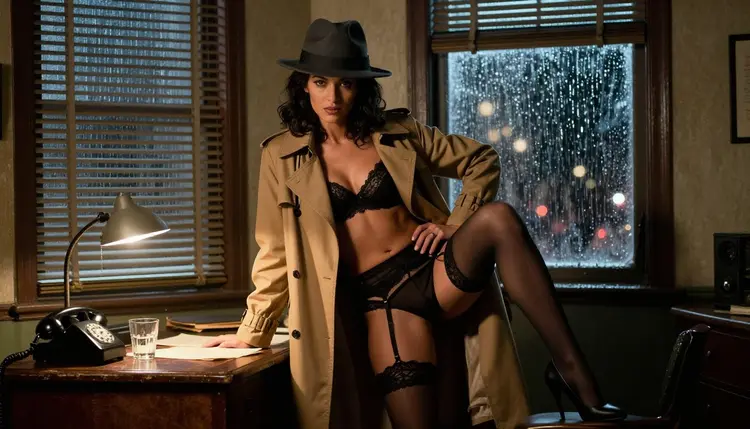
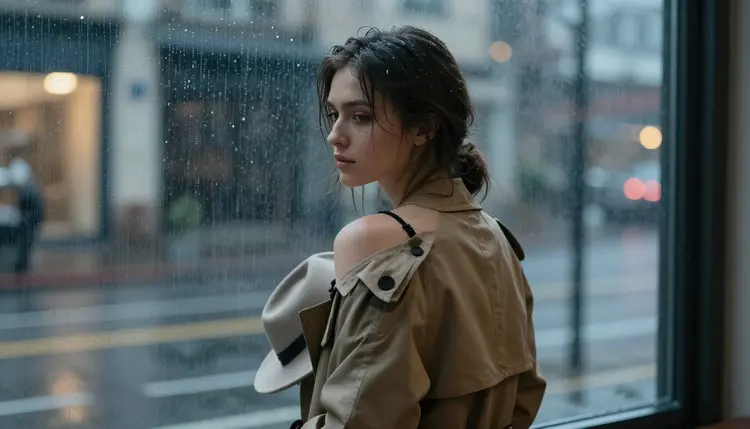
Rain on a window, a cigarette burning low, a woman in a trench coat framed by lamp light. Noir detective art has a look everyone recognizes but almost nobody can paint from scratch, and that is exactly the gap Recraft V4.1 Pro was built to fill on Picasso IA.
This guide walks through generating your own uncensored, adult noir detective scenes with Recraft V4.1 Pro: the confirmed no filter model for this style, a five step workflow you can repeat for every character you dream up, and the house rules that keep the whole thing legal, private and strictly for adults.
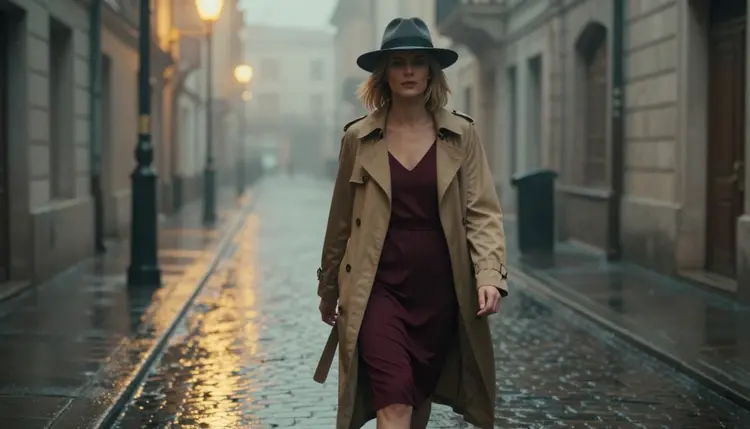
Whether you are building a single hero portrait, a full character sheet, or the opening page of a longer noir story, the workflow below scales the same way: pick the model, describe the scene in plain language, and let Recraft V4.1 Pro carry the atmosphere for you.
Something about the genre keeps pulling people back: trench coats, fedoras, rain-slicked streets, a single desk lamp cutting through a dark office. It is moody, cinematic, and endlessly flattering to a character, whether that character is a hard-boiled detective or the femme fatale who walks into his office at midnight.
Noir also happens to be a style that rewards adult, suggestive framing without ever needing to be explicit. A loosened tie, a coat slipping off one shoulder, a gloved hand adjusting a garter clip in low light: the tension comes from what the shadows imply, not from showing everything. That makes it one of the most requested moods for uncensored AI art on Picasso IA, and one of the styles where Recraft V4.1 Pro genuinely stands out.
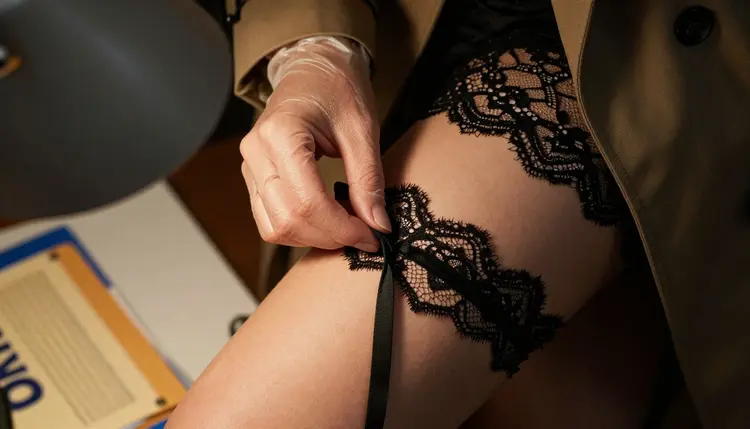
The style also travels well across formats: single character portraits, two-person scenes, comic panels, book covers, even short animated clips once you move a still into Picasso Video. Once you have a look you like, it is easy to keep reusing it.
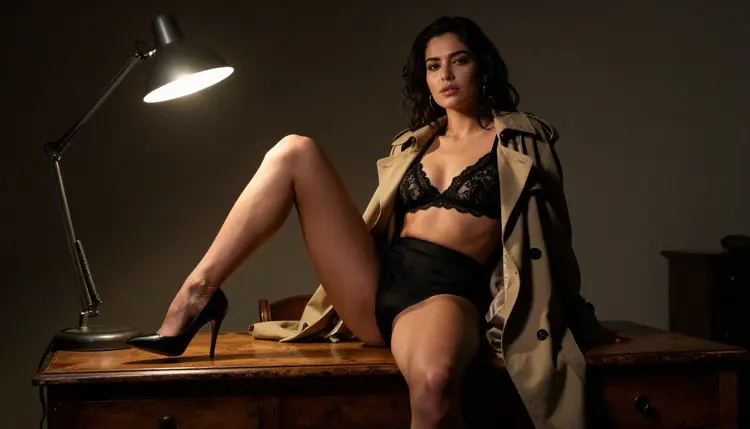
It helps that noir has almost a century of visual shorthand to draw from. Detective fiction, pulp paperback covers, and classic film all agree on the same vocabulary: coats, hats, cigarettes, rain, and low, three-point lighting. You do not need to reinvent the aesthetic, just describe it and let Recraft V4.1 Pro do the rendering.
Recraft V4.1 Pro is one of a small handful of models on Picasso IA confirmed to run with no content filter, and it is the model this whole guide is built around. Where a lot of general purpose image models flatten or refuse anything that reads as adult or suggestive, Recraft V4.1 Pro holds the mood: real shadow, real texture on fabric, and characters that keep their pose and expression instead of being softened into something generic.
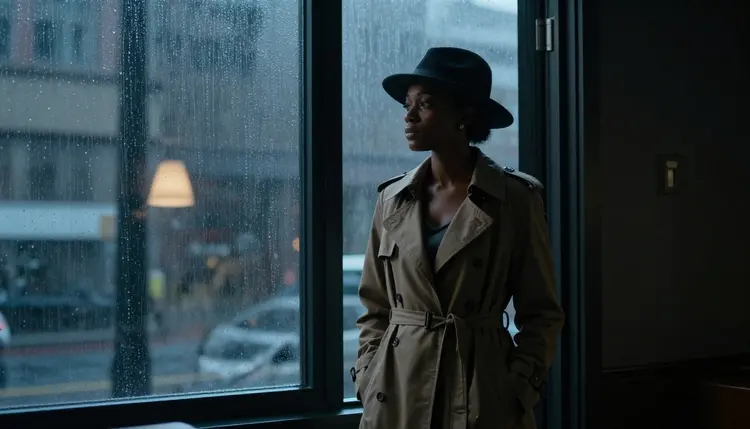
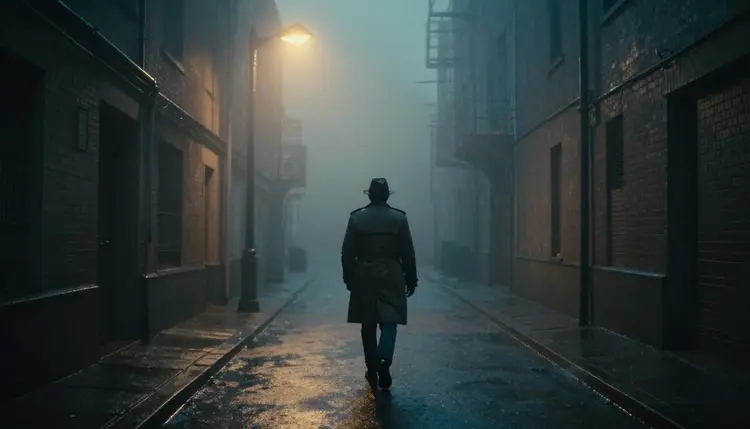
That reliability matters most in a style like noir, where half the storytelling is in what the light does not show. A silhouette in a doorway, a figure caught between the hallway and the rain outside: Recraft V4.1 Pro renders that kind of composition with sharp, confident linework rather than washing it out. It is why it is the pinned, confirmed choice for this article rather than a guess.
Consistency across a series matters just as much as any single frame. Creators building a recurring detective or a running femme fatale character often find that Recraft V4.1 Pro holds facial structure, coat color, and prop details steady from one generation to the next, which makes it easier to build out a full set of scenes rather than a handful of disconnected images.
You do not need a long prompt to get this look right. Here is the workflow that consistently produces strong results with Recraft V4.1 Pro.
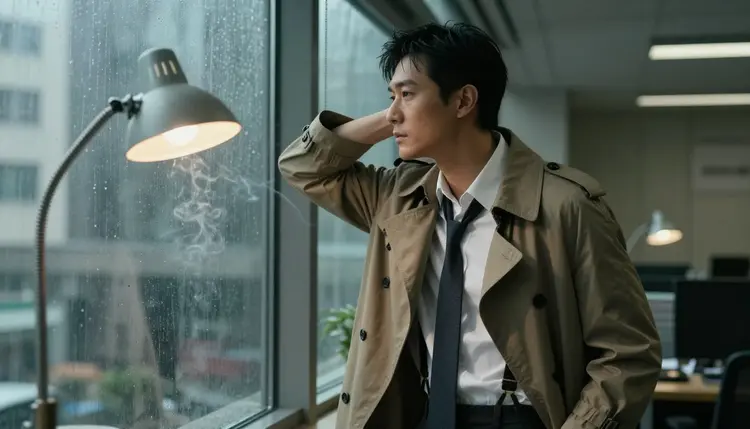
- Open the Toolkit and Pick Recraft V4.1 Pro. Select it from the model list before you write a single word of your prompt, since the look depends on the engine as much as the wording.
- Set the Scene in One Sentence. Describe the character, the coat, and the rain-slicked street or lamp-lit office in plain, direct language.
- Name the Mood, Not Just the Look. Add words like moody, cinematic, film noir lighting, and 1940s detective so the engine leans into atmosphere instead of a flat portrait.
- Dial In the Aspect Ratio. Choose a wide frame for a street or office scene and a tighter crop for a close, intimate portrait.
- Generate, Compare, and Refine. Run two or three variations, pick the strongest frame, and adjust your wording until the pose and mood match what you pictured.
Picasso IA's uncensored tools are built for adults, and this feature is 18+ only: you confirm your age before you generate anything in this style, and the platform is not intended for anyone under that age. Every character in a noir detective scene like this is a fictional adult. We do not generate minors under any styling or context, and we do not generate real, identifiable people without their clear consent, even as a "character" or a lookalike.
Privacy is the default, not an add on. Your prompts and generations are treated as private to your account rather than published to a public feed, and you can delete anything you create at any time. If you are ever unsure whether a description crosses a line, err on the side of caution and keep every character clearly original.
Once the base look is working, small wardrobe and setting choices change the whole feel of the scene. A trench coat left open over a satin slip reads as vulnerable and intimate; the same coat buttoned to the chin over a fedora reads as guarded and mysterious.
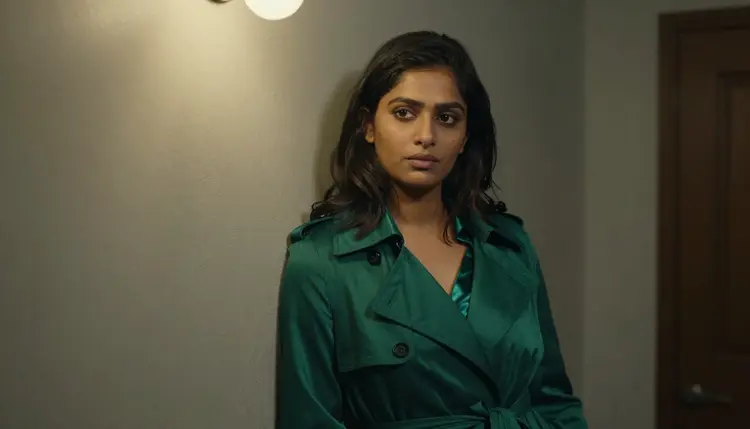
Office settings do a lot of work too. A cluttered desk, a rotary phone, a half-closed venetian blind and a single lamp instantly say "1940s detective agency" without any extra description. Try shooting the same character from a high angle over the desk for a voyeuristic, private-eye feel, or from street level looking up at a doorway for something more heroic.
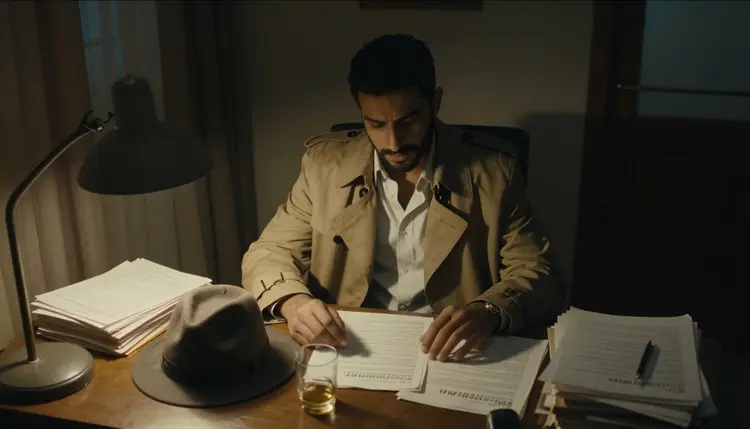
Color does a surprising amount of work in this style too. Keep the palette close to black, amber, and deep red: a single red lipstick, a warm desk lamp, or the amber glow of a street light against cool blue shadow reads as noir instantly, while a full color wardrobe breaks the illusion. Small props help as well: a curl of cigarette smoke, a half-empty glass, or rain beaded on a window all add period detail without cluttering the prompt.
Recraft V4.1 Pro is the confirmed, filter-free choice for this specific noir look, but Picasso IA has a few other uncensored options worth knowing about. Picasso Video, also confirmed filter-free, is the natural next step once you have a still you like: feed it a noir portrait and turn the rain, the smoke, or a slow turn toward camera into a short, moody clip. Qwen Image 2 is another confirmed no filter model and gives a slightly different, more painterly take on the same mood if you want variety across a series.
Outside the confirmed list, models like Seedance 2.5 or LTX 2.5 Fast are untested for this exact style and worth a try if you are experimenting, but treat any filter behavior there as unconfirmed rather than something to rely on. Many creators keep Recraft V4.1 Pro as their default for stills and only reach for Picasso Video or Qwen Image 2 when a project specifically calls for motion or a different painterly texture.
Is Recraft V4.1 Pro really uncensored for this kind of art?
Yes. Recraft V4.1 Pro is one of the models on Picasso IA confirmed to run with no content filter, which is why it is the model pinned for this noir detective style throughout this guide. Other Picasso IA models may soften or refuse a similar scene, so if the mood matters to you, start here rather than switching models mid-project.
Do I need to be 18 or older to use this feature?
Yes. This is an 18+ feature, every character generated is a fictional adult, and you confirm your age before Picasso IA lets you generate anything in this style.
Can I put a real person's face into a noir detective scene?
No. Picasso IA does not generate real, identifiable people without their clear consent, even styled as a fictional character, so keep your prompts to original or clearly fictional characters. This rule applies across every style on the platform, not just noir, and it is checked before a generation is allowed to run.
What should I write in my prompt to get that 1940s detective look?
Name the coat, the lighting and the setting directly, for example a trench coat, a rain-streaked window, a desk lamp, and words like moody, cinematic, and film noir.
Will my generated images be shared publicly or used to train other models?
No. Generations stay private to your account by default, and you can delete any image or video you create at any time. That default applies to every model on Picasso IA, not just Recraft V4.1 Pro.
Can I turn a still noir portrait into a moving scene?
Yes. Once you have a Recraft V4.1 Pro image you like, you can send it to Picasso Video, another confirmed filter-free model, to add a short, cinematic motion pass.
What is the difference between Recraft V4.1 Pro and Qwen Image 2 for this style?
Both are confirmed uncensored, but Recraft V4.1 Pro tends to hold sharper, more graphic linework for noir scenes, while Qwen Image 2 leans slightly more painterly. Neither model publishes an exact filter specification, so treat both as confirmed safe for this style rather than identical in output.
How many credits does a Recraft V4.1 Pro image cost?
Cost depends on resolution and any extra options you choose at generation time, and the exact credit total is always shown before you confirm the generation.
Can I generate a full comic style detective story, not just single images?
Yes. Many creators generate a set of Recraft V4.1 Pro panels with a consistent character and coat, then arrange them into a short noir comic or storyboard. Keeping the same wardrobe and lighting words across every prompt in the set is what makes the panels feel like one continuous story rather than unrelated images.
What if my first generation does not match the mood I wanted?
Adjust the mood words in your prompt, such as swapping cinematic for moody or adding a specific light source, and run another generation. Small wording changes go a long way with Recraft V4.1 Pro.