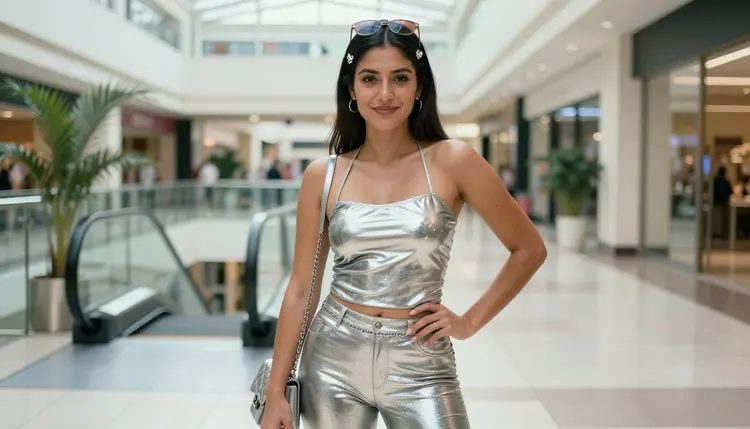
Low-rise cargo pants, chrome eyeshadow, tiny tinted sunglasses, and a mall food court glowing in the background: the Y2K aesthetic is everywhere in AI art right now, and there's a version of it that leans intimate and mature rather than just nostalgic. The catch is that most image models treat anything reading as suggestive the same way they treat anything explicit. They refuse it outright, metallic bodysuit or not.
Qwen Image 2 doesn't have that problem. It's one of six models on Picasso IA confirmed to generate NSFW content without a safety filter standing between your prompt and the result, and its handling of reflective fabrics, saturated mall lighting, and early 2000s styling makes it a strong pick specifically for Y2K aesthetic scenes. This guide covers what it actually generates, a five step process for getting there, prompting tips that make the metallic, mall centered look land, the rules every generation follows, and what it costs to try.
Most image models on the market ship with a content filter that blocks anything reading as explicit or suggestive, and Y2K styling doesn't get a pass just because it's rooted in early 2000s fashion rather than anything more direct. Ask for a metallic bodysuit, a low-rise cargo look, or an intimate mall photoshoot with any real edge to it, and a filtered model will often refuse the whole prompt rather than soften it.
Qwen Image 2 is different. It's one of six models on Picasso IA confirmed to generate NSFW content directly, without a safety filter deciding what you're allowed to describe. Picasso IA runs the toolkit on top of more than 480 models, but only a handful are confirmed filter-free: Qwen Image 2, Seedream 4.5, Recraft V4.1 Pro, Picasso Image Editor Pro, Picasso Video, and LTX 2.3 Pro. Everything else in the full catalog, including well-known general-purpose names like GPT Image 1, Imagen 4, Flux, or Nano Banana, still applies its own filter and can refuse an adult prompt outright.
Qwen Image 2 earns its place among the six specifically for Y2K work. It renders reflective, metallic fabric convincingly instead of flattening chrome and mesh into a dull gray, it holds up the high contrast, slightly overexposed lighting that early 2000s mall and catalog photography is known for, and it keeps a fashion editorial composition instead of drifting toward a generic photoreal portrait. That combination, chrome textures plus mall lighting plus period-accurate styling, is exactly where a lot of general-purpose models start to look flat.
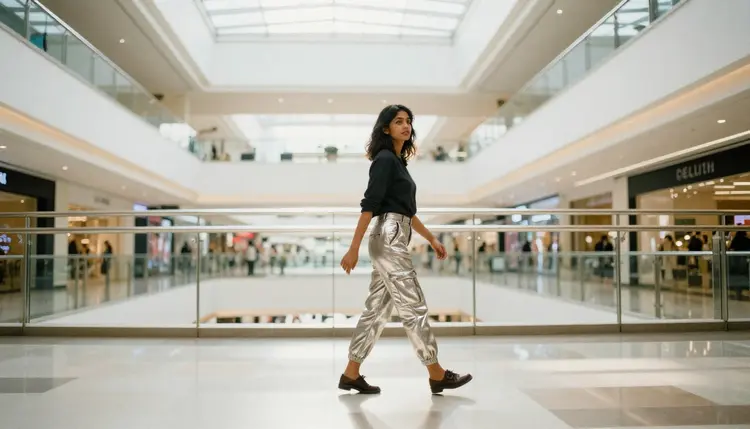
For anyone who's typed a normal adult prompt into another tool and watched it bounce back refused, the appeal is simple: describe the scene, chrome and all, and Qwen Image 2 generates it.
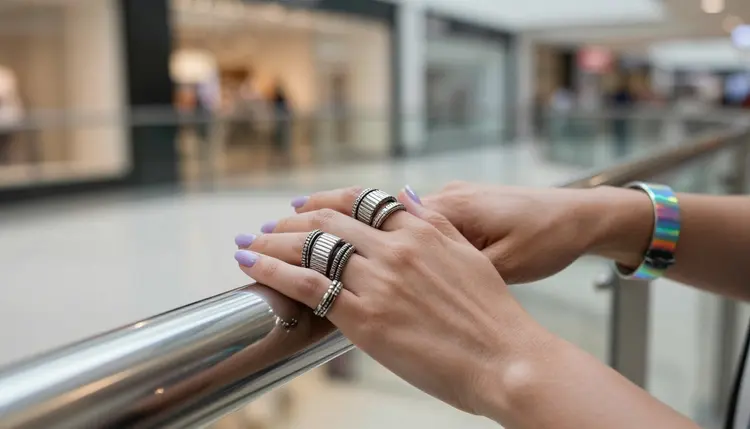
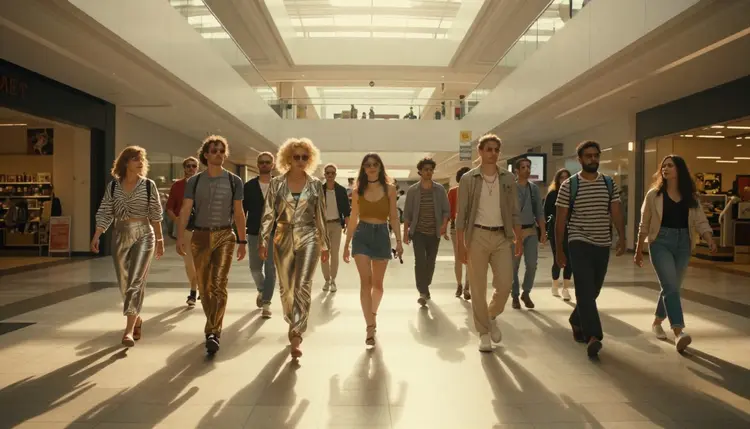
Qwen Image 2 is a text-to-image model: you describe a scene in words and it renders a full image from scratch, no starting photo required. For Y2K aesthetic work specifically, it handles the details the style depends on. Chrome, metallic mesh, vinyl, and rhinestone finishes read as reflective rather than matte. Low-rise cargo pants, metallic halter tops, tiny tinted sunglasses, and butterfly clips come through as recognizable period pieces instead of a vague approximation of "2000s." And it holds a consistent look across a whole set, so a mall atrium, an escalator landing, and a sunlit corridor can all belong to the same shoot rather than looking like three different models tried to imagine the same brief.
It also handles more than solo portraits. Group scenes, two or three people walking together, laughing near an escalator, standing back-to-back in a studio setup, come out with consistent styling across every character in frame, which matters for a Y2K set built around a friend group or a crew rather than a single subject.
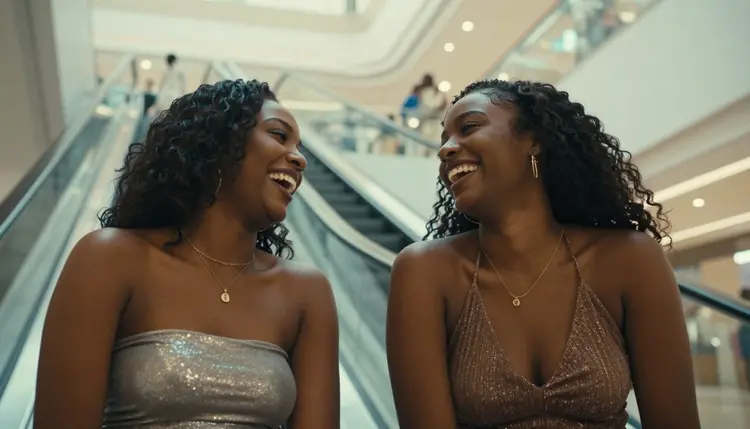
None of this changes based on how intimate or suggestive the scene gets. Qwen Image 2 generates a fully styled Y2K mall walk the same way it generates a more intimate, flirtier version of the same setting, the only difference is what you describe in the prompt. That consistency is part of why it's worth reaching for either way: you're not switching models depending on how far a scene leans, you're using the one model that doesn't have a filter making that call for you.
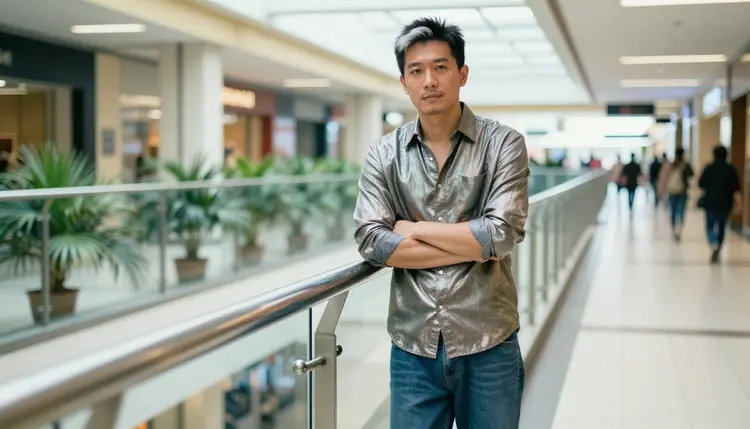
It's also worth trying for Y2K work that isn't adult at all. If you like how it renders chrome and mall lighting, there's no reason to switch models just because a scene in the same shoot turns more suggestive. The look stays consistent because the model doesn't change, only the prompt does.
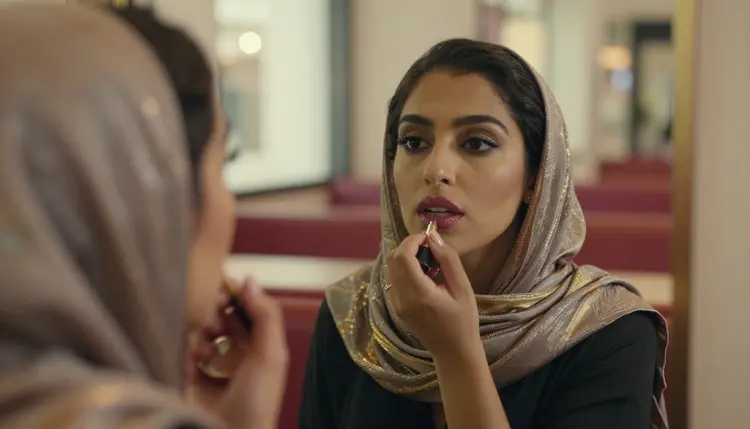
Generating with Qwen Image 2 works the same way as any other model in the toolkit. There's no separate NSFW mode to unlock or hidden setting to flip first.
- Open the toolkit and select Qwen Image 2. Go to the toolkit, choose text-to-image, and pick Qwen Image 2 from the model list instead of the default suggestion.
- Write a Y2K specific prompt. Describe the character, the metallic or vinyl outfit, the mall or studio setting, and how intimate the scene should be, all in plain language.
- Set your aspect ratio and style options. Pick a portrait, square, or landscape frame depending on the scene, and adjust whatever style controls the model exposes before you generate.
- Generate and review the image. Run the prompt and check the result against what you asked for, paying particular attention to how the chrome and metallic surfaces are rendering and whether hands and jewelry came through clean.
- Refine with a follow-up prompt or download. If the lighting or styling is off, adjust the wording and regenerate rather than starting over, or download the image once you're happy with it.
Each step takes seconds, and nothing stops you from running the same prompt with small wording changes, swapping the setting from a mall atrium to a studio backdrop, say, to see which version reads best before you commit to one.
The clearer the prompt, the more Qwen Image 2 has to work with. A few things that consistently help with Y2K aesthetic scenes specifically.
Name the era and the materials directly. Terms like early 2000s, chrome, metallic mesh, vinyl, or rhinestone are all things Qwen Image 2 responds to, and leaving them out means relying on the model's default read of "Y2K" rather than steering it toward the specific texture you want.
Describe the character first, then the outfit, then the setting. Naming hair, build, and styling before you describe the cargo pants or halter top and the mall backdrop gives the model a clear subject to anchor everything else around, instead of splitting its attention across a vague figure and a busy scene.
Call out the setting precisely. A mall atrium, an escalator landing, a food court, or a plain studio backdrop all read differently, and naming one rather than leaving it generic changes the composition and the lighting Qwen Image 2 reaches for.
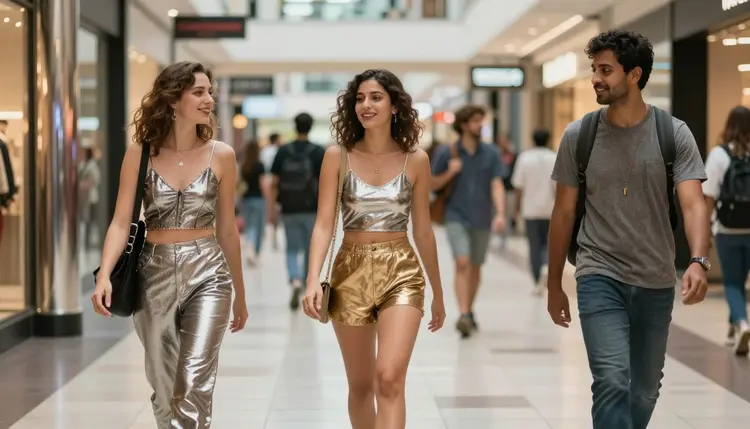
Keep one scene per prompt. Piling multiple outfits, settings, or actions into a single prompt tends to produce a muddier result than generating each variation as its own prompt and picking the strongest one.
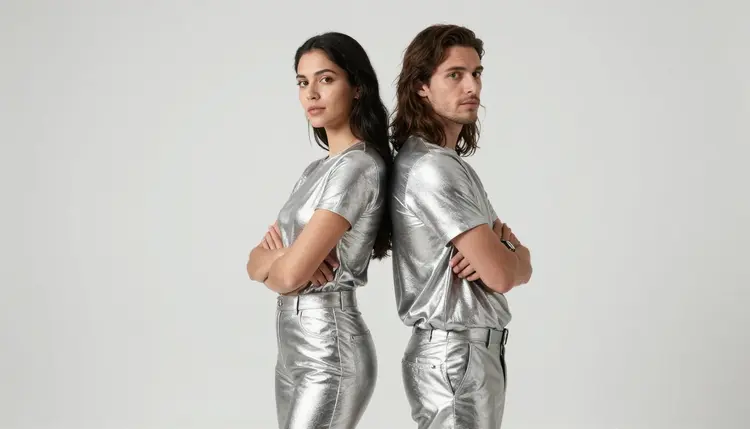
If you're switching from another model, it helps to know how the filtered ones actually behave. A filtered model won't quietly produce a softer version of a suggestive Y2K prompt, it will refuse it outright and show a "Content Not Supported by This Model" message, then point you toward the confirmed models, Qwen Image 2 among them, with your original prompt carried over so you don't have to retype it. That's the intended path when a prompt gets refused: switch to a model built for it, not rewrite the prompt trying to slip past a filter that isn't going anywhere.
Picasso IA's NSFW generation is for adults, 18 and over, creating fictional characters, full stop. Every character you generate with Qwen Image 2 has to be an original or fictional adult, never a real person's likeness, never a public figure, and never anyone who could read as a minor. That line doesn't move for Y2K styling just because the look references real fashion eras; the clothes can be period accurate, the person wearing them still has to be invented.
If you're building a recurring character across a Y2K photo set, keep your prompts describing made-up traits: an invented name, a designed outfit, an original hairstyle and face, rather than referencing a real actor, influencer, or public figure by name or description, even loosely and even in an outfit they're known for. Picasso IA is a platform for original adult content, not a tool for generating anyone real without their consent, and that boundary holds no matter which of the six confirmed models you use.
On privacy, what you generate is yours by default. Picasso IA doesn't publish your prompts or your images anywhere, and nothing you create here is shown to other users unless you choose to share it yourself.
New accounts on Picasso IA start with free credits, enough to try Qwen Image 2 and see how it handles a Y2K prompt before spending anything. Every generation uses credits, and Qwen Image 2 is priced like any other model of its kind, credits per image rather than a separate NSFW surcharge stacked on top.
Once your free credits are used up, pricing lays out the available plans, from smaller top-ups to larger subscription tiers, so you can pick whatever matches how often you generate. Check that page directly for current credit costs and plan details, since those numbers are the ones most likely to change over time, and it's a better source than any estimate here.
Is Qwen Image 2 really uncensored for NSFW Y2K art?
Yes. Qwen Image 2 is one of six models on Picasso IA confirmed to generate NSFW content directly, without a safety filter blocking suggestive or adult prompts. It's not a workaround or a jailbreak, it's simply a model that doesn't apply that filter in the first place.
Can I generate NSFW images of real people in Y2K fashion?
No. Picasso IA's NSFW generation is limited to fictional, adult characters, 18 and over. Real people, public figures, and anyone resembling a minor aren't allowed, regardless of which model you use or how period accurate the outfit is.
What happens if I try a suggestive Y2K prompt on a filtered model?
Most models on Picasso IA, including well-known names like GPT Image 1, Flux, or Nano Banana, apply their own content filter and will refuse a flagged adult prompt outright. When that happens, the app shows a "Content Not Supported by This Model" message and suggests switching to one of the six confirmed filter-free models, carrying your prompt over automatically so you don't lose it.
Do I need to unlock a special mode for NSFW generation?
No. There's no hidden toggle or setting to switch on. You simply pick Qwen Image 2, or one of the other confirmed models, from the model list in the toolkit and write your prompt as usual.
Can Qwen Image 2 keep the same character consistent across a Y2K photo set?
Qwen Image 2 follows detailed prompts closely, so describing the same hair, build, and outfit consistently across prompts helps a character stay recognizable from one shot to the next, whether it's a mall corridor or a studio backdrop. It works from text each time rather than a saved character profile, so consistency comes from how specific and repeatable your prompt is.
Can I edit a Y2K image after Qwen Image 2 generates it?
Yes. You can regenerate with an adjusted prompt to change a specific detail, or bring the image into Picasso Image Editor Pro, one of the other confirmed filter-free models, for direct edits.
Does Qwen Image 2 handle group scenes as well as solo portraits?
Yes. It keeps styling consistent across two or three characters in the same frame, which matters for a Y2K set built around a friend group at a mall rather than a single subject.
Can I use Qwen Image 2 on mobile and desktop?
Yes. Picasso IA is a web app, so Qwen Image 2 works in any modern browser on desktop or mobile without installing anything separately.
Which other models pair well with Qwen Image 2 for NSFW Y2K work?
If you want to move from a still image to video, Picasso Video and LTX 2.3 Pro are both confirmed filter-free. For a different image style, Seedream 4.5 and Recraft V4.1 Pro are worth comparing against Qwen Image 2's Y2K look.
Do I need a paid plan to try Qwen Image 2?
New accounts get free credits to start, enough to test Qwen Image 2 before committing to anything. Beyond that, generations use credits like any other model. See pricing for current plans and costs.