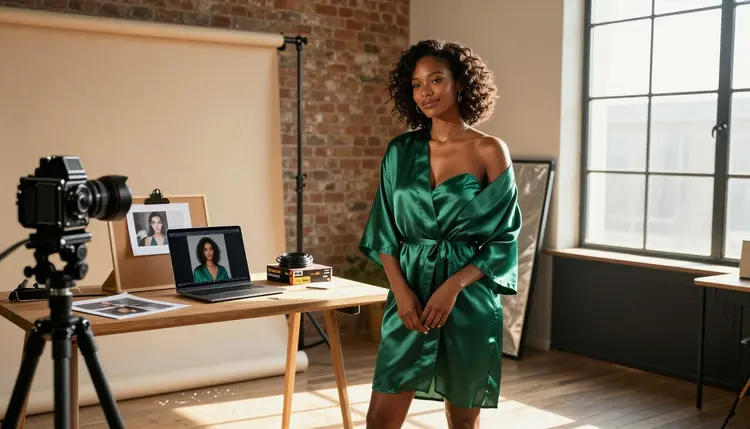
A reference photo already carries what a blank prompt cannot give you: a real pose, real wardrobe, real light falling on real fabric. The hard part is not describing a scene from nothing, it is telling a model to keep what already works in that one photo while pushing the rest of it somewhere adult, and most image tools either ignore the photo entirely or refuse the prompt the moment it reads as NSFW. Qwen Image 2 does neither. It is one of six models on Picasso IA confirmed to generate NSFW content without a safety filter, and it is built to actually read an uploaded photo instead of treating it as decoration.
This guide walks through exactly how to turn a single reference photo into finished NSFW art with Qwen Image 2, what makes a reference photo worth using in the first place, and the rules Picasso IA holds firm on no matter how good that photo is.
Most general purpose image models run every prompt through a safety filter before it reaches the model itself, and that filter gets stricter, not looser, the moment a reference photo is attached to an adult description. A prompt that might already read as borderline on its own gets flagged faster once it is paired with an uploaded image, and the usual result is an outright refusal rather than a softened picture.
Qwen Image 2 is different. It is one of six models on Picasso IA confirmed to generate NSFW content directly, with no filter step standing between your reference photo and the result. The other five are Seedream 4.5, Recraft V4.1 Pro, Picasso Image Editor Pro, Picasso Video and LTX 2.3 Pro. Everything else in the full catalog, including well known general purpose names, still runs its own filter and can reject a reference photo paired with an adult prompt on sight.
What makes Qwen Image 2 specifically strong for this workflow is how closely it reads the photo you give it. Pose, camera angle, the direction of the light, even the general shape of a wardrobe piece all carry into the result instead of getting flattened into a generic figure that just happens to share a color palette with your reference.
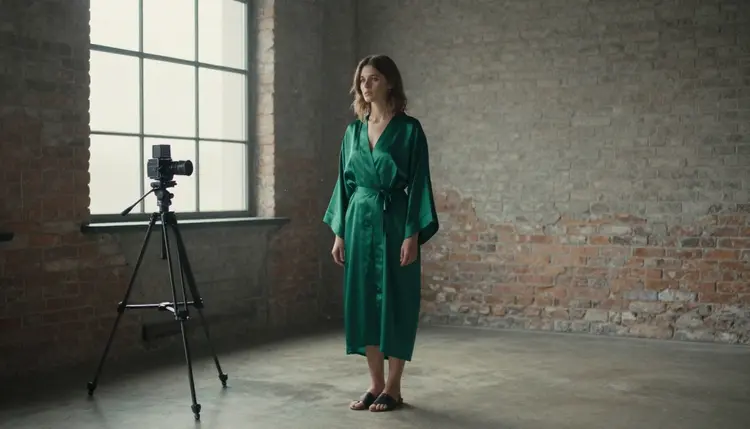
The photo above is the kind of reference that works well: a real studio setup, natural light coming through a window, a robe with visible fabric texture. None of that needs describing from scratch when the photo is already doing the work, Qwen Image 2 reads the framing and the light straight from the image itself.
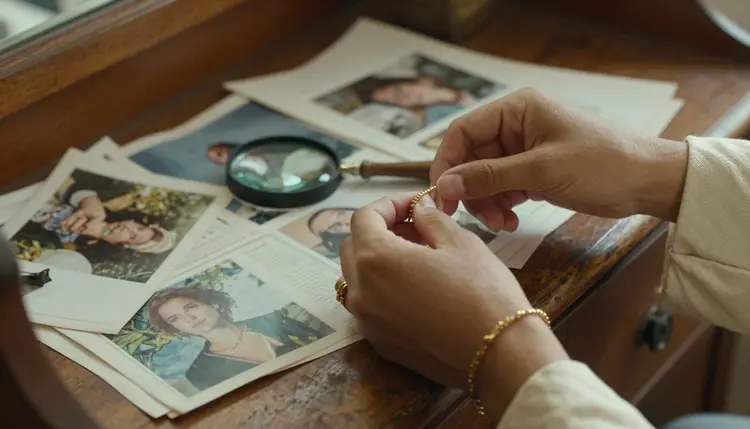
Studying a reference closely before generating, the way the hands above are going over printed photos with a magnifying glass, matters more than most people expect. The closer your prompt matches what the photo actually shows, the wardrobe, the framing, the exact light source, the less Qwen Image 2 has to guess, and guessing is exactly where a result drifts from what you pictured.
A reference photo does not need to come from a professional shoot. A phone photo taken in decent light, an outtake from a shoot you already ran, or a self portrait all work the same way as far as Qwen Image 2 is concerned, what actually matters is what the photo shows and who is in it.
The one hard requirement is consent and identity. A good reference photo is either your own, a photo of yourself, or a photo of someone who has clearly and explicitly agreed to have it used this way. It should never be a photo of a real, identifiable person you found online or saved without their knowledge, and it should never be used with the intent of generating adult content of a specific real individual who has not agreed to it. The character in the finished result should read as a fictional adult, not a documented likeness of someone who never consented.
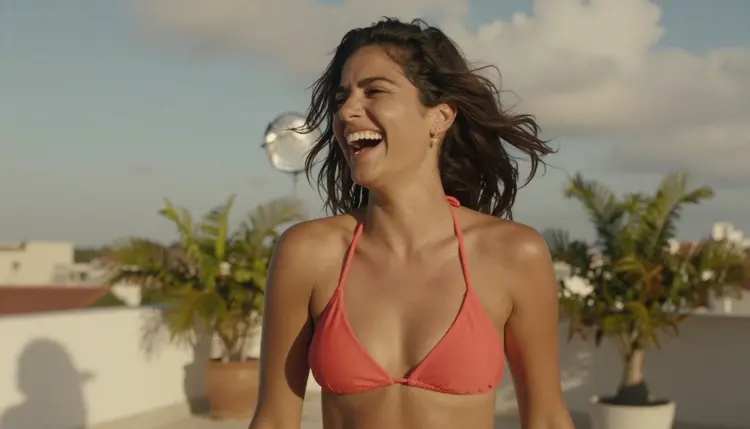
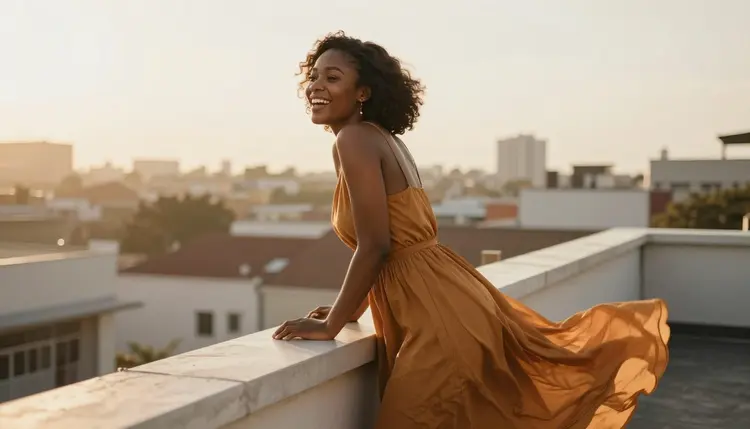
A photo like the rooftop shot above works well as a reference precisely because it already carries wardrobe, light and mood in one frame, coral against a bright sky, a relaxed pose, real shadow falling across skin. Qwen Image 2 can hold onto all three while you change only the parts of the prompt you actually want different.
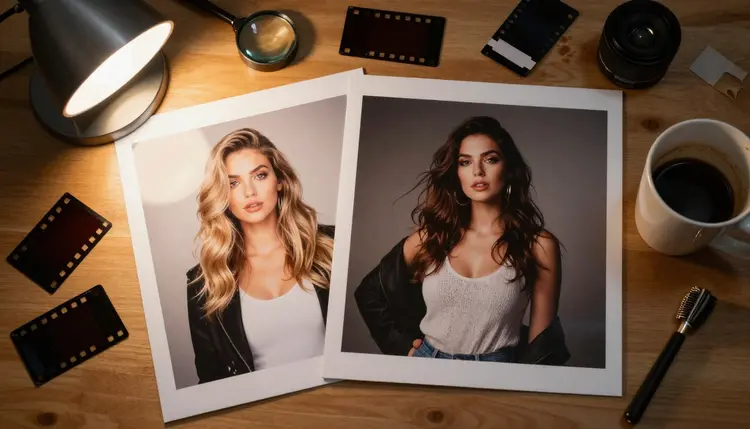
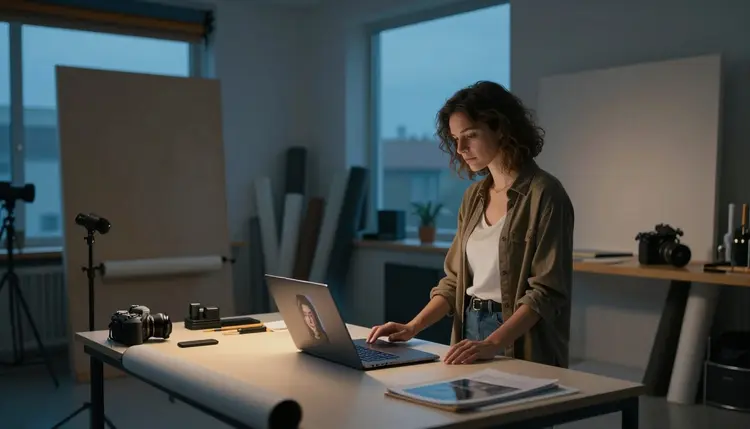
Printed contact sheets and outtakes, like the desk above, are worth keeping around too. Comparing a few options side by side before settling on one as your reference tends to produce a better final prompt than working from the first photo you happen to have open.
Generating from a reference photo with Qwen Image 2 takes the same number of steps as any other generation in the toolkit, the only real difference is attaching the photo before you write the prompt.
- Pick a reference you have the right to use. Choose a photo that is your own, a shoot you have permission to work from, or an image of someone who has explicitly agreed to it, never a saved photo of a stranger.
- Open the toolkit and select Qwen Image 2. Go to the toolkit, choose image editing or image to image, and pick Qwen Image 2 from the model list.
- Upload the photo and describe what should change. Attach the single reference image, then write a prompt naming what to keep, the pose, the setting, the framing, and what should turn adult, the wardrobe, the mood, the detail.
- Generate and compare against the reference. Check the result against the original photo for pose, lighting and framing before deciding whether the prompt needs adjusting.
- Refine the wording or download. Adjust one detail at a time and regenerate if something drifted from the reference, or download the image once it matches what you pictured.
Each attempt takes seconds, so comparing two or three wording changes before settling on one costs almost nothing.
A reference photo does most of the visual work already, so the prompt around it should focus on what the photo cannot tell Qwen Image 2 on its own, what to keep exactly and what to change.
Name what stays and what changes separately. A prompt that opens by saying to keep the pose and the lighting from the reference, then describes the wardrobe and mood you want instead, gives Qwen Image 2 a clearer instruction than one long paragraph mixing both together.
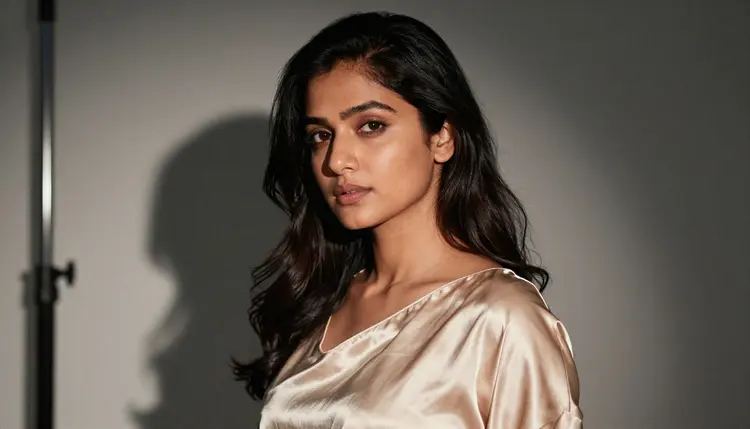
A result like the one above usually starts from a reference that already had simple, strong lighting, a plain charcoal backdrop instead of a busy one. Clean references tend to translate into cleaner results, since Qwen Image 2 is not fighting a cluttered background while also trying to follow the rest of the prompt.
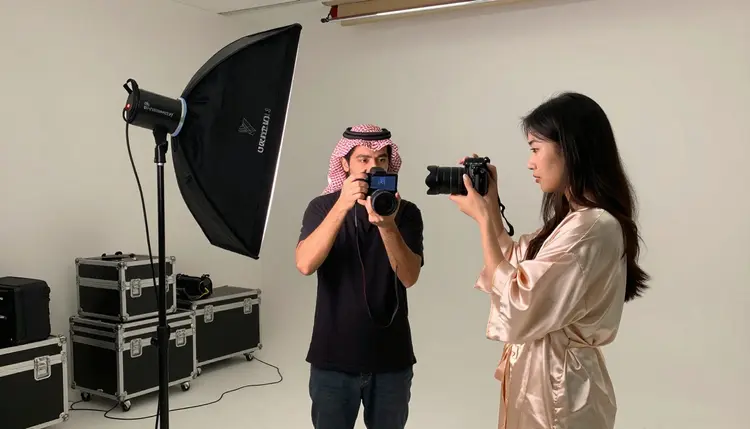
Treat the first result the way the pair above are treating a shot on a camera screen, as a check, not a finished piece. Reviewing what changed against the original reference before writing the next prompt saves more time than trying to get everything right in one attempt.
Direct, specific adult language produces a more predictable result than a softened one. Qwen Image 2 does not need a euphemism, and a vague word often renders tamer or blurrier than what you actually meant, so describe exactly what you want the way you would describe any other detail in the prompt.
Picasso IA's NSFW generation is for adults creating fictional characters, and a reference photo workflow does not loosen that line, if anything it raises it. Generation is restricted to users 18 and older, and the character in the finished image has to read as a fictional adult, not a documented copy of a real person who never agreed to this use, and never anyone who could be read as a minor regardless of how the reference photo is styled or cropped.
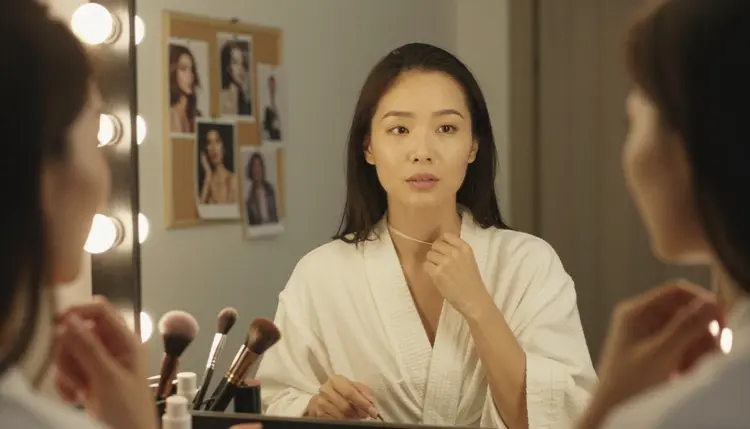
Consent is the part that matters most here. Use your own photo, or a photo from someone who has clearly and explicitly agreed to have it used this way, the kind of arrangement behind a shot like the one above, where the styling happens with the subject's full knowledge. A photo saved from someone's social media or found online without their knowledge is never appropriate input, no matter how carefully the final prompt is worded.
Privacy works the same way here as everywhere else on Picasso IA. What you generate stays tied to your account by default, and nothing you create is shared or published anywhere else automatically. The platform is built for original adult content made with real consent, not for putting a real, non consenting person into a scene they never agreed to.
New accounts on Picasso IA start with free credits, enough to try a reference photo generation on Qwen Image 2 before spending anything. Every generation uses credits, and working from a reference costs the same as any other generation with the model, there is no separate charge for uploading a photo alongside the prompt.
Once free credits run out, pricing lays out the available plans, from smaller top ups to larger subscription tiers, so you can match a plan to how often you generate from a reference photo versus starting from text alone.
Qwen Image 2 is not the only confirmed option if a reference photo workflow takes you somewhere it covers less well. Seedream 4.5 and Recraft V4.1 Pro are both filter free and worth comparing for a different rendering style from the same reference, and Picasso Image Editor Pro is the better pick when you want to edit the reference photo directly instead of generating a new scene around it. For motion, Picasso Video and LTX 2.3 Pro are the two confirmed filter free video models if the finished image works better as a short clip.
Is Qwen Image 2 really uncensored for reference photo generations?
Yes. Qwen Image 2 is one of six models on Picasso IA confirmed to generate NSFW content directly, without a safety filter blocking a reference photo paired with an adult prompt. It reads the uploaded photo and the prompt together instead of treating the combination as automatically flagged.
Can I upload a photo of someone else as my reference?
Only with that person's clear, explicit consent to have their photo used this way. Picasso IA's NSFW generation is limited to fictional adult characters, 18 or older, built from photos you have the right to use, never a real, identifiable person saved or found without their knowledge, and never anyone who could be read as a minor.
What happens if I try this on a filtered model instead?
Most models on Picasso IA, including well known general purpose names, apply their own content filter and are more likely to refuse a prompt once a reference photo and adult wording appear together. The app shows a message and suggests switching to one of the six confirmed filter free models, carrying your prompt over so you do not lose it.
Does the finished image look exactly like my reference photo?
No, and it should not. Qwen Image 2 follows the pose, framing and lighting you point it toward, but it generates a new image rather than copying the reference pixel for pixel, and the character it produces is a fictional rendering, not a literal reproduction of the person in the photo.
Do I need a professional photo to start?
No. A phone photo taken in decent light works the same way a professional shoot does, what matters is that the photo clearly shows the pose, wardrobe or lighting you want to build from, and that you have the right to use it.
Can I keep the same character consistent across several reference based generations?
Reusing the same reference photo and describing the same wardrobe, hair and features consistently across prompts helps a character stay recognizable from one generation to the next, since Qwen Image 2 works from the photo and the text together each time rather than a saved profile.
Can I turn the finished image into a short video afterward?
Yes. Picasso Video and LTX 2.3 Pro are both confirmed filter free video models, and either can take the finished image or the same reference photo and turn it into motion.
Can I edit the result again after Qwen Image 2 generates it?
Yes. You can regenerate with an adjusted prompt to change one detail, or bring the result into Picasso Image Editor Pro, one of the other confirmed filter free models, for direct edits without starting the whole scene over.
Do I need a paid plan to try this workflow?
New accounts get free credits to start, enough to test a reference photo generation on Qwen Image 2 before committing to anything. Beyond that, generations use credits like any other model, and pricing lays out current plans and costs.
Which other models are worth trying alongside Qwen Image 2 for this workflow?
Seedream 4.5 and Recraft V4.1 Pro are both confirmed filter free and offer a different rendering style from the same reference photo, while Picasso Image Editor Pro is the better choice for editing the reference directly. All three, like Qwen Image 2, are part of the six models confirmed to generate NSFW content without a filter.