Type a spicy prompt into the wrong model on Picasso IA and the result is not a generation, it is a message: Content Not Supported by This Model. That single line has sent more than one creator hunting through hundreds of models one by one, guessing which one will actually run the idea instead of bouncing it back. The guessing stops here.
Six models on the platform are confirmed, tested and verified, to run with no content filter at all: Seedream 4.5, Qwen Image 2, Recraft V4.1 Pro, Picasso Image Editor Pro, Picasso Video, and LTX 2.3 Pro. Everything below explains what no filter actually changes, walks through what each of the six is best at, and lays out the five steps that take a prompt from idea to finished image without ever touching a block.
This is not a workaround or a loophole. It is simply knowing, before you type a word, which six models on the platform were built to accept a mature, suggestive, or intimate prompt in the first place, and which ones were not.
What "No Content Filter" Actually Means on Picasso IA
Most of the models in the Picasso IA catalog are built for broad, general use: product shots, portraits, concept art, anything a wide audience might generate without a second thought. To keep that broad use safe by default, those models run a content filter that scans a prompt for bare skin, suggestive wardrobe, or an intimate scene and refuses to run it. That refusal is not a bug or a rare edge case. It is the model working exactly as its owner designed it, and no amount of clever phrasing gets around it reliably.
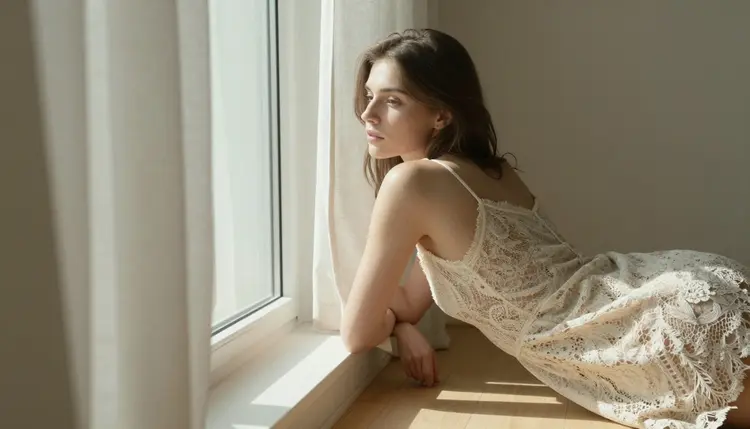
A small, named group of models on Picasso IA works differently. Seedream 4.5, Qwen Image 2, Recraft V4.1 Pro, Picasso Image Editor Pro, Picasso Video, and LTX 2.3 Pro are confirmed to run with no content filter, so a prompt describing a lace slip dress, an open robe, or two people standing close together generates the same way a plain landscape would. Confirmed is the operative word. Plenty of other models in the catalog have simply never been tested against a filter one way or the other, and treating an untested model as safe for a mature prompt is exactly how a generation ends up refused halfway through a session, credits already spent on the attempt.
Knowing the difference between confirmed and untested, before opening the toolkit, is most of what separates a smooth session from an afternoon of trial and error.
The Six Models Confirmed to Run With No Content Filter
Seedream 4.5 is the photorealistic, editorial pick, the one to reach for when a scene needs to look like an actual photograph rather than a rendering: real skin texture, real fabric, real light falling the way it would in a studio or on a rooftop at golden hour. It handles jewelry, sheer fabric, and close framing without softening any of it, which makes it the default choice for most mature portrait work.

Qwen Image 2 is the open-source option in the group, and it rewards a prompt that stacks several details, wardrobe, pose, location, light, all in a single line rather than spread across several short sentences. It is the one worth reaching for when a scene is unusually specific, a particular railing, a particular necklace, a particular angle at a particular time of day.
Recraft V4.1 Pro leans toward a drawn or illustrated look rather than a photographic one, closer to a painted cover or a graphic novel panel than a photo shoot. It is the pick when the brief calls for a stylized image, an anime look, a painted texture, instead of something meant to read as a real photograph.
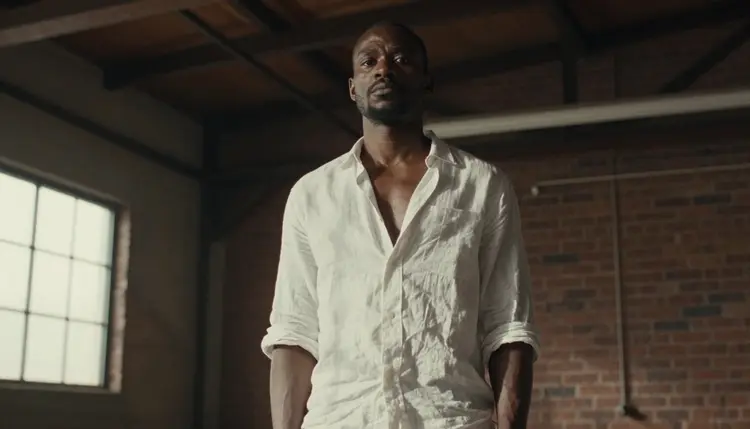
Picasso Image Editor Pro does not generate a scene from nothing. It edits one that already exists, so a hand that came out wrong, a fold of fabric that needs fixing, or a background that needs replacing gets corrected with a plain instruction instead of a full regeneration that risks losing everything that already worked.
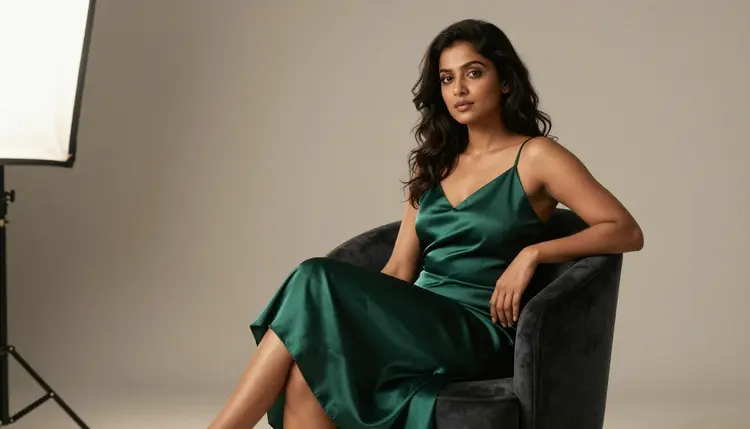
Picasso Video animates a still image into a short clip, and it runs with no content filter the same way its image counterparts do, so a finished romantic or after-dark scene can become motion without a second round of guessing which model will actually accept it.
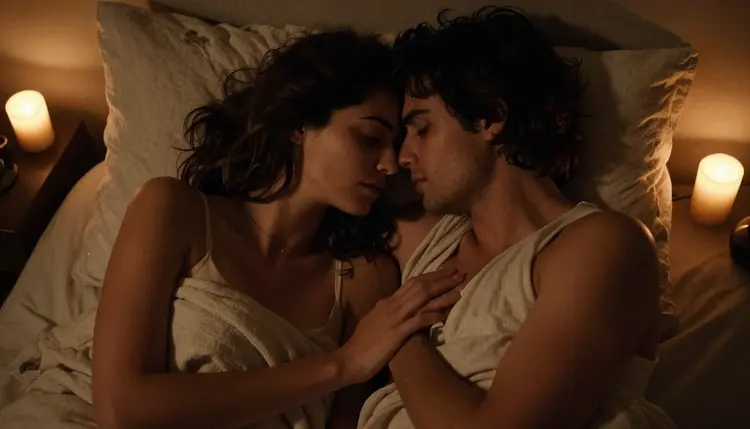
LTX 2.3 Pro generates video directly from a text prompt rather than from a starting image, and it is the pick for a cinematic clip built from scratch, a slow pan across a candlelit room, a figure relaxing at the edge of a pool, motion that was never a still photo first.
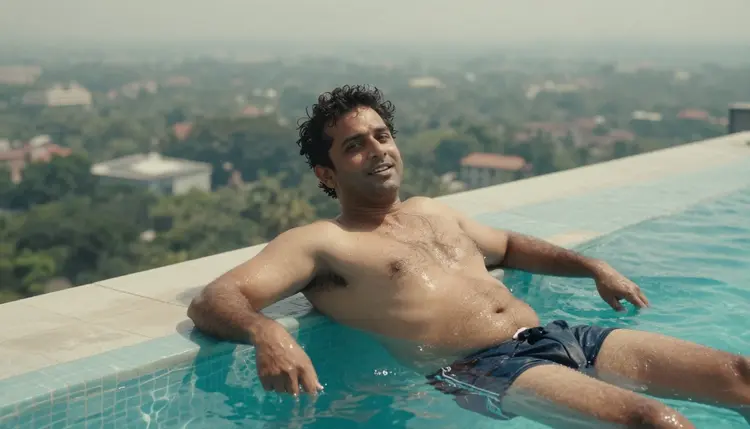
Six models, six different jobs. None of them is a universal answer to every prompt, but together they cover photorealistic stills, illustrated stills, edits, and video, which is most of what a mature or after-dark scene actually needs from start to finish.
Nothing about generating with one of the six confirmed models takes longer than any other generation on the platform. The only real extra step is picking the right model before writing the prompt, instead of finding out the hard way after a refusal.
- Pick One of the Six Filter-Free Models First. Open the toolkit and select Seedream 4.5, Qwen Image 2, Recraft V4.1 Pro, Picasso Image Editor Pro, Picasso Video, or LTX 2.3 Pro before writing a word, so the prompt never has a chance to hit a filter in the first place.
- Describe the Scene in Plain, Specific Language. Name the wardrobe, the pose, the location, and the light source in one clear line, since a filter-free model still rewards a precise prompt over a vague one about mood alone.
- Keep Every Character a Fictional Adult. Write an invented, clearly adult description, no real names and no claimed resemblance to anyone real, so the result stays inside what the platform allows before a single pixel is generated.
- Generate a Small Set Rather Than One Shot. Run three to six variations on the same prompt, since even a filter-free model produces results of uneven quality, and a small set gives you something to actually choose from.
- Review Privately Before Sharing Anywhere. Check the results in your own account first, since nothing generates publicly by default, then decide what, if anything, gets downloaded or shared afterward.
A filtered model does not fail quietly in the background. It returns a Content Not Supported by This Model message right where the generation should have appeared and, on Picasso IA, offers to carry the same prompt over to a model that will actually run it. That handoff is the fastest way to recover from a block, but it only helps once you know which models on the other end of it are actually confirmed to accept the prompt rather than simply untested and unlikely to do any better.
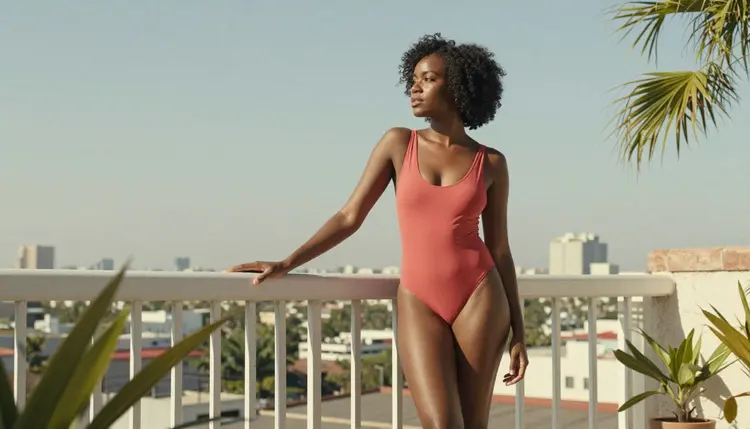
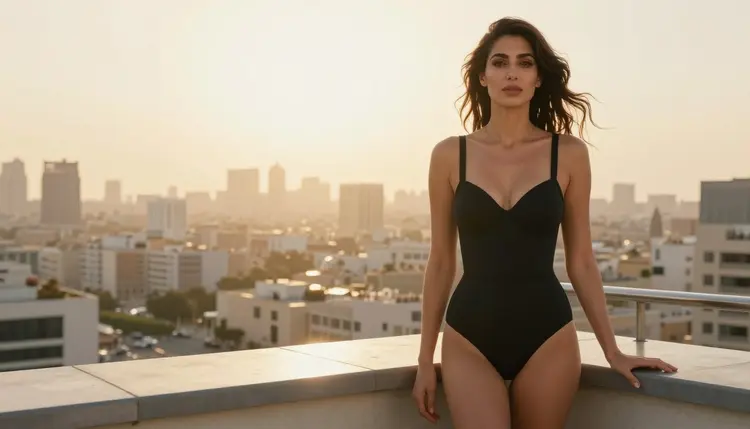
The instinct to blame the prompt itself is usually wrong. A scene as ordinary as a swimsuit on a rooftop balcony can trip a filter on one model and generate without a second thought on another; the difference sits in the model, not in the wording used to describe the scene. Starting with one of the six confirmed models on the first attempt skips the block entirely instead of troubleshooting it after credits have already been spent on a refusal.
The six confirmed models cover most of what a mature or after-dark scene needs, but they are not interchangeable, and picking the wrong one for the job wastes a generation even when nothing ends up blocked at all. A photorealistic portrait belongs on Seedream 4.5, not Recraft V4.1 Pro. A scene stacking several precise details in one line belongs on Qwen Image 2. A small fix on an otherwise finished image belongs on Picasso Image Editor Pro rather than a full regeneration that starts the whole process over.
Newer arrivals in the catalog, releases like Seedream 5, Qwen Image 2512, or Vidu, have not been confirmed either way as of this writing. They are worth trying as alternatives once the confirmed six have covered the actual brief, but treat any claim that they run without a filter as unverified rather than assumed. A model that has not been tested against a filter is simply not the same thing as a model that has been cleared, even when the two sit side by side in the same catalog.
Everything generated through these six models is for adults, eighteen and over, full stop. Every character in every scene must be a fictional adult: an invented person, never a real individual generated without their consent, and never anyone who reads as a minor regardless of wardrobe, pose, or artistic style. Prompts that cross either of those lines are refused, filter-free model or not, and attempting them violates the platform's terms of use.
Running with no content filter changes what kind of adult scene a model will render. It does not change who that scene can be built around. That distinction holds across all six confirmed models equally, and across every other model in the catalog as well.
Generations on Picasso IA stay private by default, visible only in your own account unless you actively choose to download or share them, so testing a prompt across several of the six models to find the right fit does not put anything on public view in the meantime.
Which models on Picasso IA are actually confirmed to run with no content filter?
Six models carry that confirmation: Seedream 4.5, Qwen Image 2, Recraft V4.1 Pro, Picasso Image Editor Pro, Picasso Video, and LTX 2.3 Pro. Every other model in the catalog either runs a filter or has simply never been tested for one, so starting a mature prompt on one of these six is the only way to know in advance that it will generate rather than get blocked.
What happens if I use a filtered model instead?
The generation does not run. The app returns a Content Not Supported by This Model message and offers to carry the prompt over to a model that will accept it, which in practice usually means one of the six confirmed models above.
Is Picasso IA free to try before I need to pay for anything?
Yes. New accounts start with free credits, enough to test a prompt across a few of the six confirmed models before deciding whether to buy more. Beyond that starting balance, generations are paid for with credits rather than a separate subscription tied to each individual model.
Are newer models like Seedream 5 or Qwen Image 2512 filter-free too?
Not confirmed. Newer catalog additions like these have not been tested either way as of this writing, so they are worth trying as alternatives once the confirmed six have already covered the brief, but nothing on this page claims they run without a filter.
Can I edit an image afterward if one detail comes out wrong?
Yes. Picasso Image Editor Pro can adjust a single detail, a hand, a fold of fabric, a background, with a plain instruction instead of regenerating the whole scene from scratch, and it runs with no content filter the same way the other five confirmed models do.
Does the app keep my generations private by default?
Yes. Generations are visible only in your own account by default, and nothing is shared or made public unless you actively choose to download or share it yourself afterward.
Can I turn a finished image into a short video?
Yes, in two different ways. Picasso Video animates an existing still image into a short clip, while LTX 2.3 Pro generates cinematic video directly from a text prompt without needing a starting image at all. Both run with no content filter.
Who is allowed to appear in the art these models generate?
Only fictional adults, eighteen and over. No real person may ever be generated without their own consent, and no character may read as a minor in any wardrobe or artistic style. This rule applies across all six confirmed models and every other model in the catalog alike, with no exceptions either way.
Why does a prompt that ran fine on one model get blocked on another?
Because the filter lives on the model itself, not inside the prompt. The exact same wording that generates cleanly on Seedream 4.5 can still trip a filter on a model that was never built to accept it, which is exactly why starting with one of the six confirmed models matters more than rewriting a prompt over and over.
Do I need to write a special kind of prompt for a filter-free model?
No. A filter-free model reads a prompt the same way any other model on the platform does. Naming the wardrobe, the pose, the location, and the light clearly still produces the strongest result either way, filter or no filter behind the scenes.