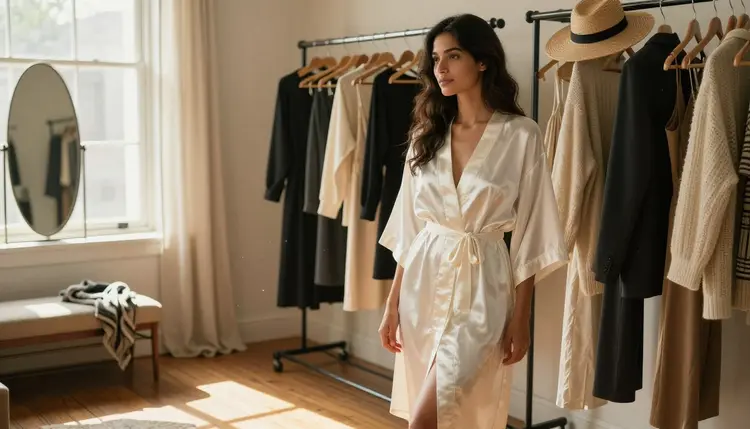
Rewriting an entire prompt every time you want a different outfit is slow, and it rarely gives you back the same face, body or setting twice. The fix is simpler than it sounds: write one fixed block describing the character and the scene, then change a single line describing the clothing for each new image. The character stays put. Only the wardrobe moves.
This guide walks through that technique on Recraft V4.1 Pro, one of six models on Picasso IA confirmed to run with no content filter, with outfit ideas that read well across a series, a short set of rules every series has to follow, and answers to the questions that come up most when building a first outfit series.
Recraft V4.1 Pro is one of six models on Picasso IA confirmed to run with no content filter, which matters more for an outfit series than for a single picture. A series can mean generating the same character five, eight or ten times in a row, and a filter that blocks even one of those attempts breaks the whole set partway through. Recraft V4.1 Pro runs the full series the same way it runs a single prompt, no rewording or disguising needed between looks.
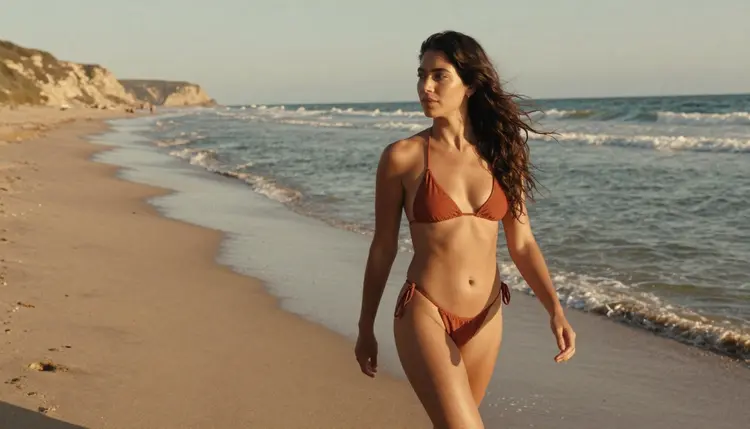
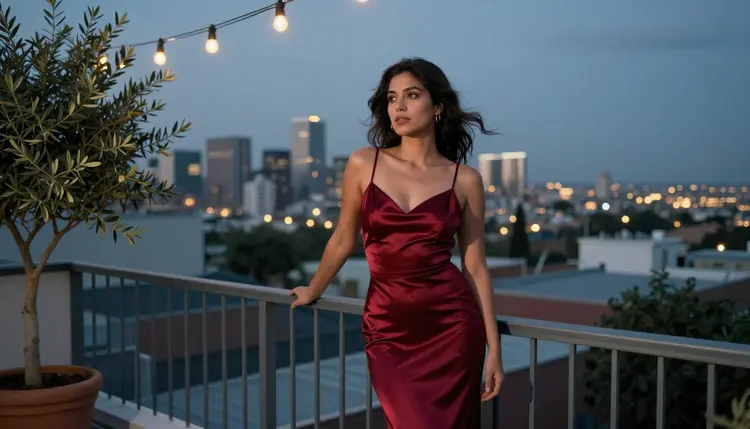
What makes it specifically good for outfit changes is how closely it follows a written description of clothing. Fabric, cut, color and the way a garment sits on a body are all things Recraft V4.1 Pro tends to render close to what the prompt describes, whether the target look is a bikini on a beach shoreline or a tailored blazer under city lights.
The other five filter-free models fit around this work rather than replacing it. Seedream 4.5 leans more photographic, useful when a look needs to read as a fully realistic photo rather than an illustrated one. Qwen Image 2 holds together better when a single prompt lists many separate details at once. Picasso Image Editor Pro fixes one image in an already generated set, a stray hand or a folded strap, without regenerating the whole look. Picasso Video and LTX 2.3 Pro turn a finished still from the set into a short clip once the images themselves are done. None of the other models in the Picasso IA catalog are confirmed filter-free, so this guide makes no claim about them either way.
An outfit series is built from two pieces of the prompt, not one. The first piece is a fixed block: the character's face, hair, build and any distinguishing feature, plus the setting or backdrop and the lighting. This block does not change between images, word for word, from the first look to the last.
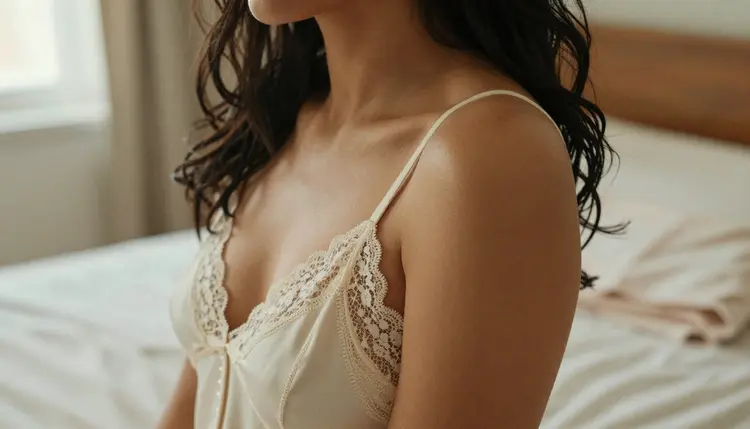
The second piece is a single outfit line, one sentence describing only the clothing for that specific image: the garment, the color, the fabric. Wearing a terracotta bikini. Wearing an ivory lace chemise. Wearing a red silk evening gown. Only this line moves between generations.
| Keep fixed across the series | Change per outfit |
|---|
| Face, hair, build, distinguishing feature | Garment, color, fabric |
| Setting or backdrop | How the garment sits or drapes |
| Lighting style | Accessories tied to that specific look |
Treating these as two separate pieces, rather than writing a full new prompt each time, is what keeps ten images reading as one character in ten outfits instead of ten different people who happen to share a pose.
Once the fixed block and the outfit line are separated in your head, the actual generation process is short and repeats cleanly for every look you want to add.
- Lock the Character and Scene First. Write one fixed description covering the character's face, hair, build and the setting or backdrop, and keep this exact wording for every image in the series.
- Write One Outfit Line per Look. Add a single sentence naming only the clothing, color and fabric for that image, and swap only this line between generations.
- Generate the Anchor Image on Recraft V4.1 Pro. Run the fixed block with your first outfit line, one of six models on Picasso IA confirmed to run with no content filter, and check the face and setting against what you pictured.
- Reuse the Same Seed or Reference When Available. Carry over the same seed number, or attach the anchor image as a reference, so the face, pose and lighting stay close across every following outfit.
- Review the Set Side by Side and Regenerate Any Outlier. Once four or five outfits are finished, compare them together rather than one at a time, and regenerate only the single image that breaks from the rest.
Running this through the toolkit keeps every generation in one place, which makes comparing the outfits side by side far easier than checking each image in a separate session.
A series reads best when the outfits contrast rather than repeat the same silhouette in a different color. A few looks that work well pulled together into one set:
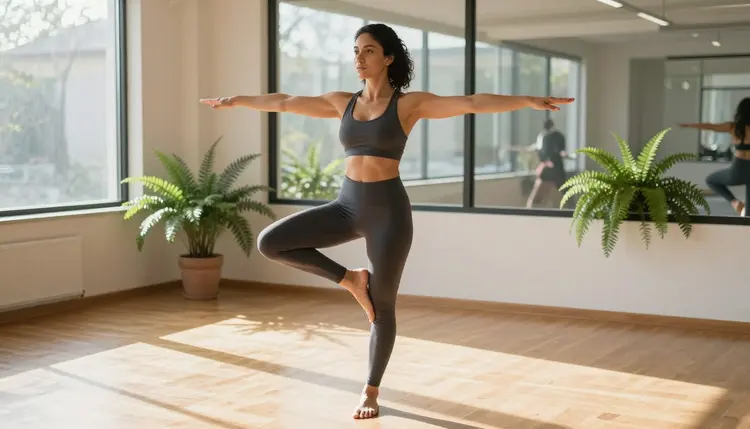
Athletic wear against a calm, sunlit studio gives a series an energetic anchor point, a different mood from anything soft or formal placed elsewhere in the set.
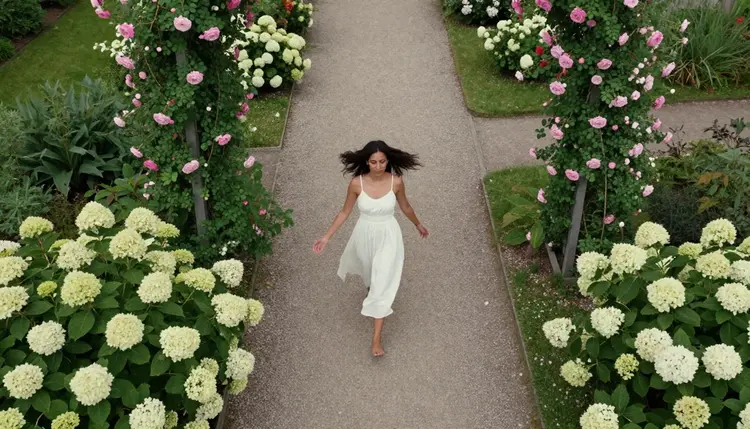
A sundress in daylight, photographed from above rather than straight on, adds a different camera angle to the series as well as a different garment, which keeps a longer set from feeling like the same shot repeated with a new color.
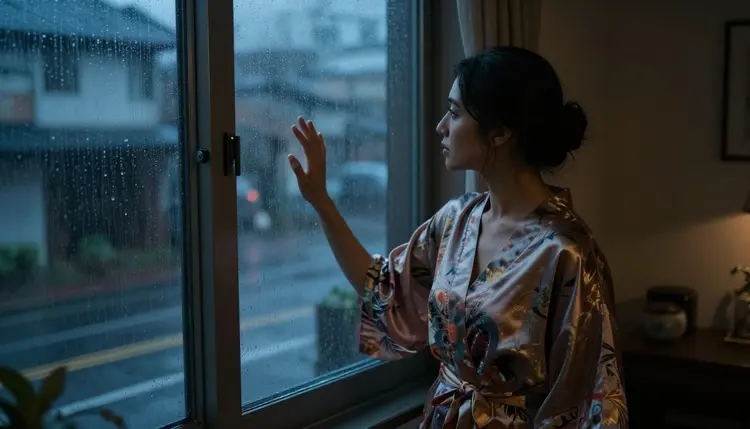
A robe by a rain streaked window brings a quieter, more intimate register into the set, a useful contrast to anything bright or outdoor earlier in the series.
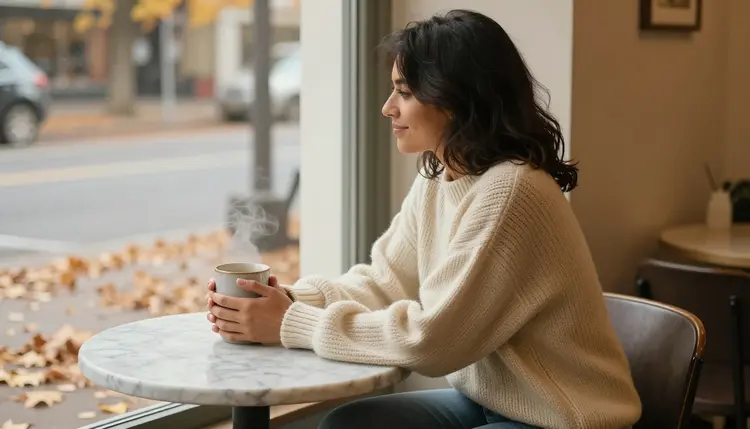
A knit sweater at a cafe table closes a set on something ordinary and warm rather than dramatic, which reads as a deliberate choice once it sits beside four or five more elaborate looks.
None of these pairings are required. The point of listing them is that contrast, in setting, in mood, in how much of the body a garment covers, is what makes six or eight images feel like a considered set rather than six variations on one idea.
Every image generated on Picasso IA, in every outfit, is for adults only, eighteen and over. The character across an entire series must be entirely fictional: no real person's likeness, no public figure, and nothing that reads as a minor in any outfit, at any point in the set. Prompts that cross these lines are refused, and attempting them violates the platform's terms.
This applies to every look in the series, not only the first one. A fixed character block reused across eight or ten outfit changes has to describe an invented adult from the first generation to the last, since Recraft V4.1 Pro running with no content filter changes what kind of adult image it will render, not who it can be rendered of.
Picasso IA does not use your prompts or generated images to train other people's results, and a generation you make is not shown to other users by default, so building out a private outfit series stays private unless you choose to share it. What you generate, and where you post it afterward, still answers to local law and to the rules of whatever platform receives it.
Beyond the fixed block and the outfit line, a few details make a set read as more consistent. Keep the lighting style, daylight, lamplight, window light, named directly in the fixed block rather than left to chance, since lighting drifting between images is one of the fastest ways a set stops looking like one continuous character. Naming the camera framing, full body, half body, close portrait, for each look also helps, since an unnamed framing tends to default to the same crop every time.
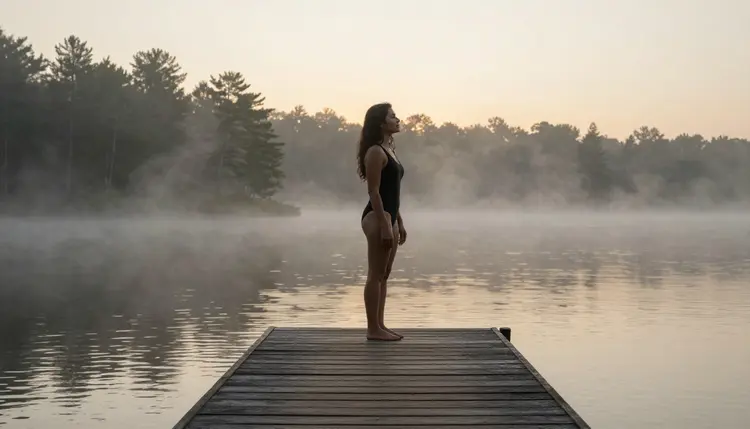
For everything past the still image itself, the other five filter-free models on Picasso IA cover the rest of the job. Seedream 4.5 is the pick when a look needs to read as fully photographic rather than illustrated. Qwen Image 2 holds up better when one prompt has to carry many separate details at once. Picasso Image Editor Pro fixes a single detail in one outfit without touching the rest of the set. Picasso Video and LTX 2.3 Pro turn a finished look into a short clip once the image itself is done. Models elsewhere in the catalog that are not on this list, including newer entries like Seedance 2.5 Lite, may be worth trying for a specific look, but they are not confirmed to run without a content filter, so treat them as an alternative to test rather than a filter-free guarantee.
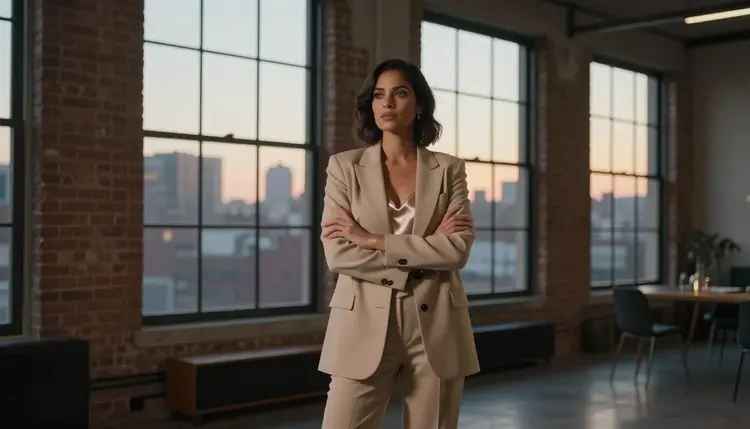
A finished series, saved together somewhere you can find it again, becomes the reference for the next one: reusing a fixed block that already worked once is faster than writing a new one from a blank page every time.
Does Recraft V4.1 Pro really generate outfit changes with no content filter?
Yes. Recraft V4.1 Pro is one of six models on Picasso IA confirmed to run with no content filter, alongside Seedream 4.5, Qwen Image 2, Picasso Image Editor Pro, Picasso Video and LTX 2.3 Pro. Every outfit in a series runs the same way any other prompt does, with no need to reword or disguise anything between looks.
How do I keep the same face across every outfit in a series?
Write one fixed block for the face, hair and build and reuse it word for word in every prompt, then carry over the same seed number or attach the first generated image as a reference for the outfits that follow, since both help the model land closer to the same face each time.
What is the best way to write the outfit line so only the clothing changes?
Keep it to one sentence naming the garment, the color and the fabric, and leave everything else, the face, the pose, the setting, out of that line entirely, since it belongs in the fixed block instead.
How many outfits should a single series include?
There is no fixed number. A short set of four or five looks already reads as a coherent series, and a longer set just extends the same fixed block with more outfit lines added on top.
Can I mix a photorealistic look with an illustrated one in the same series?
It works better to keep a series in one style throughout, since Recraft V4.1 Pro's illustrative rendering and a more photographic model like Seedream 4.5 will not match visually side by side even with the same fixed character block behind both.
What if two outfits in the set do not look like the same character?
Compare the images side by side rather than one at a time, then regenerate only the outfit that breaks from the rest using the exact fixed block from an image that did work, rather than restarting the whole series over.
Are the other five filter-free models useful for an outfit series too?
Yes, though for different parts of the job. Seedream 4.5 suits a fully photographic look, Qwen Image 2 holds up when a prompt lists many details at once, Picasso Image Editor Pro fixes one detail in a finished outfit, and Picasso Video and LTX 2.3 Pro turn a finished look into a short clip afterward.
Is generating a fictional character in multiple outfits allowed on Picasso IA?
Yes, as long as every character across the series is a fictional adult, eighteen and over, with no real person's likeness and nothing that reads as a minor in any outfit. Prompts that cross those lines are refused.
Can I turn a finished outfit image into a short video afterward?
Yes, as a separate step. Picasso Video can animate a single finished still into a short clip, and LTX 2.3 Pro generates video directly from a prompt, and both run with no content filter, so an adult image from the series can be animated the same way it was generated.
Do I need to pay for every outfit in a series, or is there a free way to start?
New accounts start with free credits, enough to generate a first short series of four or five outfits before deciding whether to buy more. Beyond that, credits are spent per generation, so a longer series costs proportionally more than a short one.