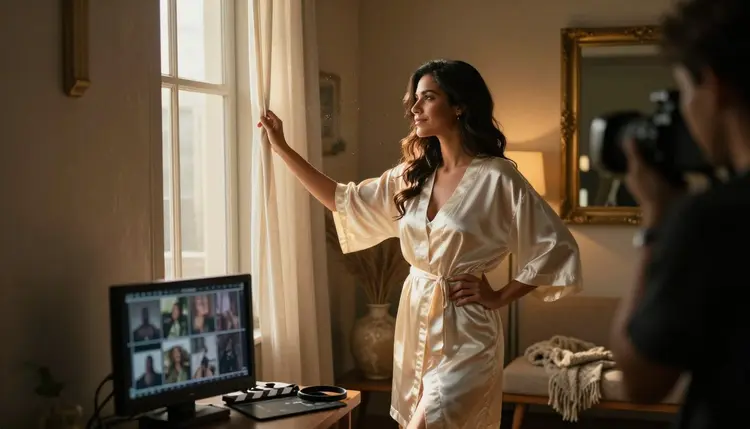
A single NSFW clip is easy to picture in your head: one scene, one mood, done in one generation. A sequence is a different problem entirely. The moment an idea needs more than one shot, a morning balcony, a hallway, a bedroom, a closing scene on a beach, LTX 2.3 Pro cannot plan that structure for you. It renders exactly what one prompt asks for, one clip at a time, with no memory of the clip before it or the one that comes after.
That is where planning earns its place before a single prompt gets typed. A multi-shot idea that works starts as a short, ordered list: what each shot shows, who is in it, and how it connects to the shot before and the one after. This guide covers the shot types that make a sequence read as directed rather than assembled, how to keep one character recognizable from the first frame to the last, and the five-step process for turning a planned idea into clips that actually cut together, using LTX 2.3 Pro, one of only six models on Picasso IA confirmed to generate adult content directly, without a safety filter standing in the way.
LTX 2.3 Pro is a text to video model, and each generation is its own independent render. Nothing about the clip before it carries into the next one unless the prompt says so. That is no problem for a single scene. It becomes a real one the moment an idea calls for more than one shot, since nothing stops a second render from putting a character in a different robe, a different room, or a different time of day than the first, unless the prompt repeats those details on purpose.
A plan fixes that before it happens. Picture a sequence that opens at sunrise: a woman in an emerald robe stepping onto a hotel balcony as the morning light comes in low and warm.
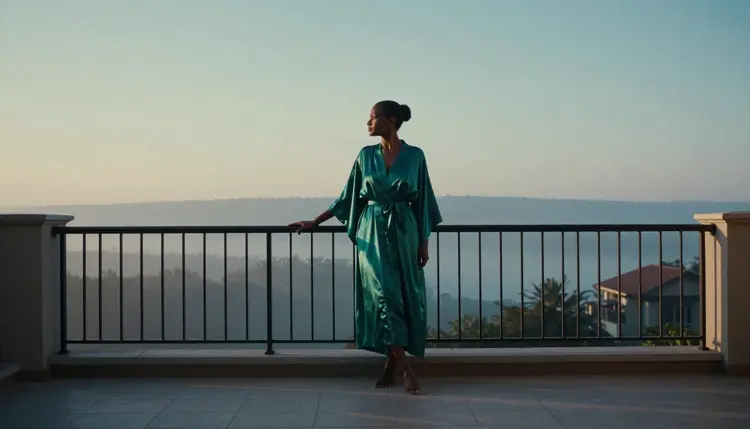
That single shot only becomes part of a sequence once a second shot gets written to follow it on purpose. A close, detail shot right after, hands fastening a gold bracelet, tells a viewer this is the same morning continuing, not a new scene starting from nothing.
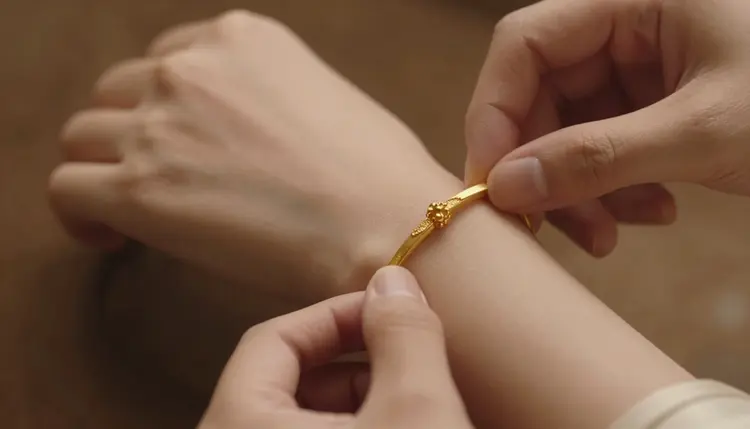
Writing both shots down before generating either one is what makes that connection possible. A shot list is not extra work bolted onto prompting. It is the only place where the sequence as a whole gets decided, since LTX 2.3 Pro only ever sees one shot's prompt at a time.
A working shot list rarely needs more than three kinds of shots, mixed in whatever order the story calls for.
An establishing shot sets the location and the mood, wide enough to show where the scene happens, the balcony, the corridor, the room. A detail or insert shot is close and specific, a hand, a piece of jewelry, a strap being fixed, and it slows a sequence down at the exact moment a viewer should notice something small. A transition shot moves the story from one place to the next, usually a figure walking through a door, a hallway, or a threshold, and it does the job a hard cut would otherwise have to do alone.
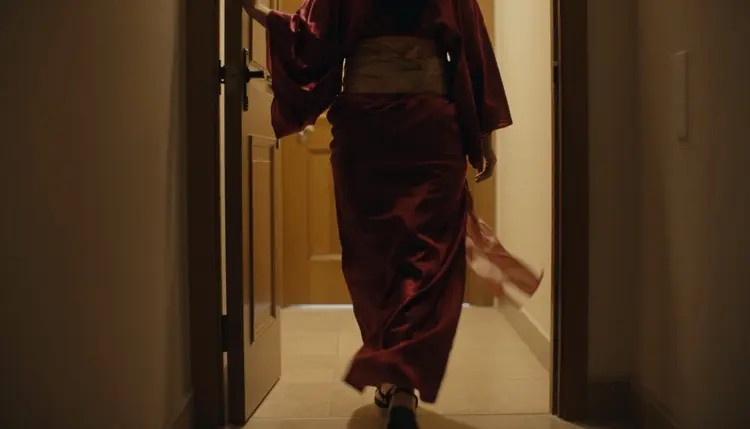
That doorway shot is a transition in exactly that sense: it closes the getting ready portion of the sequence and opens whatever comes after it, with no caption needed to explain the jump. A detail shot slotted in earlier, hands fastening an earring at a mirror, does the opposite job. It holds a single moment still.
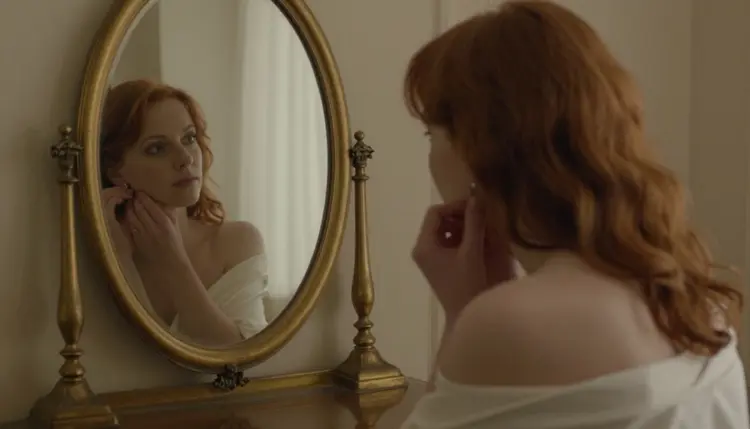
A shot list built from only wide shots reads as flat, since nothing changes distance or pace from one clip to the next. Mixing in even one detail shot and one transition shot between two wide shots is usually enough to make a three or four shot sequence read as directed rather than assembled.
Turning a sequence idea into a working shot list follows the same five steps every time, before a single clip gets generated in the toolkit.
- Write the Story in One Line. Sum up the whole sequence in a single sentence before naming a single shot, so every shot that follows serves that same throughline instead of drifting into its own idea.
- Break the Story into a Shot List. List each shot on its own line, in order, naming the location, the action and the mood, the way a director's shot list would read before a single camera rolls.
- Lock the Character and Wardrobe First. Write one description of hair, face and outfit details and reuse that exact wording in every shot's prompt, so the same person appears in shot one and in the last shot of the sequence.
- Assign One Camera Move Per Shot. Give every shot in the list its own instruction, a push in, a pan, a static hold, since two shots sharing the same move back to back tend to blur into one instead of reading as two distinct beats.
- Generate in Order, Then Watch the Sequence Back. Render the shots one at a time in LTX 2.3 Pro, in the order they were listed, and play them back together before generating the next batch, since a cut that looks right on paper does not always hold once it is watched in sequence.
Most sequences need one shot re-generated after that first watch-through, usually the transition between two shots rather than either shot on its own. Fixing one shot at a time, with the rest of the list already locked, is faster than starting the whole sequence over.
A shot list solves structure. It does not by itself solve the other place a multi-shot sequence tends to fall apart, a character who looks like a slightly different person from one clip to the next. LTX 2.3 Pro has no memory of an earlier render, so consistency comes entirely from what gets repeated in the prompt, not from anything the model infers on its own.
The fix is mechanical rather than creative. Write hair color, eye color, build and the specific wardrobe for that part of the sequence once, in plain language, and paste that exact description into every shot's prompt where the character appears. A change of outfit between the getting ready portion and a later scene is fine, expected even, as long as it is a deliberate line in the shot list rather than a detail the model guessed differently each time.
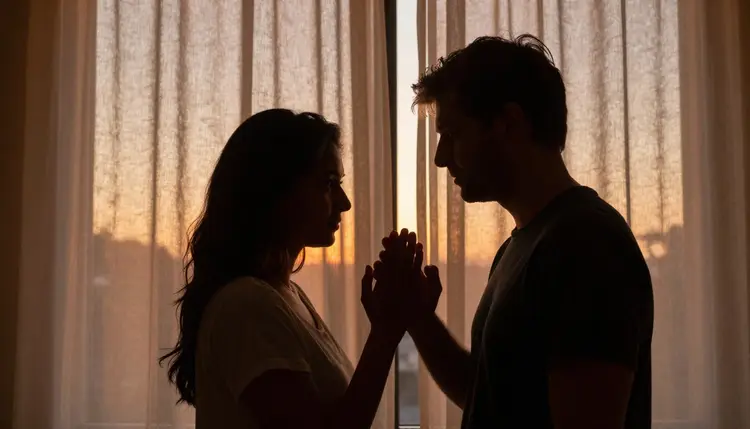
A two-person shot needs the same treatment, doubled. A silhouetted couple at a window only reads as continuous with the rest of the sequence if both figures were already described consistently in the shots before it, so the prompt for this shot can lean on silhouette and shape rather than re-describing two faces from scratch.
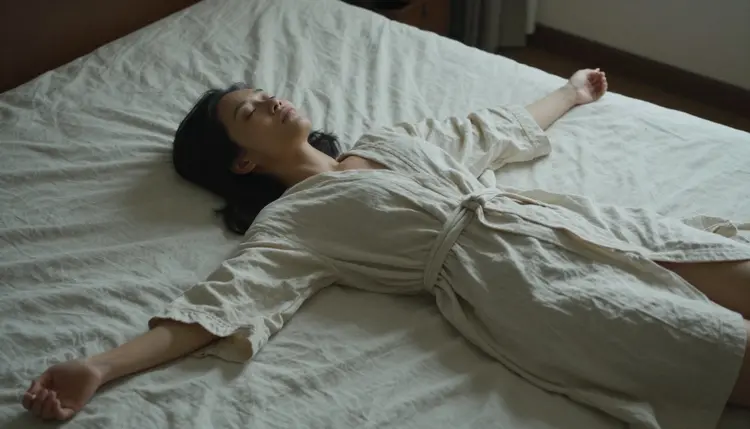
An overhead angle like this one works precisely because the sequence already established who is in the room and why. On its own, out of order, the same shot reads as generic. Placed after four shots that built a character and a setting, it reads as the continuation of a story already in motion.
A handful of habits show up again and again in sequences that do not cut together the way they were pictured.
Trying to fit two shots into one prompt is the most common. LTX 2.3 Pro renders one continuous clip per generation, not a scene change halfway through, so a prompt describing both a balcony and a bedroom in the same line usually produces one confused shot instead of two clean ones. Every shot on the list gets its own prompt and its own generation.
Skipping the transition shot is the second. Cutting straight from an establishing shot to a detail shot with nothing between them can work, but a sequence that always cuts hard, with no walk, no doorway, no in-between beat, tends to feel like a slideshow rather than a scene.
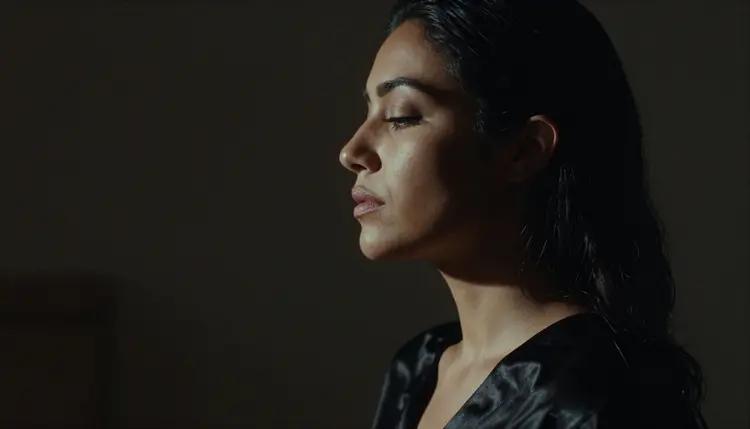
A single, held portrait shot like this one works as a pause point in a sequence, not as its entire structure. Leaning on portrait shots for every beat, with no wide or transition shot around them, is the third mistake, since a sequence built only from close, static shots has nowhere to establish where the story is or how it is moving.
Leaving lighting unplanned is the fourth. A sequence that moves from sunrise to dusk needs that light change written into each shot's prompt on purpose, morning light, late afternoon light, dusk light, rather than left to chance, or the clips end up looking like they were shot on different days instead of one continuous one.
Picasso IA is an 18+ platform, and a multi-shot sequence does not get an exception from that rule just because it spans several generations instead of one. Every character in every shot of a planned sequence must read as a fictional adult, from the first establishing shot to the last. No real person's likeness, no public figure, and no character who could be read as a minor is ever an acceptable subject, in one shot or in nine, and consent claimed in the prompt does not change that.
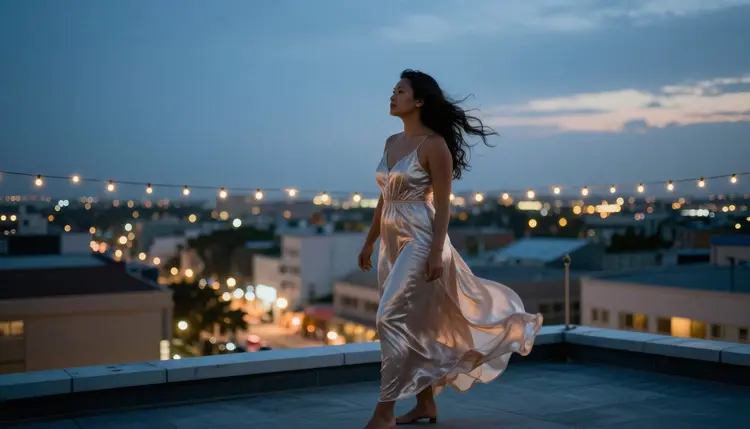
A rooftop shot like this one, placed late in a sequence, still has to meet the same bar as the very first shot of the morning. Planning a longer story does not loosen the rule that applies to a single image.
Generations on Picasso IA stay private by default, whether a sequence is one clip or nine. Nothing rendered while planning or testing a multi-shot idea is shared, published, or shown to anyone else unless the account holder chooses to share it. That default holds across every shot in a sequence and every model used to build it, LTX 2.3 Pro included.
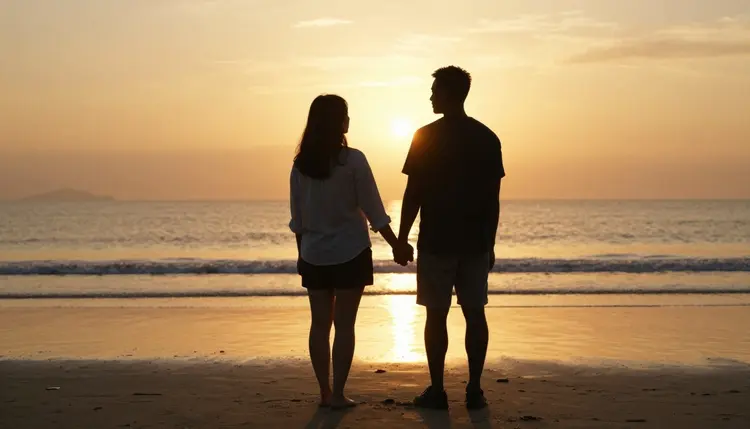
A closing shot like a beach walk at sunset is exactly the kind of scene planning is meant to earn: fictional adult characters, a story with a beginning and an end, built one confirmed shot at a time. That is what a shot list is for, and it never becomes a reason to bend either rule above.
Can LTX 2.3 Pro generate a full multi-shot sequence from one prompt?
No. LTX 2.3 Pro renders one continuous clip per generation, so a multi-shot sequence is built as separate generations, one prompt and one render per shot on the list, reviewed together afterward.
How many shots should a first multi-shot idea have?
Three to five shots is usually the right size for a first attempt. That is enough room for an establishing shot, one or two detail shots, and a closing shot, without so many generations that keeping the character and lighting consistent becomes hard to manage.
Does the character stay the same automatically across shots, or does every prompt need the description repeated?
Every prompt needs it repeated. LTX 2.3 Pro has no memory of an earlier generation, so hair, face and wardrobe details have to be written the same way in every shot's prompt for one character to read as the same person across the sequence.
What is the difference between an establishing shot, a detail shot, and a transition shot?
An establishing shot sets the location and mood at a wide distance. A detail shot is close on one specific thing, a hand, jewelry, a fabric detail. A transition shot moves the story from one place to the next, usually a figure walking through a doorway or a hallway.
Can a multi-shot sequence show two people?
Yes, as long as both characters are described consistently across every shot they appear in and both read as fictional adults. A silhouette shot can lean on shape rather than facial description once the two characters were already established earlier in the sequence.
Does planning a sequence cost more credits than generating one clip?
Credit cost is per generation, based on the duration and resolution chosen for each clip, not on how many shots the overall sequence has. A five-shot sequence costs the sum of five individual renders, with the exact cost for each shown in the generation panel before it is submitted.
What happens if two shots in a sequence do not cut together well?
Re-generate the weaker shot on its own, usually the transition between two shots rather than either shot in isolation, with the rest of the shot list already locked. That is faster than starting the whole sequence over from the first shot.
Is LTX 2.3 Pro the only confirmed model for building a sequence like this?
It shares that status with Picasso Video, the other model on Picasso IA confirmed to generate adult content directly. LTX 2.3 Pro works from a written prompt for each shot, while Picasso Video animates an existing reference image, which can suit a shot already planned as a still.
Are there limits on who can appear in a planned sequence?
Yes. Picasso IA is an 18+ platform, and every character across every shot of a sequence must read as a fictional adult. Real people, public figures, and anyone who could be read as a minor are never acceptable subjects, regardless of how many shots the sequence spans.
Do the shots in a sequence need to be generated in order?
Generating in the order they were listed makes it easiest to judge whether the sequence holds together, since each new shot can be checked against the one before it. Re-generating a single shot out of order later, after a full watch-through, is fine once the sequence's overall structure already works.