You finally get a prompt that nails the mood, the lighting, and the pose, and then you close the tab and lose it. Twenty minutes later you are retyping the same forty words from memory, missing the one clause that made it work in the first place.
A prompt template fixes that. Instead of rebuilding a scene from scratch every session, you save the structure once, swap a few words, and generate a new spicy image in seconds. This guide walks through building a reusable, adult prompt template on Picasso IA, picking a model that will not quietly soften your best line, and keeping the whole library organized enough that it still makes sense a month from now.
Most adult prompts share the same skeleton: a subject, an outfit or lack of one, a setting, a light source, a mood, and a camera angle. What changes between generations is usually small, a strap adjusted here, a color swapped there, while the rest of the sentence stays identical. Typing that whole sentence from scratch every session wastes minutes you could spend actually generating.
A template turns that repeated sentence into a fill-in-the-blank frame. You keep the wording that already works, the lighting cue, the pose description, the tone, and you only touch the one or two words that need to change. It also keeps a whole series looking consistent, which matters if you are building a set of images around the same character or mood rather than one isolated picture.
A template also plays well with a reference image. Once the wording is locked in, you can attach a reference photo and let the model match the color palette or composition while the saved text handles everything else, which is often faster than describing lighting from scratch.
You do not need special software for this, just a habit and a place to keep it. Here is the five-step version that turns any one-off prompt into something you can reuse for months.
- Write the Full Prompt First. Draft one complete, detailed prompt that actually gets the intimate result you want, without worrying yet about which parts you will later swap out.
- Mark the Variables. Go back through it and bracket the words that change from image to image, like hair color, outfit, or setting, and leave the rest of the sentence untouched as the fixed frame.
- Save the Skeleton Somewhere Stable. Paste the bracketed version into a notes app, a spreadsheet row, or your own prompt log, somewhere that survives a closed browser tab far better than memory does.
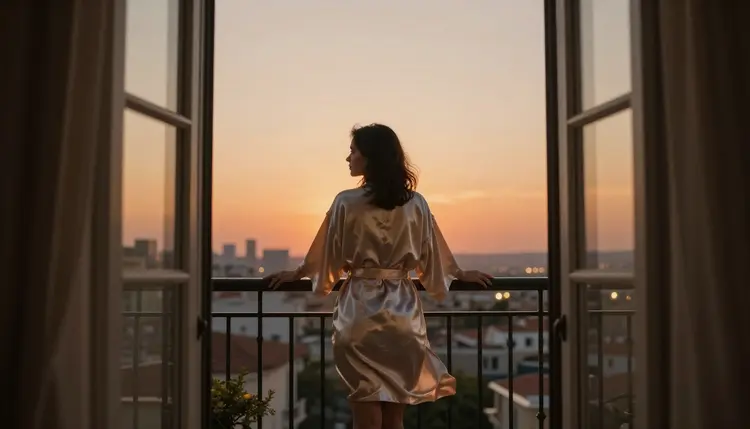
- Name It by Mood, Not by Date. Label the template "golden hour balcony" or "studio glam" instead of "prompt 3," so you can find it by feel months later instead of scrolling a long list.
- Test One Swap Before You Batch. Change a single variable and generate once to confirm the template still holds together before you run a whole batch of variations from it.
Before any of this is useful, it has to be built on the right foundation. Picasso IA's adult generation tools are for verified adults only, 18 and over, full stop. Every character your template can describe, no matter how the wording is phrased, has to be a fictional adult: no minors, and no real, identifiable person generated without their consent, ever. Those two lines belong at the top of every template you save, not just in your head.
Privacy works the same way by default. What you generate and save as a template stays tied to your own account rather than being broadcast anywhere, and a mature, suggestive template is treated with the same discretion as any other private project. Building a personal library is meant to be a private habit, not a public one, and the tools are built with that assumption from the start.
Picasso IA also checks age at the account level before any mature tool unlocks, and reports of content that breaks these rules are reviewed rather than ignored. None of that replaces good judgment on your end: keep every saved template built around a fictional adult, and it will stay compliant no matter how many times you reuse it.
Not every model treats a saved, spicy template the same way, and it is worth knowing which ones will actually run your uncensored line without quietly filing the edges off it. On Picasso IA, six models are confirmed genuinely filter-free for mature content: Seedream 4.5, Qwen Image 2, Recraft V4.1 Pro, Picasso Image Editor Pro, Picasso Video, and LTX 2.3 Pro. These are the ones worth building your core templates around if uncensored output is the whole point.
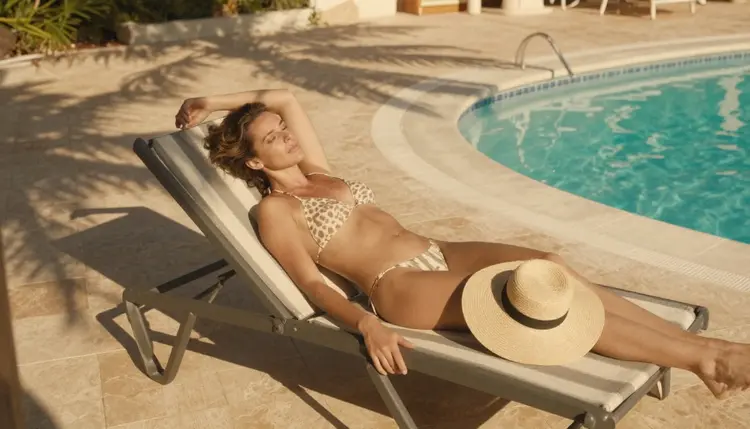
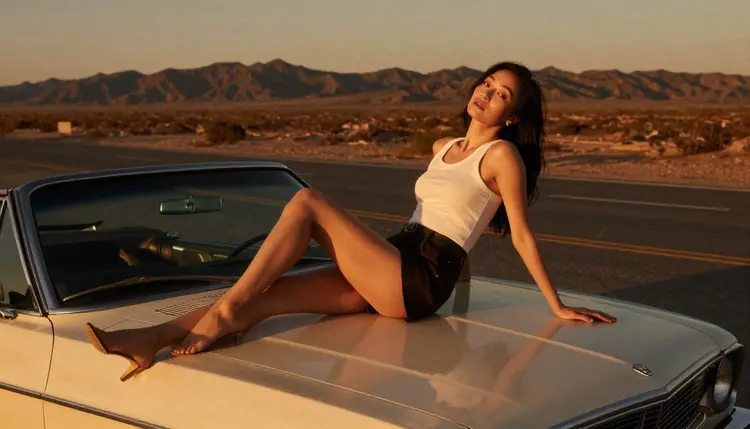
Seedream 4.5 and Recraft V4.1 Pro tend to handle detailed wardrobe and lighting language well, which makes them a strong match for templates built around a specific mood, like the golden hour or rooftop examples in this guide. Picasso Image Editor Pro is the one to reach for when you are editing an existing image rather than generating from a blank prompt, and Picasso Video turns a still template straight into motion once the image side is locked in. Other models on the platform, including Qwen Image 3 Pro and LTX 2 Fast, are worth trying as alternatives, but treat them as untested for this specific use until you have run your own template through them; they simply are not on the confirmed no-filter list.
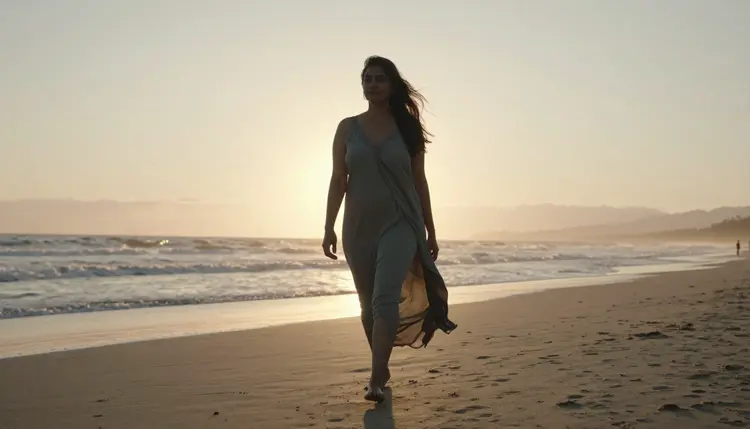
It also helps to jot down which version of a model produced your best result, since these models keep improving. A template that worked well on Seedream 4.5 today may render slightly better after a future update, so revisiting it now and then keeps it matched to the best the model can currently do.
Once you have more than three or four saved templates, a flat list stops being useful, so give them light structure. A simple spreadsheet with columns for name, base prompt, variables, and preferred model does more work than any dedicated app, and it takes two minutes to set up.
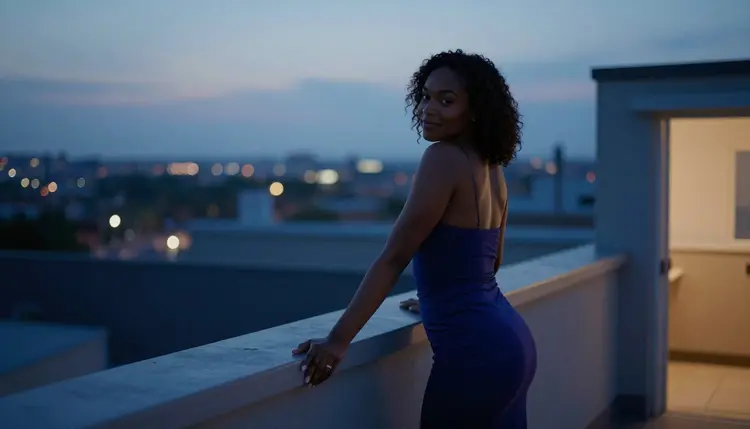
Group templates by mood or setting rather than by date, since "rooftop at dusk" is something you will search for again but "Tuesday" is not. When a template earns a genuinely better version, save it as a new row instead of overwriting the old one; a template that worked for a whole series is worth keeping even after you improve on it. If a still image template becomes a favorite, pair it with Picasso Video to turn the same wardrobe, lighting, and pose description into a short clip without redesigning the scene from zero.
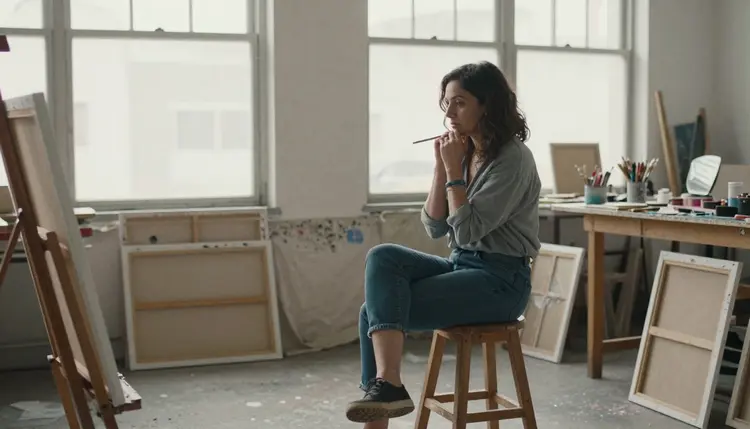
It also helps to tag each row by aspect ratio and by whether it is meant for a still image or for Picasso Video, since a template written for a square portrait will not automatically behave the same way once you stretch it to a widescreen frame.
The most common mistake is changing too many variables at once. Swap the outfit, the setting, and the lighting in the same pass and you will not know which change actually broke the result, so adjust one thing at a time and confirm it still works before moving to the next.
The second is assuming a template behaves identically across models. A prompt tuned for Recraft V4.1 Pro will not always land the same way on a different engine, so treat a model switch as reason to retest, not as a guarantee. The third is skipping the single test swap from step five and going straight to a full batch, which wastes credits on a whole set built from a flaw you could have caught in one generation. The fourth is vague naming, saving a template as "new" or "final2" and losing track of what it actually does within a week.
A fifth habit worth building is reviewing old templates every few months. A wording choice that felt essential a year ago sometimes turns out to be dead weight once a newer model handles the same instruction with fewer words, so prune the library instead of letting it only grow.
What exactly is an NSFW prompt template?
It is a saved, reusable version of a prompt where the parts that already work, the pose, the lighting, the tone, stay fixed while a small number of marked words, like outfit or setting, are the only pieces you change between generations. Think of it as a recipe card rather than a finished dish: the method stays written down, and you only adjust the ingredients that need to change.
How many variables should one template have?
Two or three is the sweet spot for most templates; more than that and you lose track of which change caused which result, and testing a full batch becomes far slower than it needs to be.
Can the same template be used across different models?
It can, but do not assume it will render identically. Test a template on a new model with one generation before trusting it for a whole batch, since wording that lands well on one engine can read differently on another.
Does Picasso IA keep saved prompts private?
Yes. What you generate and save stays tied to your own account rather than being shared or made public, and mature, suggestive templates are treated with the same privacy as any other project you build.
What is the fastest way to test a brand-new template?
Run the single-swap step from the five-step method above: change exactly one variable, generate once, and confirm the result still holds together before committing credits to a larger batch. This single test also tells you within seconds whether the template needs a small wording tweak before it is worth trusting for anything larger.
Can a saved image template be turned into a short video?
Yes, Picasso Video is built for exactly that. Once a still template is locked in, feed the same wardrobe, lighting, and pose language into it to turn a favorite frame into a short clip.
How do I keep one character consistent across a whole template series?
Keep the character description, hair, build, defining features, completely fixed inside the template and only vary the setting, outfit, or lighting between generations, since that is what actually holds a series together visually. A short reference note about proportions or a signature accessory can help even more, since it gives every model the same anchor to return to.
What should I avoid when naming a template?
Avoid dates and version numbers like "prompt 3" or "final2." Name by mood or setting instead, such as "golden hour balcony," since that is what you will actually remember and search for later.
Is it fine to reuse one template for a completely different character?
Generally yes, as long as the fixed parts of the template, pose, lighting, mood, still make sense for the new subject; just remember every character generated has to remain a fictional adult, never a real person and never a minor.
Are these templates and the images they generate restricted to adult content only?
Yes, without exception. Picasso IA's mature generation tools are for adults 18 and over, and every template can only ever describe a fictional adult character, never a minor and never a real person without their consent.