A blank prompt box is the entire distance between an idea and a finished NSFW image on Picasso IA. There is no separate uncensored app to install and no code word to sneak past a filter, at least not on the model built for exactly this: type a sentence, choose a model that will actually run it, and a render appears in seconds. This guide walks the whole path start to finish, using Seedream 4.5 as the running example, the five other models confirmed to carry no content filter, the prompt habits that change the outcome, and the rules every image on this page has to follow.

Why a Text Prompt Is the Starting Point for NSFW Art
Every image on Picasso IA starts as a string of words, and the model reads those words literally rather than guessing at intent. A vague prompt like "a pretty woman, romantic" gives the model almost nothing to work with, so it fills the gaps with whatever is most common in its training data, which rarely matches what was actually pictured. A concrete prompt, naming the subject as a fictional adult, the setting, the light and the wardrobe, gives the model something specific to render, and specific prompts are what separate a keeper from a generic result.
This is not about secret wording or a magic phrase that unlocks better output. It is closer to giving directions to a photographer: the more precisely a scene is described, the closer the result lands to what was actually asked for. That holds whether the goal is a flirty portrait, a full romantic scene or a suggestive boudoir shot, and it holds across every model on this page, filter-free or not.

The path from prompt to image runs through three choices: what to type, which model to run it on, and how many variants to generate before picking one. Open the toolkit, choose a text-to-image model, and type the prompt. Seedream 4.5, one of six models on Picasso IA confirmed to run with no content filter, reads it and produces a photorealistic result built from the exact wording given, skin, fabric and light rendered as real materials rather than generic shapes.
Most of the wider catalog applies a content filter, and a prompt describing an intimate or adult scene gets refused there, with the app carrying the same prompt over to a model that will run it instead of the wording getting lost. That handoff is exactly why choosing a filter-free model up front, before typing a single word, saves a wasted first generation. From there the loop is short: generate a small batch, compare the results side by side, and adjust one detail at a time rather than rewriting the whole prompt.

5 Steps to Turn a Text Prompt Into an NSFW Image
The distance between an empty prompt box and an image worth keeping is short, and it is the same five-step loop whether this is a first attempt or a fiftieth.

- Describe the Scene in Plain Words. Name the subject as a fictional adult, then the setting, the light source and the wardrobe, since concrete nouns do more work than vague adjectives.
- Open the Toolkit and Pick a Filter-Free Model. Choosing Seedream 4.5 or another of the confirmed six before typing the prompt saves a wasted generation on a model built to refuse it.
- Generate a Batch, Not a Single Image. A handful of variants from one prompt shows whether the wording landed or whether a detail, usually the light or the setting, is missing.
- Change One Variable and Run It Again. Keep whichever result is closest and adjust a single thing, the pose, the fabric or the light, rather than rewriting the prompt from scratch.
- Check Hands, Faces and Fabric Before Saving. These are where an otherwise strong image tends to fall apart, on any model, filter-free or not, so a close look before saving is worth the extra few seconds.
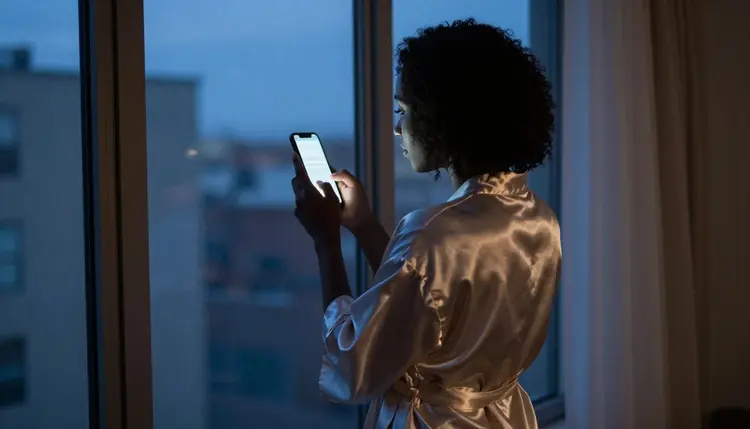
Seedream 4.5 is the model to reach for when the brief is a photograph: a bedroom lit by a single lamp, a robe with real weight to the fabric, a candid pose rather than a stiff one. It is confirmed to run with no content filter, and it shares that status with five other models on Picasso IA: Qwen Image 2, an open-source pick for a prompt that lists several things at once; Recraft V4.1 Pro, built for illustration and stylized art rather than photography; Picasso Image Editor Pro, for editing an image that already exists instead of generating one from scratch; and Picasso Video together with LTX 2.3 Pro, for animating a still into a short clip or generating motion directly. These six, and only these six, can be called uncensored on Picasso IA today.
Every other model in the catalog, including newer or third-party ones like Seedance 2.5, is untested for this kind of prompt and worth trying on its own terms, but no filter claim should be assumed about it. If a model refuses a prompt the confirmed six accept without issue, that is the filter doing exactly what it was built to do, not a bug to work around.
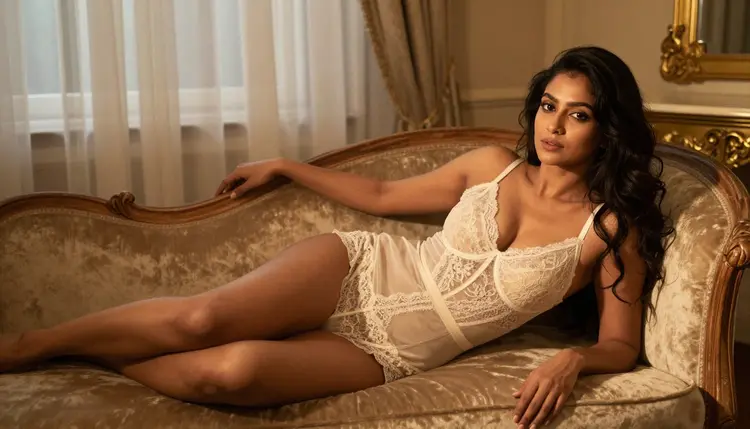
A prompt built from five parts tends to outperform a longer, vaguer one: the subject as a fictional adult, the setting, the light source, the wardrobe or fabric, and the framing or camera angle. Naming the light matters more than almost anything else: window light at dusk, a single bedside lamp, candlelight and morning light through sheer curtains each produce a different mood, and naming one gives the model something concrete to reason about.
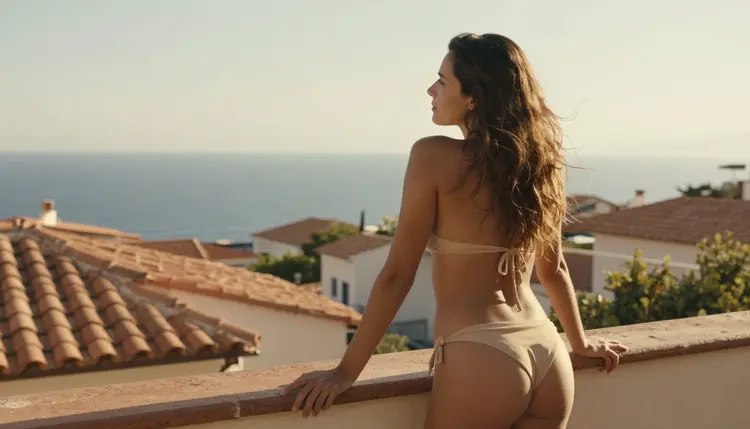
Materials beat colors. "Ivory lace robe" renders differently from "white robe" because the model has something specific to work with, how lace catches light, how it folds, how it sits against skin. The same goes for a setting: a hotel room, a sunlit balcony, a chaise in a boudoir, a room behind sheer curtains, each carries its own light logic the moment it is named.
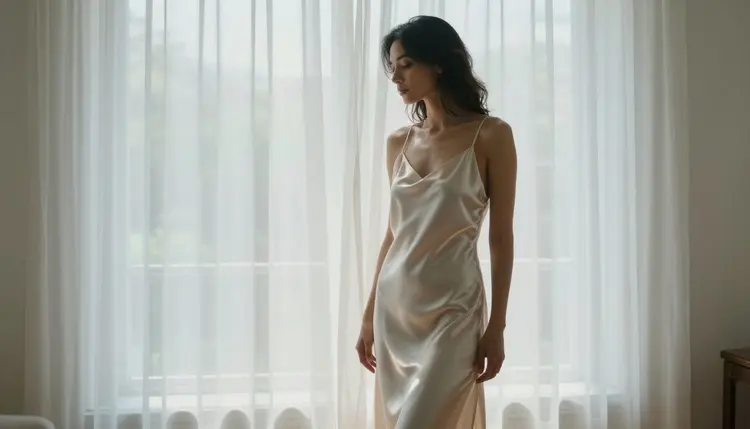
Describe the pose the way a photographer would direct it: reclining, standing by a window, leaning on a railing, rather than reaching for a vague intensifier. Keep the description to one scene rather than a sequence of moments, since a prompt trying to describe three beats at once tends to blur all three. And treat every first batch as a draft: comparing a small set side by side and changing one variable at a time gets to a keeper faster than a single, ever-longer prompt chasing perfection on the first try.
Every image described on this page is for adults only, eighteen and over, and that line does not move for any model, filter-free or not. Every subject has to be a fictional adult character: invented, not built to resemble anyone real, and never a minor or a character made to look like one, in any style. No real person, public figure or private individual, is a valid subject on Picasso IA, and describing one without their consent, celebrity or not, is refused and violates the platform's terms regardless of which model runs the prompt.
None of this is loosened by a model having no content filter. Removing the filter that blocks adult content in general is a separate thing from the rules about who can be described and how old a character has to read as; those rules apply the same way on every model in the catalog. Generations stay private by default: an image made here is not published anywhere on its own, and what happens after it is generated, whether it is shared or kept, is a separate decision governed by local law and by wherever it might end up.

Do I need any special skill to write an NSFW prompt on Picasso IA?
No. The skill that matters is describing a scene in plain, concrete words: the subject as a fictional adult, the setting, the light and the wardrobe. Anyone who can give clear directions to a photographer can write a prompt that works.
Which model should I start with for my first NSFW image?
Seedream 4.5 is a solid default for a first attempt, since it is confirmed to run with no content filter and produces a photorealistic result close to what most people picture when they think of an NSFW photo. Qwen Image 2, Recraft V4.1 Pro, Picasso Image Editor Pro, Picasso Video and LTX 2.3 Pro cover the other five confirmed filter-free options, each suited to a different kind of prompt.
Is Seedream 4.5 really uncensored, with no content filter at all?
Yes. It is one of six models on Picasso IA confirmed to run with no content filter, so an intimate or suggestive prompt runs the same way any other prompt does, with no need to reword or disguise anything to get past a filter that simply is not there.
What happens if a model refuses my prompt?
A model outside the confirmed six may apply a content filter and decline a prompt that reads as adult or intimate. When that happens, the app carries the same prompt over to a model built to run it instead of the wording getting lost. Picking a filter-free model before typing avoids the refusal in the first place.
How long does it take to go from a prompt to an image?
A single generation typically returns in well under a minute, and a full loop, generating a batch, comparing results and adjusting one variable, usually takes a few rounds before something is worth keeping. There is no fixed number of tries; three or four rounds is a normal distance to a keeper.
Can I use real names or describe a real person in my prompt?
No. Every subject on this page and every image made on Picasso IA has to be a fictional adult character, eighteen and over. No real person, whether a celebrity or a private individual, is a valid subject, with or without a claimed resemblance, and a prompt attempting one is refused.
How many images should I generate before I have a keeper?
There is no fixed number, but three or four rounds of generating a small batch, keeping the closest result and changing one variable is a normal path to something worth keeping. A single very long prompt chasing perfection on the first try usually takes longer than iterating on a shorter one.
Are the images I generate private?
Generations stay private by default and are not published anywhere on their own. What happens to an image after it is made, whether it is kept, shared or deleted, is a separate decision, and sharing it anywhere else is governed by local law and by that platform's own rules.
Can I turn a finished NSFW image into a video?
Yes. Picasso Video animates a still image into a short clip built from that exact frame, and LTX 2.3 Pro generates motion directly from a text prompt; both are confirmed to run with no content filter. Settling on a still image first is the efficient order, since an image generation costs less than a video one.
What is the difference between Seedream 4.5 and Recraft V4.1 Pro for NSFW work?
Seedream 4.5 leans toward a photorealistic result, skin, fabric and light rendered as real materials, while Recraft V4.1 Pro is built for illustration and stylized art, closer to a painted or comic look. Both are confirmed filter-free; the choice comes down to whether the brief is a photograph or an illustration.