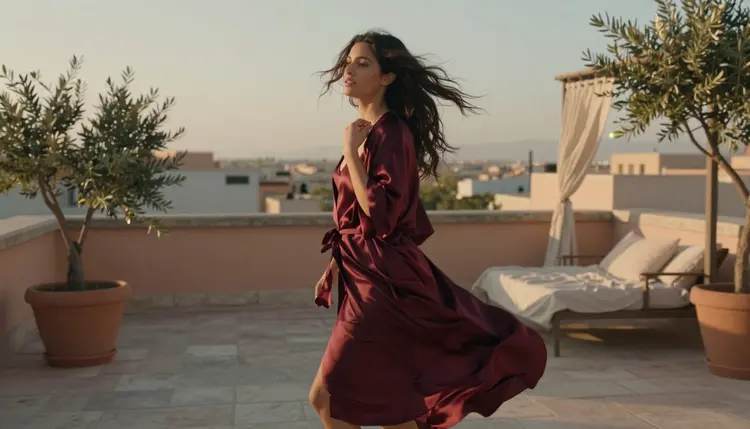
Most NSFW video prompts read like a caption: who is in the frame, what they are wearing, where they are standing. LTX 2.3 Pro can do far more than hold a caption still for a few seconds. It is one of only six models on Picasso IA confirmed to generate adult content directly, without a safety filter standing between a prompt and the render, and it is built to follow camera and motion instructions the way a director gives them, not the way a still photo caption does.
The gap between a clip that looks directed and one that looks like a photo someone nudged is almost never the subject. It is the verbs. Push in instead of close-up. Drifts instead of hair moves. This guide breaks down the camera vocabulary LTX 2.3 Pro actually follows for intimate, adult scenes, the motion words that keep a shot believable, the five-step process for turning a scene idea into a working prompt, and the mistakes that most often break continuity in a romantic clip.
A text-to-image prompt only has to answer one question: what is in the frame. A text-to-video prompt has to answer a second one: what does the frame do next. Leave that second question unanswered and LTX 2.3 Pro fills the gap on its own, usually with a small, generic drift that reads as uncertain rather than intentional. Naming the camera move removes the guesswork and gives the model something specific to hold for the length of the clip.
That gap matters more for an intimate, adult scene than for almost any other subject. A static portrait forgives an unsteady render. A couple reaching toward each other across a frame that is slowly narrowing does not, because the eye tracks distance and timing in a scene like that far more closely than it tracks a landscape. A prompt that only says "a woman in a dress" gives LTX 2.3 Pro no reason to hold the frame steady, no reason to time a turn, no reason to decide whether the camera leads the subject or follows behind.
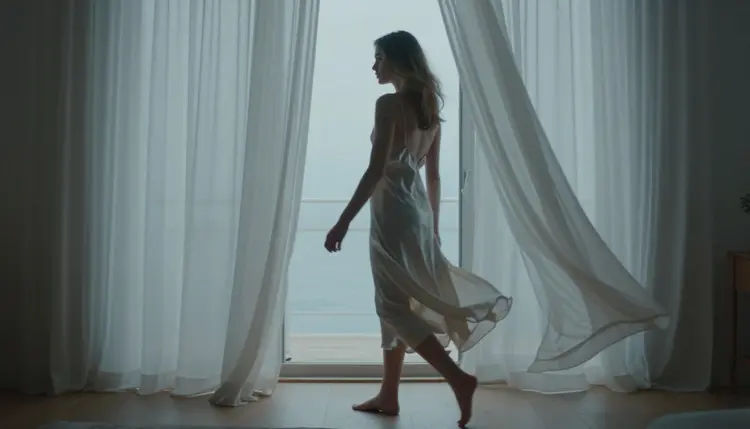
The fix is not a longer description of the subject. It is a shorter, more specific description of the shot: where the camera sits, how far it is from the subject, and what it does while she moves. A line like "camera holds a slow push in as she walks toward billowing curtains, sea beyond" tells LTX 2.3 Pro exactly what to do with the seconds it has, instead of leaving that decision to chance.
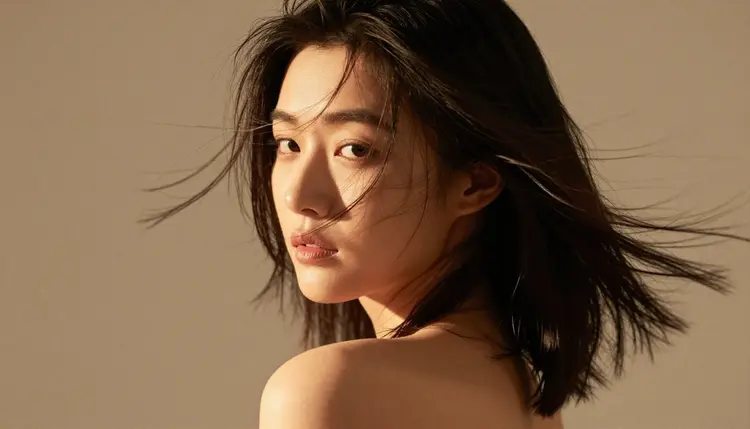
A close, held shot on a small motion, hair crossing a face mid-turn, a hand tightening on fabric, often reads as more intimate than a wide shot trying to cover an entire room. Naming the distance (close, medium, wide) is half of camera language. Naming what happens inside that distance is the other half.
LTX 2.3 Pro responds to a small, specific vocabulary far more reliably than it responds to a mood word like "cinematic." Six moves cover most romantic and adult scenes.
A push in moves the camera closer to the subject over the length of the clip, and it is the move that reads as attraction or tension building. A pull back does the opposite, opening the frame to reveal a wider room or a second person entering it. A static hold keeps the camera completely still while the subject does the moving, which is often the strongest choice for an intimate scene because it lets a turn, a reach, or a sway read as the whole point of the shot rather than competing with the camera for attention.
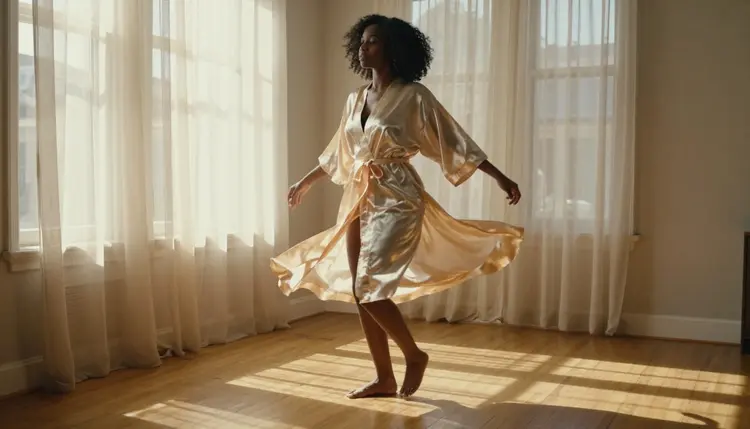
A pan sweeps the camera sideways without moving its position, useful for following a subject who crosses the frame or for revealing what is beside them. A tracking shot moves the camera itself, keeping pace with a subject who is walking, which reads as far more alive than a static hold on a moving body because the whole frame travels with her.
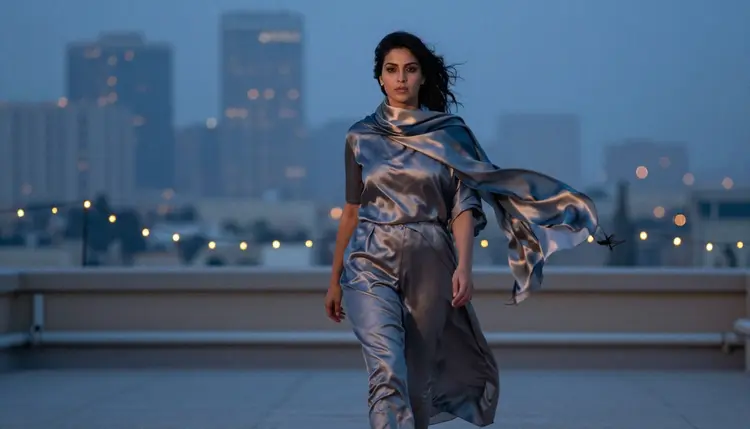
A low angle, camera below the subject looking up, reads as confident and striking, and a slight tilt up as she approaches adds weight to a walking shot like the one above. None of these six needs a technical explanation in the prompt itself. Naming the move (push in, pull back, static hold, pan, tracking shot, low angle) is enough for LTX 2.3 Pro to read the intent correctly.
Turning a scene idea into a working LTX 2.3 Pro prompt follows the same five steps every time, inside the toolkit.
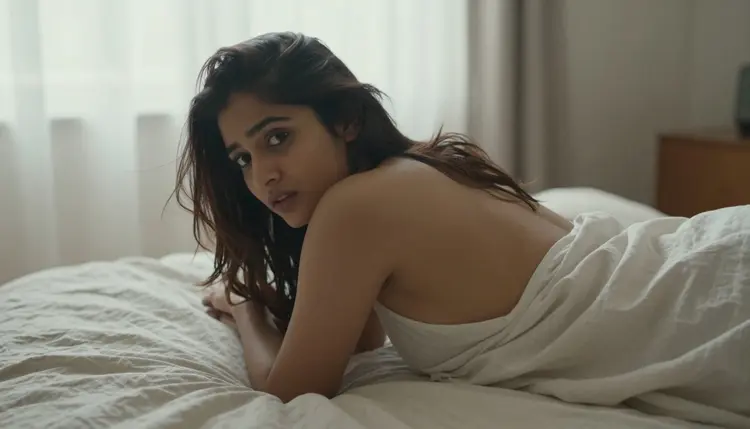
- Pick One Camera Move. Choose a single move, push in, pull back, static hold, pan, tracking shot, or low angle, before writing anything else, since stacking two or three in one prompt is the fastest way to confuse the render.
- Name the Distance. State whether the shot is close, medium, or wide, since that single word changes how much of the scene the camera has to account for.
- Describe Subject Motion Separately From Camera Motion. Write what the camera does in one clause and what the person does in another, a turn, a reach, a sway, a step forward, so the two motions read as distinct instructions rather than one blurred description.
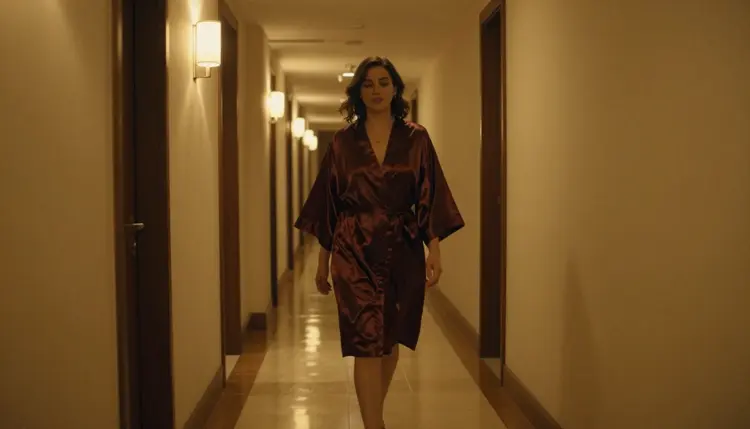
- Anchor the Scene With Light and Setting. Name where the scene happens and where the light is coming from, a sunlit doorway, a dusk rooftop, a warmly lit corridor, since a camera move needs a stable background to move against.
- Generate a Short Draft, Then Refine. Run a short clip first to confirm the camera move and the motion read the way intended, then adjust wording, not the whole prompt, before committing to a longer, higher-resolution version.
Most scenes need one or two short drafts before the camera move and the subject motion line up the way they were pictured. Changing a single clause, the camera instruction or the motion instruction, is usually faster than rewriting the prompt from scratch.
Camera language decides where the frame is. Motion language decides what happens inside it, and the two are written separately. A handful of verbs cover most of what makes an adult scene read as alive rather than posed.
Drifts and sways describe fabric, hair, or a loose sleeve moving on its own, usually from a breeze or the subject's own motion, and they are the easiest way to keep a static hold from feeling frozen. Turns and spins describe the subject's own rotation, a slow turn toward the camera or a full spin that sends a hem or a robe flaring outward.
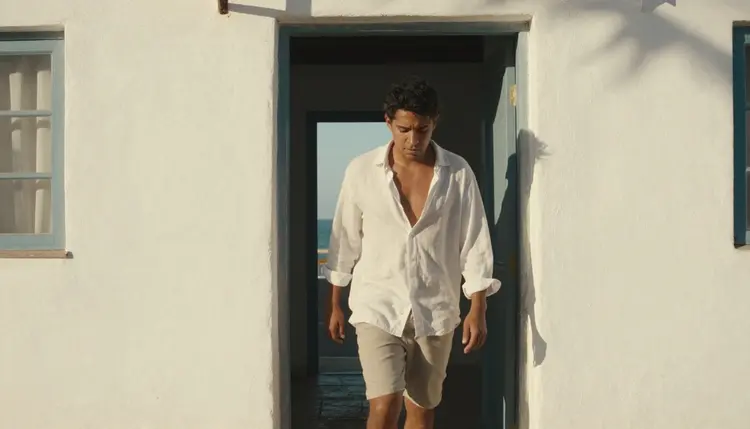
Walks and steps describe forward motion, toward the camera, away from it, or across the frame, and pairing a walk with a tracking shot keeps the whole clip moving together instead of the subject outrunning a static camera. Reaches and leans describe a shift toward another person or object in frame, the motion that reads as an intimate scene's actual point.
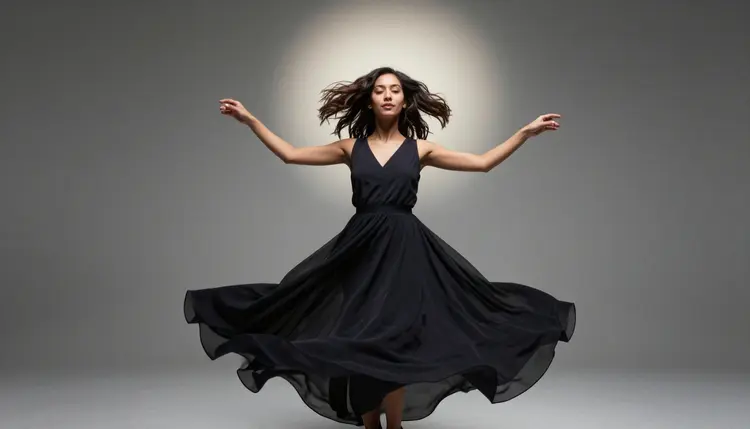
Tightens and settles describe a smaller, held motion, a hand closing on fabric, a shoulder dropping, and they work best paired with a static hold or a slow push in, since a big camera move would bury a small gesture like that. Naming one clear motion verb per prompt, rather than several at once, is what keeps the render from blurring two gestures into one unreadable one.
A handful of habits show up again and again in prompts that render as busy or unclear instead of directed.
Stacking camera moves is the most common one. A prompt that asks for a push in, a pan, and a tilt in the same clip gives LTX 2.3 Pro three instructions to reconcile in a few seconds, and the result usually reads as unsteady rather than dynamic. One move per prompt reads as intentional far more often than three.
Naming a mood instead of a move is the second. Words like cinematic, dramatic, or romantic describe a feeling, not an instruction, and LTX 2.3 Pro has nothing concrete to act on. A camera move (push in, pan, static hold) plus a lighting or setting detail delivers that same feeling with something the model can actually follow.
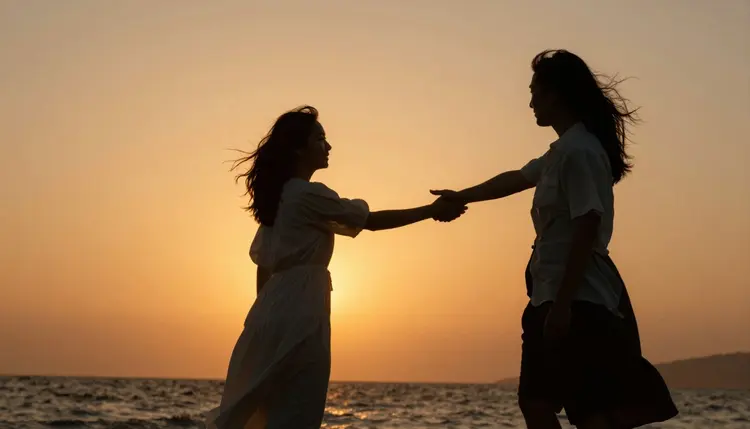
Leaving two subjects' motion unassigned is the third, and it matters specifically for a two-person scene. If both figures are moving, reaching toward each other, turning, stepping closer, the prompt needs to say which motion belongs to which person, or the render tends to merge the two into one unclear gesture instead of two distinct ones reaching toward a shared moment.
Skipping the setting is the fourth. A camera move needs something to move against, a doorway, a rooftop, a corridor, a beach, and a prompt that names only the subject and the camera move leaves LTX 2.3 Pro to invent a generic background that often does not match the mood of the rest of the scene.
Picasso IA is an 18+ platform, and every prompt using camera and motion language for an adult scene is expected to come from an adult account describing a fictional adult scene. That rule does not bend for a cinematic prompt any more than it does for a plain one: every character described in a prompt, no matter how the camera is instructed to move around them, must read as a fictional adult. No real person, public figure, or anyone who could be read as a minor is ever an acceptable subject, with or without their consent claimed in the prompt itself.
Generations on Picasso IA are private by default. A clip built from the camera and motion language in this guide is not shared, published, or shown to other users unless the account holder chooses to share it themselves. That default holds for every model on the platform, LTX 2.3 Pro included, and it does not change based on the subject matter of the prompt.
Writing better camera direction does not loosen either of those boundaries. A precise, well-directed prompt for a fictional adult scene is exactly what this guide is for. The same prompt aimed at a real person's likeness or at a character that reads as underage is refused regardless of how carefully the camera language is written.
Does LTX 2.3 Pro actually follow camera direction in an NSFW prompt, or does it treat it like plain text?
Yes. LTX 2.3 Pro reads camera and motion instructions, push in, static hold, tracking shot, as directions rather than as background description, and it is one of only six models on Picasso IA confirmed to generate adult content directly without a safety filter blocking the request first.
What is the actual difference between a camera move and a motion word?
A camera move describes what the lens does, push in, pull back, pan, static hold. A motion word describes what the subject does inside that shot, turns, drifts, reaches, sways. Writing them as two separate clauses gives LTX 2.3 Pro two clear instructions instead of one blurred description.
How many camera moves should a single prompt include?
One. Stacking a push in with a pan and a tilt in the same prompt asks the model to reconcile three instructions in a few seconds of footage, and the result almost always reads as unsteady rather than dynamic. A single, clearly named move reads as far more intentional.
Can this camera and motion language be combined with a reference image?
LTX 2.3 Pro is a text-to-video model, so it works from a written prompt rather than a starting image. For a project that begins with a still, Picasso Video animates a reference image directly, and it is the other confirmed filter-free video model on the platform.
Does naming a specific camera move cost more credits than writing a plain description?
No. Credit cost on LTX 2.3 Pro scales with the duration and resolution chosen for the clip, not with how the prompt itself is written. The exact cost for the settings chosen is shown in the generation panel before the render is submitted.
What happens if I write "cinematic" or "dramatic" instead of naming a camera move?
Those words describe a feeling rather than an instruction, so LTX 2.3 Pro has nothing concrete to act on and tends to fall back on a generic, small drift. Naming an actual move, push in, pan, static hold, alongside a lighting or setting detail gets closer to that same feeling with an instruction the model can follow.
Is LTX 2.3 Pro the only video model confirmed for NSFW content on Picasso IA?
No, it shares that status with Picasso Video, the only other model on the platform confirmed to generate adult content without a content filter. LTX 2.3 Pro works from a text prompt, while Picasso Video animates an existing reference image.
Can a prompt like this show two people in the same clip?
Yes, though a two-person scene needs its motion assigned per person, which figure turns, which one steps closer, rather than left as one combined description, or the render tends to merge both figures into a single unclear gesture instead of two distinct ones.
The camera move rendered correctly but the subject's motion looks stiff. What should I change?
Adjust the motion verb rather than the camera instruction. A stiff result usually means the motion word was too vague (moves, shifts) rather than specific (turns toward camera, reaches for the door), and changing just that clause is faster than rewriting the whole prompt.
Are there limits on who can be described in a prompt written this way?
Yes. Picasso IA is an 18+ platform, and every character in a prompt, however precisely its camera and motion are directed, must read as a fictional adult. Real people, public figures, and anyone who could be read as a minor are never acceptable subjects, on LTX 2.3 Pro or any other model.