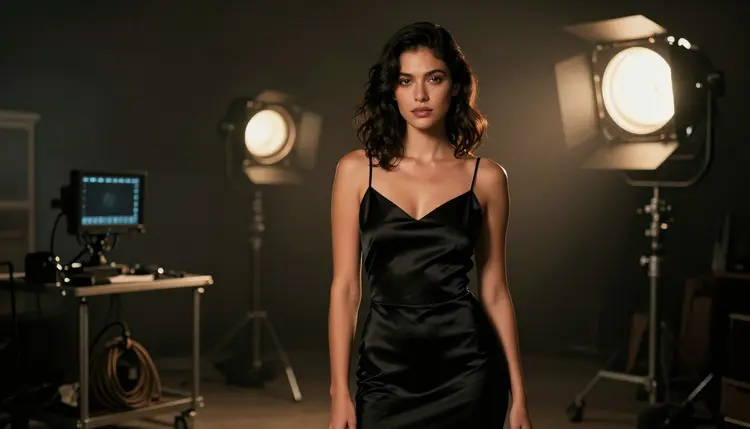
Picking a video model for adult content usually means gambling on a name and hoping the filter does not kick in halfway through a render. LTX 2.3 Pro and Picasso Video are two of exactly six models on Picasso IA confirmed to run with no content filter, so this page is not a gamble, it is a real comparison between two models that are both actually built for the job.
They are not interchangeable, though. LTX 2.3 Pro generates a clip straight from a text prompt, nothing else required, while Picasso Video takes a still image you already have and adds motion to it. Read through and you will know which one to reach for the moment an idea shows up, whether that idea starts as a sentence or as an image already sitting in your library.
Every clip and every still shown on this page is a fictional adult character, eighteen and over, and the same rule applies to anything generated after reading it.
Of Picasso IA's full catalog, most models apply a content filter and refuse a prompt the moment it reads as intimate or adult, video models especially. When that happens the app shows a message that the model does not support the content and offers to carry the prompt over to a model that will actually run it, so nothing typed gets lost. LTX 2.3 Pro and Picasso Video are two of exactly six models on the platform confirmed to run with no content filter at all, alongside Seedream 4.5, Qwen Image 2, Recraft V4.1 Pro and Picasso Image Editor Pro. A suggestive or intimate prompt runs on either video model the same way any other prompt does, nothing to reword, nothing to disguise to sneak past a filter that simply is not there.
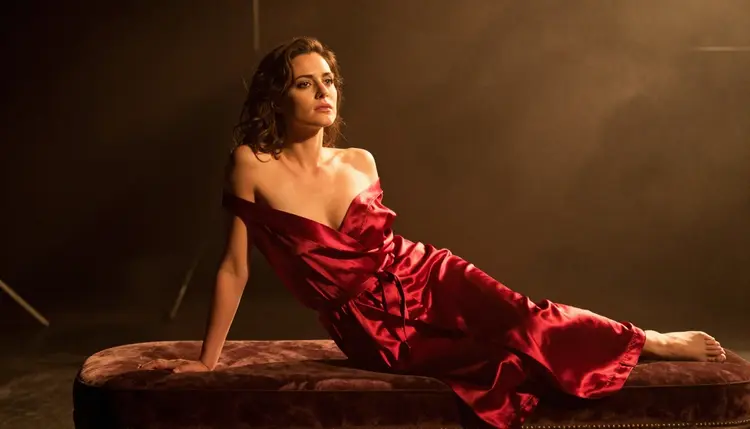
Being filter free is the floor both share, not the whole story. LTX 2.3 Pro generates a clip directly from a written prompt, no source image required, built by Lightricks for text-to-video work. Picasso Video does the opposite job: it takes a still image you already have, one you generated or uploaded, and animates it into a short clip that follows the motion you describe. Both are confirmed, both are current, and neither claim here is a guess, this is what each is actually built to do, not a benchmark pulled from nowhere.

LTX 2.3 Pro's strength shows the moment there is no image yet, only an idea. Describe a fictional adult character, a setting and an action in one prompt and the model builds the entire clip from nothing, the framing, the lighting and the motion all generated together. That makes it the pick for a scene that only exists as a sentence so far, a couple on a rooftop at golden hour, or a figure walking through a doorway, with nothing to upload first.
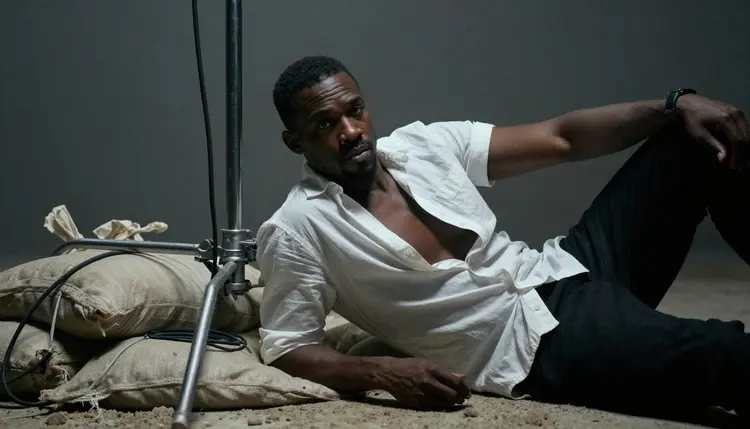
Picasso Video earns its place on a different kind of job, the one where a still already exists and already looks right. Instead of generating a scene from scratch, it keeps the face, the outfit, the pose and the setting exactly as they were in the source image, and adds only the motion described in a short prompt. That continuity is not something a pure text-to-video model can match, since a fresh generation from text alone can reinterpret a face or an outfit slightly differently every time it runs.
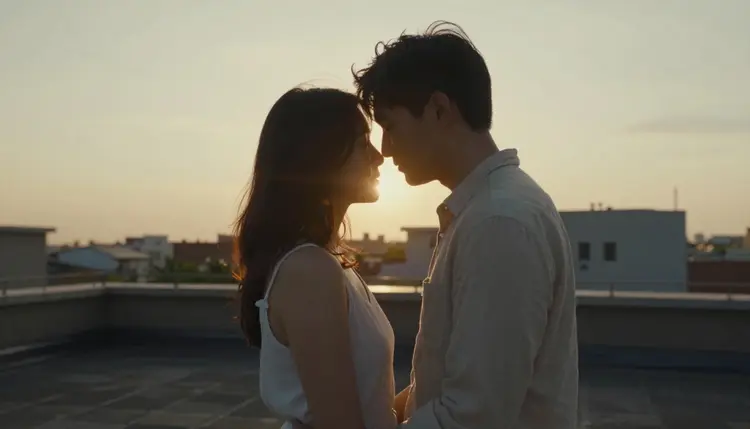
Neither is simply better than the other. A concept with no image yet favors LTX 2.3 Pro's ability to generate the whole scene from a prompt, a still that already looks exactly right favors Picasso Video's ability to keep it exactly as it is and only add movement. The honest answer to which model wins depends on whether a usable image already exists, not on a name either model was given.
Comparing the two directly, on the same idea, is more useful than reading about them, and it takes five short steps.
- Pick a Still Image First, Not a Prompt. Generate or choose a clean source image on a confirmed model like Seedream 4.5, since Picasso Video needs a starting frame while LTX 2.3 Pro does not.
- Write the Full Scene as a Text Prompt. Describe the subject, the setting and the light in one prompt, the same scene LTX 2.3 Pro will generate from directly.
- Run LTX 2.3 Pro on the Text Prompt Alone. Generate a short clip from nothing but the written scene and note how well it holds the setting and the mood.
- Upload the Still to Picasso Video and Add a Motion Note. Skip re-describing the scene, since the image already carries it, and write only what should move.
- Watch Both Clips Back to Back. Compare which one matches the imagined scene more closely, LTX 2.3 Pro's fully generated take or Picasso Video's motion added to a chosen still.
Running both takes only a handful of credits, and the difference between a model that builds a scene from nothing and one that only moves what is already there tends to be obvious the moment the two clips play side by side.
The same written scene does not always translate the same way to both models, so a prompt written for one benefits from a small adjustment for the other.
For LTX 2.3 Pro, describe the whole moment in one prompt: who is in the frame, what they are wearing, where they are, and what light source is doing the work, a bedside lamp, late afternoon sun through a window, a stage light at the edge of the frame. Because the clip is built from nothing but the words, the more concrete the scene, the more coherent the motion tends to be.

For Picasso Video, drop the scene description almost entirely and focus the prompt on movement alone: a slow turn of the head, a hand reaching forward, hair lifting in a breeze, footsteps along a shoreline. The image already fixed who is there and what they are wearing, so repeating that in the motion prompt tends to confuse the result rather than sharpen it.
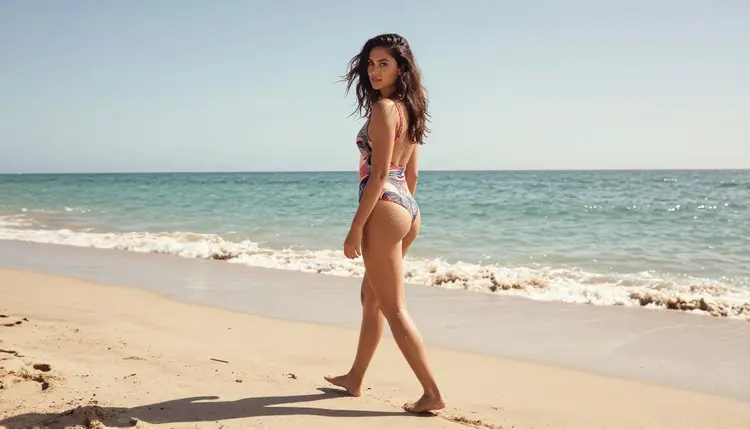
Neither model needs a blunt or explicit word to produce a strong, suggestive result. A robe left untied, a hand at a collarbone, two people close under soft light say more than a direct term would, and both models handle that kind of implication well. Keep every character described, even briefly, as a fictional adult, and keep each clip to one clear moment rather than a sequence of several, since a prompt trying to describe three moments tends to blur all three together on either model.
This applies to every clip either model makes, no exception: everything here is for adults, eighteen and over, and every character must be a fictional adult invented for the scene. No real person's likeness, no celebrity, no public figure, with or without a claimed resemblance, and no minor or character made to look like one, in any style or framing. Prompts that cross these lines are refused on both models, filter free or not, because removing the content filter never removed the rules about whose likeness can be generated or how old a character has to read as.
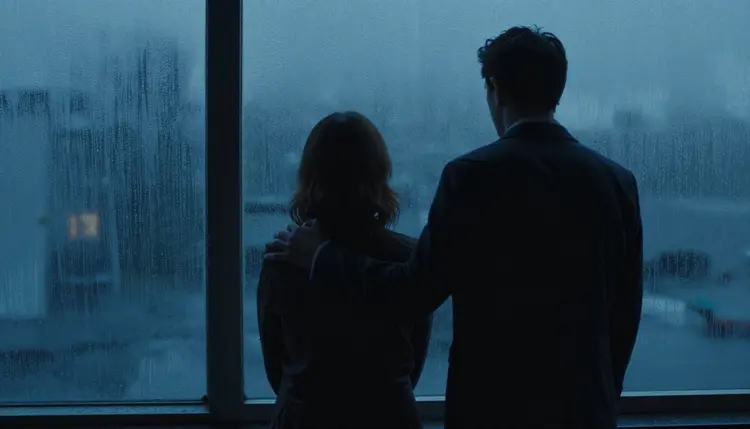
Generations on Picasso IA are private by default: what gets created here does not appear on a public feed or get attached to an account name anywhere else on the platform, and it stays that way unless it is actively shared elsewhere. That privacy does not extend past the platform, though. What happens to a clip once it is downloaded, where it is posted and to whom it is shown, is governed by local law and by the rules of wherever it lands, and legal to generate on Picasso IA is never the same thing as fine to publish anywhere.
Both models are paid for the same way every generation on Picasso IA is paid for: with credits spent per clip, not a separate subscription tier locked to one model. Video cost also scales with resolution and duration, so a short, lower resolution clip on either model costs less than a long, high resolution one. A new account starts with free credits, enough to run the five step comparison above more than once and actually watch the difference rather than take anyone's word for it.
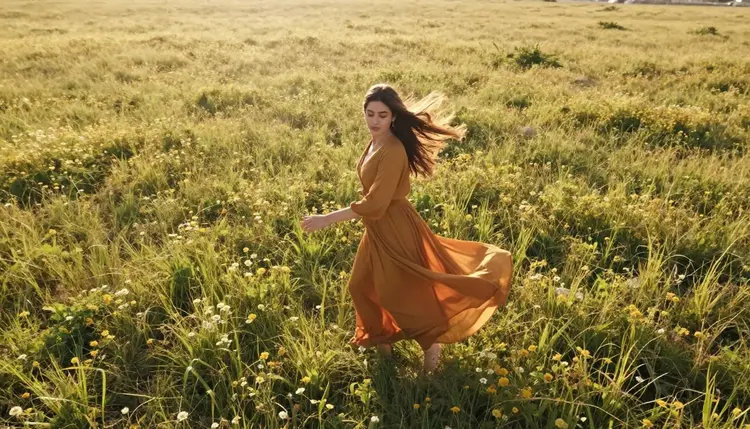
Exact credit amounts change as the catalog grows, so current numbers live on the pricing page instead of being printed here where they would go stale fast. What does not change: running the same idea through LTX 2.3 Pro from a prompt and through Picasso Video from a still is a cheap way to spend a handful of credits and a fast way to learn which path actually fits a given idea, instead of guessing from a name alone.
Are LTX 2.3 Pro and Picasso Video both really uncensored?
Yes. Both are two of exactly six models on Picasso IA confirmed to run with no content filter, alongside Seedream 4.5, Qwen Image 2, Recraft V4.1 Pro and Picasso Image Editor Pro. A suggestive or intimate prompt runs on either one the same way any other prompt does, with nothing to reword or disguise to get it through.
What is the actual difference between LTX 2.3 Pro and Picasso Video?
LTX 2.3 Pro generates a clip directly from a text prompt with no image required, while Picasso Video takes a still image that already exists and adds motion to it. One builds a scene from nothing, the other keeps a scene exactly as it is and only moves it.
Which model should I use if I do not have a starting image yet?
LTX 2.3 Pro, since it builds the entire clip, the framing, the lighting and the motion, from a written prompt alone. Picasso Video needs a still image to work from, so it is the second step once that image exists, not the first.
Which model should I use if I already have a still I like?
Picasso Video, since it keeps the face, the outfit and the setting from that exact image and only adds the movement described in the prompt, instead of generating the whole scene again from a text description.
Can I run the same idea through both models to compare them myself?
Yes, and it is the most honest way to decide. Writing the scene as a prompt for LTX 2.3 Pro and as a still plus a motion note for Picasso Video, then watching both clips back to back, shows the real difference for that specific idea rather than a general claim about which model is better.
Do I need different prompt wording for each model?
A real adjustment helps. LTX 2.3 Pro responds best to a full scene description, the subject, the setting and the light together, while Picasso Video responds best to a short prompt about movement alone, since the source image already covers everything else.
Are LTX 2.3 Pro and Picasso Video free to use on Picasso IA?
New accounts start with free credits, which cover comparing both models on the same idea more than once before anything needs to be purchased. Beyond that, generations are paid for with credits rather than a subscription tied to one model, and current numbers are kept up to date on the pricing page rather than stated here.
Can I generate a real person or a celebrity with either model?
No. Every character generated on Picasso IA, on LTX 2.3 Pro, Picasso Video or any other model, must be a fictional adult, eighteen and over. A real person's likeness, including a celebrity or any other public figure, is not permitted, and prompts that attempt it are refused regardless of which model is running.
Is what I generate with these models kept private?
Yes, generations are private by default and do not appear on a public feed or get attached to an account name anywhere else on the platform. That privacy covers the platform itself, what happens to a clip after it is downloaded and shared elsewhere is governed by local law and by wherever it is posted.
Can a Picasso Video clip and an LTX 2.3 Pro clip be part of the same workflow?
Not directly fed into each other, since each expects a different starting point, a still for Picasso Video and a written prompt for LTX 2.3 Pro. A common order is generating a still on a confirmed image model, animating it with Picasso Video, and keeping LTX 2.3 Pro for ideas that never had a still to begin with.