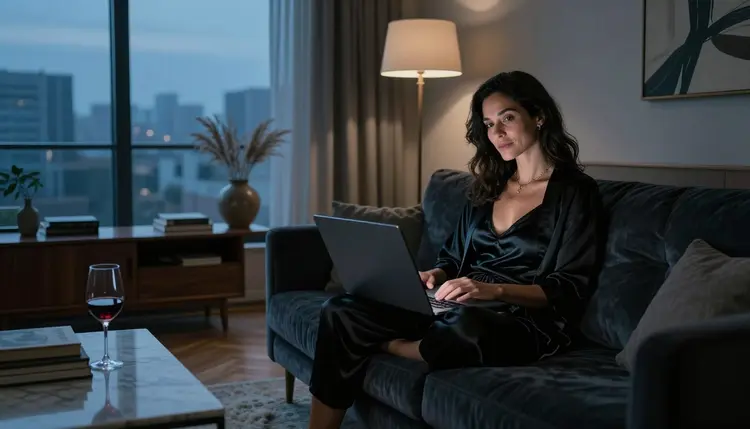
Midjourney is an AI image generator that turns text prompts into pictures, and adult creators often ask the same question: will it accept a glamour, boudoir or lingerie prompt? The short version is that its own community guidelines point toward Safe For Work content, so an adult prompt is a poor fit there. This guide explains what those published rules say, why some services filter adult prompts at all, and how to move the same prompt to a model that accepts it.
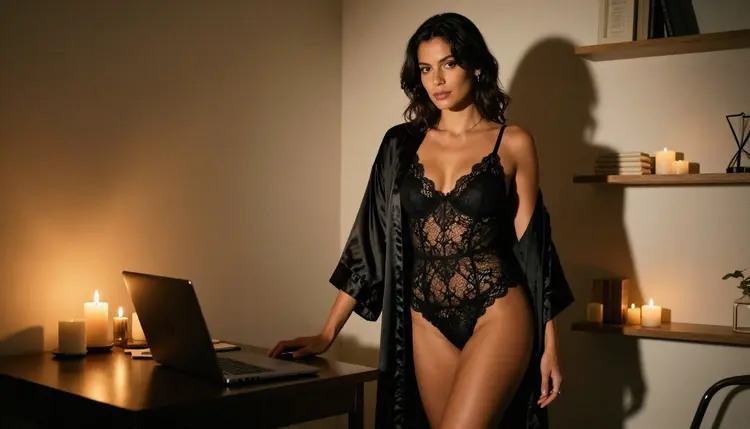
Everything here is about adult, fictional characters shown in provocative but never explicit pictures: satin robes, lace, swimwear, candlelight, soft window light, a laptop on a velvet sofa. If that is the kind of image you want, you can copy your prompt over to the toolkit and see what the confirmed models do with it. Picasso IA is not affiliated with Midjourney, and what follows about its rules comes from its published guidelines, which can change.
What Midjourney Rules Say About Adult Content
According to its published community guidelines, Midjourney asks users to keep content Safe For Work, usually shortened to SFW. The same guidelines tell people to avoid adult content in what they generate. In plain terms, an adult-themed prompt, such as a boudoir shoot or a lingerie campaign, is likely to run against that guidance.
The guidelines also say the rules cover all content, including images made in private spaces. A prompt does not get different treatment because only you will see the result. That is worth knowing before you spend an evening tuning wording: the limit is part of the platform's stated policy, not a glitch in one prompt.
One caution: rules change. Check its current rules before you plan a project around them. Nothing on this page is legal advice.
What does that mean for you? If you want adult, suggestive imagery, a platform whose rules ask for SFW is not the place to push. Disguising a prompt to slip past a platform's rules is not the goal of this guide. Choosing a tool whose rules match your project is, and the rest of the page shows how to do that without starting from zero.

This section is general, not about one company. A business that runs a public image generator decides what its service will and will not produce. It serves a wide audience and answers for what comes out, so a service may pick one conservative standard and apply it to everyone. The rules belong to whoever runs the model, not to the technology itself.
A service can apply its rules in more than one place. One check can read your prompt: the words you typed, and often the meaning behind them. Another can look at the finished picture before you see it. Where those checks sit, and how strict they are, is up to each service, which is why the same sentence can get different results on different tools.
There is also a difference between a model and the app around it. The company that trains a model can set one policy, and a service that hosts that model can set another. Picasso IA tests this: it sends adult prompts to an exact model repeatedly and watches whether it generates or refuses. The result is a list of confirmed models, which you will find below, and it is a practical record, not a promise from the model's maker.
The useful lesson is simple. When a prompt is refused, the question is not how to trick the filter. The question is which model and which service are set up for the kind of picture you want. Write the prompt like a photographer would, with wardrobe, pose, light and lens, and send it where adult work is accepted.
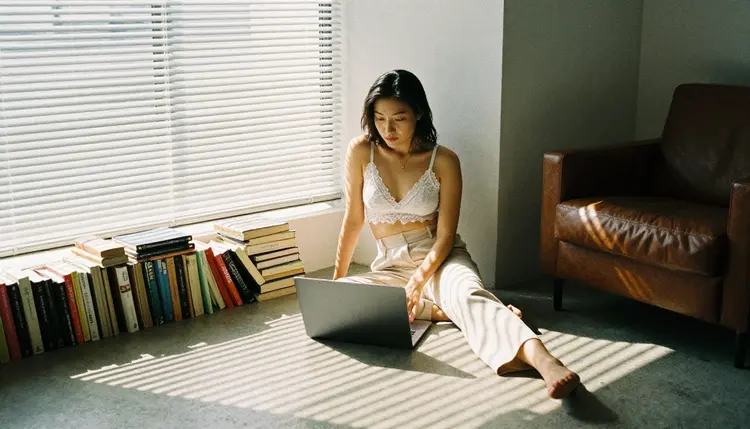
You do not need to rewrite your idea from scratch. The prompt you already have, with its wardrobe, light and setting, is most of the work. These five steps take it from a platform that asks for SFW content to a model in Picasso IA that accepts adult prompts.
- Copy Your Prompt. Select the full text, including the lines about wardrobe, pose, light and lens. Leave it as it is for now, because you can tune it in step four.
- Open the Toolkit. Go to the toolkit in your browser. There is nothing to install.
- Pick a Confirmed Model. Choose Seedream 4.5 for photoreal stills, Recraft V4.1 Pro for illustration and design, or one of the video models if you want motion. Paste your prompt.
- Adjust Wardrobe and Light. Name the fabric (satin, lace, silk, linen), the light (candlelight, blue hour, window light from the left) and the lens (35mm, 85mm). Say woman or man and give an adult age range, such as early thirties.
- Generate and Edit. Run it, look at the result, then fix one detail at a time: a cuff, a robe, the color of the light. Use a rewritten line or Picasso Image Editor Pro, and keep the version you like.
If you send a prompt to a model that does not accept it, the app shows a message titled "Content Not Supported by This Model". It then recommends models that accept adult prompts and carries your prompt over, so nothing has to be retyped. You pick one of the recommended models and run it again.
"Confirmed" has a narrow meaning here. Picasso IA tested adult prompts against that exact model repeatedly and watched it generate instead of reject. It is not a published setting of the model's maker, who can change it at any time. The page what confirmed means explains the method in more detail.
Stills are the easiest place to start. With Seedream 4.5, a prompt such as "adult woman in her early thirties, black lace bodysuit and a silk robe, candlelight, 35mm, Kodak Portra 400 film grain" is a solid starting point for a low-angle, magazine-style frame. Recraft V4.1 Pro suits the same idea when you want it as an illustration or print-ready art.
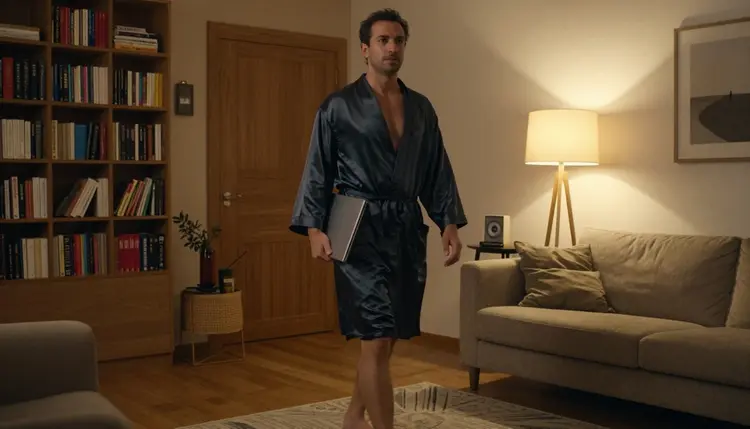
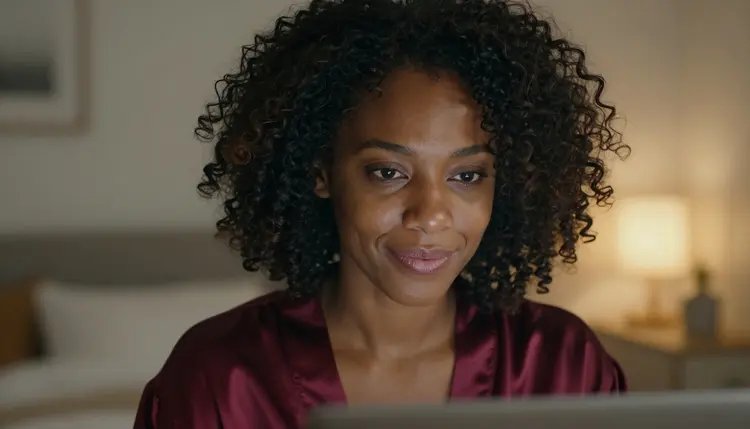
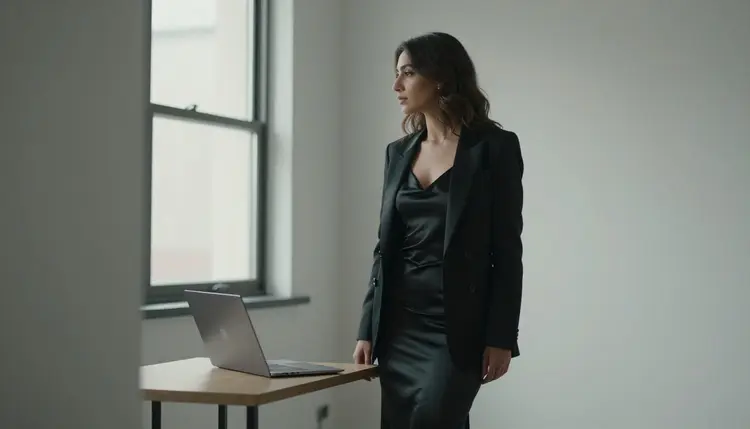
Shot type matters as much as wardrobe. A tight close-up portrait in warm lamp light asks for skin texture and a burgundy satin robe. A profile silhouette against a studio window asks for diffused daylight and a slip dress with a blazer. A detail of hands on a keyboard, with gold rings and a cream silk sleeve, asks for shallow depth of field. Name the shot in the first words of the prompt.
Video follows the same logic. LTX 2.3 Pro writes 4K clips from text, Picasso IA Video takes text or a still image, and Seedance 2.5 Lite is listed up to 10 seconds. Describe one slow movement, such as a robe settling or a curtain moving, and keep the camera simple. Picasso Image Editor Pro covers the other direction: you start from a picture you already have and change one thing in it.
Reference images let you point the prompt at a picture you attached. In the toolkit, each attached image gets an @1, @2 badge and you can mention it in the prompt, and Picasso IA translates that reference into the syntax of the model you picked. Only models that accept several inputs show the badges.
Every other model in the catalog is untested. That means worth a try, not confirmed either way, and never described here as filtered or as filter-free. If you want to experiment, Nano Banana, Seedream 5 Pro and GPT Image 1 each have their own page, and Qwen Image 2 is in the same position. Browse the full catalog to see what else is there. When an untested model refuses, you get the same message and the same carried-over prompt.
Adults only. Picasso IA's adult tools are for people who are 18 or older, and you should not use them otherwise. This is the first rule, and it comes before any prompt.
Fictional adults only. Every character you create must be a made-up adult. Never a real or identifiable person, never a celebrity, and never anyone who could read as a minor. Prompts say woman or man and an adult age, and details such as a pose or an outfit never change that.
Private by default. What you generate is tied to your account and is not published or shown to others. You decide what leaves your account. Provocative does not mean explicit here: wardrobe, light and mood carry the picture, and the pages in this section stay on that side of the line.

Midjourney is an AI image generator driven by text prompts, and its published guidelines ask for Safe For Work content. If your project fits that rule, such as concept art, a product mood board, a landscape or a stylish apartment interior without anyone in it, then the platform's own rules are the ones you want to work inside, and there is no reason to move. Picasso IA does not claim to replace it for that kind of work.
The honest dividing line is the kind of picture. If you need adult, glamour or boudoir imagery, the rules you read above are a reason to look elsewhere, and a model such as Seedream 4.5 is a reasonable first stop. If you are comparing the two products for other work, the page Picasso IA vs Midjourney goes through them side by side. Picasso IA is not affiliated with Midjourney, and every statement about it here comes from its published guidelines. Check its current rules.
To test the move without commitment, the pricing page explains the small free trial on selected models, and a new account can try a few generations there. The trial does not cover the whole catalog, so check which models it includes before you pick one. If you are coming from a video tool, the Runway page, Runway NSFW: Is It Uncensored?, is a good next read.
Is Midjourney NSFW allowed?
According to its published community guidelines, Midjourney asks for Safe For Work content and tells users to avoid adult content, and it says the rules cover all content, including private spaces. Rules can change, so check its current rules. If you want adult, fictional, provocative imagery, use a model whose behavior you know, such as the confirmed ones in the toolkit.
What happens when Picasso IA refuses a prompt?
The app shows a message titled "Content Not Supported by This Model". It recommends models that accept adult prompts and carries your prompt over, so you do not retype anything. Pick one of the recommended models and run the prompt again.
Which models can I use instead?
The confirmed models are Seedream 4.5, Recraft V4.1 Pro and Picasso Image Editor Pro for images, and LTX 2.3 Pro, Picasso IA Video and Seedance 2.5 Lite for video. Confirmed means Picasso IA tested adult prompts on that exact model and saw it generate. Every other model is untested, so it is worth a try, not a sure thing.
Can I create images of real people or celebrities?
No. Every character must be a fictional adult. Real or identifiable people, celebrities included, are out of bounds, and so is anyone who could read as a minor. Describe an invented person through wardrobe, pose and light. The promise holds for every prompt: adults only, fictional only.
Can I create characters who look like minors?
Never. Picasso IA's adult tools are for 18+ only and for fictional adults only. Write prompts with woman or man and an adult age range, and do not describe anyone who could read as a minor. That rule applies to every model, confirmed or untested.
Are my generations private?
Yes, by default. What you create is tied to your account and is not published or shown to others. You choose what to download or share yourself, and nothing is posted for you.
Is there a free trial?
A new account can try a few generations for free on selected models: Picasso IA Image, Picasso Image Editor Pro, Picasso IA Video and Seedance 2.5 Lite. It does not cover the whole catalog. Details are on the pricing page, where credits and unlimited models are also explained.
Can I make adult video from my prompt?
Yes, with the confirmed video models: LTX 2.3 Pro for 4K clips from text, Picasso IA Video for text or image to video, and Seedance 2.5 Lite for clips up to 10 seconds. Keep it provocative, not explicit, and keep every character a fictional adult. Video from other models is untested.
Can I edit just one detail of an image?
Yes. Picasso Image Editor Pro edits an existing image, so you work from a picture you already have instead of starting over. It is a confirmed model and carries the unlimited tag in the catalog. Editing one detail at a time is a simple way to keep track of what changed.
Will Midjourney's rules or yours change?
They can. Midjourney sets its own rules and may update its guidelines, so check its current rules. Confirmed on Picasso IA means tested, not guaranteed forever, because a model's maker can change how it behaves. The page on what confirmed means explains how the list is kept.