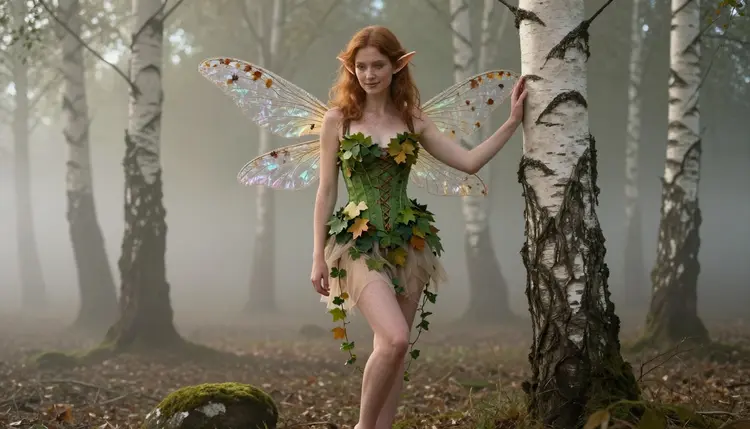
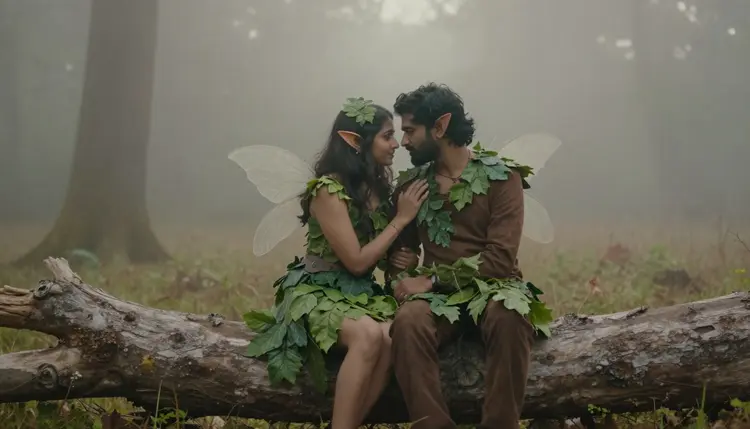
A woman with dragonfly wings reaching for a fern branch. A redhead in a moss green corset seated on a mossy rock. A couple in matching woodland costumes, close together on a fallen log. None of them exist outside a prompt, and that is exactly the point.
Picasso IA's NSFW AI generator turns fantasy creature concepts, elves, fae, forest nymphs, winged spirits, into finished art without the flat, over filtered look most tools default to. This guide walks through the model that carries the style best, five steps to your first character, and the prompt details that separate a generic elf from a portrait with real texture and mood.
Fantasy creatures sit in a strange, useful spot for adult AI art. An elf with pointed ears, a fae with dragonfly wings, a forest spirit wrapped in ivy, all of it reads as suggestive and romantic without needing a single explicit detail. The costume design does the storytelling: a leaf skirt, a wing harness, a crown of flowers braided into hair. That is why it is one of the most requested uncensored styles on Picasso IA, and why Recraft V4.1 Pro, the model built to hold fine costume and texture detail without smoothing it into plastic, is the one we recommend first.
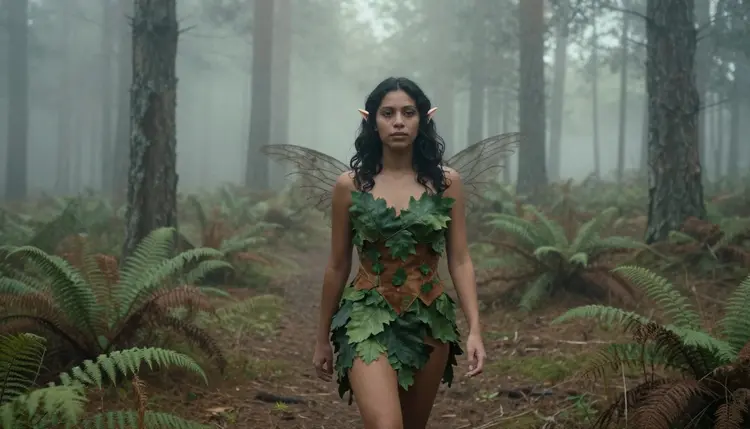
The appeal is not only visual. Fantasy framing gives a prompt somewhere to go: a specific location, a stream at dusk, a fern clearing, a specific costume, a corset, a harness, a wrap of ivy, and a specific mood, mysterious, flirty, quietly intimate. Vague prompts produce vague art in any model. Fantasy creature prompts, because the reference world already has rules, tend to produce sharper, more consistent results.
That is also why the style holds up across an account's most common uses: a single striking portrait for a profile, a themed set built around one character across several scenes, or the first still in what later becomes a short animated clip. Because the visual grammar, wings, natural materials, misty or golden light, stays consistent no matter which of those you are after, one well written fantasy creature prompt tends to be reusable rather than a one-off.
Recraft V4.1 Pro is Picasso IA's confirmed uncensored model for this style. It has no content filter blocking mature, suggestive or intimate fantasy scenes, and it holds detail, skin texture, fabric weave, individual strands of hair, and the translucent edge of a dragonfly wing, better than most general purpose image models, which tend to flatten those details into a soft blur.
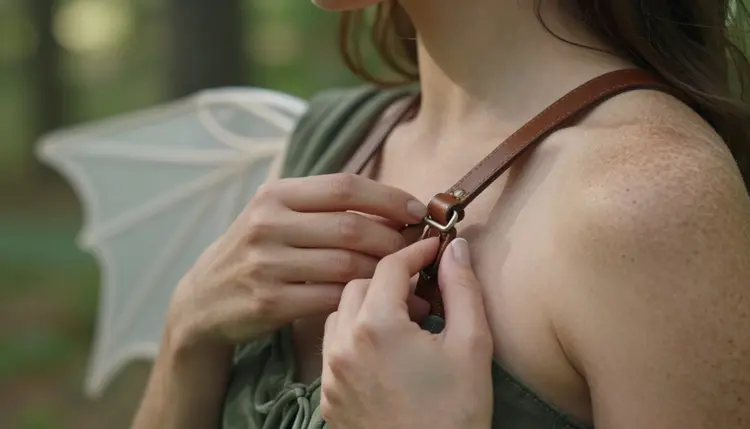
That precision matters most in close-up work. A wing harness strap fastened against skin is one example: the strap, the buckle and the skin beneath all stay distinct instead of blending into a single smooth shape the way filtered models often render them.
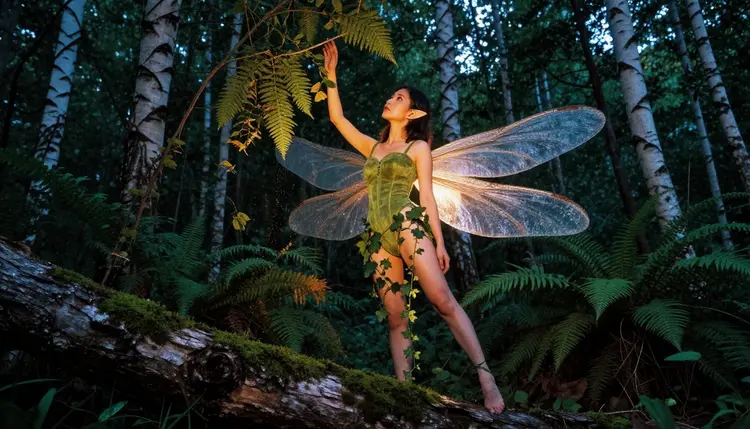
Wing rendering is the clearest test of a model's detail ceiling. Dragonfly wings are close to transparent, with a vein pattern running through them, and Recraft V4.1 Pro keeps that structure visible instead of turning the wing into a flat colored shape. If you want to keep refining a character afterward, swapping a costume color, fixing a wing angle, adding a flower crown, Picasso Image Editor Pro is the uncensored companion tool for that. It edits an existing image rather than starting over, so your character's face and pose stay consistent across changes.
That reliability also shows up in how the model handles skin tone and light together. A character standing in dappled forest light needs shadow and highlight to fall correctly across both skin and fabric at once, and Recraft V4.1 Pro keeps that relationship intact instead of lighting the figure and the background as if they belonged to two different images.
Here is the fastest path from a blank prompt box to a finished fae portrait.
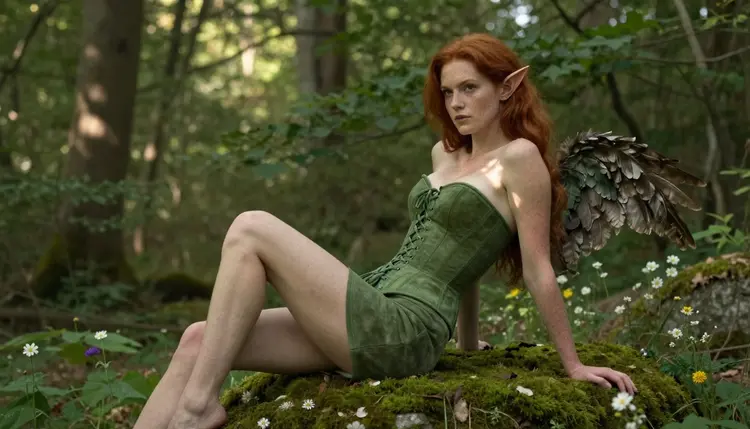
- Pick a creature type. Elf, fae, forest nymph, dryad or winged spirit each carries its own costume and setting logic, so decide this first.
- Choose Recraft V4.1 Pro. Open Picasso IA's toolkit and select Recraft V4.1 Pro, the uncensored model built for this level of costume and texture detail.
- Write a scene, not just a subject. Name the location, the light and the costume together, a misty forest, dusk light, a leaf and vine wrap.
- Generate and review the detail. Check wings, ears and fabric edges first, since that is where a model's quality shows fastest.
- Refine with Picasso Image Editor Pro. Adjust color, pose or a single costume piece without regenerating the whole character.
Five steps, one finished character, no explicit language required at any point. Most people get a result worth keeping on the first try, and refining it afterward with Picasso Image Editor Pro takes less time than writing a whole new prompt from scratch.
The difference between a flat fantasy portrait and one that feels alive is almost always in three places: the wings, the costume construction and the setting light.
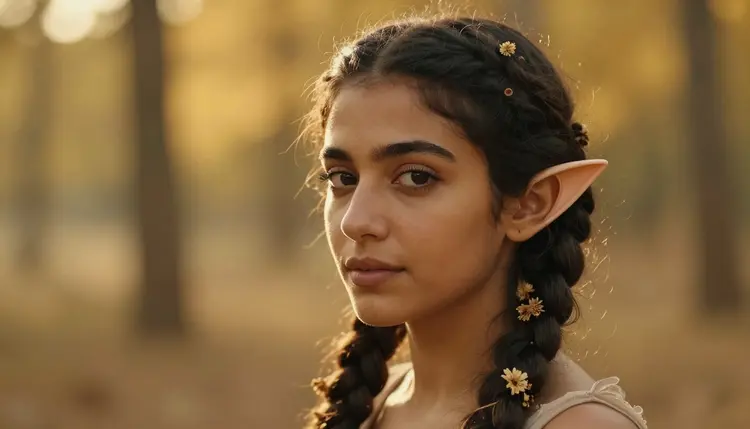
For a close-up like this, name the small elements directly: braided flowers, pointed ear tips, loose hair strands. Recraft V4.1 Pro renders named detail far more reliably than a generic instruction like pretty face, since a named element gives the model something specific to place.
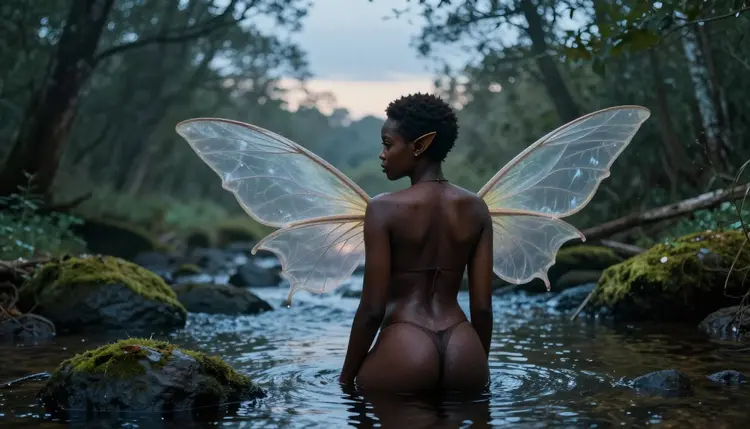
For setting, dusk and mist do the most work with the least prompt length: they soften light, add depth and make a costume read as part of a world rather than a studio backdrop. A single well chosen setting phrase, a stream at dusk, a misty forest at dawn, often improves a result more than adding extra costume detail. For costume construction itself, describe how a piece is built rather than just its color: a laced corset, a wing harness strap, a wrap of leaves tied at the waist. Construction detail is what Recraft V4.1 Pro renders most convincingly, since it was built to hold fine material logic rather than guess at it.
One more detail worth naming: hands. Reaching toward a branch, adjusting a harness strap, holding a flower, all of it asks a model to render fingers convincingly, and naming the action, reaching, adjusting, holding, gives Recraft V4.1 Pro a clearer target than leaving the pose unstated.
Picasso IA's NSFW tools are for adults 18+ only, and every account confirms this before generating. Every character our uncensored models produce, elf, fae or otherwise, alone or paired as in the couple scene below, is a fictional adult. We do not generate minors in any style or context, and we do not generate real people without their consent, fantasy costume or not.
Privacy is the default, not an upsell. What you generate in Picasso IA's NSFW tools stays tied to your account rather than a public feed, and nothing you create here is used to train a shared model without your say. Fantasy framing does not loosen any of this. Read our full uncensored content rules before you start if you want the complete picture.
If a generation ever looks like it could be read as anything other than a fictional adult in a fantasy setting, our review process removes it rather than publishing it. That standard applies the same way across the whole uncensored lineup, not only to Recraft V4.1 Pro.
A finished fae portrait does not have to stay still. Picasso Video and LTX 2.3 Pro are both confirmed uncensored models on Picasso IA, and either can take a Recraft V4.1 Pro portrait and add motion: wings shifting, hair moving in wind, mist drifting through a forest scene.
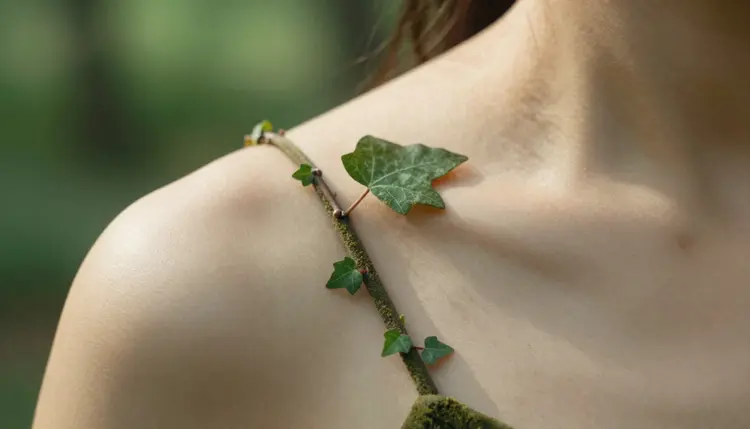
The fine detail Recraft V4.1 Pro renders, an ivy vine wrapped around a shoulder, individual leaf edges, carries through the animation process far better when the source image already holds that level of texture. Starting from a detailed still, not a soft or generic one, is what keeps a video from looking blurred once it moves.
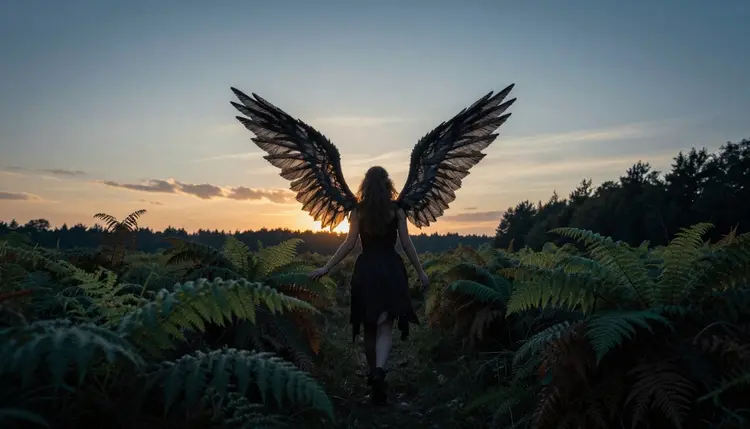
A silhouette shot at dusk, wings outlined against a setting sun, is often the simplest way to close out a character set: no fine detail required, just shape, light and mood, and it works equally well as a still or as the final frame of a short animated clip.
Length and pacing matter here too. A short clip built around a single gesture, wings settling, hair catching a breeze, tends to hold up better than one that tries to cover an entire scene change, since both Picasso Video and LTX 2.3 Pro work from the detail already present in the source portrait rather than inventing new elements mid clip.
Is Recraft V4.1 Pro really uncensored for fantasy creature art?
Yes. Recraft V4.1 Pro is one of Picasso IA's confirmed uncensored models, with no content filter blocking mature, suggestive or intimate fantasy scenes, and it holds fine costume and texture detail better than filtered general purpose models, which is why we recommend it first for this style specifically.
Do I need explicit language in my prompt to get a good result?
No. The strongest fantasy creature prompts describe costume construction, wing material and setting light rather than explicit language, and Recraft V4.1 Pro rewards that level of visual detail with sharper, more convincing results.
Can I generate elf, fae and forest spirit characters in the same style?
Yes. All three share the same costume and setting logic, a wing or ear detail, a natural material like leaves or ivy, and an outdoor or misty setting, so you can move between them by changing a few words in your prompt rather than rebuilding it from scratch each time.
What is the difference between Recraft V4.1 Pro and Picasso Image Editor Pro?
Recraft V4.1 Pro generates a new fantasy creature portrait from a text prompt, while Picasso Image Editor Pro edits an existing image, a costume color, a wing angle, a flower crown, without changing the character's face or pose.
Are the characters in this style real people?
No. Every character generated in this style is a fictional adult built from a text prompt, with no real identity or likeness behind it. Picasso IA's uncensored models are not used to generate real people without their consent, and every account confirms it is for adults 18+ before generating.
Can I turn a fantasy portrait into a video?
Yes. Picasso Video and LTX 2.3 Pro are both confirmed uncensored models, and either can animate a finished Recraft V4.1 Pro portrait, adding wing movement, hair motion or drifting mist to the scene.
Does Picasso IA support couple scenes in fantasy costume?
Yes. Two characters in matching woodland costumes, shared wing colors or a shared setting like a fallen log work well in a single Recraft V4.1 Pro generation, and the model handles two subjects as cleanly as one, keeping both faces and both sets of wings distinct.
Is my generated fantasy art private?
Yes. Generations from Picasso IA's uncensored tools stay tied to your account by default, are not posted to a public feed, and are not used to train a shared model without your permission.
What setting details improve a fantasy creature prompt the most?
Light and location. A phrase like misty forest at dawn or stream at dusk usually improves a result more than adding extra costume description, since it gives the whole scene a consistent mood.
Which wing type renders most convincingly?
Dragonfly and feathered wings both render with strong detail in Recraft V4.1 Pro, dragonfly wings for translucency and vein pattern, feathered wings for individual strand definition, so the choice comes down to the mood you want.