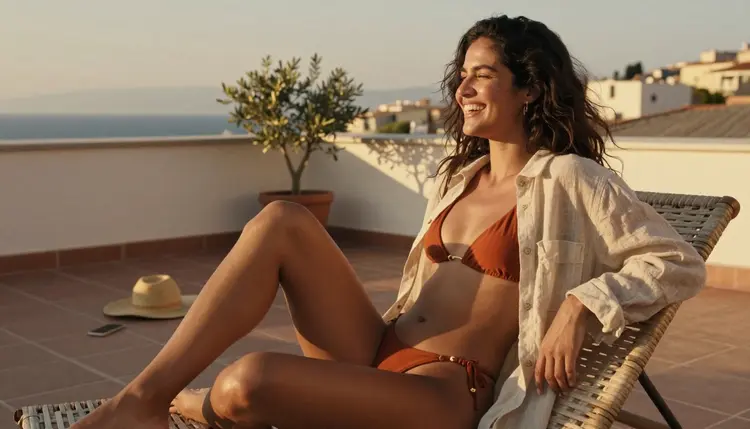
You do not need to install anything to explore adult AI art. Open a browser on your phone, load Picasso IA, and you are one prompt away from a mature, tasteful image that never touches your device's app store history. That is the whole pitch behind a mobile first NSFW generator: no download, no waiting for a desktop, no friction between the idea in your head and the picture on your screen.
This guide is about doing that well. We cover which models on Picasso IA actually run without a content filter, the exact steps to get a clean result on a phone screen, and the rules that keep every image inside safe, fictional, adult territory. Expect real settings, not vague promises, and a workflow you can run from a coffee shop or your own couch in under two minutes.
A native app has to survive a store review, and adult content almost never does. A browser has no such gatekeeper. Picasso IA runs entirely inside Safari, Chrome or any other mobile browser, so there is nothing to install, nothing sitting in your app grid with a name someone else might recognize, and nothing to delete before you hand your phone to a friend.
The other advantage is speed. A responsive web app loads a generation screen in seconds over a normal mobile connection, and every uncensored model you would use on desktop is exactly one tap away. You lose nothing by staying on the browser version: the same resolution options, the same prompt box, the same private gallery, just resized for a smaller screen.

Mobile browsers also make the private side of this easier. Bookmark the page instead of installing an icon, use your phone's own private or incognito tab if you want zero trace in your browsing history, and sign out when you are done. None of that requires a special setting inside Picasso IA itself, just habits any phone already supports.
Getting from an empty prompt box to a finished, private image takes five steps on a phone, and none of them require you to leave the browser tab.
- Open Picasso IA in Your Mobile Browser. Load the site the way you would any page, sign in, and skip the app store entirely.
- Pick an Uncensored Model. Seedream 4.5, Qwen Image 2, Recraft V4.1 Pro, Picasso Image Editor Pro, Picasso Video and LTX 2.3 Pro all run filter free on Picasso IA.
- Write a Clear, Adult Framed Prompt. Describe wardrobe, pose, mood and setting in plain words, and keep every character an adult by design.
- Choose a Portrait Ratio for Your Screen. A taller aspect ratio fills a phone display better than a wide one and still renders fast.
- Generate, Review and Save to Your Private Gallery. Tap create, check the result against the rules below, then save it where only you can see it.
Five steps, no plugin, no separate app for editing afterward. If a result needs a touch up, such as a different pose or a cleaner background, the same browser tab handles that too through Picasso Image Editor Pro.
Not every model on Picasso IA skips content moderation, and claiming otherwise would waste your time on a result that gets rejected before it renders. Six models are confirmed to run without a content filter on both desktop and mobile: Seedream 4.5, Qwen Image 2, Recraft V4.1 Pro, Picasso Image Editor Pro, Picasso Video and LTX 2.3 Pro.
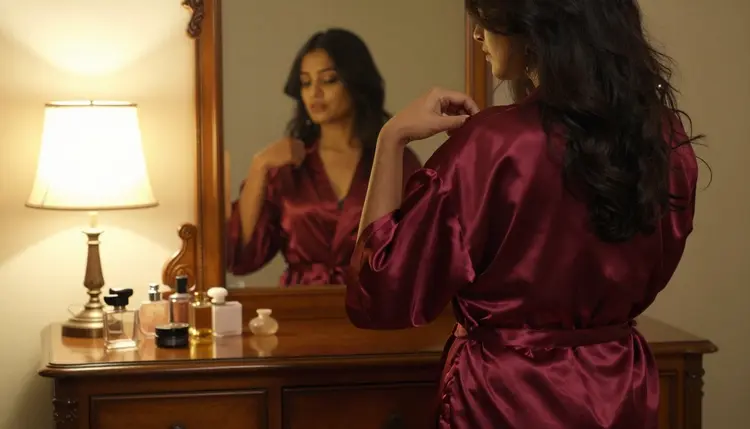
Seedream 4.5 handles detailed, photoreal scenes well and is a strong first pick for portrait style prompts. Qwen Image 2 tends to follow wardrobe and lighting instructions closely, which matters when you are describing something specific like a satin robe or candlelight. Recraft V4.1 Pro leans toward a cleaner, more editorial look, while Picasso Image Editor Pro is the one to reach for once you already have an image and want to adjust it rather than start over.

For motion, Picasso Video and LTX 2.3 Pro are the two confirmed filter free options, useful once you want a still image to breathe with a slow pan or a subtle loop rather than stay frozen.
Every other model in the catalog is worth a try, but treat it as untested for mature prompts rather than assume it behaves the same way. Some will simply decline a suggestive prompt, others will return a heavily altered result. Start with the six above, and branch out once you know what a given alternative actually does with your kind of prompt.
A phone screen is small, so a prompt that is too vague turns into a result you have to squint at to judge. Being specific costs you a few extra words and saves you a regeneration.
Name the light. "Late afternoon sun through a window" or "soft candlelight" gives a model something concrete to render, and the difference shows even on a five inch display. Describe the setting in one short phrase rather than a full paragraph, since the model reads the whole prompt but a phone keyboard makes long prompts slow to type and slower to edit.
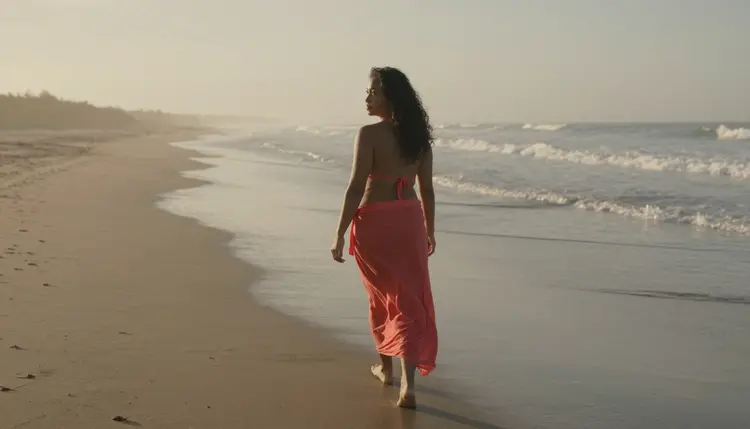
Stick to portrait or square ratios unless you specifically want a wide scene. A tall image fills more of your screen without scrolling and tends to render faster than a wide one on a mobile connection. If a first result is close but not quite right, adjust one detail at a time, the pose, then the lighting, then the wardrobe, instead of rewriting the whole prompt, so you can tell exactly which change moved the image in the right direction.
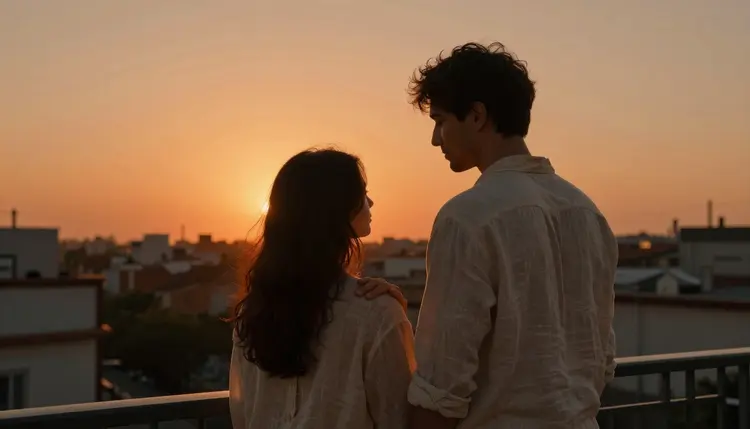
Save prompts that work. A short note in your phone's own notes app, not inside Picasso IA, means you can reuse a wording that gave you a good result without retyping it from scratch next time.
Picasso IA's mature tools are 18+ only, and that applies to both the person generating an image and every character inside it. Every figure the models produce is a fictional adult by design, drawn to read clearly as mid twenties or older, never a minor and never dressed or posed to suggest one.
The same rule covers real people. Do not prompt for a named celebrity, a public figure or anyone you know without their direct consent, even as a joke or a likeness test. The models are built to generate original, fictional people, and prompts written to target a real individual go against that purpose regardless of intent.

Privacy works the same way by default. Your prompts and results stay tied to your own private account and gallery, not posted anywhere public, so exploring a mature idea on your phone during a commute or a lunch break stays between you and the screen in front of you. Keep prompts suggestive rather than explicit, the goal is mood, wardrobe and atmosphere, and the models are tuned for that register, not for graphic detail.
Every image you generate lands first in your Picasso IA gallery, tied to your account rather than your phone's camera roll. That distinction matters: nothing saves to your device's photo library automatically, so a partner scrolling through your camera roll will not stumble onto a session you meant to keep private.
Downloading a specific image to your phone is a deliberate action, one tap on the result you want to keep. From there it behaves like any other photo on your device, so consider where it lands, a hidden album or a folder with its own lock, before you download anything you would rather keep contained to Picasso IA's own gallery.

If you do want to share a result, share the file itself rather than a link to your account, and double check who is on the other end of that message. A mature image is easy to generate in seconds on a phone, so treat sharing it with the same care you would give any private photo, since once it leaves your gallery you no longer control where it goes.
Do I need to download an app to use Picasso IA on my phone?
No. Picasso IA runs fully inside your mobile browser, whether that is Safari, Chrome or another browser, so there is nothing to install from an app store and nothing sitting on your home screen unless you choose to bookmark it.
Which models actually generate uncensored, filter free images?
Seedream 4.5, Qwen Image 2, Recraft V4.1 Pro, Picasso Image Editor Pro, Picasso Video and LTX 2.3 Pro are the confirmed filter free options on Picasso IA. Other models in the catalog may work for a mature prompt, but they have not been confirmed the same way, so treat them as an alternative worth testing rather than a guaranteed match.
Is this content explicit?
No. Picasso IA's mature tools are built for spicy, suggestive and romantic imagery, not explicit or graphic content, and every result stays inside that tasteful, adult register by design.
Do I have to be a certain age to use these tools?
Yes. Picasso IA's mature tools are 18+ only, and every character the models generate is a fictional adult as well, never a minor and never a real person used without consent.
Will a generated image end up in my phone's camera roll automatically?
No. Results save first to your own private gallery inside Picasso IA, tied to your account rather than your device, and only reach your camera roll if you deliberately download that specific image.
What aspect ratio works best on a phone screen?
A portrait or square ratio generally reads better on a phone display than a wide, landscape one, since it fills more of your screen without scrolling and tends to render a little faster over a mobile connection.
Can I edit an image after it is generated, still from my phone?
Yes. Picasso Image Editor Pro runs in the same browser tab and lets you adjust pose, lighting or background on an existing result, so you rarely need to start a fresh prompt from scratch for a small change.
How specific should my prompt be for a good result?
More specific than you might think for a phone sized prompt box. Naming the light, the wardrobe and the setting in a short, concrete phrase gives the model something to render precisely, and it is worth the extra few words over a vague description.
Can I generate a real person or a celebrity?
No. Every character on Picasso IA is meant to be an original, fictional adult, and prompts aimed at a named celebrity, public figure or anyone you know without their consent go against that rule regardless of intent.
Does Picasso IA support video as well as still images?
Yes. Picasso Video and LTX 2.3 Pro are the two confirmed filter free options for turning a still image into motion, such as a slow pan or a subtle loop, and both run from the same mobile browser tab as the image tools.