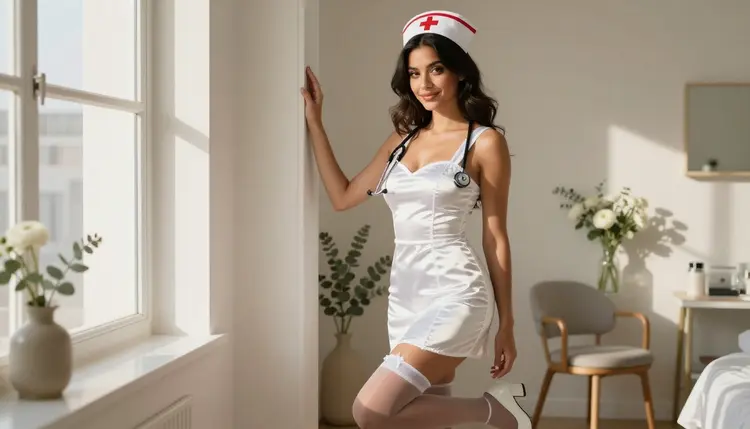
Picasso IA turns a simple idea into a full frame in under a minute: a woman in a crisp white nurse uniform, caught in soft afternoon light. This nurse costume AI generator page is built for anyone who wants that classic, flirty roleplay look rendered with real skin texture, real fabric folds and a mood that reads as intimate rather than clinical. Every scene below started as a short prompt and came out the other side as a photograph that could pass for a real shoot.
What you get here: a working method for the prompt itself, the model that renders it without a content filter standing in the way, the rules Picasso IA holds every NSFW page to, and answers to the questions people actually ask before they generate their first image.
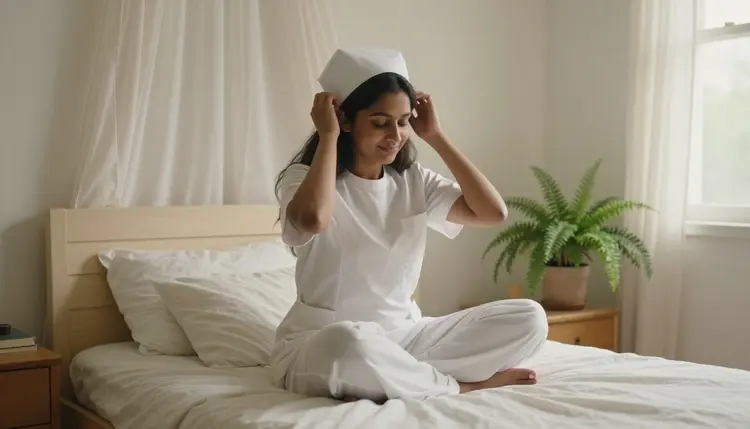
The nurse uniform is one of the most requested costumes on Picasso IA, and there is a reason it renders so well. White reads as clean and graphic under a camera, it flatters a wide range of skin tones in warm light, and the accessories, a cap, a stethoscope, a small collar pin, give a generator specific shapes to draw instead of vague fabric. That specificity is what separates a convincing image from a generic one, and it is the same reason the costume keeps outperforming looser roleplay prompts on the toolkit's own usage numbers.
It also travels well across body types and ages within the adult range, since the silhouette of a fitted white dress or a scrub top reads clearly no matter who is wearing it. That makes the costume a dependable starting point if you are still learning how Picasso IA responds to wardrobe language, before you move on to more elaborate roleplay themes.
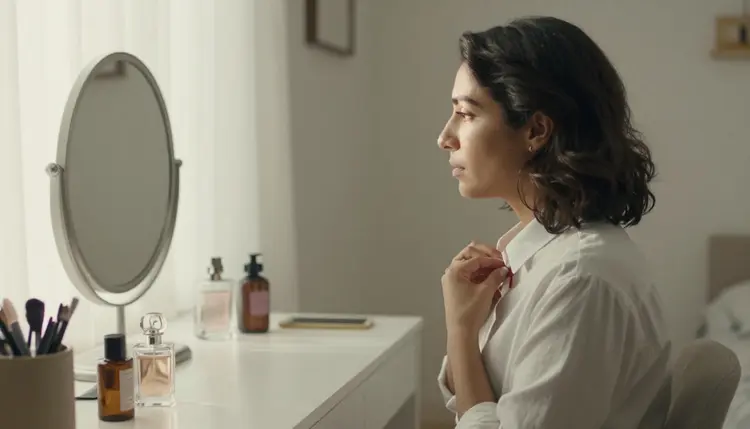
The mood matters as much as the wardrobe. The strongest results lean into a soft, domestic setting rather than a sterile clinic: a sunlit bedroom, a vanity table, a quiet hallway. That choice keeps the scene romantic and intimate instead of staged, and it hands the model natural light to work with instead of flat fluorescent tones.
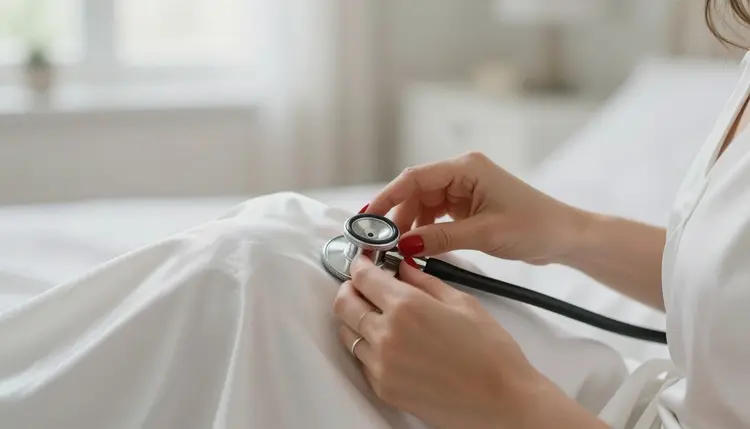
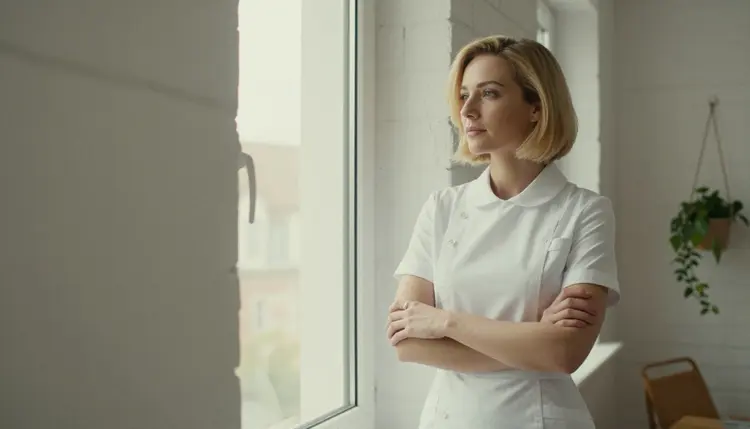
A believable render also depends on restraint. The costume already does the work of being suggestive, so the pose can stay simple: a glance back, a hand resting on a collar, weight shifted onto one hip. Picasso IA's uncensored models render this kind of tasteful, adult scene at full resolution, with none of the soft-focus workarounds a filtered generator falls back on.
That restraint pays off twice: it keeps the image on the right side of suggestive rather than explicit, and it gives the model less to reconcile, so faces, hands and fabric edges come out sharper than in a busier, over-described scene.
Getting a clean result on the first or second try comes down to five decisions, made in this order.
- Pick Your Reference Pose. Choose a photo or a written description of the pose, angle and mood you want the nurse costume scene to have.
- Describe the Uniform in Detail. Name the fabric, the cap, the stethoscope and the color so the model renders a costume that reads as intentional, not generic.
- Set the Lighting and Setting. Add a location and a light source, such as soft window light in a bedroom or warm lamp light at a vanity, to ground the scene.
- Choose Seedream 4.5 for an Uncensored Render. Pick Seedream 4.5 in the toolkit when you want a confirmed, no filter result for this kind of scene.
- Refine and Save Privately. Review the output, adjust the prompt if the mood is not quite right, and save the final image to your private gallery.
Follow that order and most first attempts land close to what you pictured. The biggest quality jump usually comes from step two: describing the uniform itself instead of writing "nurse costume" and leaving the rest to chance.
Picasso IA's NSFW tools are 18+ only, and every account that reaches this generator has confirmed it belongs to an adult. That line does not move for any prompt, any model or any costume theme, nurse included.
Every character rendered here is a fictional adult. Picasso IA does not generate a minor under any styling, and it does not generate a real, identifiable person, celebrity or public figure without consent, no matter how the prompt is worded. A result that reads as underage or as a real person gets discarded and reworked, not published.
Privacy is the default, not an add-on. What you generate stays in your own private gallery, visible only to your account, and nothing you create here is used to advertise or shown to other users unless you choose to share it yourself.
Those three limits, the age check, the fictional-only rule and default privacy, apply the same way to every costume theme on the site, not only to this one, so the nurse look gets no exception and no extra leeway.
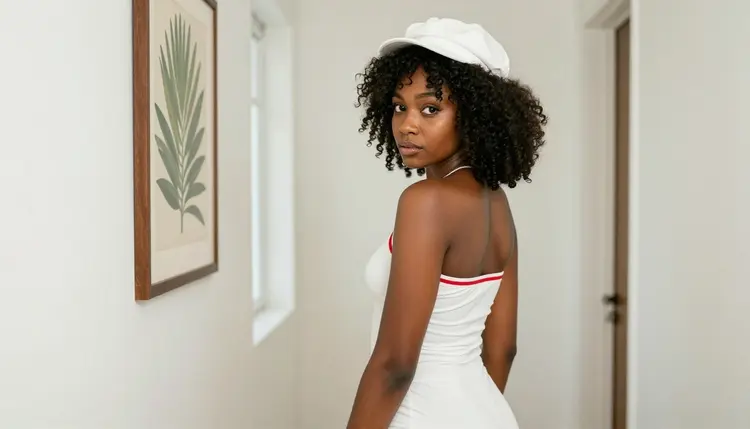
Seedream 4.5 is the primary model for this look, and it is a confirmed uncensored model on Picasso IA. It renders adult, suggestive scenes without a content filter stepping in halfway through, and it holds fine detail, fabric texture, skin tone, the metal of a stethoscope, better than most alternatives in this category.
Two companions pair well with it. Picasso Image Editor Pro is also confirmed filter-free, and it is the fastest way to touch up a Seedream 4.5 result: adjusting the pose, the lighting or one small detail without regenerating the whole scene. Picasso Video, also confirmed uncensored, turns a still nurse costume image into a short, natural motion clip once you have a frame you like.
Qwen Image 2 and Recraft V4.1 Pro round out the confirmed list, and both are worth a side-by-side test on the exact same prompt: skin rendering and fabric detail vary enough between models that comparing two or three results before you settle on a favorite is usually worth the extra minute. LTX 2.3 Pro is the confirmed choice if video, rather than a still image, is the end goal from the start.
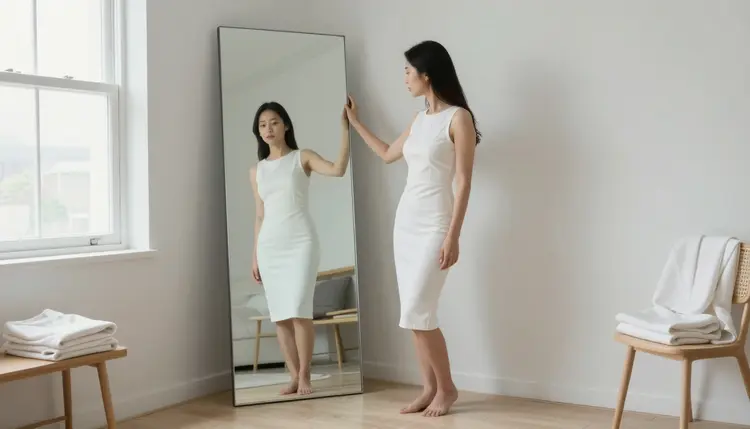
Outside that short list, treat any other named model, including newer releases such as Seedance 2.5, as untested for this specific look and worth trying rather than a guaranteed filter-free result. Only Seedream 4.5, Qwen Image 2, Recraft V4.1 Pro, Picasso Image Editor Pro, Picasso Video and LTX 2.3 Pro are confirmed uncensored on Picasso IA today.
Small wardrobe choices change the whole read of the scene. A structured white dress with a stiff collar feels vintage and formal; a soft satin robe left partly open over the same white palette feels relaxed and intimate. Naming the fabric, cotton, satin, silk, gives the model a texture to render instead of a flat white shape.
Setting does the rest of the storytelling. A kitchen table in morning light suggests an easy, domestic scene; a chaise lounge in late afternoon light suggests a slower, more private one. Match the setting to the mood you actually want before you touch the wardrobe details.

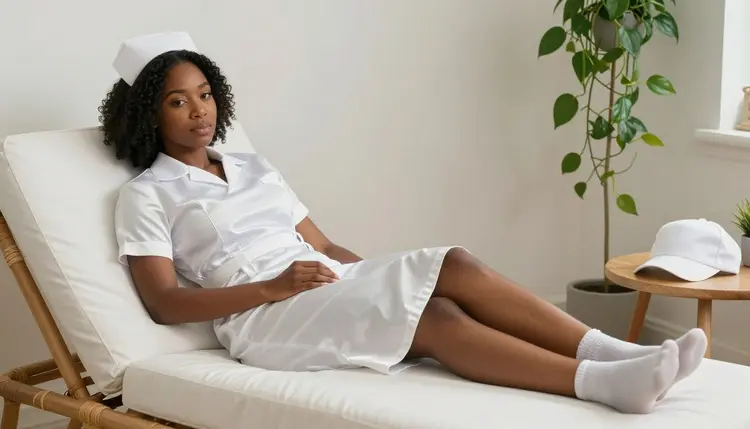
Keep prompts specific rather than long. A tight description of pose, fabric, light and setting outperforms a paragraph of adjectives, and it gives Seedream 4.5 fewer chances to guess wrong on the details that matter most.
Camera language helps too: naming a lens and a distance, a close portrait shot versus a wider shot across the room, tells the model how much of the scene to fill with detail and how much to leave soft in the background.
A nurse costume set works well as its own small series: the same subject across three or four settings, a bedroom, a hallway, a vanity, reads as a coherent shoot rather than a single lucky image. Picasso IA's private gallery keeps a series like that together so you can compare angles and pick a favorite later.
The uniform also pairs cleanly with other roleplay themes already on Picasso IA, a soft transition into a different costume for the next scene in the same series, all rendered by the same uncensored model for a consistent look across the set. Building a small collection this way, rather than generating one image and stopping, is usually what turns a first try into a set worth keeping.
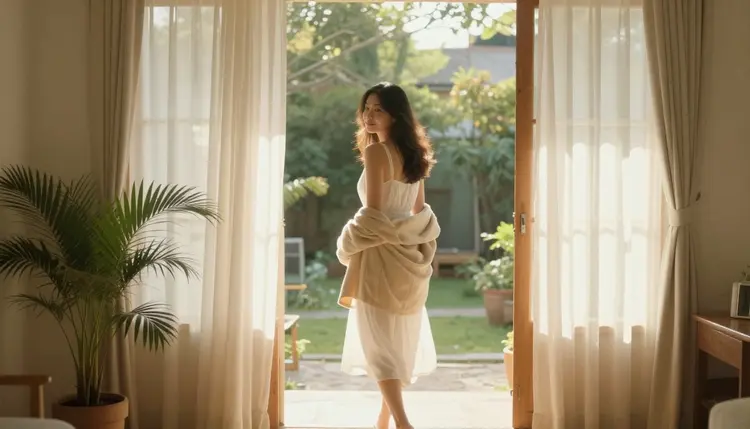
What is the Nurse Costume AI Generator on Picasso IA?
It is a Picasso IA toolkit workflow built around one costume theme: a woman in a white nurse uniform, rendered by an uncensored model with real fabric texture and natural light, starting from a short text prompt.
Which AI model should I use for nurse costume art?
Seedream 4.5 is the recommended starting point because it is a confirmed uncensored model that holds fine detail well; Picasso Image Editor Pro and Picasso Video are useful next steps for editing and animating the result.
Is NSFW AI art of a nurse costume legal to create on Picasso IA?
Picasso IA requires every account to confirm it belongs to an adult before reaching any NSFW tool, and every character the generator renders is a fictional adult, with no minors and no real people generated without consent.
Are the people in nurse costume AI images real?
No. Every figure Picasso IA renders on this page is a fictional adult composed by the model from the prompt, not a photograph of, or a likeness of, any real person.
How private are my NSFW generations on Picasso IA?
Every image and video you generate lands in your own private gallery by default, visible only to your account, and Picasso IA does not use your generations for advertising or show them to other users unless you choose to share them.
Can I turn a nurse costume image into a video?
Yes. Picasso Video is a confirmed uncensored model built for exactly this: feed it a still image you like and it renders a short clip with natural, believable motion.
How do I get a believable uniform in my prompt?
Name the fabric, the cap and the accessories directly, cotton or satin, a stethoscope, a collar pin, instead of writing only "nurse costume"; specific nouns give the model concrete shapes to render.
What does uncensored mean on Picasso IA?
It means the model renders adult, suggestive scenes without an automatic content filter interrupting or altering the result partway through generation; only a short list of confirmed models on Picasso IA carry that guarantee, and every one of those models still holds to the same 18+, fictional-adults-only rules as the rest of the site.
Can I edit or refine a nurse costume image after I generate it?
Yes. Picasso Image Editor Pro is a confirmed filter-free editing model, and it can adjust pose, lighting or a single detail on an existing image without a full regeneration.
Do I need credits or a subscription to generate NSFW art on Picasso IA?
Generating with Picasso IA's toolkit, including this nurse costume workflow, draws from your account's credits or subscription plan the same way any other image or video generation does.