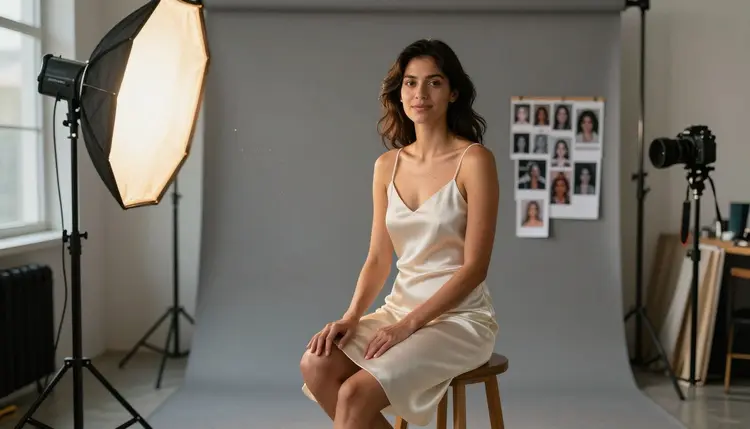
A realistic portrait lives or dies on three things: light, texture and a subject that looks like it was actually photographed, not painted. Seedream 4.5 is one of six models on Picasso IA confirmed to run with no content filter, and its strength is exactly that kind of realism, skin that catches light the way skin does, fabric that folds instead of gluing to a shape, and a face that still holds up under a close crop.
This page gives you a repeatable prompt template for realistic NSFW portraits, the five steps that build it from a blank prompt box, and the rules Picasso IA holds every render to. Every example on this page is a fictional adult. Nothing here is a real person.
Seedream 4.5 renders skin, hair and fabric with a level of physical detail most image models blur past. Where a lot of generators smooth a face into something closer to a 3D render, Seedream 4.5 keeps pores, flyaway hairs and uneven light, the small imperfections that make a portrait read as a photograph instead of an illustration. It is one of six models Picasso IA has confirmed to generate adult content with no content filter, so a fictional adult prompt renders the scene you wrote instead of a refusal screen.
That matters most for a realistic mood, since a suggestive or intimate scene depends on the same physical honesty as any other portrait: a flirty half smile only reads as flirty if the light on the face is doing real work, and a romantic pose only lands if the fabric it involves actually behaves like fabric. Picasso IA built this template around Seedream 4.5 for that reason, not because it is the only uncensored option, but because it is the one built for this specific kind of realism.
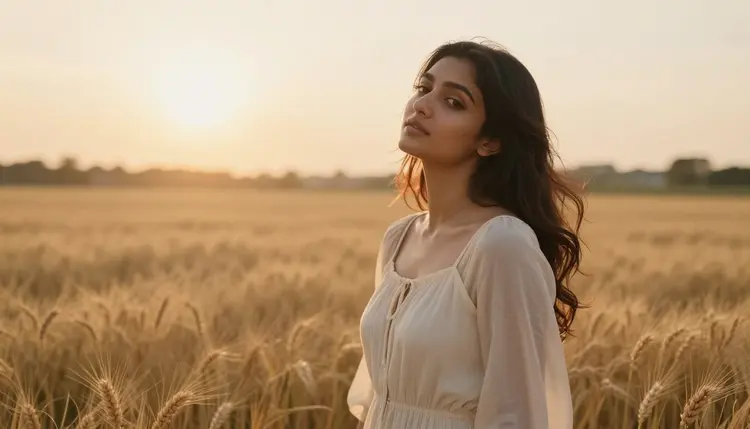
That realism holds at close range too. A portrait cropped tight to the face, the kind where every flaw would normally show, is where Seedream 4.5 separates itself from models built for wide, stylized scenes.
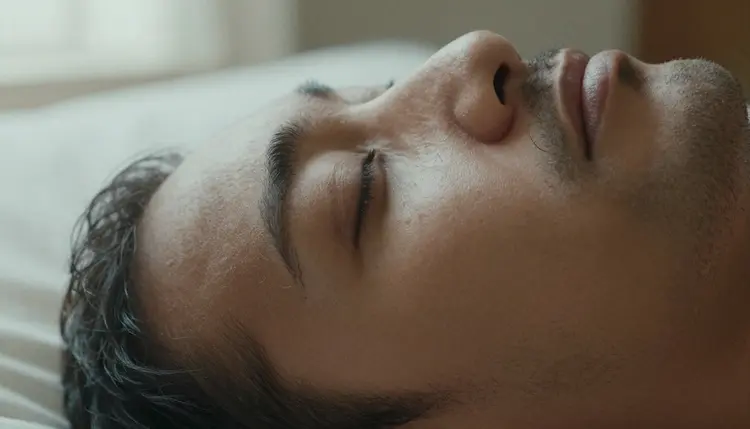
The template below is built around that strength. It asks for light and texture before it asks for anything suggestive, because that is the order Seedream 4.5 actually reads a prompt in.
A realistic portrait prompt on Picasso IA reads like a photo brief, not a caption. Five parts, in this order: the scene, the subject, the mood, the framing and one texture detail. Skip any one of the five and Seedream 4.5 fills the gap with something generic, usually flat studio light and a neutral expression.
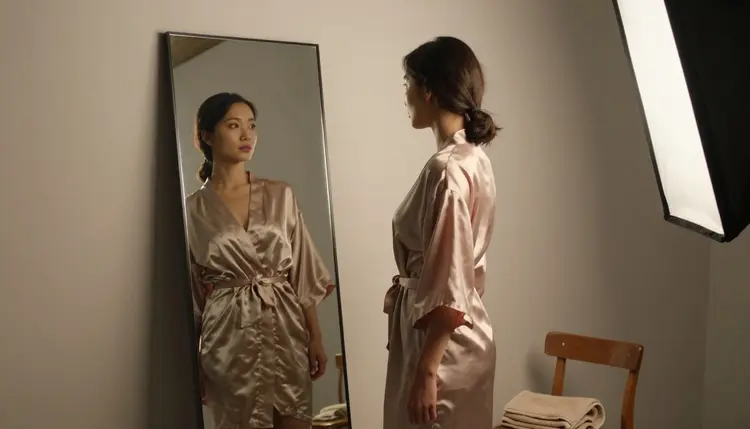
Here is the template filled in for an intimate indoor scene. "A woman in her late twenties, warm brown skin, dark hair loose over one shoulder, sitting by a rain streaked window at dusk, soft blue hour light, a relaxed and thoughtful expression, waist up portrait, shallow depth of field, a satin robe slipping slightly off one shoulder." Swap the wardrobe, the light source or the room and the same five slots still hold.
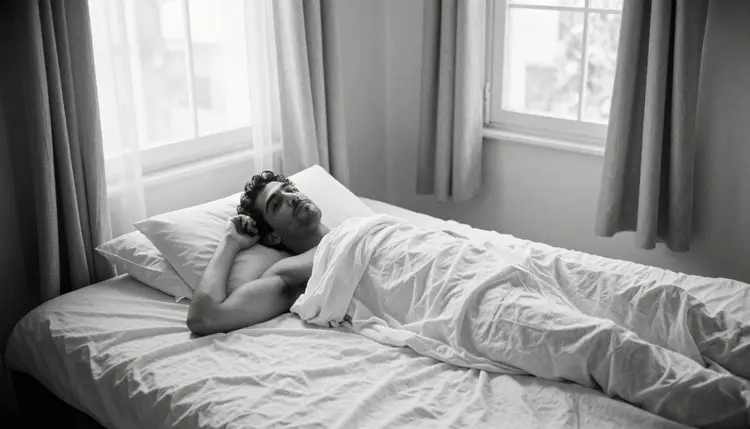
Black and white works the same way. Name the same five parts, then add "monochrome, high contrast, film grain" as the texture detail instead of a fabric note, and Seedream 4.5 treats it as a different lighting problem rather than a different template.
Building the template above from a blank prompt box comes down to five steps, done in order every time.
- Set the Scene First. Open with location, time of day and light source before anything else, since that anchors everything Seedream 4.5 renders next.
- Describe the Subject in Plain Terms. Age as an adult, eighteen or older, build, hair, skin tone and one wardrobe detail, written the way a photographer would brief a model.
- Name the Mood, Not Just the Pose. Words like tender, playful or confident change an expression far more than a pose instruction alone.
- Pick a Camera Distance and Lens Feel. Close up portrait, waist up or full body, plus a lens cue like shallow depth of field, tells Seedream 4.5 how tight to frame the shot.
- Add One Texture Detail Last. A fabric weave, a skin highlight or a strand of hair catching light is what pushes the render from generic to realistic.
Run those five in order and the prompt box rarely needs a second pass.
The same five part template carries across very different moods, not just one look. Swap the setting and the wardrobe and Seedream 4.5 treats each as its own scene rather than a variation on the last one.
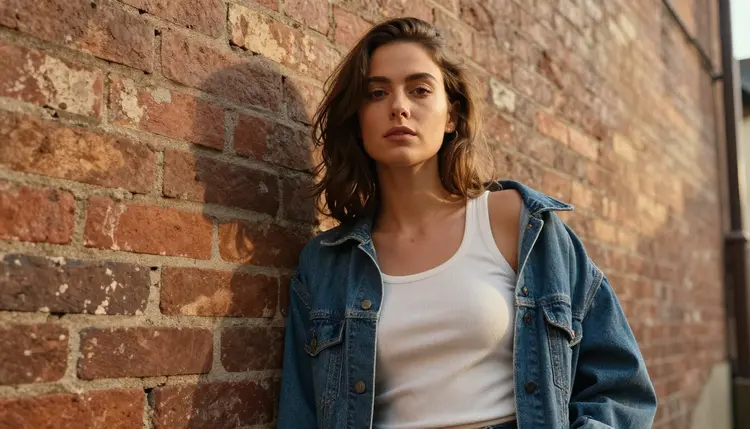
A daylight, casual mood needs almost no adjustment to the template. Bright sun, a denim jacket, a confident half smile, and the same waist up framing from the steps above.
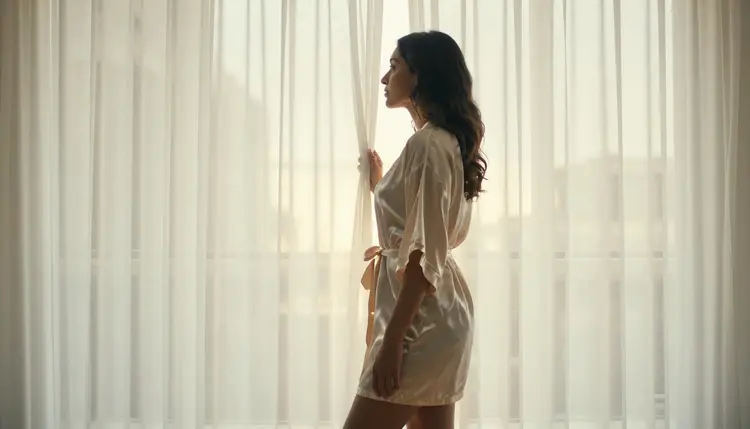
A softer, more romantic mood asks for backlight instead of front light. Describe the subject standing in front of a sheer curtain with the sun behind them, silk instead of denim, and swap "confident" for "unhurried" in the mood slot. The template does not change, only what fills it.
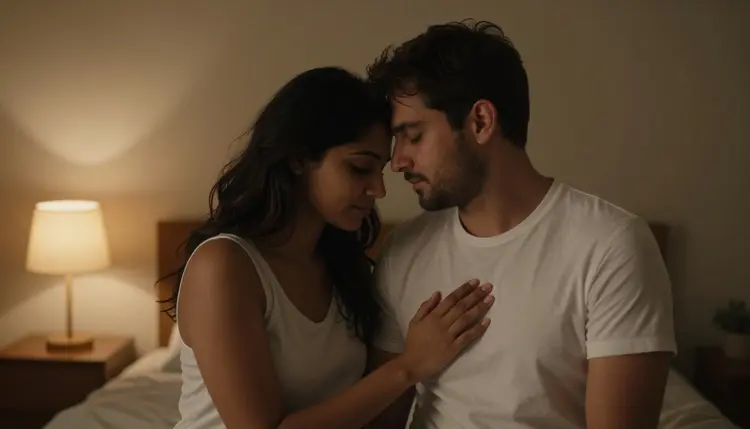
The same principle scales to a two person scene too. Naming a second subject and describing how the two people relate to each other, close, tender, laughing, takes the place of the pose instruction, while the scene, framing and texture slots stay exactly where they were for a single portrait.
Picasso IA's uncensored models are for adults only, eighteen and over, and every account that generates this kind of content confirms that on sign up.
Every character in every example on this page, and every character you generate with this template, has to be a fictional adult. No real person's likeness, no public figure, and nothing that could be read as a minor, in any style or wardrobe. Consent is not optional for a real person's face either. This template is for characters you invent, not people you know.
Generations are private by default. Nobody browses your prompt history or your output but you, and nothing you render here is published, shared or used to train a model without your say. The age confirmation, the fictional-adult rule and that privacy default apply to every model on this page equally, not just Seedream 4.5.
Seedream 4.5 is the strongest fit for photorealistic portrait work specifically, but it is one of six models Picasso IA has confirmed to run with no content filter: Seedream 4.5, Qwen Image 2, Recraft V4.1 Pro, Picasso Image Editor Pro, Picasso Video and LTX 2.3 Pro. Qwen Image 2 holds up almost as well for skin and light and is worth a second render when a first pass comes out slightly off. Recraft V4.1 Pro leans toward illustration rather than photo realism, so it is the better pick if the mood you want is painterly instead of photographic. Picasso Image Editor Pro is the one to reach for when you are editing an existing render rather than starting from a blank prompt, and Picasso Video and LTX 2.3 Pro carry the same no filter confirmation into motion, for a portrait that becomes a short clip instead of a still.
Outside those six, treat any other model's adult output as untested. Seedance 2.5, for instance, is worth trying if you already use it for other work, but Picasso IA has not confirmed it as filter free, so budget for a prompt that gets refused or reworked before it gets accepted.
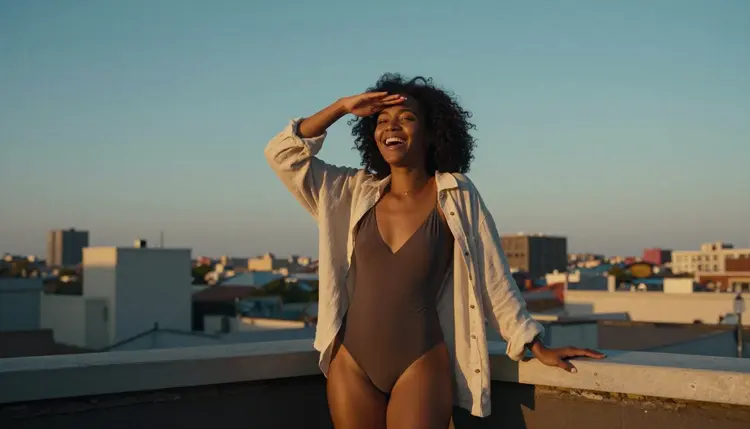
For a first session, run the same prompt through Seedream 4.5 and one other confirmed model, side by side, and keep whichever result holds up better at a close crop. Most people settle on Seedream 4.5 for the realistic portrait work this template covers, then switch to Recraft V4.1 Pro on the days they want the same character drawn rather than photographed, and to Picasso Video when a still portrait needs to become a few seconds of motion instead.
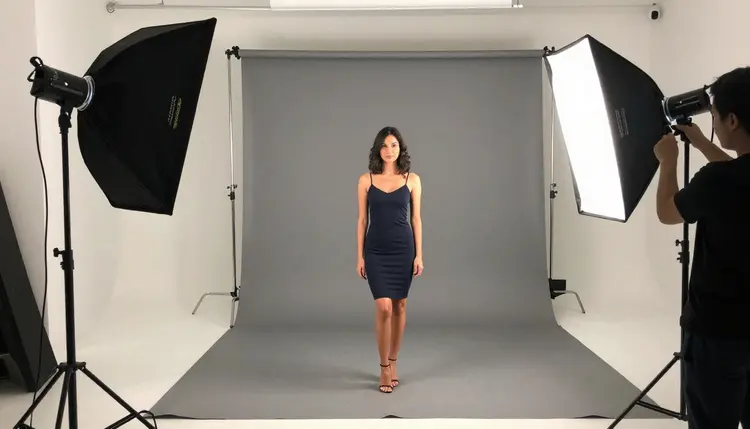
What does "no content filter" mean on Seedream 4.5?
It means a fictional adult prompt renders the scene you described instead of being blocked or silently rewritten, the same behavior confirmed for five other models on Picasso IA: Qwen Image 2, Recraft V4.1 Pro, Picasso Image Editor Pro, Picasso Video and LTX 2.3 Pro.
Can I use this template for a man instead of a woman?
Yes. The five slots, scene, subject, mood, framing and texture, work the same regardless of gender. Only the subject description in step two changes, and the order and the other four parts stay identical.
Does Picasso IA store the images I generate?
Generations are private by default and visible only to your account, and nothing you create with this template is shared, published or used to train a model without your permission.
Which other models work well for realistic portraits?
Qwen Image 2 is the closest match to Seedream 4.5 for skin and light, and both are confirmed to run with no content filter, so trying the same prompt on each is a reasonable first comparison.
How long should a realistic portrait prompt be?
One or two sentences covering all five parts of the template is usually enough. A longer prompt does not add realism on its own, it just gives Seedream 4.5 more chances to contradict itself, so it is worth trimming a prompt back to the five parts before adding anything extra.
What lighting terms make the biggest difference?
Naming a light source and a time of day, golden hour, blue hour, window light or overcast, changes a render more than any wardrobe or pose detail, since it decides the shadows on every other part of the scene.
Can I upload a reference photo to guide the pose?
Yes. Picasso IA supports reference images for pose and composition guidance, and Seedream 4.5 will follow that structure while still rendering the wardrobe, light and mood written in the prompt.
Is this template safe to use for a fictional character only?
Yes, and it should only be used that way. Every character has to be a fictional adult, eighteen or older, with no real person's likeness and nothing resembling a minor.
Why did my portrait come out looking airbrushed instead of realistic?
That usually means the texture detail from step five was skipped. Adding one specific texture note, a skin highlight, a fabric weave or film grain, is what keeps Seedream 4.5 from defaulting to a smoother, more generic finish.
Can I generate a couple portrait with the same template?
Yes. Describe both people through the subject and mood slots and keep one shared scene and framing, and Seedream 4.5 will render them together rather than as two separate portraits.