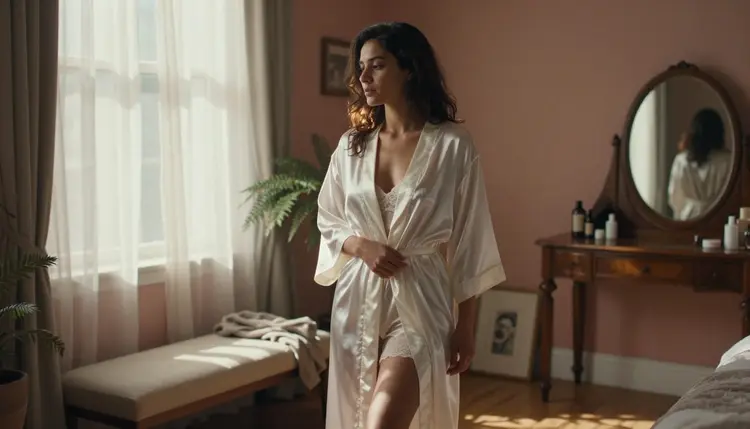
A finished photo almost never needs a whole new generation, it needs one thing fixed: a stray strand of hair, a fold of fabric that reads wrong, a background that pulls focus from the subject. That is a touch-up, and it is a different job from writing a fresh prompt on a blank page. On Picasso IA, two of the six models confirmed to run with no content filter are built for exactly that split. Picasso Image Editor Pro holds an existing photo steady while it changes one detail, and Seedream 4.5 renders a new frame with the photographic fidelity a touch-up grade result needs when starting over turns out to be the faster path.
This page compares the two head to head, walks through the five steps from an original photo to a finished touch-up, and sets out the rules that apply no matter which model does the work. Every example described or shown here is a fictional adult, eighteen or older, and every edit stays private to the account that made it.
Both models sit on the short list of six confirmed to run on Picasso IA with no content filter, alongside Qwen Image 2, Recraft V4.1 Pro, Picasso Video, and LTX 2.3 Pro. That is the part they share. What separates them is the job each one is built to do, and mixing that up is the most common reason a touch-up session wastes a round of credits on the wrong tool.
Picasso Image Editor Pro is an editor first. It takes a photo that already exists and changes one thing about it, a strap, a light, a backdrop, while holding the rest of the frame as close to identical as the model can manage. Seedream 4.5 is a generator built for a photographic, hyper-realistic look, and it does not take an input photo to modify, it writes a new one from a text description. For a touch-up, that makes it the pick when the change is bigger than one detail, close to a full redo dressed up as an edit. Reaching for the wrong one still produces an image, which is part of why the mix-up is easy to miss until the credits are already spent: an editor asked to reinvent a whole scene tends to drift from the brief, and a generator asked to preserve one exact pose from a source photo tends to reinvent it instead of holding it.
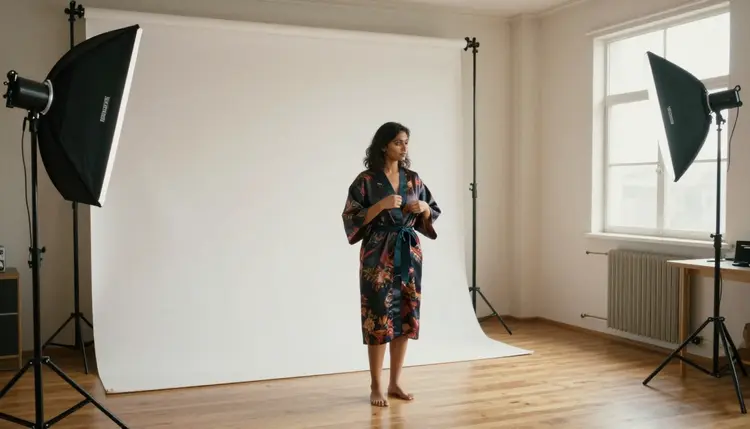
Neither model asks a user to reword a prompt to get past a refusal on an intimate, adult scene, which is the whole point of the no-filter confirmation. A robe falling open at the shoulder, skin catching studio light, a satin slip against bedsheets, these run the same way any other prompt does on both models, with nothing to soften first.
A touch-up is narrow by definition. It fixes lipstick that smudged in the render, straightens a strap that sits at the wrong angle, swaps a flat studio backdrop for a warmer one, or nudges the light from flat to golden hour without asking the model to reimagine the pose, the wardrobe, and the framing all at once. The smaller the request, the more reliably an editor holds the rest of the photo steady, and the difference shows up fastest in hands, jewelry, and the exact fall of a fabric edge, three details that a full regeneration tends to reinterpret even when nothing about them was mentioned in the prompt.
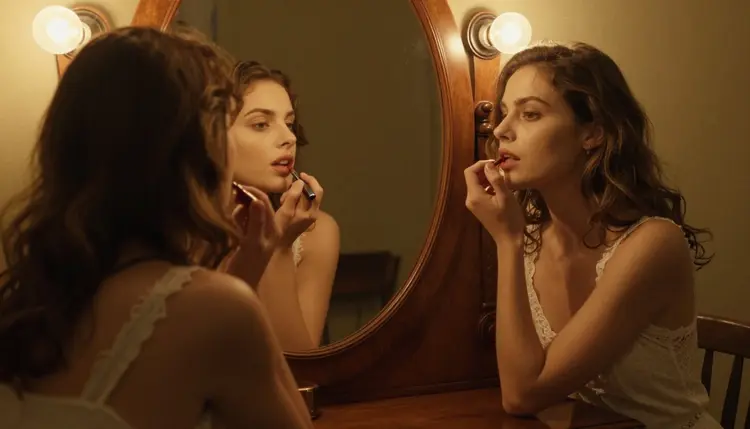
A useful test: describe the change in one sentence without the word and. If a request needs and twice, new backdrop and different light and a changed pose, it has quietly become three edits stacked into one prompt, and each added and lowers the odds the result reads as one continuous photograph instead of a visible patch. A shirt left unbuttoned one button further, a railing swapped for a different material, a sunset pushed later into the sky, each of those survives as a single, clean touch-up.
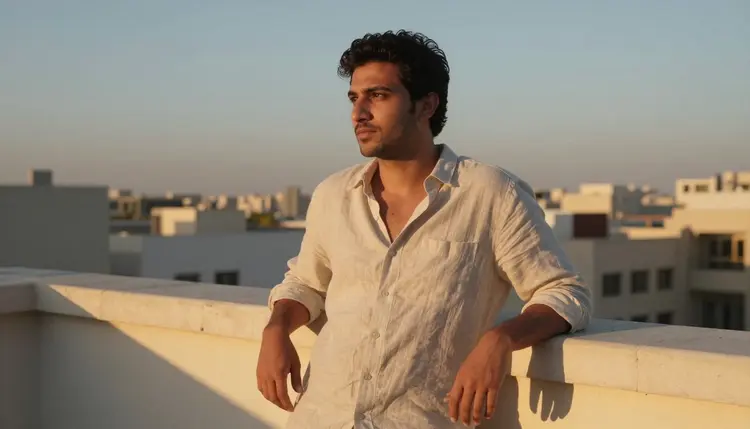
The workflow below moves from an existing photo to a finished touch-up in a handful of short rounds, switching models mid-way when the edit turns out to be bigger than expected.
- Upload the Original Photo. Open Picasso Image Editor Pro and load the finished image that needs one change rather than a full regeneration.
- Name the Single Detail to Change. Point at the strap, the light, or the backdrop, and describe only that change in plain language, leaving everything else unmentioned.
- Run the Edit and Compare It Against the Original. Generate the touch-up and place it beside the source photo to check that the rest of the frame held steady.
- Switch to Seedream 4.5 for a Full Redo. If the edit keeps changing more of the frame than intended, describe the whole scene fresh and generate it as a new photograph instead.
- Save the Keeper and Drop the Rest. Keep the version that reads as one continuous photo, and discard any attempt that shows a seam between the edit and the original.
Picasso Image Editor Pro earns its place whenever a photo is already close to right and only needs a nudge. A satin slip against white bedsheets where the fabric folds oddly at one shoulder, a warm tone that needs to shift half a degree cooler, a hand resting slightly wrong against a pillow, these are edits, not new scenes, and an editor that anchors to the original photo keeps everything else, the pose, the framing, the person, exactly where it was.

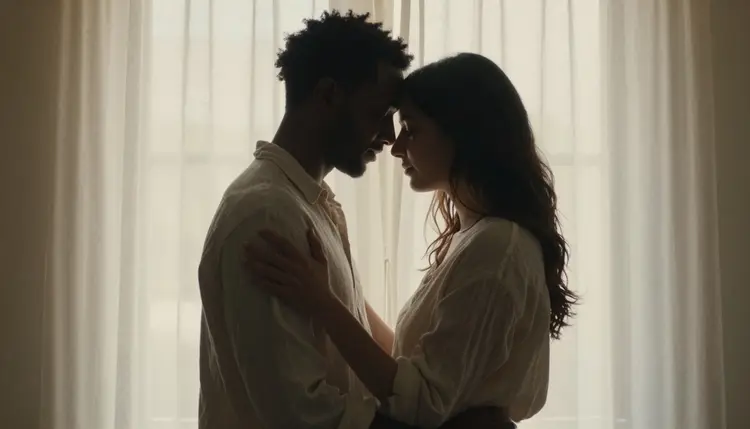
It also handles composites better than a fresh generation would, a second figure added into frame, a silhouette pulled tighter against a backlit curtain, a window recomposed behind a couple already standing where the photographer wanted them. Asking a generator to rebuild that whole moment from a text description risks losing the exact framing that made the original photo work in the first place, where an editor only touches what the prompt names.
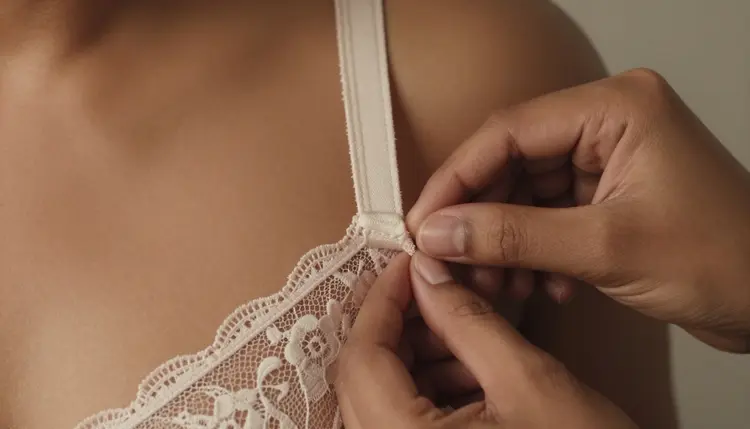
Some touch-ups are touch-ups in name only, and Seedream 4.5 is the faster route once a request stops being about one detail. A close, textured shot built around a single element, lace catching light on a shoulder, a hand adjusting a strap, benefits from a model built to render fine detail from scratch rather than an editor nudging an existing file toward something it was never composed to show.
The same goes for mood and setting changes big enough to count as a new scene: swapping a studio backdrop for a candlelit bathroom, a towel instead of a robe, steam instead of a hard key light. Describing that fresh, rather than asking an editor to negotiate a whole new environment out of a photo shot somewhere else, tends to land closer to the brief on the first try and wastes fewer credits getting there.

Every photo touched up here has to already show a fictional adult, eighteen and over, and an edit is never the tool for making someone look younger or for adding a wardrobe or pose that would read as underage. This holds on Picasso Image Editor Pro and Seedream 4.5 alike, since running with no content filter changes what kind of scene a model will touch up or generate, not who it will show.
No real person's likeness goes through either model without that person's consent, and that covers a celebrity, a public figure, or a photo of someone recognizable that the user did not take or does not have permission to edit. A prompt built to resemble someone real is refused and treated as a violation of the platform's terms, on both models equally.
On privacy, every original photo and every touched-up result stays tied to the account that generated it by default, never shown to other users or published anywhere unless that account chooses to share it. A boudoir set built for one private edit is treated the same as any other generation on the platform, private until the account holder decides otherwise, and that default does not change depending on which of the two models produced the result.
What is the real difference between Picasso Image Editor Pro and Seedream 4.5?
Picasso Image Editor Pro edits a photo that already exists, changing one named detail while holding the rest of the frame steady, and Seedream 4.5 writes a new photograph from a text description, which suits a change large enough to count as a new scene rather than a small fix.
Which model should I use to fix one detail in an existing photo?
Picasso Image Editor Pro is built for exactly that, a strap, a light, a backdrop, one change at a time, and it tends to hold the pose and the person steady far better than asking a generator to rebuild the whole frame around a single fix.
Does Seedream 4.5 really run with no content filter?
Yes. Seedream 4.5 is one of six models on Picasso IA confirmed to run with no content filter, alongside Picasso Image Editor Pro, Qwen Image 2, Recraft V4.1 Pro, Picasso Video, and LTX 2.3 Pro, and an intimate, adult prompt runs the same way any other prompt does.
Can Picasso Image Editor Pro change the background without touching the subject?
Yes, naming the backdrop specifically and leaving the subject unmentioned is the most reliable way to get a background swap that leaves the pose, the wardrobe, and the person exactly as they were in the original photo.
Will a touch-up look different in skin tone or lighting from the original photo?
A well-scoped edit, one detail at a time, usually keeps skin tone and lighting consistent with the source photo, while a request that changes several things at once is more likely to drift, which is why the five-step workflow above checks the result against the original before saving it.
Is it possible to redo a touch-up if the first attempt looks off?
Yes, generating again with the same instruction or a slightly adjusted one costs another round of credits but nothing about the original photo is lost, so a missed attempt is simply discarded in favor of a closer one.
Are free credits enough to test both models before buying more?
A new account starts with free credits, enough to run several touch-ups and a few full generations on Seedream 4.5 before deciding whether to buy more, and current pricing for each stays up to date on the pricing page rather than printed here.
Can I use these models to edit or generate a real person's photo?
No, every character edited or generated here must be a fictional adult, eighteen or older, with no real person's likeness, celebrity or otherwise, and no attempt at a resemblance without consent, on either model.
What happens if my edit prompt asks for something the platform does not allow?
The prompt is refused rather than softened or rewritten, and repeated attempts to work around the rule are treated as a violation of the platform's terms, the same policy that applies across every model in the catalog, filtered or not.
Can a touch-up be turned into a short video afterward?
Yes, as a separate step. Picasso Video and LTX 2.3 Pro both animate a finished photo into a short clip, and both run with no content filter, so a still touch-up can move to video once the image itself is settled.