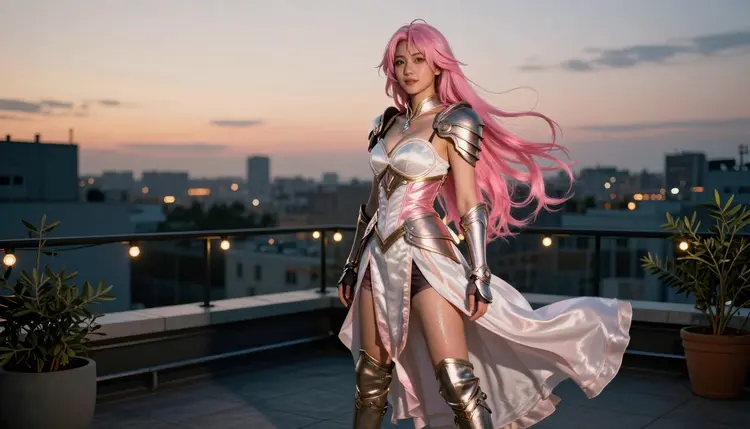
Anime style usually means one thing on most generators: flat linework, cel shading, a look that never leaves the illustration. Picasso IA takes a different route for this comparison. Qwen Image 2 and Recraft V4.1 Pro are two of the six models on the platform confirmed to generate NSFW content with no filter blocking the prompt, and both render the anime theme through real costume and cosplay photography instead of drawn art: wigs, corsets, armor and capes on a real-feeling set, shot like film, never rendered like a cartoon.
This page puts the two models side by side for that exact use case. You will get a direct comparison of where each one is stronger, a five-step walkthrough for generating a cosplay scene from scratch, prompting habits that make anime-inspired costume work look intentional instead of generic, and the rules that apply to every fictional character you generate here.
Both models sit on Picasso IA's short list of confirmed filter-free generators, alongside Seedream 4.5, Picasso Image Editor Pro, Picasso Video and LTX 2.3 Pro. Neither one blocks or rewrites an adult prompt before generating, and both handle the anime-as-costume approach well: a character read as anime through wardrobe, hair color and pose, photographed with real light and real texture rather than flattened into cel-shaded art.
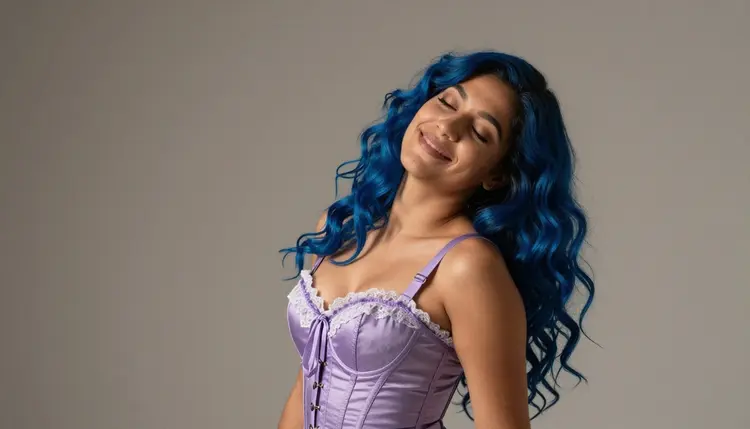
Where they diverge is in what each one prioritizes. Qwen Image 2 is open-source and tends to follow a long, detailed prompt closely on the first try, which matters when a scene has several specific instructions stacked together: a pose, a setting, a mood and a wardrobe detail all at once. Recraft V4.1 Pro leans toward precise material rendering, the kind of scene where leather, metal plating and fine embroidery need to read as real fabric and real hardware rather than a smoothed-over approximation.
| Aspect | Qwen Image 2 | Recraft V4.1 Pro |
|---|
| Best at | Long, multi-part prompts followed closely | Fine material and costume detail |
| Style range | Photoreal to stylized, wide range | Photoreal with strong texture accuracy |
| Good for | Layered scenes with pose, setting and mood at once | Armor, leather, embroidery and set dressing |
| Filter status | Confirmed, no filter | Confirmed, no filter |
Neither model is the objectively better choice. A prompt built around a specific pose and story beat tends to land closer to the mark on Qwen Image 2, while a prompt built around a specific costume, its stitching, its buckles, its fabric, tends to reward Recraft V4.1 Pro. Trying both on the same scene, described the same way, is the fastest way to see which suits a given idea.
Qwen Image 2's open-source foundation shows up most clearly in how it handles a busy prompt. Describe a cosplayer's pose, the room she is standing in, the time of day and the mood you want, and the model tends to hold onto all four instructions instead of dropping the ones that came later in the sentence. That makes it a strong pick for anime-inspired scenes built around a specific moment rather than a simple portrait: a character caught mid-stride, a candid laugh, a look thrown back over one shoulder.
It also keeps a character consistent across variations of the same prompt, which matters when you are iterating toward a specific look rather than accepting the first result. Adjust the lighting, the camera angle or the background and the character herself tends to stay recognizable, which is not something every model does reliably. For a session where you are refining one costume idea across several attempts, that consistency saves real time.
Qwen Image 2 also handles a wide style range without needing a separate mode for each one. The same model can produce a warm, soft-lit photoreal portrait or a slightly stylized, saturated look closer to concept art, depending entirely on how the prompt describes lighting and rendering. For anime-themed cosplay work specifically, that flexibility means you are not locked into one visual register for the whole session.
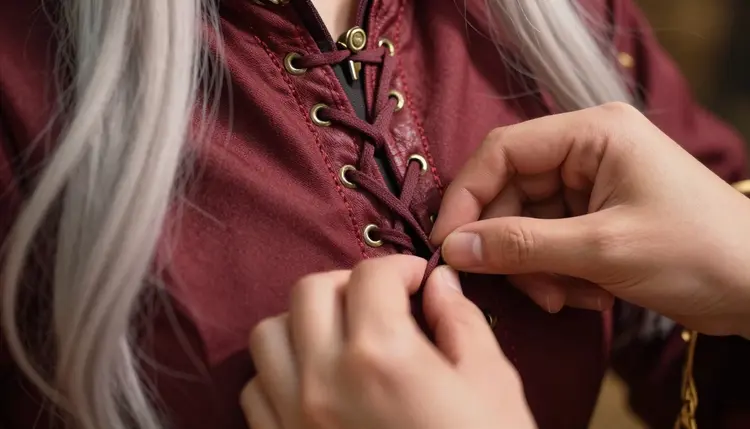
Recraft V4.1 Pro's strength is texture. Costume-heavy scenes live or die on whether the materials read as real, and this is where the model separates itself: leather that catches light like leather, metal plating with actual weight and reflection, embroidery that holds its stitching instead of blurring into a pattern. For an anime theme built entirely on wardrobe rather than illustrated linework, that kind of material accuracy is the whole point.
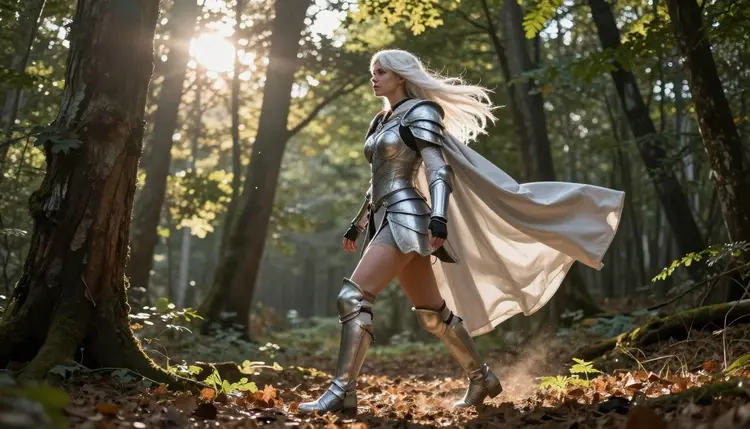
It also tends to produce cleaner, more deliberate compositions when a prompt describes a full outfit rather than a single garment. Armor with multiple pieces, a gown with layered fabric, a cape that needs to move naturally in the wind: Recraft V4.1 Pro tends to resolve these as a coherent whole rather than treating each element separately, which keeps a fantasy or period-inspired cosplay look from feeling assembled piece by piece.
Set dressing benefits from the same precision. A forest backdrop, a rooftop at night, a convention hallway all render with consistent, believable detail rather than a soft-focus generic background, which matters for an anime theme grounded in real photography rather than drawn art. When the costume and the setting both need to hold up under a close look, Recraft V4.1 Pro is the stronger default.
Both models follow the same generation flow on Picasso IA, so the steps below apply whichever one you pick for a given scene.
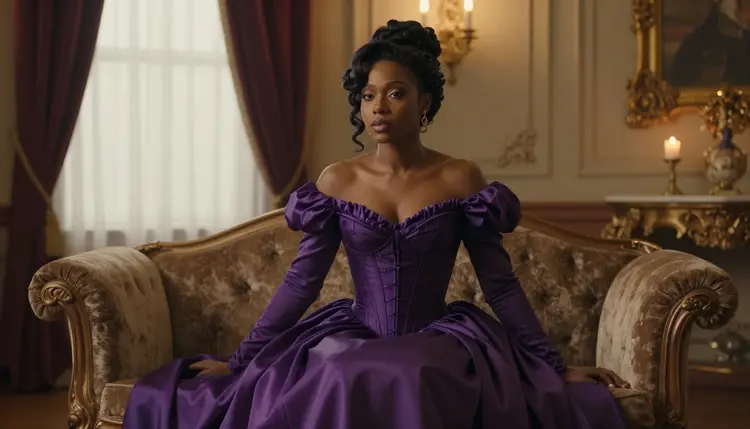
- Pick your model in the toolkit. Open the toolkit and select Qwen Image 2 for a prompt-heavy scene or Recraft V4.1 Pro for a costume-heavy one, then set it as your active model.
- Lead the prompt with wardrobe and pose. Describe the costume first, hair color, material, accessories, then the pose and the setting, so the model reads the anime theme through the outfit rather than guessing at a drawn style.
- Set resolution and aspect ratio. Choose the output size for how you plan to use the image, whether that is a tall portrait, a square crop or a widescreen scene.
- Generate and check the result against the prompt. Look closely at the costume details, the pose and the anatomy before moving on.
- Refine the prompt or save the image. Adjust wording and regenerate if a detail is off, or save the version that matches what you pictured.
Credits are charged per generation and scale with resolution. Check the pricing page for current rates before a longer session.
A handful of habits make the anime-as-costume approach land consistently on either model.
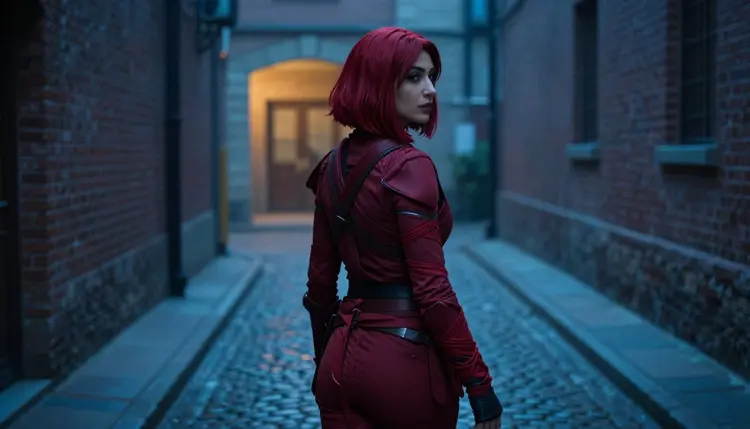
- Describe the costume like a stylist would. Fabric, color, hardware and silhouette carry the anime reference far better than the word anime on its own.
- Name a real setting. A sunlit forest, a rooftop at night, a lantern-lit garden all ground the photograph and keep it from drifting toward an illustrated look.
- Write the pose as an action, not a stance. "Glancing back mid-stride" reads as a moment; "standing" reads as a static portrait.
- Keep hair color and wig details specific. Blue, silver or gold hair is often the fastest visual cue that a costume reads as anime-inspired.
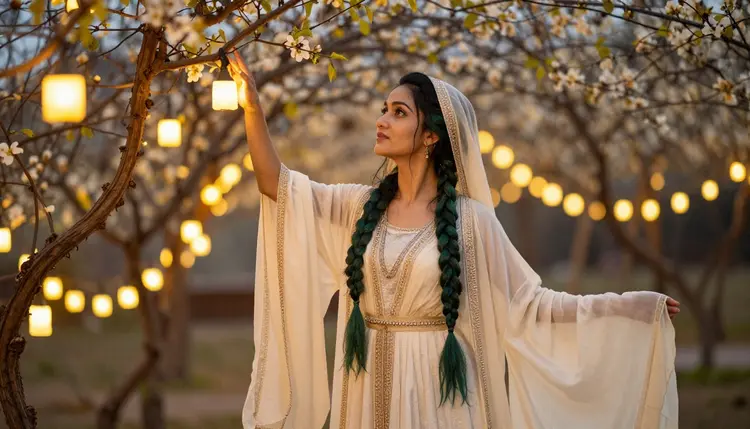
- Add one lighting cue every time. Dusk, studio light, dim alley light and sunlit all change the mood of an identical costume, and NSFW cosplay art in particular depends on lighting to read as intimate or dramatic rather than flat.
- Iterate on one costume at a time. A focused prompt refined over two or three attempts beats one prompt trying to describe an entire wardrobe and a full scene at once.
Every image on this page, and every image either model generates for you, has to be an adult, fictional character. This platform is 18+ only, and that line has no exception: no minor, no real person, no public figure and no likeness of someone identifiable, regardless of costume, style or model.
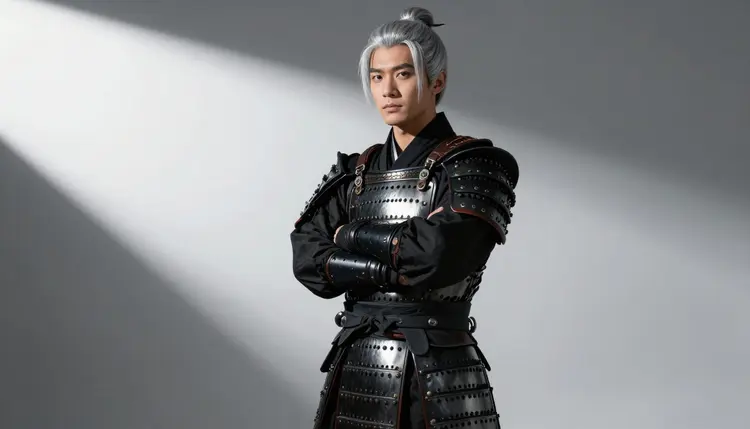
Most other models on Picasso IA, including Nano Banana, Nano Banana Pro, Sora 2, Veo 3.1 and Kling, run their own content filter and are not confirmed to generate NSFW output directly. An adult prompt sent to one of those shows a "Content Not Supported by This Model" message instead of a result. The app carries the prompt over automatically and points toward the six confirmed models instead, Qwen Image 2 and Recraft V4.1 Pro among them, alongside Seedream 4.5, Picasso Image Editor Pro, Picasso Video and LTX 2.3 Pro.
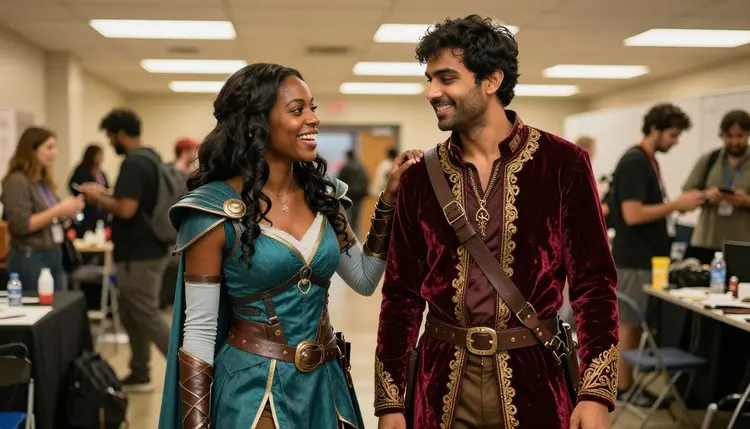
Rewording a prompt to sneak past a filter is not the recommended move, and it rarely works reliably anyway. Switching to one of the six confirmed models is the sanctioned path. Your generations are also private by default: what you create here is not published, shared or shown to other users, and it stays tied to your own account.
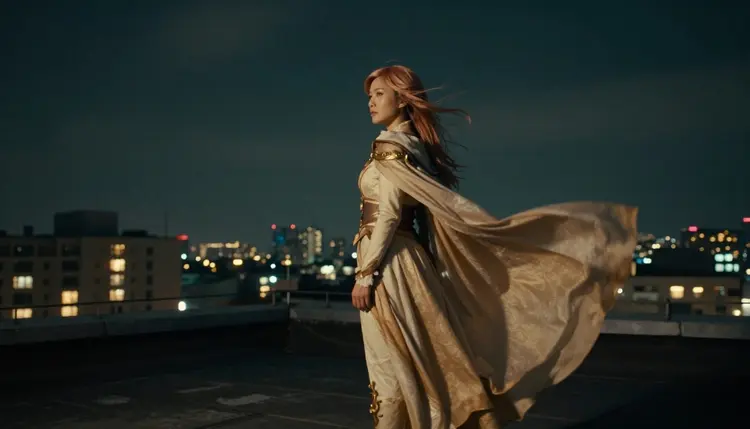
Are Qwen Image 2 and Recraft V4.1 Pro both actually filter-free for NSFW prompts?
Yes. Both are confirmed models on Picasso IA that generate NSFW content directly, with no filter blocking or rewriting the prompt first, alongside Seedream 4.5, Picasso Image Editor Pro, Picasso Video and LTX 2.3 Pro.
Which model is better for anime-inspired cosplay art, Qwen Image 2 or Recraft V4.1 Pro?
It depends on the prompt. Qwen Image 2 tends to follow long, multi-part prompts closely, which suits scenes built around a specific pose or moment, while Recraft V4.1 Pro tends to render costume materials like leather, metal and embroidery with more precision, which suits scenes built around a detailed outfit.
Is this anime style drawn or illustrated?
No. The anime theme on this page comes through costume, hair color and pose in real photography, not through illustrated or cartoon rendering. Every image is shot like a photograph, with real lighting and real texture, never flat linework or cel shading.
Can I generate a real person or a public figure with either model?
No. Every model on Picasso IA, Qwen Image 2 and Recraft V4.1 Pro included, is restricted to fictional, adult characters only. Real people, public figures and anyone who could be mistaken for a minor are never acceptable subjects, under any prompt or model.
Why does another model refuse my adult prompt when these two accept it?
Most other models on Picasso IA run their own content filter, and an adult prompt that trips it gets blocked with a "Content Not Supported by This Model" message instead of generated. Qwen Image 2 and Recraft V4.1 Pro are two of the six models confirmed not to apply that block.
Should I reword my prompt to get past a filter instead of switching models?
No. Rewording a prompt to sneak past a content filter is not the recommended approach and rarely works. Switching to a confirmed model like Qwen Image 2 or Recraft V4.1 Pro is the sanctioned path when another model blocks a prompt.
Are my NSFW generations private?
Yes. Generations on Picasso IA are private by default. What you create is tied to your own account and is not shown to other users or published anywhere on the platform.
Can I use the two models together on the same character?
Yes. Some creators start a character on Qwen Image 2 for pose and composition, then bring the costume detail into a second pass on Recraft V4.1 Pro, or refine either result with Picasso Image Editor Pro.
How much does a generation cost on either model?
Cost is charged in credits and depends on the resolution and aspect ratio you choose, the same as other models on the platform. Current rates are on the pricing page, and new accounts start with free credits to try both models.
Does this approach work for other costume themes, not just anime?
Yes. The same costume-first, photography-not-illustration approach works for fantasy armor, period gowns, tactical gear or any other themed wardrobe. Describe the outfit, the material and the setting, and either model renders it as a real photograph rather than drawn art.