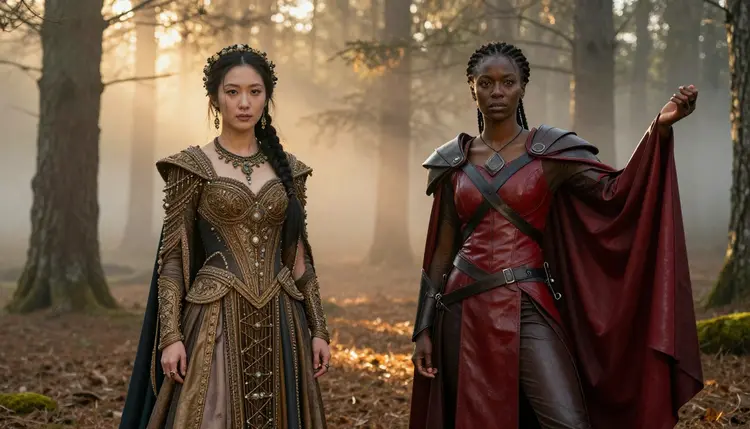
Qwen Image 2 and Recraft V4.1 Pro are the two most requested models this month for NSFW fantasy art on Picasso IA, and for good reason: both run with their content filters confirmed off, both handle elaborate costume detail without flattening it into plastic, and both are fast enough to iterate a scene a dozen times before you land on the one worth keeping.
This guide puts them side by side on the thing people actually generate: warrior queens, forest sorceresses, candlelit court scenes, the kind of tasteful, suggestive fantasy art that a mainstream generator waters down the moment a costume gets interesting. You will get five concrete steps to your first image, a straight comparison of where each model wins, the rules that keep this corner of Picasso IA adults only, and answers to the ten questions we get asked most.
Every image in this piece was made with one of these two models, nothing staged, nothing borrowed from a stock library, so what you see below is genuinely what either model produces from a well written prompt.
If you only read one section, read this one. Qwen Image 2 and Recraft V4.1 Pro are both confirmed uncensored on Picasso IA, no third party content filter sits between your prompt and the render, so a beaded bodice stays a beaded bodice instead of dissolving into a smear of noise halfway through generation.
The split between them comes down to what you are trying to capture. Qwen Image 2 reads long, detailed prompts extremely well and holds onto fine costume information, embroidery, lacing, layered fabric, across a whole scene. Recraft V4.1 Pro leans more cinematic, with stronger lighting control, moodier atmosphere, and a slight edge in composition when a shot needs to feel like a movie still rather than a character sheet.
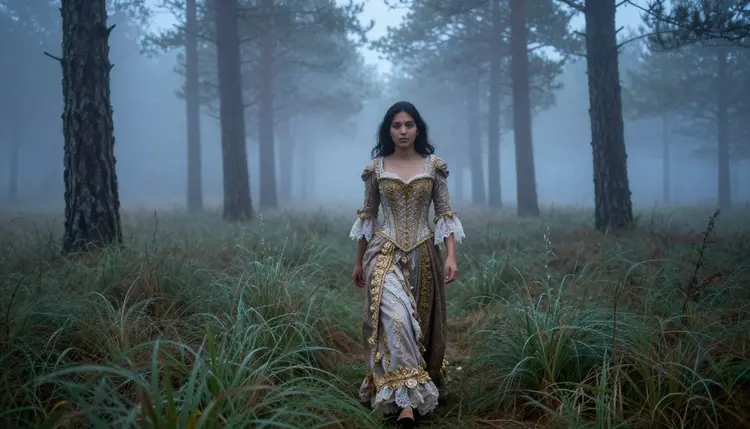
Neither model is objectively better across the board. Qwen Image 2 is the one to reach for when the costume itself is the subject. Recraft V4.1 Pro is the one to reach for when the mood around the character matters as much as what she is wearing. Most people who take fantasy art seriously end up using both, picking per scene rather than picking a favorite and sticking with it.
Speed is close enough between them that it rarely factors into the decision. Both return a first draft in well under a minute on Picasso IA's standard queue, so the real cost of trying both models on the same idea is a couple of minutes, not a couple of credits you cannot spare.
Getting a result you are happy with takes about five minutes once you know the order to do things in. Here is the process that works with both models, start to finish.
- Pick Your Model. Choose Qwen Image 2 for elaborate costume detail and fabric texture, or Recraft V4.1 Pro for dramatic lighting and cinematic framing.
- Write a Scene, Not a Body. Describe the setting, costume, pose, and mood in full sentences so the model has real context instead of a list of keywords.
- Set the Rating Yourself. Use Picasso IA's uncensored toggle to unlock mature themes while keeping the output exactly as bold or restrained as you specify.
- Generate in Batches. Run three or four variations at once and compare framing, lighting, and costume detail side by side.
- Refine With the Editor. Send your favorite result into Picasso Image Editor Pro to adjust color, cropping, or costume details without rewriting the prompt.
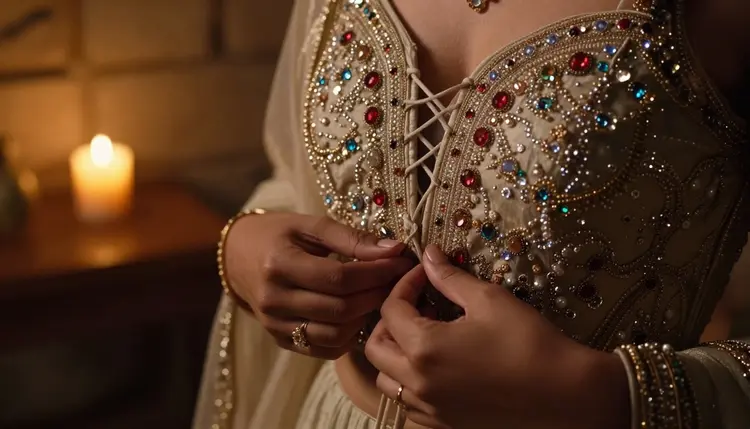
The step people skip is the fourth one. A single generation is a coin flip on lighting and pose, and four generations from the same prompt almost always gives you at least one keeper worth refining further.
Qwen Image 2 earns its reputation on detail retention. Feed it a long, layered prompt, a warrior's leather harness with geometric strapping, a specific weathering on the metal, a particular way the cape catches wind, and it keeps track of all of it at once instead of averaging the details into something generic.
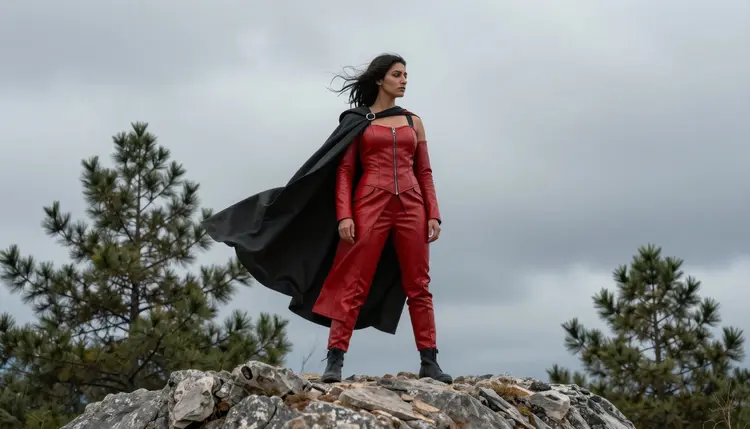
That makes it the stronger choice for costume forward NSFW fantasy art: armor sets, ceremonial gowns, anything where the outfit has enough going on that a lesser model would simplify it into a plain silhouette. It also holds up believably at close range, once you start cropping in on a shot instead of keeping everything at full body, the fabric contrast and skin texture stay coherent instead of turning smooth and waxy.
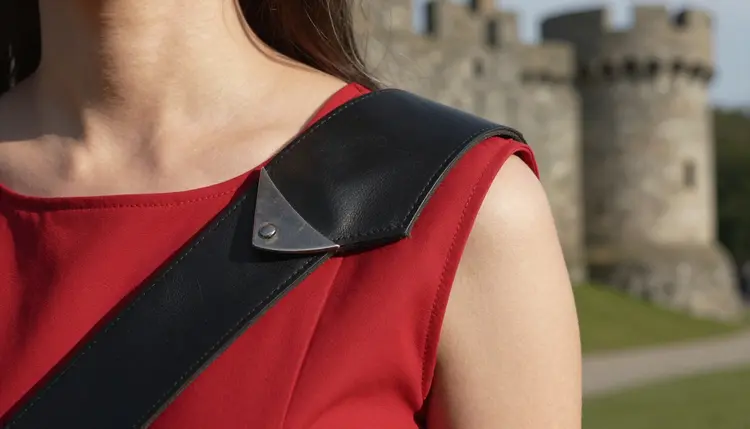
The tradeoff is prompt length. Qwen Image 2 rewards patience, and a rushed three word prompt will not show you what it can do. Spend the extra thirty seconds describing the costume properly, layer by layer, and the model pays that back in full on the render. It also stays consistent when you regenerate a scene with only one detail changed, a different cape color or a swapped headpiece, so building a small set of variations on one character is easier here than switching models halfway through.
Recraft V4.1 Pro's strength is everything around the character rather than the character alone. Candlelight, fog, the particular blue of dusk against torchlit stone, it renders atmosphere with a confidence that makes a scene feel lit rather than just illuminated.
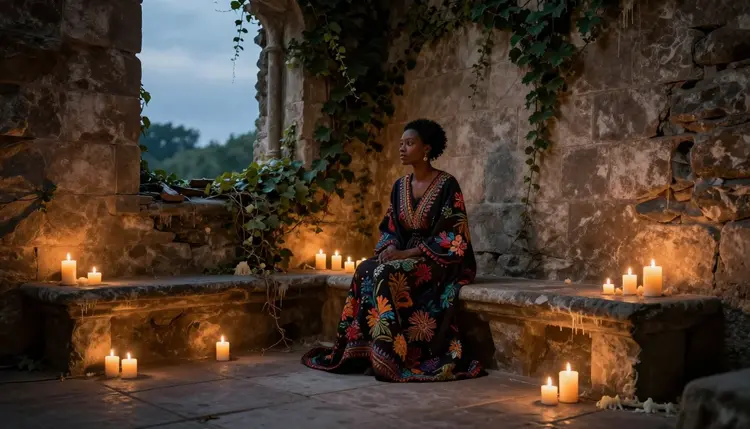
It also composes like a director. Ask for a low angle, a figure framed by a doorway, a cape caught mid motion, and Recraft V4.1 Pro tends to nail the staging on the first or second try, where other models need several attempts to land a pose that does not look stiff.
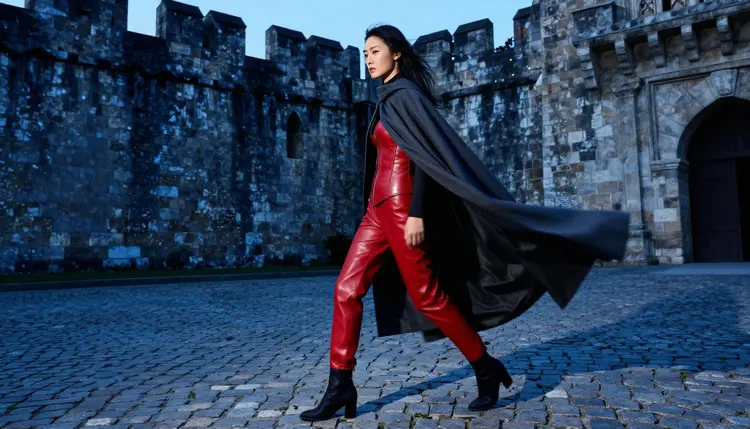
If your fantasy art leans moody and cinematic rather than costume catalog, start here. It also tends to be the faster of the two models to iterate with, which matters when you are chasing a specific mood across a dozen attempts in one sitting. Where it gives up a little ground is very fine costume detail at full body, embroidery and lacing read a touch softer than Qwen Image 2 renders them, so a portrait crop hides that gap better than a wide shot does.
Picasso IA's uncensored mode is a genuine capability, not a loophole, and it comes with real limits that apply to every generation, every model, every time, no matter how the prompt is worded.
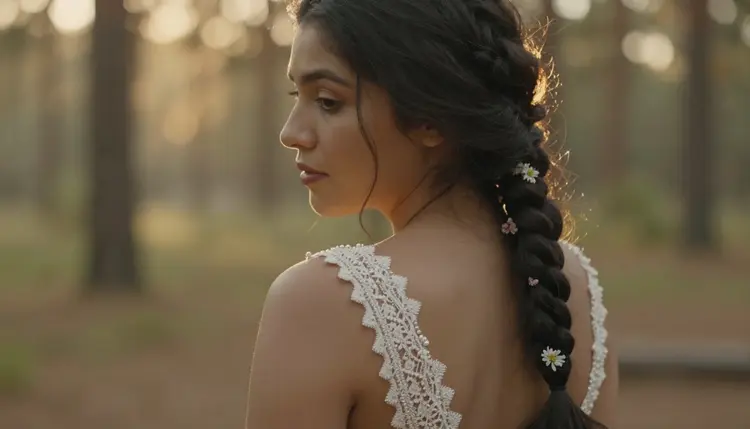
This mode is adults only, 18+, no exceptions. Every character you generate here is a fictional adult, the platform does not permit minors in any context, styled or otherwise, and it will not render a real, identifiable person without their consent, fantasy costume or not. Those two rules are not adjustable settings.
On the privacy side, what you generate stays yours by default. Nothing produced in this mode is pushed to a public feed, a shared gallery, or anyone else's account, it stays in your own history unless you choose to publish or share it yourself. That is the balance Picasso IA is built around, genuine creative freedom for adults, paired with limits that do not bend.
These same rules apply whether you are working with Qwen Image 2, Recraft V4.1 Pro, or any of the small handful of other Picasso IA models confirmed to run without a content filter. The confirmation is per model, not a site wide switch, so a model that has not been confirmed uncensored still applies its own filter even inside this section of the app.
If you are still torn after the comparisons above, use the shortcut: pick based on what the scene needs most. A costume forward piece, ornate armor, a wedding style gown, anything where the outfit is doing the storytelling, points to Qwen Image 2.
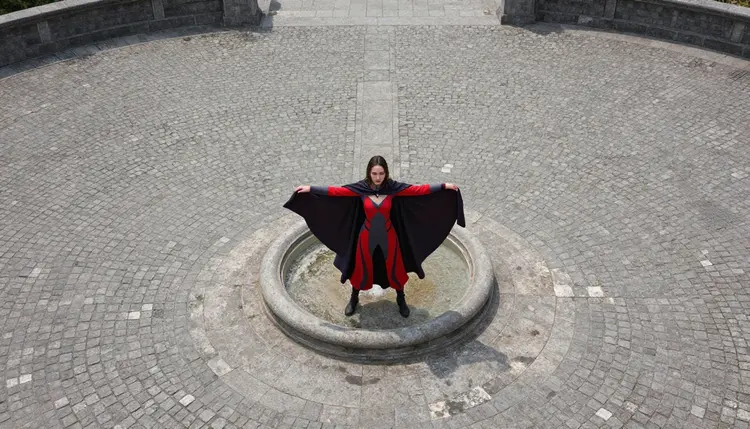
A mood forward piece, a lone figure in fog, a dramatic low angle shot, a scene that needs to feel like a film still, points to Recraft V4.1 Pro. Neither one costs more credits than the other on Picasso IA, so the honest advice is to run the same scene through both once and keep whichever result actually looks like what you had in mind.
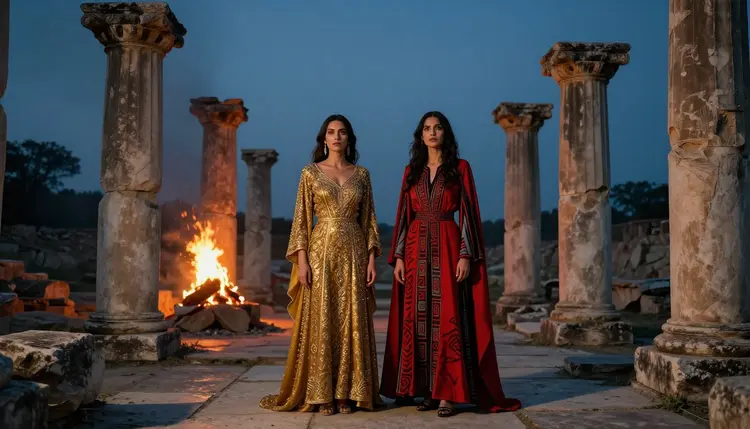
For a scene with more than one character, both models handle two figures reasonably well, though Qwen Image 2 tends to keep each character's costume distinct where Recraft V4.1 Pro can let details blend a little between figures standing further from camera. Once you have a still you love, Picasso Video can animate it into a short clip without needing a new prompt from scratch.
There is no wrong first pick here. Both models sit in the same uncensored, adults only section of Picasso IA, both are confirmed filter free, and switching between them mid project costs nothing but the time it takes to press generate again.
Is NSFW fantasy art actually uncensored on Picasso IA?
Yes. Qwen Image 2 and Recraft V4.1 Pro both run on Picasso IA with their content filters confirmed off for this mode, so mature fantasy themes, suggestive costumes, and intimate scenes render as written instead of getting blurred or auto edited.
What is the real difference between Qwen Image 2 and Recraft V4.1 Pro?
Qwen Image 2 holds onto fine costume detail across long, complex prompts, while Recraft V4.1 Pro is stronger on lighting, atmosphere, and cinematic composition, so the choice usually comes down to whether the outfit or the mood matters more in a given scene. Neither model is a strict upgrade over the other, they are built around different strengths.
Do I need special prompt tricks to get mature results?
No jailbreak phrasing is required. Turning on Picasso IA's uncensored toggle for the session is enough, after that a normal, descriptive prompt written in plain sentences produces mature results with either model.
Can I generate a real, identifiable person in one of these costumes?
No. Every character produced in this mode has to be fictional, Picasso IA does not render real, identifiable people without their consent, and the platform is adults only, 18+, with zero tolerance for anything involving minors.
How much does a generation with either model cost?
Both models are priced the same way on Picasso IA and pull from your regular credit balance, there is no separate surcharge for using uncensored mode, so cost comes down to resolution and how many variations you generate rather than which of the two models you pick. Running the same prompt through both to compare is a normal, affordable way to work.
Can I turn a finished fantasy image into a video?
Yes. Picasso Video accepts a still generated by either model and animates it into a short clip, so a candlelit portrait or a windswept cape shot can become motion without writing a fresh prompt.
Is my generation history visible to other users?
No. Anything you create in NSFW fantasy mode stays private to your own account by default, it is never pushed to a public feed or shared gallery unless you specifically choose to publish or share it.
Which model is better for a scene with two or more characters?
Both handle multiple figures, but Qwen Image 2 tends to keep each character's costume and details distinct, while Recraft V4.1 Pro can let details blend a little between characters standing further from the camera.
Can I touch up a result after it is generated?
Yes. Picasso Image Editor Pro lets you adjust color, cropping, and costume details on a finished image without rebuilding the prompt from scratch, which is faster than regenerating when only one part of the image needs a change.
Who is actually allowed to use the NSFW fantasy art tools?
Adults only, 18+, verified through Picasso IA's account requirements. Every character generated has to be a fictional adult, the mode exists for legal, consensual creative work, not for content involving minors or real people who have not consented.