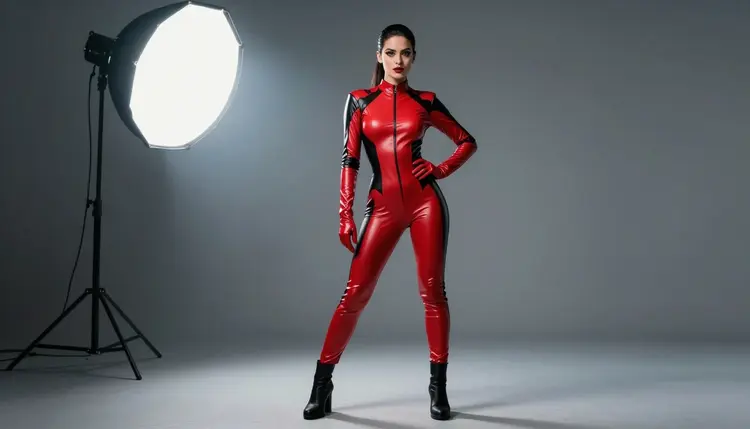
Recraft V4.1 Utility Pro showed up in the Picasso IA model list this month, and the name alone raises a fair question: is this just Recraft V4.1 Pro with a new badge, or something built for an entirely different job. Short answer, it is the second one, a leaner sibling in the same family, tuned for fast, utility style output rather than the layered skin tone and studio lighting that make adult fictional character art actually convincing.
We ran it anyway, because untested is not the same as not worth trying, and a bold caped hero costume shoot is exactly the kind of concept that shows where a new model's strengths stop and where they do not. This guide walks through what we actually saw testing it, a five step way to try the comparison yourself if you are curious, the honest rules Picasso IA holds every NSFW generation to, and where to go instead, Recraft V4.1 Pro, if what you want is a confirmed uncensored result on the first try.
Recraft V4.1 Utility Pro is a real model inside the Recraft V4.1 family, sitting right next to Recraft V4.1 Pro in Picasso IA's Toolkit. The word Utility is the clue to what it is actually built for: fast, clean output aimed at production tasks, flat vector style graphics, icon sets, sticker sheets and similar work, rather than the layered skin tone, fabric texture and studio lighting that adult fictional scenes depend on to look finished.
That distinction matters here because Picasso IA does not currently list Recraft V4.1 Utility Pro among its confirmed uncensored models. Recraft V4.1 Pro carries that confirmation, earned through enough adult fictional scenes to trust it consistently. Recraft V4.1 Utility Pro does not, not because it is blocked outright, but because nobody has run it through enough mature, fictional scenes yet to say with confidence how it handles a flirty pose, a bare shoulder or a close costume detail every single time. Untested is the honest word for that gap, and it is the word we are using here on purpose, not a softer one that would oversell what we actually know.
So we treated this page as exactly what it is, an experiment written up in public. We picked one costume concept with a lot of texture and color to render, a flowing caped hero look, gave it to Recraft V4.1 Utility Pro first, then ran the identical prompt through Recraft V4.1 Pro to see what the gap between an untested model and a confirmed one actually looks like in practice, rather than guessing from a spec sheet.
If you want to run your own comparison instead of taking our word for it, the workflow takes five steps, and it stays the same whether you are testing a solo hero, a villain look or a full costume set with more than one character.
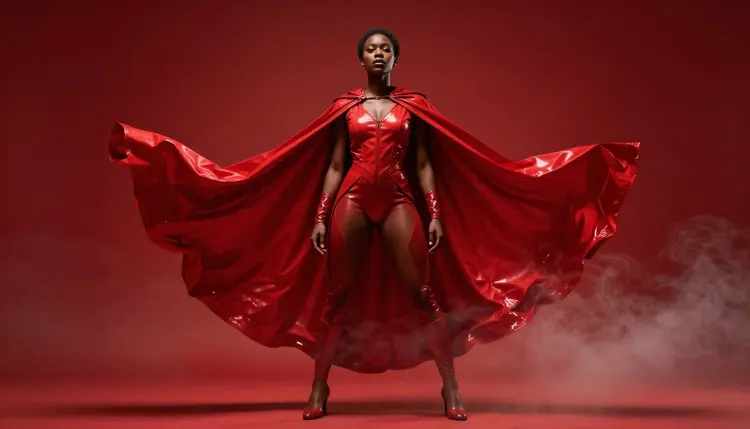
- Pick a Costume Concept. Choose one clear look, for example a flowing red cape over a fitted bodysuit, so the model has a specific target instead of a vague idea.
- Write the Scene in Plain Language. Describe the costume, the pose and the setting together, a low camera angle, a smoky studio, a dramatic stance.
- Select Recraft V4.1 Utility Pro in the Toolkit. Open Picasso IA's Toolkit, choose it from the model list, and generate a first pass so you have something real to judge instead of guessing.
- Run the Same Prompt Through Recraft V4.1 Pro. Keep every word identical and switch only the model, so any difference you see comes from the model, not the wording.
- Compare Skin, Fabric and Light. Look closely at texture, skin tone consistency and how each model handles the flirty parts of the pose, then keep whichever result actually matches what you pictured.
Ten minutes covers the whole comparison end to end, and since Picasso IA only charges credits on the version you keep, testing both models costs you nothing but a little time.
Recraft V4.1 Utility Pro rendered the flat, graphic elements of the costume well: the red trim along the collar, the cape's clean silhouette against the studio background, the hard edge of a belt buckle. That tracks with what the model is actually built for, and on those elements alone it held its own against Recraft V4.1 Pro without much visible difference.
Where it struggled was the part this particular theme leans on most. Skin tone under mixed studio light came back a little flat in a few passes, fabric that should have real weight and drape sometimes read closer to a flat graphic than to cloth, and the more confident, flirty end of the pose range did not always land the way the prompt asked for it. A handful of generations came back stiff, or with the drama of the lighting softened in a way that dulled the mood we were going for.
None of that is a knock on the model. It was built for a different job, and on that job it performs well. But if your goal is a convincing, adult fictional hero scene with real studio lighting and a pose that reads as intentional rather than awkward, Recraft V4.1 Utility Pro is not reliably there yet, and Picasso IA is not making that claim on its behalf just because the name sits next to a confirmed one.
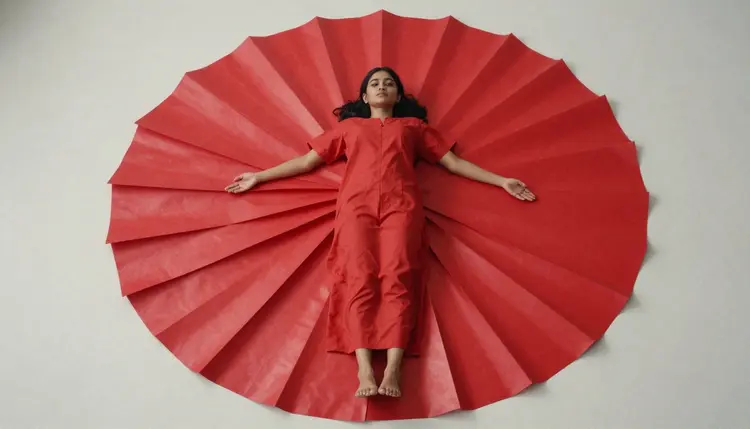
It is worth saying plainly that this is exactly the kind of gap that can close as a model gets tested more. If you try Recraft V4.1 Utility Pro yourself on a different costume concept and get a result you like, that is a genuinely useful data point for everyone, we are simply not turning that into a filter free claim on this page until it has been through more of this kind of testing across more scenes.
For the exact same caped hero concept, Recraft V4.1 Pro is Picasso IA's confirmed uncensored model, and it is the one we point to whenever a scene needs to look finished rather than experimental. Running the identical prompt through it, skin tone held steady through the low, moody studio light, the cape's fabric kept a sense of real weight and movement, and the low angle hero pose read exactly as commanding as the prompt asked for, with no content filter stepping in on a flirty stance or a bare shoulder along the way.
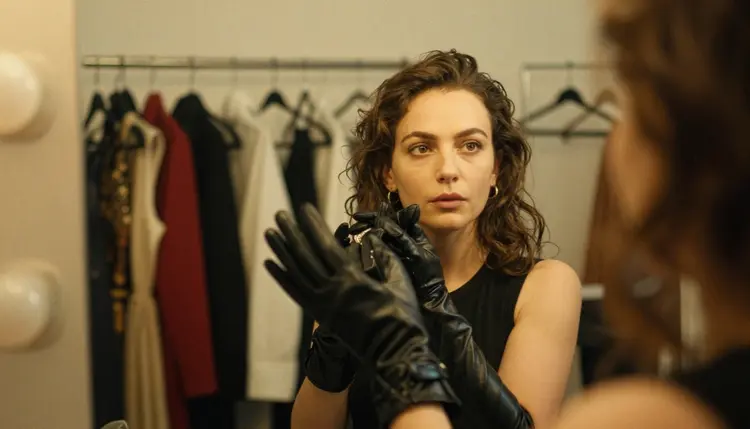
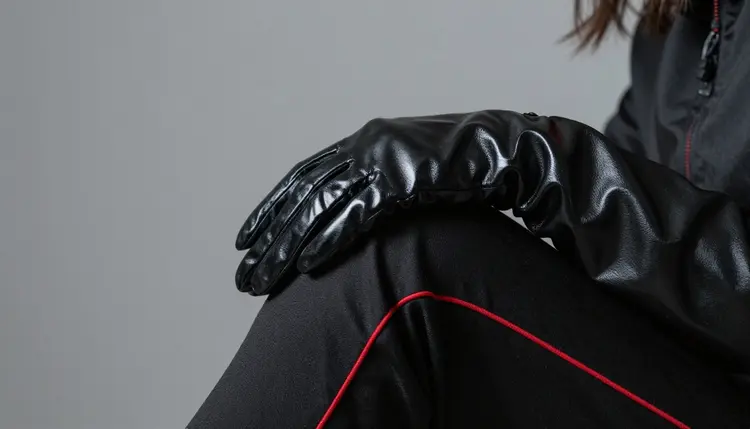
If your prompt leans on any fine detail at all, the texture of a glove, the sheen on a boot, makeup catching stage light, Recraft V4.1 Pro is simply the safer starting point every time. Save Recraft V4.1 Utility Pro for the moments you specifically want to run this kind of side by side comparison yourself, or for the flatter, more graphic pieces of a costume design rather than the character wearing it.
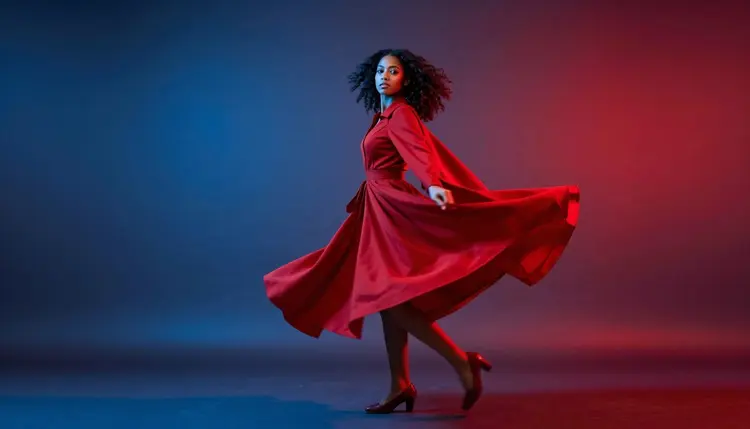
Both models sit in the same Toolkit panel, so switching between them for your own comparison costs nothing beyond a second generation and a couple of minutes.
Every generation described on this page, whether it came from Recraft V4.1 Utility Pro or Recraft V4.1 Pro, sits behind the same rule. Picasso IA's NSFW tools are strictly for adults, you confirm you are 18 or older before anything mature generates, and that applies the same way to a single hero pose as it does to a full costume set with more than one character in frame.
Every character shown or described here is a fictional adult. We do not allow minors to appear in any generation, in any costume or setting, and we do not allow real, identifiable people to be depicted without their clear, given consent. That line does not move regardless of which model in the Recraft V4.1 family you happen to be testing.
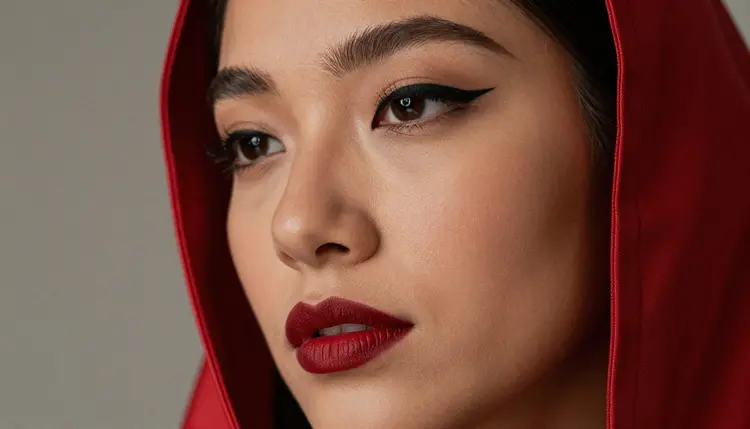
Your prompts and the images you generate stay private by default. Nobody else sees a costume test you run, whether it came from a confirmed model or an untested one, unless you actively choose to share it yourself.
Once you have a costume base that works, small swaps carry a surprising amount of range. Trade the cape for a longer coat, change the glove color, or drop the cape entirely for a sleeker bodysuit silhouette, and keeping the same lighting setup, a low key studio with one hard rim light, makes every version still feel like part of the same shoot.
Lighting is doing most of the emotional work in a set like this. A smoky, backlit studio reads as mysterious. A hard split of blue and red light reads as high drama. A softer front light on a quiet backstage mirror moment reads as personal rather than performative. Pair any of those with a confident pose, and Recraft V4.1 Pro carries the mood all the way through the fine details, windblown fabric, a glint on a buckle, the texture of a glove against skin.
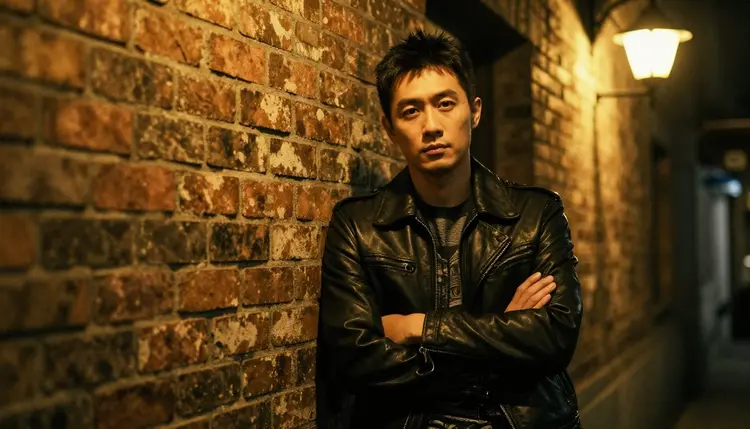
The theme also holds up well as a contrast pair rather than a single character. Swap the caped hero for something rougher, a man in a worn leather jacket leaning against a brick wall at night, and the same basic prompt structure, costume, pose, light, produces a completely different, grittier energy without starting from scratch.
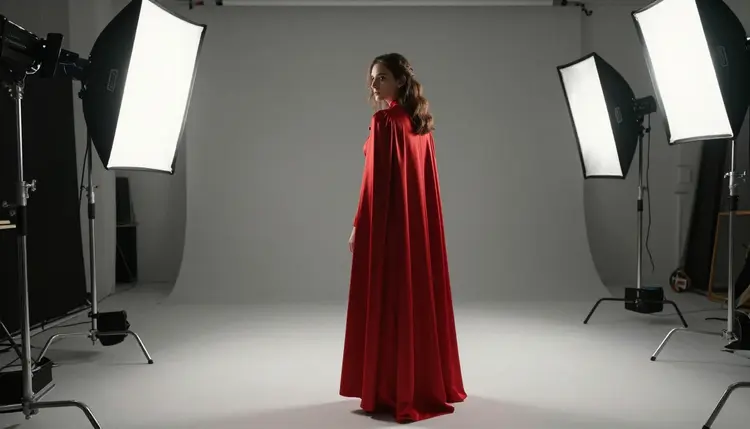
Closing a set like this with a wider shot, the full costume and studio visible from behind rather than a close crop, shows how much one consistent lighting setup does to make a whole series read as intentional rather than like a pile of disconnected tests.
Is Recraft V4.1 Utility Pro the same model as Recraft V4.1 Pro?
No. They are related but separate models in the same family. Recraft V4.1 Pro is tuned for detailed character art and is Picasso IA's confirmed uncensored choice for adult fictional scenes, while Recraft V4.1 Utility Pro is built for faster, flatter, more graphic output and has not been confirmed uncensored for this kind of content.
Is Recraft V4.1 Utility Pro uncensored for NSFW content?
That has not been confirmed. Picasso IA only makes a filter free claim about Seedream 4.5, Qwen Image 2, Recraft V4.1 Pro, Picasso Image Editor Pro, Picasso Video and LTX 2.3 Pro. Recraft V4.1 Utility Pro is untested for adult fictional scenes, and every character generated on Picasso IA, tested model or not, must still be a fictional adult, 18 and over.
Should I use Recraft V4.1 Utility Pro or Recraft V4.1 Pro for a hero costume scene?
If you want a reliable, finished looking result, choose Recraft V4.1 Pro, since it is the confirmed uncensored model and handled the skin tone, fabric and lighting in our test consistently. Try Recraft V4.1 Utility Pro if you are curious about the comparison itself or you only need the flatter, more graphic parts of a costume rendered quickly.
What did Recraft V4.1 Utility Pro get wrong in your test?
The flat costume elements, trim, silhouette, buckle details, came through well, but skin tone under studio light and fabric that needed real drape and weight came back stiffer and flatter than Recraft V4.1 Pro's version of the same prompt, which is expected from a model tuned for a different kind of output.
Can I generate a male character in this same costume style?
Yes. Describe a man instead of a woman, for example a rugged character in a worn leather jacket against a brick wall at night, and Recraft V4.1 Pro handles the swap with the same level of detail, no separate workflow required.
Is my prompt and the images I generate private?
Yes, everything you generate on Picasso IA is private by default, whether you are testing Recraft V4.1 Utility Pro out of curiosity or generating a final version with Recraft V4.1 Pro. Nobody else sees it unless you choose to share it yourself.
What age rating applies to this content?
All NSFW content on Picasso IA is strictly 18+. You confirm you are an adult before generating anything mature, and every character in every image, hero costume or otherwise, is a fictional adult, never a minor and never a real person shown without consent.
Will Recraft V4.1 Utility Pro become a confirmed uncensored model later?
It is possible. Confirmation comes from running a model through enough adult fictional scenes to trust its results consistently, and Recraft V4.1 Utility Pro simply has not been through that process yet. If that changes, this page will reflect it.
How specific should my costume prompt be?
Very specific. Instead of writing hero costume, describe the exact pieces, a flowing red cape, a fitted bodysuit, glossy gloves, plus the pose and the lighting, a low camera angle under a hard rim light. Recraft V4.1 Pro rewards that level of detail with a more accurate, more finished result.
Can I turn one of these costume images into a video?
Yes. Picasso Video and LTX 2.3 Pro are both confirmed uncensored models for adult fictional scenes, so a favorite still, a dramatic hero pose or a mid spin moment, can become a short clip once you are happy with the image it started from.