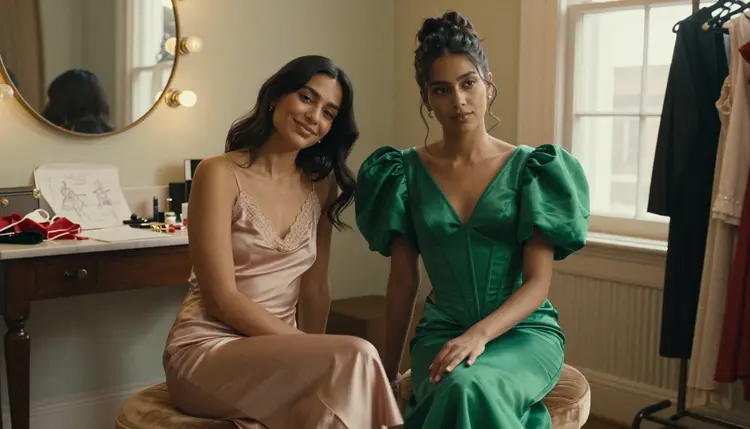
Seedream 4.5 and Recraft V4.1 Pro are the two models on Picasso IA built for realism in mature scenes, and they get there in different ways. One behaves like a camera, the other like an illustrator with a very steady hand. Neither one needs a workaround to generate a suggestive prompt, and neither one is a guess: both are confirmed, filter free models on Picasso IA, out of a catalog of more than 480.
This page puts the two side by side for one specific job, NSFW realism. It covers what each model actually renders well, five steps to run the same prompt on both and compare the results, where the other confirmed models fit in, and the fictional only rules that apply to everything generated here.
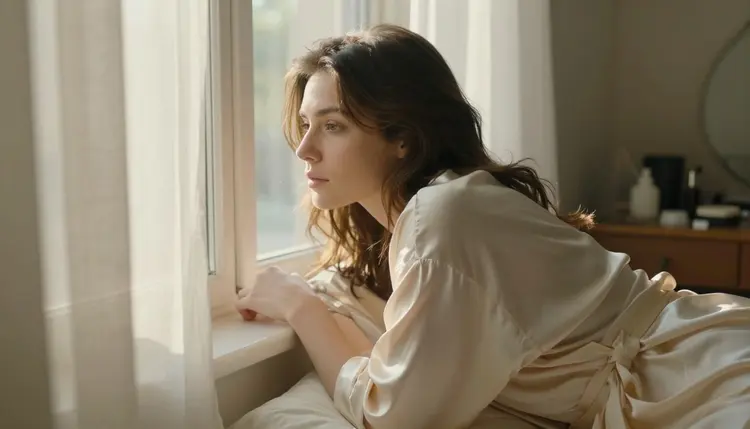
Seedream 4.5 is the model to reach for when the goal is a result that reads like a photograph rather than a rendering. Skin keeps its texture instead of smoothing into plastic, light falls the way it does through a real window or under a real bulb, and small details, a stray hair, a fold in fabric, a shadow under a collarbone, survive the generation instead of getting averaged away.
That level of detail is also why Seedream 4.5 is one of the six models on Picasso IA confirmed to generate mature prompts directly, without a safety layer stepping in to refuse or soften the scene. The other 480 plus models in the catalog have not been confirmed to behave the same way with an adult prompt, so treat anything outside the six as filtered until proven otherwise.
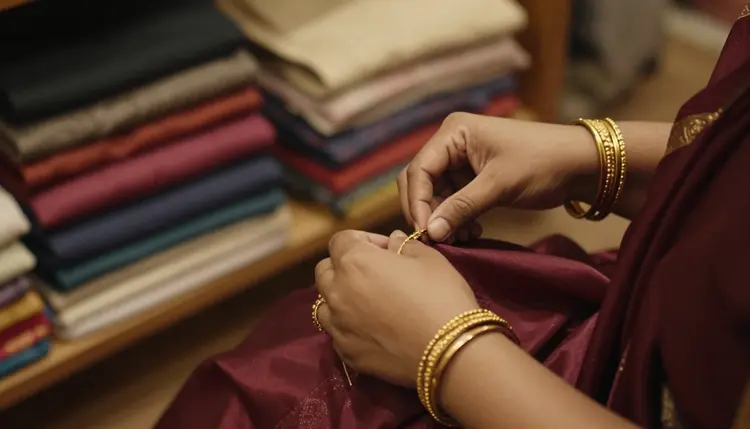
Where Seedream 4.5 is strongest is close, personal framing, a face lit from one side, hands doing something specific, jewelry or fabric catching light at the edges. The closer the shot, the more the photographic realism shows, which is part of why it has become the default pick for portraits on Picasso IA's uncensored side.
Prompts that describe a specific light source, morning window light, a bedside lamp, a bathroom mirror, tend to get the most out of Seedream 4.5, because the model is reading that description as a lighting instruction rather than decoration. The same goes for texture words, silk, damp skin, warm cotton, which push the render toward believable material rather than a flat, uniform surface.
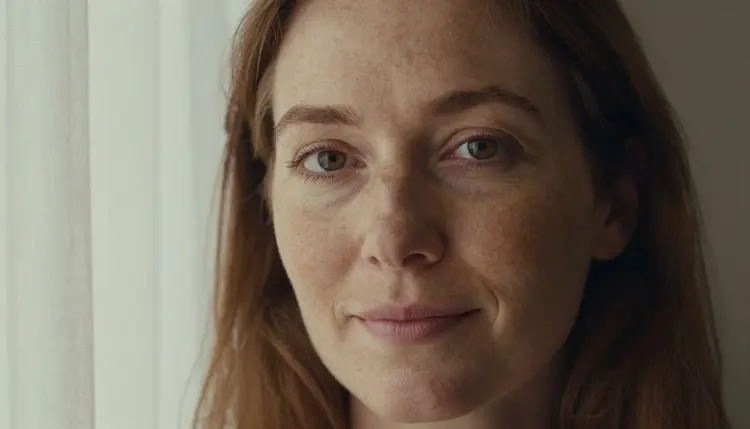
Recraft V4.1 Pro is also confirmed and filter free, and it also aims at realism, just from a different direction. Instead of chasing a camera's small imperfections, it renders bodies, fabric and light with an illustrated finish, closer to a polished digital painting than to a photograph. Proportions stay accurate and skin still carries depth and shading, but the overall image reads as art rather than as a captured moment.
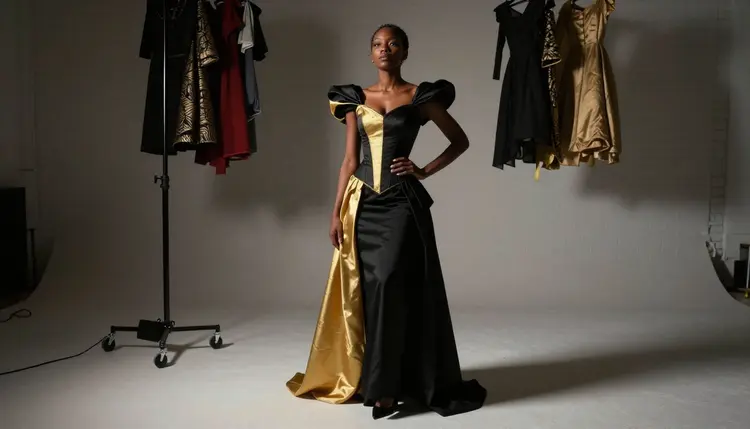
That distinction matters more than it sounds. A photoreal scene from Seedream 4.5 and an illustrated one from Recraft V4.1 Pro can describe the exact same pose, wardrobe and setting and still land as two different kinds of realism, one because it looks caught on camera, the other because every edge and highlight is deliberately placed. Full length poses, structured gowns and dramatic studio light tend to suit Recraft V4.1 Pro's finish particularly well, since the illustrated style holds up at a wider frame where photoreal skin texture would need to do more work.
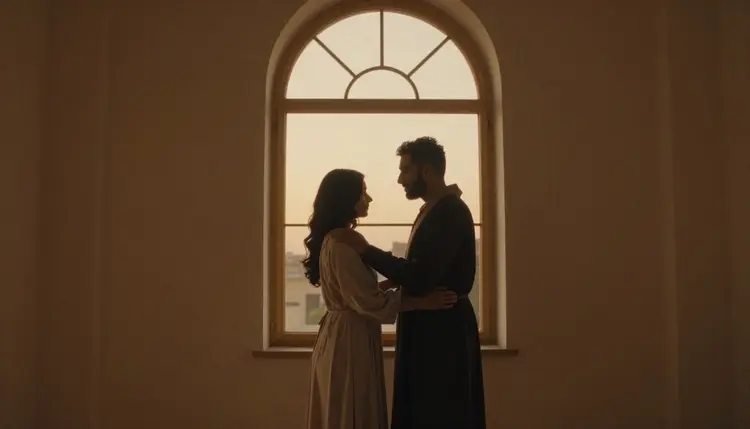
Romantic and mood driven scenes, a couple in silhouette, a candlelit room, a dusk skyline, also tend to favor Recraft V4.1 Pro, since its illustrated light behaves consistently across a whole frame rather than needing a single, sharply lit focal point the way a photoreal render often does.
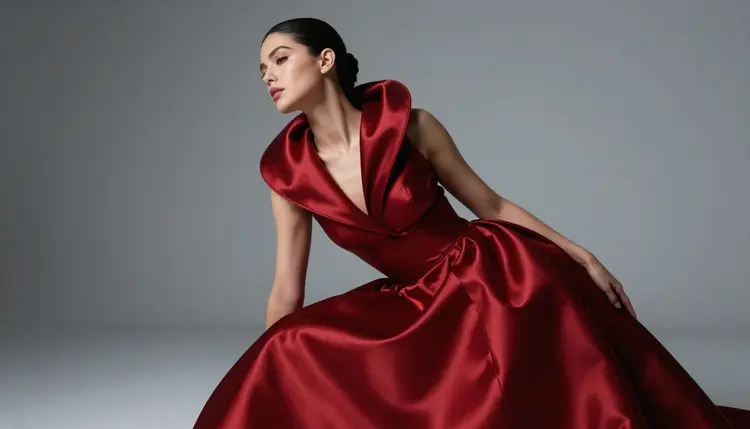
Color choices also carry further on Recraft V4.1 Pro than on a photoreal model. Deep reds, gold trim and rich fabric tend to stay saturated and clean at the edges, where the same colors on a camera-style render can pick up noise or lose their sharpness the closer the light gets to the fabric.
Running one identical prompt on both models is the fastest way to see which realism actually fits a given scene. Here is how to do it properly.
- Write one prompt, not two. Describe the character, the wardrobe, the pose and the light once, in plain language, before opening either model, so the comparison stays fair.
- Generate with Seedream 4.5 first. Open the toolkit, select Seedream 4.5 and run the prompt exactly as written to get the photoreal read.
- Generate the same prompt with Recraft V4.1 Pro. Switch models without changing a word of the prompt, so any difference in the result comes from the model, not the wording.
- Compare skin, light and edges. Photoreal texture and camera-like imperfections favor Seedream 4.5, while clean lines and a painted finish favor Recraft V4.1 Pro.
- Refine with the image editor if either result is close. Send whichever version reads better to Picasso Image Editor Pro to fix a detail instead of regenerating the whole scene.
Seedream 4.5 and Recraft V4.1 Pro are the two to compare for realism specifically, but they are not the only confirmed, filter free models on Picasso IA. Qwen Image 2 is a third photoreal option, more flexible on prompt phrasing, worth a try if a scene needs a look neither of the first two quite lands. Picasso Image Editor Pro edits an existing image directly rather than generating from scratch, which is useful once a scene from either comparison model needs a small fix rather than a full redo.

For motion, Picasso Video and LTX 2.3 Pro carry the same idea into video, both are confirmed to generate mature motion directly, and a still generated with Seedream 4.5 or Recraft V4.1 Pro can be reworked into a prompt for either one. That is six confirmed models in total across image and video, out of a catalog of more than 480.
Every other model on Picasso IA, however capable it is at other tasks, has not been confirmed to handle a mature prompt the same way. Treat any model outside these six as filtered until it proves otherwise, rather than assuming a wide catalog means a wide set of uncensored options.
Every character Seedream 4.5 and Recraft V4.1 Pro generate through this comparison has to be an invented adult, eighteen or older by every visual cue in the prompt, never a real, identifiable person and never anyone who could read as a minor no matter how the prompt is worded. There is no version of this comparison that applies to a real person's likeness, a celebrity or a public figure, and none of the six confirmed models change that boundary. They only change whether a mature prompt is filtered before it generates, nothing else.
Generations made through Picasso IA stay private by default. What gets created here is not published to a public feed or shown to other users, and it stays tied to the account that made it unless that account chooses to share it elsewhere.
Picasso IA runs on one credit system across the entire catalog, including the six confirmed models covered here. New accounts start with free credits, enough to run the same prompt on Seedream 4.5 and Recraft V4.1 Pro and see the realism difference firsthand before deciding which style fits what is being made. Image and video models draw down credits at different rates, and for some models the resolution or length picked changes the cost, so current numbers live on pricing rather than repeated here.

There is no separate paywall for mature generation. The six confirmed models sit in the same catalog, at the same cost structure, as the other 480 plus models on Picasso IA. They simply do not refuse a mature prompt the way an unconfirmed model might.
Which model is more realistic for NSFW art, Seedream 4.5 or Recraft V4.1 Pro?
Seedream 4.5 leans photoreal, closer to a photograph with camera-like imperfections and true skin texture, while Recraft V4.1 Pro renders the same kind of scene with an illustrated, painterly finish. Neither is strictly more realistic than the other, they aim at two different definitions of realism, so the better fit depends on whether a photographic or an illustrated look is wanted.
Is Recraft V4.1 Pro also uncensored like Seedream 4.5?
Yes. Recraft V4.1 Pro is one of the six models on Picasso IA confirmed to generate mature prompts directly, the same confirmed, filter free status as Seedream 4.5, so a suggestive prompt does not need to be reworded or disguised to run on it.
Can I use the same prompt on both models to compare results?
Yes, and that is the fastest way to see the difference. Write the prompt once, generate it with Seedream 4.5, switch to Recraft V4.1 Pro without changing the wording, and compare how each one handles skin, light and the overall finish.
What happens if I try a mature prompt on a model that is not confirmed uncensored?
The model applies its own safety layer and refuses or waters down the scene. Picasso IA shows a message explaining the content is not supported by that model and points toward the six confirmed models instead, carrying the same prompt over so it does not need to be retyped.
Are the people generated by these models real?
No. Every character these models produce is fictional, invented from the prompt rather than based on a real person, and every character has to read as an adult, eighteen or older. Neither model is meant to reproduce a real, identifiable person's likeness, and prompts that could read as underage are not what this comparison, or Picasso IA, is built for.
Can I turn a Seedream 4.5 or Recraft V4.1 Pro image into a video?
Yes. Picasso Video and LTX 2.3 Pro are the two confirmed models for mature motion, and both can take a prompt built around a still image from either comparison model and turn it into a moving scene.
Is my generated content private?
Yes. Generations on Picasso IA are private by default, tied to the account that made them rather than posted to a public feed, and stay that way unless that account shares them elsewhere.
Do I need to reword my prompt to avoid a content filter?
No, not for Seedream 4.5 or Recraft V4.1 Pro. If a different model on Picasso IA refuses a mature prompt, the fix is switching to one of the six confirmed models, not disguising the same prompt to try to slip past a filter on a model that was never built for this.
Is there a free way to try both models before subscribing?
Yes. New accounts start with free credits that work across the catalog, including Seedream 4.5 and Recraft V4.1 Pro, so the same realism comparison covered in this guide can be run before deciding on a plan. Current plans are listed on pricing.
Can Picasso Image Editor Pro fix a detail instead of regenerating the whole image?
Yes. Picasso Image Editor Pro is one of the six confirmed models and edits an existing image directly, so a hand, a fold of fabric or one part of a pose can be corrected without starting the prompt over on either Seedream 4.5 or Recraft V4.1 Pro.