Type "NSFW AI generator" into a search bar and the same five questions come up before anything else does: is this actually legal, which model will not just refuse the prompt, how does a beginner even start, what are the rules for using it responsibly, and how much of it is really free. Most pages answer one of those and leave the other four for later.
This page answers all five in order, then adds a fast five step path to a first image, a short list of first time mistakes worth reading before generating anything, and ten follow up questions people tend to ask right after. Picasso IA's catalog runs to 488 AI models in total, and only a handful of them matter for this particular question, so the goal here is narrowing that down fast instead of padding it out.
One line before any of it: every person named or pictured on this page is a fictional adult, eighteen or older, and nothing here shows a real likeness or a minor in any style.
An NSFW AI generator is a tool that turns a text prompt, or an existing photo, into an intimate, flirty or otherwise mature image or video without refusing the request the way a general purpose model usually does. The range under that label is wide: a soft portrait in a robe, a romantic couple's scene, a boudoir style photo set. What separates an NSFW generator from an everyday one is not the subject matter alone, it is whether the model actually completes the request instead of stopping at a filter built for a broad, general audience.

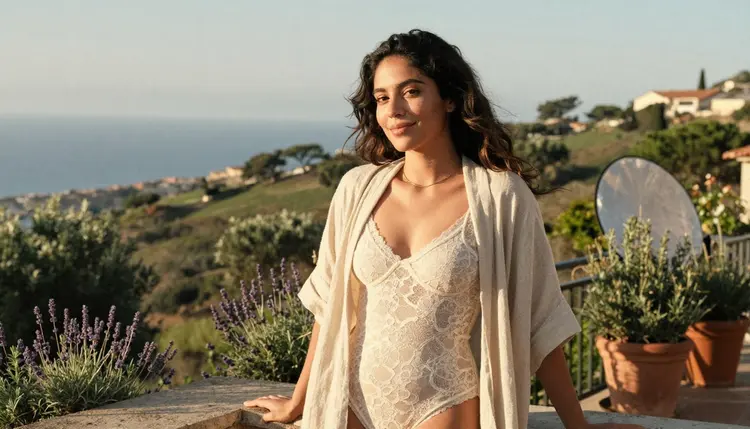
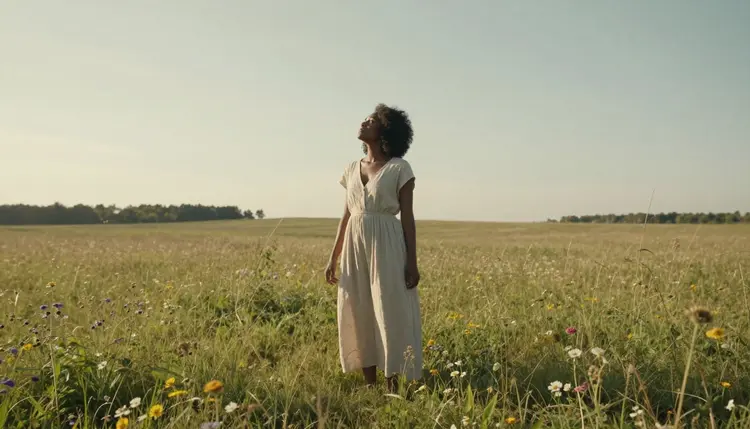
A quiet scene like this one, natural light, a relaxed pose, nothing dramatic, is a fair example of what most beginners actually mean when they say NSFW: suggestive and mature, not extreme. Getting that tone right starts with picking a model that will generate it at all.
Picasso IA runs one toolkit across all 488 models, and the content filter is not a single on or off switch for the whole catalog, it varies model by model. That is exactly why the next question, which models actually allow it, is the one beginners ask second and the one this page answers next.
Out of that full catalog, six models are confirmed to generate adult content with no content filter: Seedream 4.5, Qwen Image 2, Recraft V4.1 Pro, Picasso Image Editor Pro, Picasso Video and LTX 2.3 Pro. Nothing else on Picasso IA is confirmed filter free, so this list is short on purpose.
Seedream 4.5 leans photoreal, rendering skin, fabric and natural light close to how a camera would catch them. Qwen Image 2 is built to hold several details together in one generation, useful for a scene with a specific outfit, a pose and a setting all named at once. Recraft V4.1 Pro covers an illustrated, comic or anime finish instead of a photographic one. Picasso Image Editor Pro exists to fix a finished image rather than start over, correcting a hand or a fold of fabric in one pass.
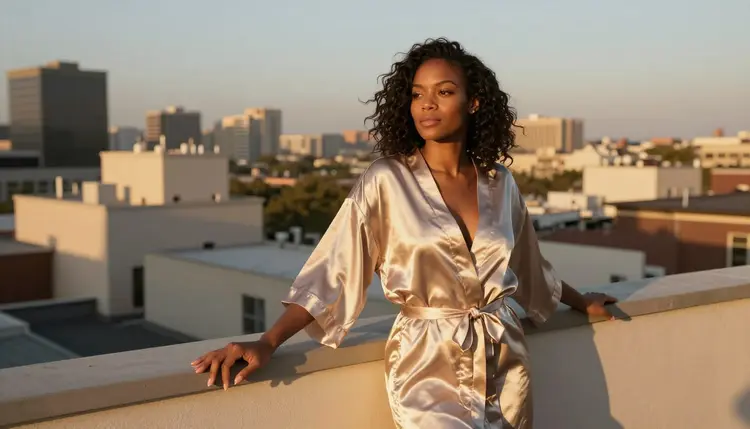
A golden hour scene like this one plays to Seedream 4.5's photoreal strength, the kind of natural light and fabric detail it handles by default rather than needing a second pass to get right.
For motion, Picasso Video and LTX 2.3 Pro are the two confirmed models, turning a finished still into a short clip.
Newer or well known names surface in the same searches, Qwen Image 3 Pro, Seedance 1.5 Pro and Leonardo AI among them, and they are worth trying as an alternative. None of them are confirmed filter free the way these six are, so treat any of them as untested rather than a sure bet for a mature prompt.
Making a first NSFW image is a short, repeatable process once the model question is settled, not a guessing game.
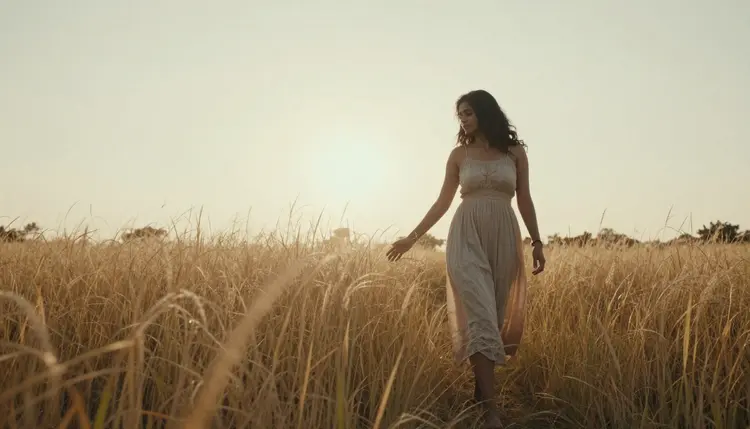
A relaxed outdoor scene like this one is a good first attempt to walk through, since it only needs a setting, an outfit and a light source named clearly, nothing more complicated than that.
- Pick One of the Six Confirmed Models. Choose Seedream 4.5 for a photoreal look, Recraft V4.1 Pro for an illustrated or anime one, or Qwen Image 2 when several details need to hold together at once.
- Write a Specific, Plain Prompt. Name the pose, the wardrobe, the setting and the light in plain words instead of vague terms, since a specific prompt gives the model something real to work with.
- Generate a Few Variations, Not One. Run the same prompt two or three times and compare the results, since even a strong model varies from one seed to the next.
- Fix Small Details With the Editor. Send the best result into Picasso Image Editor Pro to correct a hand, a fold of fabric or a background detail instead of starting the whole prompt over.
- Save It Privately, Then Animate If You Want. Keep the finished piece in your own account, and if it works well as a still, turn it into a short clip with Picasso Video or LTX 2.3 Pro.
Five steps, one model chosen with intent, and most beginners land on a result they are happy with well before the third variation.
This is usually the first question people actually type before any of the others, and it deserves a direct answer. Generating an adult image with an AI tool is legal in most places for a private, personal use, though local law is the part that varies and it is the generator's responsibility to know their own. What is fixed, not variable, are Picasso IA's own rules, and they apply the same way regardless of which of the six confirmed models makes the image.
Every character shown or generated is a fictional adult, eighteen or older. No real person's likeness without their explicit consent, no public figures, and nothing involving a minor or anyone made to look like one, in any style or medium. Prompts that cross those lines are refused and violate the platform's terms, full stop.
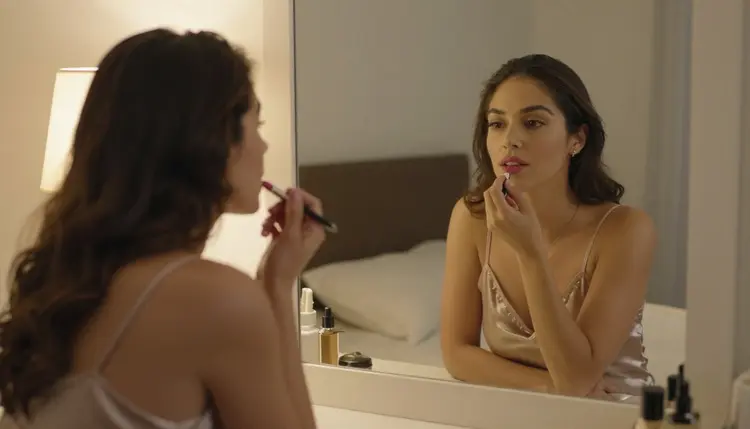
Generations stay private by default. What gets made sits in your own account, not on a public feed anyone else can browse, unless you choose to share it yourself. Where a finished image ends up after that is on the person who made it, since each platform sets its own posting rules and those are not always the same as what is legal to generate in the first place.
Trying six models does not mean paying six separate prices. A generation on any of them spends credits the same way any other generation on Picasso IA does, and a single image sits toward the cheap end of that scale.
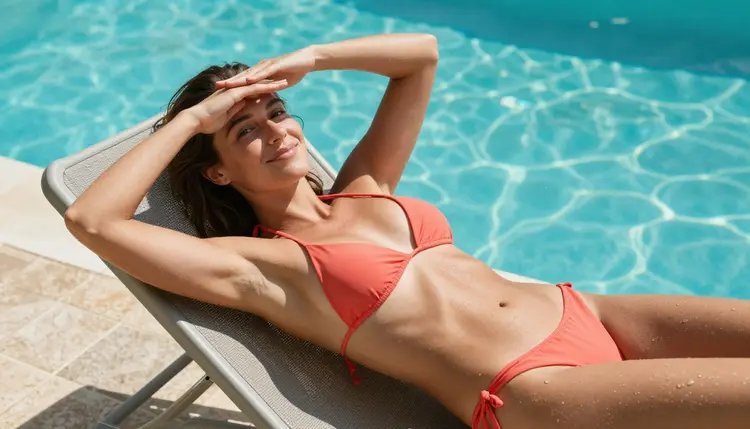
New accounts start with free credits, enough to try a scene like this one across two or three of the confirmed models and compare results directly before spending anything further. A short video clip through Picasso Video or LTX 2.3 Pro costs more than a still image, worth knowing before turning a whole comparison into motion. Current plans and exact numbers live on the pricing page, kept there since they change more often than this page does.
A few habits waste more credits than anything else on a first attempt, and most of them are easy to fix once someone points them out.
Writing a vague one line prompt and hoping the model fills in the gaps is the most common one. A specific brief beats a clever one every time. Expecting the very first generation to be the final result is another: even a strong model needs two or three tries at the same prompt before one of them lands. Trying to slip a blocked idea past a filter with softer wording almost always produces a worse image than switching to one of the six confirmed models and asking directly.
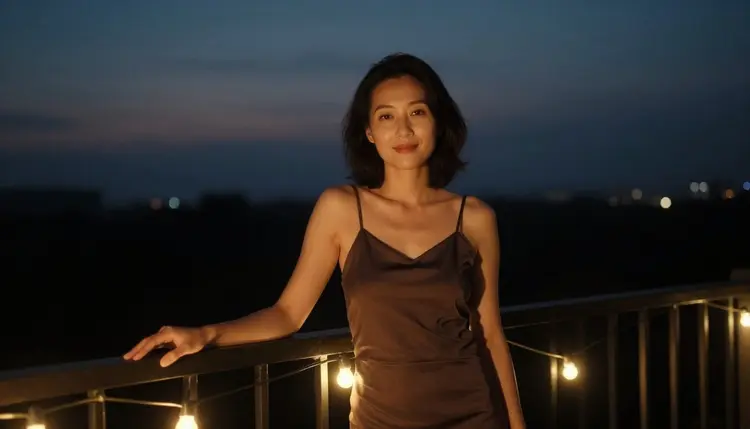
Skipping the editor is another common one. A generation this close to right is usually one Picasso Image Editor Pro pass away from actually right, and that pass costs far less than generating a fresh batch from nothing.
Last, assuming every model on the site behaves the same way. Only six do, uncensored and confirmed, and starting there instead of guessing is the single fastest way to skip most of the mistakes on this list.
What is an NSFW AI generator, in plain terms?
It is a tool that turns a written prompt, or a reference photo, into a mature, intimate or suggestive image or short video, using a model that does not stop the request at a broad content filter the way a general purpose tool usually does.
Which models on Picasso IA are actually uncensored?
Six are confirmed with no content filter: Seedream 4.5, Qwen Image 2, Recraft V4.1 Pro, Picasso Image Editor Pro, Picasso Video and LTX 2.3 Pro. Nothing else in the catalog is confirmed filter free, so this list is the one worth starting from.
Do well known names like Sora or Veo generate this kind of content?
They are not on the confirmed list here. Big general purpose names apply a broad safety layer built for a wide audience, and it typically catches an adult prompt regardless of how it is worded, so results with those tools are inconsistent at best.
How much does one NSFW image actually cost?
A single image sits toward the cheap end of what any generation on Picasso IA costs, and trying it across two or three of the six confirmed models does not multiply that cost the way it might sound like it would. A short video clip costs more than a still.
Are the free credits enough to actually try more than one model?
Yes. New accounts start with free credits, enough to compare two or three of the confirmed models on the same prompt before spending anything further, which is the fastest way to find the one that fits a particular style.
Is generating this kind of content with AI actually legal?
In most places, yes, for private personal use, though local law is the part that genuinely varies and staying informed about it is the generator's own responsibility. What stays fixed everywhere is Picasso IA's own rule set: fictional adults only, no real likenesses without consent, nothing involving a minor in any style.
Are the people shown in these example images real?
No. Every person named or pictured across this page and across all six confirmed models is a fictional adult, eighteen or older, with no real likeness, no public figure and nothing resembling a minor, in any style or medium.
Will anyone else be able to see what I generate?
No, not by default. Generations stay inside your own account rather than on a public feed, and they only become visible to anyone else if you choose to share them yourself.
What happens when a model refuses a prompt?
A message explains the generation was not supported by that model, and the recommended fix is switching to one of the six confirmed models and running the same prompt again, not rewording it with euphemisms to try to slip past the filter that just stopped it.
Can a finished image become a short video afterward?
Yes. Picasso Video and LTX 2.3 Pro are both confirmed filter free and both generate video, so a still made with Seedream 4.5, Qwen Image 2 or Recraft V4.1 Pro can move into either one and come out as a short clip.
Five questions answered, five steps to a first image, and six confirmed models to pick from. Open the toolkit, describe the image in plain words, and let the free credits on a new account cover the first few tries.