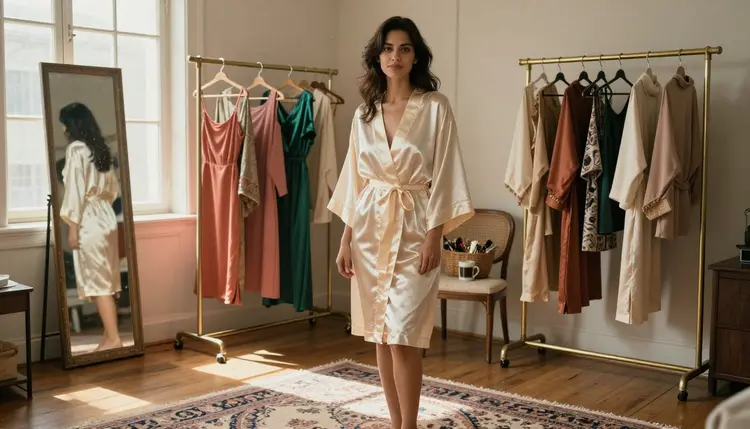
Every NSFW AI generator on Picasso IA can technically produce an image. What separates a forgettable result from one worth keeping usually is not the tool, it is the brief: a vague prompt produces a vague image no matter how strong the model underneath it is. The fastest way past that, especially in your first week, is to stop composing one prompt at a time and start from an aesthetic instead, a specific wardrobe, a specific light and a specific mood you can call up again and again.
This guide walks through six aesthetics that work well as a first project, the five step loop for turning any of them into a finished image, which models on Picasso IA are actually confirmed to run with no content filter, and the rules every generation on this platform follows. Every example below shows a fictional adult character, eighteen and over. None of this requires prior experience with prompting; the aesthetics below are written so a first attempt lands close to the mark.
These six looks cover most of what a beginner reaches for first, and each one gives a model a clear, concrete brief instead of a vague one.
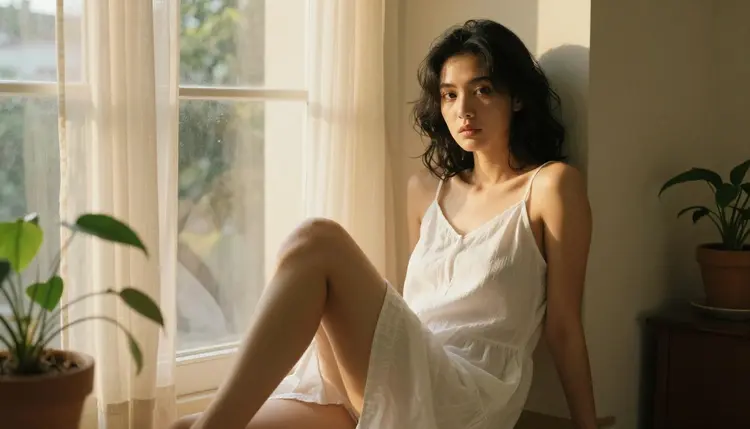
Natural Light Portrait. A single window, soft daylight and a relaxed, composed pose, more about mood than wardrobe. It is the easiest aesthetic to start with because the light carries most of the image, and one plain sentence about where the sun falls does more work than a long list of adjectives.
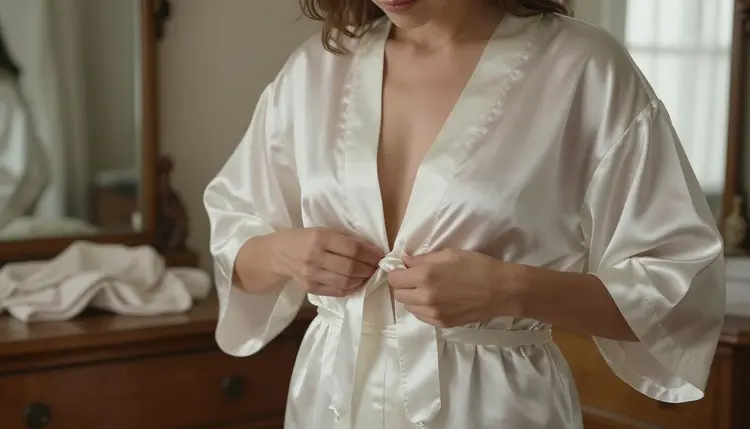
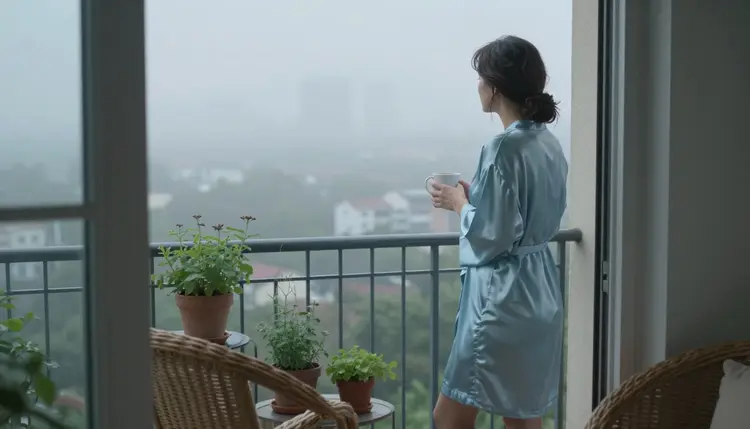
Silk Robe and Intimate Loungewear. A robe left loosely tied, a bedroom or hotel room at a quiet hour, warm and low light. This aesthetic rewards small, specific detail: the fabric, silk or satin or ivory lace, the hour, early morning or late at night, and what the hands are doing in the frame.
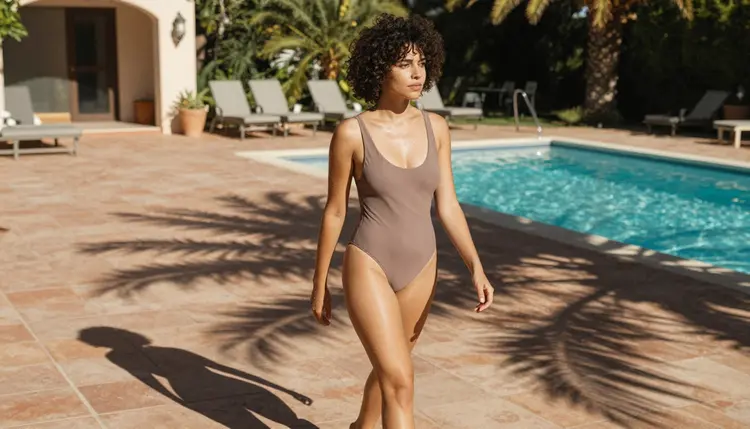
Swimwear and Poolside Glamour. A one piece or two piece suit, bright daylight, a pool or coastline in the background. It is a forgiving aesthetic for a first attempt because the setting does a lot of the visual work, and a simple prompt naming a swimsuit, a sunlit villa pool and midday light tends to land close to what you pictured.
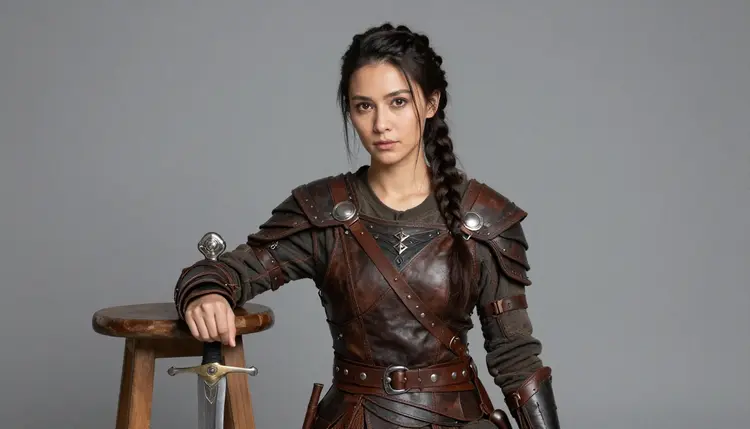
Fantasy Warrior Armor. Leather or metal armor, a studio backdrop or a dramatic set, a confident and powerful pose rather than a soft one. This is the aesthetic to reach for once the first three feel easy, since armor and props add detail a model has to get right at the same time as the pose.
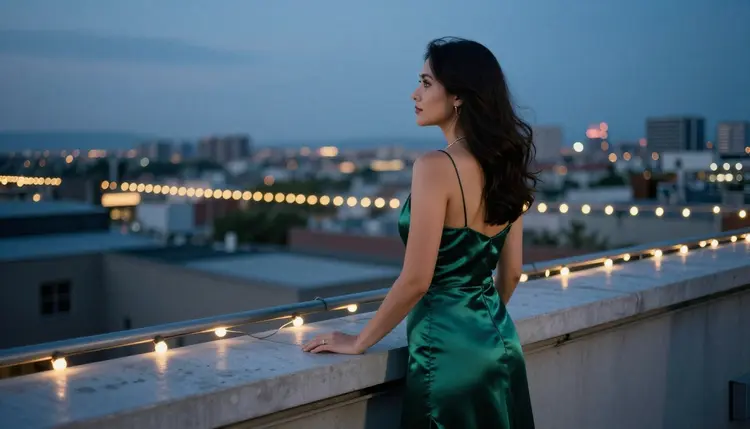
Evening Gown Elegance. A satin or silk gown, a rooftop or a ballroom or another formal setting, dusk or evening light. It leans on posture and setting more than skin, which makes it one of the more forgiving aesthetics to iterate on while you are still learning what a given model responds to.
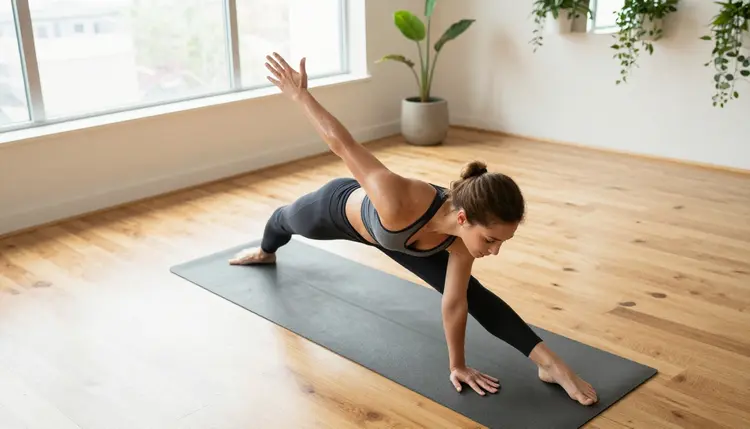
Athletic and Sporty. Fitted activewear, a yoga studio or a gym, natural or bright studio light, a pose caught mid movement rather than posed still. It is a good aesthetic for practicing camera angle in a prompt, since a high angle or a low angle changes this kind of image more than most.
Once you have picked a look from the list above, the process from a blank prompt box to a finished image is the same five step loop every time.
- Pick One Aesthetic to Start. Choose a single look, like a silk robe or an evening gown, instead of trying to blend two or three into one prompt.
- Describe the Scene in Plain Words. Name the wardrobe, the setting and the light source, in that order, before you say anything about the pose.
- Open the Toolkit and Choose a Model. Start with one of the six confirmed uncensored models so the first attempt actually runs instead of being refused.
- Generate a Small Batch, Not One Image. Compare four or five variants from the same prompt side by side; a tight batch means the brief landed, a scattered one means a detail is missing.
- Refine One Detail at a Time. Keep the closest result and change a single thing, the light, the pose or the fabric, rather than rewriting the whole prompt from scratch.
Picasso IA's catalog runs past a hundred models, and most of them apply a content filter that refuses a prompt the moment it reads as intimate or suggestive. Only six are confirmed to run with no content filter at all: Seedream 4.5, for a photographic, hyper realistic look; Qwen Image 2, an open source model that holds up well when a prompt lists several details at once; Recraft V4.1 Pro, for illustration and stylized art rather than a photograph; Picasso Image Editor Pro, for editing an image you already have instead of starting from a blank prompt; Picasso Video, for turning a still into a short clip; and LTX 2.3 Pro, for generating cinematic video directly from a prompt.
Any other model in the catalog has not been confirmed to run this kind of prompt without a filter, so treat it as untested for this use case rather than assuming it will behave the same way. If a prompt does get refused, the app carries it over to one of the six models above automatically, so nothing typed gets lost. That safety net is worth knowing about before your first session, since it means an early mistake, picking the wrong model by habit, costs a few seconds rather than a wasted generation.
The silk robe aesthetic above pairs especially well with Seedream 4.5 at dawn or early morning light, since that model's photographic strength is exactly what a soft, low light scene like this calls for.
Once one of the six aesthetics above is working reliably, the fastest way to get more from it is not a new look, it is a new setting for the same one. Keep the wardrobe and the mood, change the location and the light, and you get a genuinely different image without starting from zero on the prompt.
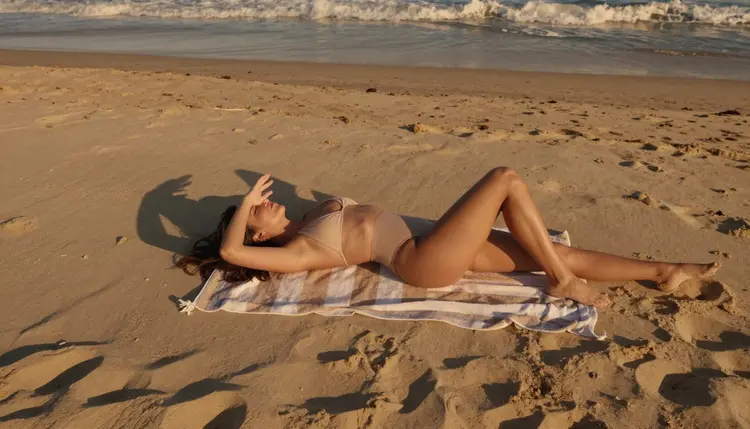
The swimwear aesthetic reads differently at a villa pool at midday than it does on a beach towel at golden hour; same wardrobe, a completely different feel.
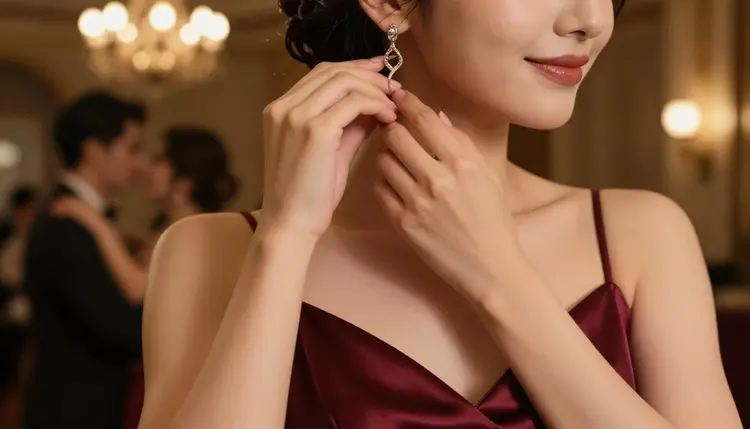
The same is true of evening gown elegance: a rooftop railing at dusk and a close, candid moment at a ballroom are both the same aesthetic, told two different ways.
Everything on this page, and everything generated through Picasso IA's NSFW tools, is for adults only, eighteen and over. Every character in every image is a fictional adult, never a minor and never a real person generated without their consent; no celebrity, no public figure and no likeness of someone real, invented or otherwise.
Generations stay private to your account by default. Nothing you create here is published, shared or made visible to anyone else unless you choose to do that yourself, and what you do with an image afterward is still governed by local law and by the rules of wherever it ends up.
Generations on Picasso IA are paid for with credits rather than a separate subscription for every model, and a new account starts with free credits, enough to work through the five step loop above across a few of these aesthetics before deciding whether to buy more.
An image generation costs a fraction of what a video generation does, so the efficient order for a beginner is to settle on a still image first with one of the six uncensored models, then decide whether it is worth animating with Picasso Video or LTX 2.3 Pro. Exact credit amounts change as the catalog grows, so current numbers live on the pricing page rather than printed here. As a rough sense of scale, a single image generation typically costs less than a cup of coffee in credits, which is enough room to try several of the six aesthetics above in one sitting.
What does NSFW mean on Picasso IA?
It stands for content not appropriate for a public or professional setting, and on Picasso IA it covers suggestive, intimate and mature images generated by AI, kept separate from the general catalog and gated behind its own section for exactly that reason.
Which models on Picasso IA are actually uncensored?
Six: Seedream 4.5, Qwen Image 2, Recraft V4.1 Pro, Picasso Image Editor Pro, Picasso Video and LTX 2.3 Pro. These are the only models confirmed to run with no content filter, and any other model in the catalog should be treated as untested for this kind of prompt.
Do I need a long, detailed prompt to get a good result?
No. A short prompt that names the wardrobe, the setting and the light source usually outperforms a long one stacked with adjectives, especially while you are still learning how a given model responds to a specific aesthetic.
Are the people shown in these images real?
No. Every character shown here and generated through Picasso IA's NSFW tools is a fictional adult, eighteen and over, invented rather than based on a real person, a celebrity or any other public figure.
Is my generation history private?
Yes. Generations stay private to your account by default, and nothing is published, shared or made visible to anyone else unless you take a separate action to make it so.
How much does it cost to generate an NSFW image?
Image generations use credits rather than a flat subscription per model, and new accounts start with free credits that cover several generations. Current pricing is kept up to date on the pricing page rather than stated here, since it changes as the catalog grows.
Can I combine two aesthetics in one prompt?
You can, but it is not the easiest place to start. Naming two wardrobes, two settings or two lighting conditions in one prompt tends to blur both together, and picking one aesthetic and getting it right first is the faster path to a keeper.
What happens if a model refuses my prompt?
Picasso IA automatically carries the prompt over to one of the six confirmed uncensored models, so a refusal on a filtered model does not mean starting over from scratch.
Can I turn one of these images into a video?
Yes. Picasso Video animates a still image into a short clip, and LTX 2.3 Pro generates cinematic video directly from a prompt; both run with no content filter, so an intimate image can move the same way it was generated.
Is NSFW AI art legal to generate on Picasso IA?
Generating fictional, adult only content through Picasso IA's tools is allowed under the platform's own terms, provided every character is an invented adult and no real person's likeness is used without consent. What is legal to generate can still be subject to local law once you decide to share or publish it.