Picasso IA does not hand adult AI generation a single model and call it a feature set. The toolkit ships eight things worth knowing before you open your first prompt box: which of its models actually run with no content filter, how editing and motion fit into the same workflow, and what happens by default to whatever you make.
This page walks through all eight features, the five-step loop for putting any of them to work, which six models on Picasso IA are actually confirmed to run without a content filter, and the rules every generation follows no matter which feature or model made it. Every person shown or described below is a fictional adult, eighteen or older.
These eight cover the toolkit end to end, from picking a model to keeping a finished piece private.
Six Confirmed Uncensored Models in One Toolkit. Seedream 4.5, Qwen Image 2, Recraft V4.1 Pro, Picasso Image Editor Pro, Picasso Video and LTX 2.3 Pro are the only models in the catalog confirmed to generate adult content with no content filter, spanning photoreal images, illustration and video in one place.
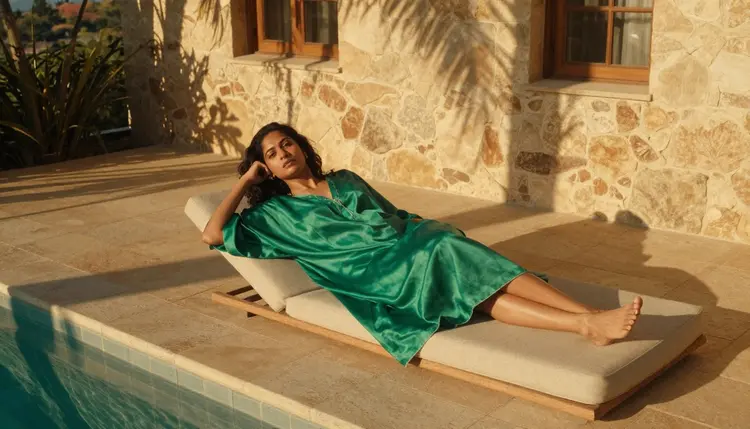
A relaxed scene like this one, golden hour light, a poolside daybed and a flowing kaftan, is the kind of brief that plays to a photoreal model's strength, and it is the first thing a feature list like this one should prove: that the tone can be soft and intimate without tripping a filter built for a different audience.
Automatic Model Switching When a Prompt Gets Refused. If a prompt lands on a filtered model by habit, Picasso IA shows a Content Not Supported by This Model message and offers to carry the same prompt over to one of the six confirmed models, so a refusal costs a few seconds instead of a rewritten brief.
Photoreal and Illustrated Styles Side by Side. Seedream 4.5 renders skin, fabric and light the way a camera would, while Recraft V4.1 Pro leans into comic, anime and illustrated finishes instead. Both sit one tab apart, so a single project can hold a photoreal shot and a stylized one without leaving the toolkit.
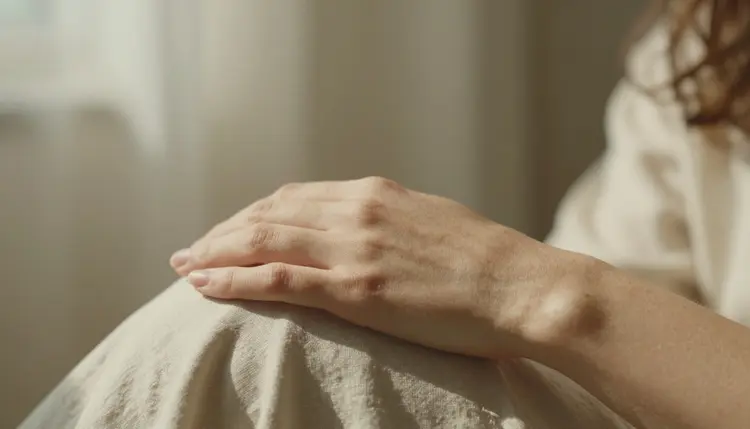
A close, tactile detail like this one is where a photoreal model's handling of skin and light actually shows, and it is a fast test to run before committing a whole project to one style.
Multi-Detail Scenes That Actually Hold Together. Qwen Image 2 is built to keep several named details, a costume, a pose, a second person, consistent in one generation, instead of losing one of them the way a less specialized model often does.
Built-In Editing to Fix a Detail Without Starting Over. Picasso Image Editor Pro takes a finished image back in and fixes a hand, a pose or a fabric detail directly, which is usually faster than rewriting the whole prompt and generating from nothing.
Image-to-Video for Turning a Still Into Motion. Picasso Video and LTX 2.3 Pro are both confirmed filter-free and both animate a still into a short clip, so a finished image does not have to stay static if the piece calls for movement.
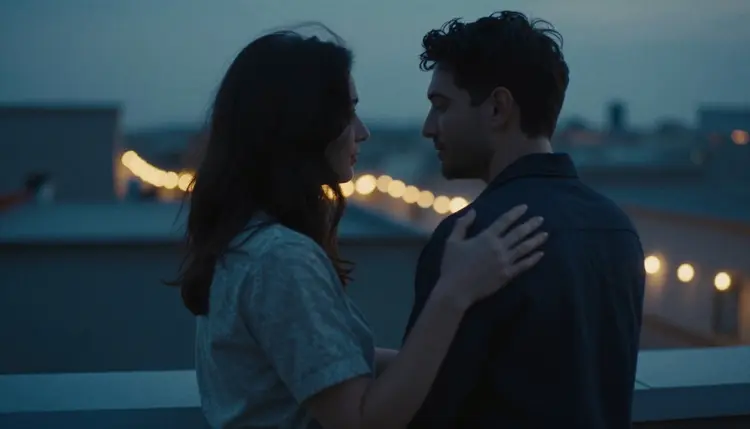
A quiet two-person scene like this one, a rooftop terrace at dusk, a slow embrace, is exactly where the image-to-video path earns its place: a still from Seedream 4.5 or Recraft V4.1 Pro can move into Picasso Video or LTX 2.3 Pro and come out as a short clip.
Private-by-Default Generations. Nothing made through Picasso IA's NSFW tools is published, shared or visible to anyone else unless you choose to share it yourself; every generation sits in your own account by default.
Free Credits to Test Every Feature Before You Buy. New accounts start with free credits, enough to try a handful of the six confirmed models and the editor before deciding whether any of it is worth paying for.
Whichever of the eight features above you start with, the process from a blank prompt to a finished piece is the same five-step loop every time.
- Pick One Feature to Start. Choose a single thing to test, a model, the editor or image-to-video, instead of trying all eight in one session.
- Write the Brief in Specifics. Name the wardrobe, the setting, the light and the pose before anything else; a vague prompt makes every model guess.
- Open the Toolkit and Choose a Model. Start with one of the six confirmed uncensored models so the first attempt actually runs instead of getting refused.
- Generate a Small Batch, Not One Image. Compare four or five variants from the same prompt side by side; a tight batch means the brief landed.
- Send the Keeper to the Editor or to Video. Fix a detail with Picasso Image Editor Pro, or turn the strongest still into a clip with Picasso Video or LTX 2.3 Pro, before calling the piece done.
Every feature above runs on the same six models, and each one is built for a different part of the job. Seedream 4.5 handles photoreal portraits, skin and natural light. Qwen Image 2 holds several details steady in one multi-element scene. Recraft V4.1 Pro covers illustrated, comic and anime-style work. Picasso Image Editor Pro edits a finished image instead of generating a new one. Picasso Video and LTX 2.3 Pro turn a still into a short clip, the first from an uploaded image and the second straight from a scene description.
| Model | Type | Best for |
|---|
| Seedream 4.5 | Image | Photoreal portraits, skin, natural light |
| Qwen Image 2 | Image | Multi-element scenes, several details at once |
| Recraft V4.1 Pro | Image | Illustrated, comic and anime-style work |
| Picasso Image Editor Pro | Image editor | Fixing a hand, a pose or a fabric detail |
| Picasso Video | Video | Turning a finished image into a short clip |
| LTX 2.3 Pro | Video | Cinematic motion straight from a description |
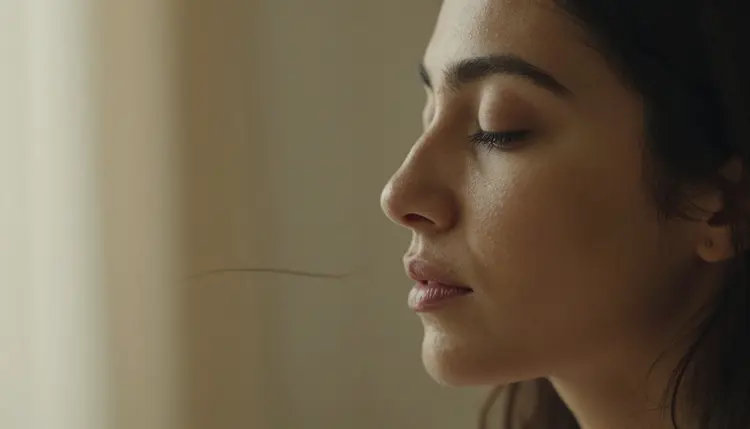
A close portrait like this one, soft rim light, a clean profile, is a straightforward test of a photoreal model's handling of skin and light before trusting it with a longer, more detailed brief.
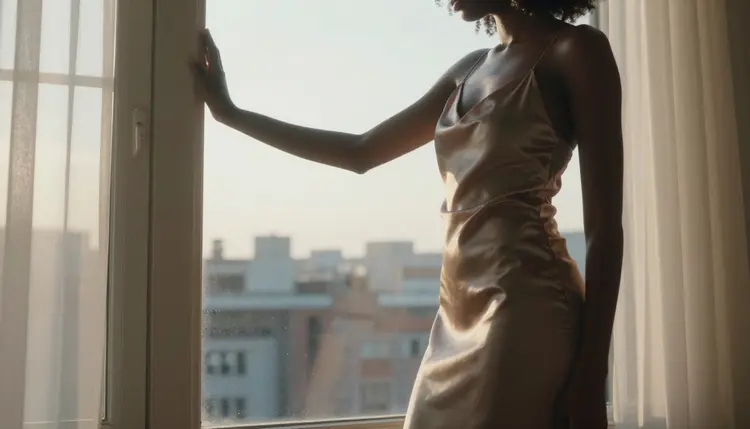
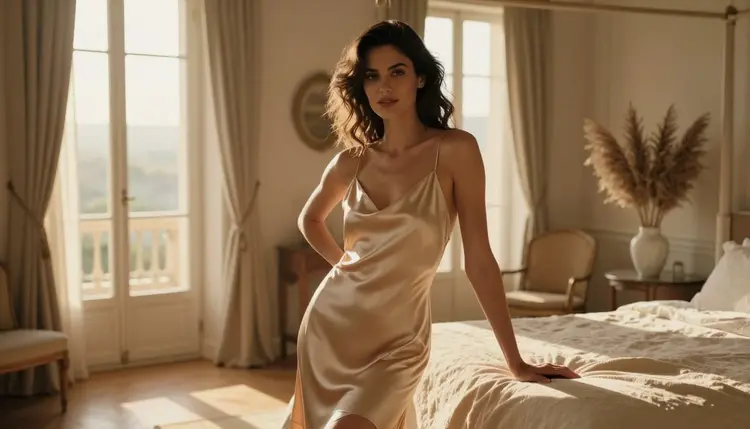
A quiet, single-subject scene like this one, dawn light through a loft window, a silk slip dress, tends to favor Seedream 4.5, while a version with a second person or a more detailed costume tends to favor Qwen Image 2 instead.
Names most people already know, Nano Banana, Sora, Veo, Kling, GPT Image 1 and DALL-E 3 among them, are not on this confirmed list. Most apply a filter tuned for a broad, general audience that an adult prompt trips regardless of the wording. A newer model like Seedance 2.5 is untested on this front too, worth trying but not called filter-free here without confirming it first.
Most places offering adult AI content hand over one model and one outcome. Picasso IA's catalog runs past a hundred models, and only six of them are confirmed to work without a content filter, but those six cover image, illustration, editing and video in one place instead of sending you to a different app for each. Switching between them costs a click, not a new account.
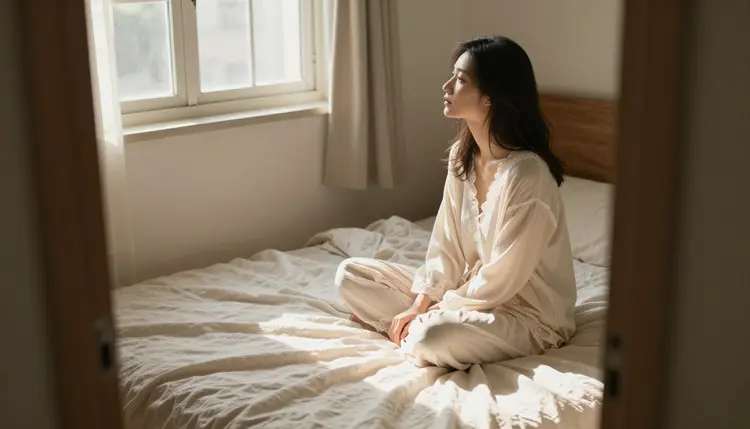
A casual scene like this one, loungewear, natural light, a relaxed pose, is a good example of how little a brief needs to change between the six models: the same description reads photoreal through Seedream 4.5 and illustrated through Recraft V4.1 Pro.
The automatic switch described above, from a refused prompt straight to one of the six confirmed models with nothing retyped, is the part most competitors skip entirely; most either apply one filter across the whole catalog or offer no filtered models at all, with none of the range in between.
Every feature above runs under the same short set of rules, whichever model made the piece. Everything on Picasso IA's NSFW tools is for adults only, eighteen and over.
Every character shown or described is a fictional adult. No real person's likeness without explicit consent, no public figures, and nothing involving a minor or anyone made to look like one, regardless of style or source material. A prompt that crosses these lines is refused and violates the platform's terms.
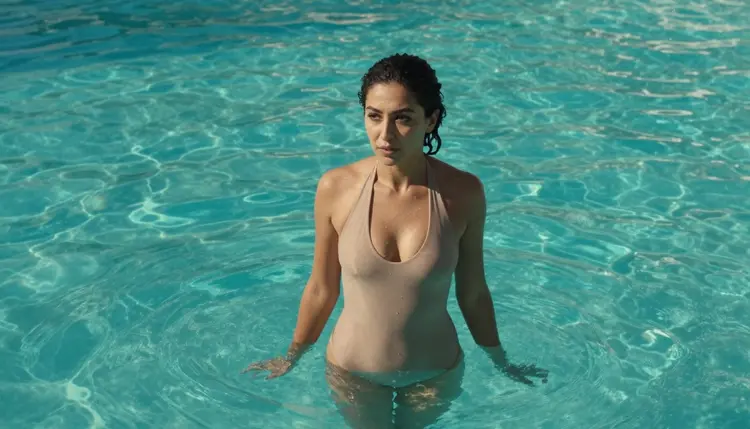
A scene like this one still has to read unmistakably as an adult, the same standard the rules above hold across all six models and all eight features.
Generations stay private to your account by default. Nothing made through these features is published, shared or made visible to anyone else unless you choose to do that yourself. What happens to a finished piece afterward is the responsibility of the person who made it; local law and each platform's own rules decide what is allowed once something leaves your account.
None of the eight features above cost extra to unlock. Generating with any of the six models, editing with Picasso Image Editor Pro or animating with Picasso Video and LTX 2.3 Pro all spend credits the same way any other generation on Picasso IA does.
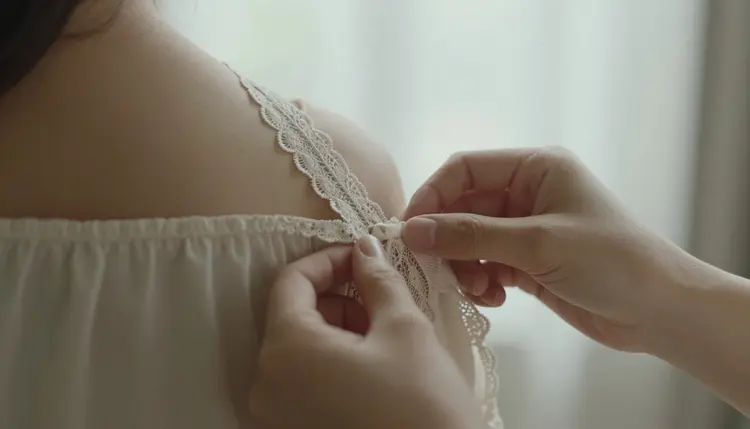
A close detail shot like this one costs the same, in credits, as any other still image; a video clip through Picasso Video or LTX 2.3 Pro costs more, worth knowing before turning a whole project into motion.
New accounts start with free credits, enough to try several of the eight features above, a couple of the six models and a pass through the editor, before deciding whether to buy more.
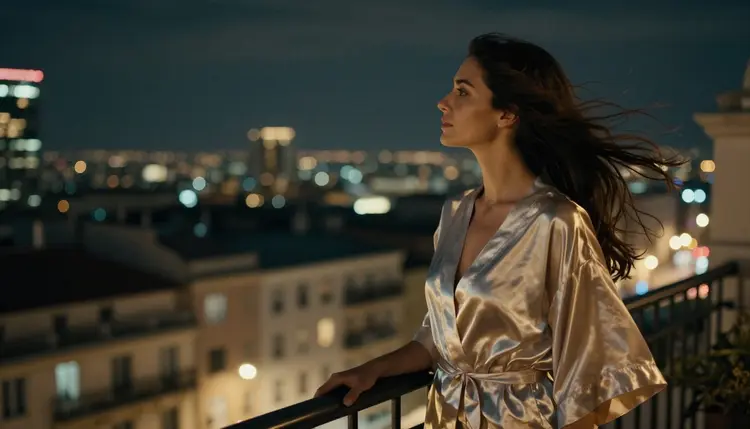
Current plans and exact prices live on the pricing page, kept there since they change more often than this page does.
What are the eight NSFW AI generator features on Picasso IA?
Six confirmed uncensored models, automatic switching when a prompt is refused, illustrated and photoreal styles in one toolkit, multi-detail scene handling, built-in editing, image-to-video, private-by-default generations and free credits to test all of it.
Which models are actually confirmed to run with no content filter?
Seedream 4.5, Qwen Image 2, Recraft V4.1 Pro, Picasso Image Editor Pro, Picasso Video and LTX 2.3 Pro are the six confirmed uncensored models; every other model in the catalog should be treated as untested for this kind of prompt.
How does the automatic model switch actually work?
When a prompt is refused, the app shows a Content Not Supported by This Model message and offers to run the same prompt through one of the six confirmed models, carrying the wording over automatically instead of asking you to retype it.
Can I edit an image instead of generating it again from scratch?
Yes. Picasso Image Editor Pro is one of the six confirmed models and it is built specifically for fixing a hand, a pose or a fabric detail on a finished image, which is usually faster than a new generation.
Can a still image become a short video?
Yes. Picasso Video and LTX 2.3 Pro are both confirmed filter-free and both turn a still into a short clip, the first from an uploaded image and the second directly from a scene description.
Do popular models like Nano Banana or Sora support this kind of content?
They are not on the confirmed list. Names like Nano Banana, Sora, Veo, Kling, GPT Image 1 and DALL-E 3 apply a filter built for a broad audience that usually flags an adult prompt regardless of the wording, and a newer model like Seedance 2.5 is untested here too.
Are the people shown across these features real?
No. Every character across all eight features and all six models is a fictional adult, eighteen or older, with no real person's likeness, no public figures and nothing resembling a minor, in any style.
Is my generation history private?
Yes. Generations stay private to your account by default, and nothing is published, shared or made visible to anyone else unless you take a separate action to make it so.
How much do these features cost, and are there free credits?
Every feature spends credits the same way any other generation does, a still image toward the cheap end and a video clip somewhat more. New accounts start with free credits, enough to try several features before spending anything further, and current prices live on the pricing page.
Is it normal to use more than one of these six models on the same project?
Yes, and it is the fastest way to get a good result. A photoreal shot from Seedream 4.5, a detail fix through Picasso Image Editor Pro and a closing clip from Picasso Video or LTX 2.3 Pro can all belong to the same project without leaving the toolkit.