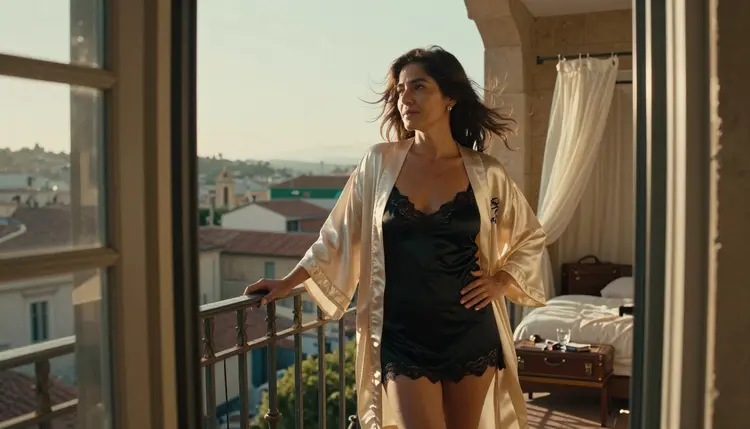
Wan 3 is a text-to-video model in the Picasso IA catalog, and this page answers one plain question: will it accept a cinematic adult scene set in a hotel suite, on a balcony or in a bedroom? Nobody here can promise either answer. Wan 3 is untested, which means Picasso IA has not run adult prompts against it often enough to give a verdict. It may generate your clip. It may refuse. You find out by trying, and it takes a few minutes.
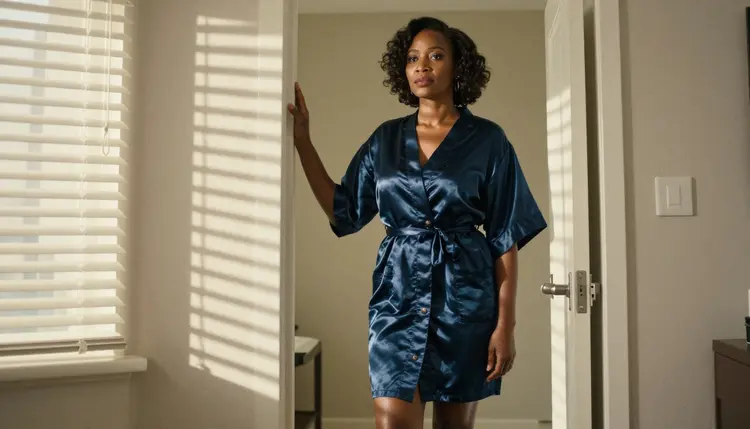
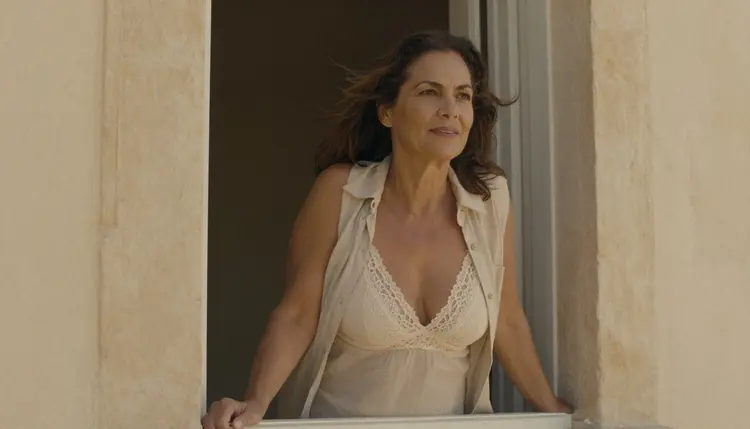
Everything below is written for adult, fictional characters and for suggestive, glamour-style scenes: a woman in her mid thirties in a silk robe at a balcony door, a satin slip in window light, a lace bralette under an open cotton shirt. Nothing explicit. If Wan 3 declines a prompt, the toolkit points you to models that are confirmed for this kind of work and carries your prompt over, so you do not start from zero.
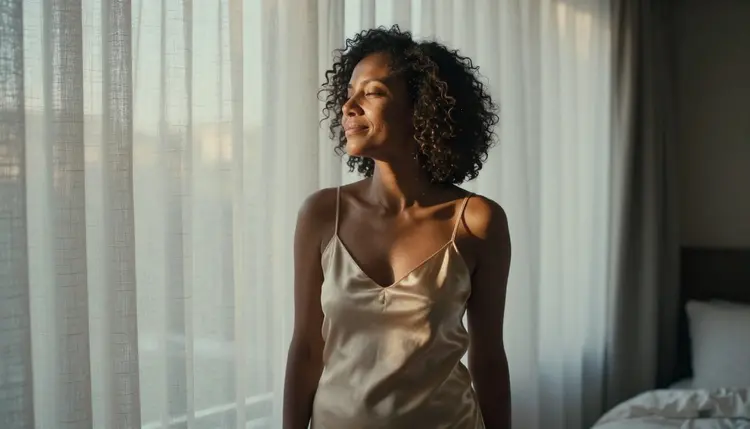
Wan 3 is a video model from Alibaba, listed in the text-to-video category. Its catalog title reads "Generate Cinematic Video with Wan 3", so the job is simple: you write a prompt, the model returns a clip. The word the catalog chooses is cinematic, and that matches the scenes this page is about. A hotel room at golden hour, curtains moving in a draft, a camera that drifts slowly toward a balcony door: these are shots where motion, light and fabric carry the mood.
Next to it sits Wan 3 Prime, whose catalog title is "Generate 1080p Videos from Text with Wan 3 Prime". The title tells you two things only: it starts from text, and it is listed at 1080p. Both Wan models share the same status here. They are untested for adult prompts, worth a try, and never described on this page as filtered or filter-free, because neither claim has been checked.
Picasso IA is not affiliated with Alibaba or with Wan. The maker of a model sets its own rules and can change them at any time, so check its current rules if that matters to you. What this page covers is how the model behaves inside Picasso IA and what to do when it does not accept a prompt.
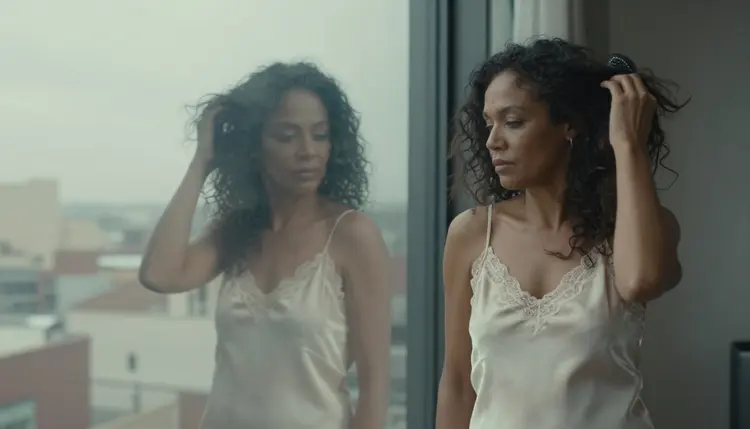
Why try a cinematic video model for adult scenes at all? Because a still picture shows one moment and a clip shows a gesture. A woman brushing her hair in front of a hotel mirror, a robe sleeve slipping as she turns, candle flames moving behind an armchair: the appeal is in the small movement, and text-to-video is the direct way to ask for it.
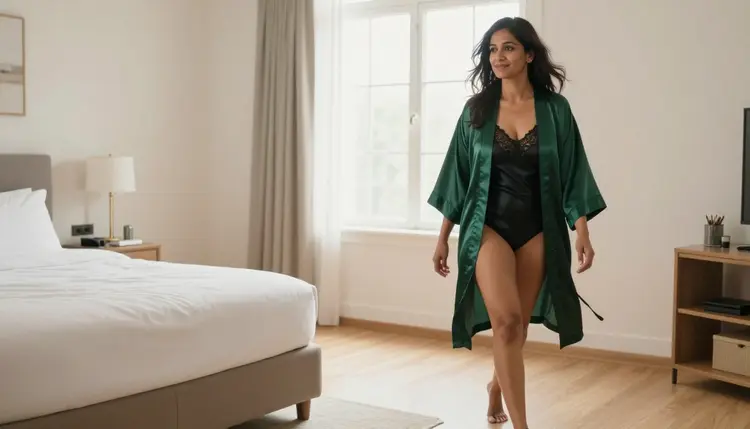
On Picasso IA a model is "confirmed" when adult prompts were tested against that exact model repeatedly and it generated instead of rejecting. That is the app's own list, and it is short. Every other model in the catalog is untested. Untested is not a polite word for filtered. It is a missing verdict: the model may accept your prompt, may refuse it, or may accept one wording and refuse another. Wan 3 and Wan 3 Prime are in that group.
Confirmed also has limits worth knowing. It is an observation made by Picasso IA, not a published setting of the model's maker, and makers can change how their models behave without notice. The page what confirmed means explains the label in full, and it is the right place to start if you wonder why a model is on one list and not the other.
So treat your first Wan 3 generation as a test, not as a purchase of a result. Keep the prompt clean and specific, run it once, and read what comes back. A clip that plays is a clip you can use. A refusal is information, and the app gives you a next move right away. In both cases you spend a few minutes, not an afternoon.

The routine below works for any untested video model, and it keeps the cost of a refusal low because the fallback is built into the app. Follow it in order the first time.
- Open Wan 3 in the toolkit. Go to the toolkit, choose the text-to-video category and pick Wan 3, or open its model page and start from there.
- Write a clean prompt for a fictional adult. Describe one woman or one man in their thirties or forties, the wardrobe, the room, the light and one slow camera move, with no real names and nothing explicit.
- Generate and read the result. Watch the whole clip, then check the hands, the fabric, the light and whether the movement matches what you wrote.
- Recognise the refusal message. If the model declines, the app shows a message titled "Content Not Supported by This Model" instead of a clip.
- Switch to a confirmed model. The message recommends models that accept adult prompts and carries your prompt over, so you pick one and generate again without retyping.
A prompt that works well in a video model usually has five parts in a fixed order. Start with the subject and the wardrobe: "a woman in her mid thirties, ivory silk robe over a black satin slip". Add the place: "boutique hotel balcony, doors open to the street". Add the light: "golden hour backlight" or "hard morning sun through blinds". Add the camera: "slow push in, 135mm lens look, shallow focus". End with the action: "she turns toward the door and rests a hand on the frame". One action per clip is plenty. A prompt that asks for four things at once tends to produce a clip that does none of them well.
Keep the language provocative and not explicit. Words like boudoir, glamour, lingerie, swimwear, satin, lace, candlelight and golden hour describe the scene without crossing the line. If you need to change a prompt after a first run, change one element at a time, so you can tell what made the difference.
If Wan 3 refuses, or if you simply want a result you can count on, the confirmed models are the fallback. They are the ones the app lists as tested repeatedly with adult prompts. Here they are, with what each is best for.
How to choose for a cinematic hotel or bedroom scene? If you want the same kind of shot you planned for Wan 3, start with Picasso IA Video, since it takes text or an image. If you want a short loop you can rerun many times, Seedance 2.5 Lite is listed up to 10 seconds. If resolution matters most, LTX 2.3 Pro is the 4K video option from text. And if you would rather plan the frame before you animate it, make a still with Seedream 4.5, touch it up in Picasso Image Editor Pro, then move to video. Recraft V4.1 Pro suits a more illustrated or designed look.
A practical pattern is to keep the same prompt text across models. Because the app carries your prompt over, you can compare a Wan 3 clip and a confirmed model clip side by side, and keep whichever has the better light and the cleaner movement.
Picasso IA is for adults only. Use it if you are 18 or older, and keep every scene to what the section is about: suggestive, romantic, glamour-style imagery, not explicit material.
Every character you create must be a fictional adult. Never use a real or identifiable person, and never describe anyone who could read as a minor. Prompts say woman or man, name an adult age and a believable adult face, and leave real names and celebrity likenesses out entirely.
What you generate is private by default. It is tied to your account and not published or shown to other people. The same rules apply to every model, confirmed or untested, and they apply to Wan 3 exactly as they do to the rest of the catalog.
A new account can try a few generations on a small free trial on selected models: Picasso IA Image, Picasso IA Editor Pro, Picasso IA Video and Seedance 2.5 Lite. Wan 3 is not on that list, so you cannot use the trial to test it. The trial is still useful here, because the confirmed video models inside it are the natural fallback when a Wan 3 prompt does not go through. Details are on the pricing page.
Some models carry the infinity tag in the catalog. On the plans that include unlimited generation, those models do not spend credits. Picasso IA Video and Seedance 2.5 Lite carry it, which makes them good for rehearsal: you can rerun a prompt without spending credits, adjust the light or the wardrobe, and only then take the best idea to a credit-based model. Wan 3 and Wan 3 Prime do not carry the tag in the catalog, so they spend credits, and the cost varies with options such as resolution or duration. Plans and prices live on the pricing page, not here.
Wan 3 Prime is the closest relative worth testing if Wan 3 gives you nothing, since its catalog title promises 1080p video from text. The same honesty applies: untested. Other video models with their own pages in this section follow the same pattern, among them LTX 2.5 Fast, LTX 2 Pro, LTX 2 Fast and Seedance 2.0. If you want a still image to anchor the look first, the untested image models Seedream 5 Lite and Qwen Image 3 have pages too.

If you are weighing Wan against Picasso IA as a whole, the page Picasso IA vs Wan lays the two out side by side. To browse more video and image models by task, open the full catalog and filter by category.
Does Wan 3 generate NSFW video?
It might, and it might not. Wan 3 is untested on Picasso IA, so there is no verdict either way. The honest approach is to run one clean, suggestive prompt for a fictional adult and read the result. If it plays, you have your clip. If it refuses, switch to a confirmed model.
What happens if Wan 3 refuses my prompt?
The app shows a message titled "Content Not Supported by This Model". It recommends models that accept adult prompts and carries your prompt over, so you pick one and generate again without retyping anything.
Which video models are confirmed for adult prompts?
Picasso IA Video, Seedance 2.5 Lite and LTX 2.3 Pro are the confirmed video models. For still images the confirmed ones are Seedream 4.5, Recraft V4.1 Pro and Picasso Image Editor Pro. Everything else is untested.
Can I use a real person's photo or likeness?
No. Characters must be fictional adults. Never use a real or identifiable person, never use a celebrity, and never describe anyone who could read as a minor. Prompts should say woman or man and give an adult age.
Is there an age limit for using this?
Yes. Picasso IA is for adults aged 18 or older, and every character in every prompt must be a fictional adult. The suggestive scenes on this page, such as a silk robe, a satin slip or a lace bralette, are written for adults only.
Do I need a plan or credits to try Wan 3?
Generations cost credits that vary by model and by options such as resolution or duration. Wan 3 does not carry the infinity tag in the catalog. The pricing page lists the plans and what each includes,.
Can I turn a still image into a video, or edit a clip afterwards?
Yes, with the right model. Picasso IA Video accepts text or an image as the starting point, and Picasso Image Editor Pro edits an existing picture, which is useful for fixing a frame before you animate it. Wan 3 itself is listed as text to video in the catalog.
What do the catalog titles say about Wan 3 and Wan 3 Prime?
Wan 3 is titled "Generate Cinematic Video with Wan 3" and Wan 3 Prime is titled "Generate 1080p Videos from Text with Wan 3 Prime". Those titles are all this page relies on. For options such as length or resolution, check the model page and the toolkit.
Are my videos private?
Yes. What you create is private by default, tied to your account and not published or shown to others. This is true for every model in the catalog, including untested ones like Wan 3.
Is there a free trial for Wan 3?
A new account can try a few generations for free on selected models: Picasso IA Image, Picasso IA Editor Pro, Picasso IA Video and Seedance 2.5 Lite. Wan 3 is not one of them, so use the trial on the confirmed video models, and see the toolkit to start.