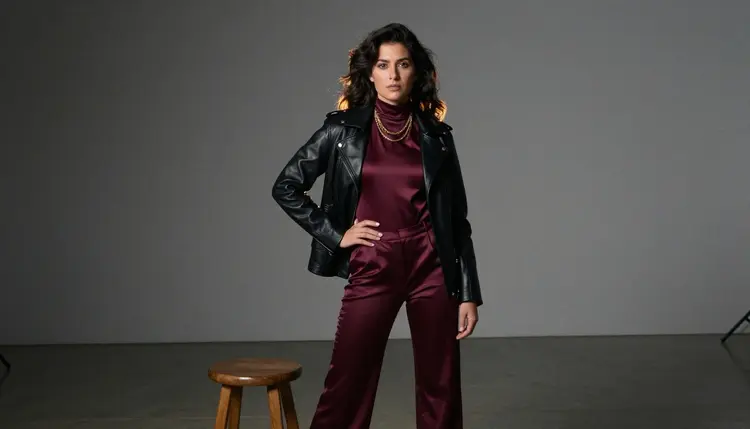
An album cover has about a second to say who an artist is, longer than any single track gets. For a spicy or after-dark release, that cover carries a different job than a clean product shot: jewelry catching the light, a robe caught mid-motion, a stare at the camera that says as much as the tracklist. Seedream 4.5 is one of six models on Picasso IA confirmed to run with no content filter, and its photorealistic, editorial rendering treats a mature cover concept like a real fashion shoot instead of a sanitized thumbnail.
This page covers why the model fits an album cover brief, what actually makes a cover work across a whole visual identity rather than one hero image, a five-step process for generating a full set, and the rules every fictional adult in frame has to follow.
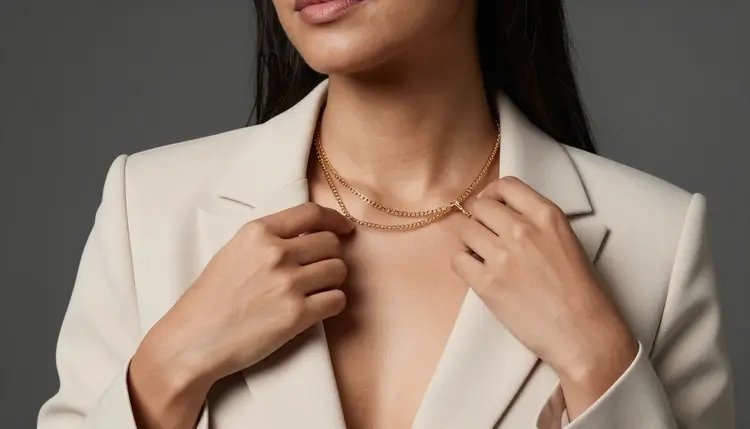
Most of the 488 models in the Picasso IA catalog run a content filter, and an album cover built around bare collarbone, an open robe, or a low-cut sequined dress is exactly the kind of prompt that filter exists to catch. Try it on a filtered model and the app returns a Content Not Supported by This Model message, then offers to carry the prompt to a model that will actually run it. Seedream 4.5 is one of those alternatives, confirmed filter-free, so a suggestive cover concept generates the same way a plain product photo does.
It shares that filter-free status with five other models, each suited to a different stage of an album rollout. Qwen Image 2 is the open-source pick for a prompt stacking several details, wardrobe, prop, light, in one line, useful for a concept as specific as an industrial staircase shoot. Recraft V4.1 Pro suits a drawn or illustrated cover instead of a photoreal one, closer to a painted sleeve than a photograph. Picasso Image Editor Pro touches up a finished cover afterward, useful for fixing a hand around a necklace clasp. Picasso Video and LTX 2.3 Pro turn a chosen cover into a short teaser clip for a release announcement. Seedream 4.5 is the one to reach for first when the brief calls for a photographic, editorial image rather than an illustration. See the full catalog for everything else the app offers.
An album cover almost never travels alone anymore. It sits beside singles art, a deluxe edition, maybe a vinyl gatefold, and a streaming thumbnail the size of a fingertip, so a concept that only works as one polished hero image is an incomplete brief. Planning a small set, three to nine looks around one wardrobe or one location, gives an artist options across formats instead of a single image stretched to cover every use.
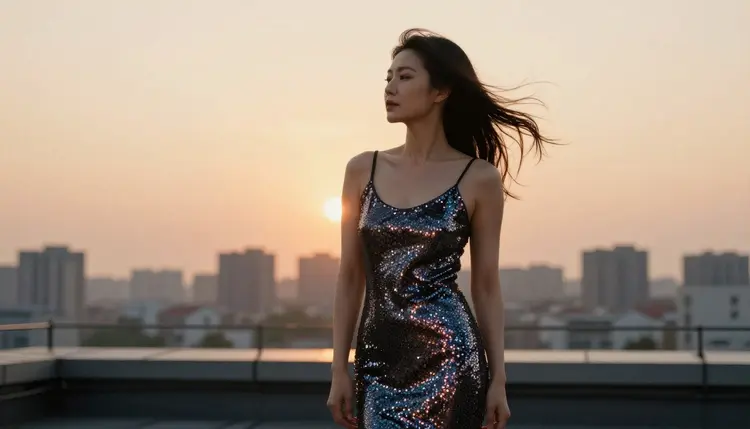
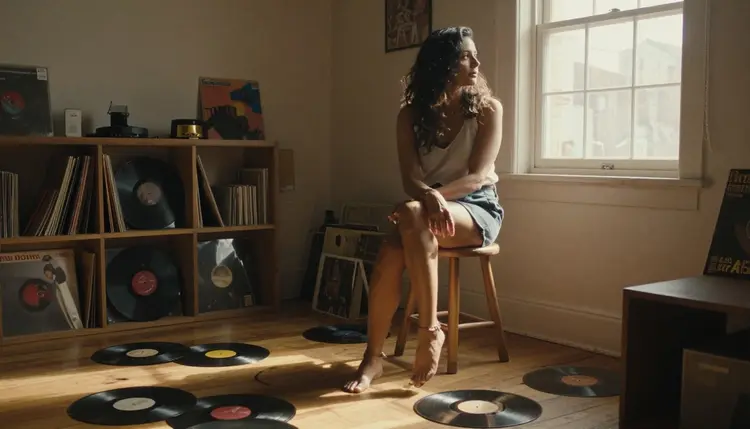
Location and light decide the mood faster than pose does. A rooftop at golden hour reads as triumphant and cinematic. A bare industrial stairwell under one hard light reads as tense and glamorous at once. A plain window with soft daylight reads as intimate, almost like a private moment caught rather than staged. Naming one of these clearly, instead of a vague word like moody, gives the model something concrete to build the whole frame around.
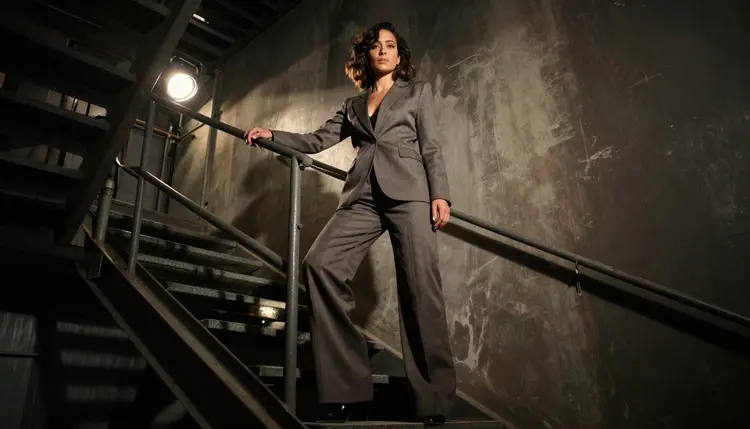
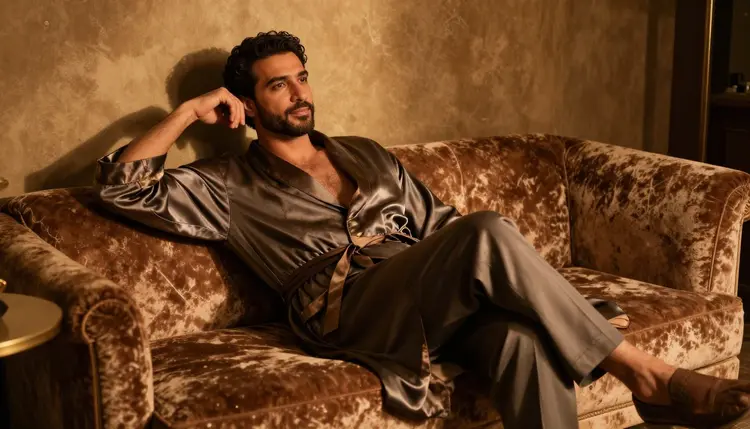
A single strong prop or wardrobe choice, a fitted suit, an open silk robe, a scatter of vinyl records, does more for a concept's identity than a crowded scene. Covers that read as high-end fashion editorials keep the background simple and let one deliberate detail, a necklace, a stairwell railing, a shaft of window light, carry the eye. Consistency across the set matters as much as any single frame: the same wardrobe language, the same rough color palette, repeated across three or nine looks, is what makes a cover set read as one release instead of a random grab bag of portraits.
Turning a concept into an actual cover, rather than a single lucky generation, takes a short amount of planning before the first prompt, and the process itself stays quick.
- Fix the Artist as One Consistent Fictional Adult. Give the character a hair color, a build, and one signature detail such as a necklace or a haircut up front, so every look generated for the rollout reads as the same invented person.
- Name the Location and the Light in the Same Line as the Wardrobe. Mention a rooftop, a stairwell, or a window, one light source, and the outfit together, so the model treats it as one photographic scene instead of a generic portrait.
- Open the Toolkit and Select Seedream 4.5. Picking the filter-free model before writing the prompt avoids spending a first generation on a model that refuses the brief outright.
- Generate the Set Around One Fixed Wardrobe or Location. Keep one variable constant, the outfit or the setting, and vary the other across several prompts, so the results feel like one shoot rather than five unrelated images.
- Review the Set at Streaming Thumbnail Size. Shrink each result down to a small square before choosing the lead image, since a detail that reads clearly full-size can disappear once it sits at the size a phone actually displays it.
Fabric and material carry more of an album cover's mood than pose does. Sequins, a leather jacket, an unbuttoned silk robe, a tailored suit: naming the material and its color gives the model something exact to render, and a specific material reads as intimate and considered rather than generic. A vague word like hot describes a feeling, not a garment, and leaves the actual look to chance.
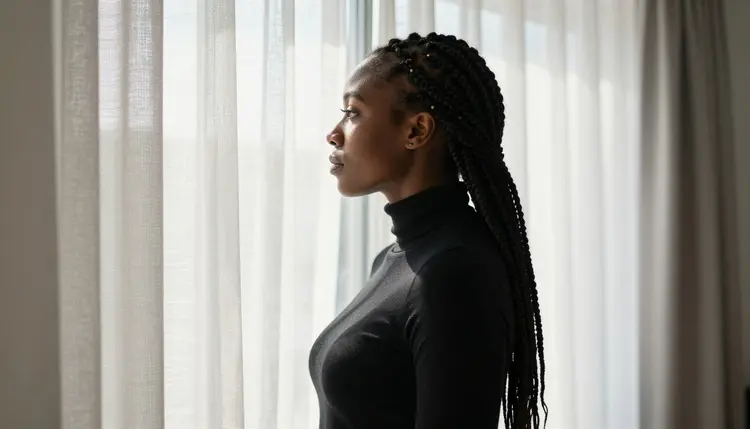
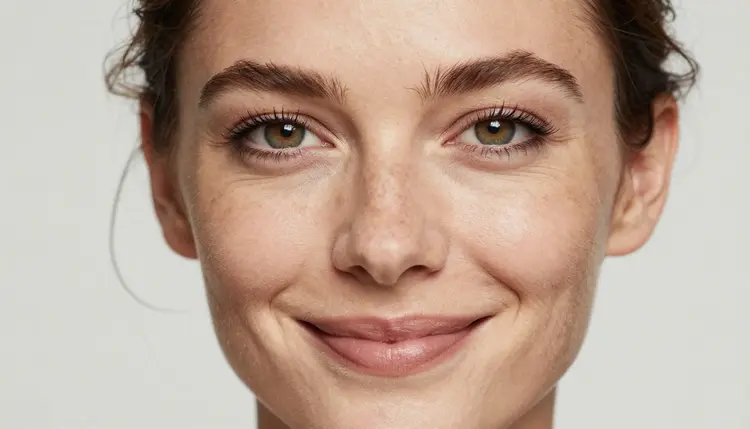
Camera distance matters as much as wardrobe for cover art specifically. An extreme close-up on a face or on hands adjusting jewelry reads as intimate and editorial. A full-body shot on a rooftop or a staircase reads as cinematic and aspirational. Deciding which register a given cover needs, before writing the prompt, keeps a set from feeling like a random assortment of distances and angles.
A short reference table for prompting a cover:
| Say this | Instead of this | Why it helps |
|---|
| a fictional woman in a sequined dress on a rooftop at golden hour | a hot album cover | gives the model a concrete wardrobe, location, and light instead of a vague mood |
| extreme close-up on the collarbone and a gold necklace | a hot close-up | names the exact framing and prop instead of leaving both to chance |
| descending an industrial staircase, one hard uplight | a dramatic photo | gives the model a specific pose, setting, and light source |
| profile view, gazing out a sunlit window | a moody portrait | reads as intimate and considered, and holds up across formats |
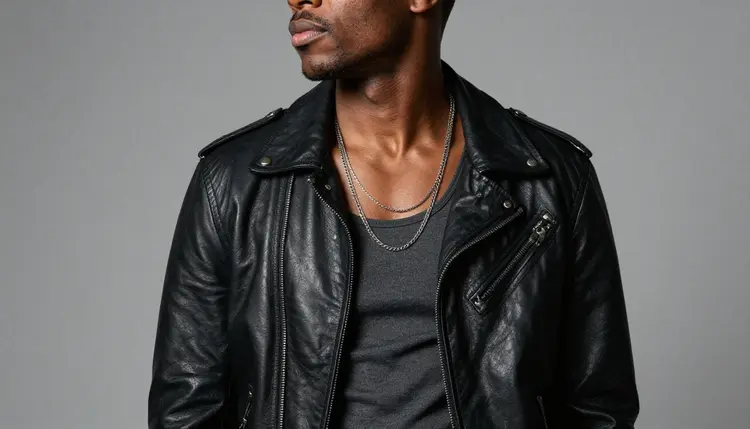
A cover does not have to feature a woman only. A man in a leather jacket and a chain necklace, or in an open silk robe on a velvet sofa, reads exactly as well for a cover concept, and the same wardrobe-plus-location-plus-light approach applies regardless of who is in frame. Props tied to the release itself, scattered vinyl records, a cassette, a handwritten lyric sheet, ground a cover in the format it will actually be printed or displayed on, which a purely abstract portrait cannot do on its own.
Every cover generated here is for adults, eighteen and over, and the artist in frame must be entirely fictional: an invented person, not a real musician, not a public figure, and never built to resemble a real person without their consent. No character that reads as a minor, in any wardrobe or style. Prompts that cross these lines are refused, and attempting them violates the platform's terms.
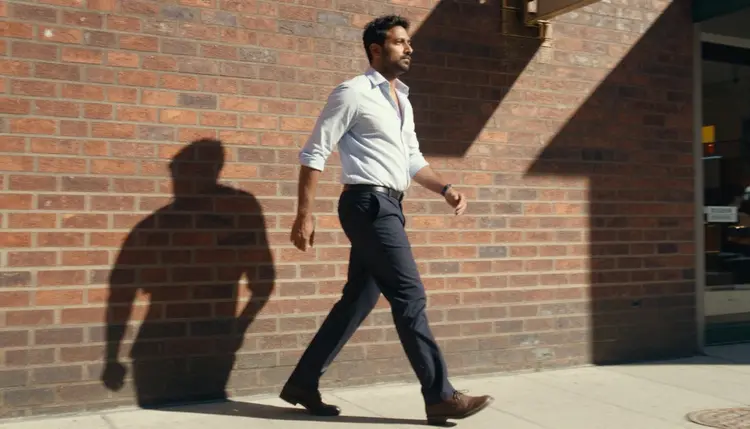
Seedream 4.5 running with no content filter changes what kind of adult content it will render, not who it can be rendered of. The rule against real people and minors applies on every model in the catalog, filtered or not.
Generations on Picasso IA stay private by default, visible only in your own account unless you choose to download or share them, so testing several looks before settling on a final cover does not put anything on public view. What gets published afterward, on a streaming platform or a physical sleeve, is still governed by local law and by the rules of whatever platform distributes the release.
Generations on Picasso IA are paid for with credits spent per image, not a separate subscription tier for each model. A new account starts with free credits, enough to run the five-step process above across a small set of looks before deciding whether to buy more. Image generations sit toward the cheap end of what the app offers, well below the cost of a video generation.
Exact credit amounts and plan pricing change as the catalog evolves, so current numbers live on the pricing page rather than printed here where they would go stale. Building a small set around one fixed wardrobe or location, then reviewing it at thumbnail size, is the efficient way to land on a cover worth pressing.
Does Seedream 4.5 really generate a NSFW album cover with no content filter?
Yes. Seedream 4.5 is one of six models on Picasso IA confirmed to run with no content filter, alongside Qwen Image 2, Recraft V4.1 Pro, Picasso Image Editor Pro, Picasso Video, and LTX 2.3 Pro. A cover concept built around bare collarbone, an open robe, or a sequined dress runs the same way any other prompt does, and every artist generated must still be a fictional adult, eighteen and over.
What image size or shape works best for an album cover?
A physical or streaming album cover is almost always square, though vinyl gatefolds and singles art vary. Generate the portrait with a little room around the subject rather than a tight crop, then crop it to a square afterward in a design tool; asking for a composition with clear space on one side gives you the most to work with for text and a logo added later.
Can I reuse the same fictional artist across a whole album rollout?
Yes. Keep the character's hair, build, and one signature detail written the same way in every prompt, and vary only the wardrobe, the location, or the light. Reusing that fixed description is what keeps singles art, a deluxe edition, and the main cover looking like the same artist rather than a different person each time.
Should an album cover be a photograph or an illustrated style?
Either works, but they call for different models. Seedream 4.5 is the filter-free pick for a photographic, editorial look, while Recraft V4.1 Pro is the better starting point for a drawn or painted cover closer to a traditional record sleeve. Pick the one that matches the rest of the release's visual identity rather than mixing styles across singles and the main cover.
Can the artist in the cover be a man instead of a woman?
Yes. The same approach, a fixed wardrobe, a named location, and directional light, works the same way for a male artist as it does for a female one, and nothing about the format favors one gender over the other.
Where should I leave space for the album title and artist name?
Ask for the subject positioned to one side rather than dead center, with the rest of the frame left comparatively plain. That negative space is where the title and artist name get added afterward in a design tool; the image model itself should not be asked to render any text.
Can I edit a finished cover afterward to fix one detail?
Yes. If a hand around a necklace clasp or a fold of fabric comes out wrong in an otherwise good result, Picasso Image Editor Pro can adjust just that area with a plain instruction instead of regenerating the whole cover from scratch. It also runs with no content filter, so an adult cover can be edited the same way it was generated.
Can an album cover concept become a short teaser clip?
Yes, as a separate step. Picasso Video can animate a finished cover into a short clip, and LTX 2.3 Pro generates cinematic video directly from a prompt; both run with no content filter. Settling on a still cover first is the more efficient order, since an image generation costs less than a video one.
How many looks should I generate before picking a final cover?
There is no fixed number, but a small set, three to nine images around one fixed wardrobe or location, gives an artist real options across formats: the main cover, a singles image, and a deluxe edition variant, instead of one image stretched to do every job.
Is creating a NSFW album cover concept free to start on Picasso IA?
New accounts start with free credits, enough to try several wardrobe, location, and light combinations before anything needs to be purchased. Beyond that, generations are paid for with credits rather than a flat subscription per model. Current numbers live on the pricing page rather than stated here.