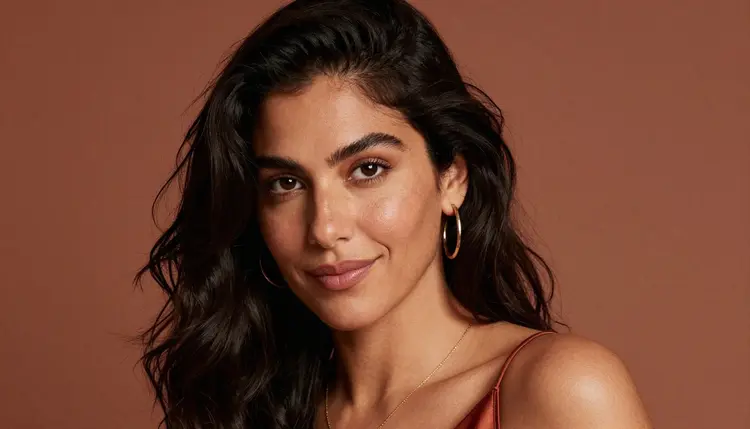
A companion chat app lives or dies on its avatar. Before a single message gets typed, the profile picture is doing the work of a first impression, and a flat, generic face makes the whole persona feel hollow. Seedream 4.5 is one of six models on Picasso IA confirmed to run with no content filter, and it happens to be the one built for the realistic, photographic look a good chat avatar needs: real skin, real fabric, a gaze that actually meets the camera.
This page covers what separates an avatar from an ordinary NSFW image, the five steps from a blank prompt to a picture worth uploading, and the prompting habits that keep a character looking like the same character across a dozen tries. Every example here is a fictional adult, eighteen or older, made for a companion persona, never a real person.
Most companion and character chat apps want a profile picture with some warmth to it, an open collar, a soft smile, a direct gaze that suggests the character has a personality worth talking to. Ask a filtered model for that and it often refuses the moment a shirt opens past the top button, or it returns something so sanitized the character loses whatever made it interesting. Picasso IA runs a prompt through a queue of nearly 500 models, and when the first pick refuses, it hands the same prompt to a model that will actually generate it, so nothing typed gets lost waiting on a filter that was never going to say yes.
Seedream 4.5 is one of six models on the platform confirmed to run with no content filter at all, alongside Qwen Image 2, Recraft V4.1 Pro, Picasso Image Editor Pro, Picasso Video, and LTX 2.3 Pro. For a chat avatar specifically, Seedream 4.5 tends to be the first one worth trying: it is built for a photographic, hyper-realistic result, exactly what a believable profile picture calls for, rather than something that reads as obviously generated.
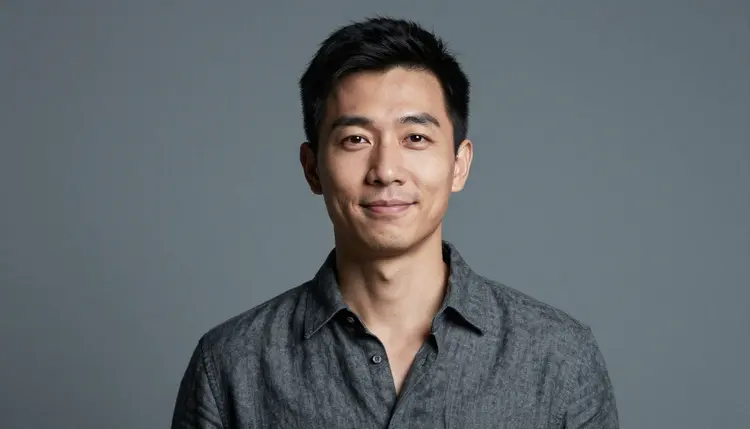
The other five have their own lane. Qwen Image 2 is the open-source pick when a prompt lists several details at once and needs all of them followed closely. Recraft V4.1 Pro handles illustration and stylized art, useful for an anime or comic-style persona instead of a photo. Picasso Image Editor Pro edits an avatar that already exists, for fixing one detail rather than starting over. Picasso Video and LTX 2.3 Pro turn a still into motion, for a persona that wants a short looping clip instead of a static picture. See the full catalog for the rest of what the app offers beyond these six.
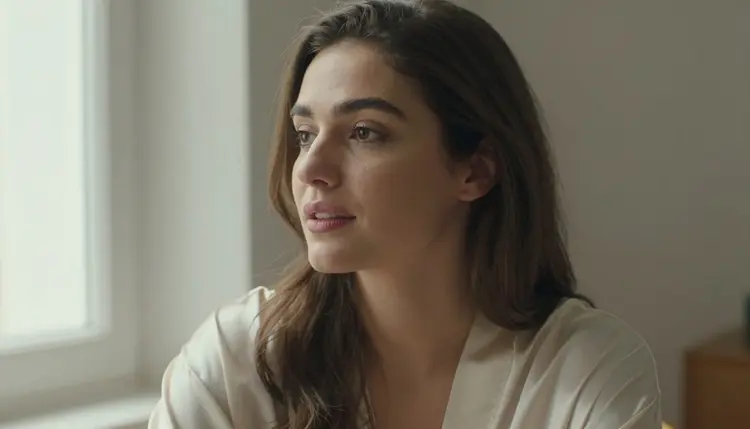
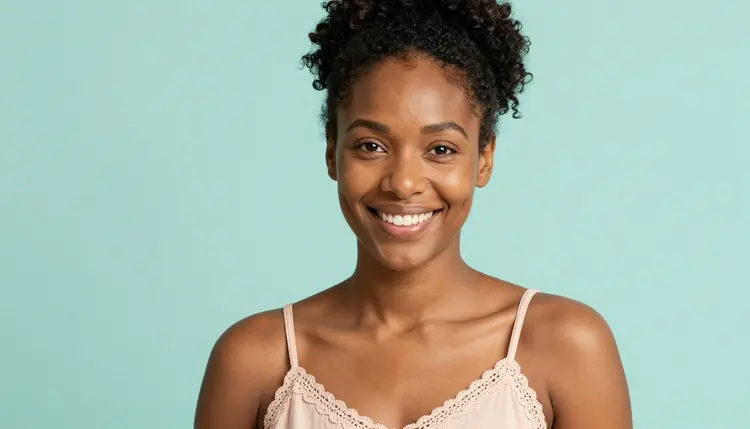
An avatar is not the same brief as a full scene. It has to read clearly at a small size, a circle or rounded square barely a hundred pixels across in most chat interfaces, so the composition has to do more with less: a close or medium crop, the face and shoulders filling most of the frame, and a background simple enough that it never competes with the subject.
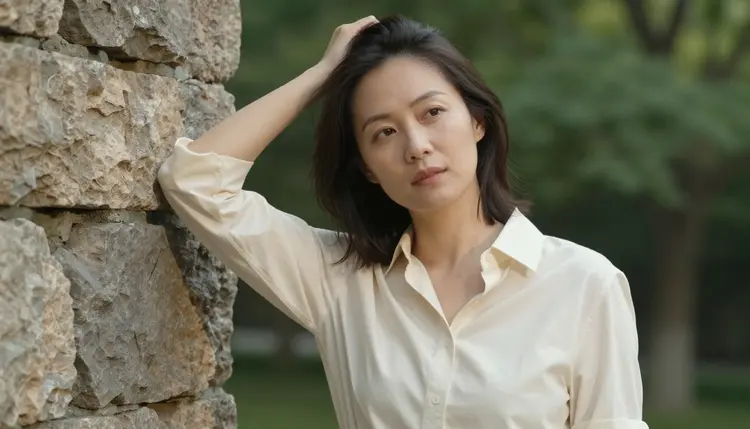
Expression carries more weight than wardrobe here. A soft, direct gaze into the camera, a half smile, a head tilted slightly, these read as personality even in a thumbnail. A pose that is technically striking but faces away from the camera, or an expression that reads as blank, tends to make a weaker avatar even when the image itself is well made.
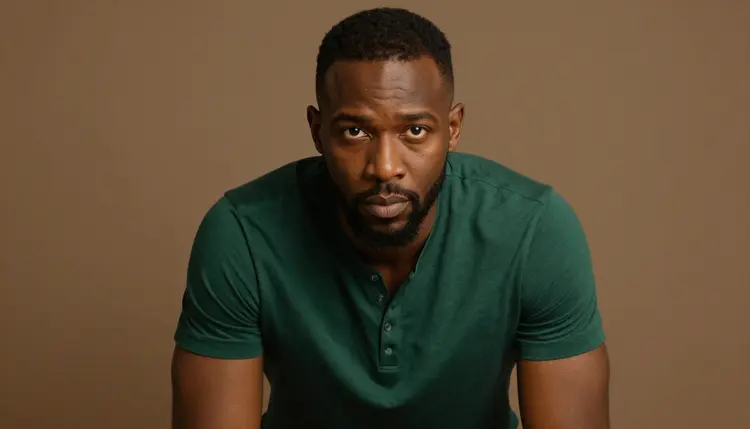
Wardrobe should suggest rather than announce. An open collar, a silk robe loosely tied, a henley with the top buttons undone, a satin slip with one shoulder bare, all of these read as intimate and inviting without crossing into anything explicit, which keeps the image usable as a profile picture rather than something that would get flagged the moment it is uploaded somewhere else.
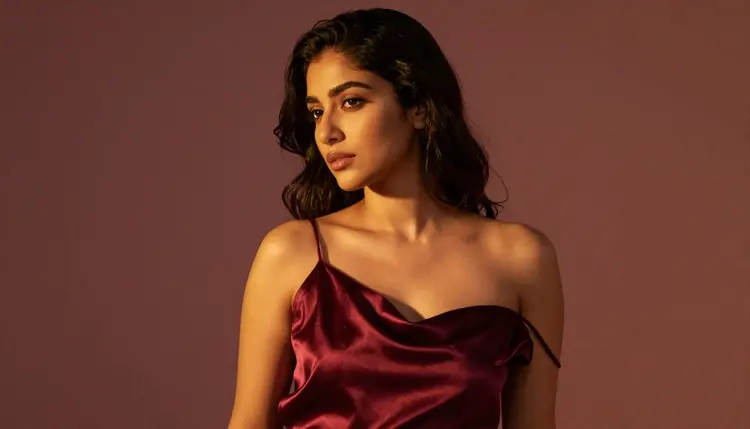
Variety matters too, especially if the persona needs more than one picture, a main avatar plus a few alternates for different moods. Changing the angle, the light, or the framing between generations, rather than repeating the same setup with a different filter, keeps a set of avatars from looking like the same photo cropped four ways.
Getting from an empty prompt box to an avatar worth uploading takes a handful of short rounds rather than one long attempt at a perfect prompt.
- Describe the character before the shot. Start with who the persona is as a fictional adult, then the wardrobe and the setting, a fictional man in an open charcoal shirt, grey studio backdrop, direct gaze, since naming the character first keeps every later generation consistent with the same idea.
- Open the toolkit and pick Seedream 4.5. Selecting the model before typing the prompt avoids wasting a generation on a model that would refuse or soften it.
- Generate a batch and compare it as a set. Four or five variants from one prompt show whether the description landed, since a tight batch means the brief worked and a scattered one usually points at a missing detail in the light or the pose.
- Change one detail and generate again. Keep the closest result, then adjust a single variable, the expression, the light, or the crop, instead of rewriting the whole prompt from scratch.
- Crop to a square and check it at thumbnail size. An avatar lives small, so zoom out before deciding, since a picture that looks strong full screen can lose all its personality once it shrinks to a chat icon.
Name the light before the pose. Studio backdrop with soft key light, warm lamp light, golden hour through a window, each of these gives the model something concrete to render, and a concrete light source does more for a convincing avatar than a long list of adjectives about the subject.
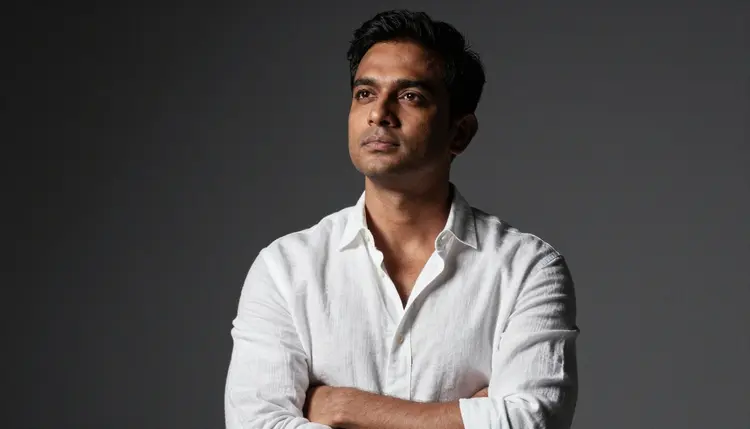
Describe the expression the way a photographer would direct it, a soft smile, a raised eyebrow, a laugh caught mid breath. A specific, directed expression reads as a real personality, and a vague request for attractive tends to come back generic anyway. Write flirty, playful, confident, or warm instead, and let the wardrobe and pose carry the rest.
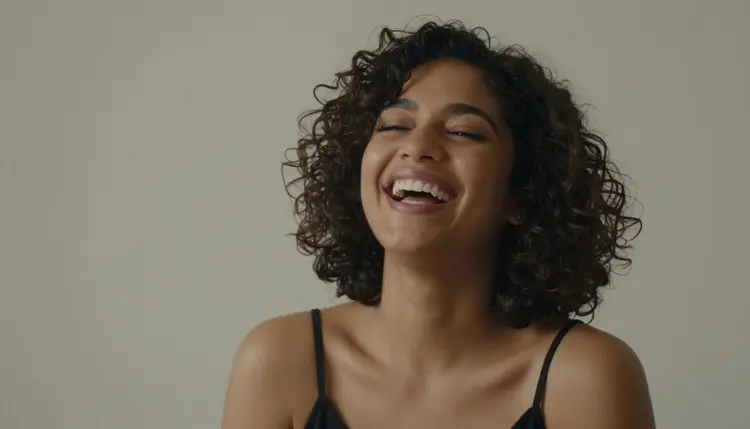
Keep the character fictional in every prompt, invented name, invented features, nothing built to resemble anyone real, and keep the framing close, shoulders up or a tight three-quarter crop reads better as an avatar than a full body shot, which loses detail once it shrinks to icon size. If a persona needs a matching set, generate the first image, settle on the framing and light that work, and reuse those same terms across the next few prompts rather than starting from a blank description each time.
Every avatar generated here has to be a fictional adult character, eighteen and over, with nothing about the face, body, or wardrobe that could read as younger. No real person's likeness is allowed either, no celebrity, no public figure, and no attempt to resemble someone real without their consent, no matter how the prompt is worded. This holds regardless of which of the six uncensored models generates the image.
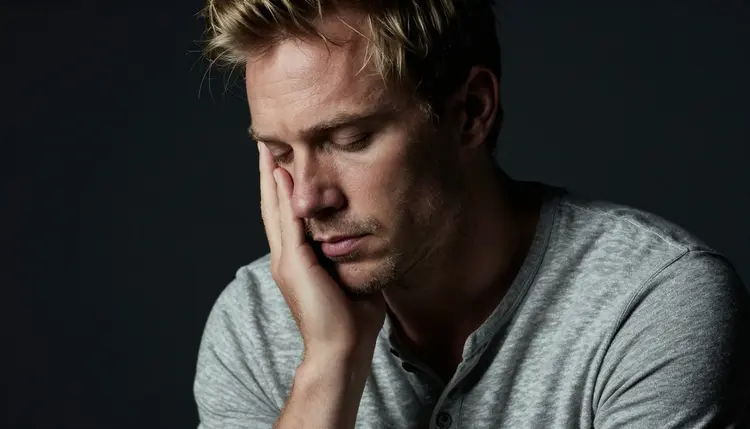
Seedream 4.5 running with no content filter changes what kind of scene it will generate, not who it will generate. The rules about age and identity sit above the model, not inside it, and a prompt that tries to work around them is refused and treated as a violation of the platform's terms, the same as on any other model in the catalog.
On privacy, generations stay tied to the account that made them by default, never published anywhere or shown to other users unless that account chooses to share them. An avatar made for a private chat persona is treated the same as any other generation on the platform, private until the account holder decides otherwise.
Generations are paid for with credits rather than a subscription tied to each model, and a new account starts with a set of free credits, enough to run the full loop above across a few rounds before deciding whether to buy more. An avatar generation is an image, not a video, so it sits at the cheaper end of what the catalog costs.
Exact credit amounts change as the catalog grows, so current numbers live on the pricing page instead of printed here where they would go out of date. The efficient way to spend them matches the workflow above, a small batch, a close look, one changed variable at a time, rather than one long prompt trying to get everything right on the first attempt.
Does Seedream 4.5 really generate chat avatars with no content filter?
Yes. Seedream 4.5 is one of six models on Picasso IA confirmed to run with no content filter, alongside Qwen Image 2, Recraft V4.1 Pro, Picasso Image Editor Pro, Picasso Video, and LTX 2.3 Pro. An avatar prompt with an open collar or a robe runs the same way any other prompt does, with nothing to reword or soften first.
What makes an avatar different from a regular NSFW image?
An avatar has to read clearly at a small size, so framing matters more than it would in a full scene, a close or medium crop, the face filling most of the frame, and an expression that carries personality even once the picture shrinks down to a chat icon.
Can I keep the same face across several avatar variations?
Reusing the same character description, the same wardrobe terms, and the same light across prompts keeps a set of avatars looking like one persona rather than several different people. Small, one-variable changes between generations work better for consistency than rewriting the whole prompt each time.
What wardrobe and pose choices work best for a chat app avatar?
An open collar, a loosely tied robe, or a slip with one shoulder bare all read as intimate without becoming explicit, and a soft direct gaze with a slight head tilt tends to make a stronger avatar than an elaborate pose that faces away from the camera.
Is Seedream 4.5 free to use on Picasso IA?
A new account starts with free credits, which cover several avatar generations before anything needs to be purchased. Beyond that, image generations are paid for with credits, and current pricing is kept up to date on the pricing page rather than stated here.
Can I generate a real person or a celebrity as my chat avatar?
No. Every character generated here must be a fictional adult, eighteen or older, with no real person's likeness, celebrity or otherwise, and no attempt at a resemblance without consent. Prompts that try are refused and treated as a violation of the platform's terms.
What if I want an illustrated or anime-style avatar instead of a photo?
Seedream 4.5 leans toward a photographic result even when a prompt asks for a drawn style, so it is not the right pick for that brief. Recraft V4.1 Pro is built for illustration and stylized art, and it is also one of the six models confirmed to run with no content filter.
Why do hands or jewelry sometimes look wrong in my avatar?
Hands, rings, and small jewelry are difficult for every image model to render cleanly, filtered or not, and a close avatar crop tends to include at least one hand near the frame. Generating a small batch and checking hands before picking a winner catches most of these issues before they end up as a profile picture.
Can I turn my avatar into a short video clip?
Yes, as a separate step. Picasso Video takes a finished avatar and animates it into a short looping clip, and both it and LTX 2.3 Pro run with no content filter. Settling on the still image first is the efficient order, since an image generation costs less than a video one.
Can I edit an avatar after generating it?
Yes. Picasso Image Editor Pro can adjust a finished avatar directly, fixing a detail, changing the background, or swapping one part of the wardrobe with a plain instruction instead of a new generation from scratch, and it is filter free as well.